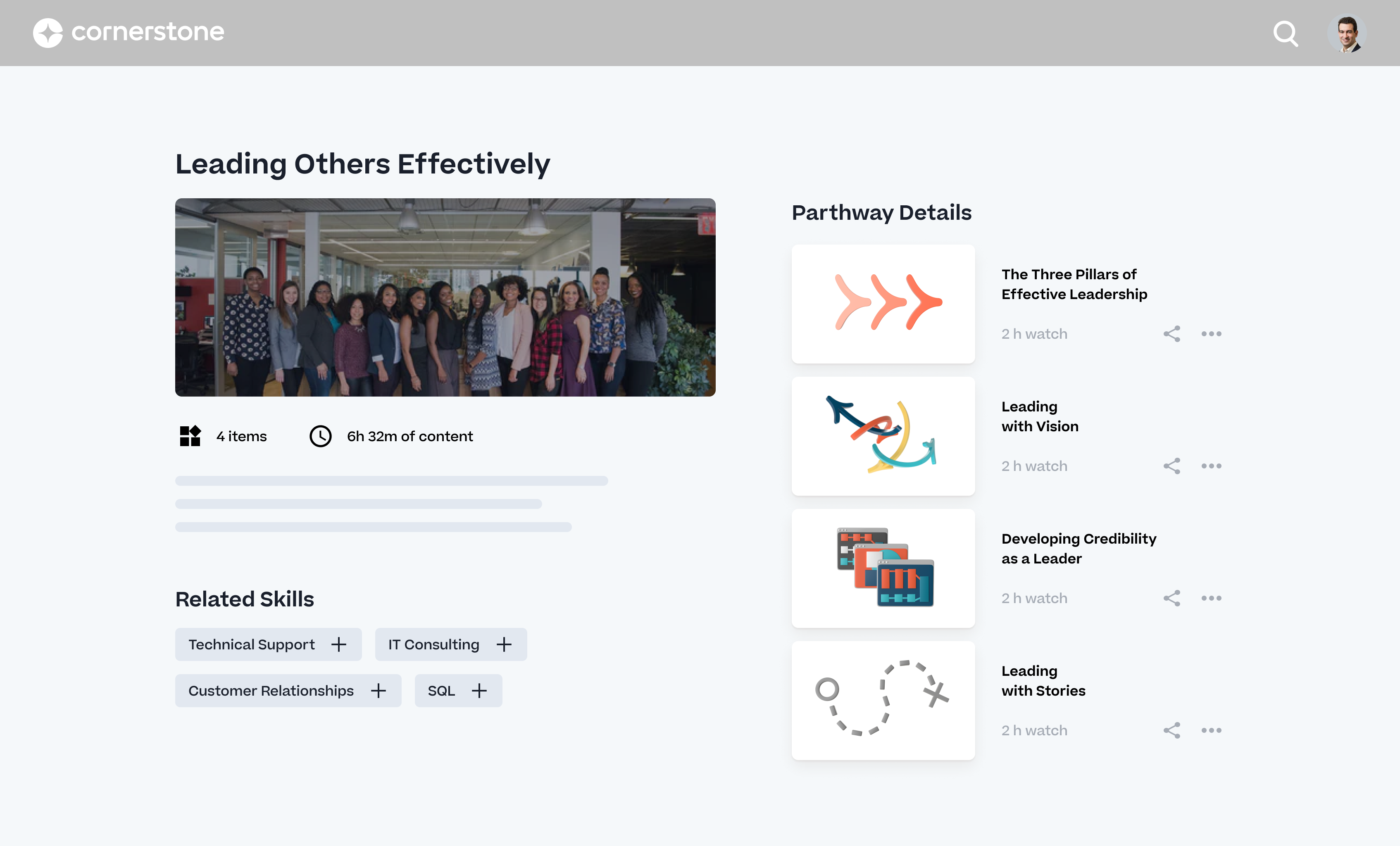
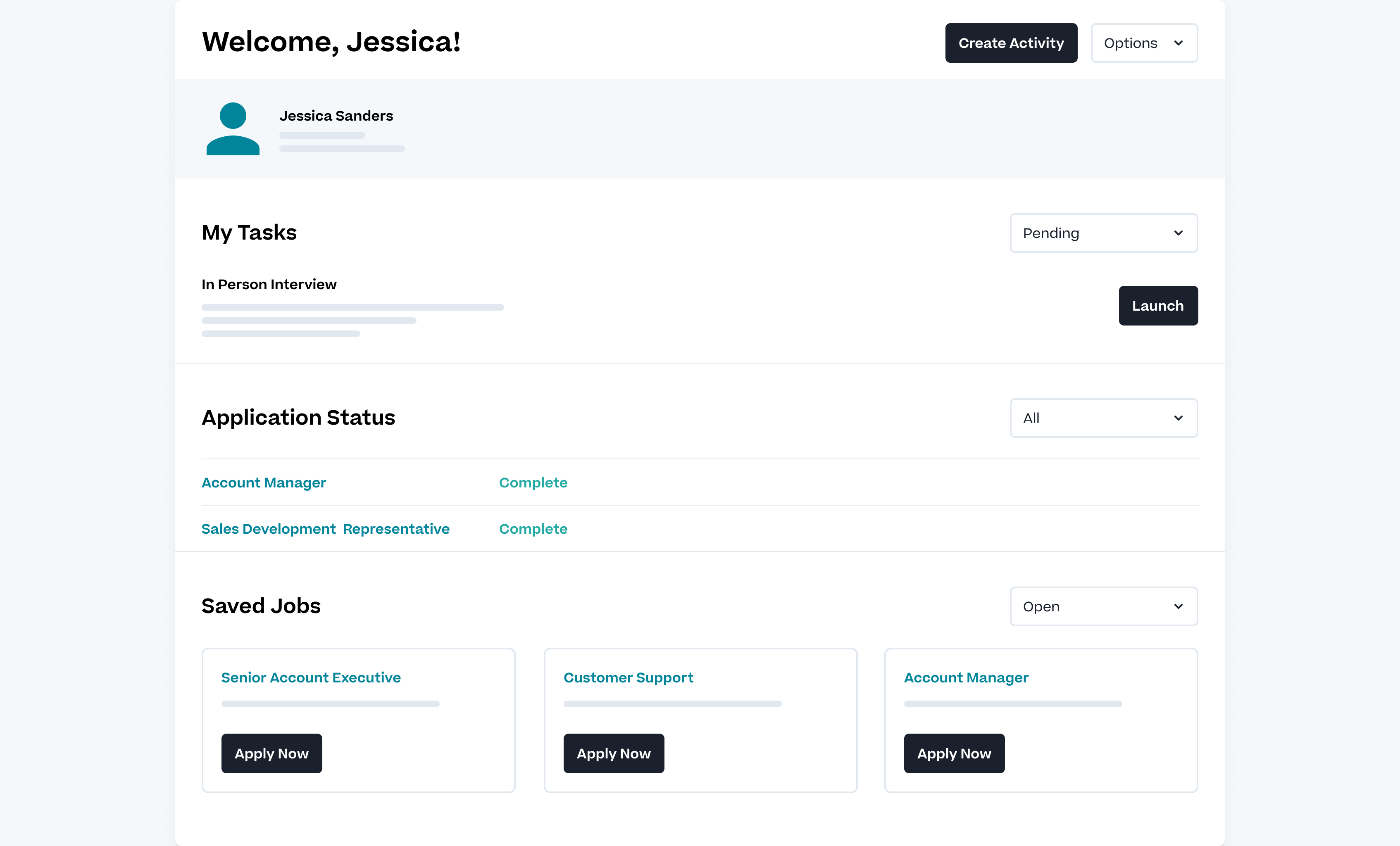
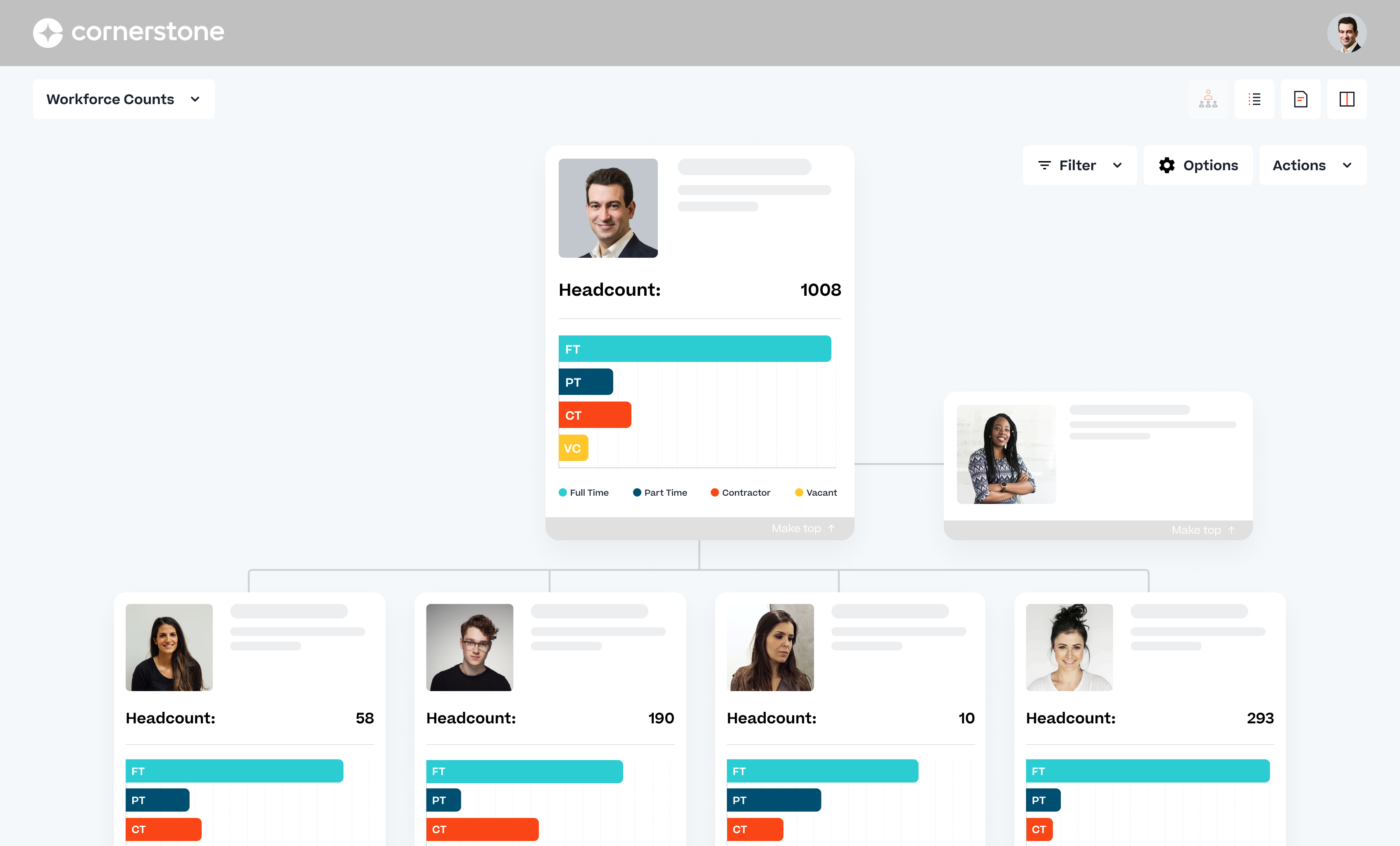
Cornerstone Galaxy is a cloud-based application for talent management. Cornerstone offers suites for recruiting, training, performance monitoring and planning, learning, and HR data management. It is scaled for enterprises.
N/A
M‑Files
Score 8.9 out of 10
N/A
M-Files delivers Context-First Document Management with a metadata-driven architecture that improves productivity across the document lifecycle. By linking documents to the people, processes, clients, and projects that give them meaning, M-Files creates a unified environment that strengthens governance.
N/A
PowerDMS by NEOGOV
Score 7.0 out of 10
N/A
PowerDMS by NEOGOV is a software platform designed to recruit, train, equip, and protect employees across their careers, used for policy management, community engagement, and staff scheduling.
N/A
Pricing
Cornerstone Galaxy
M‑Files
PowerDMS by NEOGOV
Editions & Modules
No answers on this topic
No answers on this topic
No answers on this topic
Offerings
Pricing Offerings
Cornerstone Galaxy
M‑Files
PowerDMS by NEOGOV
Free Trial
No
Yes
Yes
Free/Freemium Version
No
No
No
Premium Consulting/Integration Services
Yes
Yes
No
Entry-level Setup Fee
Required
No setup fee
No setup fee
Additional Details
—
—
—
More Pricing Information
Community Pulse
Cornerstone Galaxy
M‑Files
PowerDMS by NEOGOV
Features
Cornerstone Galaxy
M‑Files
PowerDMS by NEOGOV
Onboarding
Comparison of Onboarding features of Product A and Product B
Cornerstone Galaxy
6.5
134 Ratings
11% below category average
M‑Files
-
Ratings
PowerDMS by NEOGOV
-
Ratings
New hire portal
7.569 Ratings
00 Ratings
00 Ratings
Manager tracking tools
5.7116 Ratings
00 Ratings
00 Ratings
Compliance tracking and reporting
6.3127 Ratings
00 Ratings
00 Ratings
Performance and Goals
Comparison of Performance and Goals features of Product A and Product B
Cornerstone Galaxy
8.4
115 Ratings
14% above category average
M‑Files
-
Ratings
PowerDMS by NEOGOV
-
Ratings
Corporate goal setting
8.596 Ratings
00 Ratings
00 Ratings
Subordinate goal setting
8.099 Ratings
00 Ratings
00 Ratings
Individual goal setting
8.0107 Ratings
00 Ratings
00 Ratings
Line-of sight-visibility
8.595 Ratings
00 Ratings
00 Ratings
Performance tracking
9.0110 Ratings
00 Ratings
00 Ratings
Performance Management
Comparison of Performance Management features of Product A and Product B
Cornerstone Galaxy
8.5
122 Ratings
21% above category average
M‑Files
-
Ratings
PowerDMS by NEOGOV
-
Ratings
Performance plans
8.594 Ratings
00 Ratings
00 Ratings
Plan weighting
8.581 Ratings
00 Ratings
00 Ratings
Manager note taking
9.070 Ratings
00 Ratings
00 Ratings
Performance improvement plans
9.082 Ratings
00 Ratings
00 Ratings
Review status tracking
9.097 Ratings
00 Ratings
00 Ratings
Rater nomination workflow
8.064 Ratings
00 Ratings
00 Ratings
Review reminders
8.094 Ratings
00 Ratings
00 Ratings
Workflow restrictions
9.086 Ratings
00 Ratings
00 Ratings
Multiple review frequency
9.083 Ratings
00 Ratings
00 Ratings
Reporting
7.3116 Ratings
00 Ratings
00 Ratings
Succession Planning
Comparison of Succession Planning features of Product A and Product B
Cornerstone Galaxy
6.5
58 Ratings
4% below category average
M‑Files
-
Ratings
PowerDMS by NEOGOV
-
Ratings
Create succession plans/pools
6.049 Ratings
00 Ratings
00 Ratings
Candidate ranking
5.049 Ratings
00 Ratings
00 Ratings
Candidate search
8.052 Ratings
00 Ratings
00 Ratings
Candidate development
7.049 Ratings
00 Ratings
00 Ratings
Recruiting / ATS
Comparison of Recruiting / ATS features of Product A and Product B
Cornerstone Galaxy
5.8
67 Ratings
20% below category average
M‑Files
-
Ratings
PowerDMS by NEOGOV
-
Ratings
Job Requisition Management
7.045 Ratings
00 Ratings
00 Ratings
Company Website Posting
8.041 Ratings
00 Ratings
00 Ratings
Publish to Social Media
9.038 Ratings
00 Ratings
00 Ratings
Job Search Site Posting
9.038 Ratings
00 Ratings
00 Ratings
Customized Application Form
8.040 Ratings
00 Ratings
00 Ratings
Resume Management
5.043 Ratings
00 Ratings
00 Ratings
Duplicate Candidate Prevention
5.040 Ratings
00 Ratings
00 Ratings
Candidate Search
6.041 Ratings
00 Ratings
00 Ratings
Applicant Tracking
6.041 Ratings
00 Ratings
00 Ratings
Collaboration
4.036 Ratings
00 Ratings
00 Ratings
Task Creation and Delegation
5.038 Ratings
00 Ratings
00 Ratings
Email Templates
4.560 Ratings
00 Ratings
00 Ratings
User Permissions
3.061 Ratings
00 Ratings
00 Ratings
Notifications and Alerts
3.556 Ratings
00 Ratings
00 Ratings
Reporting
3.564 Ratings
00 Ratings
00 Ratings
Learning Management
Comparison of Learning Management features of Product A and Product B
Cornerstone Galaxy is a good solution for larger companies that focus on training and want to offer a variety of options to their employees and departments. It is highly customizable. It does require a tech savvy team to set-up, and maintain. This is not a set-it-and-forget-it system. From an LMS perspective, it wouldn't be my top choice for employees who only need a mobile-friendly approach.
M‑Files is great for companies with multiple locations. Drive letters can become cumbersome to use and collaborate with colleagues and M‑Files fills that gap. The check out/check in system is great and allows only one editor at a time. This can be good and bad depending on the situation.
This software is very well suited for law enforcement agencies of all sizes from 5 to 5000 officers. There is a mobile app that allows officers to quickly and easily search while out in the field or on a call. They can quickly review a policy, locate a form, pull up a map and much more using either the mobile app or the desktop application.
Ability to provide multiple customizable access roles from general end user to full system admin and anything in between
Powerful reporting system in the LMS to track a plethora of data points within the platform (user data, training information, transcript information)
Great options to customize the look and feel of your "home page" to best meet your company's needs and goals.
Ability to customize the transcript view for learners (i.e. when Completed training will move to their Archived transcript, what to do with Inactive training on transcripts)
Reliable: Our M-Files system has only gone down one time (for a very short period of time) at the beginning of the two years that we have been with M-Files. Our previous vendor's system had so many downtimes that our IT Department had to assign an associate to work with me for sending out notifications to associates etc. With our last vendor, one day I came to work and only 60 of the 260 consent for surgery forms were available to our end users although they were visible to me as the Administrator but weren't showing up for the end-users!
Our M-Files system was created for us. It was created by working with developers to only have on our system what we required, and I must say, there were so many extra features that M-Files offered in our program that weren't available with our previous vendor. As mentioned previously, we can have two policies or forms visible to the end-user so one can be listed as "draft" or "training only" so our end users can read and use for training as we get ready to roll out a new medical record system. I can also preload policies and leave them in the working stage until they are approved and go back and publish them the day they are approved. The list goes on with so many great features.
Our end users would say the greatest asset of this product is the search function. It's amazing how fast it is. There are many ways to search out a form or policy which makes it a true asset for our associates.
Policy management- [Users] sign for, and can take [tests] to prove understanding of policy right in the application. As [the] policy is updated, old versions are retained, so that we not only know what a policy contains, we can track changes and provide information on what a policy was at any given time in the past.
Training- Users receive notifications when training is due and are guided to complete the training. If the training requires recertification, PowerDMS can be configured to alert the user that re-training is needed, without a supervisor needing to keep track. All documents used in training, including presentations and videos, can be contained in the PowerDMS course, so we can prove not only that an employee was trained, but exactly what curriculum was use din any given training.
Accreditation Assessment- [Our] accreditation standards manual is uploaded directly into PowerDMS. Proofs are accomplished using the actual policy and procedure, as well as the documents created during the workday. There is absolutely no duplication of effort.
Communications accountability- Email [can] be read and forgotten. With PowerDMS, a document can be distributed for user signatures, insuring that the user took affirmative action to read and understand the document.
Sometimes finding the right answer to your support question can be a bit more difficult than it should be.
I would like to see more OSHA related courses.
At times, the administrative interface seems to need to be updated, but the tradeoff honestly might be the absolute rock-solid stability of the platform.
If you are new to Electronic Document Management, this can be a really difficult product to roll out. Since it is infinitely versatile, there are infinite ways to configure it wrong. I highly recommend the M-Files admin training offered by M-Files as it will set you in the right direction.
Many options are paid add-ons. So while you are not paying for what you don't need, many great features will come at a cost.
If you don't have a technical person on staff, this will be tricky to maintain. Not impossible. If your processes do not change, once setup it will be fine.
The Workflow process in PowerDMS is not as easy to grasp as some of the other concepts and requires a little more explaination, especially for non-administrative background users.
Users are unable to view the steps in a Workflow template in order to determine which Workflow would work best for their needs when routing documents.
It would be great to have multiple message options for past due inbox notifications in addition to the options for past due tasks to encourage users to go to their inbox to review their messages.
As long as pricing stays reasonable, we will likely stay with Cornerstone for at least one more contract renewal. It would be a large task to migrate all of our content to a new system. However, the LMS landscape is diversifying with new startups that are showing some real innovation.
M-files meets our almost all needs, we dont have other option to replace m-files. it saves lots, like Hardware because of Vault Feature means we can create many vaults (mini-servers) in m-files in other solutions we need more hardware for more installations.
I have had nothing but positive experiences with PowerDMS from day one. If we ever run into a situation we are unsure of, PowerDMS support has ALWAYS been able to answer us basically immediately. I really love that they are constantly seeking to improve and expand.
Easy to use, easy to learn, lots of support during the learning process. There are a few parts of the system we don't use and I'm hesitant to begin using because other clients have said they're difficult and cumbersome (certifications) or outdated (libraries)
It is a powerful system that can locate content fast and effectively. The system takes quite some time to setup initially. It can be hard for M-Files support to know how businesses operate and how they want to use the system in a way that works for them. The customization makes it great for companies to cater to their own needs. Once the system is set up in a way that makes sense for the business, the user experience is positive. There is room for improvement in the notifications, workflow, and support areas.
There is a learning curve as with any software system and I have found those users who consistently use the system more have a much higher success rate than those who only log in to sign off on documents. Now that most users have been in the system for over 2 years I consistently hear how much easier the processes are than they originally thought they would be
I haven't really had any major availability problems. The service is practically impeccable but it is true that at times, due to server and latency problems, the application has been slower. But these have been specific issues that have resolved themselves.
I haven't seen many issues at all with load times. Sometimes learning assignments will take longer then expected but it is still reasonable. They have taken great effort over the last couple years to speed things up like reports and search results so I expect that effort to continue in the coming year.
I noticed some lagging with the integration with Microsoft Office but not so much that I would not use it. It has gotten better with updates. to be fair the issues were when Office 2013 first came out.
We use PowerDMS in the cloud so our performance might be different from other users who use on-premise. The program has always been up with very minimal downtime and always seems responsive and snappy when navigating the UI and searching documents. We don't currently have any integrations with other software.
Its always important to have support when you are facing problems and when you are the main admin of the organization. Cornerstone Support is very supporting when you have not found the answer in the help guide. its very useful to have a team support to guide you.
Usually when I need help from them I got support and it was very good and focused to solve my problem. I didn't have so many problems, but when used it worked. I just would like to have a support in my native language, but I can understand that sometimes is hard for the companies.
I just wish we had some in-state support. The contacts I have had with customer support have been great. Awesome communication, problem-solving, and support. I have talked to and met Stephanie Williams (CSA for Power DMS) at the most recent Entrust conference. She was professional and devoted time to addressing our agency needs.
we use also to admin all our training in person events and sessions. Its easy to admin this kind of trainings and automatize some processes we have. Also de user experience and the integration with other systems helps to the employees to use more. All modules integrated oriented to develop people is the principal reason to have CSOD. The training administration is very complete and allows to automate many processes.
The online modules are pretty good. You can access them at any time, which we have done. You learn a lot in the beginning, but having the ability to retake short lessons when you are working on those items was very helpful.
The implementation was pretty difficult. We felt they (Cornerstone) didn’t properly allocate the resources to complete our implementation in the timetable we wanted.
For example, we worked on Workday and SSO integrations - work that we had specifically contracted for in advance. When we were ready to work on that project, they didn’t have the people ready to help us, so it took a lot longer than necessary. That was my biggest pain point.
The implementation approach we went with was a self-led implementation. We would speak to the implementation manager once per week, and self-trained. We met with implementation manager to discuss issues, review things that we’d learned for 1 hour. We found that wasn’t enough. Other things would come up outside that one hour window that we couldn’t get answers to. We didn’t have anyone to ask about those things and we had to wait to ask during our weekly meeting.
The advantage of the self-led implementation approach was that it was really inexpensive – significantly less than the implementation cost for the other systems that we looked at. I also liked that we could pace ourselves. There were however big roadblocks. We would have to make sure the right resources were available. We had an implementation/project manager with a lot of experience and felt that the person was knowledgeable but missed on a few things.
In hindsight, I would still go with the self-led implementation, but knowing what I know now, I would ask for the integration person to be available more. I would work that into the contract. With single sign-on, we needed deep linking to build direct links through a Single Sign-On tool, e.g. when someone gets an email, it directs them to training. But it has to go through SSO to get them to the correct link. Deep linking wasn’t turned on in our system and they had to activate it. We encountered little things like that – sequencing pre-requisites which were problematic. We tried to troubleshoot ourselves.
I recommend you consider contracting for some extra implementation hours and determine when they are going to be available. Work it into the contract that you have the ability to call tech support during implementation. In addition to weekly implementation meetings, they have technical webexes – 4 every week, but 2 didn’t apply to us – one as we were using SSO. The challenge is they were not always relevant – we had specific questions that didn’t fall into those categories
The key insight is that the most important thing is to have a open mind. The application is easy to use, but if you have a company with different views and it is not aligned could be a huge problem. So the company transformation is required together with the application. Ensure to use as much as possible the capabilities of the application helps to have best ROI.
Implementation of PowerDMS was near seamless. The product was able to input existing policies and procedures within a few hours, which helped to lay the foundation for future use. Having PowerDMS on-boarding readily available was also a huge benefit.
The user experience is a lot better than using SumTotal as an admin CSOD makes working easy. Without having workarounds. Reporting is a lot better than both platforms. Reporting in CSOD is complex however easy to manage and create when you understand the data points collected
The customization ability seemed to be a level above and easy to navigate and available options are constantly being reinvented. We have used OnBase for years and now desire to move away from this option for a number of reasons.
PowerDMS is a lot different than Linkedin Learnings. In PowerDMS you have to create your own courses versus in Linkedin Learnings they provide extensive content on a wide variety of subject matter. Linkedin Learnings is what we have used in our organization for Bias Training and Ethics Training. PowerDMS is the repository for documents and Trainings, so the systems work very differently
It is important to be familiar with the terms and annual increases in licenses and other aspects of the contract. I recommend analyzing this from the beginning and the permanence is relevant because Cornerstone updates its modules and brings out new features that may allow you to leave a module to acquire another
As I have said before, I have no doubt that the services of the Cornerstone sales people were very good. In particular, our salesperson spent a lot of time in contact with us to make the process go smoothly. Perhaps being a large company in some cases the times were slowed down but it is something normal to take into account.
M-Files allows us to track important milestones and expiration dates. We are now able to easily track revisions to contracts with community partners and record comments and history in one place.
We are able to track all contracts that come through our District and to create monthly reports to present to our Board.
Created efficient processes for approving document revision
Migrated what originally was a paper system to electronic
Accessible for any employee by logging in, employees do not have to seek out policy and procedure binders, and updated documents can be automatically sent to inboxes when updated.