Evernote is a suite of software and services designed for notetaking and archiving. A "note" can be a piece of formatted text, a full webpage or webpage excerpt, a photograph, a voice memo, or a handwritten "ink" note. Notes can also have file attachments. Notes can be sorted into folders, then tagged, annotated, edited, given comments, searched and exported as part of a notebook. Evernote supports a number of operating system platforms (including OS X, iOS, Chrome OS, Android, Microsoft…
$14.99
per month
LiquidPlanner
Score8.3 out of 10
Mid-Size Companies (51-1,000 employees)
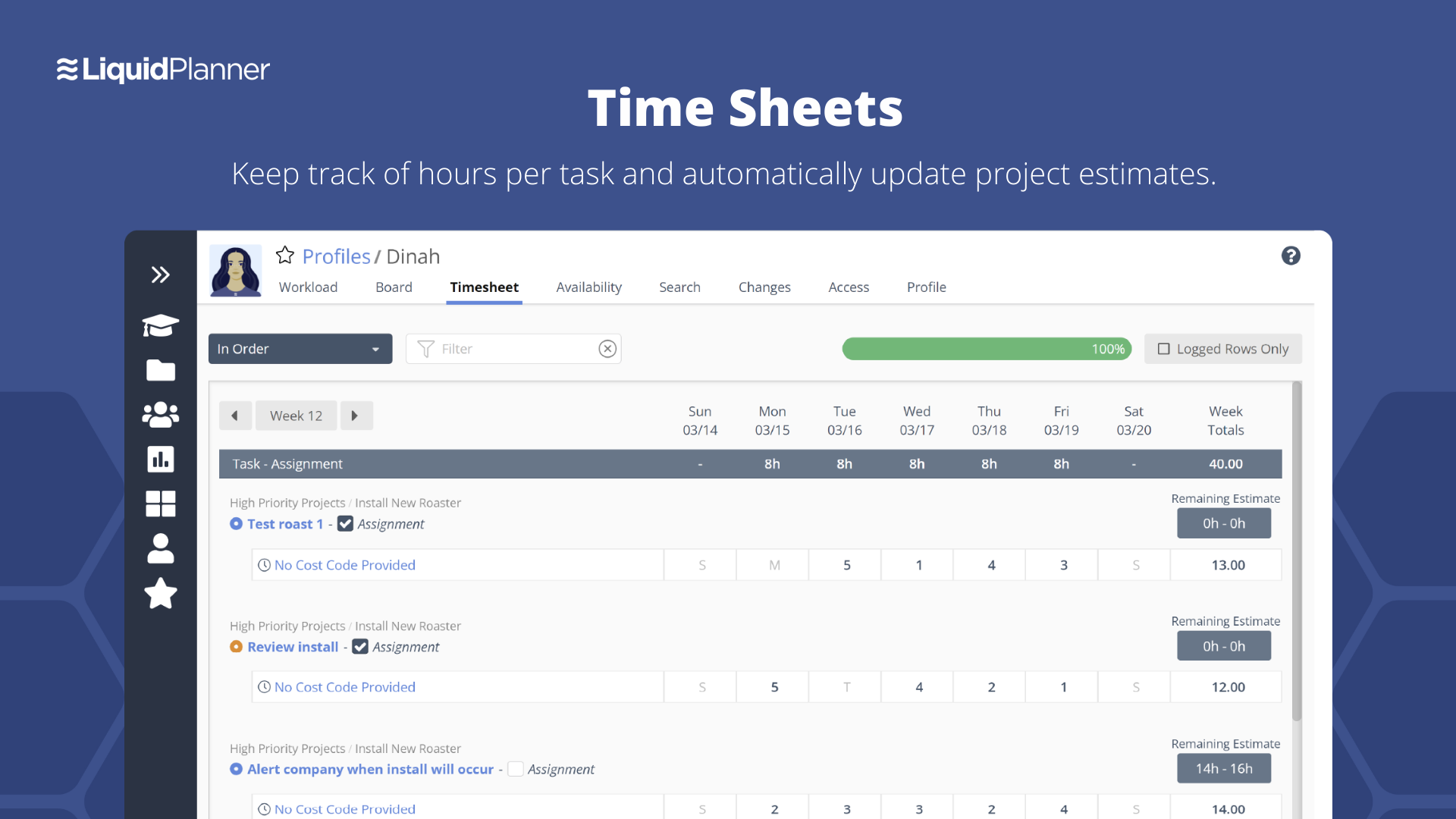
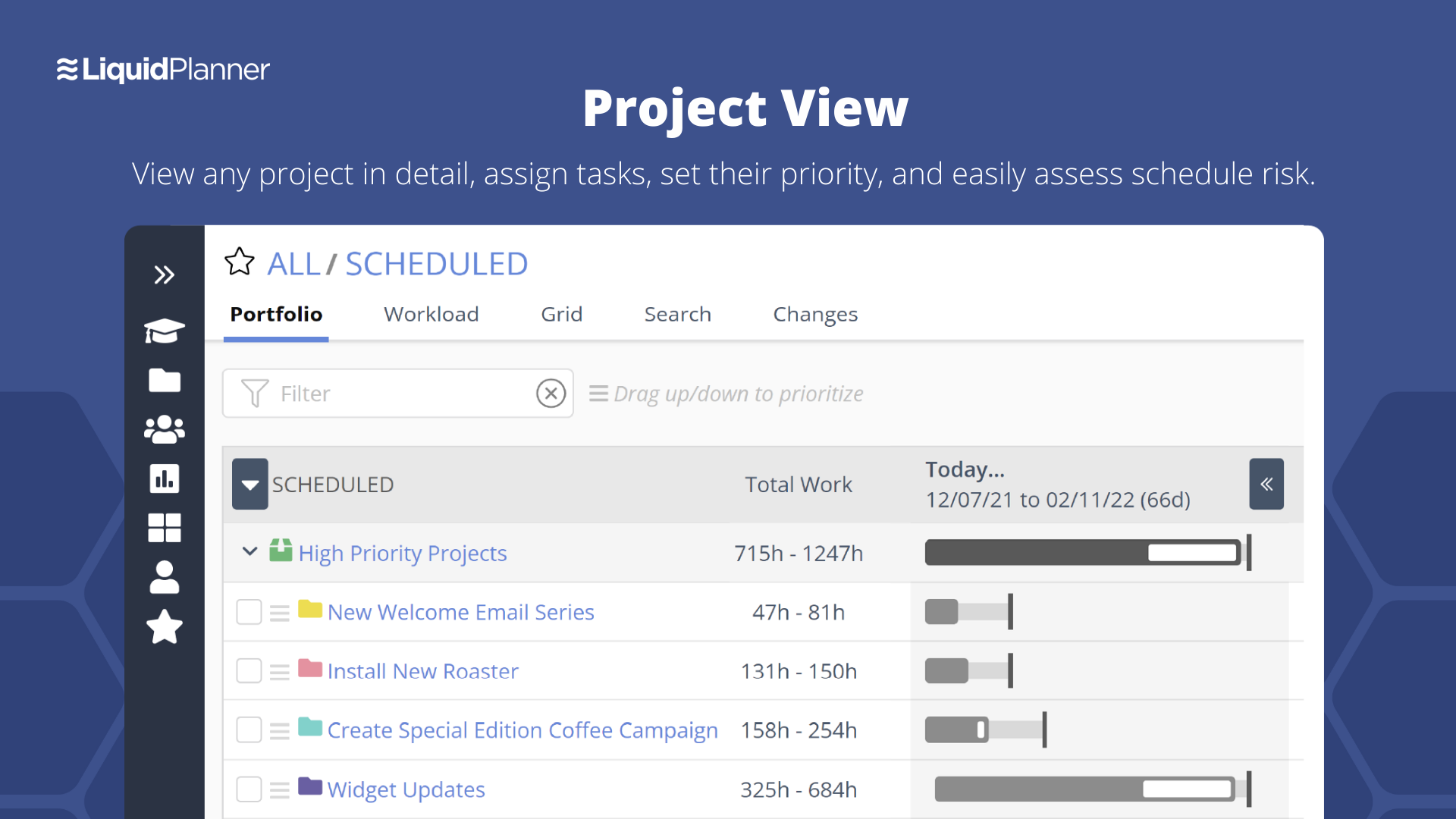
LiquidPlanner is a cloud based predictive project management solution. Some key features include: Dynamic Timeline View, Workload View, and Real-Time Activity Stream.
Evernote is an excellent tool for keeping track of client relationships and taking notes. The indexing is excellent, with text in images and text. However, a Wiki might be better for large-scale collaboration. It is a perfect use case for it, and it is hard to beat. To-do lists that need to be tracked or have due dates assigned do not work well in Evernote. It's almost like a library that anyone can add to, edit, tag, and reference. Evernote has a limited checklist function in terms of tasks meant to be kept in one place rather than reviewed and organized over time.
A de minimis incentive was given to thank the reviewer for their time. The incentive was not used to bias or drive a particular response, nor was the incentive contingent on a positive endorsement. More Info
LiquidPlanner is amazing for any time of project management scenario where you have to manage several teams and details. Running a project through LiquidPlanner is so easy because it lets you break down the project into sections and folders and small tasks that you can assign to specific people. With a small to medium size team-- LiquidPlanner is amazing for organizing and tracking details. If you have a huge team or not a ton of details to track LiquidPlanner might not be right for you because it is a software that requires some good training to learn and has tons of functions that can be utilized so it seems better suited to be used by a smaller group looking to coordinate or for people who have lots of details that can be difficult to track.
A de minimis incentive was given to thank the reviewer for their time. The incentive was not used to bias or drive a particular response, nor was the incentive contingent on a positive endorsement. More Info
A de minimis incentive was given to thank the reviewer for their time. The incentive was not used to bias or drive a particular response, nor was the incentive contingent on a positive endorsement. More Info
Priority based planning. Every other planning software we've used relies on dates and therefore needs constant attention. Priority based planning means that the plan is always up to date.
Ease of use. LiquidPlanner has a very short learning curve. This is critical to getting team members to use it.
Forecasting. LiquidPlanner makes it very easy to run scenarios by simply dragging and dropping projects and reassigning resources.
Awesome Support. I get personal responses very fast. Usually within a couple hours. And, they listen and ask for more information.
A de minimis incentive was given to thank the reviewer for their time. The incentive was not used to bias or drive a particular response, nor was the incentive contingent on a positive endorsement. More Info
A de minimis incentive was given to thank the reviewer for their time. The incentive was not used to bias or drive a particular response, nor was the incentive contingent on a positive endorsement. More Info
The interface is messy and cluttered. The best way to find things and see what you actually want to see is the main Projects view which is also the most cluttered and hardest to maneuver in.
Clicking an external link someone posted in a comment or task description doesn't open in a new window by default, so we are constantly having to go back to get to LiquidPlanner again.
The way that the interface saves your state globally (rather than per tab instance) means that if you click a link from someone else to a task that's not yours, then it adjusts your filters on the Projects page. Then if you refresh another LiquidPlanner window where you were on the Projects tab, suddenly all of its filters are updated and what you were looking at may no longer be there.
It might just be the way that we use the system, but the Home and My Work tabs are fairly useless for us. They typically don't show the tasks we're actually looking for.
A de minimis incentive was given to thank the reviewer for their time. The incentive was not used to bias or drive a particular response, nor was the incentive contingent on a positive endorsement. More Info
I can't really imagine how much they'd have to charge me to make me quit Evernote. I can't really think of any technology that has changed my life as much without going back to email in the 90s, or the introduction of the iPhone. I know I sound ridiculous, but it would be really tough for me to live without it. If I were forced to choose between my smart phone (and keep in mind that I get lost in my driveway) and my Evernote, I'd probably choose my Evernote.
We may not renew LiquidPlanner's contract, but only because my company has recently been acquired and we'll be adopting some of the software that they're using to standardize process. LiquidPlanner's development team releases new features pretty often, so it seems like the gaps and inefficiencies are slowly getting smaller/less frequent
A de minimis incentive was given to thank the reviewer for their time. The incentive was not used to bias or drive a particular response, nor was the incentive contingent on a positive endorsement. More Info
Basic visual organization - ability to create a notebook and store user notes inside of it.
Basic easy navigation - You can quickly move in and out of files and notes.
User intuitive addition - whatever you need to add to your document, it's relatively easy to understand and use.
We find overall that we still want some functionality in creating better task lists, boards, and other things that we find in Notion - which is the tool that we use as a team notebook/storage space.
A de minimis incentive was given to thank the reviewer for their time. The incentive was not used to bias or drive a particular response, nor was the incentive contingent on a positive endorsement. More Info
A de minimis incentive was given to thank the reviewer for their time. The incentive was not used to bias or drive a particular response, nor was the incentive contingent on a positive endorsement. More Info
Generally issues are by connectivity and not Evernote availability but I have had issues in the past with cross-client consistency of data which Evernote Support has ID'd as bugs that are still unresolved as far as I know
I bet you won’t even need to call their support. Their product has never failed me. Simply put. But if you were to email them to gather some details or help, I bet they won’t disappoint you. Don’t worry about the support, it’s the last thing you should worry about this product.
A de minimis incentive was given to thank the reviewer for their time. The incentive was not used to bias or drive a particular response, nor was the incentive contingent on a positive endorsement. More Info
They have been great in trying to come up with creative solutions to help us do what we want to do with the platform. I would say their support has been exceptional because we have hit them with some complex requests.
A de minimis incentive was given to thank the reviewer for their time. The incentive was not used to bias or drive a particular response, nor was the incentive contingent on a positive endorsement. More Info
Make sure you think about your tags. If you end up with multiple similar tags then things aren't grouped together as you might prefer. For instance if you have a tag called Disney and Walt Disney, this will split up your articles. Evernote makes it simple to correct, but I suggest you make sure your users look closely at the existing tags before creating new ones.
The most similar program I have used is OneNote by Microsoft, and other note taking programs exist like Notepad and Microsoft Word but those programs do not offer syncing like Evernote does. There are newer programs in the space like Dropbox Paper and Google Docs which would be on a list of ones to consider.
A de minimis incentive was given to thank the reviewer for their time. The incentive was not used to bias or drive a particular response, nor was the incentive contingent on a positive endorsement. More Info
Miro is a more versatile tool, but not quite made for planning and organizing. LiquidPlanner is very intuitive, fast to learn and easy to communicate. The added value of prioritizing tasks, personalized boards and gantt charts are really important during the planning and design thinking in the business. LiquidPlanner is simplified yet more helpful.
A de minimis incentive was given to thank the reviewer for their time. The incentive was not used to bias or drive a particular response, nor was the incentive contingent on a positive endorsement. More Info
Evernote has allowed our school's over 3000 students and staff members to work more efficiently instead of spending time on making physical notes, clicking pictures, and uploading them to the cloud in order to share them
The investment in Evernote Premium has also allowed for heavier files to be attached in each note such as student work that allows teachers to be certain that students have followed deadlines and finished assigned tasks
Evernote has allowed our school to smoothly transition in and out of online learning as the local COVID-19 protocols change and student work requires one platform to be based on throughout
A de minimis incentive was given to thank the reviewer for their time. The incentive was not used to bias or drive a particular response, nor was the incentive contingent on a positive endorsement. More Info
LiquidPlanner really forces you to map out your workflow. For me, honing into a template that I can later adjust as needed has been huge, as there is less time at the beginning of a project trying to assign and figure out what needs to happen when usually it never changes.
Communication between employees, especially ones not immediately available in the office has been very welcomed. It helps having conversations documented in a public, logical place that is easy to find and refer to as the project continues.
Our productivity has definitely skyrocketed as we've really gotten a feel and committed to using LiquidPlanner daily. As we move forward, we continually try to add more and more ways for us to use the service.
A de minimis incentive was given to thank the reviewer for their time. The incentive was not used to bias or drive a particular response, nor was the incentive contingent on a positive endorsement. More Info