
Chloe Sayers
Billing Specialist
Chose Flow (discontinued)

| Product | Rating | Most Used By | Product Summary | Starting Price |
|---|---|---|---|---|
 Flow (discontinued) | N/A | The Flow task management app featured a range of tools like kanban board, checklist, timeline, and other features for tracking projects from start to finish. The product is discontinued, and the company Flow Technologies is no longer operating. | N/A | |
 InEight | N/A | InEight's modular project controls software connects complex project data to improve visibility and delivery in capital construction. | N/A | |
 Trello | N/A | Trello from Atlassian is a project management tool based on a Kanban framework. Trello is ideal for task-management in a to-do list format. It supports sharing boards and cards across users or teams. The product offers a free version, and paid versions add greater automation, collaboration, and administrative control. | $6 per month per user |
| Flow (discontinued) | InEight | Trello | ||||||||||||||||||||||
|---|---|---|---|---|---|---|---|---|---|---|---|---|---|---|---|---|---|---|---|---|---|---|---|---|
| Editions & Modules | No answers on this topic | No answers on this topic |
| |||||||||||||||||||||
| Offerings |
| |||||||||||||||||||||||
| Entry-level Setup Fee | No setup fee | No setup fee | No setup fee | |||||||||||||||||||||
| Additional Details | — | InEight offers a modular, integrated project controls platform. Because the InEight platform covers the entire construction lifecycle, customers purchase the software based on their specific needs – purchasing stand-alone products, a bundle of products, or the entire platform. As a result, the pricing will vary depending on the specific product, number of users and length of contract. Once InEight has identified the highest impact areas, they offer potential customers a custom proposal. The options they consider include: Per user pricing: typically annual subscriptions. Revenue-based: using a percentage of the customer’s revenue. Project-based: software use dedicated to a specific project or program of work. | A discount is offered for annual billing and for larger numbers of users. | |||||||||||||||||||||
| More Pricing Information | ||||||||||||||||||||||||
| Flow (discontinued) | InEight | Trello | |
|---|---|---|---|
| Considered Multiple Products | Flow (discontinued) Chloe Sayers Billing Specialist Chose Flow (discontinued)  Daniel Berry Lead-Gen Specialist Chose Flow (discontinued) Teamwork is better than Flow when it comes to reporting, as Teamwork lets you better track estimated time and look at the workloads of different team members. However, Flow has a much more beautiful interface and easier to use. Flow is also superior with its "catch up" feature … | InEight No answer on this topic |  Trello No answer on this topic |
| Flow (discontinued) | InEight | Trello | |||||||||||||||||||||||||||||||||||||||||||||||||||||||||||||||
|---|---|---|---|---|---|---|---|---|---|---|---|---|---|---|---|---|---|---|---|---|---|---|---|---|---|---|---|---|---|---|---|---|---|---|---|---|---|---|---|---|---|---|---|---|---|---|---|---|---|---|---|---|---|---|---|---|---|---|---|---|---|---|---|---|---|
| Project Management |
| ||||||||||||||||||||||||||||||||||||||||||||||||||||||||||||||||
| Professional Services Automation |
| ||||||||||||||||||||||||||||||||||||||||||||||||||||||||||||||||
| Reporting & Analytics |
| ||||||||||||||||||||||||||||||||||||||||||||||||||||||||||||||||
| Construction Project & Field Management |
| ||||||||||||||||||||||||||||||||||||||||||||||||||||||||||||||||
| Estimating |
|
| Flow (discontinued) | InEight | Trello | |
|---|---|---|---|
| Small Businesses |  Stackby Score 8.9 out of 10 |  FollowUp CRM Score 2.1 out of 10 | Stackby Score 8.9 out of 10 |
| Medium-sized Companies | InEight Score 8.4 out of 10 |  Revit Score 9.1 out of 10 | InEight Score 8.4 out of 10 |
| Enterprises | InEight Score 8.4 out of 10 | Revit Score 9.1 out of 10 | InEight Score 8.4 out of 10 |
| All Alternatives | View all alternatives | View all alternatives | View all alternatives |
| Flow (discontinued) | InEight | Trello | |
|---|---|---|---|
| Likelihood to Recommend | 9.7 (7 ratings) | 9.6 (36 ratings) | 9.4 (222 ratings) |
| Likelihood to Renew | - (0 ratings) | 9.1 (2 ratings) | 10.0 (6 ratings) |
| Usability | - (0 ratings) | 9.1 (3 ratings) | 9.4 (60 ratings) |
| Availability | - (0 ratings) | - (0 ratings) | 10.0 (1 ratings) |
| Performance | - (0 ratings) | - (0 ratings) | 10.0 (1 ratings) |
| Support Rating | - (0 ratings) | 6.7 (32 ratings) | 9.9 (81 ratings) |
| In-Person Training | - (0 ratings) | - (0 ratings) | 10.0 (1 ratings) |
| Implementation Rating | - (0 ratings) | 9.1 (2 ratings) | 8.0 (2 ratings) |
| Configurability | - (0 ratings) | - (0 ratings) | 5.0 (1 ratings) |
| Ease of integration | - (0 ratings) | 8.0 (9 ratings) | - (0 ratings) |
| Product Scalability | - (0 ratings) | 7.0 (20 ratings) | 10.0 (1 ratings) |
| Vendor post-sale | - (0 ratings) | - (0 ratings) | 10.0 (1 ratings) |
| Flow (discontinued) | InEight | Trello | |
|---|---|---|---|
| Likelihood to Recommend | Discontinued Products
| InEight
| Atlassian
 Ellen Valdez, CMP Event Manager |
| Pros | Discontinued Products
| InEight
| Atlassian
|
| Cons | Discontinued Products
Chloe Sayers Billing Specialist | InEight
 Jason Irvine Project Manager | Atlassian
 Nick Butler Trainer and coach |
| Likelihood to Renew | Discontinued Products No answers on this topic | InEight
| Atlassian
 Sahr Saffa CXO |
| Usability | Discontinued Products No answers on this topic | InEight
 Chad Opper Chief Estimator | Atlassian
|
| Reliability and Availability | Discontinued Products No answers on this topic | InEight No answers on this topic | Atlassian
|
| Performance | Discontinued Products No answers on this topic | InEight No answers on this topic | Atlassian
|
| Support Rating | Discontinued Products No answers on this topic | InEight
 Jun Gancena Sr. Cost Estimator | Atlassian
 Jared DeLong Onboarding & Services Manager |
| In-Person Training | Discontinued Products No answers on this topic | InEight No answers on this topic | Atlassian
|
| Implementation Rating | Discontinued Products No answers on this topic | InEight
| Atlassian
 Raylene Wall Owner |
| Alternatives Considered | Discontinued Products
 Hanna Bedoya Software Developer | InEight
| Atlassian
 Courtney Wolf Founder |
| Scalability | Discontinued Products No answers on this topic | InEight
| Atlassian
|
| Professional Services | Discontinued Products No answers on this topic | InEight No answers on this topic | Atlassian
|
| Return on Investment | Discontinued Products
 Rusty Angell eGroups Director | InEight
| Atlassian
|
| ScreenShots | InEight Screenshots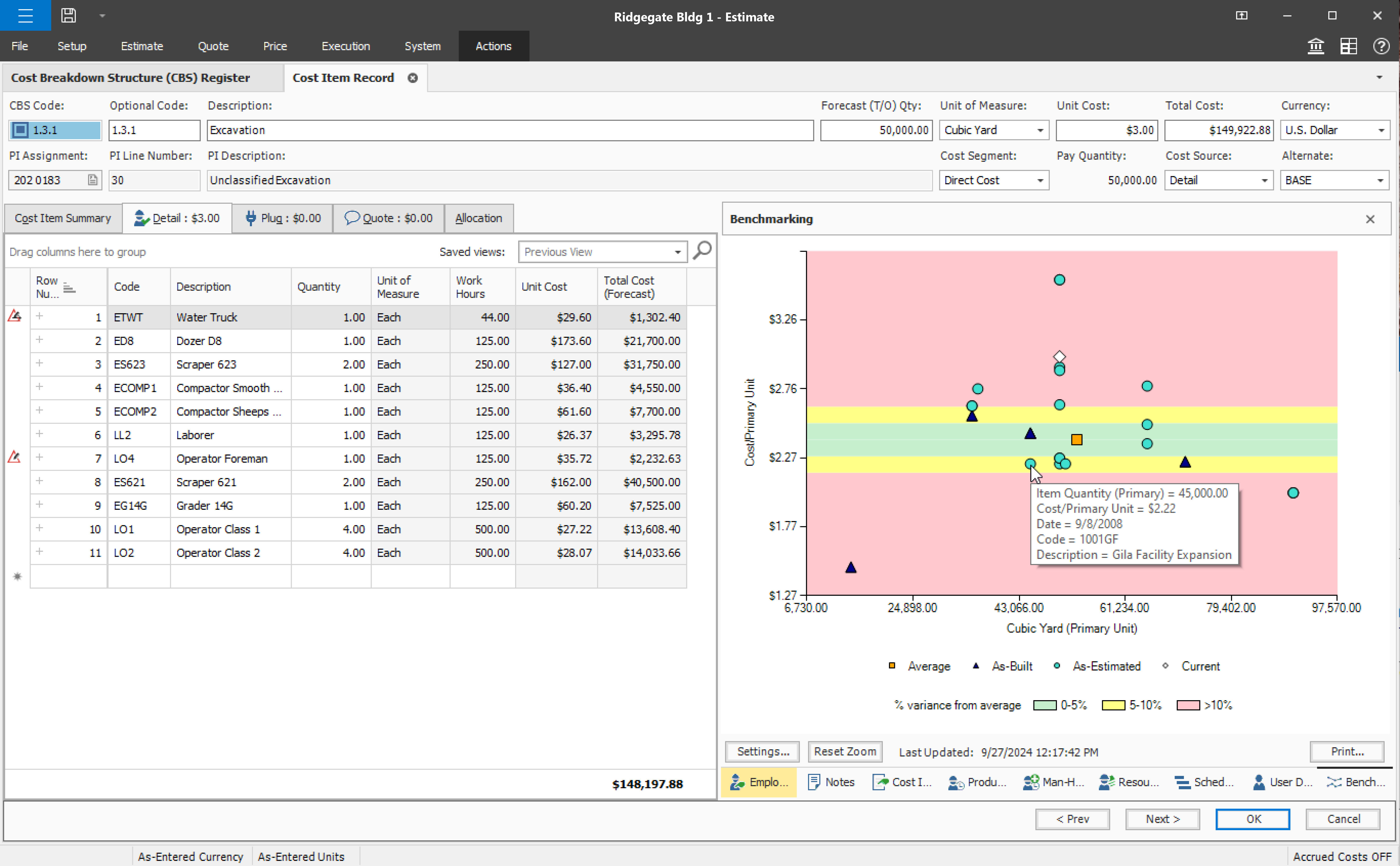 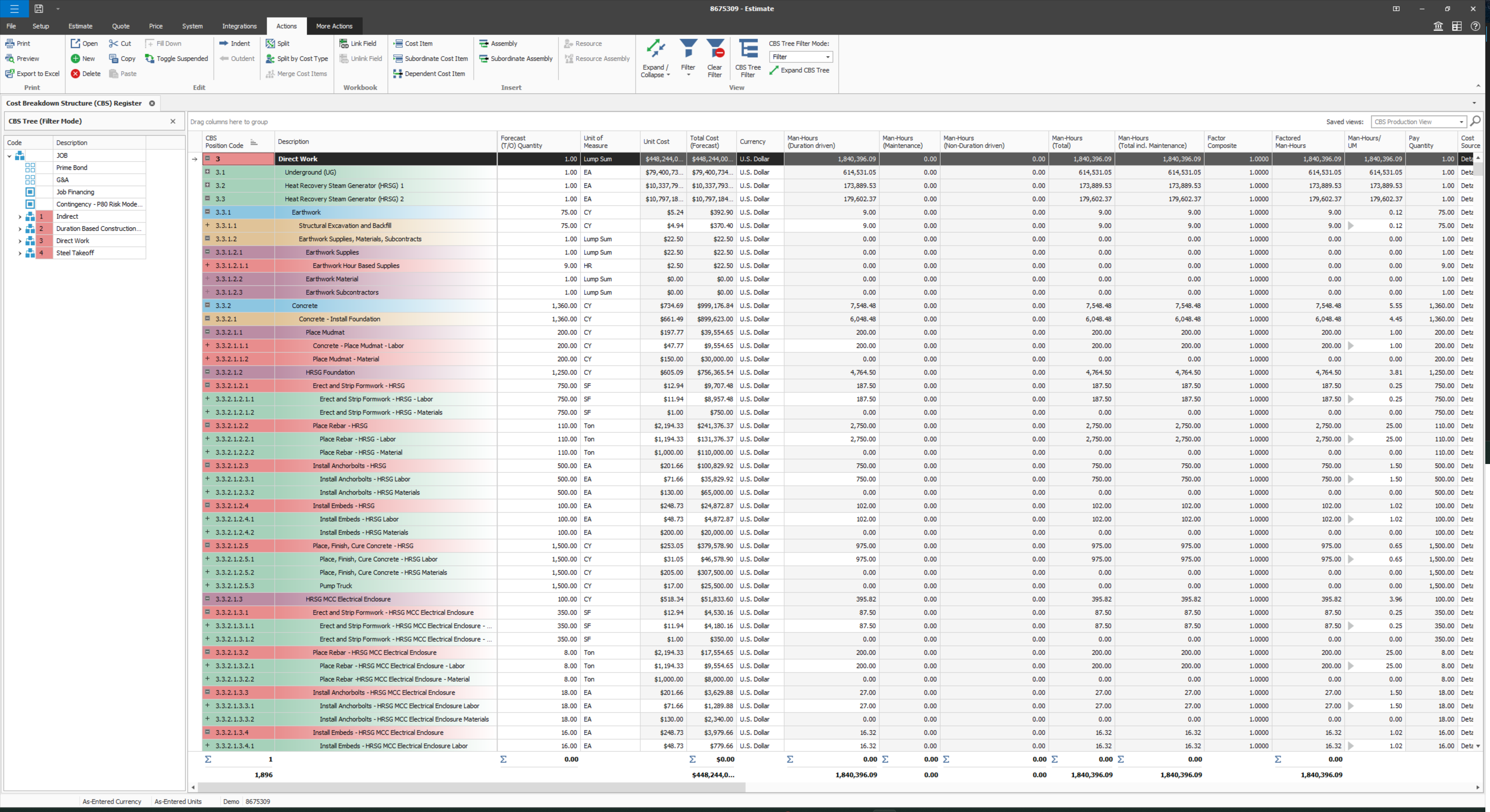 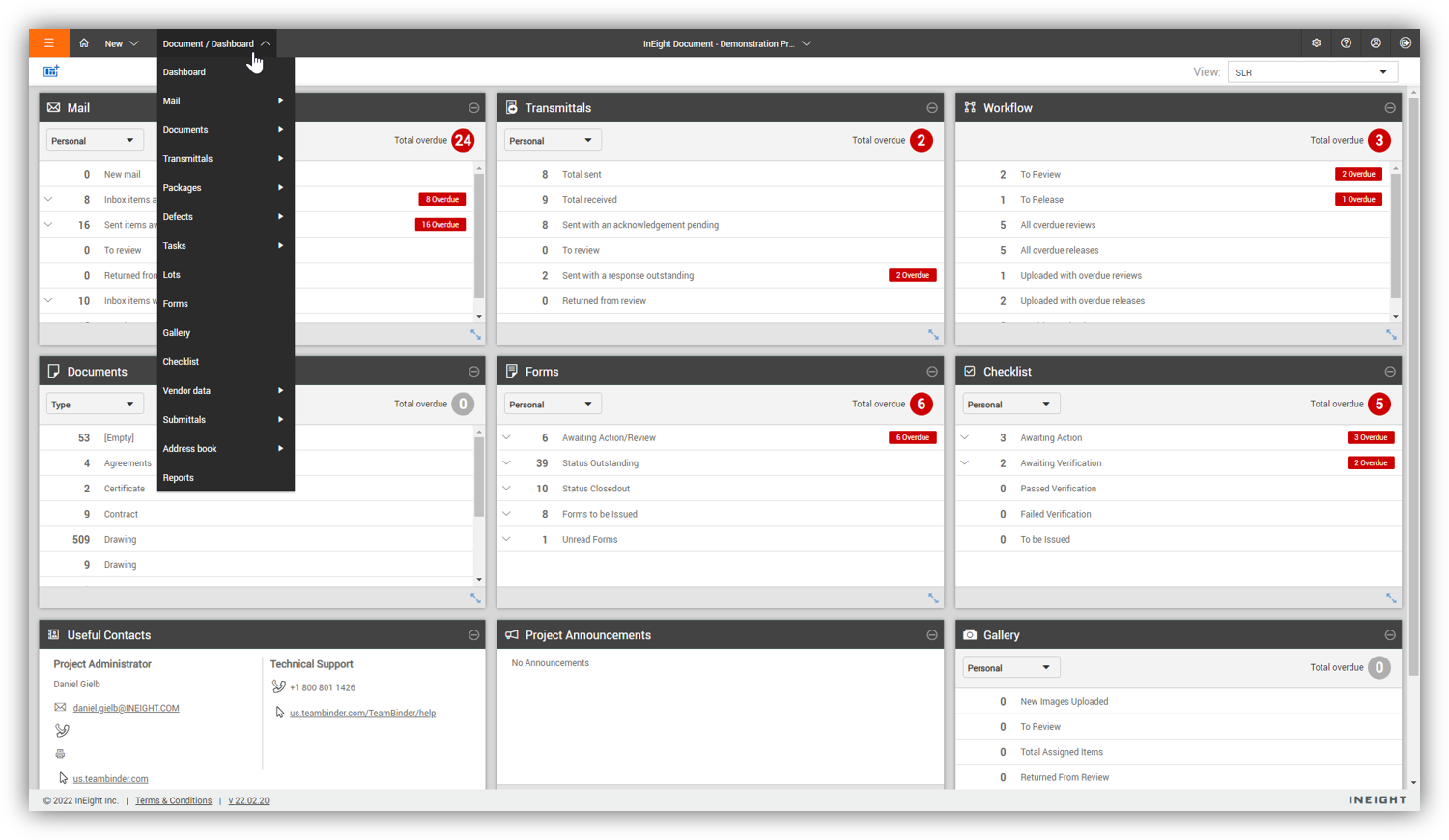  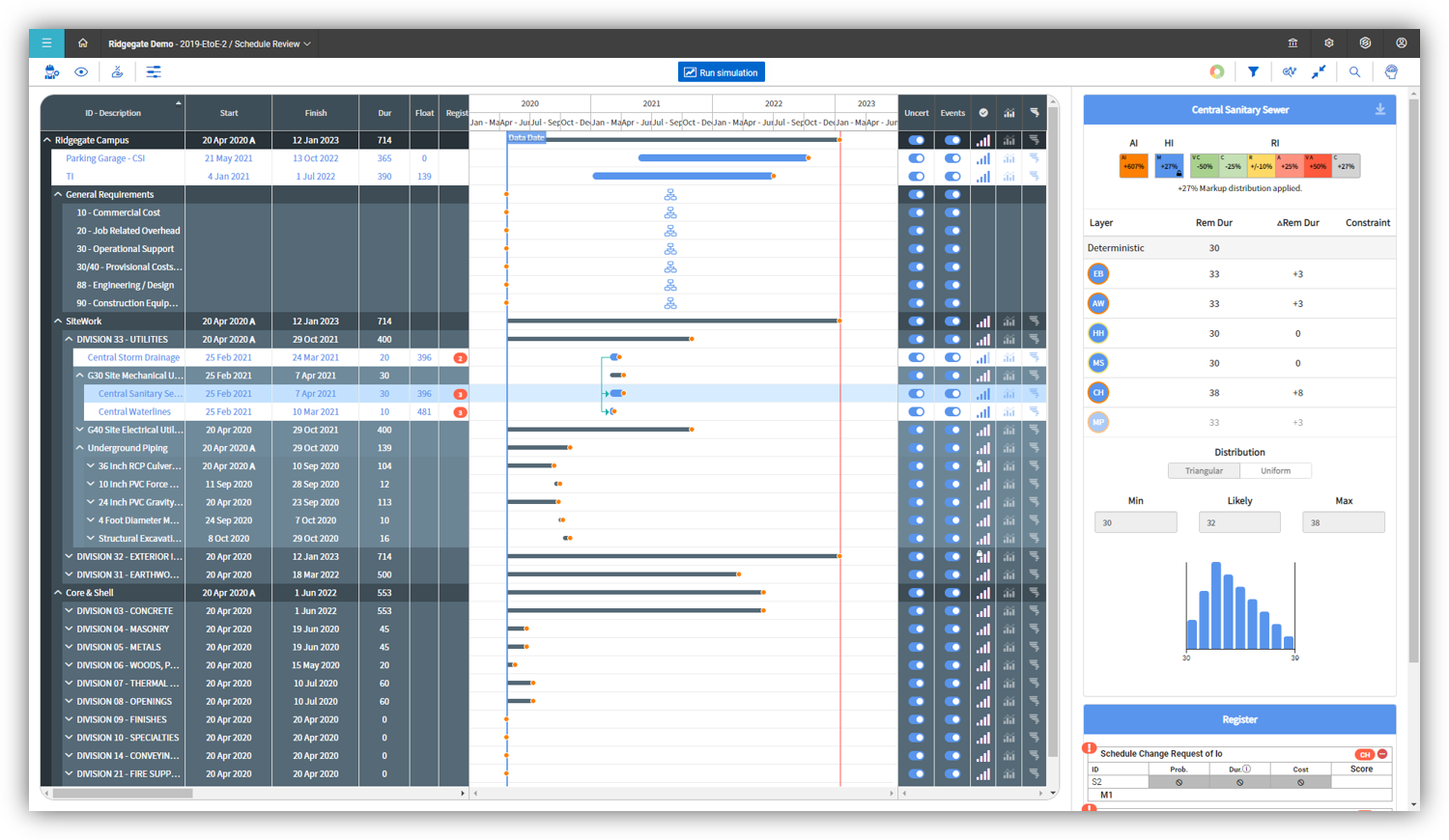 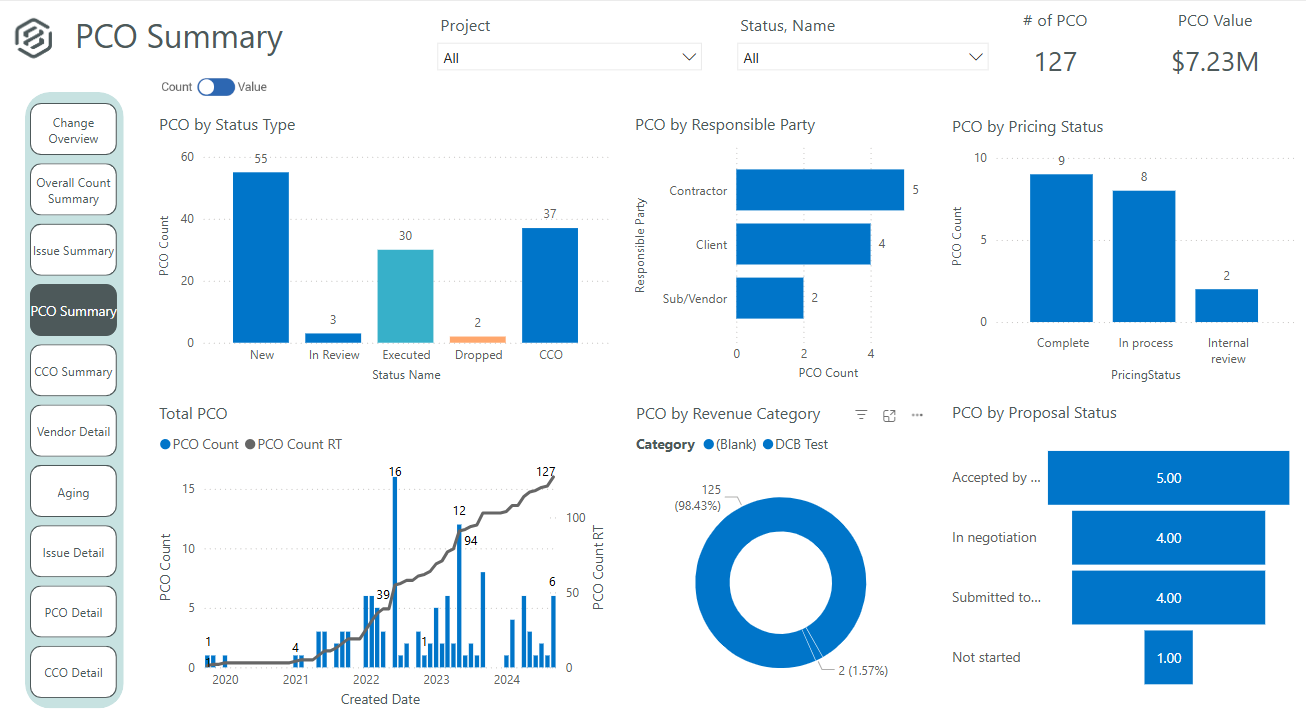 |