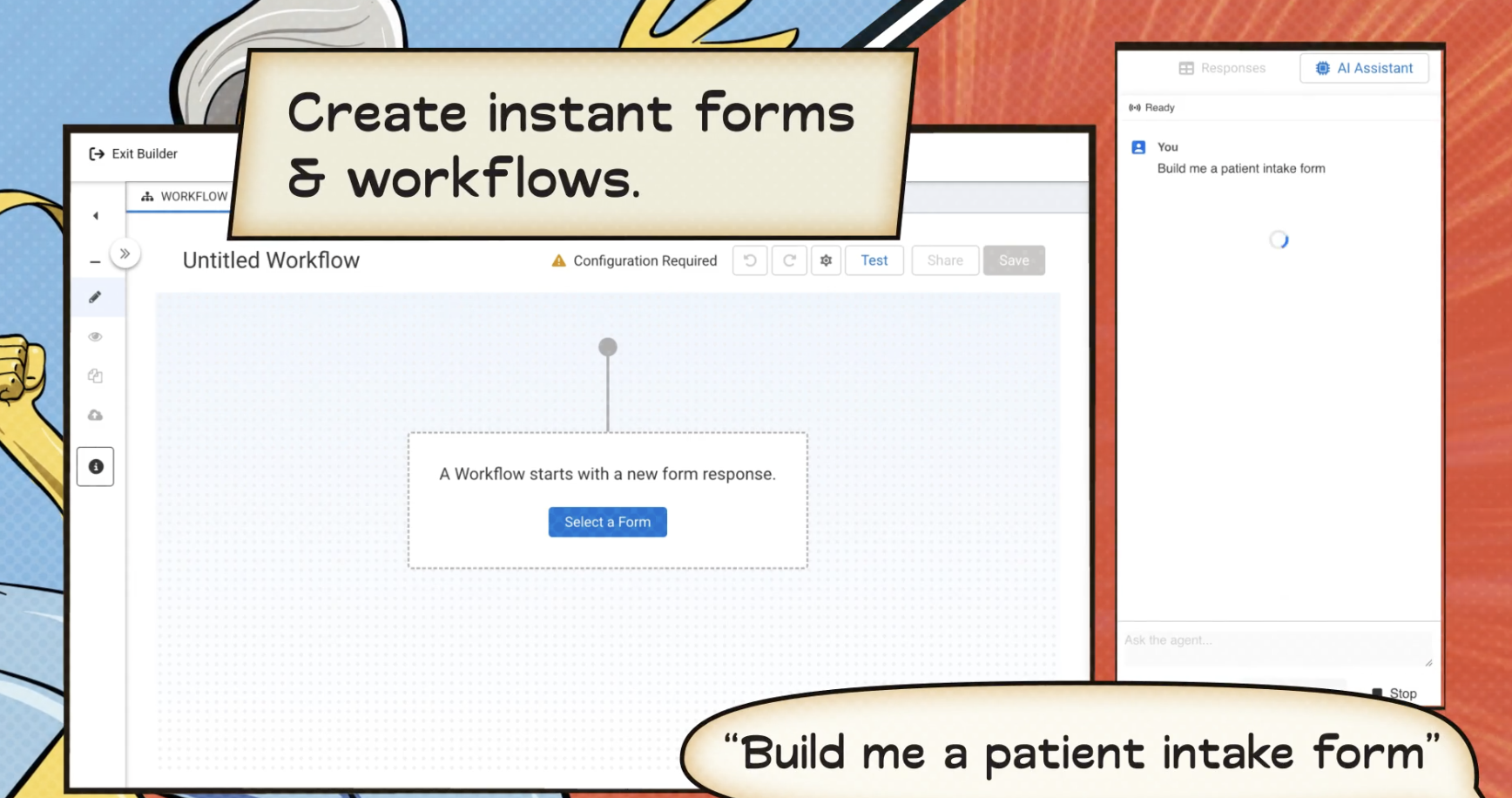
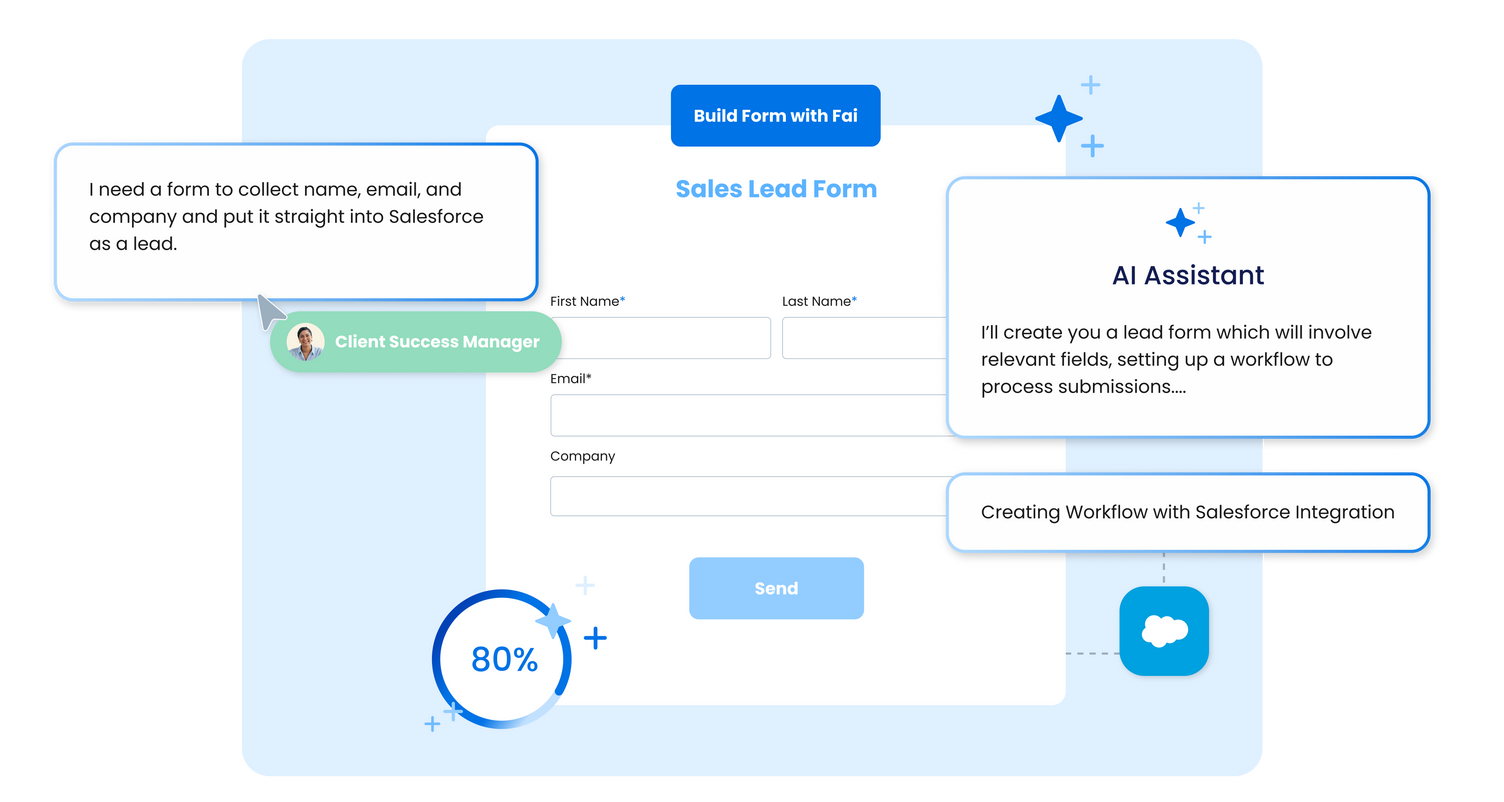
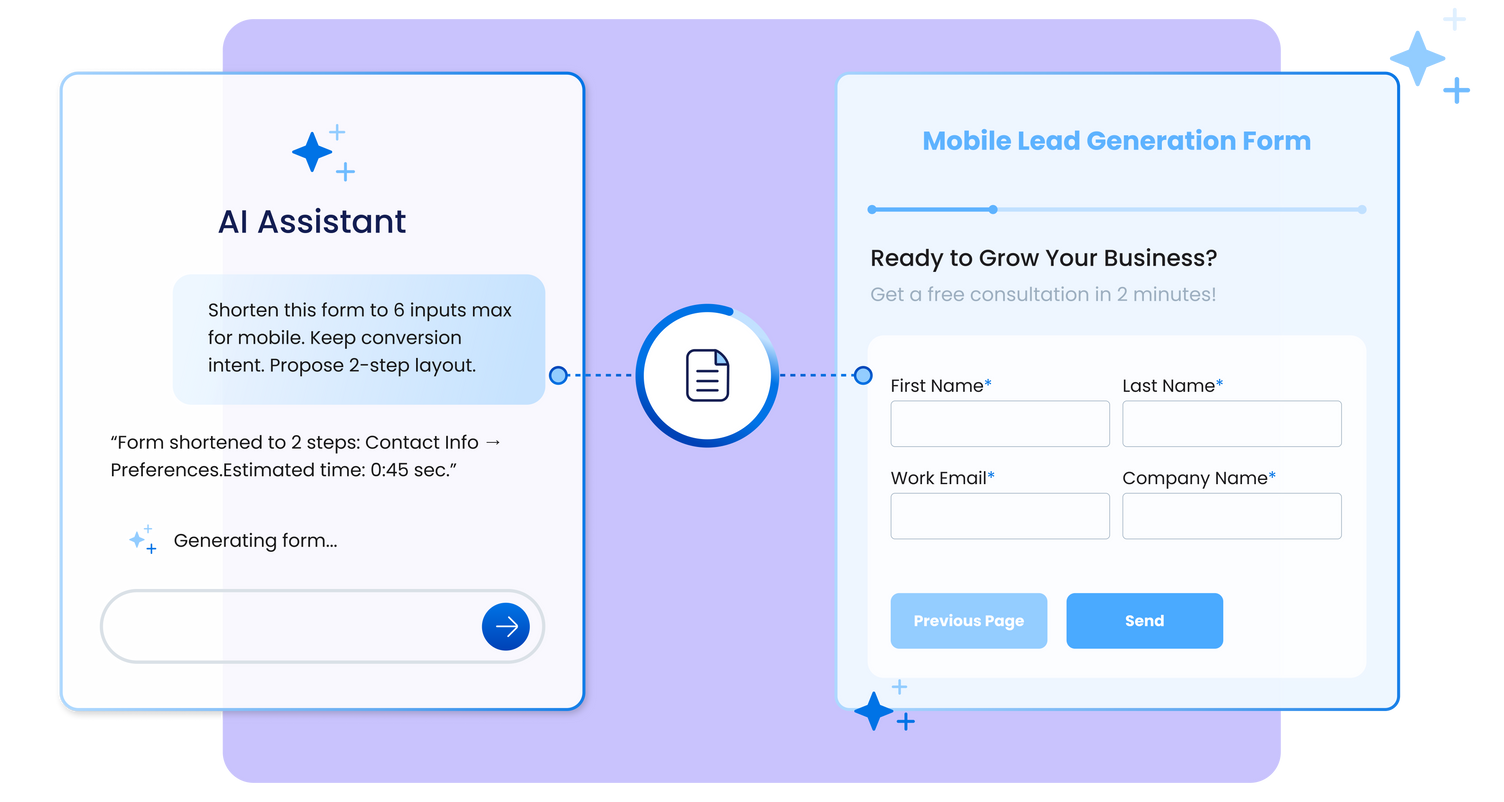
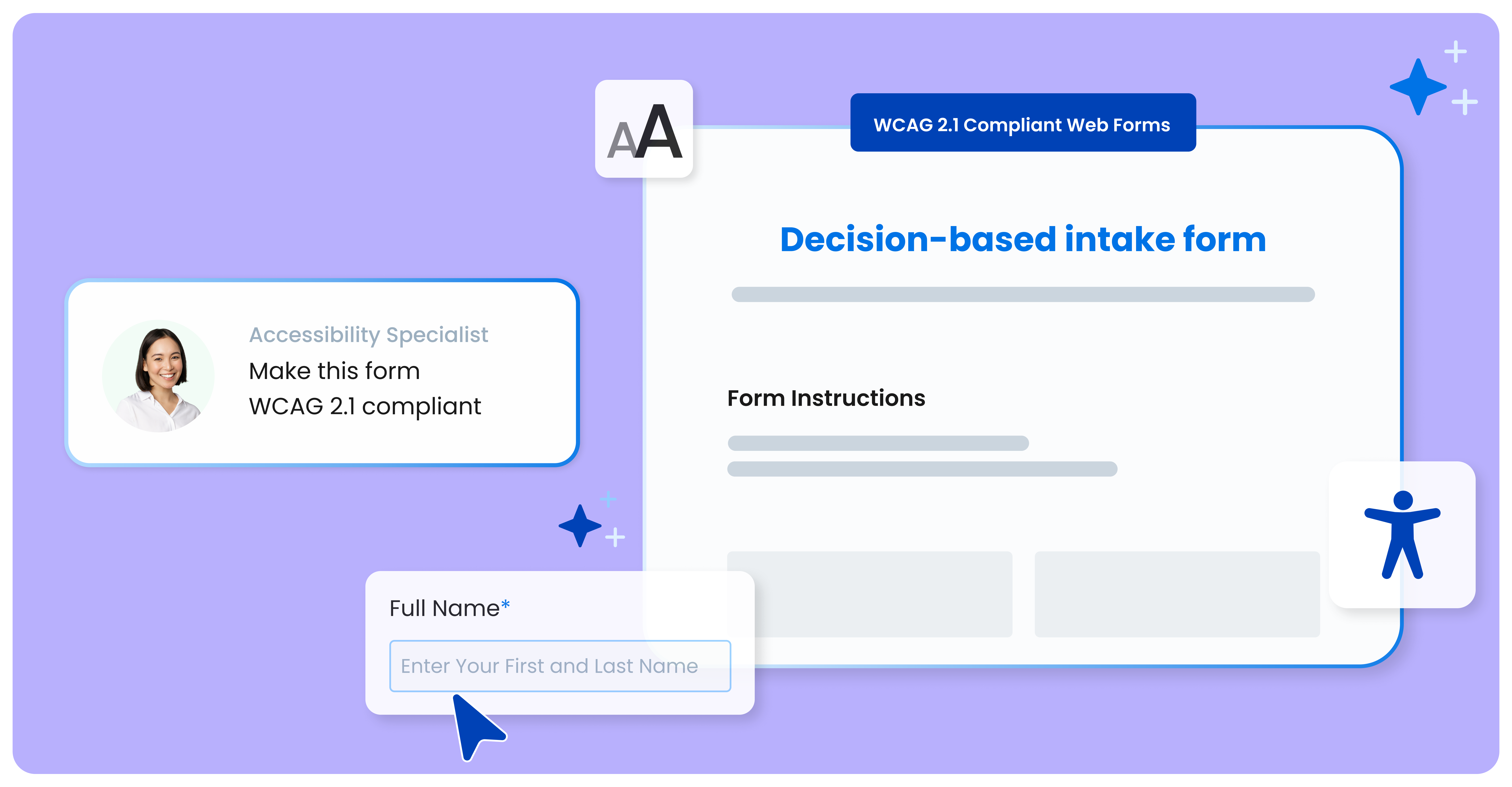
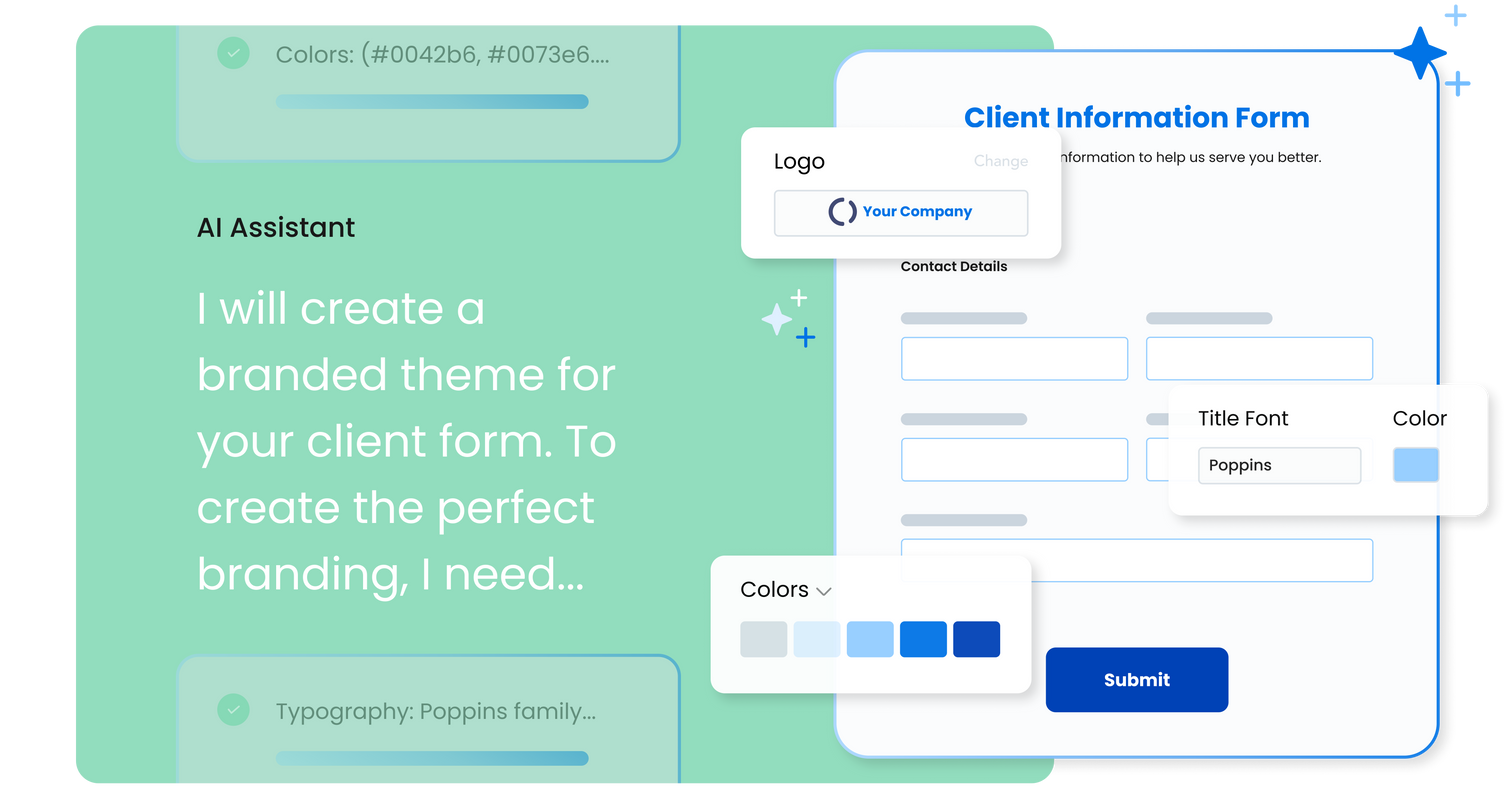
FormAssembly is an enterprise data collection and automation platform that enables organizations to capture clean, compliant data from the start. With the latest edition of the platform, FormAssembly Atlas, and its built-in AI assistant, Fai, forms and workflows build themselves, connect to Salesforce and other systems in just a few clicks, and ensure every record is structured, secure, and ready for automation or AI. In short, FormAssembly is designed to eliminate…
N/A
Jotform
Score 8.4 out of 10
N/A
Jotform Enterprise is a digital workspace productivity tool that provides a platform for organizations. The aim of Jotform Enterprise is to give companies an easy-to-navigate tool that makes reaching out to customers, collaborating with coworkers, and collecting e-signatures and data a more seamless process. Jotform Enterprise strives to enable companies to make data-driven decisions without compromising when it comes to quality and security. It doesn’t matter what type of…
$0
Usabilla (discontinued)
Score 5.6 out of 10
N/A
Usabilla was a web and app survey tool, developed by the Amsterdam company of the same name, and acquired by SurveyMonkey in March of 2019. The product is no longer available.
FormAssembly has superior Salesforce configuration settings, but Jotform offers a much greater variety of systems integrations. We don't really use reports or Workflows in FormAssembly, but the Jotform Report Builder is frustrating at best. Workflows feel comparable from my …
I have used Typeform, Yupform and Jotform before choosing FormAssembly. Compared to them, FormAssembly is better for business use and handles complex workflows more smoothky. It is Salesforce integrtion is more reliable and reduce manual work. While other are simpler or have …
More options, better customization, and friendly to admins. All 3 of those products have their warts, but the biggest hurdle is that they just don't work as well as FormAssembly. FormStack is nice in SF, but the features are limited, and the styling options are way worse. Titan …
FormAssembly is awesome for certain situations. Website integration is particularly smooth, and integrations with platforms like FormAssembly are widely available. For us, this makes FormAssembly a vital tool for high-volume training with participants under high-workload conditions, because it reduces friction for participants as they complete the forms while saving time for our staff who handle data entry. Conversely, the process of setting up forms and their integrations feels heavy-handed for some of our smaller events with fewer participants.
We use it for mostly community surveys and I absolutely prefer it over any other survey program out there. It is easy to create, easy to understand and easy to navigate. I love the QR code option it creates for you to share your form/ survey with others. It really is the best out there!
If we could select 0/10 we would... We would not recommend anyone using this product as it excludes a very important user group, disabled users. If you use this product you will be failing ADA and WCAG 2.1 (EU Directive for public sector websites and mobile apps). In my opinion, you will be vulnerable to lawsuits.
we could always use more styling options when it comes to the form builder
in our past use of the form builder when adding attachments to a form, there was an upload limit of 35MB. It would be great if this limit was increased.
Styling and positioning of the 'Feedback' button could be improved with more options provided. Right now it seems very basic.
Triggered surveys and popups would also benefit for more styling and control over how the survey is presented to users. Sometimes it can be hard to match your brand to the out-of-box options available. I've seen more flexible versions of this in other providers.
Notifications of negative feedback (delivered via email) could be improved. We like to try and take immediate action and the notifications haven't always made this possible. I'd also like to see more notification options added to triggered campaigns and surveys.
FormAssembly continues to meet our needs, and the product functionality continues to grow, providing us with new opportunities to utilize the software. We've built many forms and associated processes on FormAssembly. It would require a large effort to migrate to another platform. We have invested a lot of time in learning FormAssembly.
I've already explained in detail why this rating is so high. It's very user-friendly; a green Salesforce admin can get set up and start using it right away. And if they need support, the support page provides documentation and screenshots to describe any questions they may have. They like it a lot!
As a seasoned user who relies on seamless online forms for a multitude of purposes, I can confidently attest that JotForm has not only simplified the form creation process but has also elevated it to new heights.JotForm's interface is a masterpiece of intuitive design. Even if you're a newcomer to the world of online form creation, the platform's user-friendly layout will have you crafting professional-grade forms in no time.
The interface to configure the questionary is quite easy to use. It helps to give autonomy to marketing teams. Once the initial setup is made (integrating a basic javascript code on your website), you can easily deploy any questionary on any page of your website. Usabilla is a very flexible tool overall.
While it's not a true development package and misses some features like ingestion of external data for lists, etc... the product is fast, stable, easy to use, and will suit the needs of anyone needing online form functionality with SalesForce and other connectors available for your marketing needs.
I honestly have not used the support feature with Jotform. From what I can see when I look information up, everything I want to do something that I can't figure out myself it seems to not be a possible solution or edit that Jotform is currently capable of.
If we could select 0/10 we would... If Usabilla were to fix their accessibility issues we would consider keeping our subscription to them, but as it stands this does not seem possible as Usabilla does not seem interested in making the platform accessible.
the most valuable things that Jotform give free trial, so the resistant users can get the experiences of the easiness and more handling to the digital things
Form Assembly allows for advanced data mapping, pre-filling forms with Salesforce data, and working with custom objects. FormAssembly excels in Salesforce Integration, as it is highly specialized and deeply integrated. Often considered the industry leader for Salesforce forms, Formstack has strong integration, but may not offer the same level of granular control as FormAssembly.
Typeform is better hands down [in my opinion]. It's not even a comparison as [I feel] JotForm doesn't work properly and [from my experience I think] their support is very problematic. I would suggest using Typeform or using GravityForms as an alternative to JotForm. Whatever you do, [I feel you shouldn't] depend on JotForm for something that is important to your business or research project.
I have Hotjar, Sprig, and Usabilla in my workplace. Usabilla unfortunately has the most limited feature set of the 3 options. The difficulty of administering a Usabilla survey on mobile is a big blocker for my projects. Sprig and Hotjar both allow mobile and allow video recordings (either of a user's screen or a user's webcam for impromptu interviews).
It saved me time. Within minutes I was able to create and share forms to collect demographic data.
While struggling to use another software, I thought of Jotform and it was able to assist me with collating the data I had to confirm results previously obtained.
I could not easily identify what new information was provided in a resubmission by a respondent.