Google Analytics is perhaps the best-known web analytics product and, as a free product, it has massive adoption. Although it lacks some enterprise-level features compared to its competitors in the space, the launch of the paid Google Analytics Premium edition seems likely to close the gap.
$0
per month
LeadIQ
Score6.1 out of 10
N/A
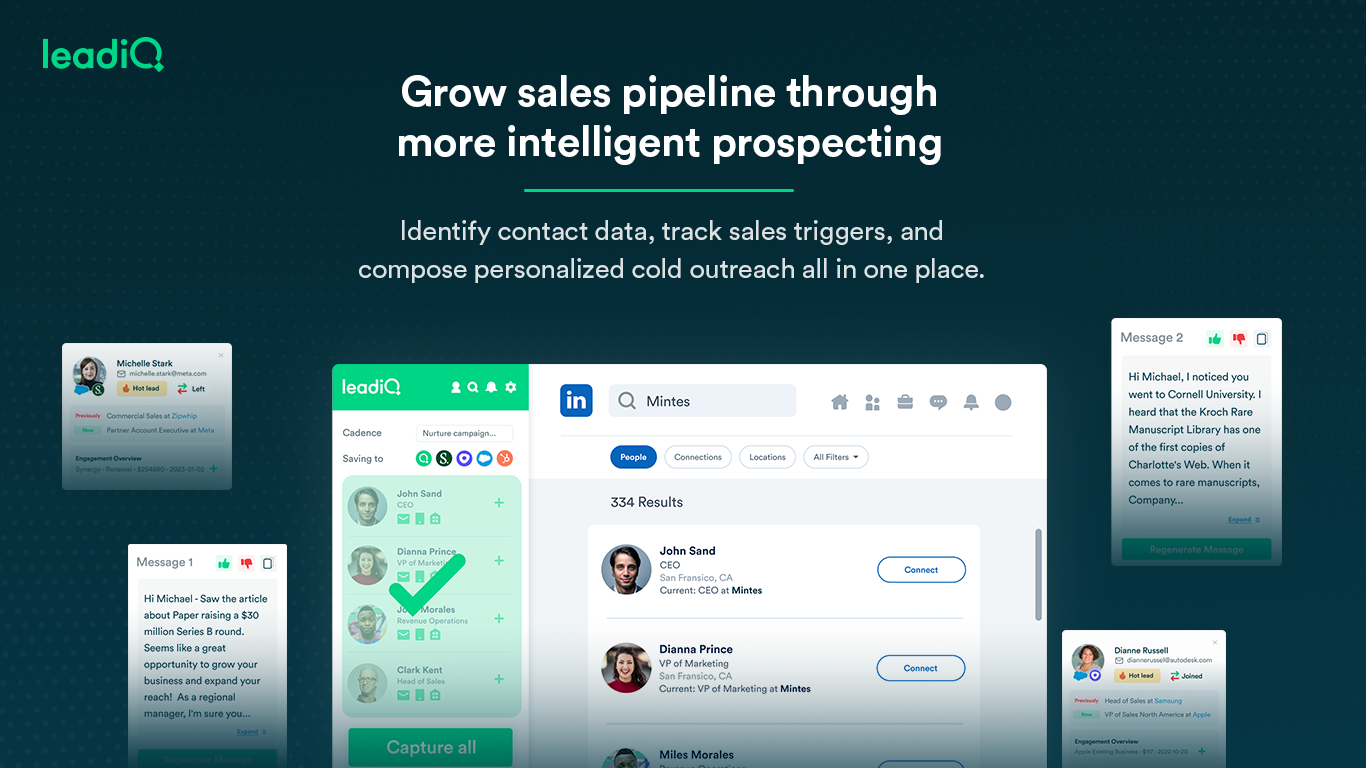
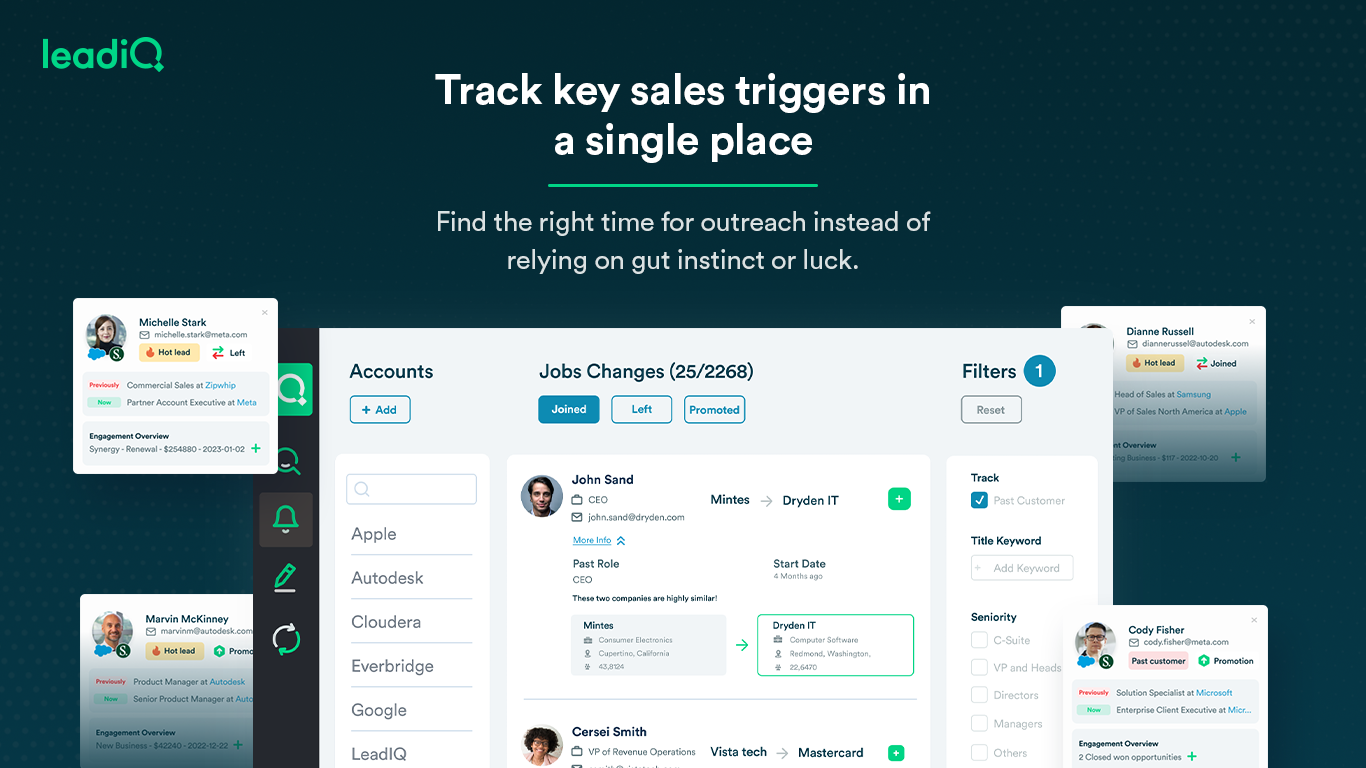
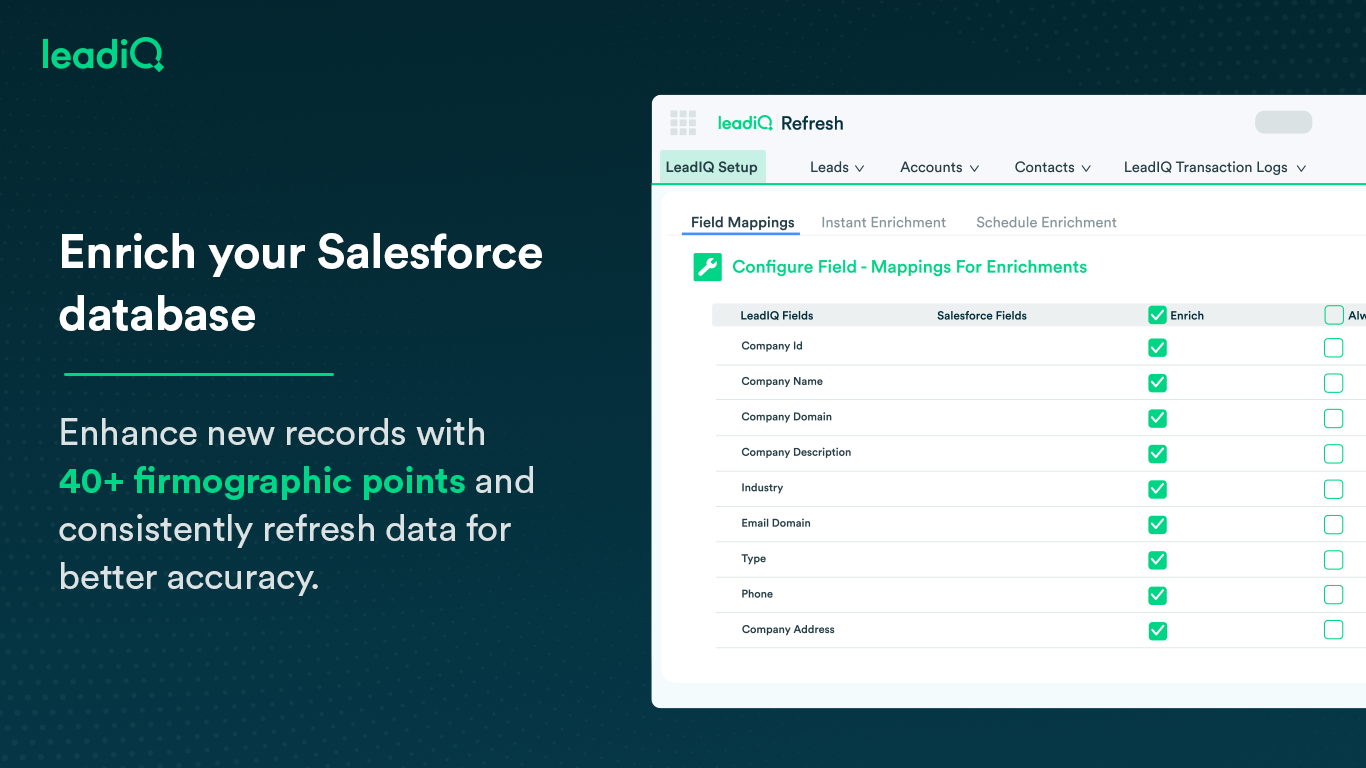
LeadIQ is a prospecting platform that helps outbound sales teams build pipeline through contact data, a AI cold email writing assistant, contact and account tracking for job changes, and CRM enrichment, all integrated into sales tools used daily.
Google Analytics is particularly well suited for tracking and analyzing customer behavior on a grocery e-commerce platform. It provides a wealth of information about customer behavior, including what products are most popular, what pages are visited the most, and where customers are coming from. This information can help the platform optimize its website for better customer engagement and conversion rates. However, Google Analytics may not be the best tool for more advanced, granular analysis of customer behavior, such as tracking individual customer journeys or understanding customer motivations. In these cases, it may be more appropriate to use additional tools or solutions that provide deeper insights into customer behavior.
I think LeadIQ is a great tool. It helps me with prospecting, writing emails, finding information about prospects, etc. I use it daily when writing emails and trying to find people to reach out to. It works well with CRM integration, and most of the time, the extension and scribe functions are working. Sometimes, the numbers are not accurate.
A de minimis incentive was given to thank the reviewer for their time. The incentive was not used to bias or drive a particular response, nor was the incentive contingent on a positive endorsement. More Info
A de minimis incentive was given to thank the reviewer for their time. The incentive was not used to bias or drive a particular response, nor was the incentive contingent on a positive endorsement. More Info
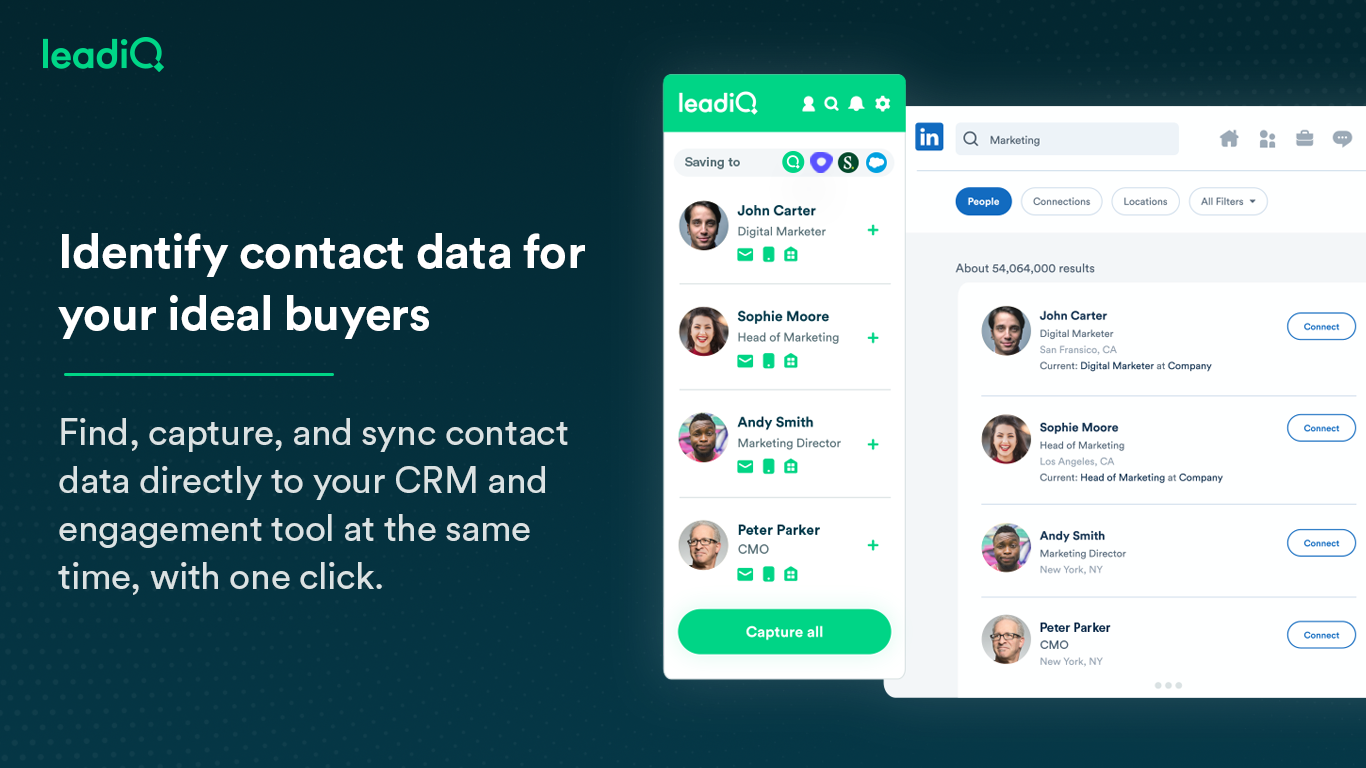
Capturing contact and lead information: Name, Designation, Phone Numbers, Work Email Address, Company board line number - almost every single data point one needs in lead or demand generation. The checkmark for verified information is a cherry on the cake.
LeadIQ integrates with LinkedIn Sales Navigator, Salesforce, and even SalesLoft pretty well. A simple click of a button from LSN can import the lead into Salesforce. A boon for any Outbound sales team. Additionally, capturing multiple contacts in a single go as well as importing them into a cadence is a time--saver.
It's also a community. Since users can suggest changes to make lead information more accurate as well as the option to request more information on a particular lead.
A de minimis incentive was given to thank the reviewer for their time. The incentive was not used to bias or drive a particular response, nor was the incentive contingent on a positive endorsement. TR verified that a representative sample of customers was invited. More Info
A de minimis incentive was given to thank the reviewer for their time. The incentive was not used to bias or drive a particular response, nor was the incentive contingent on a positive endorsement. More Info
Rocky start to using it - but good follow up with customer service.
It can create duplicates in salesforce sometimes which is a headache for some departments who require salesforce to be our pure data source.
Sometimes the numbers aren't correct for the right individual - it gets numbers from wrong people with the same name - this has only happened a couple of times, very rare.
A de minimis incentive was given to thank the reviewer for their time. The incentive was not used to bias or drive a particular response, nor was the incentive contingent on a positive endorsement. More Info
We will continue to use Google Analytics for several reasons. It is free, which is a huge selling point. It houses all of our ecommerce stores' data, and though it can't account for refunds or fraud orders, gives us and our clients directional, real time information on individual and group store performance.
A de minimis incentive was given to thank the reviewer for their time. The incentive was not used to bias or drive a particular response, nor was the incentive contingent on a positive endorsement. More Info
We have been very happy with LeadIQ for the past several years. They have quality data at a fair price and that is the most important thing for us. Their product continues to grow and expand and they are great to work with from a customer experience point of view.
A de minimis incentive was given to thank the reviewer for their time. The incentive was not used to bias or drive a particular response, nor was the incentive contingent on a positive endorsement. More Info
Google Analytics provides a wealth of data, down to minute levels. That is it's greatest detriment: find the right information when you need it can be a cumbersome task. You are able to create shortcuts, however, so it can mitigate some of this problem. Google is continually refining Analytics, so I do not doubt there will be improvements
the data pool of contacts and lead info could be better compared to the other software competitors. The software is still quite easy to use and it has an extension which makes it easy to work side by side with either linkedin or salesforce. One item that doesn't work well which the rep showed us was pulling up the account page on salesforce and LeadIQ being able to pull up the company details based on the domain. That isn't working for us. Perhaps it's the industry we're in.
A de minimis incentive was given to thank the reviewer for their time. The incentive was not used to bias or drive a particular response, nor was the incentive contingent on a positive endorsement. More Info
We all know Google is at top when it comes to availability. We have never faced any such instances where I can suggest otherwise. All you need is a Google account, a device and internet connection to use this super powerful tool for reporting and visualising your site data, traffic, events, etc. that too in real time.
This has been a catalyst for improving our site's traffic handling capabilities. We were able to identify exit% from our sites through it and we used recommendations to handle and implement the same in our sites. We have been increasing the usage of Google Analytics in our sites and never had any performance related issues if we used Analytics
The Google reps respond very quickly. However, sometimes they can overly call you to set up an apportionment. I'm very proficient and sometimes when I talk to reps, they give beginner tutorials and insights that are a waste of time. I wish Google would understand my level of expertise and assign me to a rep (long-term) that doesn't have to walk me through the basics.
A de minimis incentive was given to thank the reviewer for their time. The incentive was not used to bias or drive a particular response, nor was the incentive contingent on a positive endorsement. More Info
I have yet to contact LeadIQ regarding support for the tool. Usability is pretty straight forward, and I was trained well to use the tool properly. I am giving the rating of a five since I can not say I have had contact with the support team.
A de minimis incentive was given to thank the reviewer for their time. The incentive was not used to bias or drive a particular response, nor was the incentive contingent on a positive endorsement. More Info
love the product and training they provide for businesses of all sizes. The following list of links will help you get started with Google Analytics from setup to understanding what data is being presented by Google Analytics.
I think my biggest take away from the Google Analytics implementation was that there needs to be a clear understanding of what you want to achieve and how you want to achieve it before you start. Originally the analytics were added to track visitors, but as we became more savvy with the product, we began adding more and more functionality, and defining guidelines as we went along. While not detrimental to our success, this lack of an overarching goal resulted in some minor setbacks in implementation and the collection of some messy data that is unusable.
I have not used Adobe Analytics as much, but I know they offer something called customer journey analytics, which we are evaluating now. I have used Semrush, and I find them much better than Google Analytics. I feel a fairly nontechnical person could learn Semrush in about a month. They also offer features like competitive analysis (on content, keywords, traffic, etc.), which is very useful. If you have to choose one among Semrush and Google Analytics, I would say go for Semrush.
A de minimis incentive was given to thank the reviewer for their time. The incentive was not used to bias or drive a particular response, nor was the incentive contingent on a positive endorsement. More Info
The user experience and design of the platform + the data health were far superior to UpLead and the other tools I demoed. I was also impressed by the pricing structure and the ability for me to pick and choose my plan or customize based on the sales team numbers and team capacity.
A de minimis incentive was given to thank the reviewer for their time. The incentive was not used to bias or drive a particular response, nor was the incentive contingent on a positive endorsement. More Info
Google Analytics is currently handling the reporting and tracking of near about 80 sites in our project. And I am not talking about the sites from different projects. They may have way more accounts than that. Never ever felt a performance issue from Google's end while generating or customising reports or tracking custom events or creating custom dimensions
A de minimis incentive was given to thank the reviewer for their time. The incentive was not used to bias or drive a particular response, nor was the incentive contingent on a positive endorsement. More Info
So far not a happy customer. We have had a few positive results but for the most part, all phone numbers are relatively inaccurate or they are personal numbers scraped from LinkedIn. When calling a personal number, people are surprised and find it intrusive.
We would not recommend this service until it invests more into correct corporate switchboard numbers at the bare minimum. Currently, these are often incorrect.