Google Drive is a cloud file storage, synchronization, and collaboration platform and service, that features Google Docs, Sheets, and Slides for document editing and presentation.
$6
per month
Google Workspace
Score9.1 out of 10
N/A
Google Workspace enables teams of all sizes to connect, create and collaborate. It includes productivity and collaboration tools for work: Gmail for custom business email, Drive for cloud storage, Docs for word processing, Meet for video and voice conferencing, Chat for team messaging, Slides for presentation building, and shared Calendars.
$6
per month per user
Zimbra
Score6.9 out of 10
N/A
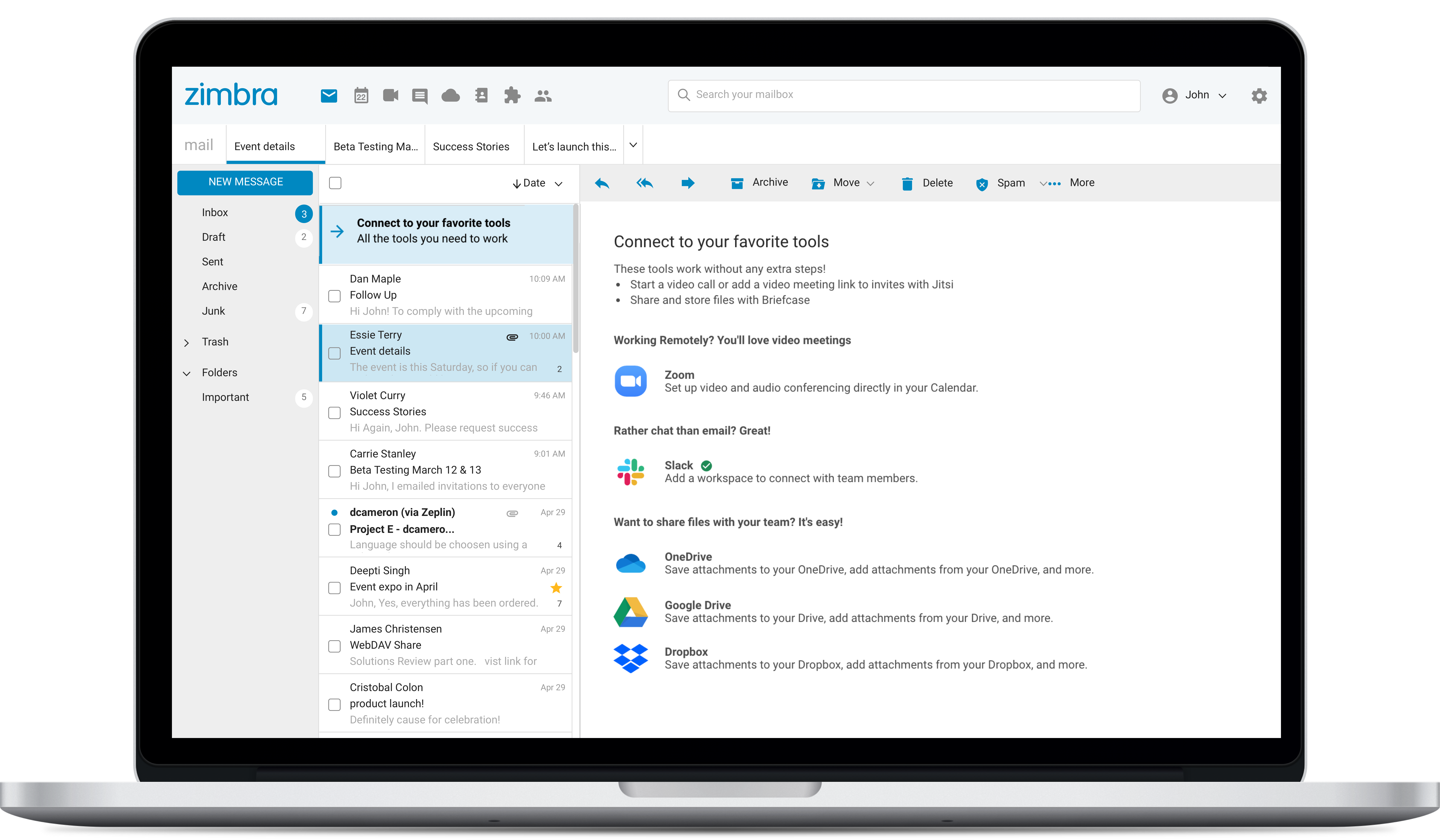
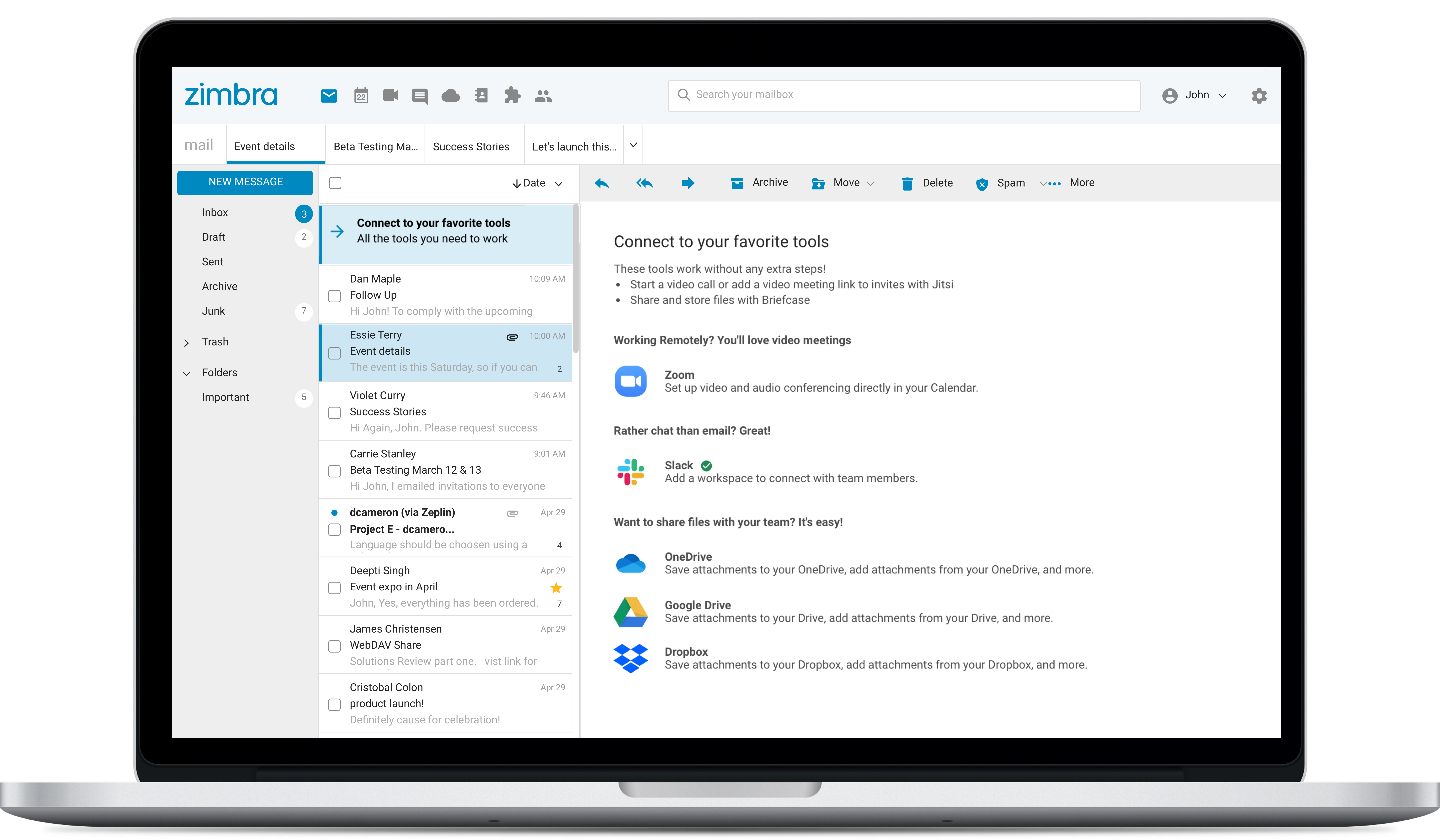
Zimbra is an email and collaboration platform and productivity suite that includes contacts, calendar, tasks, chat and file sharing, plus videoconferencing, document editing, and file storage.
N/A
Pricing
Google Drive
Google Workspace
Zimbra
Editions & Modules
Basic
$6.00
per month
Business
$12.00
per month
Enterprise
Contact Vendor for Quote
per month
Business Starter
$6
per user/per month
Business Standard
$12
per user/per month
Business Plus
$18
per user/per month
Enterprise
Contact sales team
No answers on this topic
Offerings
Pricing Offerings
Google Drive
Google Workspace
Zimbra
Free Trial
Yes
No
Yes
Free/Freemium Version
Yes
No
No
Premium Consulting/Integration Services
No
No
No
Entry-level Setup Fee
No setup fee
No setup fee
No setup fee
Additional Details
Discounts are available for students, educators, and non profit organizations.
—
—
More Pricing Information
Community Pulse
Google Drive
Google Workspace
Zimbra
Considered Multiple Products
Google
Verified User
Chose Google Drive
We are using Google Drive and other google products from their very first versions. We didn't feel any drawbacks to replace them.
Due to OneNote sync requirement we use MS OneDrive which we found we complex to use.
A de minimis incentive was given to thank the reviewer for their time. The incentive was not used to bias or drive a particular response, nor was the incentive contingent on a positive endorsement. More Info
System Administrator in Information Technology at Synchronoss Technologies (Telecommunications, 10,001+ employees)
Chose Google Drive
Dropbox is a very slick product but lacks the tight integration with document editing tools OneDrive is very good on Windows, but not quite as reliable on Mac. And it integrates well with Office desktop products, but the online Office apps are still not quite as streamlined as …
A de minimis incentive was given to thank the reviewer for their time. The incentive was not used to bias or drive a particular response, nor was the incentive contingent on a positive endorsement. More Info
Google
Verified User
Chose Google Workspace
G Suite for us came down to a few things. Most importantly it is a solid product which doesn't bog down the browser due to sloppy code. It's just snappy when users are in the tools, they don't have to wait around for things to happen. Licensing is also a factor. We don't need …
A de minimis incentive was given to thank the reviewer for their time. The incentive was not used to bias or drive a particular response, nor was the incentive contingent on a positive endorsement. More Info
Verified User
Chose Google Workspace
Overall, Google has been my go-to for all online office files and for sharing and collaborative projects: from meeting notes to shared documents. This has been easy to use and managed by admin.
A de minimis incentive was given to thank the reviewer for their time. The incentive was not used to bias or drive a particular response, nor was the incentive contingent on a positive endorsement. More Info
Head of Development Innovation in Professional Services at Nesta (Non-Profit Organization Management, 51-200 employees)
Chose Google Workspace
Fairly bad experience with office email previously. Browser-based office apps didn't seem to work as well as google versions. Wasn't (isn't) perfect but mostly does the job.
A de minimis incentive was given to thank the reviewer for their time. The incentive was not used to bias or drive a particular response, nor was the incentive contingent on a positive endorsement. More Info
A de minimis incentive was given to thank the reviewer for their time. The incentive was not used to bias or drive a particular response, nor was the incentive contingent on a positive endorsement. More Info
Campus Director at InterVarsity Christian Fellowship/USA (Religious Institutions, 1001-5000 employees)
Chose Google Workspace
G Suite is just simpler and easier to use. Most people already know how to use Gmail and Google Drive, so having a system that people know vs. having people relearn a new system is a lot better. Zoho - I don't get it. G Suite is easy to use and doesn't require must training for …
A de minimis incentive was given to thank the reviewer for their time. The incentive was not used to bias or drive a particular response, nor was the incentive contingent on a positive endorsement. More Info
Systems Administrator iOS/OSX (Casper Suite) in Information Technology at ISD # 197 West St.Paul-Mendota Heights-Eagan Public Schools (Education Management, 501-1000 employees)
Chose Google Workspace
G Suite provides a device neutral experience for staff and students, including our BYOD program with open choice of devices, and also our iPad 1 to 1 program.
A de minimis incentive was given to thank the reviewer for their time. The incentive was not used to bias or drive a particular response, nor was the incentive contingent on a positive endorsement. More Info
Director Talent Acquisition - Industries, Strategy and Cloud Architecture in Human Resources at Clarity Insights (Information Technology and Services, 201-500 employees)
Chose Google Workspace
Office 365 was definitely not the same as the standalone PC products. I was not involved in the evaluation or selection of G Suite so I can't comment on whether there was a comparable suite. I do know we have a strong Bay Area - Northern California presence and it seems like …
A de minimis incentive was given to thank the reviewer for their time. The incentive was not used to bias or drive a particular response, nor was the incentive contingent on a positive endorsement. More Info
Synacor
Verified User
Chose Zimbra
We used Zimbra Email & Collaboration in two scenarios: first, on-premise with the open-source version to save costs, especially since solutions like Office 365 or Google Workspace were not as mature or widespread at the time. Later, we benefited from cost advantages with Zimbra …
A de minimis incentive was given to thank the reviewer for their time. The incentive was not used to bias or drive a particular response, nor was the incentive contingent on a positive endorsement. More Info
Verified User
Chose Zimbra
There are a lot of features that Zimbra Email & Collaboration has that gmail and m365 have. You can chat within your team members with Zimbra Email & Collaboration. The issue that we have not been able to figure out though is mobility of Zimbra Email & Collaboration. You can …
A de minimis incentive was given to thank the reviewer for their time. The incentive was not used to bias or drive a particular response, nor was the incentive contingent on a positive endorsement. More Info
Project Manager in Information Technology at PT Indie Marketindo Ceria (Retail, 11-50 employees)
Chose Zimbra
We chose Zimbra because Zoho Mail is too pricey with less-functionality than Zimbra. Zoho's UI is better, but we need more than just UI, we need many features that Zimbra has. G Suite is the best for team collaboration of course, but because of the price and our needs we …
A de minimis incentive was given to thank the reviewer for their time. The incentive was not used to bias or drive a particular response, nor was the incentive contingent on a positive endorsement. More Info
It is possible to share files and folders with up to 200 email addresses, as well as with persons outside the company.Use the drop-down arrow to select who may see, comment on, or change the file or folder before sending out an invitation.I am very much impressed with this feature
Google Workspace does offer several different plans that can match well with the stage of your business. As your business grows, the higher plans can provide the better tooling or expanded features/products to scale with your needs. It would probably become very complicated to swap over to, if you are deeply embedded with another competitor. But, it could be a nice platform to consolidate several disconnected systems under one roof.
A de minimis incentive was given to thank the reviewer for their time. The incentive was not used to bias or drive a particular response, nor was the incentive contingent on a positive endorsement. More Info
Zimbra is great for an email system for a medium or large organization with appropriate IT staffing. The system is easy to use for end-users, and has a fantastic web interface. Unfortunately, it is overly complex, when considering staffing requirements and price, when compared with Office 365 or Google Apps for smaller organizations. For other education customers, it is hard to compete with Microsoft and Google providing their services for "Free" now though
A de minimis incentive was given to thank the reviewer for their time. The incentive was not used to bias or drive a particular response, nor was the incentive contingent on a positive endorsement. More Info
Any user with access can store a file using different platforms like Android, IOS, Windows, or Ubuntu (Desktop version)
You can share files with any number of different users with different access rights or you can even keep it public by providing the access link and assign different rights for public access
You can open Excel/Word files using google software Sheets/Docs in the browser environment without having to install software like Microsoft Office etc on your Windows OS
A de minimis incentive was given to thank the reviewer for their time. The incentive was not used to bias or drive a particular response, nor was the incentive contingent on a positive endorsement. More Info
Google Calendar...amazing. I don't need to ask team members when they're busy anymore and play this game of bouncing times back and forth. All I need to do is enter their email address and it shows my calendar and theirs side by side and then select the day and time I find that works best for the both of us.
I actually prefer Google Meet over Zoom. Zoom bogs down my computer and I find their UI overcomplicated for what it actually does. Google Meet is simple and does practically everything Zoom does without needing to pay any extra money.
Sheets integrates with our CRM (Copper) so it's perfect for us. Being able to export information out of our CRM into sheets and then create pivot tables from that data makes our lives a million times better.
A de minimis incentive was given to thank the reviewer for their time. The incentive was not used to bias or drive a particular response, nor was the incentive contingent on a positive endorsement. More Info
Having a little bit more control and clarity over what is shared and how it is shared would be a useful improvement.
Could be more robust and flexible as far as assigning restrictions.
Google Sheets could be enhanced because Excel really is not there yet as a product with equal capabilities as there are still quite a few limitations to the functionality.
A de minimis incentive was given to thank the reviewer for their time. The incentive was not used to bias or drive a particular response, nor was the incentive contingent on a positive endorsement. More Info
Pricing is a little bit higher than other services
The cost of each email inbox costs the same whether you want just email or all of the features. For example, we wanted a support email address that we could setup our support desk with. The cost of that added account is the same as the account I use with all of the features.
They removed their free tier for small organizations like mine and restricted the free tier from adding new domain names. This was likely due to abuse, but everyone lost the privilege of the free service.
Zimbra's mobile application leaves much to be desired; it is its weakest point.
This forces the use of third-party applications on smartphones, which only offer a more or less complete integration with the ActiveSync protocol.
Zimbra allows for an on-premise scenario, which is not for everyone, especially considering that the trend nowadays is to outsource email; in any case, it also offers this alternative.
The cost of Zimbra as a SaaS solution comes too close to that of more widely adopted competing options.
Zimbra lacks a robust integrated chat system, which its competitors offer.
A de minimis incentive was given to thank the reviewer for their time. The incentive was not used to bias or drive a particular response, nor was the incentive contingent on a positive endorsement. More Info
It's perfect for me. It keeps things saved and is easy to remove items if needed. Also, I very much enjoy the formatting options. Along with the integrations it has for SSO. Overall, this is the most user friendly system I have ever come across.
There is no better solution for cloud storage and real time collaboration. The amount of features included in G Suite is unmatched and out of other things we’ve tried over the years, nothing comes close to being as great of a tool.
A de minimis incentive was given to thank the reviewer for their time. The incentive was not used to bias or drive a particular response, nor was the incentive contingent on a positive endorsement. More Info
It's easy enough to use for computer users of all ages and skill levels. I am an advanced user, and I think the hardest part might be showing someone how to download and set up the app on their device if they weren't too familiar with computers, but overall it is very easy to understand.
A de minimis incentive was given to thank the reviewer for their time. The incentive was not used to bias or drive a particular response, nor was the incentive contingent on a positive endorsement. More Info
Google Workspace is incredibly intuitive and user friendly. It's easy to adopt through simple features, for example the prompts to enable Gemini on each call for note taking is reliable, and helps to stop you forgetting to use the feature. The main reason for a strong rating is the consistency and reliability, whilst there's definitely areas for improvement, for example additional calendar features (sharing), or deeper functionality in sheets. The level that it provides means that anyone adopting it will be able to take full use of features within a day or two. Gmail, calendar and the documentation suite contain all the basic features for a small / medium business to run at a high level day to day, with minimal downtime or learning curves.
A de minimis incentive was given to thank the reviewer for their time. The incentive was not used to bias or drive a particular response, nor was the incentive contingent on a positive endorsement. More Info
The web usability of the solution is adequate, with all functions integrated into a single interface. However, it is important to note that in the desktop environment, it lacks its own application and relies on ActiveSync synchronization with reference solutions like Outlook or Thunderbird. Some features, such as the briefcase, will be excluded. The same happens on smartphones.It is also common for competing solutions to include integrated chat or video call tools, which Zimbra lacks. These shortcomings are among the most frequently requested by users.
A de minimis incentive was given to thank the reviewer for their time. The incentive was not used to bias or drive a particular response, nor was the incentive contingent on a positive endorsement. More Info
A de minimis incentive was given to thank the reviewer for their time. The incentive was not used to bias or drive a particular response, nor was the incentive contingent on a positive endorsement. More Info
The documents load fairly quickly and also update in real time, especially given the fact that multiple people can be using it at once. The "Offline" feature works great to allow the user to make edits and access the document without access to the internet, and then sync changes later once they're back.
A de minimis incentive was given to thank the reviewer for their time. The incentive was not used to bias or drive a particular response, nor was the incentive contingent on a positive endorsement. More Info
It takes a few days for customer support to get back to you. Although, I have not had to use support too often. Once you get an email back, they are very thorough and work hard to fix the problem quickly. It is a really great resource and a great way to get the help you need if you're stuck. A phone call also works quickly but you have to call during specific times.
My experiences of getting support have been positive. Calling in is not overly difficult, but it does require getting a PIN. The knowledge of those responding to the calls has been impressive. I have managed to work with them to fix two Google bugs that I had identified. These bugs required a some technical expertise and the support staff were able to understand the issue and forward the concerns to the appropriate persons. The first bug was fixed with 24 hours. The second bug took a little longer, but it was also more complicated to reproduce.
A de minimis incentive was given to thank the reviewer for their time. The incentive was not used to bias or drive a particular response, nor was the incentive contingent on a positive endorsement. More Info
The effective google workspace using training that my organization received and was conducted by me (as a team lead of the ICT team) was mind-blowing and as a result, our staff is performing well in terms of using the application for their daily jobs than before. Now, in my institution, all teachers and all the administrative personnel are very much interested in cloud storage facilities, in previous my institution was afraid of losing all important documents in the cloud storage. But, after having received the training they are now realized that if anyone has only one google account then he or she can use 15GB of cloud storage freely and they are now happy because now it is not necessary for anyone to carry the traditional pen drive.
A de minimis incentive was given to thank the reviewer for their time. The incentive was not used to bias or drive a particular response, nor was the incentive contingent on a positive endorsement. More Info
It's an extremely easy software to implement, once you sign up for a google account you automatically have access to google drive with a set amount of storage space. The business or Google Suite accounts have more storage space than a regular free account, but setting up and accessing google drive is very easy in both cases
Overall, we were satisfied with the implementation. We perhaps should have spent more time consulting with Zimbra or others regarding best practices but as we got to know the system better we were able to make changes relatively easily after the fact.
A de minimis incentive was given to thank the reviewer for their time. The incentive was not used to bias or drive a particular response, nor was the incentive contingent on a positive endorsement. More Info
In short, Google Drive is better for independent users who store a normal amount of stuff. OneDrive makes more sense for businesses and teams that are doing heavy-duty storage or large-scale syncing. Realistically, though, most users will fall somewhere in between the two, where either platform would meet their needs.
There are lots of competitors to various tools in Workspace, like Meet versus Zoom. However, Microsoft is the other big competitor I can think of for Google Workspace as a whole. To me, at least, the strength of Workspace is how easy it is to share and collaborate with others. For items that I only need for myself and can keep on my own computer, I typically rely on Microsoft Word, Excel, etc. For items that I need to share, I turn to Workspace a lot. Being able to collaborate in real-time and not having to send documents back and forth is so amazing, and such a time saver. And I love that Workspace is also a built-in tool with Dropbox now.
A de minimis incentive was given to thank the reviewer for their time. The incentive was not used to bias or drive a particular response, nor was the incentive contingent on a positive endorsement. More Info
Zimbra is a significantly cheaper option than one of the Microsoft solutions, such as Exchange. It is able to run in a free environment, as it is in the case of Linux. It offers the advantages of a powerful mail manager, such as indexed searches and the integration of contacts and notes, all in one platform. It is constantly updated and the operation of its connection in mobile equipment is remarkable and very efficient. Additionally, it is able to easily integrate with Outlook solutions with its connector, which brings all the benefits of Zimbra to the user under the interface known as "mail manager." So far, I have been using Zimbra for several years and I have not missed my previous work platforms.
A de minimis incentive was given to thank the reviewer for their time. The incentive was not used to bias or drive a particular response, nor was the incentive contingent on a positive endorsement. More Info
A de minimis incentive was given to thank the reviewer for their time. The incentive was not used to bias or drive a particular response, nor was the incentive contingent on a positive endorsement. More Info
A de minimis incentive was given to thank the reviewer for their time. The incentive was not used to bias or drive a particular response, nor was the incentive contingent on a positive endorsement. More Info
Zimbra is a cheaper email service than other similar platforms and in my point of view offers better features, that's why the company migrated services to this platform several years ago and without a doubt, it has been the best investment.
Zimbra has a more user-friendly interface for employees, this has improved response times to external customers of the company.
The implementation of Zimbra in the company motivated the IT engineering department to make improvements in open source to adapt it to the needs of the company.
A de minimis incentive was given to thank the reviewer for their time. The incentive was not used to bias or drive a particular response, nor was the incentive contingent on a positive endorsement. More Info