The classic version of Google Hangouts included messaging, voice, VoIP, and video call capabilities. It was replaced by the Hangouts Chat collaboration tool, and Google continues to support conferencing via the new Hangouts Meet.
N/A
WorkCast Present+
Score 9.1 out of 10
Mid-Size Companies (51-1,000 employees)
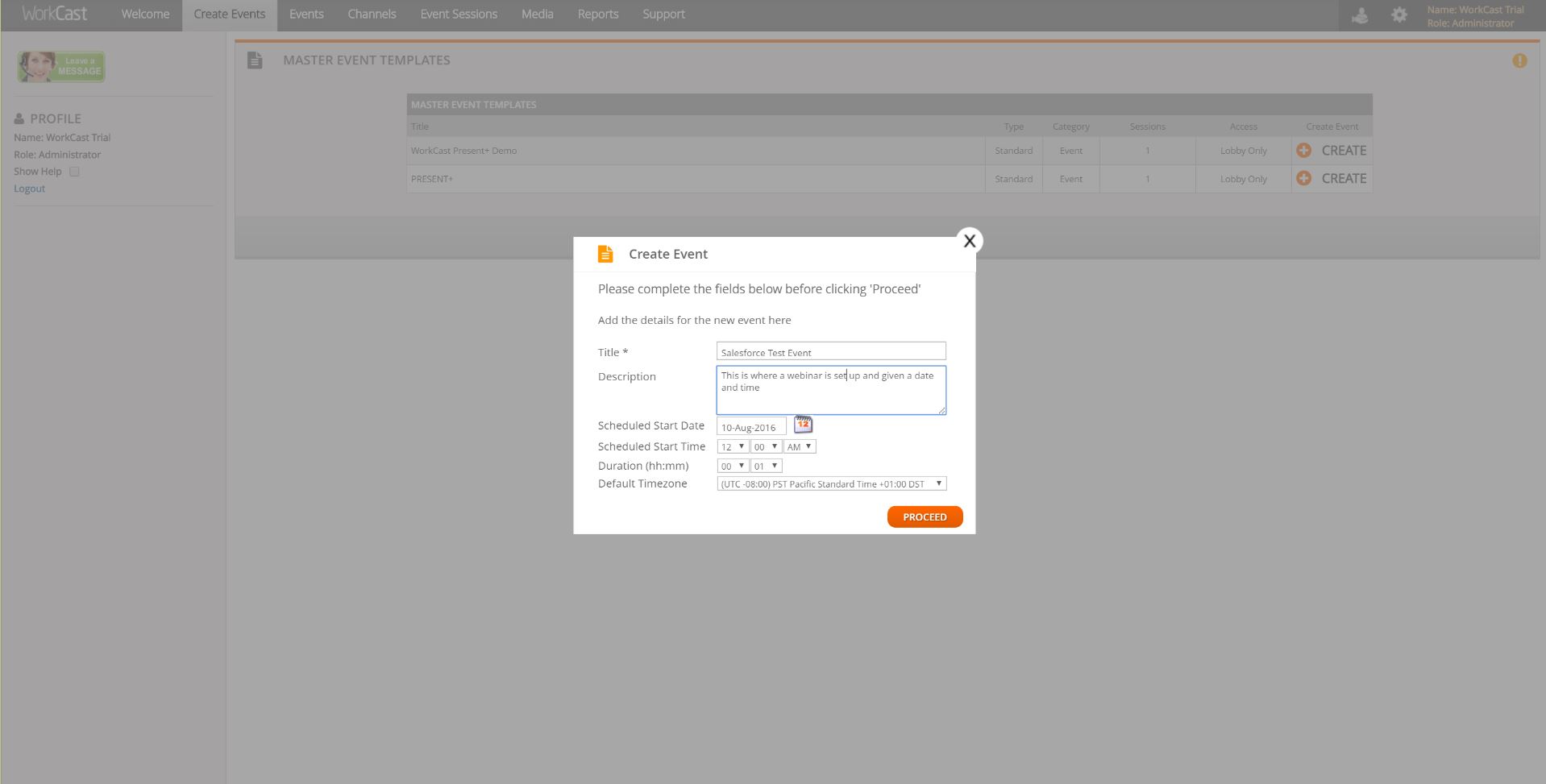
Present+ is a fully featured webinar tool that is designed to allow users to quickly create webinars. It includes registration, email communications, live and on demand events, and advanced branding capability. All on-demand recordings of live webinars can be recorded automatically and are fully hosted.
Present+ is a browser-based, mobile and multi-device friendly platform. No app installations or plugin downloads are required.
N/A
Zoom Workplace
Score 8.4 out of 10
N/A
Zoom Workplace, Zoom’s open collaboration platform with an AI Companion, empowers teams to be more productive, and strengthen customer relationships throughout the customer lifecycle with Zoom’s Business Services for sales, marketing, and customer experience teams, including Zoom Contact Center.
Web Development Instructor + Alumni Community Manager
Chose Google Hangouts (Classic)
Zoom is a lot better for presenting so I use it when I need those extra features. It is paid and the pricing can get a little pricey so that's why I stick with Google Hangouts for most meetings.
Google Hangouts (Classic) is better than those two competitors if you want [the] ease of use within Gmail. One does not need to go to a separate site to set up a meeting. You just select the link to add the Google meeting link within the scheduler.
Google Hangouts app is already integrated with many apps users already are familiar with. The program is accessible on many platforms which makes it easy for users to conduct business without having specific devices on hand. It really helped that many people were already …
I prefer Google Hangouts (Classic) to Microsoft Teams and Zoom, in terms of ease of use. It is quicker to use than setting up a Zoom room, for example. I always have the tab open in my browser and get pinged when colleagues chat me. Same with the phone app - I have it on during …
Zoom is solid but it's a whole other thing to log in to and limited in what its focus is. Slack has the chat functionality but Google Hangouts is integrated into my every day use and I don't feel like it's yet another thing to manage and keep track of.
Zoom allows us to connect to a large number of people but personally I face problems while using Zoom on the mobile phone, it needs a high-speed network and lags too much. While on the other hand Google Hangouts is lite and easy to use on mobile phones, it's easy to connect and …
It is available for free to use for personal. Easy to use. Syncs with gmail. Maintains history. Group chat and also video call are available. Helps to stay in touch with a group of friends. Fun app to use and have on your smartphone. Privacy can be improved further. We can also …
Google Hangouts is honestly just the easiest to use because it is already integrated with other products in the Google Suite (such as Gmail, Google Calendar, Drive and more) so you don't need to approve and secure any other app to use this, which is nice because we already use …
Google Hangouts provides much better chat and messaging features than Zoom. It also provides better user management and is overall more cost effective. Zoom provides better video quality and conferencing, with the ability to schedule calls ahead of time, record in the cloud, …
Google Hangouts is free or inexpensive, while Zoom does cost money. Zoom is better quality though and easier click to join, not all customers want to install Zoom.
Google Hangouts is simply more convenient for chatting and video integration! The quality on Zoom or Jabber, and video functionality may be higher, but I'll often choose convenience and user accessibility over quality, though it depends on the situation. As a remote worker, I …
Google Hangouts is a much better tool for internal conferencing and can be a good back up when GoToMeeting is not working or is simply just down. I would never recommend Google Hangouts as a company's primary video conferencing software but if they could add a few more …
It is a free tool that is used with your Gmail mail, the video conferences are of quality, we can share several important documents, You can use other channels at the same time to communicate, Really the hangouts are entering strongly in the tight competition of communication …
Verified User
Team Lead
Chose Google Hangouts (Classic)
The closest alternative to Hangouts is Skype. Hangouts is a lot more practical since it allows easier teleconference setup, and is so much easier to use since it's web based and needs no installation. At work, we use HipChat as well since it's well integrated with Jira, but I …
Google Hangouts undercuts almost everyone on pricing, and has a solid feature set. In particular, it is enhanced when using with a Google Voice number. In this instance it makes outgoing calls to "real" phones trivially easy. It's great for on-the-fly use, too.
Zoom allows us to have more users connected. But, Google Hangouts has better, more consistent high def video quality. It also is much simpler to use and Zoom is drastically limited it seems by not having better integrations, smoother logins processes, and more visible features. …
We previously used Google Hangouts and did not have a great experience. Part of this is because there are limitations to how many employees can be in the same meeting. We had several people get booted from a company meeting on several occasions, which doesn't help employee …
I actually prefer Zoom over Hangouts. I've noticed that the audio and video quality when using Zoom is better and there are a lot less calls/meetings that are dropped due to a change in bandwidth. I also feel like screen sharing/file sharing is a lot easier in Zoom than it is …
Zoom is easier to use than Google Hangouts and Skype, both of which can be very cumbersome. Also, while Google Hangouts has made some changes to its services it still lags behind Zoom. WhatsApp is the easiest to use but has fewer capabilities than Zoom. Zoom is easy to use, …
Zoom blew all the others (GoToMeeting, Skype, Google Hangouts, UberConference) out of the water. Free consumer solutions didn't have the reliability, scheduling, privacy, recording, or headcount capabilities that Zoom boasts. GoToMeeting and Webex are old and clunky to use, …
Zoom beats all the competition. From Google Hangouts to Slack to Skype, Zoom is the best! It is the most stable, has the most functions, and actually meets the needs of the organization. Currently, my company pays for Zoom, so I'm not sure how financially everything stacks up, …
Zoom is much more stable and the quality is superior compared to Google Hangouts or Skype. While we used those software, the quality was not the best, it was harder to set everything up, and it was hard to integrate with our other systems. Zoom works like a charm - it even …
Zoom has higher quality video streams than the competition and provides the ability to record meetings; however, Google Hangouts is more user-friendly and takes little to no training to be able to utilize all of its features (although there are fewer bells and whistles). GoToMee…
Zoom is at the bottom of the other products due to its barebones chat and messaging systems. It's a super basic chat mechanism that doesn't have many other functions—akin to AOL back in the early 2000s. It's difficult to share things and communicate complex ideas. However, we …
Zoom stands well on their competitors, time to time improvements on user interface. Adding more features like screen sharing and VOIP works great. Their customer support is very good.
Zoom is the best enterprise level video software, especially when taking meetings with more than 5 people who are all in different locations. Zoom gives you the ability to host polls, Q&A, and a smorgasbord of other specific features that competitors don't have. The only …
Zoom does what it's supposed to do and it does it really really well. I've had very little issues with Zoom. Once you get used to the format, the second time doing anything is intuitive. My guys like it because it works great on every platform and operating system. Zoom is my …
Zoom's ease of use is unbeatable. We enjoy how easy it is to implement and the great feedback we get from customers and internal employees. We are very happy with our choice and enjoy that Zoom is a Metaswitch partner.
I selected zoom app because it is a power pack of all the features inbuilt in it. Without any second thought it is the only software used worldwide for meeting and video conferencing. All the data are safe and secure. Users can make multiple calls at the same time with …
As mentioned before, I do sometimes use Hangouts instead of Zoom because it cuts out a little bit of time when I just need a meeting for a small number of participants (fewer steps, no need to auth again for Hangouts since I'm a Google cal user). However, Hangouts crashes far …
Zoom is a very advanced and easy to use software when compared to any other. It provides a built-in collaboration tool with HD video calling feature.
End to end encryption is the best part of it.
Zoom just has much better reliability and seamless multi-platform experience than all of the mentioned products. The only mentioned product that still exists for us is Slack.
Zoom just works for us. It has a Linux client, that is why we choose Zoom. We needed a single platform for our video conferencing. One of the things I like most about Zoom is the ability to connect to Zoom using a variety of hardware.
Perfect. Hands down. Zoom suits all of our needs and I attended the conference to ensure we are using all of its functions to the best of our potential. If we aren't, which I realized now that we aren't, then I intend to heighten or user experience from the things I've learned …
Had I completed this review a couple years ago, I would have given a rating of 9 or 10 as Hangouts (Classic) is an excellent product. However, now that Google Chat has succeeded Hangouts, I would not recommend that any new users begin using it where other more modern options are available. Android users who want an internet based instant messaging that also supports calling and video calling could benefit from using Hangouts (Classic) as Google Chat requires the user to also have Google Meet installed to make video calls and there is no voice only calling option.
Zoom Workplace is ideal for many businesses, more so because it saves money by uniting different functionalities into one app - meetings, messaging, phone, and scheduling. The tool keeps teams connected thanks to the amazing collaboration and communication features. In addition, Zoom Workplace is helpful for businesses with a hybrid team, thanks to its effortless connections.
It offers amazing unified collaboration features, including Zoom whiteboard, Zoom team chat, and integrated mail and calendar.
Zoom is a great meeting solution, with features like smart recording, breakout rooms, and personalized video and audio, making it a functional business meeting tool.
It is equipped with amazing AI features that help summarize meetings, generate content, and provide quick catch-up, allowing one to ask AI questions without interrupting meetings.
I would like to see improved video support, so that saved videos can be sent back and forth via Hangouts more easily, without having to start a separate meet chat
More pronounced notifications of messages would be helpful; pop up notifications are good, but once there is one, additional messages do not pop up
Custom muting times would be great, so that if I am in a 90 minute Zoom meeting, I can set it for that time; right now, it is 1 hour or 2 hours. Easy to forget.
I don't think there is any malfunction in their solution; it's extremely convenient to use, be it creating a meeting invite, adding people, sending any extra stuff to them. It's quick, and this is the only tool that works seamlessly even on Androids.
We're sticking with Zoom for the foreseeable future--given its compelling feature set, ease of use, and advanced technology, there's just no other competition to be excited about. Plus it's a Gartner-recognized industry leader, so it's a rather easy choice.
The tool is almost self-implemented. It is likely to be available in every pc or mobile device a user or potential user might have, and all you need to do is adding the company's account and you are done. Once you are setted up, you have almost all actual communication methods available in one tool
Zoom is made for the non tech office. It has features that can be made to do what you need to run things on a day to day basis. Immediately we we able to get meetings going with remote employees. The ability to be able to add smartphone connected people was a big plus. Zoom met our needs at the time.
There have been less than a handful of outages during our two years with Zoom, and whenever there was one, an email informing us of the outage went out immediately, and they had the issue resolved shortly thereafter.
Zoom has among the best performance of any video conference platform, as I've mentioned several times. Besides that, their Chat platform works great, and their back end always runs smooth. It's unfortunate that reporting can now only be done by one month at a time, but nonetheless, it only takes a second to run any kind of Zoom report, whether it's an attendee report, Poll results, a user report, a list of meetings from the past month, etc.
Google Hangouts works great and does not require a lot of work to troubleshoot. Everything is simple and easy to use. Google provides all of the tools that one requires to utilize Google Hangouts and any information can be found in the built-in help tools. There is also a forum for users to report issues and typically, Google responds well and will try to work out any issues.
Because I got a response right away, and was assigned one specific individual to work with me from the beginning to the resolution. I had an actual email address and direct contact with this person without having to start over and over every time I contacted Zoom - this singular individual remained attentive and was well informed on the subject matter and quite able to resolve my needs.
If you receive any pushback from higher ups, point to any of the various positive reviews like this one. Or show Zoom's excellent Gartner report, or articles describing Zoom's partnership with Sequoia capital. It's not difficult to show how Zoom is a trustworthy industry leader with best-in-class technology.
Google is the white cotton socks of the conferencing world. It’s a great ad-hoc tool, but not too much more. If you are not looking to spend money or operate completely on WiFi (without data charges), it’s a great free option as well. The benefit of being free and open is also the liability. It doesn’t have a great integration story with other corporate tools, but [it doesn’t have to] if you aren’t looking for that. All in all, it’s as helpful and ubiquitous as a public payphone…without the pay…and with a video capability.
Products such as GoToWebinar are great, but they never truly met our expectations or requirements. We used them for years, but the lack of audience engagement was poor, both in terms of when actually in the webinar and when promoting it. The most annoying feature was the fact the process was disjointed - to watch the webinar, you had to leave the landing page, which was massively frustrating.
Teams do not stack up to Zoom at all. My clients use Teamas because it is a corporate policy, and they use it most of the time between employees of the same company. It makes sense for this, NOT for me. Every time a Teams meeting is launched, since I am not part of this company, the meeting is laborious, the interface is not as nice as Zoom's, sharing documents is more difficult, etc., etc. Zoom is superior to Teams in every way!!!
The billing and price model is really fair for so many functions that they offer, our remote work requires each of the features that Zoom offers, so accepting payment for a tool like this is the least we can do. I like that billing arrives on time and that they offer opportunities and payment times.
Because the Basic licenses are completely free, and because it's very easy to configure and install Zoom, and because anyone can join Zoom from a link without needing an account, scaling is a Breeze. There are absolutely no roadblocks. My company keeps adding more Zoom Pro license every week since it's so in demand. We were able to convert users from several different platforms onto Zoom with no trouble at all.
Zoom is perfect for our business. We use it to video chat with prospective clients. The name recognition alone gives us credibility and it is very easy to screen share and send content out.
I believe it was part of the google suite that was purchased. It was worth the cost as it was cheaper. I believe it is now free, but also becoming deprecated. It is much better to use Teams, Discord, Telegram, etc. Google does not provide enough support or features to make using hangouts worth it these days.
We are still early in our adoption of Zoom Workplace for business, so we don't really have any data to show cost savings.
The ability to take a call summary or meeting summary and add it to our practice management system have been remarkable. It's a quick copy/paste and it's in the system. Prior to this, we would have to scan in notes and save them into the system, if it even got that far. Mostly, attorneys would be searching through legal pads for the notes of a previous meeting or phone call.