Gusto offers payroll, benefits and compliance capabilities. Gusto is scaled for small to mid-sized businesses, and emphasizes an easy to use interface.
$49
per month
Paychex
Score 6.9 out of 10
N/A
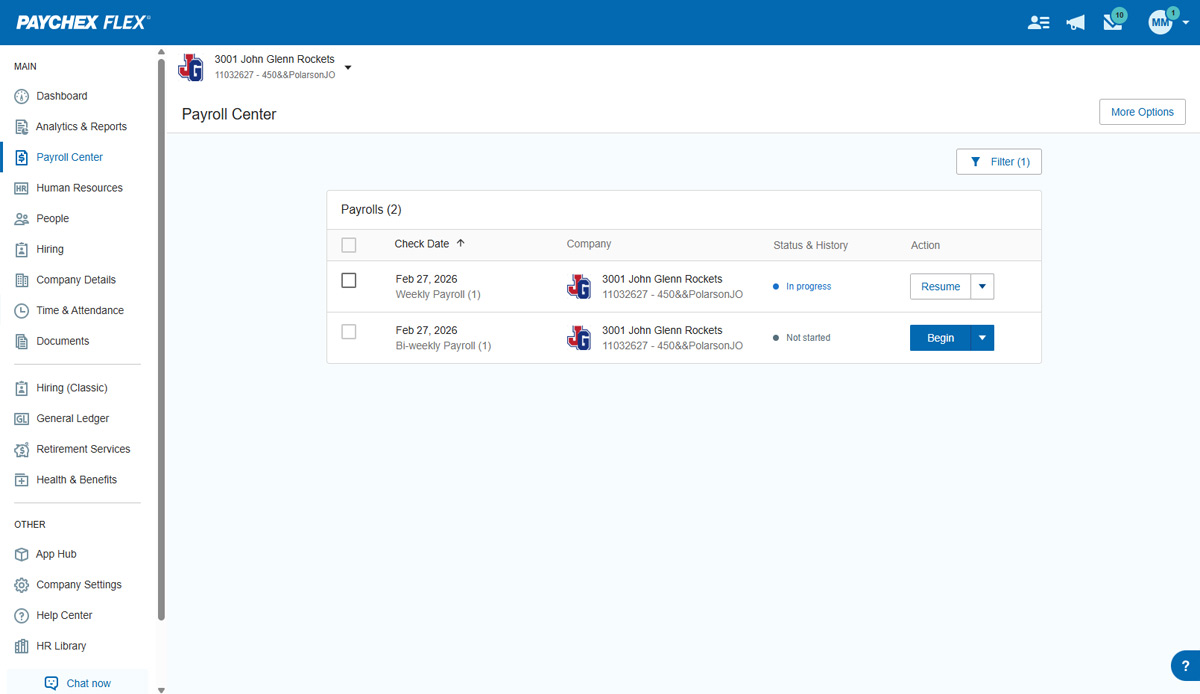
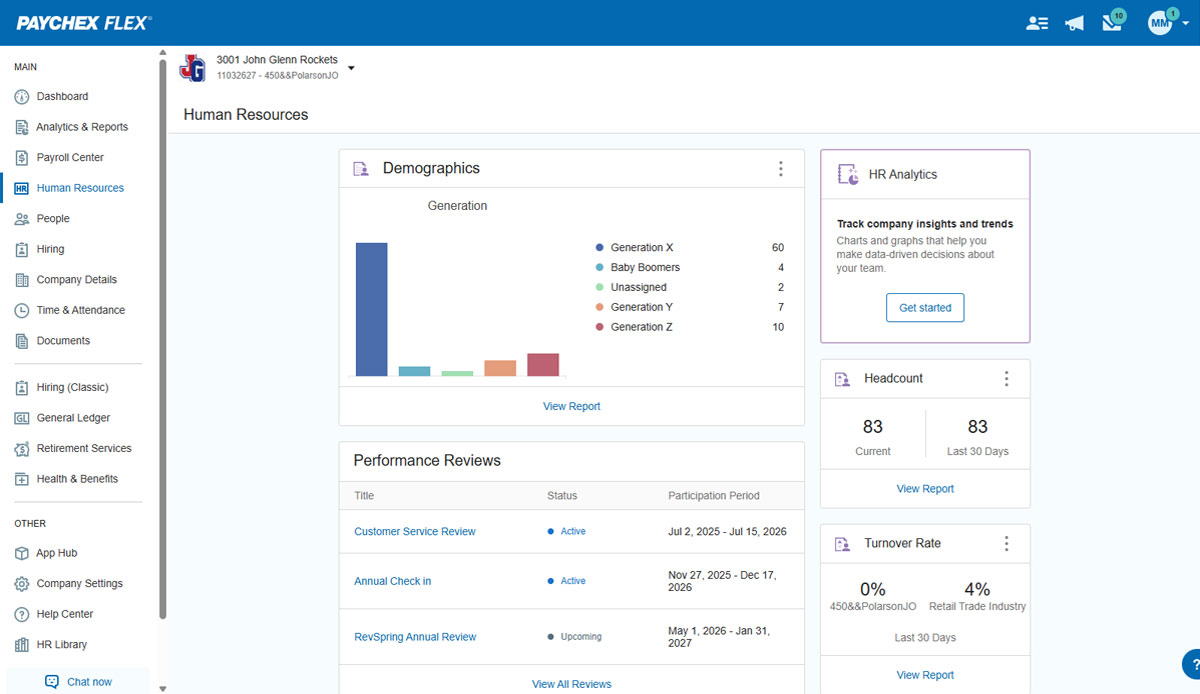
Paychex Flex, of Paychex' Online Payroll Services, is a cloud-based human resource management and payroll platform. Paychex offers core and specialized services, and scales to meet the needs of small businesses, SMBs, and large enterprises.
N/A
Square Payroll
Score 6.1 out of 10
N/A
Square Payroll is a payroll solution for hourly employees, from Square headquartered in San Francisco, California.
$29
per month
Pricing
Gusto
Paychex
Square Payroll
Editions & Modules
Simple: A streamlined set of automatic payroll features and benefits integrations
$49/month + $6/mo per person
per month
Plus: Comprehensive payroll, benefits, and HR tools for employers building a great place to work
$80/month + $12/mo per person
per month
Premium: Scalable payroll and benefits, expert HR, and dedicated support for the complex needs of growing teams
$180/month + $22/mo per person
per month
Paychex Flex Pro
Custom Pricing
per month/+$4 per employee
HR Pro
Custom Pricing
HR PEO
Custom Pricing
Paychex Flex Select
Custom Pricing
Paychex Flex Enterprise
Custom Pricing
Free
$0
per month
Plus
$29
per month
Premium
Custom
Offerings
Pricing Offerings
Gusto
Paychex
Square Payroll
Free Trial
Yes
No
No
Free/Freemium Version
No
No
Yes
Premium Consulting/Integration Services
Yes
No
No
Entry-level Setup Fee
No setup fee
Required
No setup fee
Additional Details
Gusto offers three pricing plans for payroll, benefits, and HR.
Gusto blows PayChex out of the water when it comes to small businesses. For a much larger business model, Paychex Flex might have the advantage though.
I have used/seen Paychex Flex being used for a nationwide company with 100s of employees. For the accounting team in that …
We switched from Paychex to Gusto due to challenges in employee management and onboarding. Gusto has significantly improved our experience with its efficient and error-free processes, making payroll and HR tasks smoother and more reliable for our team. One personal incident was …
I have only used Gusto from the employee side, but have used Square Payroll from both the employer and employee side and I still think Gusto is much more user friendly, better UX, easier to find information, etc
Gusto has a glitch-free on-boarding process that surpasses all of the other systems that I have ever tried and used. Rippling is the only other platform that comes close to the Gusto online experience, but Rippling has its PEO/behind-the-scenes legacy system glitches, and it's …
I honestly don't remember any others besides Paychex.. I don't recall having the ability (as an employee) to split my own direct deposits, or even remember a nice portal to log into. Perhaps they do have it and it wasn't communicated well to me. Gusto has always been super easy …
Almost the same price BUT Gusto actually could run the payroll I needed (in multiple states for one employee) and that was ultimately why I switched. Square also didn't make me feel confident about their customer service and I often needed to call a few times about the same …
Gusto is better than Square, but more expensive. Worse than Rippling, which is a very advanced offering with a ton of features and customization, but it is more expensive More features than Quickbooks payroll as well and slightly cheaper
Paychex was horrible. We were having problems with them on a monthly basis. We had a new account manager almost quarterly who never seemed to have note on the practice.
I could not understand the logic of these platforms and found myself constantly using the help articles, which were also not that helpful. They were very confusing, and I was often not sure if the things I had been trying to do were actually completed.
Gusto is more accurate and allows for more efficiency when tracking employee hours. While I am not the admin on our account, I notice that this product has impacted our team better.
In my former job, we used this system to clock in and clock out for work. It was pretty hard to manage your hours because there was no mobile app that went with it. We also didn't get any sort of pay info because the only thing we would get on pay day was a direct deposit.
Gusto is far superior to other payroll software I have used! I can clock in and out using the app, so there is no longer a need for a workplace time clock. Gusto is the first software I've used that reminds employees to check their hours at the end of a pay period, …
I thought that Gusto's solution was more modern and flexible. All of that would be fantastic if they gave any care to onboarding correctly, customer service, and honest sales tactics... but in my opinion, they do not so I feel it's worthless.
Gusto has been my favorite option both as an end-user (ie. employee) and admin (ie. employer). It's easy to use, has all the features we need, integrates with Guideline (our preferred 401k provider), and priced well for great value.
Comparable prices are overall with other payroll service companies. I can't do all the complicated payrolls like a few others, but overall good to work with 90% of our clients.
Gusto is a much easier platform to use and integrate with. It may lack a few features of Paychex, but it has most features, is easier to work with, costs less money and does most things better.
Verified User
Director
Chose Paychex
Gusto is more intuitive than Paychex and easier for smaller companies. Paychex has better customer support than Paylocity. Paychex is easier to navigate than Paycom.
Most of the reporting is a little easier to find and create in Paychex Flex. Most of the web interfaces for submitting payroll are fairly easy just like Paychex Flex.
Gusto is well-suited for small businesses looking for a one-stop platform for payroll, tax-related tasks, and onboarding. It has many automated features that make tasks related to running a business/running an S-Corp simpler. I have not tried any other similar platforms, so I am unsure how it compares, but the pricing Gusto offers feels reasonable compared to other providers.
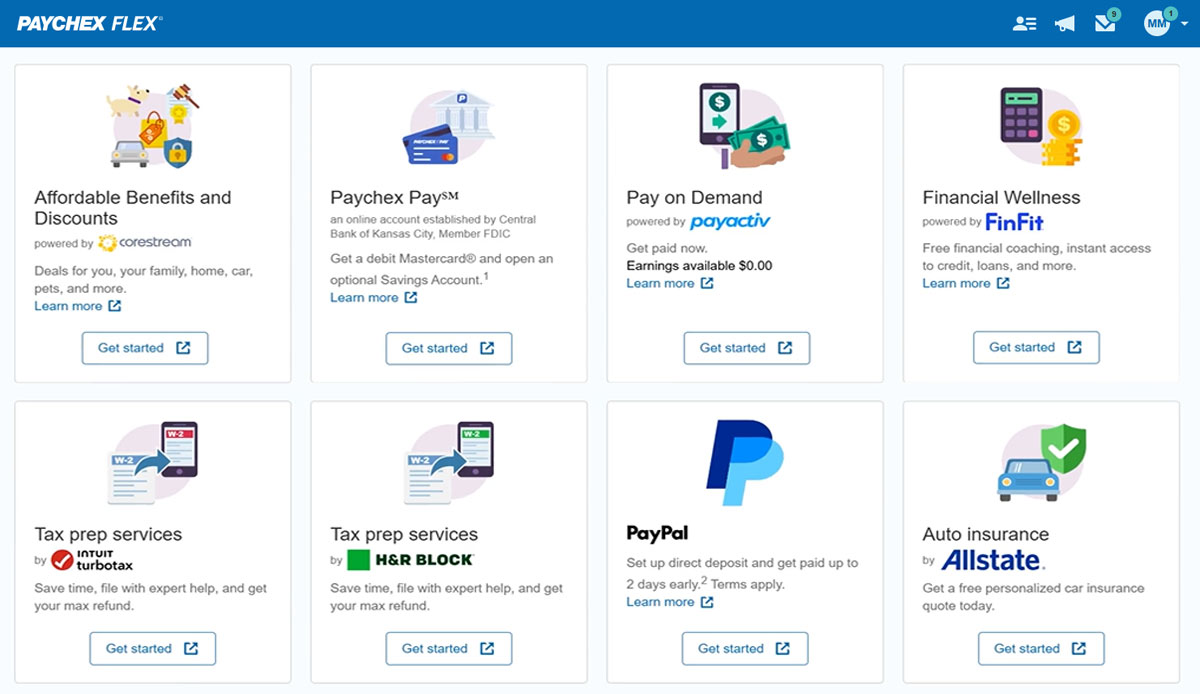
Paychex is great option for smaller employers as the site offers perk benefits to employees at no cost to the employer. I don't see anything like this being offered at competitors such as ADP RUN/Total Source, Bamboo, Trinet, Justworks or Gusto. Also, the initial set up is relatively easy and the dedicated support for set up is great along with our regular dedicated payroll support.
Square is an amazing platform to have total control over the payroll of all the employees of a company or a specific sector. This platform has a very good functionality to collect exact information on how long each employee works, that is one of its most outstanding characteristics, because it monitors work schedules and overtime and generates detailed reports on the work time of each employee. Square does not allow to schedule payments, that is one of the main problems, however, I consider that it is a very good option for small and medium-sized companies that are looking for a way to have more exact administrative control over the working hours of all their employees. It is a software that works in the cloud, so all the work information that is collected will remain safe without any risk of loss.
Gusto upsold us labor law posters, but I later found them available for free online. Since we’re a fully remote team, I had to manually download and distribute them digitally. It would be much more efficient if Gusto offered free, auto-distributed digital posters tailored to remote compliance.
Benefits setup is unintuitive for startups
While our rep was helpful, navigating the benefits system felt complex and not tailored to early-stage companies. More guided flows or simplified options for small, remote startups would be a big help.
Limited dashboard customization for remote workflows
As a fully online company, we’d benefit from dashboard options that highlight relevant tools for remote operations—like compliance tracking, digital communications, or onboarding checklists.
I understand logging you out is a security function, but I'd prefer it not to log you out so soon.
The training we received for the team's meeting was subpar, in my opinion. Probably better geared for people with little to no computer experience. Very slow pace; we could have easily received all of this from some tutorials in a few minutes.
Unless they break it, I'm never leaving. It's just too easy. Gusto is also really affordable, and for what I pay, it's worth having the historical record within the system. I like that I can go back and pull up W2's for year's past. This sort of easy access reporting, has been helpful especially when getting reports for PPP loans.
Overall I like the features that Paychex Flex offers. I am sure that there are other features that I am unaware of, so I am excited to see if there is more that Flex is capable of to make my job easier. The basic features are really user friendly and easy to access. If there ever is an issue customer service is great
Wonderful overall usability – especially for the new business owner. The user interface is clean and intuitive, so it's easy to find what you're looking for. They also have great explanation pages ingrained into the process, so if you get stuck knowing what to do next, there's a link right there to walk you through the process!
Employee usability is very good and user-friendly. For the most part, the employer usability is good, but for complicated rules and policies, it requires technical assistance, which in our case, was clunky and slow in implementation. Once is place, everything works as it should
It could use a mobile-friendly interface. Other than that it's a simple layout and non-cluttered which allows you to get done what you need to get done. No unnecessary dodads or distractions.
We have not experienced any difficulties with unplanned outages. Notifications are always made for outages, and they do not effect normal business operations.
Unless there is lag time within the internet, the Paychex Flex website loads exceptional fast, pages load quickly and reports that I need to print or download load quickly. If I need to create a specialized report, once I complete it I receive an e-mail telling me my report is ready to be downloaded. Changing between web pages is fast as well.
Gusto's customer service has really deteriorated lately and they seem to have really changed their focus. It used to be when you called you were routed to an individual who knew about payroll, benefits, reporting, etc. but now you get someone who seems to have not received the correct training. My last call about a dismissal payroll took me over an hour of my time and the person still could not help me and finally transferred me to someone else.
Chat has been helpful but the person I chat with isn't always able to help me with my questions. Phone support is ok, depending on your payroll specialist. We have a great one currently, but the few before that were never available and did not return calls.
I think they have quick and helpful customer service reps, however, I give them a 9 because I have had to wait on hold for long periods of time before.
It was easy to understand and follow along. I do like the informational videos that we can utilize before we opt to call in for customer service support. It has made a difference since sometimes that resolves the issue I may have had and saved myself a phone call to Paychex support.
Reach out to support immediately if you are having trouble setting up Gusto. Rather than being confused and trying to figure it out yourself, it's much better to talk to someone who knows what they are doing. Save yourself time and frustration and reach out to support
Implementation was very smooth. The most cumbersome task was entering the current employees into the system during initial set up, but Paychex staff handled most of that and verified against prior system reports as well as internal reports provided to ensure 100% accuracy.
It's been a while since I used QuickBooks for payroll, but it doesn't even come close to it. Gusto is infinitely easier, allowing for employee time tracking, handling calculations and payments of payroll and payroll taxes, managing regulatory compliance in the background, and more. I had a lot of moments using QuickBooks Payroll where I thought, "Am I even doing this right?" — it felt like you had to have additional knowledge of HR regulations in your state to do everything correctly. Gusto has it ALL handled so you can focus your time on higher-impact tasks in your business.
We still use QB Desktop Pro to maintain a Check Register / Overall Balance for the company, but once having tried QB Payroll Online for about 3 months prior to finding Paychex Flex I can tell you that there's just no comparison. QB online is VERY EXPENSIVE and not so user-friendly. I hated every minute of those 6 payrolls we ran through QB online.
I liked patriot, but I found it to be more confusing than Square and took me too much time to setup. I setup Square Payroll in about an hour. I would also say the Square interface made more sense to me. I also like how Square offers more things like benefits, etc. that can be added on.
I generally do payroll at the office, however I have had to go remote due to internet issues and also had to take payroll on vacation with me. Very easy to log in wherever you are and manage your TAA and payroll
I am not involved enough to know well, but I would say that Gusto has saved me about 1-2 hours in my onboarding process with my new company compared to my past experiences trying to onboard with ADP. I have also finished the process and am not frustrated like usual.