Instapage is a growth marketing platform that includes a builder for PPC, SEO, demand generation, A/B testing, personalization, and email automation. It is used to convert visitors into customers, engage them at every touchpoint, and optimize performance across the marketing funnel.
$99
per month per user
Webtrends Optimize
Score9.7 out of 10
N/A
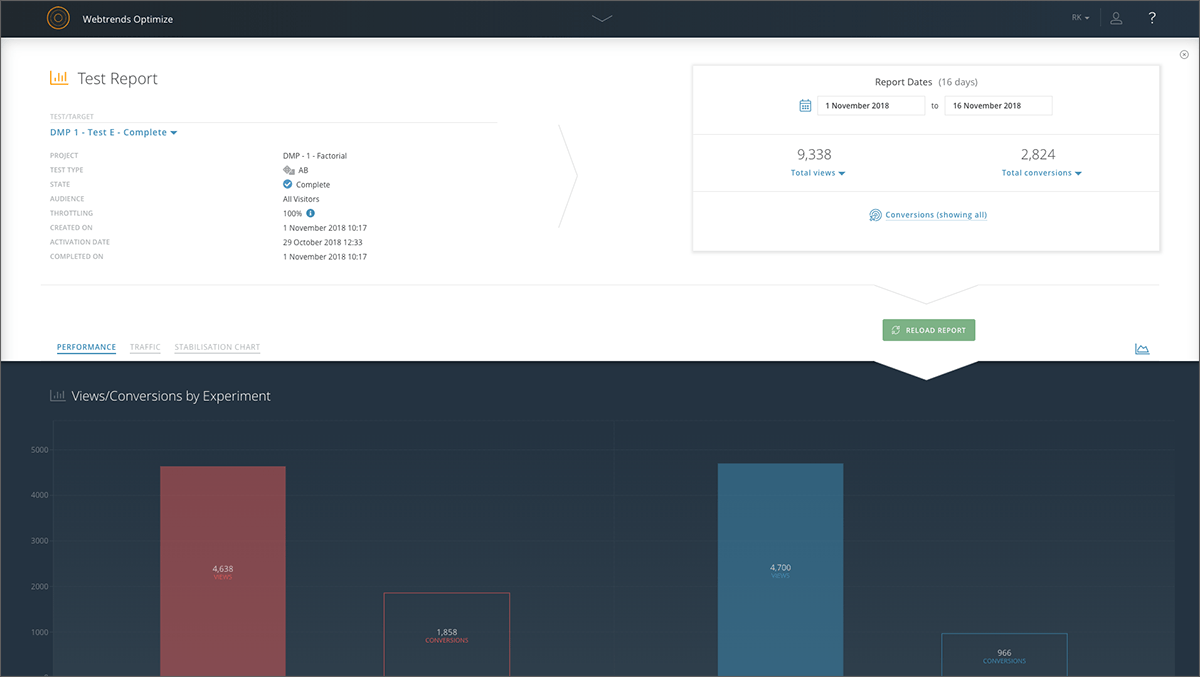
Webtrends Optimize is a web optimization platform and is offered by the company of the same name. The product competes most often with Adobe Test and Target, Maxymiser, SiteSpect, and Optimizely.
N/A
Pricing
Instapage
Webtrends Optimize
Editions & Modules
Create
$99
per month 15,000 unique monthly visitors
Optimize
starting at $199
per month starting with 30,000 unique monthly visitors
Convert
Custom Pricing
No answers on this topic
Offerings
Pricing Offerings
Instapage
Webtrends Optimize
Free Trial
Yes
Yes
Free/Freemium Version
No
No
Premium Consulting/Integration Services
No
Yes
Entry-level Setup Fee
No setup fee
No setup fee
Additional Details
20% discount for annual pricing.
There is no tiering and no different prices for different tools. The entire feature set is available to all users as standard at one price, agreed up front.
More Pricing Information
Features
Instapage
Webtrends Optimize
SEO and Conversion Optimization
Comparison of SEO and Conversion Optimization features of Instapage and Webtrends Optimize
Feature
Instapage
8.4
4 Ratings
34% above category average
Webtrends Optimize
-
Ratings
Landing page A/B testing:
10.04 Ratings
00 Ratings
Dynamic page text replacement
7.33 Ratings
00 Ratings
Real-time analytics dashboard
7.04 Ratings
00 Ratings
SEO tools
7.73 Ratings
00 Ratings
Optimization recommendations
10.04 Ratings
00 Ratings
Testing and Experimentation
Comparison of Testing and Experimentation features of Instapage and Webtrends Optimize
Feature
Instapage
-
Ratings
Webtrends Optimize
8.3
1 Ratings
1% below category average
a/b experiment testing
00 Ratings
9.11 Ratings
Split URL testing
00 Ratings
8.21 Ratings
Multivariate testing
00 Ratings
8.21 Ratings
Multi-page/funnel testing
00 Ratings
8.21 Ratings
Cross-browser testing
00 Ratings
8.21 Ratings
Mobile app testing
00 Ratings
8.21 Ratings
Test significance
00 Ratings
8.21 Ratings
Visual / WYSIWYG editor
00 Ratings
8.21 Ratings
Advanced code editor
00 Ratings
8.21 Ratings
Page surveys
00 Ratings
8.21 Ratings
Visitor recordings
00 Ratings
8.21 Ratings
Preview mode
00 Ratings
8.21 Ratings
Test duration calculator
00 Ratings
8.21 Ratings
Experiment scheduler
00 Ratings
8.21 Ratings
Experiment workflow and approval
00 Ratings
8.21 Ratings
Dynamic experiment activation
00 Ratings
8.21 Ratings
Client-side tests
00 Ratings
9.11 Ratings
Server-side tests
00 Ratings
8.21 Ratings
Mutually exclusive tests
00 Ratings
8.21 Ratings
Audience Segmentation & Targeting
Comparison of Audience Segmentation & Targeting features of Instapage and Webtrends Optimize
Feature
Instapage
-
Ratings
Webtrends Optimize
8.2
1 Ratings
7% below category average
Standard visitor segmentation
00 Ratings
9.11 Ratings
Behavioral visitor segmentation
00 Ratings
8.21 Ratings
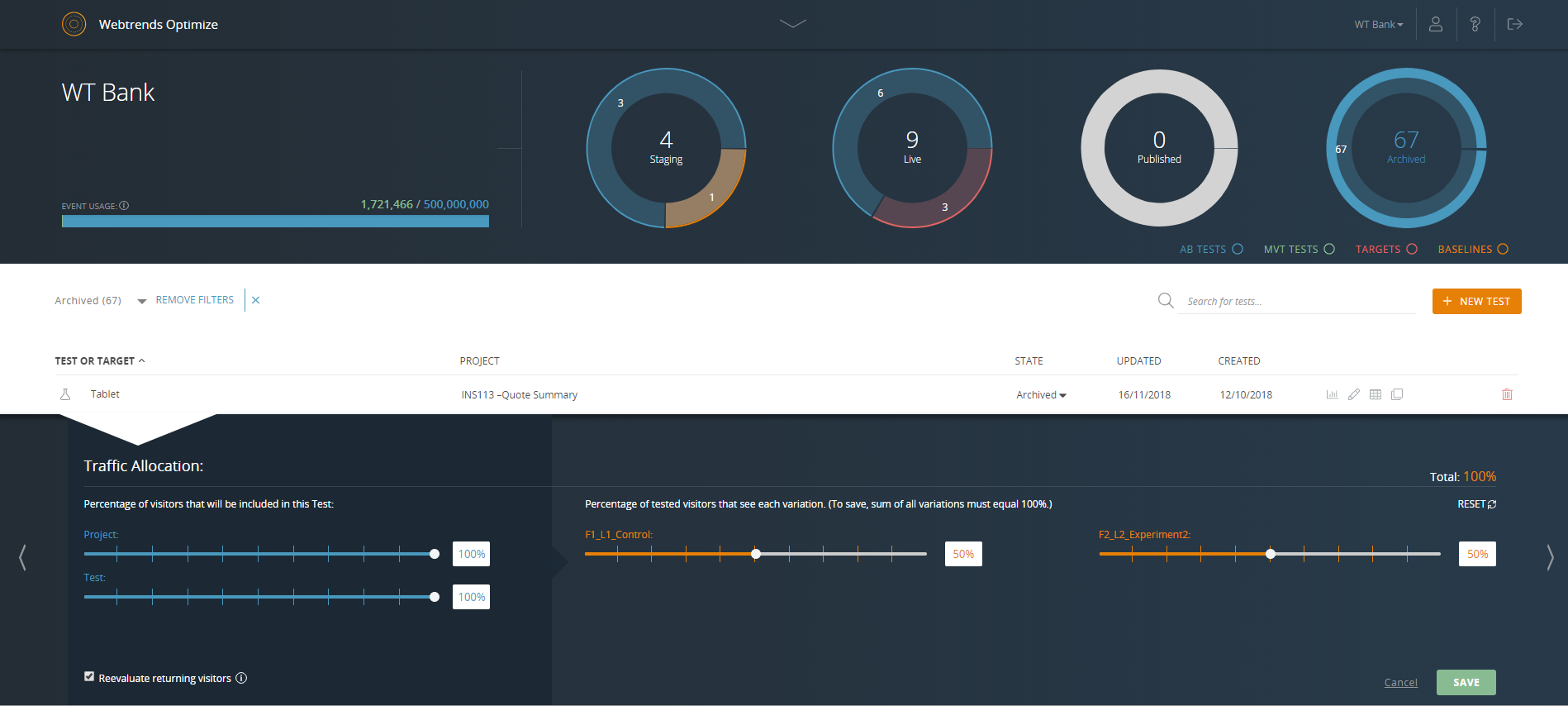
Traffic allocation control
00 Ratings
7.31 Ratings
Website personalization
00 Ratings
8.21 Ratings
Results and Analysis
Comparison of Results and Analysis features of Instapage and Webtrends Optimize
Well-suited for simple landing pages which don't have any complex functionality. Great for creating landing pages for lead generation campaigns - as it comes with tons of excellent templates and a variety of forms. Not great for pages that contain a lot of information and can potentially be very long. We found that Instapage is not a great fit for building pages that need to be updated frequently, like a blog page.
A de minimis incentive was given to thank the reviewer for their time. The incentive was not used to bias or drive a particular response, nor was the incentive contingent on a positive endorsement. More Info
Webtrends optimize is a marketing solution aimed squarely at transactional and eCom based websites. I would only recommend a colleague to engage with the solution once the marketing dept is at a point where their website is fully optimized in regards to SEO and all the other fundamentals in order to truly build upon what Webtrends can offer. This shows you an easier way of measuring your ROI and the money you will invest with the tool-moving forward.
A de minimis incentive was given to thank the reviewer for their time. The incentive was not used to bias or drive a particular response, nor was the incentive contingent on a positive endorsement. More Info
Instapage makes it easy to frame out a landing page really quickly. They provide template blocks for various components of a landing page (header, features, testimonials, etc.) that you can easily modify for your own needs. Other tools provide whole-page templates, but I much prefer the section-level templating. It's more convenient to assemble a page this way and add the details on top of that versus taking a finished template and peeling away design and functional elements to get what I want.
Instapage's mobile auto-resizer works better than other platforms I've used. I found that I had many fewer adjustments on their auto-resizing of the full page than I've experienced with other tools. I still had to work with text size a bit, but they generally did a better job of ordering elements for mobile the way I would want and maintain proportionality of page elements better.
Instapage has a lot of integrations that marketers will love. I don't know if they particularly stand out in this respect, but this is a particularly important aspect of their tool that most marketers will care about.
A de minimis incentive was given to thank the reviewer for their time. The incentive was not used to bias or drive a particular response, nor was the incentive contingent on a positive endorsement. More Info
Intuitive test set-up makes for a low learning curve.
Ability to create custom data tables which enable exporting of visitor level data for more in-depth analysis outside of the Webtrends Optimize platform.
There are only a couple of minor issues that I dislike. One is offering a Drupal community-approved update to their module. We are using a slightly older version of Drupal and it appears they don't have plans to offer a Drupal-approved update to their module for that version.
There are also random bugs when trying to format text. For example, sometimes a sans serif font appears as a serif and doesn't seem to want to change.
If you work with a template and some code, it can be challenging to edit the default coding.
The built-in forms can be a bit limiting.
The program will try to automatically reformat for mobile, but it may not always be exactly the way you want it to look, so there is a bit of redesigning required when going to mobile.
A de minimis incentive was given to thank the reviewer for their time. The incentive was not used to bias or drive a particular response, nor was the incentive contingent on a positive endorsement. More Info
The cost is a factor. When you're trying to save money, particularly as a startup (a lot of our clients are up-and-comers) it has to be seen as an investment...but the cost to implement the system is fairly large.
There's a bit of a steep learning curve, you can't just dive into the program.
It's not impossible but it's not as easy as snapping your fingers to easily implement the program cross-platform.
A de minimis incentive was given to thank the reviewer for their time. The incentive was not used to bias or drive a particular response, nor was the incentive contingent on a positive endorsement. More Info
I've tried all of the other landing page services on the market, and this is literally the easiest to use. I am not a designer or software developer, just a simple guy and if I can learn how to use it, anyone can. That's what won me over. Their support and pre-made templates are awesome, but the usability is what I love!
Set up of basic tests that do not use segmentation or targeting is an intuitive experience that can be learned quickly by new users. However, as the need for segmentation and other more advanced capabilities arise, the experience begins to degrade.
HubSpot was terrible because it required a lot of coding experience if you wanted to work outside the given 4-5 templates. If you wanted a new template built, or to rebrand existing templates, they charged you. Very inflexible program and was very challenged by it. Our main website was built using WordPress, which is great for building webpages, but more difficult to build a landing page without the distraction of the top navigation menu. Instapage literally answered all the problems we were seeking to address: simplicity, customization, ease of use.
A de minimis incentive was given to thank the reviewer for their time. The incentive was not used to bias or drive a particular response, nor was the incentive contingent on a positive endorsement. More Info
Webtrends Optimize can be used for much more complex tests, allows better conversion tracking and data collection. Visual Website Optimizer (VWO) is suitable for smaller, simple projects. Webtrends Optimize comes with an excellent consultancy that could save you a lot of time and resources
We've not had much of a conversion rate on some of our landing pages -- but this could be because we are relatively green with the marketing side of things and forget to send people to it. It's not easy for people to find on their own -- so I highly recommend you use some of the "hidden" SEO tools to increase the ROI. Without it, you're not going to be happy with your investment.
A de minimis incentive was given to thank the reviewer for their time. The incentive was not used to bias or drive a particular response, nor was the incentive contingent on a positive endorsement. More Info
So far we haven't seen an ROI that we can accurately measure due to only running a couple of tests that haven't resulted in direct, site wide changes. However, we have learnt a lot about how to set up the right processes and documentation.