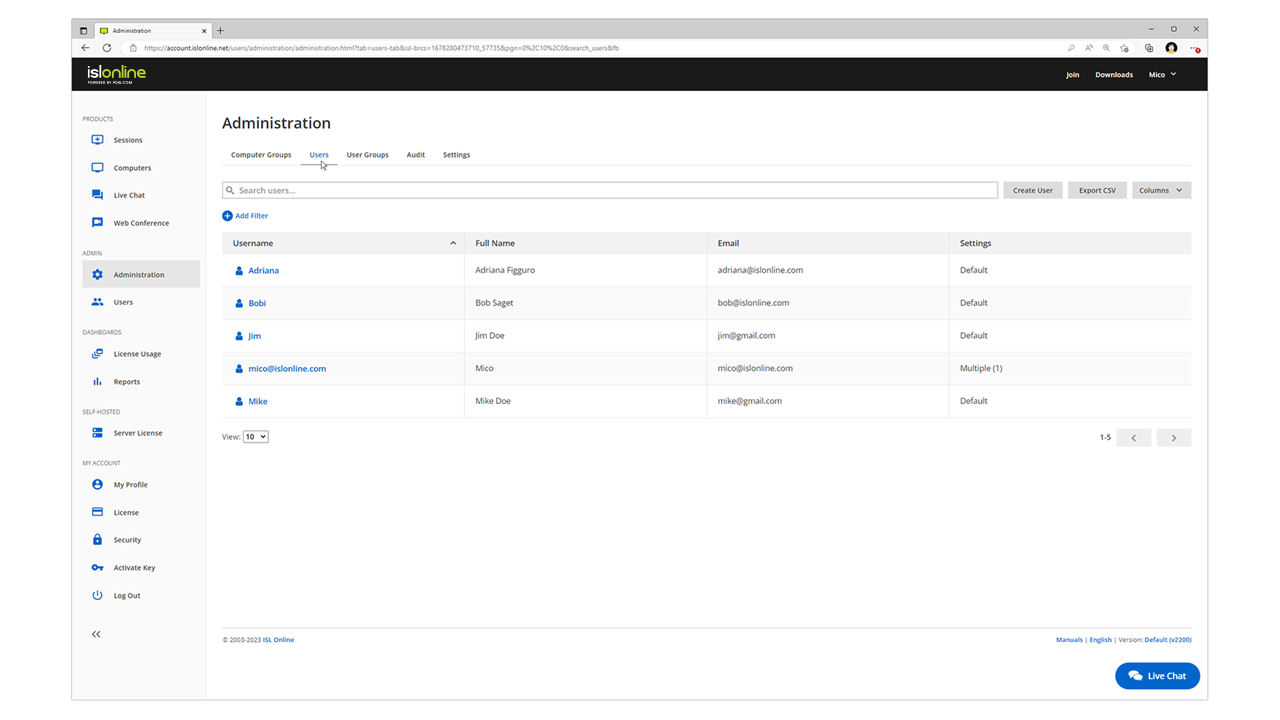
ISL Light is remote support and remote access software that enables SMBs and large enterprises to offer fast and efficient support and maintenance for Windows, Mac and Linux computers as well as mobile device support for Android and iOS.
$16.90
per month (1 concurrent user)
LogMeIn Rescue
Score8.2 out of 10
N/A
LogMeIn Rescue is an enterprise remote support solution that provides IT helpdesks and customer support organizations with the ability to remotely access, diagnose, and resolve issues across endpoint devices. The platform includes in-session diagnostic tools, security controls, and workflow configuration features. The solution is utilized by IT help desks, global enterprises, Business Process Outsourcers (BPOs), and Managed Service Providers (MSPs). It is designed to support…
$149
per month
Pricing
ISL Light
LogMeIn Rescue
Editions & Modules
Starter
$16.90
per month
Standard
$34.90
per month
Self-Hosted
$44.90
per month
Premium
$54.90
per month
Remote Device Support
$149
per month per seat
Rescue Enterprise
Contact Sales
Offerings
Pricing Offerings
ISL Light
LogMeIn Rescue
Free Trial
Yes
Yes
Free/Freemium Version
No
No
Premium Consulting/Integration Services
Yes
No
Entry-level Setup Fee
No setup fee
No setup fee
Additional Details
ISL Online's pricing model considers the number of licenses purchased, which determines the maximum number of concurrent users within the organization. A concurrent user is defined as anyone running one or more sessions simultaneously from any device. There are no restrictions on the number of ISL Light users within a company or the remote devices managed.
For example, with three licenses, an unlimited number of people in a company can use ISL Light and can access an unlimited number of remote devices, but only three users can use it concurrently. When one of these three users ends their session, a fourth user can begin their session, and so on.
Contact sales for Enterprise pricing. A discount is available for annual billing.
I used LogMeIn Rescue for several years, and it has more features rich but is horrifically expensive compared to ISL Light, which was the main reason I changed. Chrome Remote Desktop must be viewed as a threat in the remote desktop application sphere. The features and usability …
A de minimis incentive was given to thank the reviewer for their time. The incentive was not used to bias or drive a particular response, nor was the incentive contingent on a positive endorsement. More Info
Verified User
Chose ISL Light
Cheaper and more reliable. ISL gets the basics right.
A de minimis incentive was given to thank the reviewer for their time. The incentive was not used to bias or drive a particular response, nor was the incentive contingent on a positive endorsement. More Info
CEO in Information Technology at GRID d.o.o. Ljubljana (Information Technology & Services, 1-10 employees)
Chose ISL Light
Much cheaper licence then TeamViewer and much more user friendly than UltraVNC for example. Better performance then AnyDesk or Chrome Remote Desktop. It has simple user interface which can be immediatly understood. But if you dig deeper you see there is in depth capabilites for …
A de minimis incentive was given to thank the reviewer for their time. The incentive was not used to bias or drive a particular response, nor was the incentive contingent on a positive endorsement. More Info
Senior Technical Lead in Information Technology at Xuper (Information Technology & Services, 51-200 employees)
Chose LogMeIn Rescue
LogMeIn Rescue stands victorious when it comes to remote support of customers across the world comparing to some other products because of how well it work across multiple platforms, providing a vast of different support tools, ease of use and availability. LogMeIn Rescue works …
A de minimis incentive was given to thank the reviewer for their time. The incentive was not used to bias or drive a particular response, nor was the incentive contingent on a positive endorsement. More Info
ISL light is suitable for anyone who plans to provide remote assistance services on a medium to large scale. Due to the high entry price, it is less suitable for consultants with a smaller number of clients or remote stations that need management. Their smallest package in which minutes are rented does not seem suitable for most cases.
A de minimis incentive was given to thank the reviewer for their time. The incentive was not used to bias or drive a particular response, nor was the incentive contingent on a positive endorsement. More Info
This remote support tool is essential for the IT environment and is a must-have compared to other applications. From my point of view, it's well suited: it's easy to use, access, and transfer data, and it reduces time and workload. Occasionally, it is unstable and freezes due to network issues, and session quality can be affected. Overall Works best for IT organizations.
A de minimis incentive was given to thank the reviewer for their time. The incentive was not used to bias or drive a particular response, nor was the incentive contingent on a positive endorsement. More Info
A de minimis incentive was given to thank the reviewer for their time. The incentive was not used to bias or drive a particular response, nor was the incentive contingent on a positive endorsement. More Info
Need a control toggle at least on AlwaysOn. User moves the mouse and you lose all control instantly.
Clipboard features are a bit wonky still, and your clipboard seems to get emptied a lot. So if you're trying to copy and paste you might lose something
Passwords for the systems are saved per machine, so if you work from multiple devices it can be tricky if you have complex passwords
A de minimis incentive was given to thank the reviewer for their time. The incentive was not used to bias or drive a particular response, nor was the incentive contingent on a positive endorsement. More Info
By default it would be good to have clipboard sync enabled - disabled instead. So difficult when copying from my computer doesn’t work because of an agent sharing the connection and it will not let us copy information into the client’s computer.
Copying into excel is difficult. It will deselect things that you have highlighted when copying.
Would be nice to make the hierarchy easier when sharing files between clients and us.
Logging into certain environments can be challenging and require customers to be fairly techy to be able to understand how to get logged into client’s computers.
Sometimes login is pretty unstable on certain internet connections even though they are fine when they use team viewer with their IT.
A de minimis incentive was given to thank the reviewer for their time. The incentive was not used to bias or drive a particular response, nor was the incentive contingent on a positive endorsement. More Info
Since we have not had anything other than a couple minor hiccups with LogMeIn Rescue and due to the overwhelming success we have had in implementing as well as utilizing LogMeIn Rescue, I cannot see any reason why would consider looking elsewhere. Overall, we have been highly satisfied with LogMeIn Rescue and have no intentions of making a switch.
A de minimis incentive was given to thank the reviewer for their time. The incentive was not used to bias or drive a particular response, nor was the incentive contingent on a positive endorsement. More Info
Everything works well and quickly, and that's all we need. ISL Light always works, and we've never had a situation where the server was inaccessible or the website was down. It simply gives us a 100% guarantee that we can always log in to our customers' systems. We can install the ISL Light client at our customers' sites without any problems, even though security is high.
A de minimis incentive was given to thank the reviewer for their time. The incentive was not used to bias or drive a particular response, nor was the incentive contingent on a positive endorsement. More Info
LogMeIn allows end users the ability to get help when they are needing it and scheduling it at a time that is optimal pretty much world wide with good connectivity. This can be accomplished when they are a cafeteria if they do not have a suitable internet connection affording them good support.
A de minimis incentive was given to thank the reviewer for their time. The incentive was not used to bias or drive a particular response, nor was the incentive contingent on a positive endorsement. More Info
A de minimis incentive was given to thank the reviewer for their time. The incentive was not used to bias or drive a particular response, nor was the incentive contingent on a positive endorsement. More Info
A de minimis incentive was given to thank the reviewer for their time. The incentive was not used to bias or drive a particular response, nor was the incentive contingent on a positive endorsement. More Info
A de minimis incentive was given to thank the reviewer for their time. The incentive was not used to bias or drive a particular response, nor was the incentive contingent on a positive endorsement. More Info
We had issues with mouse skipping on mobile devices. Support is immediatly availabe, they examined our case and in one of the new versions of the app this problem was gone.
We have never had to access support because the software has always worked as expected. It is great to have a software vendor from whom we know we will have no issue with glitches or incompatibility. We do know, however, that if we did have an issue, we would have our issue resolved quickly.
A de minimis incentive was given to thank the reviewer for their time. The incentive was not used to bias or drive a particular response, nor was the incentive contingent on a positive endorsement. More Info
A de minimis incentive was given to thank the reviewer for their time. The incentive was not used to bias or drive a particular response, nor was the incentive contingent on a positive endorsement. More Info
A de minimis incentive was given to thank the reviewer for their time. The incentive was not used to bias or drive a particular response, nor was the incentive contingent on a positive endorsement. More Info
The main reason was price initially, after TeamViewer jacked up the price 3 fold come covid in start of 2020, told them to get stuffed and went elsewhere, back then they had a good reliable product, then after I switched to another provider, the came crawling back and offer me the same price I was paying before the COVID tax (3 times increase in price) like I said, told them to get stuffed, ISL on the other hand didn’t increase their price when covid started, so have been with them ever since.
A de minimis incentive was given to thank the reviewer for their time. The incentive was not used to bias or drive a particular response, nor was the incentive contingent on a positive endorsement. More Info
Teams is less secure and poses a higher risk of exposing tech Support and clients to additional sharing of info, i.e., face and personal email addresses; however, Teams is used when the client has a firewall that prevents rescue and no IT support nearby to bypass or enter the firewall password.
A de minimis incentive was given to thank the reviewer for their time. The incentive was not used to bias or drive a particular response, nor was the incentive contingent on a positive endorsement. TR verified that a representative sample of customers was invited. More Info
A de minimis incentive was given to thank the reviewer for their time. The incentive was not used to bias or drive a particular response, nor was the incentive contingent on a positive endorsement. More Info
A de minimis incentive was given to thank the reviewer for their time. The incentive was not used to bias or drive a particular response, nor was the incentive contingent on a positive endorsement. More Info
A de minimis incentive was given to thank the reviewer for their time. The incentive was not used to bias or drive a particular response, nor was the incentive contingent on a positive endorsement. More Info
A de minimis incentive was given to thank the reviewer for their time. The incentive was not used to bias or drive a particular response, nor was the incentive contingent on a positive endorsement. More Info
For businesses with small to midsize IT staff, the ability to remotely control devices that are not on-site and occasionally out of state is extremely cost-effective.
The speedy response time of LogMeIn Rescue has been very helpful in resolving issues for IT staff.
The administrative process has been made more efficient by the ability to remotely log into servers.
A de minimis incentive was given to thank the reviewer for their time. The incentive was not used to bias or drive a particular response, nor was the incentive contingent on a positive endorsement. TR verified that a representative sample of customers was invited. More Info