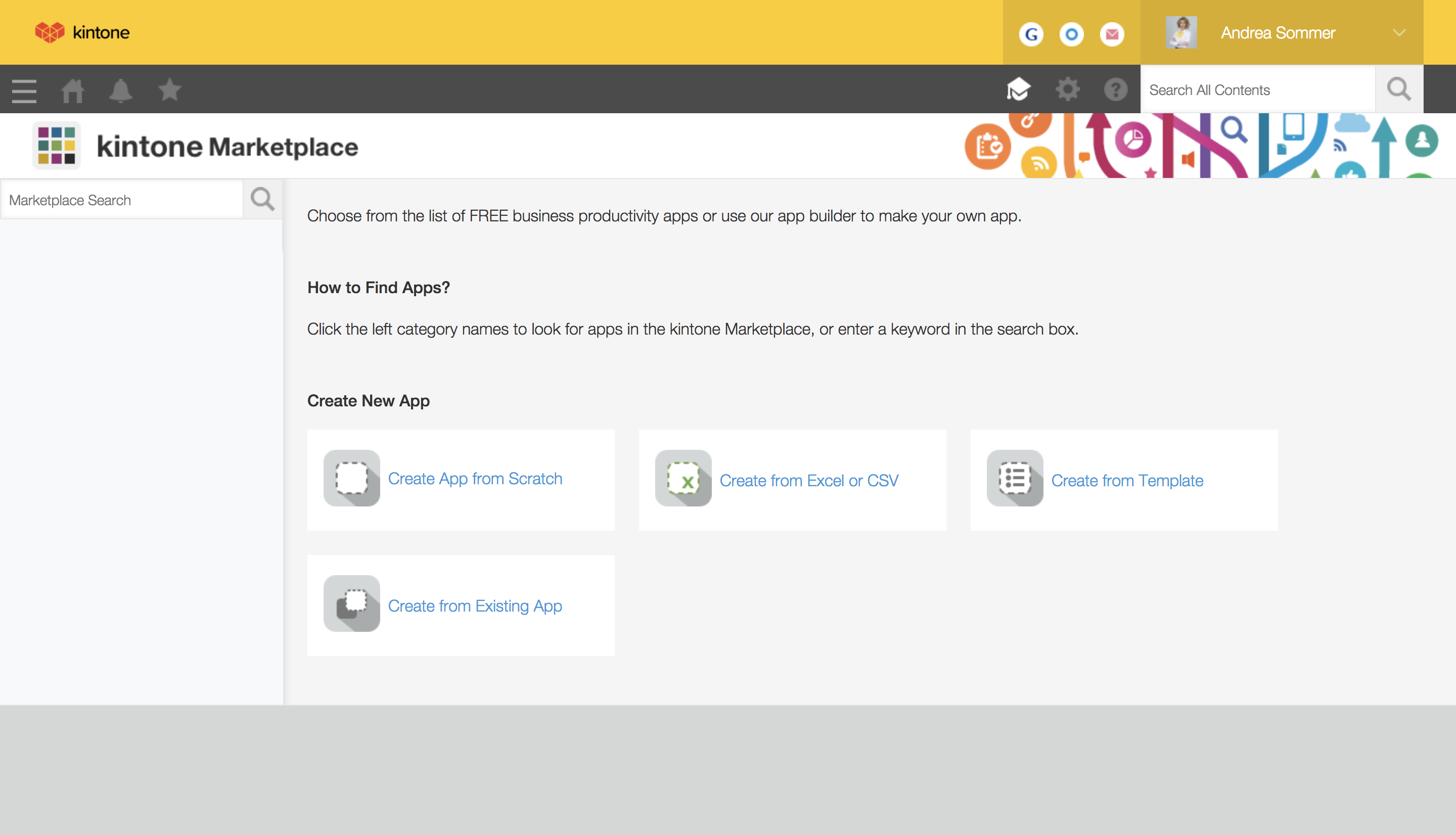
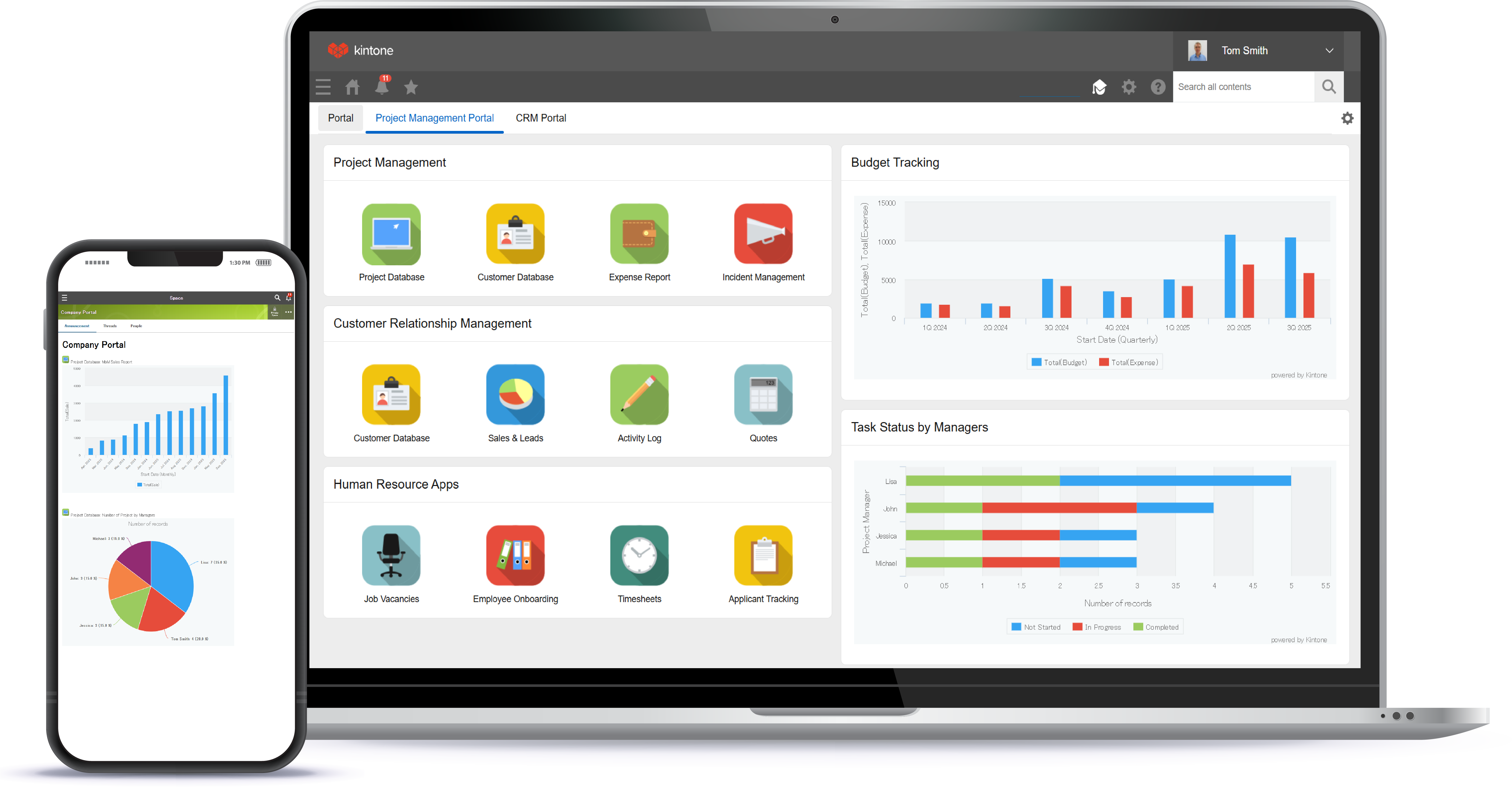
Kintone is a customizable digital workplace platform used to manage data, tasks, and communication. The no-code drag-and-drop interface can be used to create custom applications.
$120
per month for 5 users (minimum)
monday.com
Score 8.3 out of 10
Mid-Size Companies (51-1,000 employees)
monday.com Work OS is an open platform designed so that anyone can create the tools they need to run all aspects of their work. It includes ready-made templates or the ability to customize any work solution ranging from sales pipelines to marketing campaigns, CRMs, and project tracking.
$36
per month (3 seats)
Workzone
Score 8.6 out of 10
N/A
Workzone is a web-based tool for project management and collaboration from Workzone in Norristown, PA, that contains a full array of the features needed for project management. It's hub is the project dashboard, which provides a platform for team communication and tracking tasks over time as they progress towards completion. An automated to-do list can be sent to each user. Alerts flag issues nearing a critical moment or events of which team members need be aware. Templates classify projects and…
$24
Per Month Per User
Pricing
Kintone
monday.com
Workzone
Editions & Modules
Professional Subscription
$24
per month per user
Basic
$12
per month per user
Standard
$14
per month per user
Pro
$24
per month per user
Enterprise
Contact Sales
Contact us
Team
$24.00
Per Month Per User
Professional
$34.00
Per Month Per User
Enterprise
$43.00
Per Month Per User
Offerings
Pricing Offerings
Kintone
monday.com
Workzone
Free Trial
Yes
Yes
Yes
Free/Freemium Version
No
Yes
No
Premium Consulting/Integration Services
Yes
Yes
No
Entry-level Setup Fee
Optional
No setup fee
No setup fee
Additional Details
Minimum requirement of 5 users. Kintone offers a free prototype to build with using existing process.
monday.com — I used this in my previous job and loved it for tracking stages and tasks (and I color-code everything), but at the time it was more clunky on raw data. It may have improved in this since then? Kintone is strong on data and I still color-code everything! SharePoint…
We selected Kintone because it was the best combination of price and function. We needed something that could grow and scale with the organization, and that included looking at future prices. We didn't want to invest in something if we would be priced out five new users later. …
Kintone is great if you want a software that will help you in managing your data, and keep track of which tasks are assigned to whom. It also helps to streamline communication and information in one central place. However, it is not for you if you are looking for something complex that has to manage a lot of data.
The platform is very well suited for our nonprofit programs that serve low-income clients who need diapers, wipes, and period products. It has helped us run our programs, capturing information and allowing us to view the data for reporting purposes. The ability to filter data is very helpful by allowing us to categorize information to get a better picture of the progress of our programs.
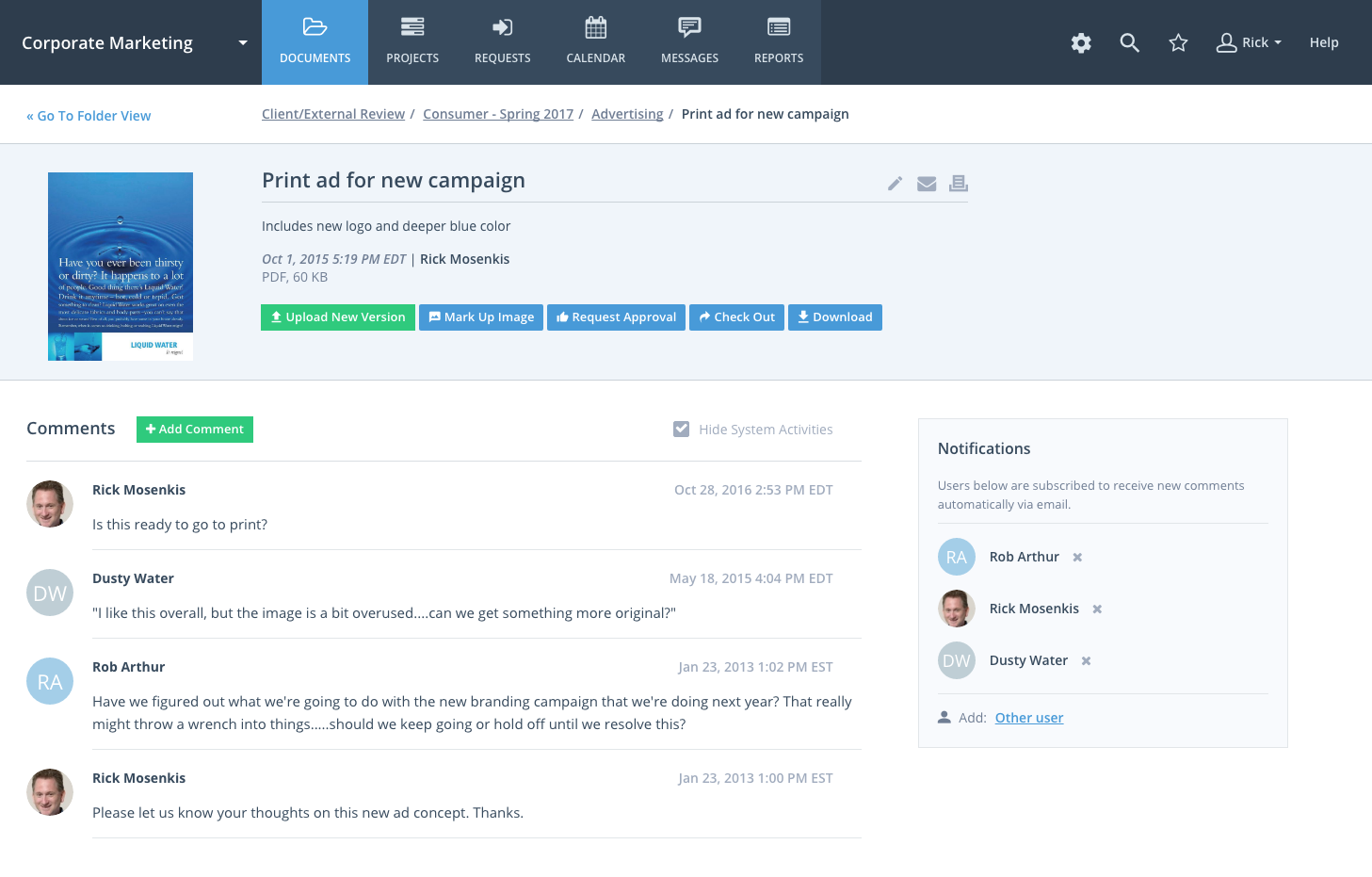
Workzone eliminates confusion and ensures that the team uses the latest version of files by organizing these files and adding version numbers as files are being revised. The team can share these files with other team members or with clients and even set file permissions to ensure individuals get access to those files that are only appropriate to them and avoid confidential information getting into the wrong hands. The system notifies the users of the progress of their tasks, comments or calendar events through alerts.
I like summary of subitems, especially with subitasks as subitems and add item tracking for each subtask it can show total tracked in parent item. Similar with other columns, like numbers, status, date.
Dashboard features, Many kinds of dashboard view available, we can utilize on the basis of requirements.
monday.com workform is very powerful, easily share form link when submitted it will create line item in board with provided data.
monday.com automation is very helpful in order to automate steps with specific rules and easy setup.
monday.com also provides integrations in order to automate processes if need to integrate multiple app together. or need to transfer data between multiple apps.
WorkZone is good at basic project management like scheduling and time management.
The software can be set to send you a daily email with the list of the tasks that you need to get done for that day.
Workzone allows the admin for the account to pick and choose which clients/projects can be seen by each person with an account, which allows each user to focus on the projects that they are involved in without being distracted by other things.
I feel that Kintone is not well enough known yet. This means that other apps/APIs are not necessarily easy to connect with Kintone. Yes, you can use Zapier though for interfacing with other apps.
It would be great if it could give more customized options to change the look and format of certain things. You can make price quote apps, for example, but have to rely on 3rd party apps or programming skills to customize the look and fields.
If you make a table as an input field, it cannot connect to other internal Kintone apps for lookups and such.
I think there is more potential to make more customized data graphs.
The desktop app for Mac seems to have a few issues with visual glitches appearing on screen, it only seems to go away when I close the tool and reopen it
Subtasks don't show on the individual users to-do list, only main level tasks
One of the reasons we left WorkZone was due to how videos/roughs were presented. While WorkZone does allow for a customizable and professional, clean looking interface; it did not offer everything we needed when it came to cross platform integration.
WorkZone was also a little more pricy compared to a few competitors. WorkZone is worth the price and we loved using it, but a competitor offered an added feature that WorkZone does not offer that tipped the scales.
There is no 'library'. As an AD Agency, we have worked on a lot of different spots for a lot of different clients. WorkZone did not offer a comprehensive library for us to upload content and use for presentations purposes. If WorkZone does add this feature later on down the road, it would be a great improvement and we would give serious thought about switching back.
I still think that there's a room for Kintone's future, and high expectations for them in additional features and innovative tools and supports. Truly hope that they will support email features, and standardized supports for various plug-ins with the 3rd party software and apps. In the meantime, we will have to consider our ways of doing our work in all aspects
Teams involved in content creation, such as marketing or editorial teams, could use monday.com to manage the entire content lifecycle. Boards might track content ideas, assignments, drafts, reviews, approvals, and publication schedules, helping teams collaborate and keep content production on track.
Because of time constraints, our team hasn't been able to fully implement and change our existing processes. If we can get our templates set up and maybe some better export options figured out, I think it'll be a no-brainer to renew, but until then it maybe be difficult to financially justify something we're only partially using.
While, we have been quite happy with out choice to use Kintone, there are a couple of things (mentioned previously) that would make the experience better. Overall, it has been the best fit for our organisation. We are still in the process of building out a needed API and integrating that, so we have yet to reach full functionality with one of our apps in Kintone. Once we have that completed, I think we'll have a better idea of how well it truly works for us
I give monday.com a 10/10 because I almost never encounter any lag or connectivity issues despite all of the many templates, boards, and automations we have. As a matter of fact, I feel like the last issue I encountered was over a year ago... and I'm in monday.com every single work day. Not only is monday trustworthy, it is easy to find what I'm looking for... making the overall usability extremely hard to beat.
WorkZone was very easy to learn, especially for the members of our team who were not as technology-savvy. WorkZone offered unlimited training as well, making it easy to transition new team members to the program, as we were a startup organization consistently adding new team members.
Throughout the use of the WorkZone software, we never had a issue with it being unavailable. This is important, considering we wanted to access our projects and see our progress at any moment. WorkZone was always available and made constant supervision of tasks and goals easy; no excuses for not checking in on the status of a project.
Everything performs fairly well. Every now and then there are user errors where an employee will not click "ok" on a note they've created and simply exit out (I do wish that something was in place to prevent this, such as a pop "are you finished?")
I have zero complaints about the performance of WorkZone; for our organization's needs, it was a perfect tool for keeping track of various responsibilities and tasks. We never experienced a lag or down-time when using the software, and the simple interface made things exactly that from our end...simple. WorkZone is a fantastic tool for work management that never fails to perform, in my experience.
I have had very specific questions about different aspects of the software, and I have always been able to get a hold of someone who could help. If my sales rep didn’t know the answer, he would get me in touch with someone who did know the answer. The whole team is very ready to help. It definitely feels like they view my success as their success, which is so important with this type of software.
monday.com only really care about accounts that have 20 seats or more. While this is great for monday.com, it pushes smaller organisations to evaluate alternatives. We rate monday.com highly in our organisation because key staff have already got good experience with the application and we know we will get to 20+ seats one day. But, till then the billing model and lack of permanent enterprise features is a dread.
The team at WorkZone is incredibly helpful and very willing to lend support when they can. Our team was constantly growing, and our new team members needed training every time someone cam on board. The WorkZone support staff was more than willing to ensure our new team members were completely comfortable using the software and set up for success.
To have someone walk you thru the features and capabilities of Monday.com is priceless. Someone also coming along later in the contract to see if you are maximizing the program to suit your company needs is beyond helpful. The staff that have provided this training are fun, creative and very patient.
The WorkZone trainers are wonderful! They offered us unlimited over-the-phone and online support, and the trainings were always informative. The WorkZone support team was willing to answer multiple questions and review sections of the training if need be. They were always accommodating, and trainings were scheduled very quickly for when our team needed them!
Everyone has their own tastes of things and way they want to work. Asking them to adapt to the changes with the new tools or apps is always difficult. We would want to start with a very small but best example within the organization, which in our case was that the employees will not be bothered by the bosses by being asked to find the documents, status of the progresses, or major things/requests/projects.
We signed up for the accounts. Created the accounts. Ran the trial version and tested it live while we were running multiple projects and found that it was fitting our needs perfectly. When the trial ended and we were asked to purchase the full version, we did. We have found other ways to use it and it's a breeze.
Implementation of WorkZone was very easy. We simply log into a portal online and begin to set up our projects. Access codes were sent very quickly to our team, so there was practically no delay once we signed the contract for our subscription. Training was scheduled quickly and was very helpful, especially as new team members joined our organization.
Kintone is the easiest product to create from and the cost is the lowest I believe. In addition, reconfigurability and extendability are great. If you look for a low code tool, you can try Kintone. But as same as another low code tool, don't expect too much.
monday.com is simpler and easier to grasp, apply and navigate than ClickUp, but the ClickUp free version has so much more functionality available than the monday.com free / low-cost options (sorry, but it's true!). Google Tasks is really simple and I shouldn't really compare them - it's just really nice to be able to see my tasks right next to my Google Calendar or Gmail (widget) - the "all on one" view on the screen is really nice ease of access, but the power of monday.com outweighs the nice-to-have of an all-in-one screen layout - it feels clumsy to bring in all my Calendar items from Google to monday.com, so an integration app to the Google screen where you can see monday.com tasks would be amazing.
I selected WorkZone based on several criteria: 1. It is web based 2. It has more robust reporting capabilities 3. the price was right 4. It was easy to use and easy to train people 5. Timelines are easy to update.
For it to work across multiple departments and sites, I would like to see improvements made with integrations and automation. For this question, I am acknowledging not only the addition of internal triggers/automation, but also an expansion on external ones.
We are a small organization, so the need to expand our use of WorkZone was limited. I only rate it below a 10 simply because I do not have much experience with the scaleability of the product. From the previews and training sessions, it does seem that the software can easily be adjusted to accommodate a growing workload; something we may use in future, just not at this point in our organization's development.