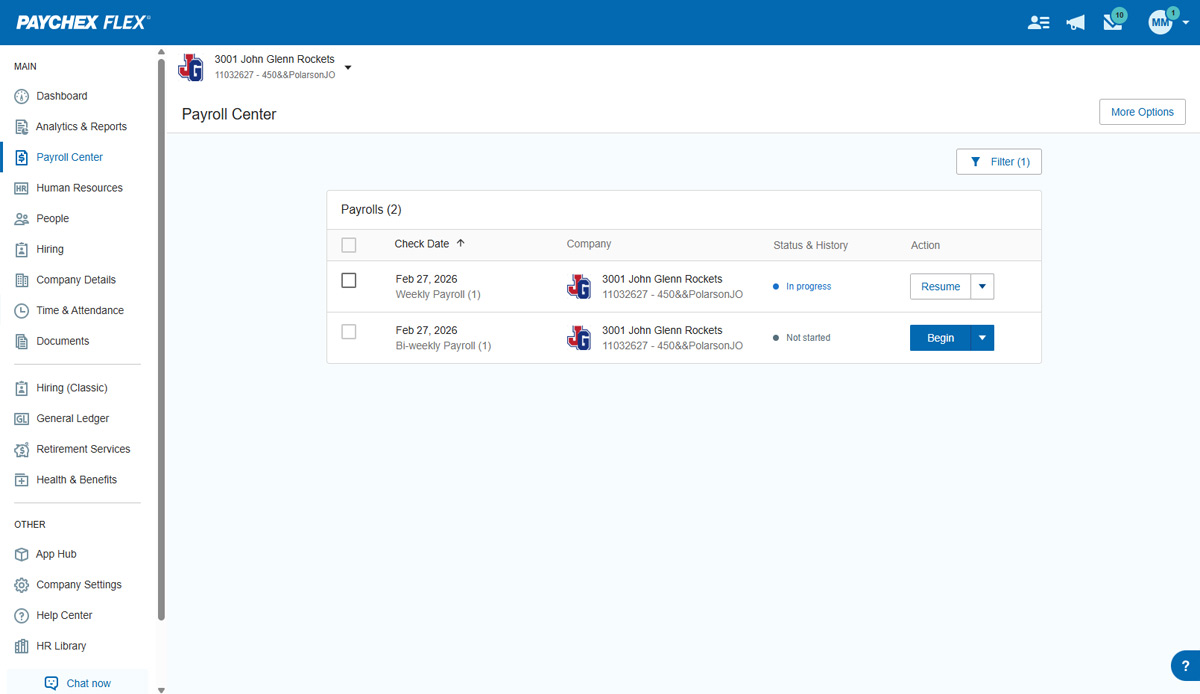
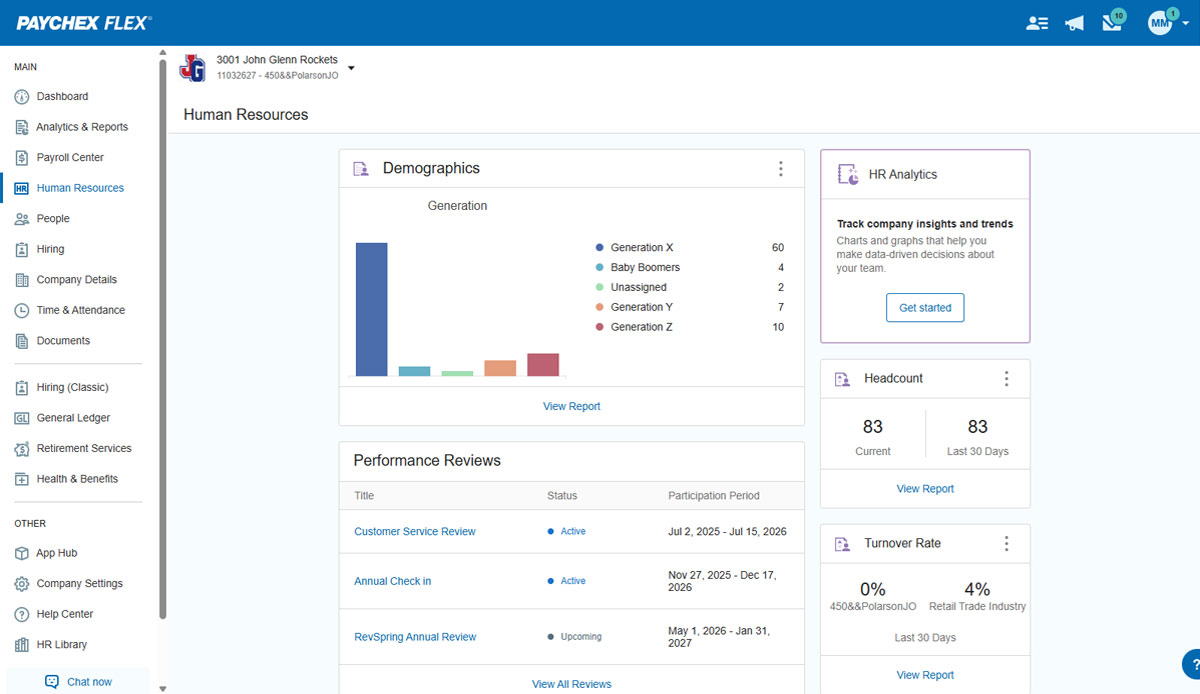
Paychex Flex, of Paychex' Online Payroll Services, is a cloud-based human resource management and payroll platform. Paychex offers core and specialized services, and scales to meet the needs of small businesses, SMBs, and large enterprises.
N/A
When I Work
Score 7.0 out of 10
N/A
When I Work is a way for businesses to schedule, track time and attendance, and communicate with their hourly employees. The schedule and time clock is placed in every employee's pocket with When I Work's iOS and Android apps. It can be used to keep track of time off, employee availability, and manage shift swaps with a few clicks. When I Work integrates with payroll providers to streamline the process and avoid human error.
$2.50
per month per user
Pricing
Paychex
When I Work
Editions & Modules
Paychex Flex Pro
Custom Pricing
per month/+$4 per employee
HR Pro
Custom Pricing
HR PEO
Custom Pricing
Paychex Flex Select
Custom Pricing
Paychex Flex Enterprise
Custom Pricing
Essentials
$2.50
per month per user
Essentials + Attendance
$4
per month per user
Pro
$5
per month per user
Pro + Attendance
$7
per month per user
Premium
$8
per month per user
Premium + Attendance
$10
per month per user
Offerings
Pricing Offerings
Paychex
When I Work
Free Trial
No
Yes
Free/Freemium Version
No
No
Premium Consulting/Integration Services
No
No
Entry-level Setup Fee
Required
No setup fee
Additional Details
—
—
More Pricing Information
Community Pulse
Paychex
When I Work
Features
Paychex
When I Work
Human Resource Management
Comparison of Human Resource Management features of Product A and Product B
Paychex
6.7
272 Ratings
19% below category average
When I Work
-
Ratings
Employee demographic data
7.8219 Ratings
00 Ratings
Employment history
8.1242 Ratings
00 Ratings
Job profiles and administration
7.8177 Ratings
00 Ratings
Workflow for transfers, promotions, pay raises, etc.
7.8172 Ratings
00 Ratings
Organizational charting
1.01 Ratings
00 Ratings
Organization and location management
7.5158 Ratings
00 Ratings
Compliance data (COBRA, OSHA, etc.)
6.7146 Ratings
00 Ratings
Payroll Management
Comparison of Payroll Management features of Product A and Product B
Paychex
7.6
313 Ratings
7% below category average
When I Work
-
Ratings
Pay calculation
7.9295 Ratings
00 Ratings
Off-cycle/On-Demand payment
7.1153 Ratings
00 Ratings
Benefit plan administration
6.8174 Ratings
00 Ratings
Direct deposit files
8.3294 Ratings
00 Ratings
Salary revision and increment management
7.9209 Ratings
00 Ratings
Reimbursement management
7.7118 Ratings
00 Ratings
Leave and Attendance Management
Comparison of Leave and Attendance Management features of Product A and Product B
Paychex
7.2
159 Ratings
12% below category average
When I Work
-
Ratings
Approval workflow
7.3113 Ratings
00 Ratings
Balance details
7.5151 Ratings
00 Ratings
Annual carry-forward and encashment
6.9119 Ratings
00 Ratings
Employee Self Service
Comparison of Employee Self Service features of Product A and Product B
Paychex
7.8
270 Ratings
5% below category average
When I Work
-
Ratings
View and generate pay and benefit information
7.7248 Ratings
00 Ratings
Update personal information
7.8260 Ratings
00 Ratings
View company policy documentation
7.7121 Ratings
00 Ratings
View job history
7.8184 Ratings
00 Ratings
Asset Management
Comparison of Asset Management features of Product A and Product B
Paychex
4.9
43 Ratings
48% below category average
When I Work
-
Ratings
Tracking of all physical assets
4.943 Ratings
00 Ratings
HR Reporting
Comparison of HR Reporting features of Product A and Product B
Paychex
5.9
177 Ratings
24% below category average
When I Work
-
Ratings
Report builder
6.3147 Ratings
00 Ratings
Pre-built reports
6.2165 Ratings
00 Ratings
Ability to combine HR data with external data
5.191 Ratings
00 Ratings
Onboarding
Comparison of Onboarding features of Product A and Product B
Paychex
6.4
173 Ratings
22% below category average
When I Work
-
Ratings
New hire portal
6.6165 Ratings
00 Ratings
Manager tracking tools
6.1109 Ratings
00 Ratings
Recruiting / ATS
Comparison of Recruiting / ATS features of Product A and Product B
Paychex is great option for smaller employers as the site offers perk benefits to employees at no cost to the employer. I don't see anything like this being offered at competitors such as ADP RUN/Total Source, Bamboo, Trinet, Justworks or Gusto. Also, the initial set up is relatively easy and the dedicated support for set up is great along with our regular dedicated payroll support.
I recommend When I Work to those companies that are looking for a way to manage work schedules and want to increase the productivity of all employees. This is an important platform that would bring excellent results to small, medium and large companies. This is a constant monitoring system which allows employees to complete their tasks in the indicated time, When I Work sends automated alerts when an employee is not complying with their tasks and this allows us to know exactly the productivity we are having in each one of the sectors. It is an excellent platform for planning and administration of working hours, it has a very easy-to-use UI that allows schedules to be easily managed. Without a doubt, When I Work would be a perfect implementation for any sector or company, since it has a lot of potential to collect exact data on compliance with working hours.
When I Work allowed me to color-code each employee's schedule.
When I Work allowed me to show who was "off" during what time of day. This was essential for morale, as our event included 16-18 hour days, and I wanted to show that everyone had down time each day.
I understand logging you out is a security function, but I'd prefer it not to log you out so soon.
The training we received for the team's meeting was subpar, in my opinion. Probably better geared for people with little to no computer experience. Very slow pace; we could have easily received all of this from some tutorials in a few minutes.
When pulling up the schedule on the app, it defaults to Tuesday when the screen is done loading.
If you pull up an individual's schedule it removes your default settings. For example, I have mine set to just my store, but if I need to see an employee's schedule it resets those defaults. You're always looking at the last schedule you pulled up.
Overall I like the features that Paychex Flex offers. I am sure that there are other features that I am unaware of, so I am excited to see if there is more that Flex is capable of to make my job easier. The basic features are really user friendly and easy to access. If there ever is an issue customer service is great
Employee usability is very good and user-friendly. For the most part, the employer usability is good, but for complicated rules and policies, it requires technical assistance, which in our case, was clunky and slow in implementation. Once is place, everything works as it should
We have not experienced any difficulties with unplanned outages. Notifications are always made for outages, and they do not effect normal business operations.
Unless there is lag time within the internet, the Paychex Flex website loads exceptional fast, pages load quickly and reports that I need to print or download load quickly. If I need to create a specialized report, once I complete it I receive an e-mail telling me my report is ready to be downloaded. Changing between web pages is fast as well.
Chat has been helpful but the person I chat with isn't always able to help me with my questions. Phone support is ok, depending on your payroll specialist. We have a great one currently, but the few before that were never available and did not return calls.
Every time I contact When I Work staff with an issue, someone is there with a quick solution to my problem. I love the chat feature. I can continue to work on other things while the When I Work representative assists me.
It was easy to understand and follow along. I do like the informational videos that we can utilize before we opt to call in for customer service support. It has made a difference since sometimes that resolves the issue I may have had and saved myself a phone call to Paychex support.
Implementation was very smooth. The most cumbersome task was entering the current employees into the system during initial set up, but Paychex staff handled most of that and verified against prior system reports as well as internal reports provided to ensure 100% accuracy.
We still use QB Desktop Pro to maintain a Check Register / Overall Balance for the company, but once having tried QB Payroll Online for about 3 months prior to finding Paychex Flex I can tell you that there's just no comparison. QB online is VERY EXPENSIVE and not so user-friendly. I hated every minute of those 6 payrolls we ran through QB online.
When I Work seemed a bit easier to implement for our team and employees. When I Work had all the things we needed without a lot of the bells and whistles that we wouldn't really utilize. When I Work was also a bit more affordable for our budget. Overall, it was the better choice.
I generally do payroll at the office, however I have had to go remote due to internet issues and also had to take payroll on vacation with me. Very easy to log in wherever you are and manage your TAA and payroll