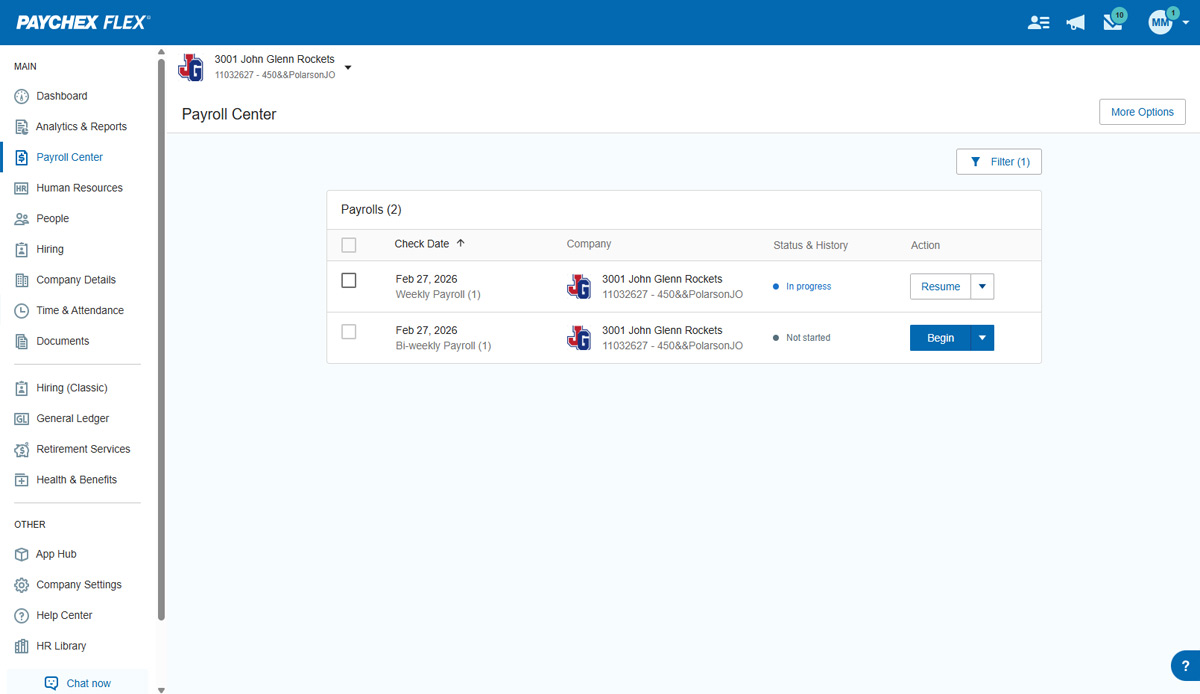
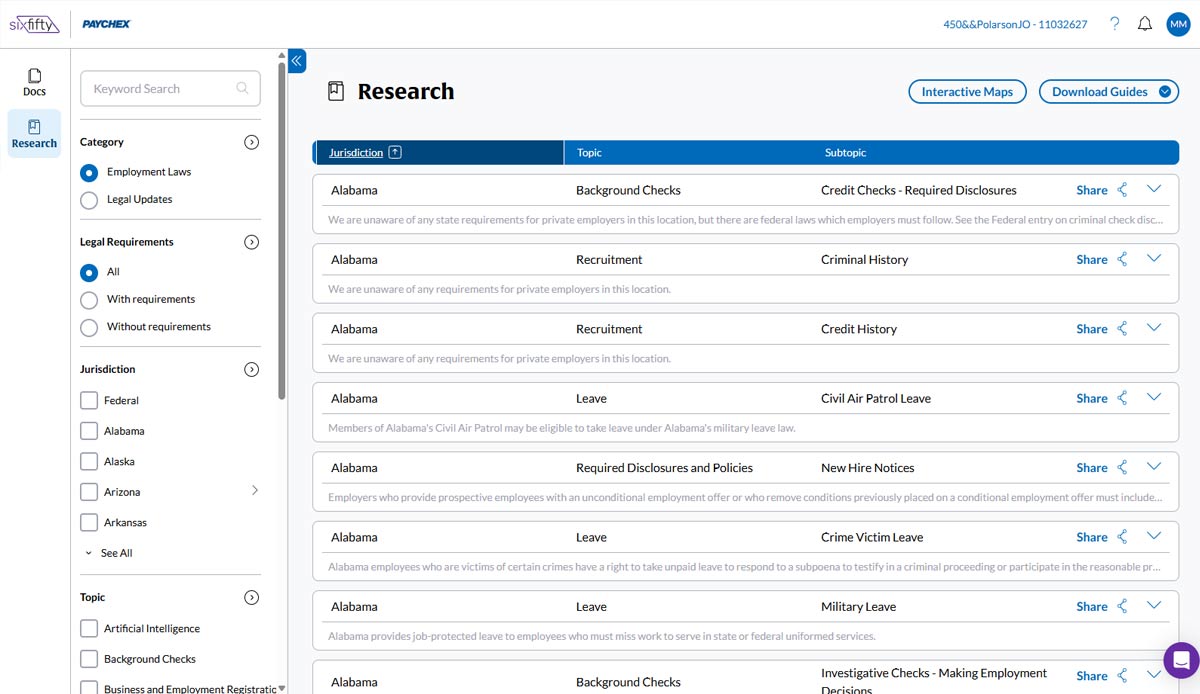
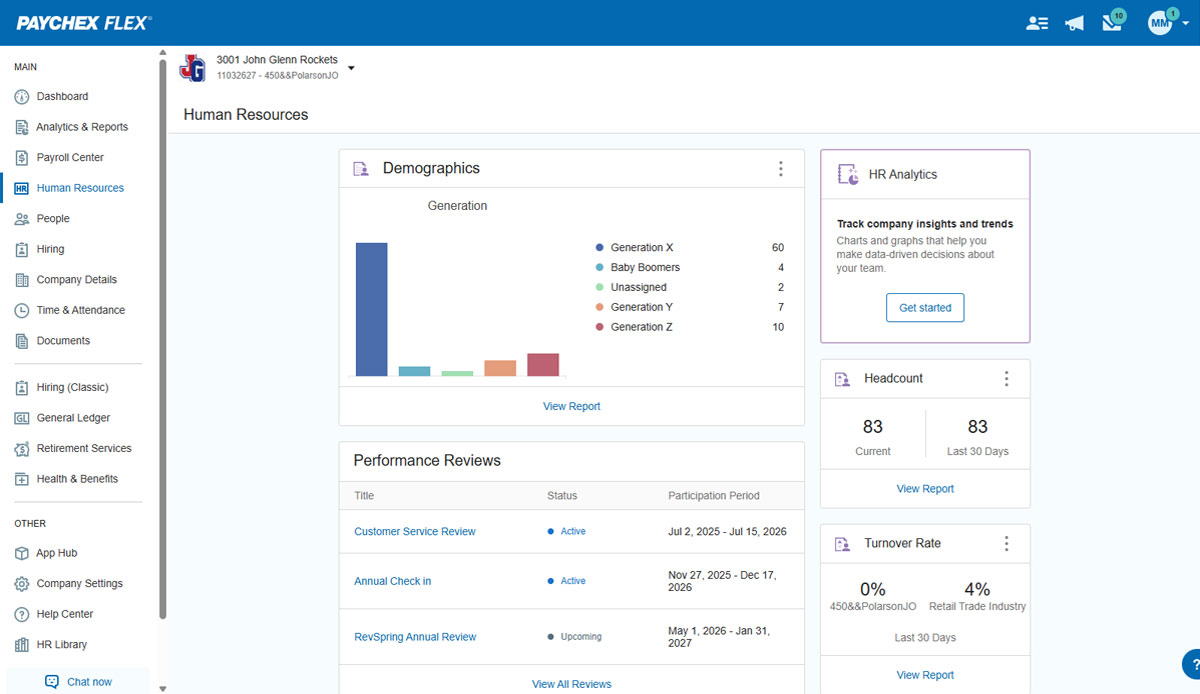
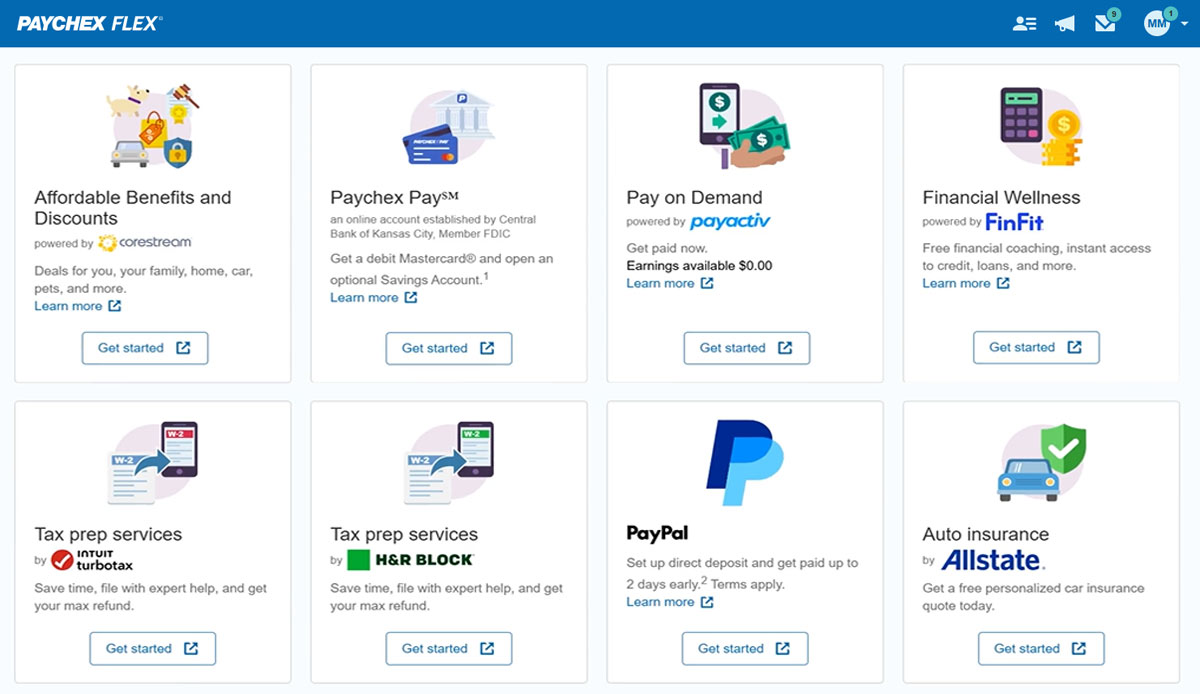
Paychex Flex, of Paychex' Online Payroll Services, is a cloud-based human resource management and payroll platform. Paychex offers core and specialized services, and scales to meet the needs of small businesses, SMBs, and large enterprises.
N/A
Workday HCM
Score 8.0 out of 10
N/A
Workday Human Capital Management is a cloud-native system offering a globally
consistent user experience. Workday HCM is part of an intelligent, unified system with other
Workday products.
It’s great that Paychex is one place for all things, however workday in combination with a financial institution for managing 401ks is a cleaner and easier to use system. That being said, we didn’t utilize all the components of Paychex
Workday blows SAP away in the human capital management space. Workday is extremely user-friendly where SAP made me want to pull my hair out on a daily basis, as did all of my coworkers. I think it this is mainly due to the fact the Workday is ONE platform, everyone gets the …
Overall we have had a good experience. The unfortunate part of being with them for over 10 years is the change-over in support specialists and sometimes the lack of transparency when that occurs or the lack of personalized communication. However, the ease of use and streamlined services for reporting and recording payroll and onboarding employees is definitely a benefit to the service. Being able to pull reports and review past employees information can be invaluable at times. Knowing I have peace of mind when it comes to tax documentation because someone else is ensuring it is handled and handled correctly is very important
I would say it's well suited in every environment because I think it does so much. It's like the holy grail of HRIS systems is what I like to call it because thinking about all parts of the employee lifecycle, it lives here in Workday Human Capital Management. So I love the fact that you can do the people data analytics, you can store employee records, the talent acquisition pieces there. I'm thinking I can't think of anything negative right now except for the fact that I can't drill down into the data for the people analytics side. Other than that, I think it's literally, yeah, the holy grail of HRIS systems, I love it and I would highly recommend it.
Groups employees in management hierarchies and creates Org Charts that are easy to navigate and allow for visualizing management chains regardless of employee locations
Intuitive and easy to use. The Workday search functionality works very much like Google; one can search for anything that they have access to in the database and drill down into the various details. All information is connected through hyperlinks and users can easily keep digging into the details for as far as their security access would take them.
Tasks such as to do, review or approve items are sent to the user's Workday Inbox, very much resembling email. Notifications about outstanding "to do" items are also sent to each the user's work email address on a daily basis.
I understand logging you out is a security function, but I'd prefer it not to log you out so soon.
The training we received for the team's meeting was subpar, in my opinion. Probably better geared for people with little to no computer experience. Very slow pace; we could have easily received all of this from some tutorials in a few minutes.
Overall I like the features that Paychex Flex offers. I am sure that there are other features that I am unaware of, so I am excited to see if there is more that Flex is capable of to make my job easier. The basic features are really user friendly and easy to access. If there ever is an issue customer service is great
It is work to make one system the source of truth for our data, but now that it is done, there is less work involved in staying on this path. This means for us that maintaining and/or implementing new modules like performance, finance, talent, etc. is simple. It's a no-brainer
I think as both a payroll administrator and an employee who is paid from Paychex, the site is user friendly and easy to find the items I need. The support is knowledgeable and quick to assist as is not always the case with other payroll platforms. The payroll options for checks and templates, gross-up, etc is easy to use and makes changes easy to do.
Workday's on a great path in terms of user experience. Their goals is to deliver a use experience that doesn't require training or instruction, like Amazon on the consumer side for example. That's hard to do when you're talking about complex business processes and important and sensitive employee information, but they're doing it well
We have not experienced any difficulties with unplanned outages. Notifications are always made for outages, and they do not effect normal business operations.
In 2014, Workday has changed the update process. There will be two updates a year; the updates will be delivered to customers typically in a 24 hour window during these two weekends a year. They also keep the Community up-to-date about any planned outages, etc. There is weekly scheduled downtime on Friday night.
Unless there is lag time within the internet, the Paychex Flex website loads exceptional fast, pages load quickly and reports that I need to print or download load quickly. If I need to create a specialized report, once I complete it I receive an e-mail telling me my report is ready to be downloaded. Changing between web pages is fast as well.
From my perspective, the system runs like a well oiled machine and I have not had any issues with customers complaining about speed. If a report is taking long to run, the report can run in the background and you can go about your business. For larger enterprises, there is additional space and machines to process the application in what Workday refers to it as Extended Configuration Tenant
In our experience, Support is slow to respond. They always eventually resolve issues and answer questions, but it almost always takes time. This has occasionally been a problem for us. However, in the instances where it was a problem, they made it right by processing a payroll overnight (instead of the usual 2 day requirement) in one case, and in another, they processed a separate payroll at no charge.
Workday is still learning about the needs of higher education. I have seen rapid improvement in support and knowledge over the last year so am confident this will continue to improve. Overall however, I have found the Support Team to be extremely responsive and Workday offers the advantage of having support across several timezones so that we never wait more than a few hours for a response.
Some training is offered online. Cost is per-person. This also gets quite expensive. Training doesn’t follow a logical path A to B. Starts in middle. When you try to do it afterwards at your desk, difficult. • Training scenarios are not very real
It was easy to understand and follow along. I do like the informational videos that we can utilize before we opt to call in for customer service support. It has made a difference since sometimes that resolves the issue I may have had and saved myself a phone call to Paychex support.
I have done for report writing and mass imports (EIBs). They give materials and you run through examples, i.e. you don’t just watch them do tasks, so that is helpful. Training is expensive – a single reporting writing class is $600 per person for virtual training
Implementation was very smooth. The most cumbersome task was entering the current employees into the system during initial set up, but Paychex staff handled most of that and verified against prior system reports as well as internal reports provided to ensure 100% accuracy.
It was implemented before my joining the company. At my last company, we used Workday professional services.
Based upon my experience at my last company, I would rate the implementation experience an 8/10. There are different ways to set things up and we had different people telling us different things. It set us back a couple of times.
Regarding configuration advice, we could set things up where every manager has supervisory organizations, or have it financially based i.e. aligned to cost center/department. We chose the individual manager path and I think we should have chosen a department route. Going down the individual manager path, to maintain the information, we have to inactivate a supervisory org whenever a manager changes/leaves.
We still use QB Desktop Pro to maintain a Check Register / Overall Balance for the company, but once having tried QB Payroll Online for about 3 months prior to finding Paychex Flex I can tell you that there's just no comparison. QB online is VERY EXPENSIVE and not so user-friendly. I hated every minute of those 6 payrolls we ran through QB online.
Workday is an incomplete product, by this I mean it must work alongside other products and does not work by itself. Trying to make several different products work smoothly together becomes very challenging. As compared to ADP products, when purchased all together work very well all together. Also, ADP has extensive Training programs and extensive Customer Support. So ADP's products are far superior to Workday's products in my opinion.
I generally do payroll at the office, however I have had to go remote due to internet issues and also had to take payroll on vacation with me. Very easy to log in wherever you are and manage your TAA and payroll
Workday has released Financials and is continuing to develop it's Human Capital Management footprint with the addition of Workday Recruiting. I think customers will find that is easy to add on additional functionality in the system. Workday does make it easy for customers to make changes without relying on IT resources. The Business Process framework is a visual tool that allows functional resources to make changes and see the flow of the transaction
Positive ROI, we were one of the first organizations that went with Workday HCM, and we received numerous discounts. Cloud systems are the way to go and we feel the system is stable for our growing work force.
The user conferences have been helpful to network and learn more deepness in the modules and functionality.
Right off the bat, our implementation costs were lower than budgeted and we had less 'billing' surprises.