Paycom is an automated HCM platform, built on a single database that eliminates redundant data entry through automation. A payroll and HR software solution, Paycom is used by organizations of all sizes to access employee data without navigating multiple systems.
N/A
When I Work
Score 5.9 out of 10
N/A
When I Work is a way for businesses to schedule, track time and attendance, and communicate with their hourly employees. The schedule and time clock is placed in every employee's pocket with When I Work's iOS and Android apps. It can be used to keep track of time off, employee availability, and manage shift swaps with a few clicks. When I Work integrates with payroll providers to streamline the process and avoid human error.
We selected Paycom because of the people who work there. From our sales representative to our direct specialist, every single person in between has our best interest at heart. We also loved the packages we were getting for the price we paid and the fact that we would have …
When I Work
No answer on this topic
Features
Paycom
When I Work
Human Resource Management
Comparison of Human Resource Management features of Product A and Product B
Paycom
8.1
558 Ratings
0% below category average
When I Work
-
Ratings
Employee demographic data
8.9512 Ratings
00 Ratings
Employment history
8.1492 Ratings
00 Ratings
Job profiles and administration
8.2492 Ratings
00 Ratings
Workflow for transfers, promotions, pay raises, etc.
8.1493 Ratings
00 Ratings
Organizational charting
7.6397 Ratings
00 Ratings
Organization and location management
8.0436 Ratings
00 Ratings
Compliance data (COBRA, OSHA, etc.)
8.1408 Ratings
00 Ratings
Payroll Management
Comparison of Payroll Management features of Product A and Product B
Paycom
8.3
558 Ratings
2% above category average
When I Work
-
Ratings
Pay calculation
8.8542 Ratings
00 Ratings
Support for external payroll vendors
6.447 Ratings
00 Ratings
Off-cycle/On-Demand payment
8.591 Ratings
00 Ratings
Benefit plan administration
8.4476 Ratings
00 Ratings
Direct deposit files
9.1539 Ratings
00 Ratings
Salary revision and increment management
8.4450 Ratings
00 Ratings
Reimbursement management
8.3312 Ratings
00 Ratings
Leave and Attendance Management
Comparison of Leave and Attendance Management features of Product A and Product B
Paycom
8.5
489 Ratings
4% above category average
When I Work
-
Ratings
Approval workflow
8.5463 Ratings
00 Ratings
Balance details
8.4464 Ratings
00 Ratings
Annual carry-forward and encashment
8.5389 Ratings
00 Ratings
Employee Self Service
Comparison of Employee Self Service features of Product A and Product B
Paycom
8.7
560 Ratings
6% above category average
When I Work
-
Ratings
View and generate pay and benefit information
9.1550 Ratings
00 Ratings
Update personal information
9.2556 Ratings
00 Ratings
View company policy documentation
8.7495 Ratings
00 Ratings
Employee recognition
8.0272 Ratings
00 Ratings
View job history
8.6457 Ratings
00 Ratings
Asset Management
Comparison of Asset Management features of Product A and Product B
Paycom
4.9
26 Ratings
48% below category average
When I Work
-
Ratings
Tracking of all physical assets
4.926 Ratings
00 Ratings
HR Reporting
Comparison of HR Reporting features of Product A and Product B
Paycom
7.2
495 Ratings
4% below category average
When I Work
-
Ratings
Report builder
7.9488 Ratings
00 Ratings
Pre-built reports
7.9483 Ratings
00 Ratings
Ability to combine HR data with external data
5.855 Ratings
00 Ratings
Onboarding
Comparison of Onboarding features of Product A and Product B
Paycom
8.4
488 Ratings
5% above category average
When I Work
-
Ratings
New hire portal
8.5482 Ratings
00 Ratings
Manager tracking tools
8.3420 Ratings
00 Ratings
Performance and Goals
Comparison of Performance and Goals features of Product A and Product B
Paycom
6.3
289 Ratings
24% below category average
When I Work
-
Ratings
Corporate goal setting
4.236 Ratings
00 Ratings
Individual goal setting
8.0267 Ratings
00 Ratings
Line-of sight-visibility
4.835 Ratings
00 Ratings
Performance tracking
8.0284 Ratings
00 Ratings
Performance Management
Comparison of Performance Management features of Product A and Product B
Paycom
7.9
366 Ratings
0% above category average
When I Work
-
Ratings
Performance plans
7.8338 Ratings
00 Ratings
Performance improvement plans
7.8321 Ratings
00 Ratings
Review status tracking
8.0326 Ratings
00 Ratings
Review reminders
8.0334 Ratings
00 Ratings
Multiple review frequency
7.8298 Ratings
00 Ratings
Succession Planning
Comparison of Succession Planning features of Product A and Product B
Paycom
7.9
91 Ratings
0% above category average
When I Work
-
Ratings
Create succession plans/pools
7.951 Ratings
00 Ratings
Candidate ranking
7.869 Ratings
00 Ratings
Candidate search
7.986 Ratings
00 Ratings
Candidate development
7.972 Ratings
00 Ratings
Recruiting / ATS
Comparison of Recruiting / ATS features of Product A and Product B
As I mentioned, the onboarding process is incredibly easy. We have around 300 employees and are constantly hiring, so Paycom has been a huge help. In fact, the ATS functionality was a major factor in our decision to switch to Paycom.
I recommend When I Work to those companies that are looking for a way to manage work schedules and want to increase the productivity of all employees. This is an important platform that would bring excellent results to small, medium and large companies. This is a constant monitoring system which allows employees to complete their tasks in the indicated time, When I Work sends automated alerts when an employee is not complying with their tasks and this allows us to know exactly the productivity we are having in each one of the sectors. It is an excellent platform for planning and administration of working hours, it has a very easy-to-use UI that allows schedules to be easily managed. Without a doubt, When I Work would be a perfect implementation for any sector or company, since it has a lot of potential to collect exact data on compliance with working hours.
I like the employee self-service feature. It's very straightforward and easy to use. I also like my representative, Mikey. He's been very helpful—every time I call him, I get the assistance I need. I also appreciate how quickly I can get someone on the phone and get help when needed.
When I Work allowed me to color-code each employee's schedule.
When I Work allowed me to show who was "off" during what time of day. This was essential for morale, as our event included 16-18 hour days, and I wanted to show that everyone had down time each day.
I am not a fan of the most recent update. I wasn't prepared for the change especially given it came right before payroll was processed. I'm told given time, I will get used to it and I'm always open to change for the better.
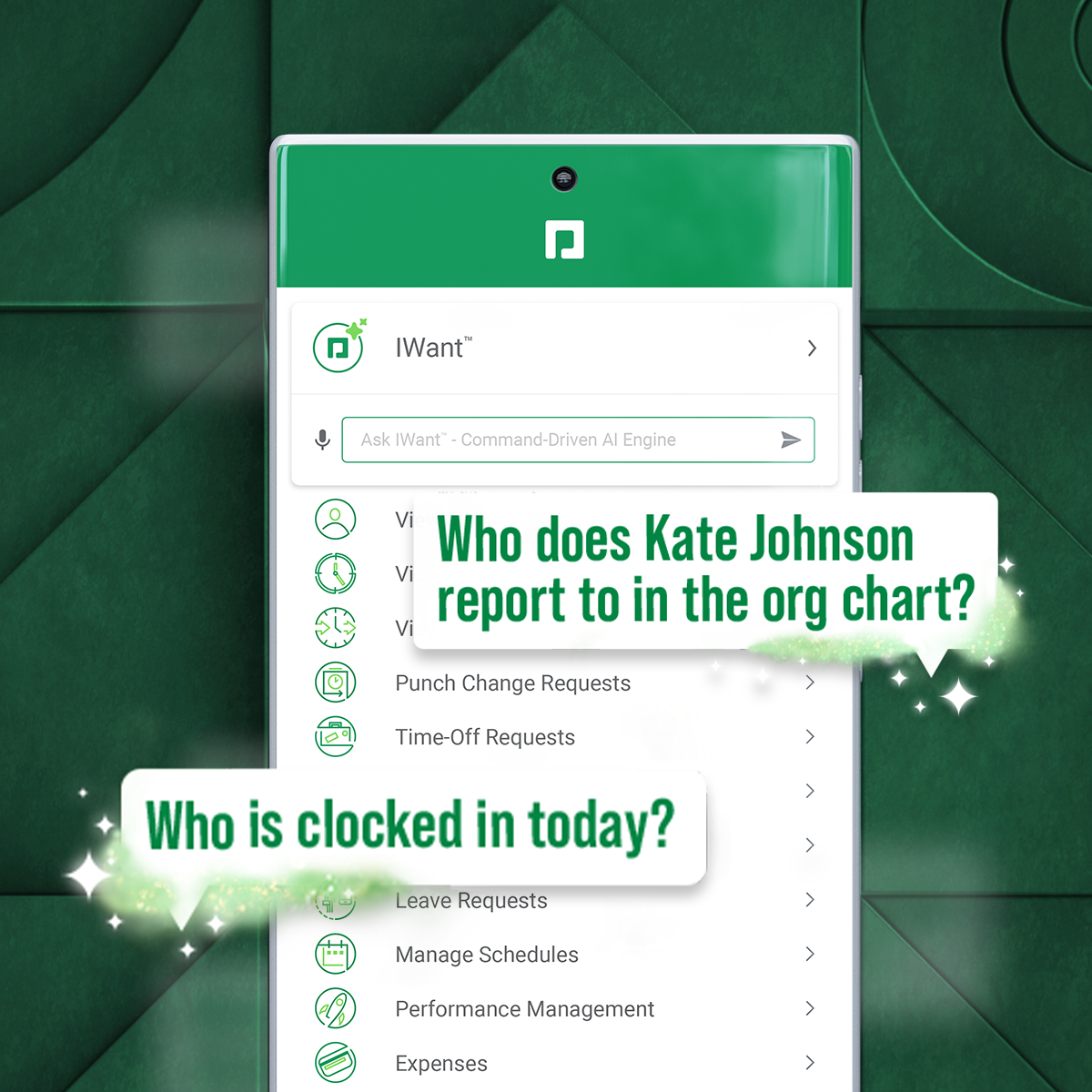
IWant™ feature isn't what I hoped it would be. I haven't used it much given the information I need in Paycom I can find quickly on my own. I have heard however that several employees utilize and appreciate the IWant™ feature.
When pulling up the schedule on the app, it defaults to Tuesday when the screen is done loading.
If you pull up an individual's schedule it removes your default settings. For example, I have mine set to just my store, but if I need to see an employee's schedule it resets those defaults. You're always looking at the last schedule you pulled up.
we are having no problems with how the system works and our support system at paycom is the best - we are learning more and using the system in more ways all the time the only thing that could be better is pricing on some things
I'm probably going to have to go seven and three-quarter to eight, and that may be user error to me because I know Paycom has got it figured out, but there's times I just can't figure it out, even with some of the tutorials, the university, the show-mes, and calling Alex, our representative. He can hold my hand and walk me through that process, and it just may be I didn't get it, but that's why I gave that score. I'd give it a solid nine.
In 6 years, we've never had a bad experience with client support. We implemented during COVID, and I was the only person in HR at the time. I was also having to homeschool our children, which meant bizarre work hours and limited time to focus on platform build at times. There were nights that I was literally on calls at 11 pm and the implementation team was unbelievably supportive. Recently, a Position Seat specialist came on site to help us set up for our 5 client codes - the experience was transformative for how we use the platform and an absolute game changer. I trust Paycom because I trust our representatives. They truly are strategic partners for us, and work to ensure we're maximizing the platform and that our needs are being met
Every time I contact When I Work staff with an issue, someone is there with a quick solution to my problem. I love the chat feature. I can continue to work on other things while the When I Work representative assists me.
Tadd and Ellie have been great! They have show us many aspects that implementation did not. They are very personable and action oriented as well. Anytime we need them they offer to swing in.
It was good, but hard to know what questions you need to ask until you actually get in there and start working with a live product. But Paycom is also very helpful every time I call and can't figure something out. Nathan has been very friendly and helpful no matter what I call him about. He is always eager to help out.
Not at all satisfied it was a nightmare we spent over 8 months with the implementation team having issues after issues all related to the Puerto Rico regulations (half my employees are in Puerto Rico) and at the end we were moved over from the implementation team to the production team without all the issues being resolved
I have not currently used any other products. I'm still kind of new to the HR industry. The only other thing that I really have to compare it to is Vonmar's system, which they created themselves, and it was not user-friendly.
When I Work seemed a bit easier to implement for our team and employees. When I Work had all the things we needed without a lot of the bells and whistles that we wouldn't really utilize. When I Work was also a bit more affordable for our budget. Overall, it was the better choice.
It's helped us save time. We've been able to automate a number of payroll and accounting functions. It's also enabled our employees to use the ask gear feature. So it's really saved time, and also we've not gotten hacked, which is always a plus.