Webflow is a Website Experience Platform for modern marketing teams, used to visually build, manage, and optimize websites that offer both the consumer experience teams expect and enterprise-grade performance and scale.
$18
per month
WebWave
Score 9.5 out of 10
N/A
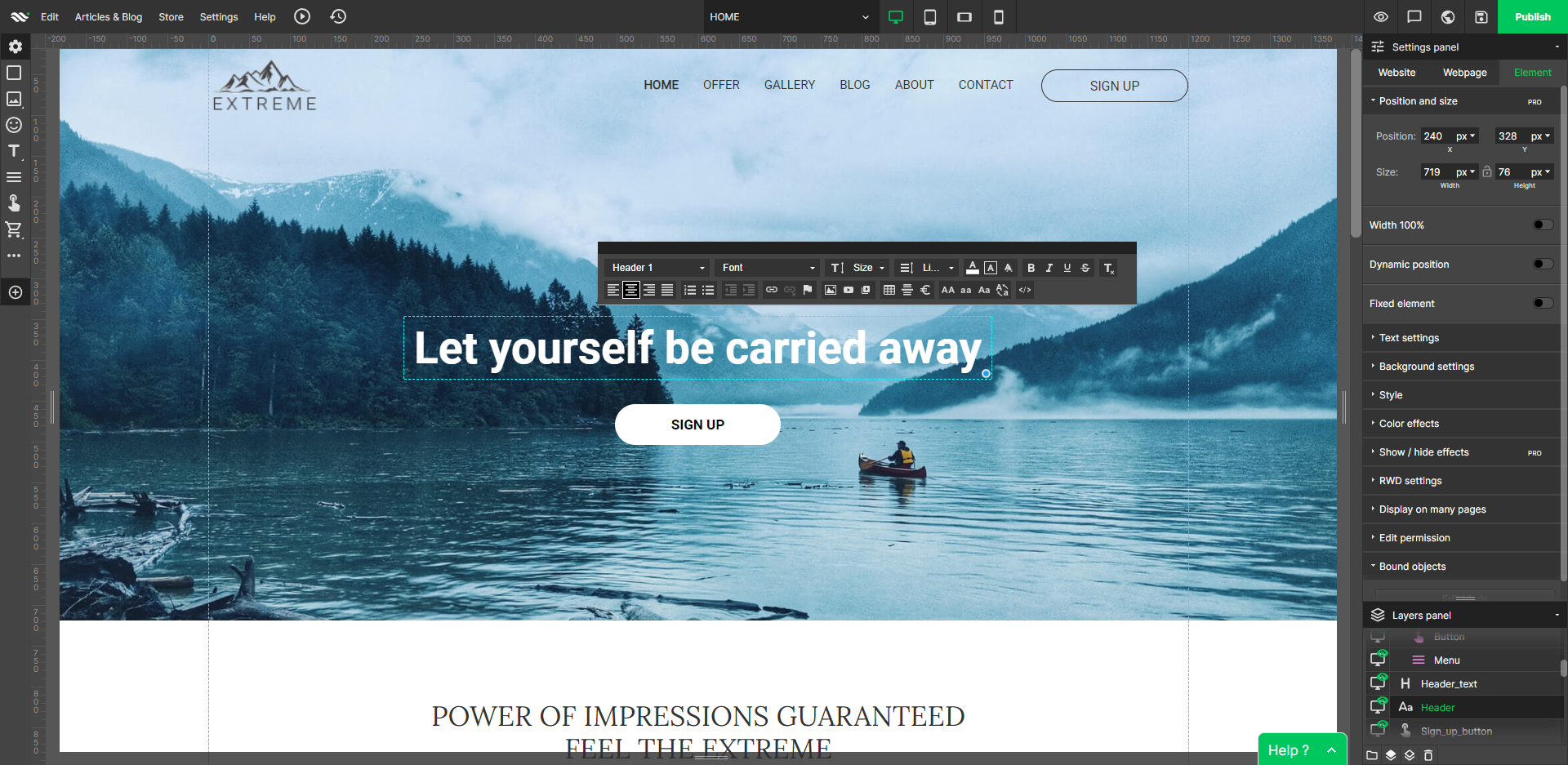
WebWave — an alternative for agencies and freelancers for creating custom websites for clients with the support of CMS. Using CMS with no sacrifices WebWave is a CMS platform that gives a designer precision up to 1 px in every single detail just like in more sophisticated graphic programs such as Photoshop while remaining a drag and drop software. This is to make creating websites much faster without loosing on details. Spend less time talking WebWave…
N/A
WordPress
Score 8.6 out of 10
N/A
Wordpress is an open-source publishing platform popular with bloggers, and a content management system, known for its simplicity and modifiability. Websites may host their own blogging communities, controlling and moderating content from a single dashboard.
$3
per month 6 GB storage
Pricing
Webflow
WebWave
WordPress
Editions & Modules
Basic
$18
per month
CMS
$29
per month
Ecommerce - Standard
$42
per month
Business
$49
per month
Ecommerce - Plus
$84
per month
Ecommerce - Advanced
$235
per month
No answers on this topic
Personal
$4
per month 6 GB storage
Premium
$8
per month 13 GB storage
Business
$25
per month 50 GB storage
Commerce
$45
per month 50 GB storage
Enterprise
Contact for pricing
Offerings
Pricing Offerings
Webflow
WebWave
WordPress
Free Trial
Yes
Yes
No
Free/Freemium Version
Yes
Yes
No
Premium Consulting/Integration Services
No
Yes
No
Entry-level Setup Fee
No setup fee
$7 per month
No setup fee
Additional Details
Up to a 22% discount available for annual pricing.
—
Pricing for Business and Commerce plans vary on number of GB.
More Pricing Information
Community Pulse
Webflow
WebWave
WordPress
Considered Multiple Products
Webflow
Verified User
Technician
Chose Webflow
Webflow falls somewhere in between WordPress as a most basic theme-based platform and HubSpot CMS Hub, which has nearly unlimited capabilities. The ease and pricing are a win for HubSpot but we still use and host sites using WordPress as that is often a client's desire for …
Compared to other closed platforms like Squarespace or Shopify, Webflow is much more developer friendly and customizable. The CMS is easier to use and much more flexible to design and develop in. Price points between the 3 are similar. Most of the 3rd party integrations for …
I would not say it has substitutes for all features of the other platforms, but overall it is better to use and implement. I would like to see Wix's user management, Shopify and WooCommerce's shop features, and WordPress' ability to host big enterprise blog management. The …
The code quality and speed can't even be compared to Elementor; Webflow is simply a much better tool. Instapage has a cool feature for dynamic landing pages, which changes according to Google Ads Keyword, which I miss; however, amazing webflow community members recreated that …
A lot more design control and easier to create a custom site, and then also to scale that site going forward. There's a lot about WordPress I miss, though, when it comes to managing a blog—user permissions, SEO control, edit HTML version of posts.
Webflow is a great replacement for simple websites like WIX & Squarespace. Webflow, in its current incarnation, will never be able to overtake the ubiquity of WordPress pages, it lacks the automation & tooling of Supernova, the design capabilities of Figma, and the design -> …
Framer is Webflow's closest competitor and has some advantages in the animation department, but Webflow has a bit more brand recognition among clients. WordPress is old-fashioned in its approach, and despite offering site-builder themes and plugins, still doesn't have native …
Webflow is more comprehensive, so it is also a little bit harder to use. I selected Webflow because its component-based approach allows me to change content once, and it updates across multiple pages, which has saved me a significant amount of time. Sometimes, it can be …
In my opinion, Webflow has the worst CMS I have used. All the other tools make it much easier to write, format, publish and organize content. There's a lot more flexibility and they have better UX. I would not choose Webflow if given the choice, I would only use it if the …
WebWave is easy to use and the learning curve is also less compared to Webflow. They also have custom Html, CSS, and Javascript options which I didn't see on Dorik.com. WebWave is comparatively cheaper in comparison to Webflow. WebWave is in a good direction to becoming a good …
WebWave is fairly easy to use. For novice users, it is easier to use than WordPress or Shopify. I think WebWave will be more SEO friendly than Wix. The price is affordable for small businesses/clients as well. The template system is much easier and takes less time than Shopi…
WordPress is a great product but I need to figure out hosting myself, also I need to make sure the theme I am using is mobile friendly. We WebWave, I don't need to worry about any of those and the drag and drop builder is very easy to get familiar with.
In terms of flexibility and functionalities, WebWave falls behind Webflow. However, practically anyone with a basic understanding of web development or who can use a word processor will be able to teach themselves how to utilize WebWave. Webflow, on the other hand, is far more …
Verified User
Administrator
Chose WebWave
Only the traditional ones like WordPress with Elementor or WPBakery page builder. It's not an easy comparison. WordPress is the big boss but you have to buy a bunch of services, plugins, other embedded SAAS and such tools to make it work. WebWave, on the other hand, is making …
Due to WebWave's innovative and intuitive layer-based design system, it is infinitely more user-friendly than both Webflow and WordPress. Webflow's websites feel lighter and faster, but I'm sure WebWave will address this as they mature. Webflow's animation features are also …
WebWave is easy, the sites are stunning, and I don't have to pay an arm and a leg for it. Usually, there is a drop in customizability using WordPress. But WebWave allows a great site and an incredible price. For that reason, I'm leaving a great platform in WordPress and jumping …
It's an easier, super complete option and cheaper Instead of paying everything separately like Wix, this option gives you all for a good price. And is the same with Elementor, you need to pay their license, the hosting, the domain, and connect everything manually, but this …
web starts, Convertri Pro, and other alternatives Webstarts has a lot of issues with mobile view. U have to rearrange almost everything again. WebWave on the other hand lets u group and save so that don't have this problem. Also, animations work as they should same with …
Easier to use! better support and something that is way better is a price. I do not have some other thing to give, because I'm a begginer and a small business owner that is not so familiar with a technology that deep to say some other technically stuff. Just easier to use.
Webflow is great if you are working with a designer because most designers will be able to create pages directly in the Webflow interface. However, updating content and images in Webflow is a little clunkier. If you're looking for something that will allow you and your clients …
WordPress has so many incredible features, it allows users to build a professional website and users can customize the themes even from the front-end and also from the code editor. WordPress plugins are more professional and useful if we compare them with other content …
Features
Webflow
WebWave
WordPress
Security
Comparison of Security features of Product A and Product B
Webflow
7.8
16 Ratings
5% below category average
WebWave
-
Ratings
WordPress
8.1
159 Ratings
1% below category average
Role-based user permissions
7.816 Ratings
00 Ratings
8.1159 Ratings
Platform & Infrastructure
Comparison of Platform & Infrastructure features of Product A and Product B
Webflow
8.2
13 Ratings
6% above category average
WebWave
-
Ratings
WordPress
7.9
134 Ratings
2% above category average
API
8.113 Ratings
00 Ratings
7.9124 Ratings
Internationalization / multi-language
8.311 Ratings
00 Ratings
7.9103 Ratings
Web Content Creation
Comparison of Web Content Creation features of Product A and Product B
Webflow
8.1
19 Ratings
4% above category average
WebWave
-
Ratings
WordPress
8.1
166 Ratings
4% above category average
WYSIWYG editor
8.119 Ratings
00 Ratings
7.9151 Ratings
Code quality / cleanliness
8.518 Ratings
00 Ratings
7.3152 Ratings
Admin section
6.919 Ratings
00 Ratings
8.3164 Ratings
Page templates
8.318 Ratings
00 Ratings
8.7160 Ratings
Library of website themes
8.315 Ratings
00 Ratings
8.6162 Ratings
Mobile optimization / responsive design
9.519 Ratings
00 Ratings
8.5161 Ratings
Publishing workflow
8.418 Ratings
00 Ratings
8.2154 Ratings
Form generator
7.015 Ratings
00 Ratings
7.1131 Ratings
Web Content Management
Comparison of Web Content Management features of Product A and Product B
Since the purpose in my case is to build a small professional looking site to present project outcomes and other research, I can create custom fields and design experimentations. Webflow builds sites that are super professional, with many amazing templates that don't look cheap. Additionally, I can test responsive layouts. Apart from this, I used 1-2 static pages to illustrate key findings for example what a multilingual site could look like with screenshots without needing CMS in free version, which are all the valuable skills to acquire. Compared to WordPress, Webflow is expensive with limited free features, although it has really cool additional features that will make the site I build stand out.
Well suited: Small businesses and entrepreneurs: WebWave is an excellent option for small businesses and entrepreneurs who need a professional-looking website without spending a lot of time and money. It's easy to use, customizable, and offers fast load times and responsive design. Less appropriate: Large e-commerce websites: If you're looking to create a large e-commerce website with a vast number of products and advanced features, WebWave may not be the best option. Its e-commerce functionality is limited compared to other website builders, and it may not be able to accommodate the needs of a large-scale online store. Also, if you need much coding, you would rather have it with something that is wordpress-based.
Wordpress is a great solution for a website of nearly any type. It may not be as suitable if a fully custom solution or app is needed, and it does have some limitations when it comes to connecting it to external products (especially if the product doesn't have any support from a native system), and it does require a lot of testing. Multiple plugins in one install are common but also increase the risk of conflicts, and when those do occur, it can be exceptionally time-consuming and tedious to identify what is causing the issue. As third parties create many plugins, you're also at risk with each potential security breach, which needs to be kept in mind. I would be cautious to use WordPress to store any sort of sensitive PPI. That said, it's a wonderful, easily customizable solution for many, many different types of websites and can allow even inexperienced client users with low-tech knowledge to update basics.
Saves time- because I don't have to do double entry of content.
It saves money. I like that it is an all-in-one system, so I don't have to host elsewhere.
Flexibility - Webflow provides me with a lot of flexibility in my webpage design, allowing me to adjust pages as needed, depending on the content types.
WebWave's site builder is the platform's truly innovative feature. I've never come across another service that deploys a layer-based approach in web design, as most of them usually deploy a grid-based system. This is an incredible alteration that ensures WebWave behaves much like a traditional graphic design tool, thereby resulting in an experience that is a lot more intuitive and instinctive. I believe this has the potential to radically change the way people approach no-code web design.
WebWave provides automatic, daily backups and a free SSL certificate for every website. This results in excellent security.
WebWave's support team is first-class! I had some teething-issues in the beginning, but the support team quickly got me back on track.
WebWave's community/forum is an excellent place to vote and request new features. This proves the development team is committed to making WebWave better by listening to their users.
Brand recognition is still behind WordPress, which can make it a challenging sell for clients looking to play it safe in their CMS decision.
The CMS is ideal for smaller datasets, but higher content sites introduce some minor challenges.
Alignment between designers and developers is key prior to implementation. The flexibility of the platform requires careful planning to avoid over-engineering.
Some scope for improvement in UX (colors are not very appealing). It is simple to use but design is a little dated. Especially in the builder section, I'd like to see modern design for buttons and maybe gradients also: as this is where visual motivation is also important
Some edits take effect only after pressing OK. That should be eliminated as it's an unnecessary addition. It's also kind of annoying to do that again and again, which can add up to a lot as we do so many small tweaks while building the website.
Few things (maybe glitches) in design. The rectangle below the footer was uneditable for me. I spent quite some time trying to figure it out so I'm convinced it's a glitch.
WordPress breaks often so you need to have someone who understands how to troubleshoot, which can take time and money.
Some plugins are easier to customize than others, for example, some don't require any coding knowledge while others do. This can limit your project if you are not a coder.
WordPress can be easily hacked, so you also need someone who can ensure your sites are secure.
The complications we have and the lack of support. Every plugin has a differente team of support in charge and make one plugin work with the other one always affects the website performance. It's a thousand times better to have only one provider with all functionalities included unless you are an expert web developer or have a team dedicated to it
Webflow is very easy for a beginner to get started with and achieve good results, but to achieve an expert level of understanding requires experience and some web development knowledge. HTML5, CSS3 and JavaScript knowledge aren't required to use Webflow, but an expert will know BEM class naming patterns, be able to create reusable elements and design systems, and add 3rd party integrations that require custom code.
Extremely easy to use and train users. It took very little time to get everyone trained and onboarded to start using WordPress. Anytime we had any issues, we were able to find an article or video to help out or we were able to contact support. The menu options are well laid out so it is easy to find what you are looking for.
In my experience, their customer service is an absolute joke, I tried reaching out to them they took forever. I had to keep following up with them as if they never received it in the first place. It’s a new platform, so guidance is needed. Tried the university they offer, in my opinion, it is completely useless, I would just completely move on from this website.
Anyone can visit WordPress.org and download a fully functional copy of WordPress free of charge. Additionally, WordPress is offered to users as open-source software, which means that anyone can customize the code to create new applications and make these available to other WordPress users.
In my opinion, it is horrible, the rendering takes forever. I have the newest MacBook and the platform will still lag and slow down on me. I’m not a developer, I am a designer which makes it worst because I am using the features they are providing not extra coding features. In my opinion, it is a horrible platform really, stay away.
Mostly, any performance issues have to do with using too many plugins and these can sometimes slow down the overall performance of your site. It is very tempting to start adding lots of plugins to your WordPress site, however, as there are thousands of great plugins to choose from and so many of them help you do amazing things on your site. If you begin to notice performance issues with your WordPress site (e.g. pages being slow to load), there are ways to optimize the performance of your site, but this requires learning the process. WordPress users can learn how to optimize their WordPress sites by downloading the WPTrainMe WordPress training plugin (WPTrainMe.com) and going through the detailed step-by-step WordPress optimization tutorials.
I haven't had to engage them from a support perspective; however, there is a considerable user community for tips/ideas/troubleshooting and the like. I believe the Pro plan supports additional resources but we didn't find that the cost justified the outcome. Overall the need for support has been relatively minor.
1. The support person does not seem to understand the issues, and seems like they go off to talk to somebody and revert back every 5 to 10 minutes. It takes up a lot of time. 2. There is a lack of reading material to address simple issues like changing the website name in the dashboard, pasting a code, etc.
I give this rating, which I believe to be a great rating for a community based support system that's surrounding it. Most platforms and products have their own, and as WordPress does have their own team that help here and there, a lot of it's handled by community involvement with dedicated users who are experts with the system who love to help people.
Varies by the person providing training. High marks as it's incredibly easy to find experienced individuals in your community to provide training on any aspect of WordPress from content marketing, SEO, plugin development, theme design, etc. Less than 10 though as the training is community based and expectations for a session you find may fall short.
WordPress is not a great solution if you have: 1) A larger site with performance / availability requirements. 2) Multiple types of content you want to share - each with its own underlying data structure. 3) Multiple sites you need to manage. For very small sites where these needs are not paramount, WordPress is a decent solution
A lot more design control and easier to create a custom site, and then also to scale that site going forward. There's a lot about WordPress I miss, though, when it comes to managing a blog—user permissions, SEO control, edit HTML version of posts.
WordPress is a more flexible and adaptive content management system than Webwave. In addition to the functionalities that are already built-in, I am unable to add any customizable plugins or add-ons. However, in the majority of cases, the inherent features of Webwave are sufficient for developing a website that serves its intended purpose. Webwave also makes it possible for you to add animations and the appearance of each of your design elements, whereas WordPress builders require additional plugins in order for users to access most of such capabilities. Webwave has several essential design features available internally, thus saving money and time.
WordPress isn't as pretty or easy to use as certain competitors like Jimdo, Squarespace or HubSpot, but it makes up for it with its affordability, familiarity and the ability to find quality outside help easily. The same can't be said for certain competitors, as you might need to find an expert and it could get costly.
I feel it doesn’t perform the way it’s supposed to and it doesn’t have any beneficial factors to it. In my opinion, there is no reason to use a platform like this when Wix and Shopify, and WordPress exist. I believe Webflow is a platform that shouldn’t exist and it’s only popular because of the hype it received. I tried it and hate it completely.
WordPress is completely scalable. You can get started immediately with a very simple "out-of-the box" WordPress installation and then add whatever functionality you need as and when you need it, and continue expanding. Often we will create various WordPress sites on the same domain to handle different aspects of our strategy (e.g. one site for the sales pages, product information and/or a marketing blog, another for delivering products securely through a private membership site, and another for running an affiliate program or other application), and then ties all of these sites together using a common theme and links on each of the site's menus. Additionally, WordPress offers a multisite function that allows organizations and institutions to manage networks of sites managed by separate individual site owners, but centrally administered by the parent organization. You can also expand WordPress into a social networking or community site, forums, etc. The same scalability applies to web design. You can start with a simple design and then scale things up to display sites with amazing visual features, including animations and video effects, sliding images and animated product image galleries, elements that appear and fade from visitor browsers, etc. The scaling possibilities of WordPress are truly endless.