Mailchimp is an email marketing and marketing automation platform. Beyond just tracking how campaigns perform, Mailchimp takes it a step further by analyzing data from over half a billion emails to show why campaigns perform, driving informed decisions.
$0
per month
Zoho Campaigns
Score 9.0 out of 10
N/A
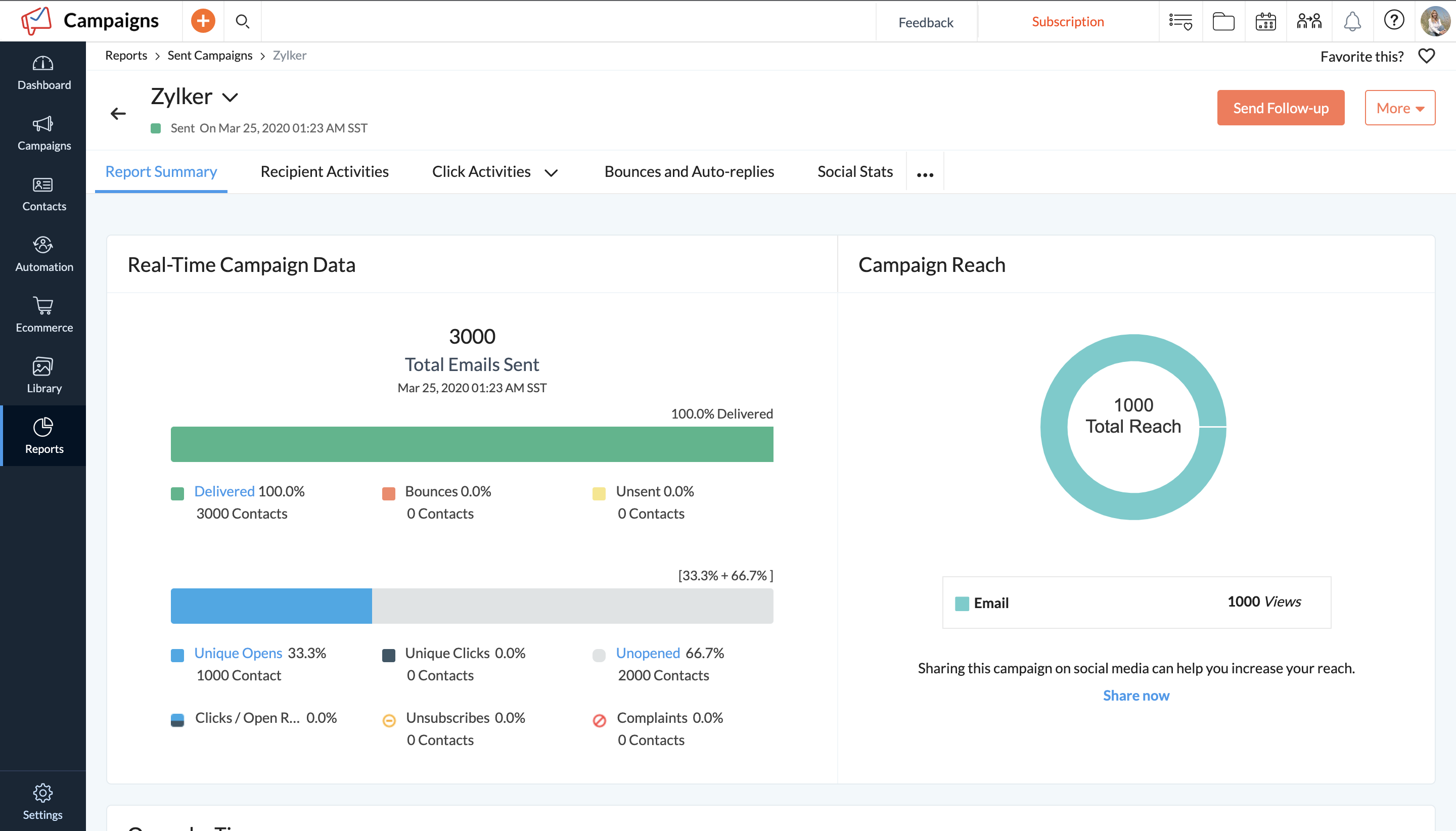
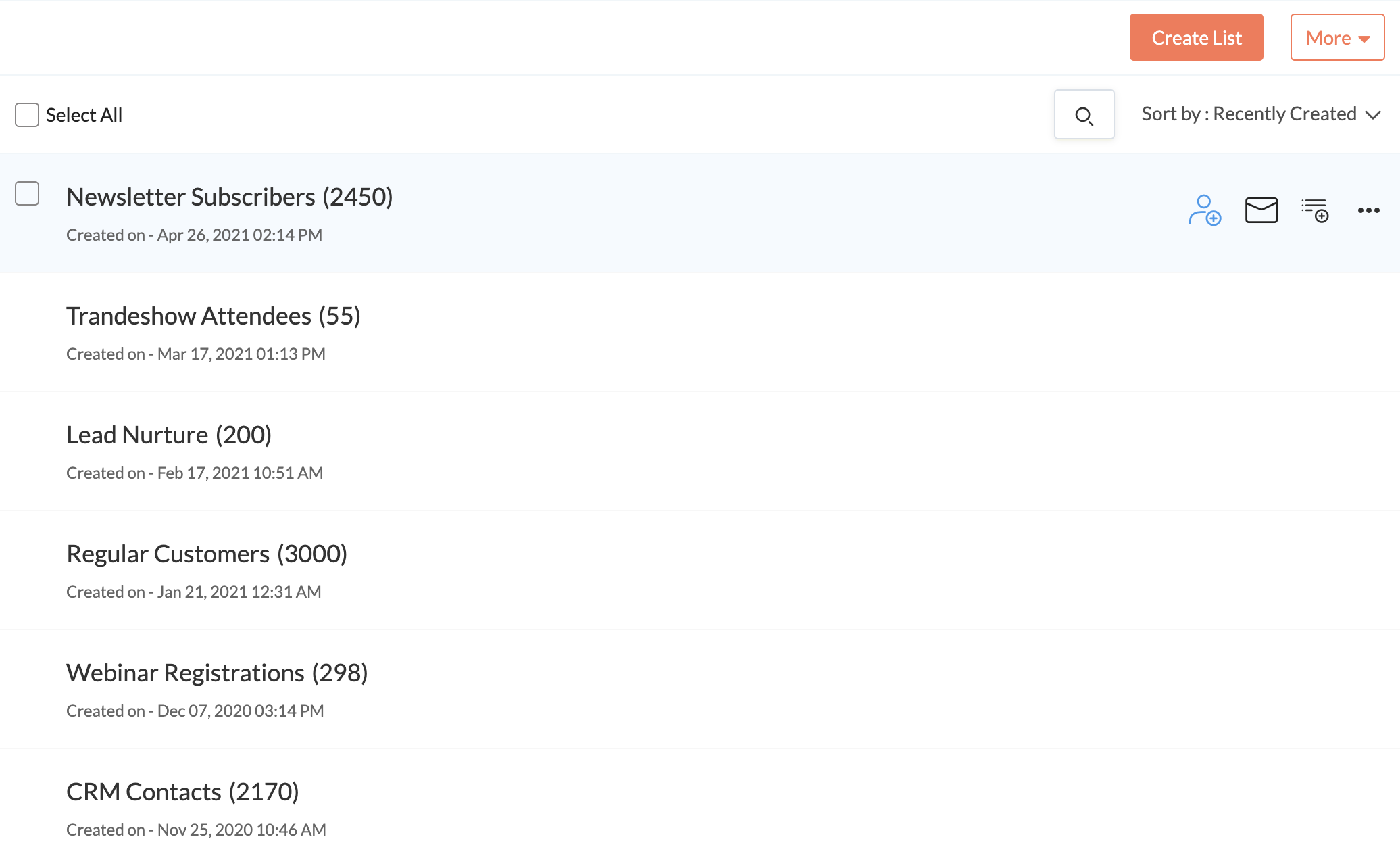
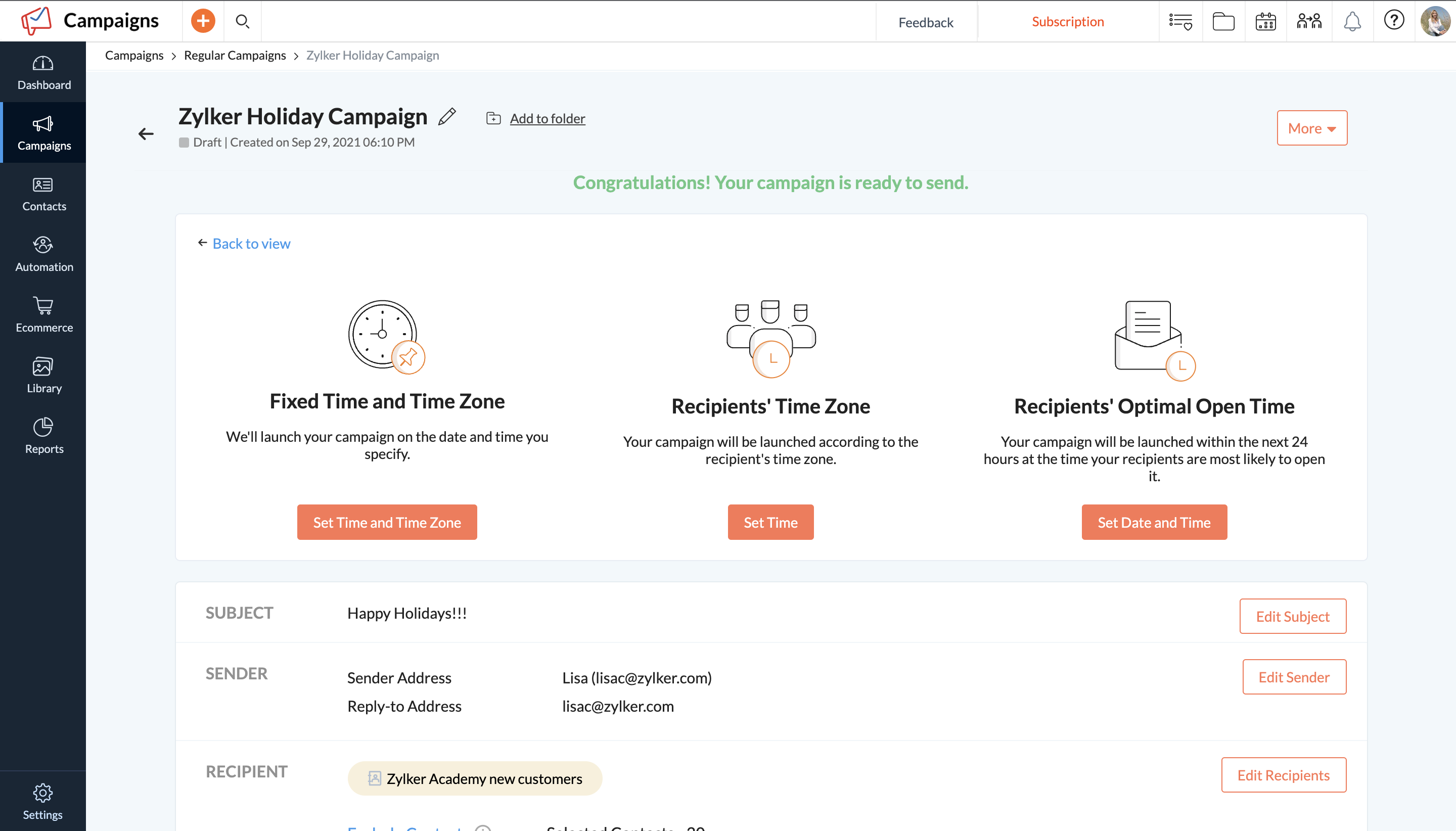
Zoho Campaigns is an email marketing and social networking campaigning tool for smaller companies that helps create, send, and track effective email campaigns. It features list management and segmentation, A/B Testing, tracking and reporting, automation, and mobile campaign management.
We also use Zoho Campaigns for CRM related emails and campaigns. It is definitely not as easy to use as Mailchimp but has the advantage of easily pushing emails in and out of our Zoho CRM.
We use Intercom for Drip user engagement. Again, it does not have the easy-to-use or …
Mailchimp is on par with Zoho Campaigns in terms of functionality. Mailchimp and Zoho Campaigns are quite similar in terms of overall performance. When it comes to email marketing campaigns, I think Zoho Campaigns has a leg up on Mailchimp since it offers more and better …
Mailchimp was usually already in place and needed to be set up for growth. In general, I found that the lack of phone support at the lower tiers and the rigidness for opt-in rules made working with it long term not that easy.
Mailchimp has an affordable, tiered pricing structure. Their UI, while not as strong as some of their competitors, is good enough to get the job done. With tech-savvy team members, newsletters and emails can easily be customized to offer consistent branding for any form of …
Generally, Mailchimp is substantially cheaper for smaller companies compared to the Enterprise level email marketing systems. Additionally, Mailchimp offers the agency-focused advantages of programs like Campaign Monitor, but with an easier billing system and lower monthly …
I'll be choosing Klaviyo for the deep eCommerce interaction and product integrations, great reporting, and comparable pricing model. Mailchimp is in my experience more versatile and developed than Zoho, Constant Contact, or HubSpot offerings--more modern and more …
Eloqua had long term contracts and the starter plans started as high as $2000. Also, unlike Mailchimp, it misses out on integration with Google Analytics and takes a while to fix issues with implementation.
MailChimp is great, and probably a bit more intuitive, but the seamless integration with Zoho CRM won it over for us with Zoho Campaigns. That and the ability to choose from two different pricing structures. Another thing to mention, the saved template feature, which is a basic …
We already use Zoho CRM so it made sense to use Zoho Campaigns to make importing from the CRM easier. MailChimp and Zoho both have an editor for editing HTML directly, so there was no clear advantage there. MailChimp was slightly more expensive than Zoho Campaigns (by about …
Campaigns came with Zoho CRM, so that's the ONLY reason I use this product. I can't justify paying for MailChimp when I have a free product. BUT, if I paid for this I would have switched a long time ago. In fact, I would have never picked it because it doesn't even compare …
Zoho Campaigns is a clumsy attempt to further bring your customer management under the Zoho umbrella. Contact management and CRM integration need a lot of work. Master style definitions, custom templates, and deliverability statistics would be good improvements. On the other …
If you are on a budget or already using Zoho's other products such as CRM, Zoho Campaigns is a good choice to get you up and running with email campaigns. Mailchimp is also affordable and has a lot more capability and customization of the templates and landing pages, but does …
While we still believe that Mailchimp has more options for expansion at this point, Zoho Campaigns works better for us so we don't have to leave the Zoho suite of programs so much. Since our main e-mail is through Zoho Mail, the integration of both products is integral.
In my experience, I liked MailChimp a lot because of the many features it has. In comparison with Zoho Campaigns, I feel that it is superior but what I find most helpful, and the main reason why I use Zoho Campaign, is that the applications I use can be integrated and I can see …
Chief GTM - Go-To-Market and Strategy Officer & Manager - SEO & SMM
Chose Zoho Campaigns
Best part of Zoho Campaigns is that when you upload the email addresses it verifies that emails are valid or not. I have never seen this feature except in Zoho Campaigns. Mailchimp and Sender are good tools. But Zoho Campaigns outsmarts both of them. Zoho Campaigns needs a …
Verified User
Manager
Chose Zoho Campaigns
We decided to try Zoho Campaigns in lieu of previous applications being used. For the most part, the setup was similar and straightforward but the nuances in the UX and difficulty finding features made it feel harder than it had to be. Overall we still prefer other CRM …
Zoho is not just the one application but actually is a suite of interconnected applications so I can use my Campaign and incorporate it into another application. I also have a little more flexibility with Zoho Campaigns like creating something in a different format then just …
Zoho Campaigns is much less user-friendly than the other options I've tried. It doesn't seem to have great integrations with other systems either. For example, the forms they give you slow down websites and look terrible. Ultimately, the only time I've gone with Zoho Campaigns …
Zoho Campaigns is honestly the worst email sender in the world. Anyone considering it should stay away. We have opted-in customers who are begging for emails from us and while we were using Zoho Campaigns (we are still moving away currently) no customer has received even one …
Its easy setup and user interface made it one of our primary tool for sending newsletters and email campaigns. I don't always need to supervise my team on this tool. My team is well versed with the process involves in creating email campaigns on this tool. And the kind of …
It allows you to reach out to our customer base and discuss updates, sales, education, and much more. I am grateful to have reached out to them and to have gained brand loyalty in the process. It helps us truly connect, not just sell. I can segment my audiences and decide who I want to send communications to.
Mailchimp allows you to manage your mailing list really well. You can subscribe people, unsubscribe people manage the mailing list directly into segments, and what not.
Mailchimp has features where you can create campaigns based on your mailing lists and send out newsletters to your subscribers based on a multitude of parameters that you can setup. Such as send email daily, weekly, monthly and they also have event based mails that you can send out.
Mailchimp also has a feature where you can design your emails. The look and aesthetics are very important when sending emails to your subscribers and all those needs are addressed here.
Zoho should start by throwing this tool in the trash and then recreate it from scratch. There are so many flaws I would be here all year trying to list them all. Start by the fact that creating templates is an absolute nightmare. You'll find over and over again that something that should be easily executed can't be done. It is NOT a plug and play program. Everything is trial and error.
The reporting SUCKS bad. It gives you basics, but if you want any real insights... I have to export all my data into my own spreadsheets to compare results from multiple campaigns.
Customer service is B.A.D. You'll spend HOURS upon HOURS with a tech support team that knows less than you. The only time anything gets accomplished is when you work with a programmer. BUT, you'll seriously waste 1-2 hours explaining a problem to someone who is only taking notes. You'll get so frustrated when they try to show you how they think it works and you respond with... "I know how this works because I have used it for a year - the problem is that it stopped working the way it always did before. They will argue with you. You will respond accordingly. They will close tickets without resolution. Speaking of tickets, you'll never get one. They say they will take care of it and a week later you will follow-up and no one will have any idea what is going on. You'll start from scratch and be even more frustrated. You will learn to "fix" it on your own or deal with it, broken.
After two years, I'm still not sure if my emails even make it to an inbox. When asked, you'll be told that you need to write better subject lines. I call bull****. Don't rely on this product to deliver your email. And don't question Zoho, as it will always be your fault.
You can't use this tool to send to ANY group email addresses. You can't even override the system. I have a lot of clients that use info@xxx.com or sales@xxx.com, etc. and I have to send them personal emails since this will not allow them to be sent. They say it is to protect them from getting blacklisted. I call bull**** again.
The templates offered by the system are crap - unless you only send holiday emails. Not a large selection of just generic templates. You'll be pulling your hair out trying to use their builder to create your own. In the end, you'll end up sending emails with nothing "pretty" about them.
We've had Mailchimp for about ten years, I want to say. I started with the company about four years ago, and I don't see us ever diverting to another source. It's easy for us to use, and we have all our clients already built into the database. I imagine we'll use them for as long as we have the company.
It's very easy to use - I could quickly explain how to use Mailchimp to someone not in marketing and feel confident they'd be able to use basic skills to figure it out. Plus, we use it beyond just email marketing now for subscriber welcomes, forms, and nurture sequences.
Zoho Campaigns is a powerful email sending tool. Zoho Campaigns is highly user-friendly and intuitive software. Complex email marketing tasks are simplified by Zoho Campaigns. Best part of Zoho Campaigns is that when you upload the email addresses it verifies that emails are valid or not. I have never seen this feature except in Zoho Campaigns.
I have, in the 4+ years that I've used Mailchimp, never seen an issue that restricted the use of their software/tools. I don't know of a single time when they're system crashed or went down. I could be wrong, but I honestly haven't experienced any issues with outages, errors or unplanned downtime
I haven't noticed any slow speeds from Mailchimp or their tools. I think the landing pages load quickly and look nice. The email reports and editing operates smoothly and doesn't take time to load. Additionally, when I use Mailchimp in conjunction with Zapier + Hubspot I don't notice any drag between any of these tools
Website tools were easy to use and understand so a novice can easily meet or exceed their client's expectations! Loved that we were able to totally customize so that the e-mail we created conveyed our client's overall messaging consistent with their branding! Client love that we can provide turnkey services to support their sales and marketing teams!
It's pretty easy to get up and running! There's a slight learning curve on a few things, but once you find where everything is located, you can import your list and send your first email. It really makes our clients feel great to see how quickly they can get that first email out.
I used Intuit Mailchimp, and I would say other software I used is equally good and competes with Intuit Mailchimp. Well, Intuit Mailchimp's reporting is better, and ActiveCampaign has more affordable pricing, so in the end, it all comes to what you need. What we needed was available in cheaper price in other software as well. But I would definitely say Intuit Mailchimp has its own advantages too.
Zoho Campaigns is not for beginners to email marketing, but it’s an excellent choice for those who want to send out a lot of emails with few restrictions and great reporting. It’s a no-brainer if you’re already a Zoho user, as Campaigns is included in Zoho One subscriptions and integrates nicely with other Zoho apps.
Mailchimp over the years I've used it has grown in leaps and bounds. They have added so many additional features than were previously available. They are truly an all-in-one marketing platform now. If you're a small operation and just want to add email to your marketing efforts, they're there for you. If you're a larger operation and want to start sending postcard advertisements, they can do that. If you'd good with that and want to kick up your marketing by going social, you can do that on their platform. They are truly able to be as small as you need, but also get quite large in whatever it is you'd like to do through their system.
One of my retail web store clients was sending out email specials and notices about once a month. After clicking the send button, we would watch Google Analytics and the current site users would light up immediately. Often, the current site visitors would pop up to 20, 30 or more after the email was sent. On a normal day, seeing 1 or 2 online users would be OK.
Pretty much in all cases, we could see an uptick in positive activity after sending out a Intuit Mailchimp email to a list.
It allows us to communicate with all our customers or lists together or individually, and to track how successful our campaigns are.
Customer Service is a target area of why we use Zoho Campaigns, and it meets our needs greatly.
To date we have not really measured the ROI or impact that Zoho Campaigns has on our marketing efforts but with this product it certainly has the means to do such.