Asana is a web and mobile project management app. With tasks, projects, conversations, and dashboards, Asana lets an entire team know who's doing what by when, enabling workload balancing. Users can also add integrations for GANTT charts, time tracking and more.
$13.49
per month per user
Atlassian Strategy Collection, with Align
Score 7.7 out of 10
N/A
The Atlassian Strategy Collection is an enterprise-scale strategic portfolio management (SPM) and planning suite designed to connect executive business strategy directly to engineering and product execution. Built on Atlassian's unified cloud platform architecture, the Strategy Collection provides real-time visibility into portfolio health, resource capacities, corporate priorities, funding allocations, and operational outcomes across value streams.
$27,000
per year
LiquidPlanner
Score 8.3 out of 10
Mid-Size Companies (51-1,000 employees)
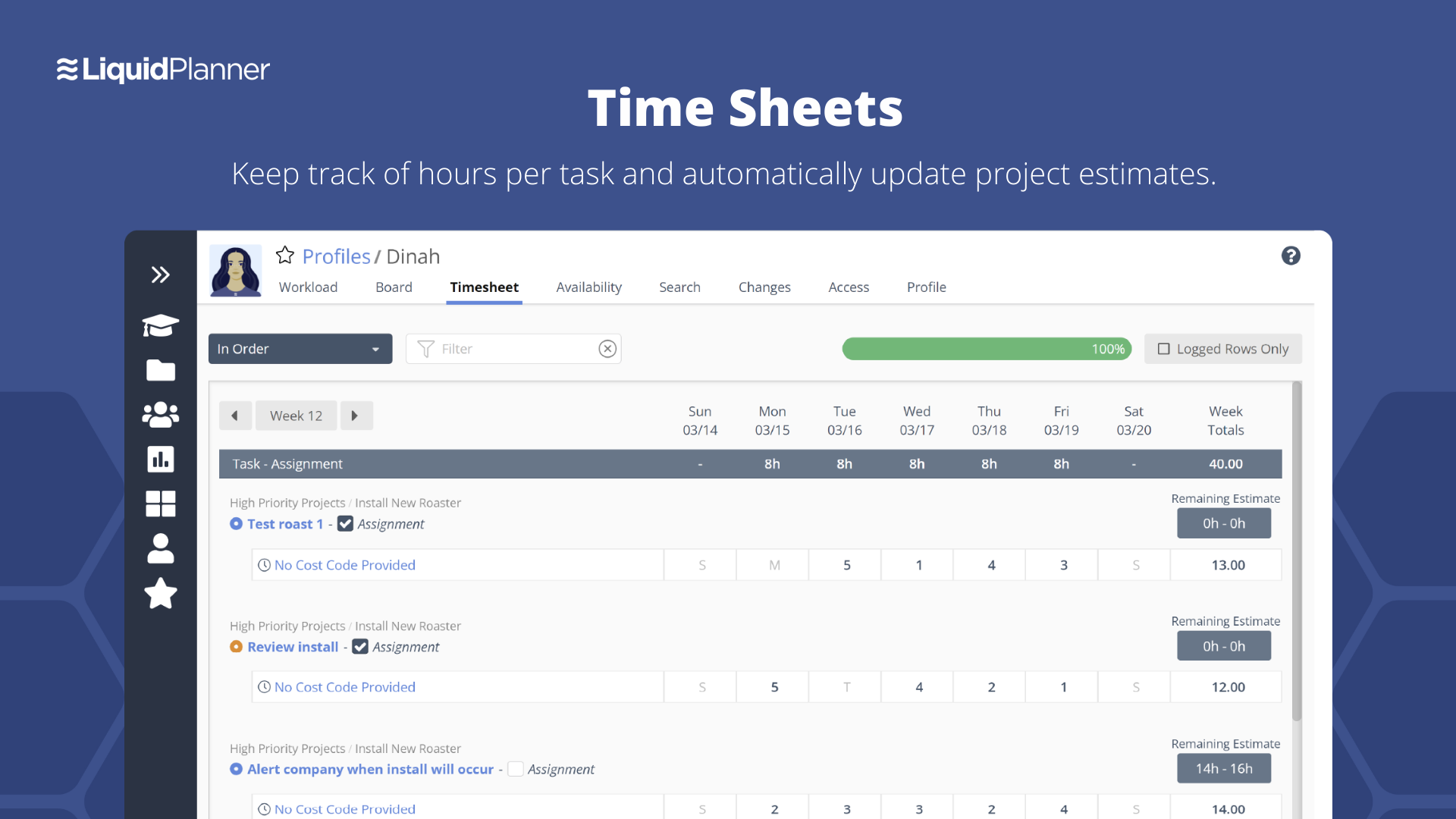
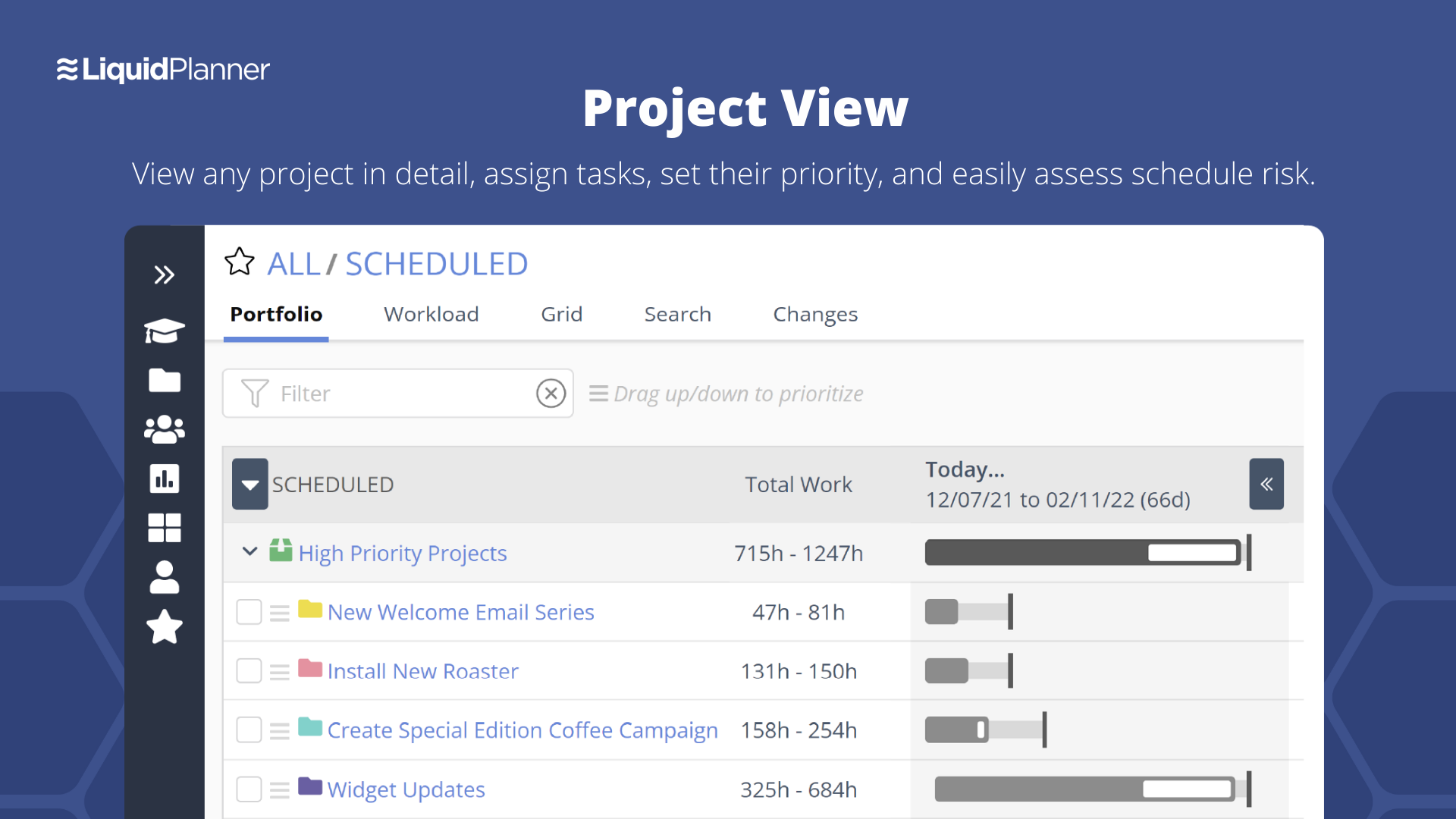
LiquidPlanner is a cloud based predictive project management solution. Some key features include: Dynamic Timeline View, Workload View, and Real-Time Activity Stream.
Asana has its proper place in task management. There are better tools that provide similar functionality but the decision depends heavily on the actual requirements. If you own a small business or a start up, Asana is excellent. If you are an enterprise level organization, …
Jira provides a large advantage over some competitors, such as Harvest which is more of simple time tracking software, but without the connectivity provided between team members. Furthermore, Asana is a close competitor, but does not provide the same level of integration with …
Microsoft Azure Devops won't have the major functionality of software management like Jira. The customization provided by Jira is having a cutting edge over any project management tool. Adds-on and Plugins feature in the Jira Tool make it as perfect as desired task management …
I have tried many project trackers, and in my opinion LiquidPlanner fits in somewhere in the middle of them. It's more powerful than some of the trackers I've used (such as Trello), but it's also more complicated and harder to navigate and collaborate with others on than some …
LiquidPlanner offers centralized tools to manage the requirements and objectives of each project, as well as the management of deliveries, monitoring, and team management. The tool integrates with Hubstaff and other platforms.
Wanted to try other products in the same group to evaluate which can better. Had heard good reviews from common friends so wanted to have data points for competitive analysis
The usability of Asana is broad since it's available in a variety of platforms that are widely used nowadays. I think that it would be great for people who are constantly on the move and switching devices, since it has allowed me to work from my phone, too. I also think that Asana has proven itself to handle a large quantity of work
The Atlassian Jira Align (formerly AgileCraft) tools help keep our scrum teams moving in the right direction. It gives Sr. Executives visibility into the progress of our digital transformation efforts. It provides information to our program manager to create the necessary artifacts to justify continued funding of our initiatives. It also supports the SAFe framework, along with some others. And the Atlassian Jira Align (formerly AgileCraft) tools provide integration to other tools that we use in our portfolio.
LiquidPlanner is amazing for any time of project management scenario where you have to manage several teams and details. Running a project through LiquidPlanner is so easy because it lets you break down the project into sections and folders and small tasks that you can assign to specific people. With a small to medium size team-- LiquidPlanner is amazing for organizing and tracking details. If you have a huge team or not a ton of details to track LiquidPlanner might not be right for you because it is a software that requires some good training to learn and has tons of functions that can be utilized so it seems better suited to be used by a smaller group looking to coordinate or for people who have lots of details that can be difficult to track.
Through it, we were able to communicate and cooperate with the rest of the team to complete the work in the required manner and at the appropriate time.
Effective Sprint planning : Sprint planning can be done using Planning Poker in AgileCraft by clicking Team > Manage > Other > Estimation Games very effectively for distributed teams.
Team Capacity Allocation Report: After tasks are created at team or program level, the report from AgileCraft cab be pulled and can be verified that no team member is under or over allocated. A report can be generated by navigating to Team > Manage > Assign Tasks.
Effective Requirement trace-ability: To maintain requirements trace-ability follow the steps below:
Upload test cases against the story/requirement. once uploaded test cases will be visible under that story
Execute Test cases in AgileCraft and mark them as Pass/Fail based on the actual outcome
Based on test results, The acceptance criterion's can be marked as “Pass” or “Fail” & if marked failed corresponding defect can be logged & can be attached with the story
So against each story we can easily see whether all test cases been executed or not & which acceptance criterion's are failed & how many defects are in open or close state.
Daily Scrum: In AgileCraft, the option to run a daily stand-up is available from Team > Manage > Daily Standups. Selecting the sprint number opens the daily stand-up meeting window in which each team member's tasks are visible and hours can be burned against them. Conduct Scrum meetings in AgileCraft, and burn each associate hour against the tasks created during the meeting. The burn-down chart can be generated & viewed during the stand-up to check whether the team is on track.
Priority based planning. Every other planning software we've used relies on dates and therefore needs constant attention. Priority based planning means that the plan is always up to date.
Ease of use. LiquidPlanner has a very short learning curve. This is critical to getting team members to use it.
Forecasting. LiquidPlanner makes it very easy to run scenarios by simply dragging and dropping projects and reassigning resources.
Awesome Support. I get personal responses very fast. Usually within a couple hours. And, they listen and ask for more information.
The initial ticket creation screen lacks some important features, such as assigning "point values" (a measure of effort needed for the ticket).
The browser needs to be manually refreshed to see new tickets, which can make things confusing when several people in a meeting are simultaneously creating tickets.
The interface on some smaller portions of the software are sometimes difficult to understand.
The interface is messy and cluttered. The best way to find things and see what you actually want to see is the main Projects view which is also the most cluttered and hardest to maneuver in.
Clicking an external link someone posted in a comment or task description doesn't open in a new window by default, so we are constantly having to go back to get to LiquidPlanner again.
The way that the interface saves your state globally (rather than per tab instance) means that if you click a link from someone else to a task that's not yours, then it adjusts your filters on the Projects page. Then if you refresh another LiquidPlanner window where you were on the Projects tab, suddenly all of its filters are updated and what you were looking at may no longer be there.
It might just be the way that we use the system, but the Home and My Work tabs are fairly useless for us. They typically don't show the tasks we're actually looking for.
We may not renew LiquidPlanner's contract, but only because my company has recently been acquired and we'll be adopting some of the software that they're using to standardize process. LiquidPlanner's development team releases new features pretty often, so it seems like the gaps and inefficiencies are slowly getting smaller/less frequent
It is very user-friendly. Takes a new employee an hour to start figuring out how the system works. That's an important factor. You don't want to encounter the issue where employees need a week to understand how the system works. For example, JIRA, I tried using it for a week and I still don't understand the complicated layout. Asana has a simple interface. Once you see it, you get it type of program.
As I have mentioned, some older, less tech savvy, team members have not found it as intuitive. I found it the same when I started using it although it quickly made sense. I think this is because there are lots of features we do not use so this can get in the way of what we do use
I haven't had to use their support so I can't rate it. The fact that I haven't needed them reflects the ease of use of the product. I would recommend that any new users schedule a complete demo of the product to ensure that they are using it to it's fullest (there's a lot of useful features).
Overall support from Jira team is good. It comes at an additional price but it is very efficient. There are no long wait times, you get a dedicated team to look into your issues. The support is available throughout the year and they keep a record of your issues. Overall we are very satisfied with the support they have provided us over the years, it has been very effective for the price that we pay.
They have been great in trying to come up with creative solutions to help us do what we want to do with the platform. I would say their support has been exceptional because we have hit them with some complex requests.
Asana is a top-tier project management software that helps us organize and track projects from start to finish. It allows us to apply tasks/to-dos to multiple projects without duplication, divide complex projects into smaller tasks, and track project progress. It also helps us organize work on Kanban boards or linear lists. It stands out from the crowd in a big way compared to the competition.
Microsoft Azure Devops won't have the major functionality of software management like Jira. The customization provided by Jira is having a cutting edge over any project management tool. Adds-on and Plugins feature in the Jira Tool make it as perfect as desired task management tool for any company. One of the best Agile based Project Management Tools.
Miro is a more versatile tool, but not quite made for planning and organizing. LiquidPlanner is very intuitive, fast to learn and easy to communicate. The added value of prioritizing tasks, personalized boards and gantt charts are really important during the planning and design thinking in the business. LiquidPlanner is simplified yet more helpful.
It has positively impacted our tech teams, allowing them to better organize the tasks and items they are working on and has greatly improved their ability to communicate & review these tasks with other teams.
I believe it negatively impacted other departments as lengthy training was required by many associates to attempt using the tool, only to find out it didn't meet our needs, therefore much time was wasted.
LiquidPlanner really forces you to map out your workflow. For me, honing into a template that I can later adjust as needed has been huge, as there is less time at the beginning of a project trying to assign and figure out what needs to happen when usually it never changes.
Communication between employees, especially ones not immediately available in the office has been very welcomed. It helps having conversations documented in a public, logical place that is easy to find and refer to as the project continues.
Our productivity has definitely skyrocketed as we've really gotten a feel and committed to using LiquidPlanner daily. As we move forward, we continually try to add more and more ways for us to use the service.