Atlassian Jira is a project management tool, featuring an interactive timeline for mapping work items, dependencies, and releases, Scrum boards for agile teams, and out-of-the-box reports and dashboards.
$9
per month per user
Planview ProjectPlace
Score 8.3 out of 10
N/A
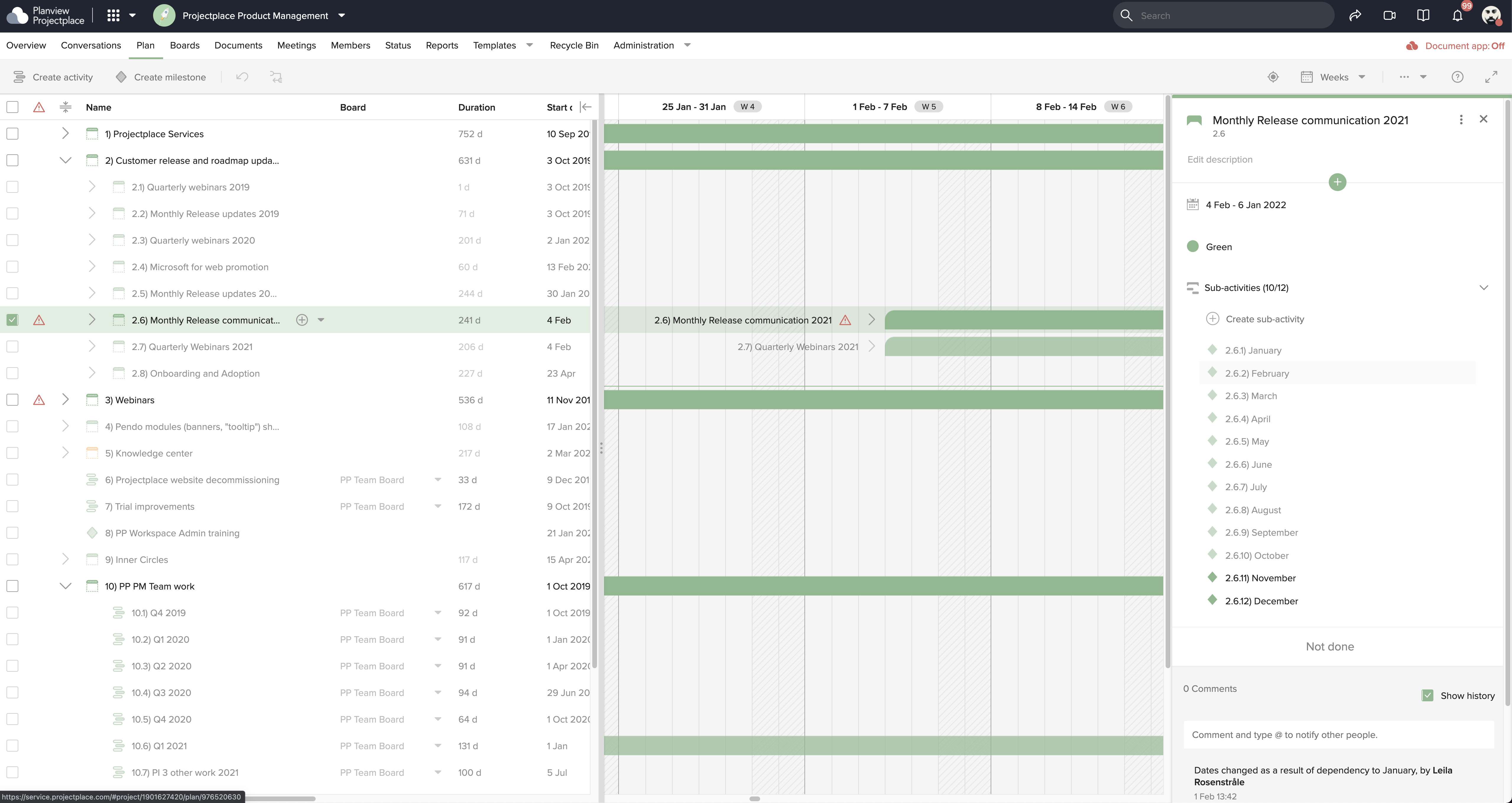
Projectplace is a collaborative work management solution. The vendor says the product is built with teams of all sizes and complexity in mind, from virtual teams of five to entire global enterprises with tens of thousands of active users. It is also designed to incorporate waterfall and agile workflows.
N/A
Pricing
Atlassian Jira
Planview ProjectPlace
Editions & Modules
Standard
$9
per month per user
Premium
$17
per month per user
Enterprise
Contact Sales
per year
No answers on this topic
Offerings
Pricing Offerings
Atlassian Jira
Planview ProjectPlace
Free Trial
Yes
Yes
Free/Freemium Version
Yes
No
Premium Consulting/Integration Services
No
Yes
Entry-level Setup Fee
No setup fee
No setup fee
Additional Details
Higher volume teams may qualify buyers for a discount.
As mentioned before, JIRA is a very big tool which also is the reason why we're using it for complex tasks in our company. Other project management tools are often easier to use and have a nicer UI but they simply don't offer the same amount of settings and features.
Notion is an open book that allows you to create whatever you want... nice but having some bumpers makes creating and implementing a solution a bit easier. ProjectPlace is simple to get started and use. You might miss out on a cool feature or two, but I think the lack of a …
Most of these others don't have many of the features that are available in Planview Projectplace. The agile methodology is in a true sense covered by Planview Projectplace, not by Asana nor Wrike. In Confluence, one has to link up with Jira for full functionality, but in …
[In my experience] Jira is more refined, better looking, and easier to become familiar with. Also, the massive market share of Jira helps in consultancy as you can switch between clients easily. Projectplace has many powerful tools but so does Jira, and Jira integrates with our …
While I am familiar with a lot of other tools available in the market, my recent experience with Planview Projectplace tools was very positive. Gantt charts and reports are the best features of the tools, as they help you present your work in a more engaging way. It performs …
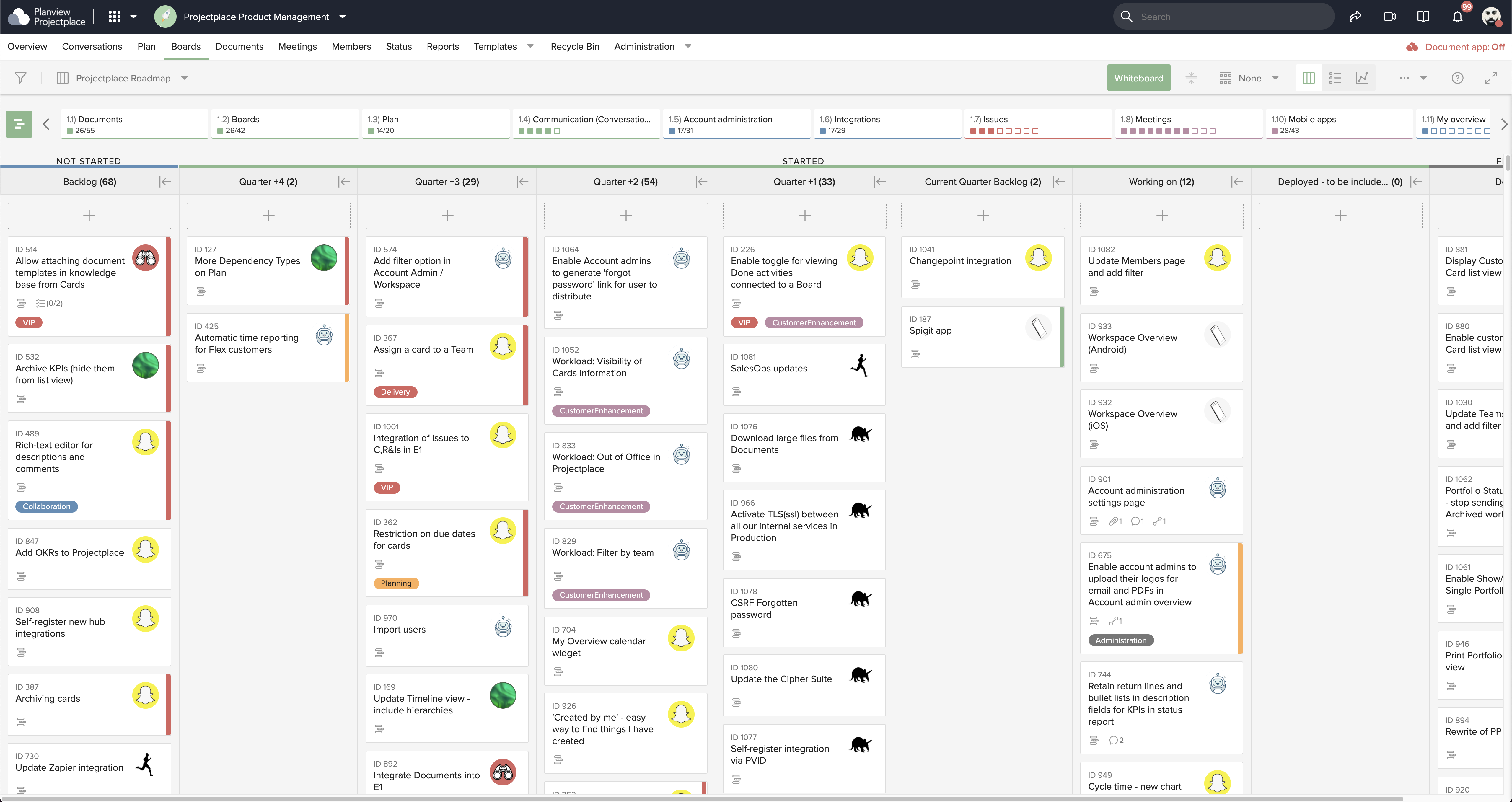
Planview Projectplace gives Jira a very tough competition in terms of its very powerful Kanban feature set. Its tracking individual tasks and workload in one single view is also one up on Jira.
We selected Planview Projectplace since while Jira is great for Agile software teams, often there was a barrier to entry for project and program managers who were more interested in higher level task tracking around deliverables, etc. Planview Projectplace had enough features …
Planview Projectplace and these other project management tools stack up in an honestly very similar way, most offer a similar suite of tools and helpful ways to track and plan all your projects and tasks. I think that Planview Projectplace ultimately has most of the great …
Planview has many features for managing and prioritizing projects, cost effective solution and easy to implement. Manage and execute all types of work, efficiently and effectively leverage resources and technology.
JIRA was meant for software development, as I said before. It isn't very good for copywriters and designers. I would never work at an organization that used JIRA for copywriting work unless they paid me a lot of money to deal with that frustration. ProjectPlace is great.
To me, ProjectPlace is the winner above and beyond all of these. Similar or less expensive, and far more practical functionality. Rather than try to be all things to all people, it focuses on basic functions that apply to most businesses. Beyond Asana, JIRA, and Trello (which …
Projectplace enables all the users in one single tool to have access to many features: planning of projects, the definition of To Dos, sharing of documents, the creation of documents, communication with project stakeholders whether it be internal or external, have a global …
Project place does not replace any of the listed products except for MS Project. We like project place for schedule alignment, easy project switching, and time tracking. The other programs are still used for issue tracking, investigations, documentation, and reporting of …
Projectplace works the best for our kind of work because it's not too complicated to ensure a fast project management but it's also not too stripped down so we still can add all the details and files we need.
Our organization has mainly used task management tools such as CA service desk, Jira software or Gantt based project management tools such as Microsoft project. However we have chosen Projectplace for the management of European R&D projects for its repository and its …
It is a full and finished software product. Atlassian can be a complete solution after choosing what exactly what extensions you need. That is a lot of work. If you just want a complete system, you can use projectplace; it satisfies our wishes perfectly. In the end, all of the …
Projectplace was more usable and knitted together from the outset than as with Wrike or having to customize a lot of features and workflows as with JIRA.
Jira facilitates software development, bug tracking, and sprints. It's ideal for structured workflows, issue management, and customer communication. However, more straightforward tools might be more efficient for highly creative, unstructured tasks or tiny, agile teams with quick visual overviews. Jira's complexity can be overkill for basic task lists.
Planview ProjectPlace is a vibrant platform that manages all activities and schedules different roles based on their urgency, importance, and requests. Further, Planview ProjectPlace outlines the need for proper documentation with the aim of accurate referencing. Tasks are credibly shared, and proper reporting is enhanced to transform firms' work environment. ; Lastly, Planview ProjectPlace brings sustainable email integration for enterprises.
Integration of tools like Bitbucket, Github, etc., has made it easier to track the code changes, pull requests, and branches linked to the respective ticket.
The detailed tracking system in JIRA has helped the teams prioritize and understand the project tasks and issues.
JIRA's project tracking board helps you keep track of the project, its flow, and expectations in a structured format.
Under the time tracking, it would be nice to have a set template that would load each week and not have to click a button to load the previous week's template.
Somehow making it more intuitive.
Having to add in each service line and each detail that I cover for every service line each week is a bit ridiculous.
This is because Jira Software generates a huge profit for an affordable price. Having a tool that makes team management transparent and effective is very valuable.
In addition, the renewal of Jira Software and all Atlassian tools is predictable and clear, as the prices are published on the Atlassian website and there is no pyramid of intermediaries.
We're committed now & have >50 users on Projectplace. All our projects are now tracked in the tool. We this investment of time & training, the cost of maintaining Projectplace is relatively low for the benefit. So we will renew, even if there are some idiosyncrasies in the tool & there are opportunities for improvement.
The interface is simple and easy to use if you have some experience with it. Configuration is also logical most of the time. However, less experienced users tend to find themselves lost in some tasks - usually complex project configuration- but sometimes simple things, such as seeing why a user can't move issues in a workflow. Jira configuration requires a good amount of experience - and even experienced users often resort to documentation. It's a tool that's easy to use if you know what you're doing and where to find the proper documentation, but novice users tend to find it challenging.
Easy to use platform and provides the user with an amazing experience and straightforward tools that empower and help execute tasks with fast performances that allow quick and easy service delivery. Easy on implementation and get started immediately with enterprise-ready Planview Projectplace and start to connect with teams and departments at once.
Did not face any issues and whenever they plan maintanance they update all of us very well in advance also so in that view we are good with the product stability.
Performance is really good though it holds lot of data it loads quickly especially search operation also get the results very quickly as needed hence its good
I have not had a chance to contact JIRA's customer support. It does offer extensive documentation, although it often feels too technical for me. There is also a JIRA training app that lets you take little lessons and quizzes on different areas (e.g., JIRA basics, agile). I did find it a helpful way to teach myself.
I haven't needed to get in touch with support because the product is quite well structured and understandable. There were no issues initially when making payments or later for monthly payments. The project manager using the software is quite skilled in the software and has not needed much help. New licenses are easy to acquire, and there is no delay in getting them. I know there are several ways of support available, so that's a plus.
Had received training from our own internal user so it was good and also very easy to understand topics and many tasks in the UI are self explanatory and we can do by our own
One of their strong points i stheir documentation. Almost all of the basic set up needed within JIRA is available online through atlassian and its easy to find and very precise. The more critical issues need to be addressed as well and hence the rating of 8 instead of a 9.
Take your time implementing Jira. Make sure you understand how you want to handle your projects and workflows. Investing more time in the implementation can pay off in a long run. It basically took us 5 days to define and implement correctly, but that meant smooth sailing later on.
monday.com cannot be integrated with CI/CD tools, whereas Atlassian Jira integrates with CI/CD tools seamlessly. Atlassian Jira has strong Agile and Scrum support. Coming to monday.com, it has basic agile functionality. But Atlassian Jira has a complex UI, and monday.com has an intuitive, drag-and-drop interface. Overall, Atlassian Jira provides features like Agile project management, DevOps integration, and customizable workflows.
[In my experience] Jira is more refined, better looking, and easier to become familiar with. Also, the massive market share of Jira helps in consultancy as you can switch between clients easily. Projectplace has many powerful tools but so does Jira, and Jira integrates with our suite of software much easier compared to Projectplace.
For our marketing team, Jira Work Management caused us to lose valuable work time due to manual updates that could have been automated.
Due to lack of creative review tools within Jira Work Management, our team had to pursue other tools that do not integrate with Jira Work Management, thus creating additional OpEx.
[We have the] ability to support remote work through projects that scale across multiple groups
We have large-scale quarterly projects, so the ability to save and duplicate project templates are helpful for us to keep track of tasks down to the specific card