
Ragul Kumar
Research Executive II
Chose Box
Box is more professional when comparing other alternatives

| Product | Rating | Most Used By | Product Summary | Starting Price |
|---|---|---|---|---|
 Box | N/A | Box is an online Intelligent Content Management solution that caters to individual users as well as businesses. | $21 per month 3 users (minimum) | |
 Cynoia | Small Businesses (1-50 employees) | Cynoia serves as an apps hub and unique workstation where the user can access all communication and collaboration channels from one place. In the form of a web platform, Cynoia provides access to a space gathering built-in communication and collaborative features as well as the ability to synchronize with most of the used apps to bring all data from everywhere on any device. The vendor's value proposition for Cynoia is: - Access to one platform to manage a team's collaboration,… | $0 per month per user | |
 Microsoft Teams | N/A | Microsoft Teams combines video conferencing software with team collaboration tools. The communications platform allows MS Office users to conduct conference calls and share files via SharePoint, and join or initiate a group chat. | $4.80 per month per user |
| Box | Cynoia | Microsoft Teams | ||||||||||||||||||||||
|---|---|---|---|---|---|---|---|---|---|---|---|---|---|---|---|---|---|---|---|---|---|---|---|---|
| Editions & Modules |
| No answers on this topic |
| |||||||||||||||||||||
| Offerings |
| |||||||||||||||||||||||
| Entry-level Setup Fee | Optional | $9,588 per year per user | No setup fee | |||||||||||||||||||||
| Additional Details | A discount is available for annual pricing. | — | Discounts are available for non profit organizations. | |||||||||||||||||||||
| More Pricing Information | ||||||||||||||||||||||||
| Box | Cynoia | Microsoft Teams | |
|---|---|---|---|
| Considered Multiple Products |  Box Ragul Kumar Research Executive II Chose Box Box is more professional when comparing other alternatives  Maike Holthuijzen Graduate Research Assistant Chose Box | Cynoia No answer on this topic | Microsoft Teams  Sierra Schubach Marketing Content Manager Chose Microsoft Teams We moved most of our tech to Microsoft, which is why we made the switch from Slack to Microsoft Teams. The interface is pretty similar and we are able to complete all our tasks within this program. No downfalls - I would like to see a basic user video or demo of some sort to … |
| Box | Cynoia | Microsoft Teams | |||||||||||||||||||||||||||||||||||||||||||||||||||||||
|---|---|---|---|---|---|---|---|---|---|---|---|---|---|---|---|---|---|---|---|---|---|---|---|---|---|---|---|---|---|---|---|---|---|---|---|---|---|---|---|---|---|---|---|---|---|---|---|---|---|---|---|---|---|---|---|---|---|
| Enterprise Content Management |
| ||||||||||||||||||||||||||||||||||||||||||||||||||||||||
| Project Management |
| ||||||||||||||||||||||||||||||||||||||||||||||||||||||||
| Communication |
| ||||||||||||||||||||||||||||||||||||||||||||||||||||||||
| File Sharing & Management |
|
| Box | Cynoia | Microsoft Teams | |
|---|---|---|---|
| Small Businesses |  Square 9 Softworks Score 9.7 out of 10 |  Stackby Score 9.0 out of 10 | Stackby Score 9.0 out of 10 |
| Medium-sized Companies |  MediaValet Score 9.0 out of 10 |  Troop Messenger Score 9.8 out of 10 | Troop Messenger Score 9.8 out of 10 |
| Enterprises | MediaValet Score 9.0 out of 10 |  HCL Connections Score 9.0 out of 10 | HCL Connections Score 9.0 out of 10 |
| All Alternatives | View all alternatives | View all alternatives | View all alternatives |
| Box | Cynoia | Microsoft Teams | |
|---|---|---|---|
| Likelihood to Recommend | 8.0 (154 ratings) | - (0 ratings) | 8.4 (281 ratings) |
| Likelihood to Renew | 8.0 (12 ratings) | - (0 ratings) | 3.7 (9 ratings) |
| Usability | 8.0 (21 ratings) | - (0 ratings) | 8.7 (67 ratings) |
| Availability | 10.0 (5 ratings) | - (0 ratings) | 9.0 (1 ratings) |
| Performance | 9.1 (12 ratings) | - (0 ratings) | 8.0 (1 ratings) |
| Support Rating | 8.5 (29 ratings) | - (0 ratings) | 8.3 (113 ratings) |
| In-Person Training | 10.0 (1 ratings) | - (0 ratings) | - (0 ratings) |
| Online Training | 10.0 (3 ratings) | - (0 ratings) | - (0 ratings) |
| Implementation Rating | 10.0 (6 ratings) | - (0 ratings) | 10.0 (1 ratings) |
| Configurability | 10.0 (1 ratings) | - (0 ratings) | - (0 ratings) |
| Contract Terms and Pricing Model | - (0 ratings) | - (0 ratings) | 6.3 (7 ratings) |
| Ease of integration | 10.0 (1 ratings) | - (0 ratings) | - (0 ratings) |
| Product Scalability | 10.0 (1 ratings) | - (0 ratings) | 10.0 (1 ratings) |
| Professional Services | - (0 ratings) | - (0 ratings) | 7.0 (7 ratings) |
| Vendor post-sale | 10.0 (1 ratings) | - (0 ratings) | - (0 ratings) |
| Vendor pre-sale | 10.0 (1 ratings) | - (0 ratings) | - (0 ratings) |
| Box | Cynoia | Microsoft Teams | |
|---|---|---|---|
| Likelihood to Recommend | Box
| Cynoia No answers on this topic | Microsoft
|
| Pros | Box
 james dean Senior Software Engineer | Cynoia No answers on this topic | Microsoft
 Keith James Veloso Virtual Assistant |
| Cons | Box
| Cynoia No answers on this topic | Microsoft
|
| Likelihood to Renew | Box
 Sam Montoya, CSM Project Manager | Cynoia No answers on this topic | Microsoft
 Phil Parrish Co-founder, Managing Director |
| Usability | Box
 Tyler Grudowski Product Development Engineer | Cynoia No answers on this topic | Microsoft
 Jayson Cadano In-Country Manager |
| Reliability and Availability | Box
| Cynoia No answers on this topic | Microsoft
|
| Performance | Box
 burt smith Graphic Design Specialist | Cynoia No answers on this topic | Microsoft
|
| Support Rating | Box
| Cynoia No answers on this topic | Microsoft
 RAJESH VENGILOT Lead (Unified Communications) |
| In-Person Training | Box
| Cynoia No answers on this topic | Microsoft No answers on this topic |
| Online Training | Box
| Cynoia No answers on this topic | Microsoft No answers on this topic |
| Implementation Rating | Box
| Cynoia No answers on this topic | Microsoft
 Sarath Kumar Pujari Staff Engineer |
| Alternatives Considered | Box
 Pjeter Gjergjaj Senior Network Engineer | Cynoia No answers on this topic | Microsoft
|
| Contract Terms and Pricing Model | Box No answers on this topic | Cynoia No answers on this topic | Microsoft
|
| Scalability | Box
| Cynoia No answers on this topic | Microsoft
|
| Professional Services | Box No answers on this topic | Cynoia No answers on this topic | Microsoft
 Asik Jaman Business Development Specialist |
| Return on Investment | Box
| Cynoia No answers on this topic | Microsoft
 Hyacinth Bangero Research Assistant II |
| ScreenShots | Box Screenshots      | Cynoia Screenshots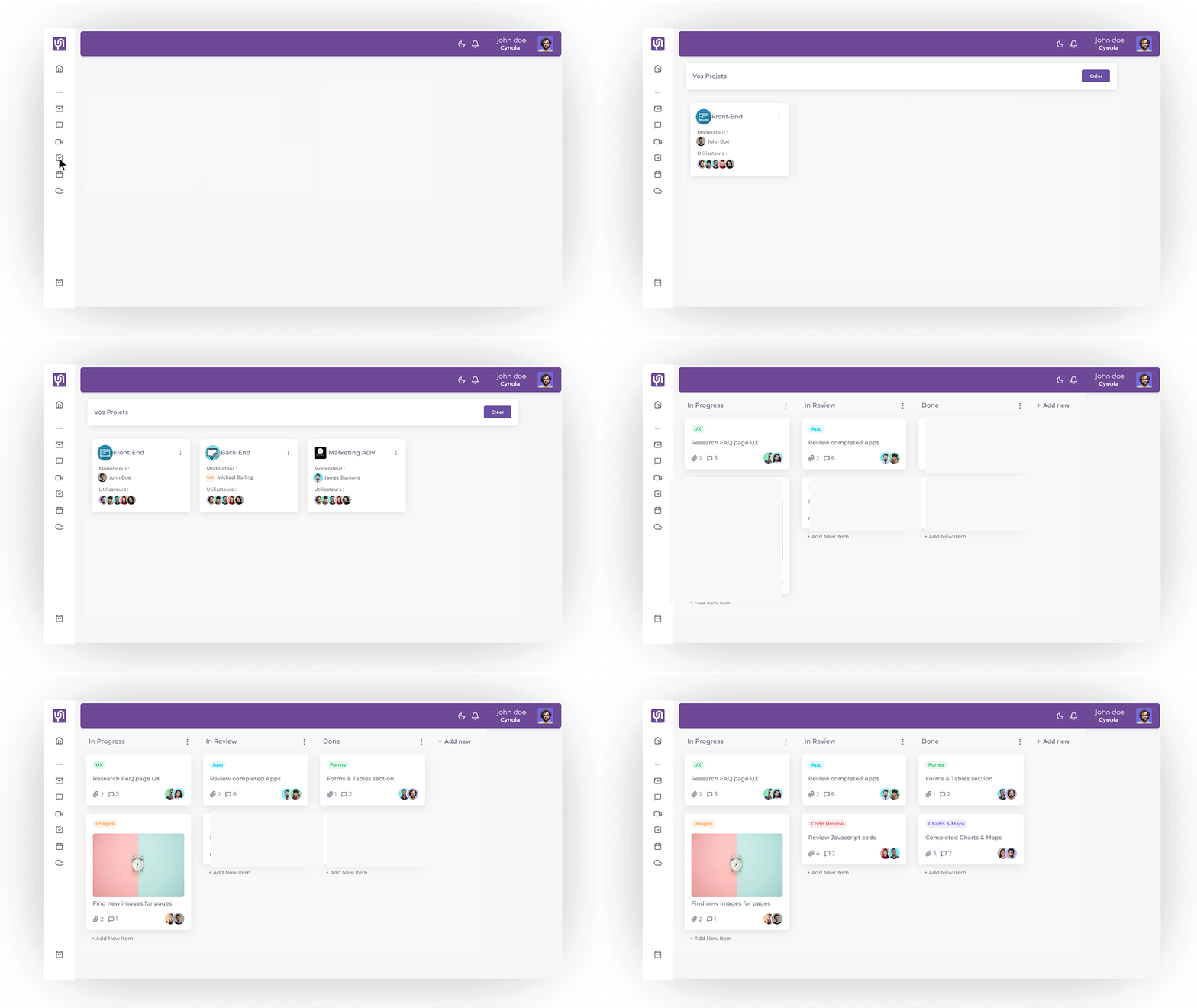  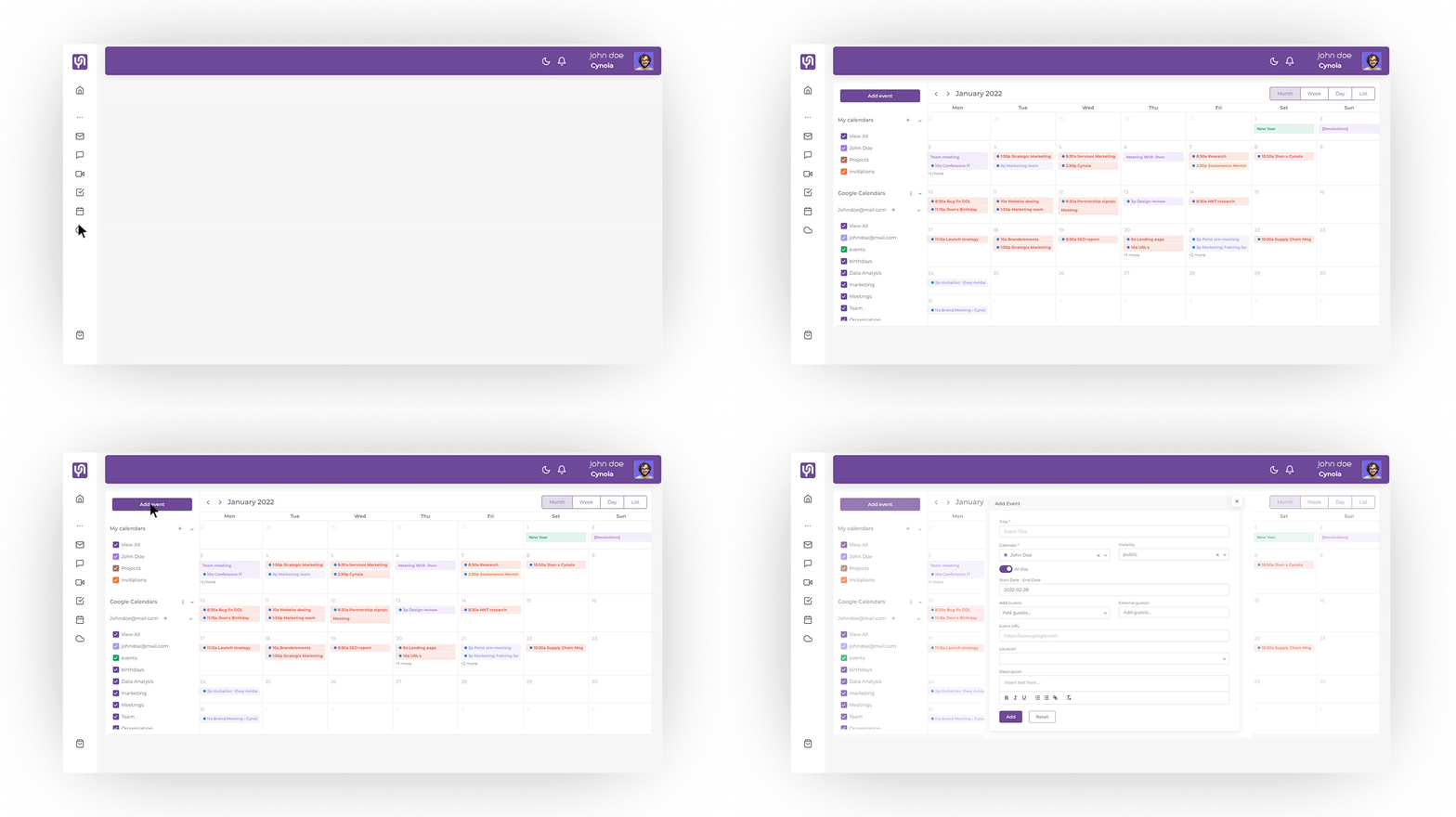  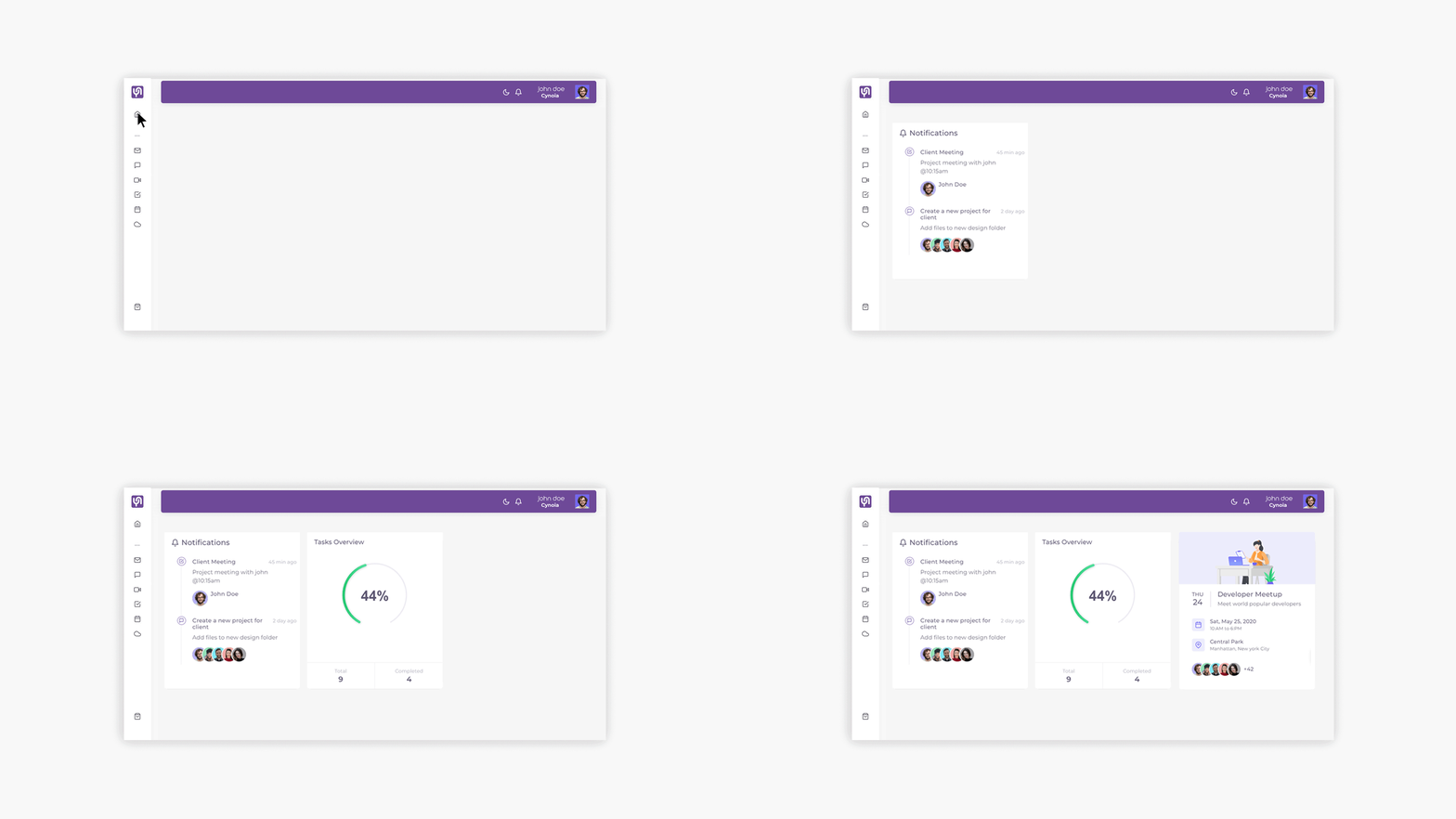 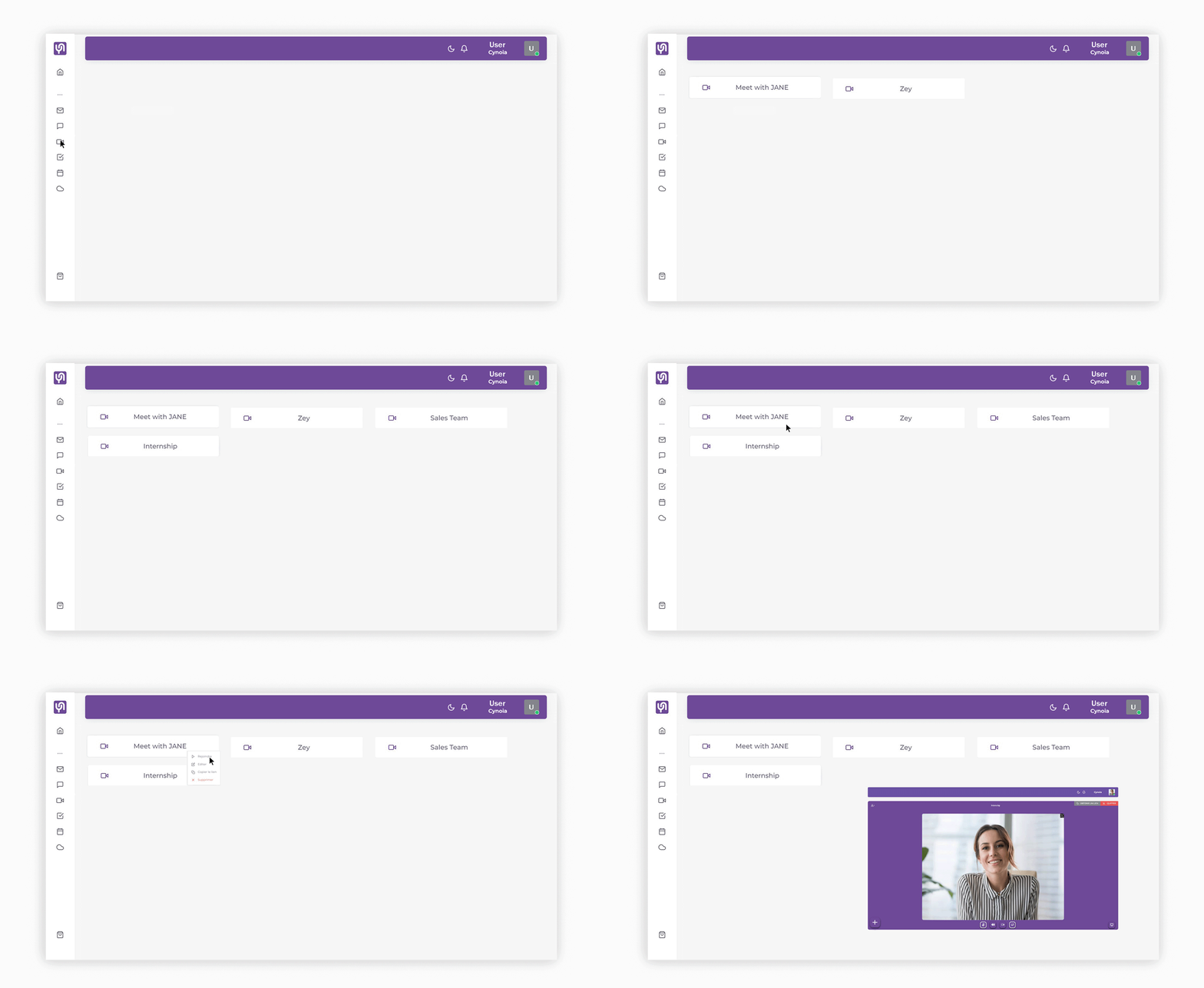 |