Red Wing Software headquartered in Minnesota offers a benefits administration and payroll solution, in their software CenterPoint Payroll.
N/A
OnPay
Score 9.9 out of 10
N/A
OnPay's payroll and HR is designed for people who want to spend more time running their business, and less on back-office tasks. The application aims to enable users to: • Run payroll • Automate taxes • Let employees do more themselves • Simplify HR processes • Offer benefits in any state OnPay starts at $49 plus $6 per person each month. The monthly fee includes integrations with QuickBooks, Xero, and time-tracking software, as well as all quarterly and…
$49
per month +$6 per month, per person
Paycor
Score 7.5 out of 10
N/A
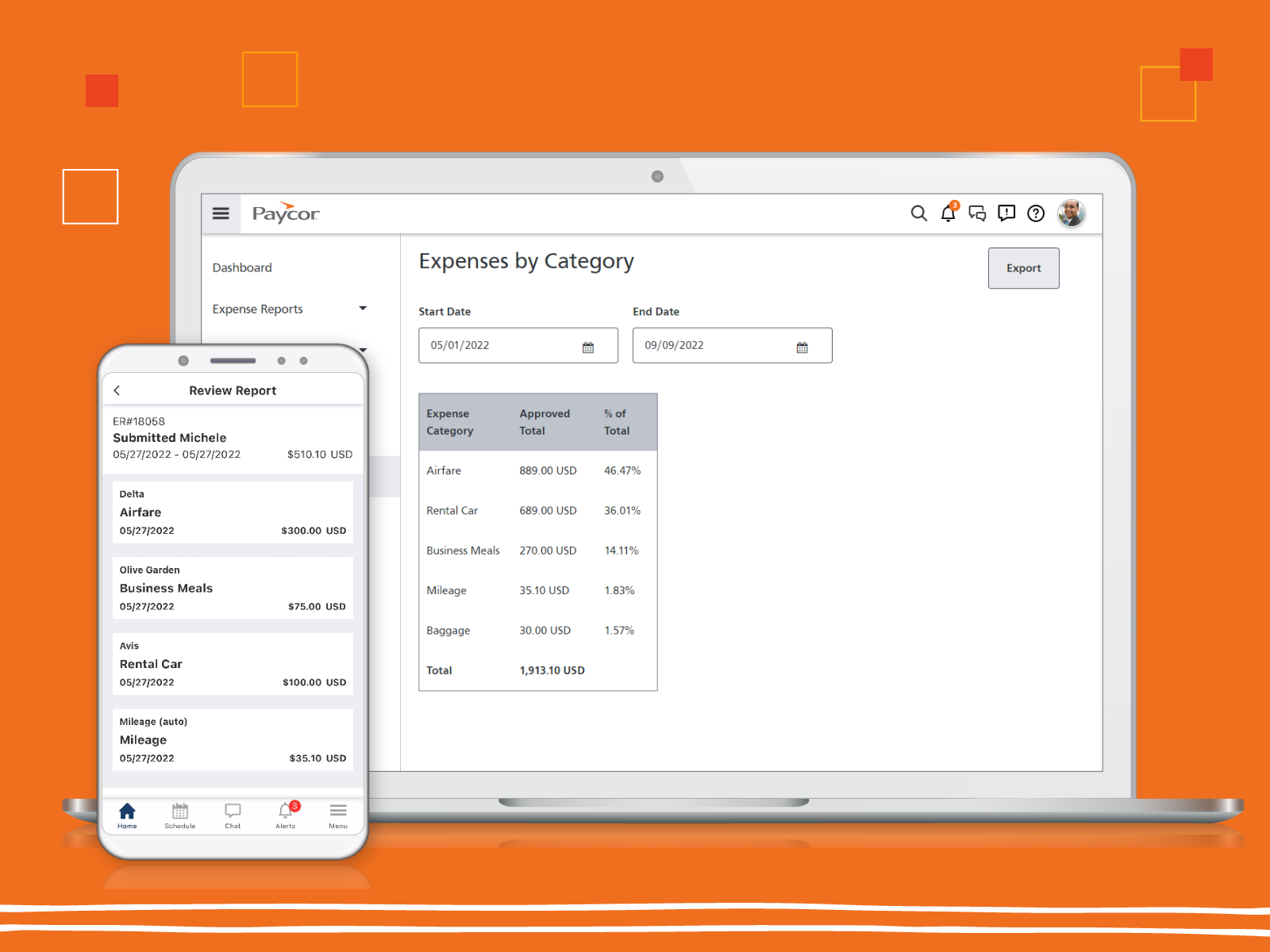
Paycor provides core HR functions scaled towards small and mid-sized businesses. Paycor offers an integrated benefits platform for interfacing directly with insurance carriers and an adaptable time management platform.
N/A
Pricing
CenterPoint Payroll
OnPay
Paycor
Editions & Modules
No answers on this topic
No answers on this topic
No answers on this topic
Offerings
Pricing Offerings
CenterPoint Payroll
OnPay
Paycor
Free Trial
No
Yes
Yes
Free/Freemium Version
No
No
No
Premium Consulting/Integration Services
No
No
Yes
Entry-level Setup Fee
No setup fee
No setup fee
Optional
Additional Details
—
First month free, then $49 + $6 per employee each month.
Paycor's pricing for small, mid, and enterprise companies varies based on product bundle and company size. Because Paycor HR software is built to help businesses scale and grow, plans are based on the mix of HR products needed, and company size. Payroll is at the core of Paycor's offering, and their products are sold as a part of their payroll and HR platform.
Paycor has more features than OnPay even tho OP worked well for a small company. Heartland was simplistic but wasn't scalable enough to offer all the other features that go with a Payroll or HR system.
CenterPoint Payroll has been excellent for our company, with approximately 150 employees. I can certainly see it being excellent for smaller companies and larger companies. I don't know if there is a size of company at which it would become difficult or limiting to use - I can't foresee any of the functions or features becoming limiting factors as company size increases. To a certain extent, I could see the robustness of CenterPoint being a bit more than what is necessary for a tiny company of less than 5 employees, but it would certainly be able to do what is required for them.
OnPay is well-suited for small nonprofits or organizations new to payroll that want clear guidance and responsive customer support. OnPay may be less ideal for large or highly complex organizations that need extensive customization, very advanced reporting, or deep integrations with a wide range of enterprise systems.
Paycor is well suited for an organization with a strong implementation team or who has the budget to hire a consultant to implement Paycor. Once the system is implemented, Paycor is great. If you are a smaller organization, we suggest starting with just 1-2 modules and working your way up from there as setting up everything takes time and resources
Communication - From my first call I was so impressed at the level of care and compassion OnPay expressed. I was assigned specific employees who were available in the sign up process to walk me through each step and to answer all my questions. I know some of my questions were probably "stupid" but OnPay never minded answering them and I was always treated with respect.
On Boarding - The nightmare I had experienced with a competitor became a dream with OnPay. They said if I would authorize them to sign onto my account they would take care of the sign up process. And they did!!! They also did it correctly. All of the numbers and information was error free. The only information I was required was input was direct deposit bank information.
Resolving an Issue - I have only had one issue that needed to be resolved. The person I talked to had to check with another person for an answer but she stayed on the line with me to make sure the problem was resolved. Then I received a follow up email outlining exactly what action they had taken.
Ease of using the website - I can find what I am looking for! I like the verification code. And every time I sign on to my account the red heart by our company name makes me smile.
You can add additional additions or benefit items such as a car allowance. The process required me to contact a representative as that wasn't as easy to navigate.
The process for handling additional withholdings for pre-payed taxes required support to ensure the calculations were accurate.
Process for on-boarding is a little tricky if you don't start the process from the point of hire. You can add various things easily but it reflects differently in terms of completion of an Employee file.
The reporting capabilities of Paycor Recruiting are lacking. While there are some great features I would like to see more options for customization. The options to build my own report from SCRATCH with whatever fields I want/need would be a huge improvement. At this time, I have to finagle the reports to try and get what I need and often times I have to pull multiple reports and then do extra work outside of the system to end up with metrics close to what I’m looking for in the data.
The candidates search feature could use some improvement. In theory, the tagging system is a great idea but it leaves room for inconsistency and trying to search for a previous candidate who interviewed well isn’t always easy. This makes it harder to re-engage with people who could be a strong match for a new job opening.
Although the platform is very user friendly as far as ease of use and intuitiveness it can be VERY slow at times. There are days where the system moves at a snails pace and when there are multiple clicks to have to get to a specific spot in the system this can be very frustrating. This is especially try for navigating through job postings and candidate details.
We have used OnPay for a few years now and we do continue to renew our annual use of OnPay. We are only a small organization and although OnPay provides a lot of additional services that larger organizations might ind useful, OnPay still meets our limited requirements of running bi-weekly payroll and submitting our quarterly state and federal tax documents, and at a price that we still find affordable.
Price point is the biggest driving factor. Paycor has made some strides in the customer service area and we've seen enough improvements that renewing our contract has become more a reality than a pipe dream. The system functions well and our employees are familiar with how it works, so to make a change would be a huge lift for our team
OnPay is very easy to use. The computer interface is setup very well. You can quickly add people, enter your Payroll, print reports, etc. If your Payroll doesn't change from pay period to pay period (example, salaried employees) it takes mere seconds to enter in your Payroll.
Glitches. So many glitches. The customer service number provides basic troubleshooting, which doesn’t help; some issues take weeks to resolve, with no apparent reason why they occur. The system does not work on Safari. We have dealt with Payroll not working, which has caused a manual payroll to be run. Paycor representatives do not provide any assistance.
I feel like Paycor is always up and running! If they are planning downtime, they communicate it clearly. Every once in a while, I get something that says the system isn't working but it is usually back up within the hour. I typically find by the time that the employees complain about it, that it is resolved within the system.
For the most part, everything moves super fast. There are a few sections (Expense Management) that sometimes take a bit to load correctly. Or if they are interesting, it takes a minute to talk to each other! But reports are quickly downloaded and available! Even data heavy reports run fairly fast!
CenterPoint support is excellent! While I have not had to use them frequently, as the program is consistently stable and has few, if any, bugs, the times I have had to reach out to tech support, they have been excellent and have solved our issues quickly. They listen to our explanation of the problems, can dial into our system to see exactly what we're seeing in real time, and have always been able to quickly determine the issue, work out a solution, and help us through the process until we've got everything back in line. They are friendly, courteous, professional, kind and very knowledgeable of their products. This is absolutely one of the best things about CenterPoint - even though we seldom need it, when we do, they are always quick to get us through the issue.
As mentioned previously, I appreciate the Chat feature and have used it several times. I've also used the help database and found it wonderful. And I've had many email support interactions. Every time I've interacted with many individuals from the support team including...(who has helped me a number of times). The interactions have been professional and courteous and extremely helpful. Often they're able to resolve my problems and questions very quickly. OnPay has provided great support to our team here at Strike Visuals.
I feel like support will transfer you back and forth between departments and put you on hold forever. I believe it is very difficult to see the status of an open ticket. During my experience, it feels like the client has to push all communication and request updates from support regularly.
The online trainings are super helpful. They have user guides that you can read through, interactive training that will walk you through it as well as plain web based ones. I've actually never had an in-person training but all of the information you need can be found online. They also will do individual support training if you are struggling with a certain area.
Implementation of any new software is going to be challenging, especially if you are maintaining an existing program concurrently. When it is time for dual-processing (both old and new software) prior to going live, be prepared to be stressed. But trust the process and it will be over soon.
We selected CenterPoint Payroll because of our dissatisfaction with ADP (and Paychex prior). We wanted a solution that we controlled internally, instead of having to be at the mercy of some huge company that saw us as a tiny fish in a big ocean. We set our company's configuration, add/define all of our own specific settings, profiles, etc. and simply process payroll. We print and sign our own checks, process our own direct deposits directly with our bank, and can handle our own business needs. When we were with ADP and Paychex before, both companies made promises to us that they simply were either unwilling or unable to fulfill. We have saved both time and money by doing our payrolls ourselves with CenterPoint.
OnPay is tremendously less expensive and technically superior to Quickbooks in my opinion. OnPay is less expensive and offered the ease of managing a restaurant payroll that was better in my opinion than When I Work. My experience when evaluating all of the payroll products that I felt the company could afford was that OnPay had a superior staff of professionals who knew their product and could explain how to use it most clearly.
They seemed similar but Paycor was cheaper at the time. However, Paycor has so many fees they tack onto every invoice that may not be the case anymore. The support services supposedly were better at ADP but that was an unknown
I gave it a 10 because we only use it across one organization. However, it has allowed us to break it into multiple departments and layers of management. It is also easy for us to utilize across different locations but still under one master company. They have always provided us support when we decide to change something on an organizational level
CenterPoint Payroll has saved us tens of thousands of dollars from our prior arrangement with ADP, while providing either similar or superior support.
Having payroll completely in our control has simplified a LOT of our daily routines - if something needs to be updated or adjusted, we do it ourselves instead of contacting someone at ADP and hoping that they can do it for us, then getting frustrated when they haven't.
We can process Payroll in a 25% of the time that we previously could.
Scheduling takes 2 or 3 times as much effort as it did before.
Onboarding allows employees to do self-service but comes with a lot of questions from team members so it is net the same amount of time at the end of the day.