Cisco Duo is a two-factor authentication system (2FA), acquired by Cisco in October 2018. It provides single sign-on (SSO) and endpoint visibility, as well as access controls and policy controlled adaptive authentication.
$3
per month per user
Dashlane Password Manager
Score 9.1 out of 10
N/A
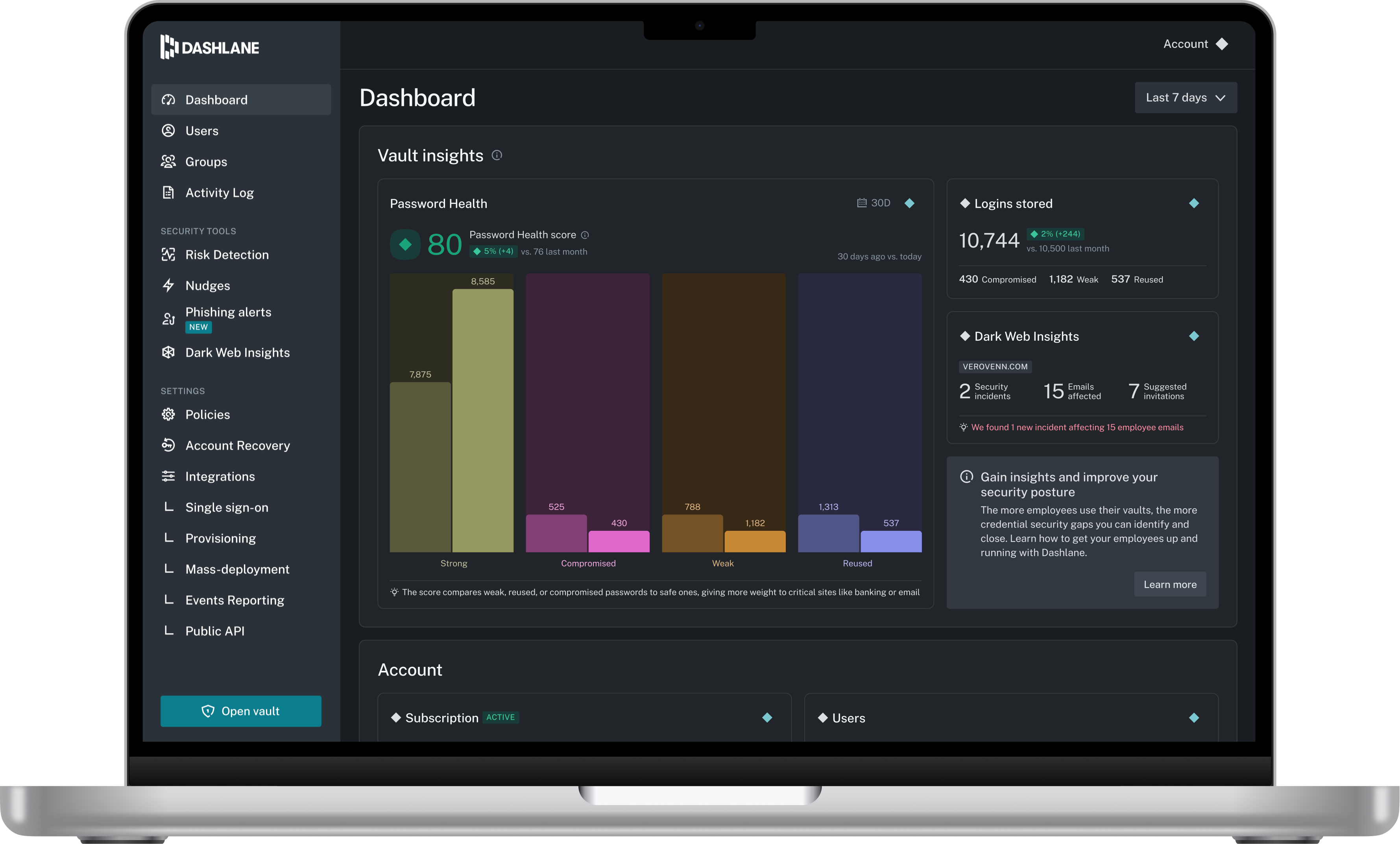
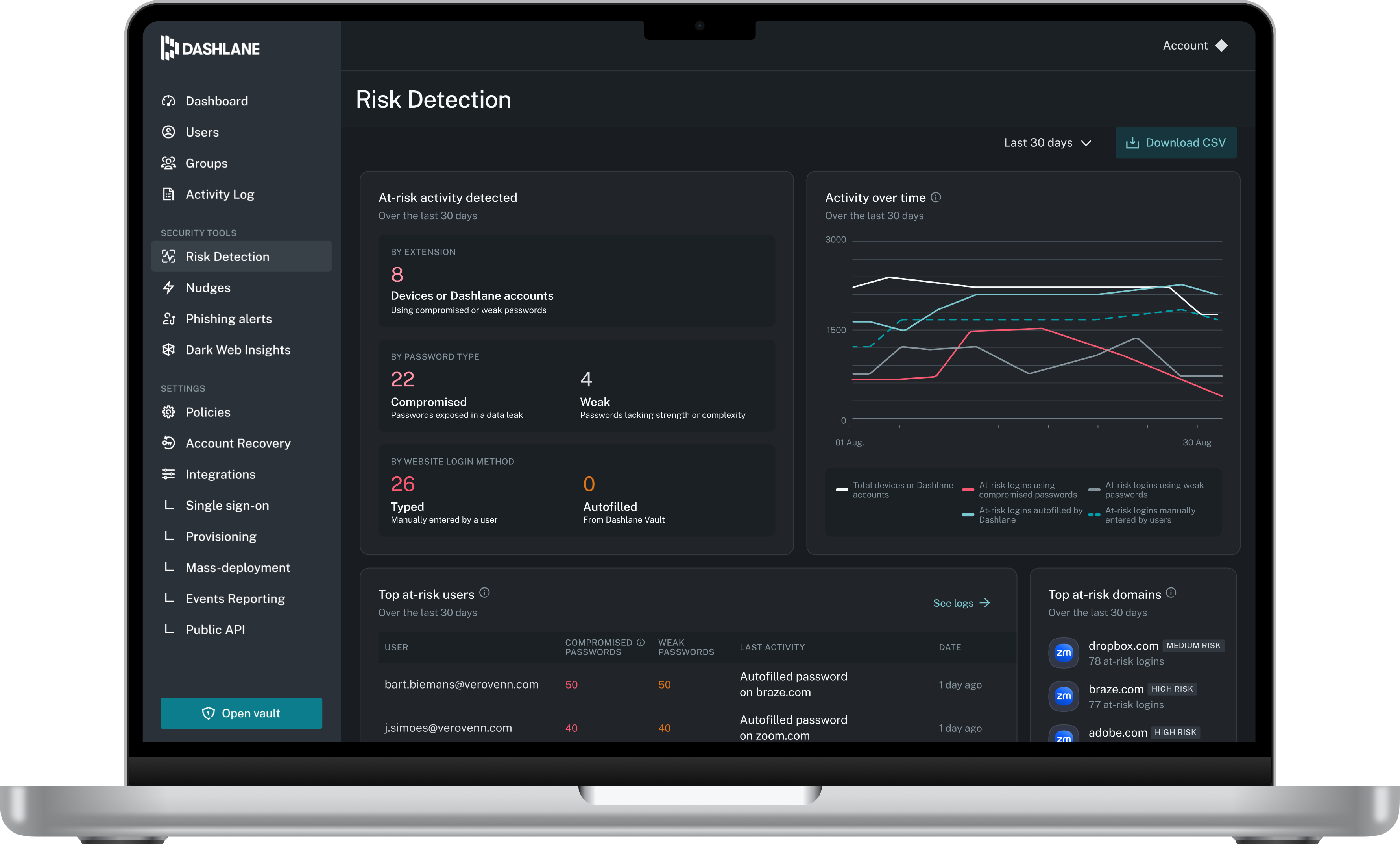
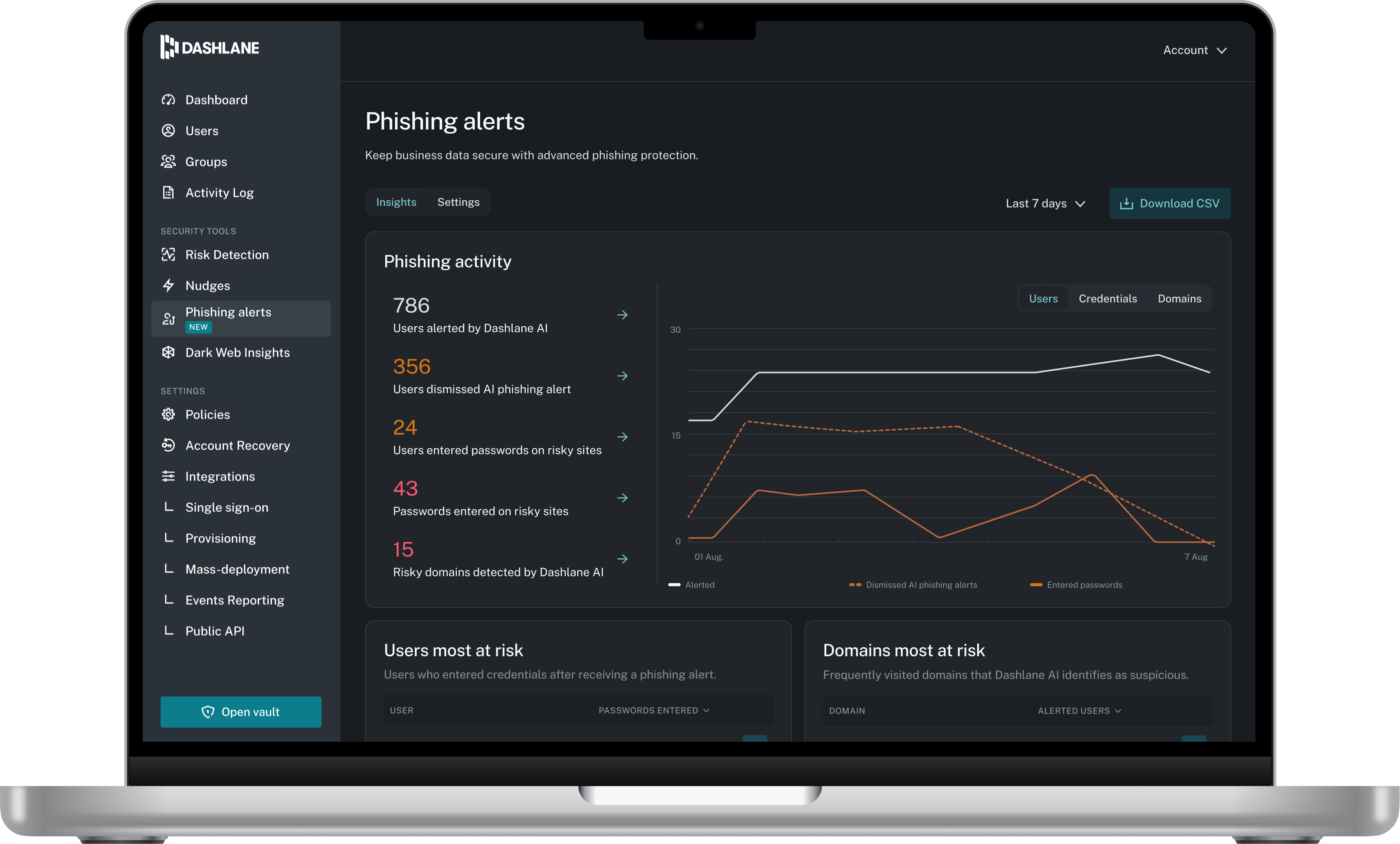
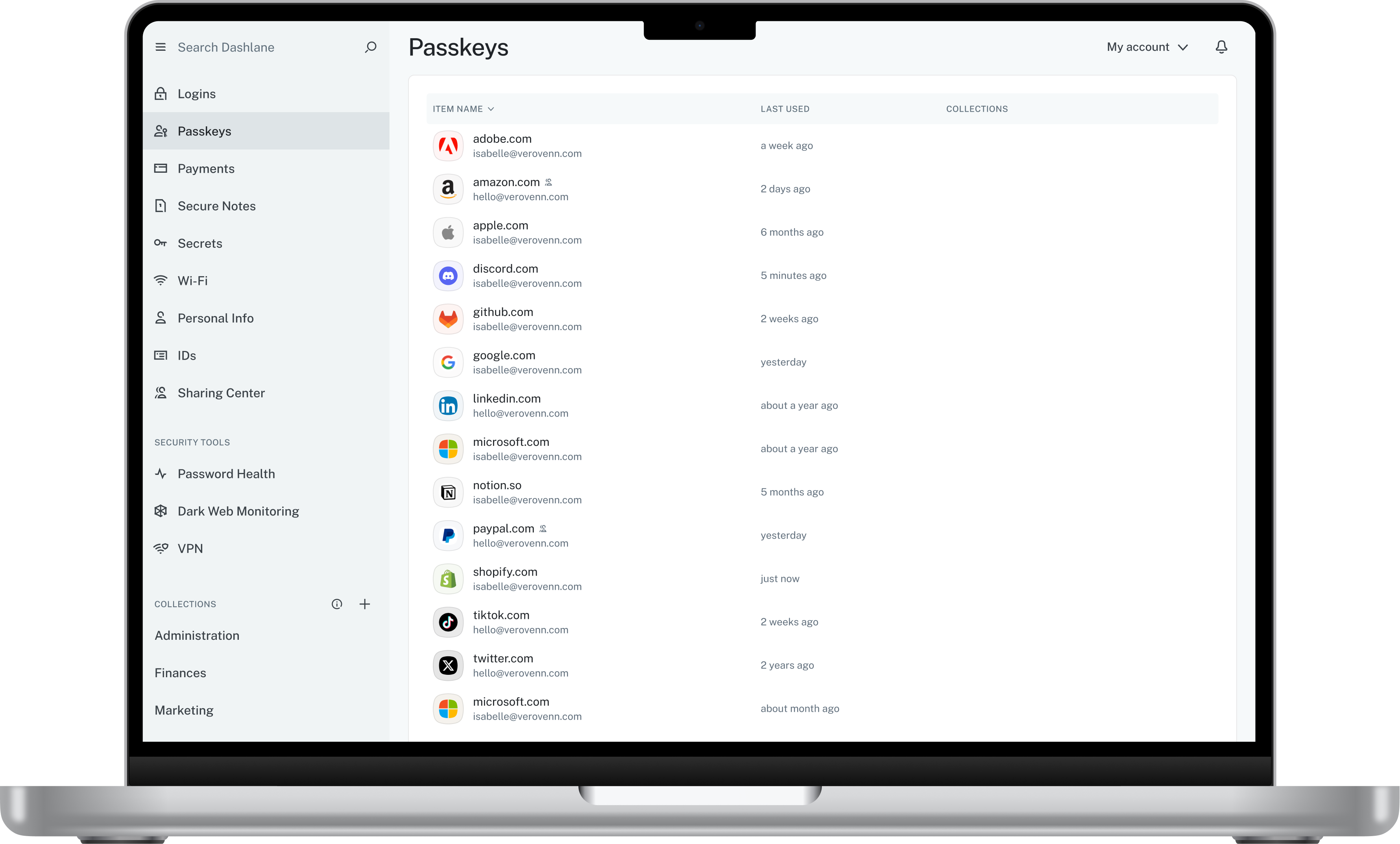
Dashlane is a credential manager that secures every credential, every user, and every employee device to proactively protect against breaches. Brands worldwide can use Dashlane to stay ahead of evolving threats.
$240
per year 10 employees
KeePass
Score 8.9 out of 10
N/A
KeePass is an open source password manager which secures passwords in a database locked with a master password or key file.
In my previous positions, I have used both Google Authenticator as well as Okta MFA for our dual security measures. I believe Google is very basic in its functionality and it had pretty limited functionalities to navigate complicated user access levels. Okta had multiple access …
KeePass didn't have cloud sync or password sharing. When we were investigating options, LastPass didn't seem as robust and had security concerns surrounding it.
Dashlane was the best looking of them, we selected it because it went better with our communication style. 1Password was the second on the list, but we liked Dashlane applications more as well. It is really well design and polished, without compromising ease of use or speed.
I have tried LastPass and PasswordState only to mention a few but for me the winning feature of Dashlane is really it's impeccable user interface, it really is what won me over compare to some of the other password management software that is out there.
Dashlane was less intuitive and the feature to automatically fill forms with username and password wasn’t working as good as KeePass. Also managing it, creating new passwords etc. took more time.
We considered several packages, but we focused on what best suited our organization. Security was the most important factor, along with flexibility and how we could customize the package to maximize its effectiveness. Then, of course, we considered the cost of the package. And …
KeePass is free and compatible with all the devices you or your customers and it has a lot of different uses. Is not only a password manager like Norton safe password or the avast's one. Like the password managers of the browsers, no, with KeePass every customer can find a …
It isn't in the same league as the others. KeePass is great for a quick and free password manager, but it doesn't have the autofill capabilities as the others.
For secure access to apps and business data, I recommend Cisco Duo. It offers SSO, MFA, and Passwordless access, ensuring teams can securely access business data. It is easy to customize and comes with top-tier security features. It protects business data, apps, and users.
I think Dashlane is a great service for anyone who uses the internet. We need to create accounts on almost every website, and Dashlane helps generate secure passwords and store them safely, but easily accessible through its seamless browser extension. Any business or personal lifestyle can benefit from Dashlane when you go online
[KeePass] works extremely well for personal work passwords and personal-use passwords for home. It allows users to remember 1 single complex password in order to gain access to the entire database of passwords. It doesn't work so well if you want to sync passwords to multiple devices such as your computer or phone. It can be done, but it's not simple.
We use Cisco Duo with different type of device and application, but we never face any difficulties to integrate Cisco Duo with any of them.
We integrated Cisco Duo with some of our active directory and some of the OS are quite old but Cisco Duo works totally fine with them.
The end user application is very easy to use. We never had any complain from non tech team members of having trouble of using Cisco Duo.
There are several authentication methods available rather than passcode. I personally like the push notification which is always on time and quite fast.
Should have device to device connection ability whereas internet is not met.
Changes of device can be sorted and easily made using a second email address or any other identification method.
Troubleshooting should be easy to sort out. One time, a Duo admin deleted the authentication group, and some employees were not getting push notifications. It was very hard to find out the cause. Duo should have some troubleshooting finder.
Sometimes push notifications are delayed, and the code does not work. At that time, we need to enroll the device again. Not sure why it happens. Duo should give reasons for the error.
The mobile app works fine for quick access, but autofill across different apps can be inconsistent. Sometimes it doesn’t recognize the login field, which slows people down when they’re on the go.
Occasionally the browser extension logs users out or doesn’t sync immediately with the desktop app, which causes frustration if someone just updated a password.
There are a lot of competing solutions on the market; however, Duo "just works", and there is little to no learning curve for the new members to be acclimated to it. As long as that continues I see it as the preferred option moving forward
My very good experience in the past 15 years of usage of KeePass makes it easy to decide for a renewal of this friendship. I was never disappointed and KeePass always meets my expectations. The software runs stable and if there should be a software error, it will be fixed in no time. This is customer satisfaction.
La interfaz es intuitiva y fácil de navegar, lo que permite a los usuarios administrar sus dispositivos y acceder a las políticas sin problemas. La integración con las aplicaciones SSO y SaaS facilita aún más el proceso de acceso, mejorando la experiencia del usuario.
Dashlane is usable, but there are 2 key issues that annoy me. 1. The mobile app and the browser extension are not synced and i cannot find passwords in the app that are clearly in the extension. 2. The system doe snot make it easy to assign a password to a specific subdomain. I get hundreds of passwords that i have to go through any time i go to any subdomain on my main site because of the nature of my business. I need the option back to assign a password to only work with a specific subdomain (and all related paged on that subdomain) note: The search features have been annoying in the past. I just went to test them to verify my issues and found that notes inside of a password are finally searchable. This helps
KeePass is easy to use and requires no prior training using it. I would rate KeePass a score 9 out of 10. It stands out in managing credentials securely and efficiently. No other similar app performs its core function as well, making KeePass an essential tool for password management and security.
In the last 5+ years we've been using Duo, there may have been 1 outage that impacted us. We do receive periodic notifications of issues but, for the most part, they impact carriers or functionality that we either don't use, or do not care about.
I have not needed direct support for Cisco Secure Access by Duo as I have not had a problem with it, but I have full confidence that the support is outstanding. It is now a core component of the corporate technology stack - a problem would mean a serious degradation in the ability of the company to function.
We've had no issues with Dashlane. I can't speak to their customer service because I have not personally needed to contact them. I guess that speaks about their product if we've not had any issues to reach out about. Great for supporting data/information on multiple platforms that are shared among team members.
I have almost never had to contact support. This product has a wide community, a very expansive documentation/forum site where generally any question/issue already has an answer/fix or explanation/workaround, or plans for improvement in a future version. On the occasions that I have reached out, answers were fairly quick, useful, and respectful.
Documentation could have been better. I had to piece together different KB/admin guides to make certain things work and I also had to use third-party guides to get bits of information that were missing from Cisco Duo documentation. Support was also engaged multiple times to figure out an issue and after some back and forth it was usually determined that the information I needed was hidden somewhere else and had no direct correlation with the document that was linked from the platform.
Ultimately we ended up going with Cisco Duo because we are a Cisco shop. All of our networking infrastructure, our phones, our wireless environment is Cisco based. It made logical sense to stay with a product that we already have a line of support with. With a smaller support / tech group we depend on outside Cisco support. That support is already here for us, so we stayed with a Cisco product.
Dashlane’s customer support is often rated higher, providing more responsive and helpful assistance. LastPass has a slightly steeper learning curve than Dashlane, but it offers more flexibility with user permissions, which can benefit teams. Dashlane includes unlimited passkey support and a clean breach history, while LastPass is more accommodating for smaller teams.
KeePass is free and compatible with all the devices you or your customers and it has a lot of different uses. Is not only a password manager like Norton safe password or the avast's one. Like the password managers of the browsers, no, with KeePass every customer can find a useful way to share and keep secure I formations
It's one of those things that only costs money in the sense of you have to convince a leadership team to spend money to save money, right? Like a compromise is far more expensive than duo paying for duo. So specifically it's really just about trying to prevent problems. And so while it costs money and we don't have a direct return on investment that we can point out immediately, I would still always advocate for it just because it keeps security. Paying for security is cheaper than getting compromised essentially.