ClickTime is a time tracking platform from the company of the same name in San Francisco, California that may include expense tracking and light project management capabilities via modules and add-ons.
N/A
QuickBooks Time
Score 8.6 out of 10
N/A
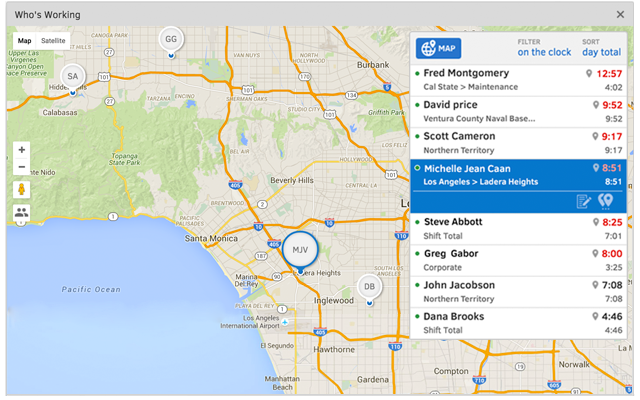
QuickBooks Time (formerly TSheets) is a cloud-based time tracking and scheduling app that allows employees to clock in and out from the job site with the devices they’ve already got in their pockets. The vendor aims to help companies replace paper timesheets with accurate, electronic time data as well as make payroll and invoicing faster and less costly. QuickBooks Time also accurately tracks time and GPS points (even without cell or internet service) then automatically syncs when back…
$0
1 user, unlimited projects
UKG Ready
Score 7.8 out of 10
N/A
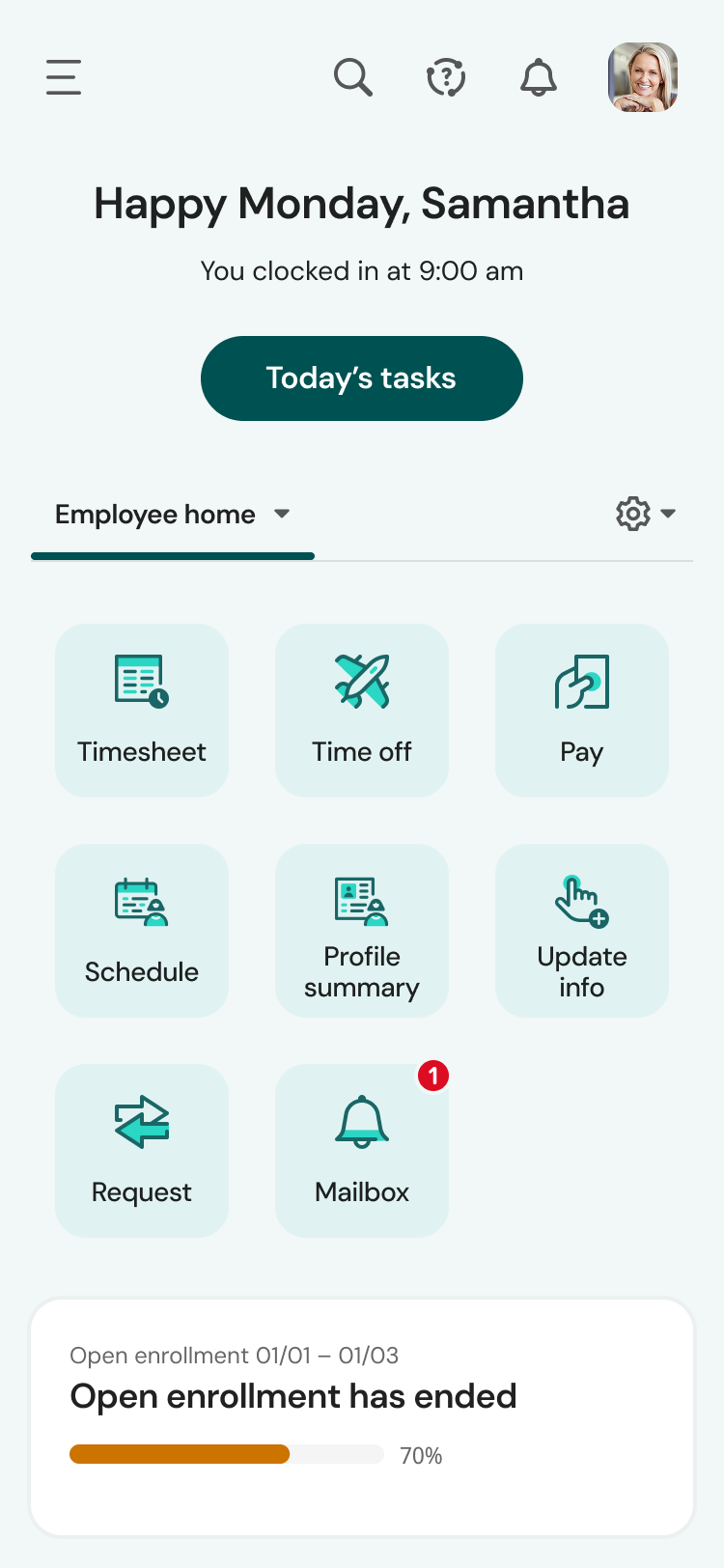
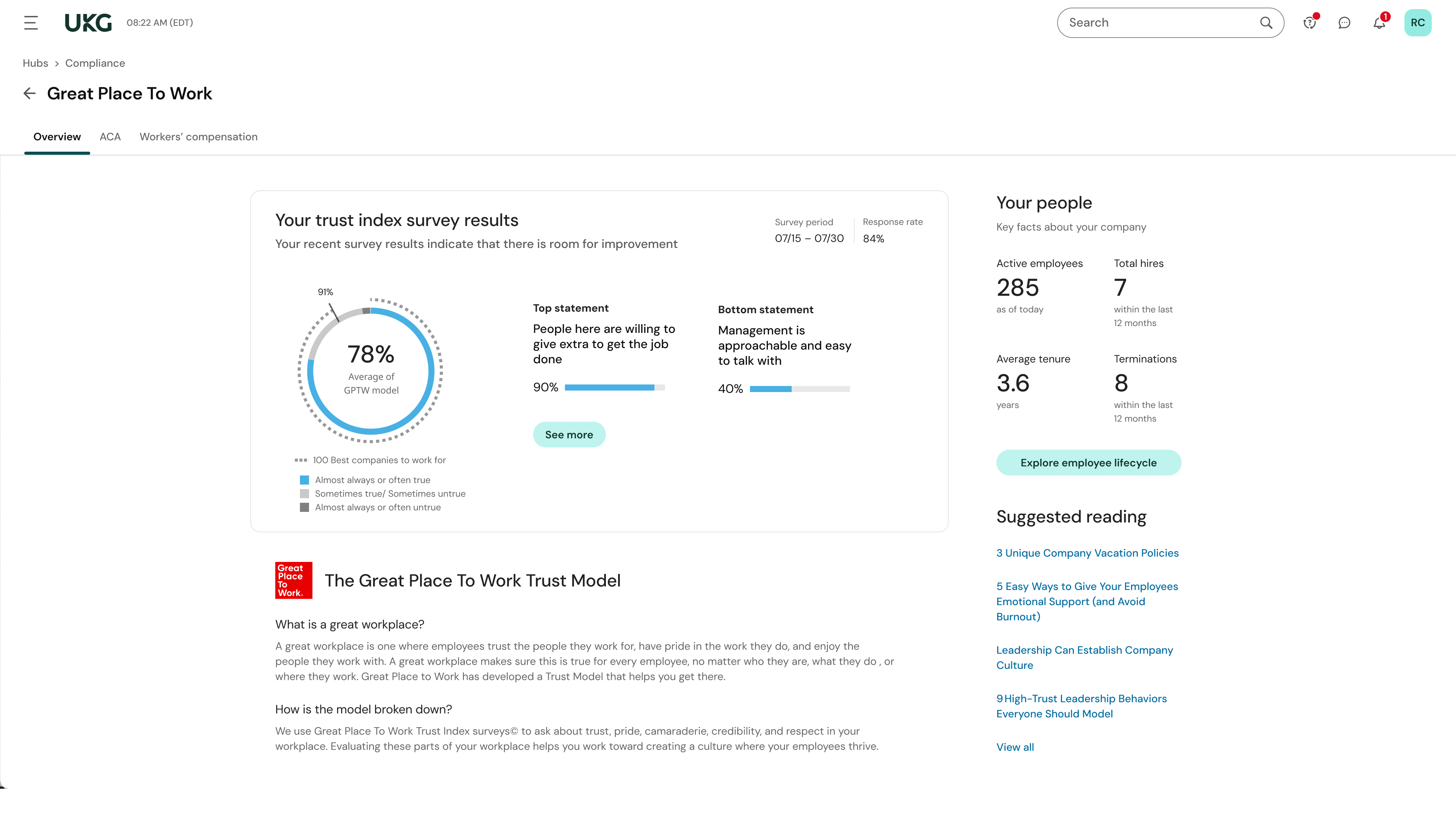
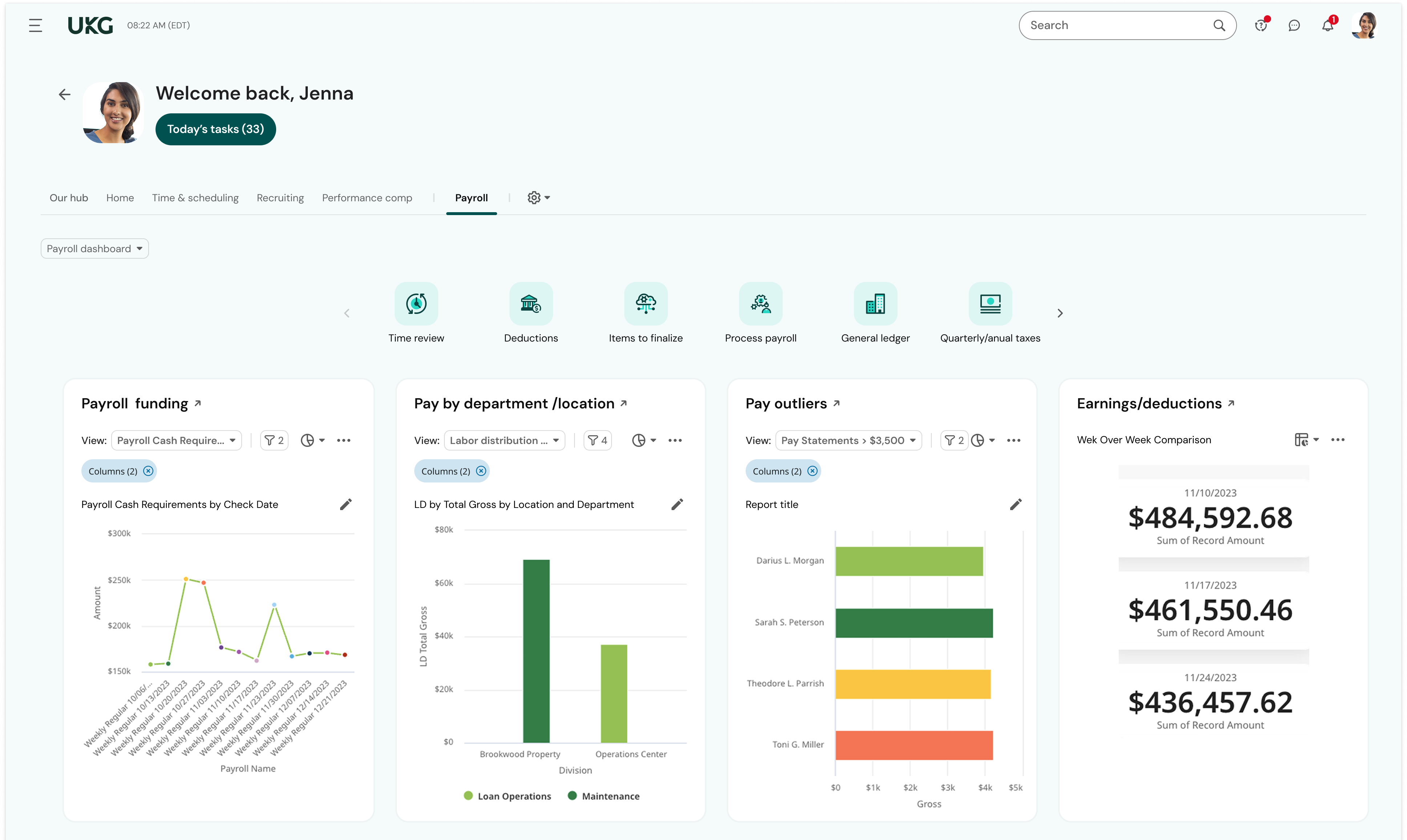
The UKG Ready® software suite is a centralized HCM solution designed for small to mid-sized businesses. It automates and streamlines HR, payroll, benefits, time, talent, and scheduling processes. UKG Ready's suite of tools offer actionable insights while helping to ensure compliance. Using AI, it draws on work, people, and culture data to boost efficiency and productivity. For example, UKG Ready streamlines core HR functions by centralizing…
N/A
Pricing
ClickTime
QuickBooks Time
UKG Ready
Editions & Modules
No answers on this topic
Free
$0
1 user, unlimited projects
Premium
$8
per user/month + $20 base fee/month (paid annually)
Elite
$10
per user/month + $40 base fee/month (paid annually)
Customer service, response to questions, email response, overall obvious desire to work in areas that from the onset appeared to be overwhelming for other companies to tackle.
UKG Ready
No answer on this topic
Features
ClickTime
QuickBooks Time
UKG Ready
Human Resource Management
Comparison of Human Resource Management features of Product A and Product B
ClickTime
-
Ratings
QuickBooks Time
-
Ratings
UKG Ready
8.3
256 Ratings
2% above category average
Employee demographic data
00 Ratings
00 Ratings
8.9226 Ratings
Employment history
00 Ratings
00 Ratings
8.3217 Ratings
Job profiles and administration
00 Ratings
00 Ratings
8.2220 Ratings
Workflow for transfers, promotions, pay raises, etc.
00 Ratings
00 Ratings
8.1205 Ratings
Organizational charting
00 Ratings
00 Ratings
7.9166 Ratings
Organization and location management
00 Ratings
00 Ratings
8.2193 Ratings
Compliance data (COBRA, OSHA, etc.)
00 Ratings
00 Ratings
8.8167 Ratings
Payroll Management
Comparison of Payroll Management features of Product A and Product B
ClickTime
-
Ratings
QuickBooks Time
-
Ratings
UKG Ready
8.3
249 Ratings
2% above category average
Pay calculation
00 Ratings
00 Ratings
8.5230 Ratings
Support for external payroll vendors
00 Ratings
00 Ratings
7.9140 Ratings
Off-cycle/On-Demand payment
00 Ratings
00 Ratings
7.9123 Ratings
Benefit plan administration
00 Ratings
00 Ratings
8.4183 Ratings
Direct deposit files
00 Ratings
00 Ratings
8.6190 Ratings
Salary revision and increment management
00 Ratings
00 Ratings
8.8174 Ratings
Reimbursement management
00 Ratings
00 Ratings
8.05 Ratings
Leave and Attendance Management
Comparison of Leave and Attendance Management features of Product A and Product B
ClickTime
-
Ratings
QuickBooks Time
-
Ratings
UKG Ready
7.9
224 Ratings
3% below category average
Approval workflow
00 Ratings
00 Ratings
7.4206 Ratings
Balance details
00 Ratings
00 Ratings
7.5213 Ratings
Annual carry-forward and encashment
00 Ratings
00 Ratings
8.7184 Ratings
Employee Self Service
Comparison of Employee Self Service features of Product A and Product B
ClickTime
-
Ratings
QuickBooks Time
-
Ratings
UKG Ready
7.9
237 Ratings
4% below category average
View and generate pay and benefit information
00 Ratings
00 Ratings
8.0217 Ratings
Update personal information
00 Ratings
00 Ratings
8.3224 Ratings
View company policy documentation
00 Ratings
00 Ratings
8.1184 Ratings
Employee recognition
00 Ratings
00 Ratings
6.84 Ratings
View job history
00 Ratings
00 Ratings
8.3191 Ratings
Asset Management
Comparison of Asset Management features of Product A and Product B
ClickTime
-
Ratings
QuickBooks Time
-
Ratings
UKG Ready
8.7
91 Ratings
8% above category average
Tracking of all physical assets
00 Ratings
00 Ratings
8.791 Ratings
HR Reporting
Comparison of HR Reporting features of Product A and Product B
ClickTime
-
Ratings
QuickBooks Time
-
Ratings
UKG Ready
7.6
240 Ratings
1% above category average
Report builder
00 Ratings
00 Ratings
8.1233 Ratings
Pre-built reports
00 Ratings
00 Ratings
8.4233 Ratings
Ability to combine HR data with external data
00 Ratings
00 Ratings
6.58 Ratings
Onboarding
Comparison of Onboarding features of Product A and Product B
ClickTime
-
Ratings
QuickBooks Time
-
Ratings
UKG Ready
7.9
167 Ratings
1% below category average
New hire portal
00 Ratings
00 Ratings
8.1164 Ratings
Manager tracking tools
00 Ratings
00 Ratings
7.6136 Ratings
Performance and Goals
Comparison of Performance and Goals features of Product A and Product B
ClickTime
-
Ratings
QuickBooks Time
-
Ratings
UKG Ready
7.6
106 Ratings
6% below category average
Corporate goal setting
00 Ratings
00 Ratings
8.44 Ratings
Individual goal setting
00 Ratings
00 Ratings
6.897 Ratings
Line-of sight-visibility
00 Ratings
00 Ratings
8.25 Ratings
Performance tracking
00 Ratings
00 Ratings
6.8103 Ratings
Performance Management
Comparison of Performance Management features of Product A and Product B
ClickTime
-
Ratings
QuickBooks Time
-
Ratings
UKG Ready
7.5
131 Ratings
5% below category average
Performance plans
00 Ratings
00 Ratings
6.7118 Ratings
Performance improvement plans
00 Ratings
00 Ratings
6.7108 Ratings
Review status tracking
00 Ratings
00 Ratings
8.3116 Ratings
Review reminders
00 Ratings
00 Ratings
8.5122 Ratings
Multiple review frequency
00 Ratings
00 Ratings
7.1106 Ratings
Succession Planning
Comparison of Succession Planning features of Product A and Product B
ClickTime
-
Ratings
QuickBooks Time
-
Ratings
UKG Ready
6.9
54 Ratings
13% below category average
Create succession plans/pools
00 Ratings
00 Ratings
6.146 Ratings
Candidate ranking
00 Ratings
00 Ratings
6.827 Ratings
Candidate search
00 Ratings
00 Ratings
7.432 Ratings
Candidate development
00 Ratings
00 Ratings
7.327 Ratings
Recruiting / ATS
Comparison of Recruiting / ATS features of Product A and Product B
We love how customizable ClickTime is for tracking billable client and program hours. It does a great job of reporting each pay period. We simply wish the mobile interface was more feature-rich. Because we can only specify how long someone worked (and not the specific time of day those hours were at) on the mobile platform it makes it very difficult for us to tell if someone was working inside or outside of their standard business contract day.
It would be very useful for certain remote jobs that require a high level of presence, as in the case of web development, or remote maintenance sessions, so that when reviewing the work data it is possible to ensure that there will be no failures. By being able to include files in the management, from the equipment tab, it is possible to fully control the hours in which each change in these files were made.
Overall, this is the most comprehensive and user friendly HRIS/payroll platform I have used throughout the past 10 years. I would highly recommend UKG Ready to colleagues because of not only how user friendly it is but the level of customer service provided through UKG community and service cases. UKG Ready is quick to acknowledge cases submitted and get back to customers.
Support (their help desk team is incredibly helpful and always quick to respond).
Ease of access and use (the app is user-friendly an intuitive, and the desktop version is equally as approachable).
Manager functionality (it's useful to be able to clock employees in and out at multiple events on the same day by sorting them into different groups by manager/event).
The desktop version of the TSheets schedule does not have a search feature. This makes it challenging to find things you are looking for without extra work
The app can be a bit buggy. Though it is a great app, there are many reasons that the app will stop syncing and can cause problems with staff scheduling
Learning and training is poor and has not provided our team with a way to approach our problems in a cost-effective and meaningful way
Consistent glitches in some areas result in errors that persist through multiple payrolls despite a thorough review of all settings
Reports don't live in the same place, multiple types of reports exist in multiple places with little explanation of the difference. We often build custom reports only to have them disappear or have to spend a long time trying to find them.
TSheets tech support people, like Shawn Sommer, from Tsheets. She has been instrumental, after terminating the person in charge of TSheets I was left with a learning curve too high to climb but after 10 mins of her instructions I was able to make payroll in no time. She cleared all errors that nobody had fixed before. TSheets is not a vendor for me, TSheets is my partner in business. Thank you TSheets.
We plan to renew our support and use of UKG Ready each year unless it becomes unavailable or the district seeks another vendor. As of now, there are no plans to changes vendors. The district staff is now familiar with using UKG. Another vendor will need to meet the same expectations we have come to enjoy with using UKG
Our employees find TSheets easy to use and spend minimal time at reporting hours using it. As an administrator and user of the TSheets "data and information" I am extremely positive on the functionality and reporting that it has provided me. From its ease of set-up to training to reporting, TSheets has made us so much more efficient from an administration standpoint
UKG is the platform with the best overall usability on both an admin and user side. Employees find it easy to update personal information, the dashboards are clear and easy to follow, and the navigation of it is also easy to follow. Overall my favorite platform to use and learn more about.
The system seems very stable. Being hosted in the cloud, we are vulnerable to internet speeds and busy times. The system has been down a couple times over the 3 months we have been live, but Kronos resolved the issues very quickly. To have access from a desktop, tablet, time clock, or phone app is one of the best features....users have almost NO REASON they can't clock in.
We were always told that Kronos was the best, but there are reports that we got out of ADP and other payroll providers that we cannot get out of Kronos. One example is a report of Productive/Non-productive hours by department. We also need the dollar amount associated with the hours. This is information that is required on our cost report and we were told that that report is unavailable. It is very frustrating when I can't get what I need.
I have never failed to have an issue resolved within minutes of contacting Support. Jen D recently assisted my with an export issue and I was back on track in less the 10 minutes. She was knowledgable and thought about the current and future contexts of the issue and assured there would be no recurrence next payroll.
If I was only rating support itself that would be a 10. Every support case I have entered has been addressed efficiently and with the desired result. On the implementation and transition to support there were multiple issues that those doing the implementation or transition could not answer or workflows and various settings left undone only to be discovered later. We implemented 3 different modules and the expertise we got for each one varied widely.
Our in-person training was a hybrid. Live online training with an instructor. They were very knowledgeable of the product & the area they were training on. I asked several specific questions and if they didn't know the answer immediately they followed up after class.
Pretty good online training, you have many how to options and can watch them several times. It can be hard at times to dig through the amount of data online but can usually find what you are looking for. Also you can download documentation for setting up the profiles and policies.
Make sure the people who are doing the build have extensive knowledge on employment law and asking the right questions. I would bet that the people who helped with our builds did not read any of our employment contracts or ordinances; and when I asked questions about how other companies handled certain basic dictates from federal employment laws, they didn't have any idea what FMLA, FLSA, etc were.
ClickTime is the first product of its kind I have had to use at work. Previous methods were always based in Excel documents and involved a lot more manual and redundant work for the same end result. It would be great if there were a better tie to our project management tools for time estimation, but it does the trick.
Besides Intuit Payroll (Sage), the only program I've used is WorkBrain through Menards, and it's more as a scheduling guideline for management, employees don't use it to punch in or out or record hours. However, WorkBrain does show scheduling and it matches with a punch clock to record those hours. Every other place I've used has used either punch clocks or handwritten time cards. I think the TSheets is modern, user-friendly, convenient, accessible, and cost-effective for the owners. It also streamlines payroll for the Accountant instead of manually entering all hours for multiple employees by hand into a software program like Sage.
We currently use Paycom and are extremely dissatisfied with the lack of functionality and poor customer service. Rippling and ADP were other vendors we evaluated who performed well and offer a lot of functionality but we decided UKG was the best fit for our needs now and to scale with our strategic growth plans.
This is basic, but we finally know how many employees we have! It sounds ridiculous, but prior to UKG Ready we were on a payroll system that's reports were only as accurate as the last payroll cycle, so they were always 2 weeks behind and static. UKG Ready allows for realtime, daily reporting of information.
We are able to get salary data for our various locations to be able to compare them to each other, as well as across our "competitors" and external competition.
The data provided allows us to be able to understand the trends at individual locations including attrition, advancement, raise information, and other data points that we haven't historically done comparisons on
We can see the demographic and geographical information for our employees and the benefits that they elect