
Chose Conga Composer
Conga Composer vs. PandaDoc
Conga Composer vs. PandaDoc
| Product | Rating | Most Used By | Product Summary | Starting Price |
|---|---|---|---|---|
 Conga Composer | N/A | Conga Composer is a document generation and automation tool designed to simplify and streamline the process of creating and distributing customized documents, presentations, and reports. | $30 per month per user | |
 PandaDoc | N/A | PandaDoc headquartered in San Francisco offers their eponymous electronic signature platform for sales teams, containing sales proposal automation and CPQ (configure, price, quote) features, and integration with CRMs. | $35 per month per seat |
| Conga Composer | PandaDoc | |||||||||||||||
|---|---|---|---|---|---|---|---|---|---|---|---|---|---|---|---|---|
| Editions & Modules | No answers on this topic |
| ||||||||||||||
| Offerings |
| |||||||||||||||
| Entry-level Setup Fee | Optional | Optional | ||||||||||||||
| Additional Details | — | PandaDoc offers a free eSign plan and 3 paid packages for eSigning and document automation. All plans include unlimited documents and eSignatures. Evaluations start with a free 14-day trial. Up to a 46% discount for annual pricing. | ||||||||||||||
| More Pricing Information | ||||||||||||||||
| Conga Composer | PandaDoc | |
|---|---|---|
| Considered Both Products |  Conga Composer  Christopher Rodriguez Chief Operations Officer Chose Conga Composer Conga was always the standard when first evaluating, it has the track record over others and was most used and felt it would handle our needs. | PandaDoc  Garrett Genest Marketing Manager – Technology Chose PandaDoc We looked at Conga as an alternative for PandaDoc. While we found that more or less the two solutions had feature parity, with a few exceptions on both sides. Pricing was similar between both platforms with differences based on feature requirements. The deciding factor …  Machell Enke Managing Partner Chose PandaDoc The awesome part of PandaDoc is for the price you are getting both a document management and e-signature application. The ability to quickly embed videos, links and pictures in templates also makes this product stand out from its competition. PandaDoc's support team is awesome, … |
| Conga Composer | PandaDoc | |
|---|---|---|
| Small Businesses |  airSlate WorkFlow Score 10.0 out of 10 |  BoldSign, by Syncfusion Score 10.0 out of 10 |
| Medium-sized Companies |  Foxit PDF Editor Score 8.4 out of 10 |  MSB Docs Score 9.4 out of 10 |
| Enterprises |  DocuSign Score 8.8 out of 10 | DocuSign Score 8.8 out of 10 |
| All Alternatives | View all alternatives | View all alternatives |
| Conga Composer | PandaDoc | |
|---|---|---|
| Likelihood to Recommend | 8.3 (160 ratings) | 8.6 (329 ratings) |
| Likelihood to Renew | 8.9 (15 ratings) | 9.1 (18 ratings) |
| Usability | 7.5 (7 ratings) | 8.3 (23 ratings) |
| Availability | 3.6 (1 ratings) | 9.1 (4 ratings) |
| Performance | 3.6 (2 ratings) | 9.6 (21 ratings) |
| Support Rating | 6.9 (10 ratings) | 6.1 (23 ratings) |
| Implementation Rating | 3.7 (5 ratings) | 6.3 (4 ratings) |
| Configurability | 1.8 (1 ratings) | 2.8 (3 ratings) |
| Ease of integration | 2.7 (2 ratings) | 9.0 (20 ratings) |
| Product Scalability | 3.6 (1 ratings) | 8.6 (4 ratings) |
| Professional Services | 2.7 (1 ratings) | - (0 ratings) |
| Vendor post-sale | 1.8 (1 ratings) | 9.7 (20 ratings) |
| Vendor pre-sale | 3.3 (2 ratings) | 6.7 (4 ratings) |
| Conga Composer | PandaDoc | |
|---|---|---|
| Likelihood to Recommend | Conga
| PandaDoc
|
| Pros | Conga
| PandaDoc
 Phil Goldberg Attorney |
| Cons | Conga
| PandaDoc
|
| Likelihood to Renew | Conga
| PandaDoc
|
| Usability | Conga
 Harrison Pershing Salesforce Admin | PandaDoc
|
| Reliability and Availability | Conga
| PandaDoc
|
| Performance | Conga
 Robin Craigen President / CEO / Co-Founder | PandaDoc
|
| Support Rating | Conga
| PandaDoc
|
| Implementation Rating | Conga
| PandaDoc
|
| Alternatives Considered | Conga
| PandaDoc
|
| Contract Terms and Pricing Model | Conga
| PandaDoc No answers on this topic |
| Scalability | Conga
| PandaDoc
|
| Professional Services | Conga
| PandaDoc No answers on this topic |
| Return on Investment | Conga
| PandaDoc
|
| ScreenShots | Conga Composer Screenshots 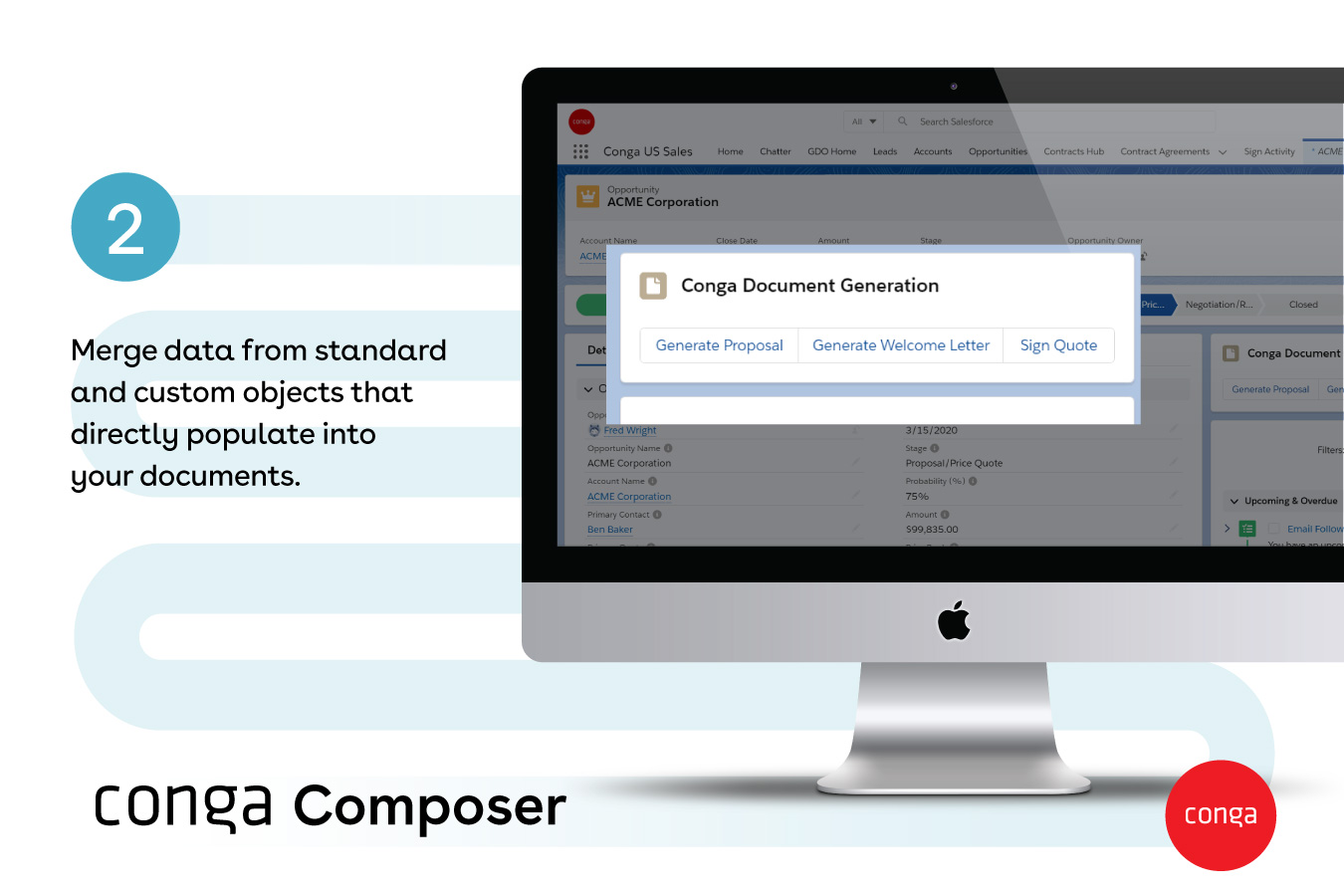  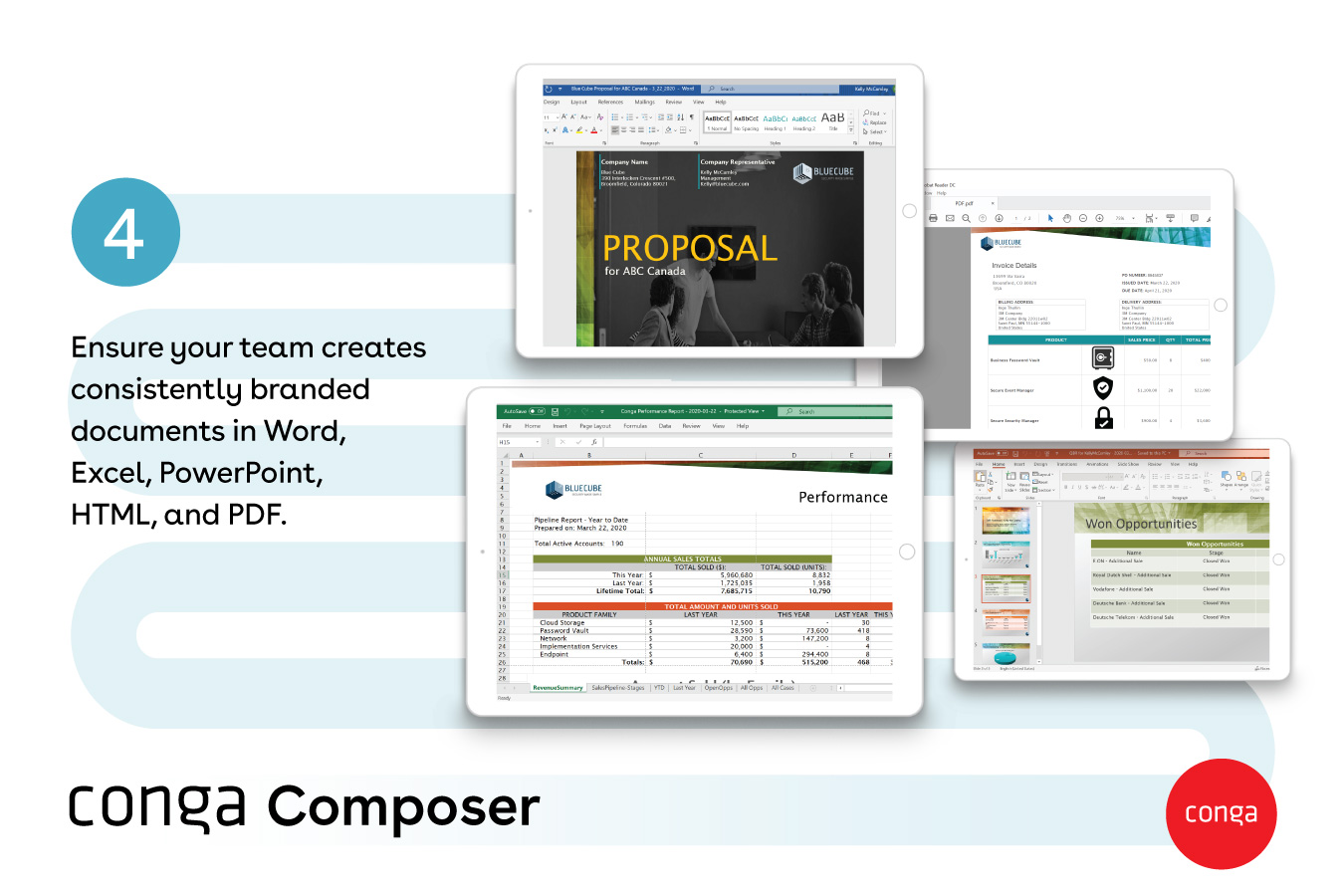   | PandaDoc Screenshots      |