
Andrew Rincon MBA, LUTCF
Insurance Advisor
Chose IFTTT

| Product | Rating | Most Used By | Product Summary | Starting Price |
|---|---|---|---|---|
 Creatio | N/A | Creatio offers an agentic CRM and workflow platform. Its offerings include Creatio Studio, a no-code agentic platform to build applications and AI agents with natural language and visual designers, and a CRM suite with embedded AI agents across Creatio Marketing, Sales, and Service. The platform also includes industry workflows across 19 verticals and a range of marketplace add-ons. Creatio products can be purchased separately or as a unified CRM solution to… | $10,000 per year (minimum price for new users) | |
 IFTTT | N/A | IFTTT is a marketing automation software solution offered by IFTTT. It is scaled for non-technical users and less complex, generally two-step connectors and API’s. | N/A | |
 Zapier | N/A | The Zapier Automation Platform designed to integrate data between web apps. It is scaled for small to mid-sized businesses, with a functional but limited free version of the program. | $29.99 per month 750 tasks per month |
| Creatio | IFTTT | Zapier | ||||||||||||||||||||||
|---|---|---|---|---|---|---|---|---|---|---|---|---|---|---|---|---|---|---|---|---|---|---|---|---|
| Editions & Modules |
| No answers on this topic |
| |||||||||||||||||||||
| Offerings |
| |||||||||||||||||||||||
| Entry-level Setup Fee | No setup fee | No setup fee | No setup fee | |||||||||||||||||||||
| Additional Details | Creatio Sales, Creatio Marketing, and Creatio Service are available as add-ons for $15 per month, per user. Creatio AI is included in every tier of the Creatio platform (Growth, Enterprise, and Unlimited). Creatio AI starts at $5,000 per year | — | 33% discount for annual pricing. | |||||||||||||||||||||
| More Pricing Information | ||||||||||||||||||||||||
| Creatio | IFTTT | Zapier | |
|---|---|---|---|
| Considered Multiple Products | Creatio No answer on this topic | IFTTT Andrew Rincon MBA, LUTCF Insurance Advisor Chose IFTTT  Elaine Foster Customer Success Manager Chose IFTTT IFTTT is great for personal, home-life use, as it targets social media, personal email preferences, and home-automation devices. Zapier is much more business-oriented and does not provide integrations with Amazon Alexa or WeMo home devices.  Jared Whitley SaaS Administrator Chose IFTTT IFTTT has more "end user" connections that Zapier thus making it more for users and less for power-users.  Chelsea Baldwin Founder Chose IFTTT Basically the same, though it seems Zapier can do more complex things.  Jared DeLong DIrector of Engagement Chose IFTTT  Marcelo de Vasconcellos Senior Visual Designer Chose IFTTT  Benjamin Hale Digital Marketing Analyst Chose IFTTT  Josephine Stafford Owner Chose IFTTT I like that IFTTT is free and it’s just what I need for my business currently.  Mudassir Malik Oracle Certified HCM Cloud Consultant Chose IFTTT While other paid services might give your a little extra features and possibly a connectivity with enterprise application, it's nearly impossible to beat IFTTT with the cost factor, ease of use, hundreds of channels and a great community of users.  Justin Strachan Business Owner Chose IFTTT IFTTT has the most integrations, the least bug recipes and it is the cheapest alternative. IFTTT has also been in the game for years. Automation for the people! You cannot get the kind if ideas from any other integration site, and many are missing key apps like Instagram or … |  Zapier  Tammy Bjelland Owner Chose Zapier  Kyle Crocker Online Marketing Analyst Chose Zapier  Jon Ackerman Creative Director Chose Zapier  Josh Gibson Founder & Chief Educator Chose Zapier  Nathan McBride CIO & SVP, Innovation Architects Chose Zapier They are more or less the same in terms of functionality but I think the overall Zapier company ethos sets it above IFTTT and the developer community around Zapier shows a deeper commitment towards its innovative expansion. Beyond that, one could literally use both in their …  Atilla Vekony Vice President Chose Zapier Probably IFTTT comes closest to covering the features of Zapier. However, Zapier appears to have a lot more apps that can be connected and they provide a lot more educational support on their blog and emails.  Sean Thompson Head of Marketing Chose Zapier  Michael Ball-Marian Intrapreneur, Internal Startup Co-Founder Chose Zapier It has been a while since I looked at IFTTT, but I recall that Zapier was easier to use, more powerful and had more integrations. I started using Zapier and never looked back. The free version allowed me to build a couple of simple integrations and test it out. I used it for …  Matthew Veil Marketing Broker Chose Zapier Zapier versus IFTTT, in my opinion Zapier was much easier to get up and running faster without a lot of deep technical background especially with their zap making tool. Other API programs I have looked into had a higher cost, so that also made an impact with trying Zapier. We …  Kai Crow Head Of Marketing Chose Zapier Better range of integrations. Easier workflow building. More B2B focus than IFTTT and faster time from trigger to action. The Zapier utilities like formatter and data storage also have become a big differentiator for us - they've evolved since we started using but have become … Josephine Stafford Owner Chose Zapier They are different in look and feel, I like IFTTT for social media sharing (as an alternative to Edgar) but for logistics, email marketing, and lead acquisition, I prefer Zapier. Actually, I do use both, because I'm a small business I like to take advantage of free help and …  Malcolm Colman-Shearer Co Founder Chose Zapier  James E. Heyward CPA Principal Chose Zapier  Quentin Aisbett Digital Strategist Chose Zapier Zapier seemed better positioned to do what we need to do from a business perspective. I may be wrong but IFTTT seemed more personal/home use.  Ramón Carmona Medina Co-Founder and CMO Chose Zapier  Thomas (TC) Riley Senior Director, Information Services Chose Zapier We actually utilize both Integromat and Zapier at our company, for all the reasons detailed in this review. Though Zapier is excellent for simple client integrations, we often run into internal use cases that require complexity that Zapier cannot provide. Specifically working …  Malessa Brisbane Web Marketing Consultant Chose Zapier I found Zapier easier to use, and it had more integrations for the apps that I use.  Andy Abramson CEO and Founder Chose Zapier Zapier is better but Tray had the ability to be more customizable.  Bart Caylor President & Founder Chose Zapier Better, more professional, and easier to use.  Eric Granata VP of Business Development Chose Zapier I'd consider Zapier a "pro-sumer" solution. It's not as powerful as more expensive solutions out there. But it's definitely for the business minded user. |
| Creatio | IFTTT | Zapier | |||||||||||||||||||||||||||
|---|---|---|---|---|---|---|---|---|---|---|---|---|---|---|---|---|---|---|---|---|---|---|---|---|---|---|---|---|---|
| Low-Code Development |
| ||||||||||||||||||||||||||||
| Cloud Data Integration |
|
| Creatio | IFTTT | Zapier | |
|---|---|---|---|
| Small Businesses |  Stackby Score 8.9 out of 10 |  Make Score 9.3 out of 10 | Make Score 9.3 out of 10 |
| Medium-sized Companies |  Quixy Score 9.9 out of 10 |  IBM App Connect Score 9.2 out of 10 | IBM App Connect Score 9.2 out of 10 |
| Enterprises |  AppSheet Score 8.5 out of 10 | IBM App Connect Score 9.2 out of 10 | IBM App Connect Score 9.2 out of 10 |
| All Alternatives | View all alternatives | View all alternatives | View all alternatives |
| Creatio | IFTTT | Zapier | |
|---|---|---|---|
| Likelihood to Recommend | 8.1 (59 ratings) | 8.7 (28 ratings) | 9.4 (112 ratings) |
| Likelihood to Renew | 9.9 (4 ratings) | 10.0 (1 ratings) | 10.0 (1 ratings) |
| Usability | 9.0 (40 ratings) | 7.0 (4 ratings) | 9.5 (11 ratings) |
| Availability | 9.1 (1 ratings) | - (0 ratings) | - (0 ratings) |
| Performance | 7.3 (1 ratings) | - (0 ratings) | - (0 ratings) |
| Support Rating | 10.0 (38 ratings) | 8.0 (5 ratings) | 1.0 (10 ratings) |
| Online Training | 8.2 (1 ratings) | - (0 ratings) | - (0 ratings) |
| Implementation Rating | 9.6 (2 ratings) | 10.0 (1 ratings) | - (0 ratings) |
| Configurability | 9.1 (1 ratings) | - (0 ratings) | - (0 ratings) |
| Ease of integration | 9.1 (1 ratings) | - (0 ratings) | - (0 ratings) |
| Product Scalability | 8.2 (1 ratings) | - (0 ratings) | - (0 ratings) |
| Vendor post-sale | 9.1 (1 ratings) | - (0 ratings) | - (0 ratings) |
| Vendor pre-sale | 9.1 (1 ratings) | - (0 ratings) | - (0 ratings) |
| Creatio | IFTTT | Zapier | |
|---|---|---|---|
| Likelihood to Recommend | Creatio
 Siddharth Miglani Software Engineer | IFTTT
Benjamin Hale Digital Marketing Analyst | Zapier
|
| Pros | Creatio
| IFTTT
 Jeff Huisjen Director of studentLife | Zapier
 Omri Friedel - CPA, CA Head of Finance and Operations |
| Cons | Creatio
| IFTTT
Marcelo de Vasconcellos Senior Visual Designer | Zapier
|
| Likelihood to Renew | Creatio
| IFTTT
Justin Strachan Business Owner | Zapier
Malessa Brisbane Web Marketing Consultant |
| Usability | Creatio
| IFTTT
 Kyle Kochtan Technical Lead | Zapier
|
| Reliability and Availability | Creatio
| IFTTT No answers on this topic | Zapier No answers on this topic |
| Performance | Creatio
| IFTTT No answers on this topic | Zapier No answers on this topic |
| Support Rating | Creatio
| IFTTT
| Zapier
 David Hoffman Director of Marketing |
| Online Training | Creatio
| IFTTT No answers on this topic | Zapier No answers on this topic |
| Implementation Rating | Creatio
| IFTTT
Justin Strachan Business Owner | Zapier No answers on this topic |
| Alternatives Considered | Creatio
| IFTTT
Jared DeLong DIrector of Engagement | Zapier
Thomas (TC) Riley Senior Director, Information Services |
| Scalability | Creatio
| IFTTT No answers on this topic | Zapier No answers on this topic |
| Return on Investment | Creatio
| IFTTT
| Zapier
 Omar Abdelrehim CEO/President |
| ScreenShots | Creatio Screenshots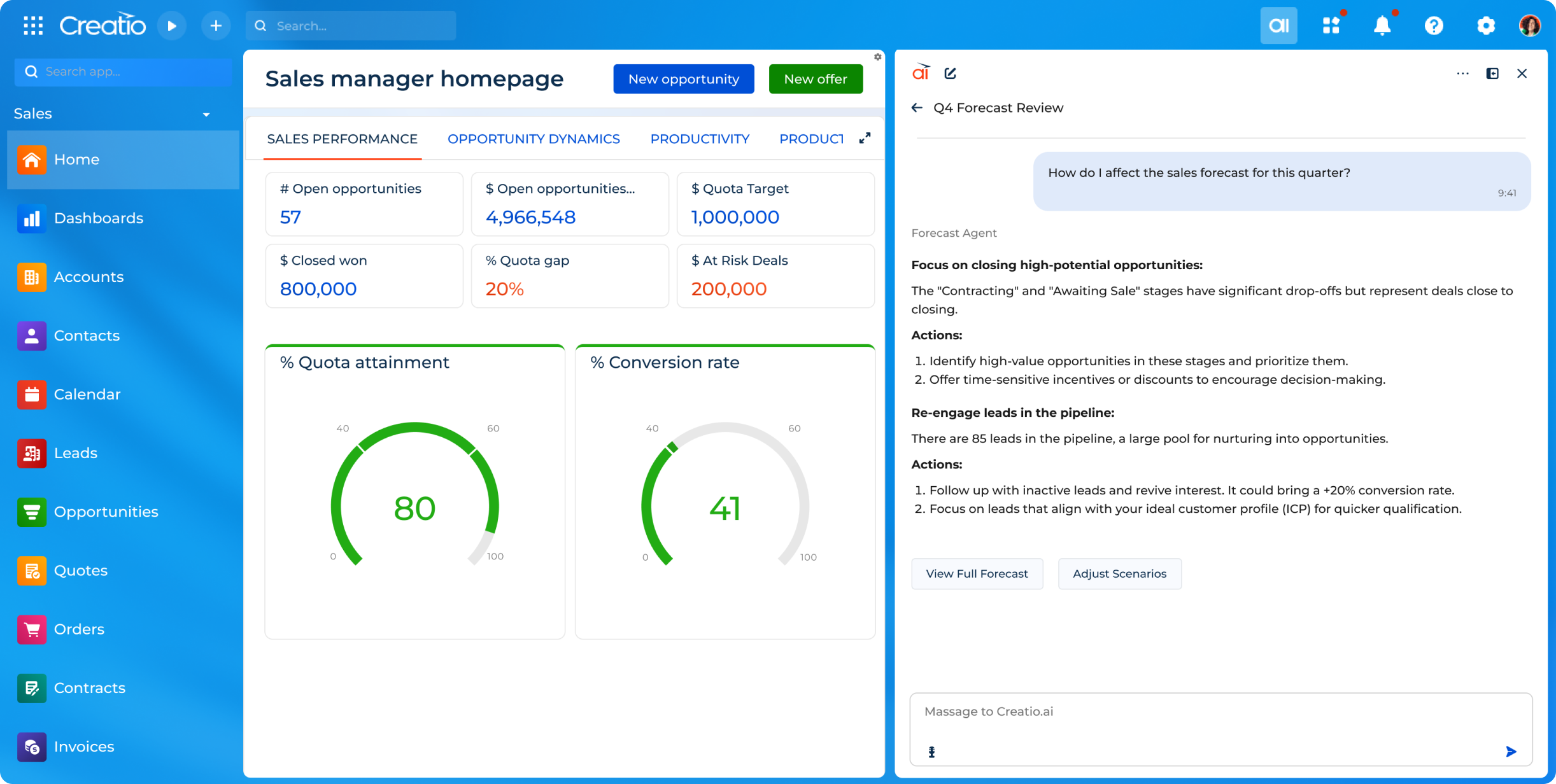 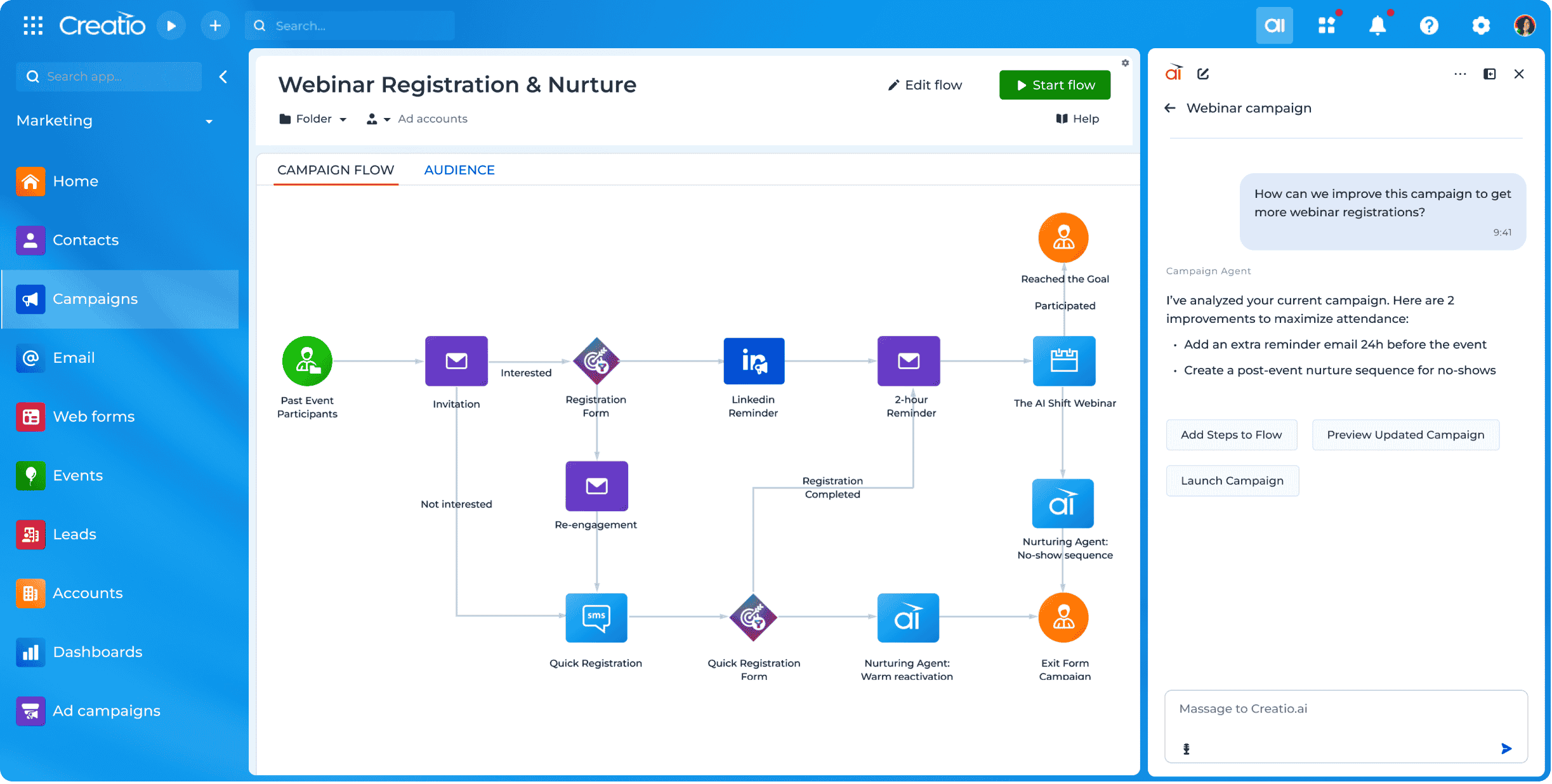 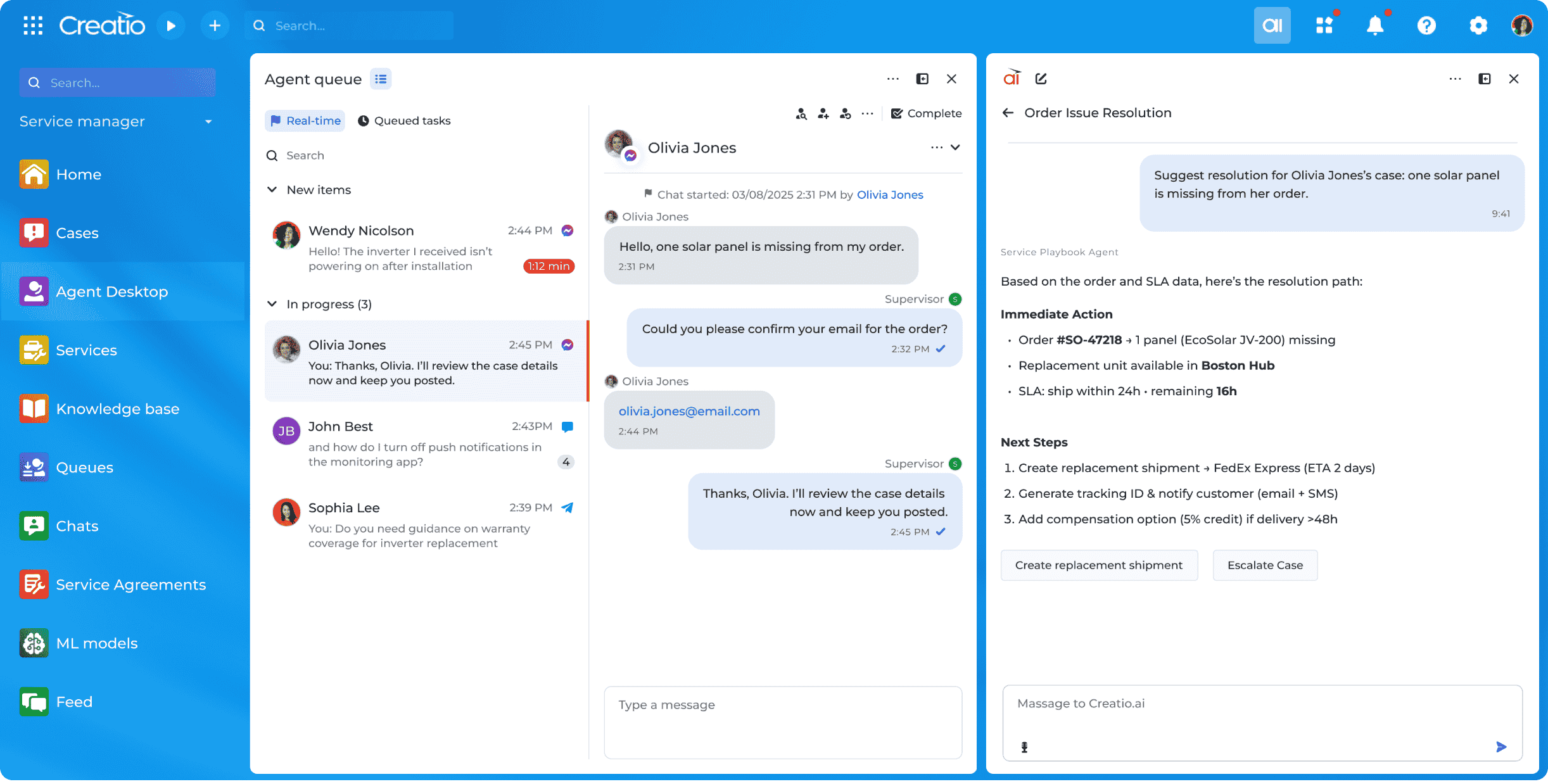    | IFTTT Screenshots 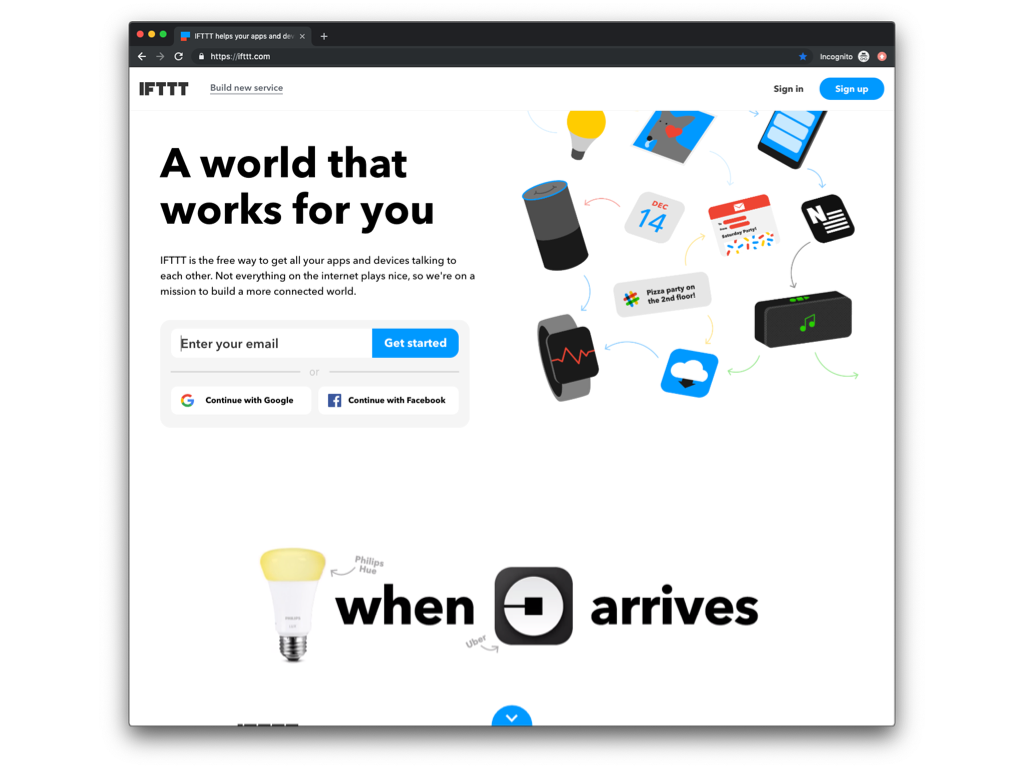  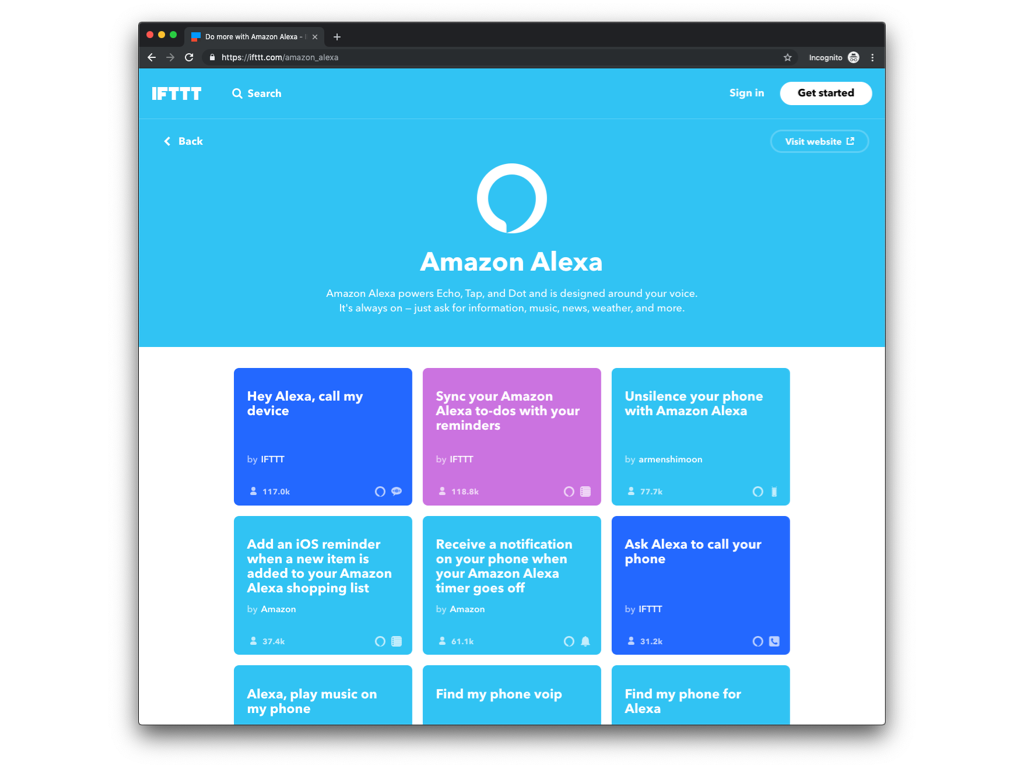 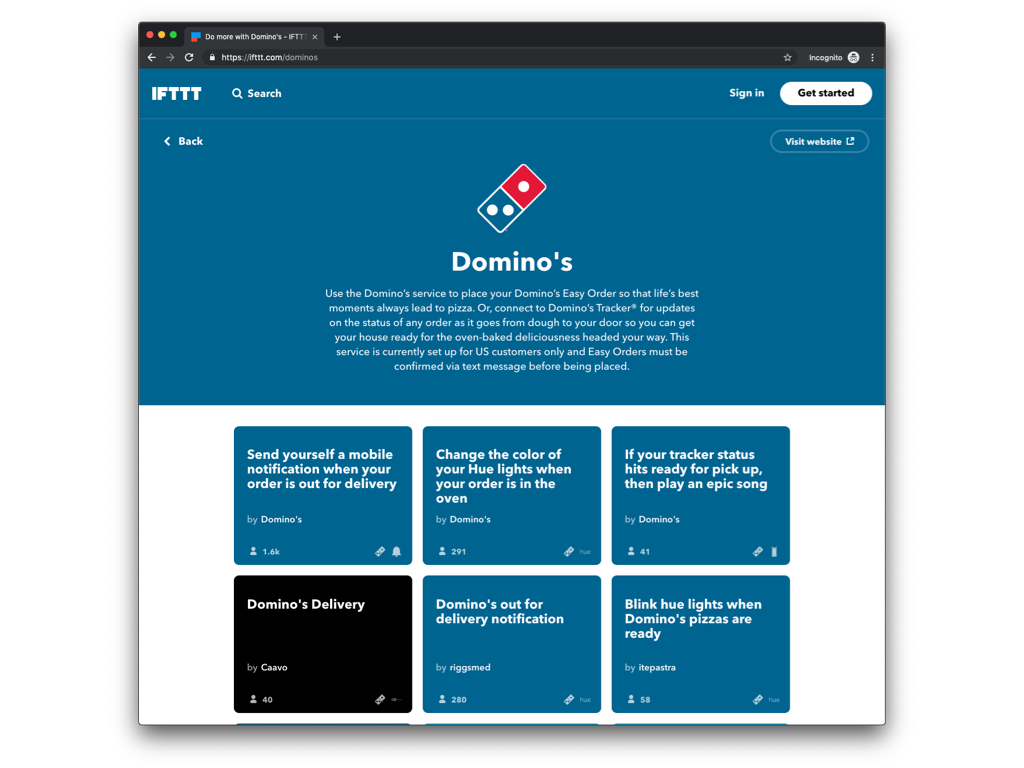 |