Google Forms is an app for creating forms and surveys, and is part of Google Apps for Work. The product focuses on ease of use; the interface is similar to a document editor, with drop down lists of options and drag and drop question re-ordering. Users can embed images and video into surveys. Users can also program the question flow with custom logic. Google sends users basic summaries of the survey results automatically, or users can export the raw survey results data and analyze it via…
N/A
Heyflow
Score 8.3 out of 10
N/A
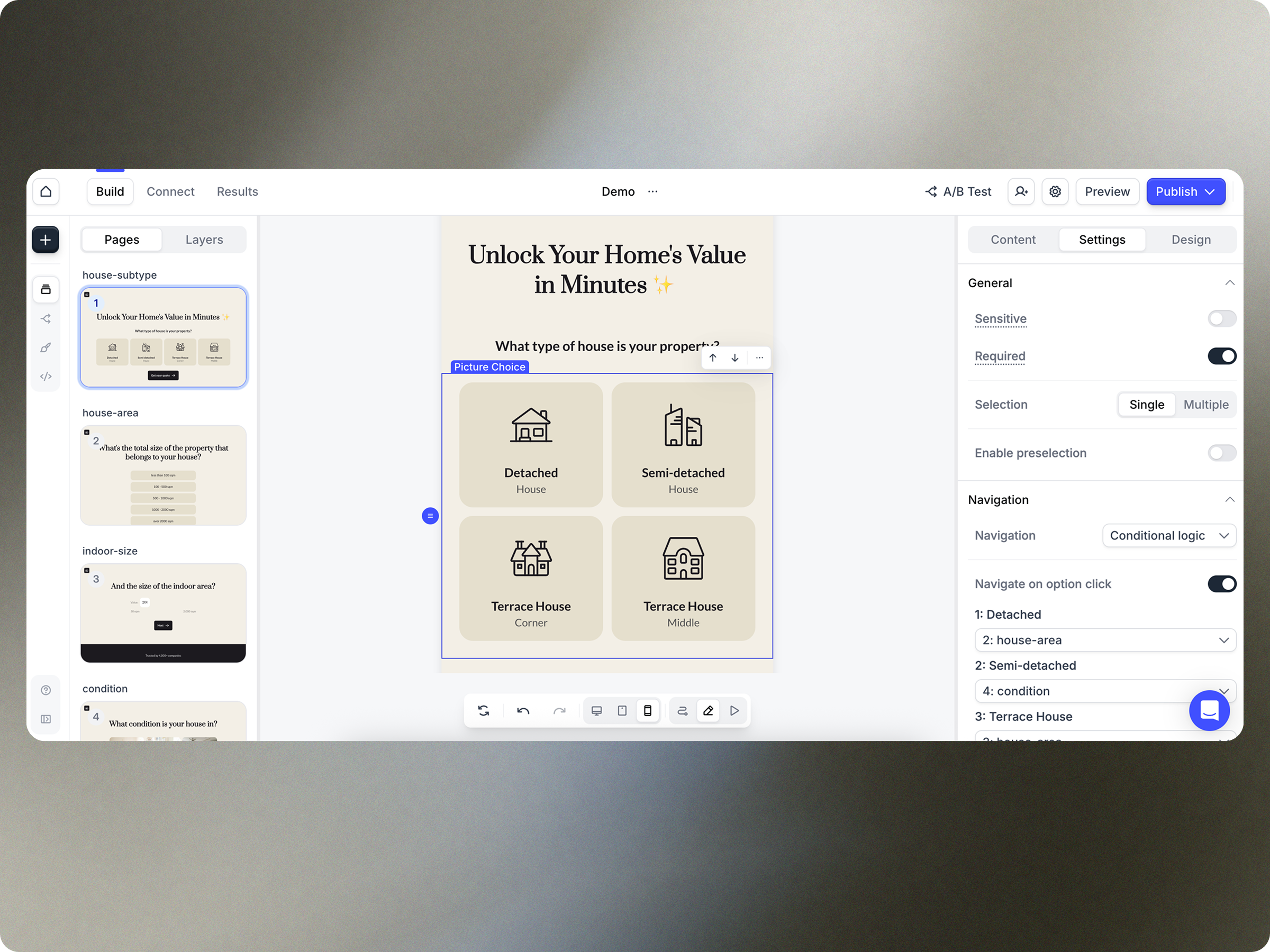
Heyflow is a no-code platform to build, design and integrate clickflows, headquartered in Hamburg. They state their belief that user interaction is the most important activity on the web. And they believe that clickflows are the best way to achieve great interactions. They aim to empower businesses to convert more traffic with clickflows.
$135
per quarter
Wufoo
Score 9.0 out of 10
N/A
Wufoo is a web application for creating online forms. The tool automatically builds the database, backend and scripts needed making it easy to collect and understand data. Wufoo was acquired by SurveyMonkey in 2011.
$0
Pricing
Google Forms
Heyflow
Wufoo
Editions & Modules
No answers on this topic
Starter
$45
per month (billed quarterly)
Growth
$119
per month (billed quarterly)
Scale
$289
per month (billed quarterly)
Enterprise
from $1100
per month (billed annually)
Free
$0
Starter
$14.08
per month
Professional
$29.08
per month
Advanced
$74.08
per month
Ultimate
$183.25
per month
Offerings
Pricing Offerings
Google Forms
Heyflow
Wufoo
Free Trial
No
Yes
No
Free/Freemium Version
No
No
No
Premium Consulting/Integration Services
No
Yes
No
Entry-level Setup Fee
No setup fee
No setup fee
No setup fee
Additional Details
—
Discount available for annual subscription as well as for start ups.
—
More Pricing Information
Community Pulse
Google Forms
Heyflow
Wufoo
Considered Multiple Products
Google Forms
No answer on this topic
Heyflow
No answer on this topic
Wufoo
Verified User
Program Manager
Chose Wufoo
We have used Google Forms in the past as well and we do like it's ability to populate a google drive spreadsheet immediately that can be shared with an entire committee. We do have a lot of long term use forms though that wufoo has more stability for maintaining.
Google Forms is too simple in its field options for my organization's purposes.
Wufoo has pre-formatted fields to collect phone numbers, email addresses, and first/last names. These fields do not allow submission without these fields formatted properly, reducing typos. …
Wufoo has an unparalleled ease of use. It's a simple to follow layout and support staff are accessible within an hour window almost without fail. The forms are more dynamic and easy to set up than either Google Forms or Salsa Labs based registration, but unlike Salsa Labs, the …
In terms of building reports, Wufoo is very similar to Google Forms. Both have the capability to edit live forms and immediately share them. Wufoo offers a few more features than Google Forms does as well. Overall, our department has looked at both options and continues to use …
I think out of these apps, Wufoo and SurveyMonkey maybe are the ones with more robust and complex features. But neither has a design so beautiful as Typeform, nor the simplicity of creating and answering surveys in Google Forms. Usually I use:
For companies who want budget-friendly, customizable forms software that allowed them flexibility and ease of use (where design did not matter), our first recommendation would be Wufoo. Wufoo has all the integrations and capabilities that Typeform has - with more, actually. The …
Both are good basic options. While Google Forms is free, Wufoo provides a free version with premium options. Wufoo has additional customization options such as logos, backgrounds, and other visual changes. Both offer analytics abilities to digest the data and to find common …
Wufoo is more robust than Survey Monkey and has more question/answer options. Wufoo also has more customization options for a cleaner, more professional experience for the user when compared to Survey Monkey and Google Forms.
It was the most affordable, easiest to use and best product that we researched and evaluated. We liked the interface of it, how you could make multiple accounts, the different theme options you could choose from and how easy it was to share your form. We needed something we …
Google Forms is great for simple surveys, such as quick polls, but any logic beyond conditional pages is not supported. Google Forms is best used when the survey participants have and are permitted to use a Google Account to fill out the form; we ran into issues with hospital IT departments. I don't believe there's a better free tool out there than Google Forms, though.
Heyflow is very well suited for creating landing pages or simple forms for recruiting employees. It's also excellent as an order form for generating leads. However, it's not suitable for surveys or appointment requests. Furthermore, it's very easy to use, even for users with no prior experience in this area.
Wufoo is well suited when someone needs to gather data from visitors. It's not so well suited when you need to have people send files over 25MB in size. That's the limit and it's pretty low. We use it for resumes and MS Word files, so the size is okay for us, but might not be the case for other needs.
Live results: When a user completes the form the results are added instantly.
Easy to create: Google Forms has a simple interface that allows for a wide range of question types. Google will even try to guess the question type based on the question (but this can be overridden).
Answers export to Google Sheets: It is easy to have each response to your form add a row to a Google Sheet, allowing for further analysis or processing.
Ability to automatically collect email addresses within a domain: If you have a form that has been shared with users in your domain, you can set it to automatically collect the users' email addresses without them needing to type it in. Makes checking whether all students have completed the form easy.
Flexible, multiple entry forms: Wufoo allows users to create forms with multiple options or formats (radio, single choice, checkbox, text, paragraph text)
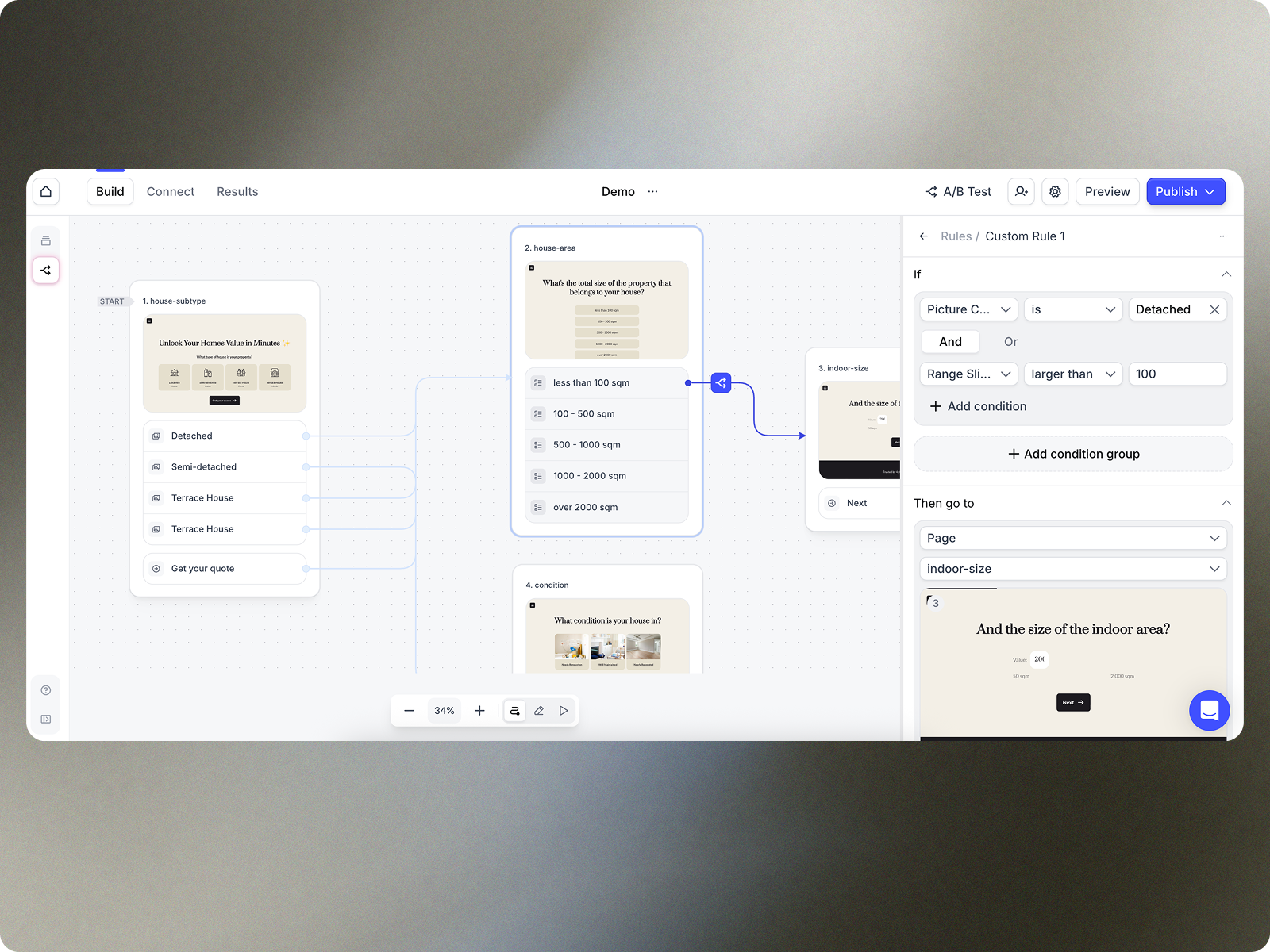
Conditional forms: Need to ask a question that only applies to a specific group? Then Wufoo is for you - it allows you to create conditional logic that allows you to reserve specific paths for specific entrants.
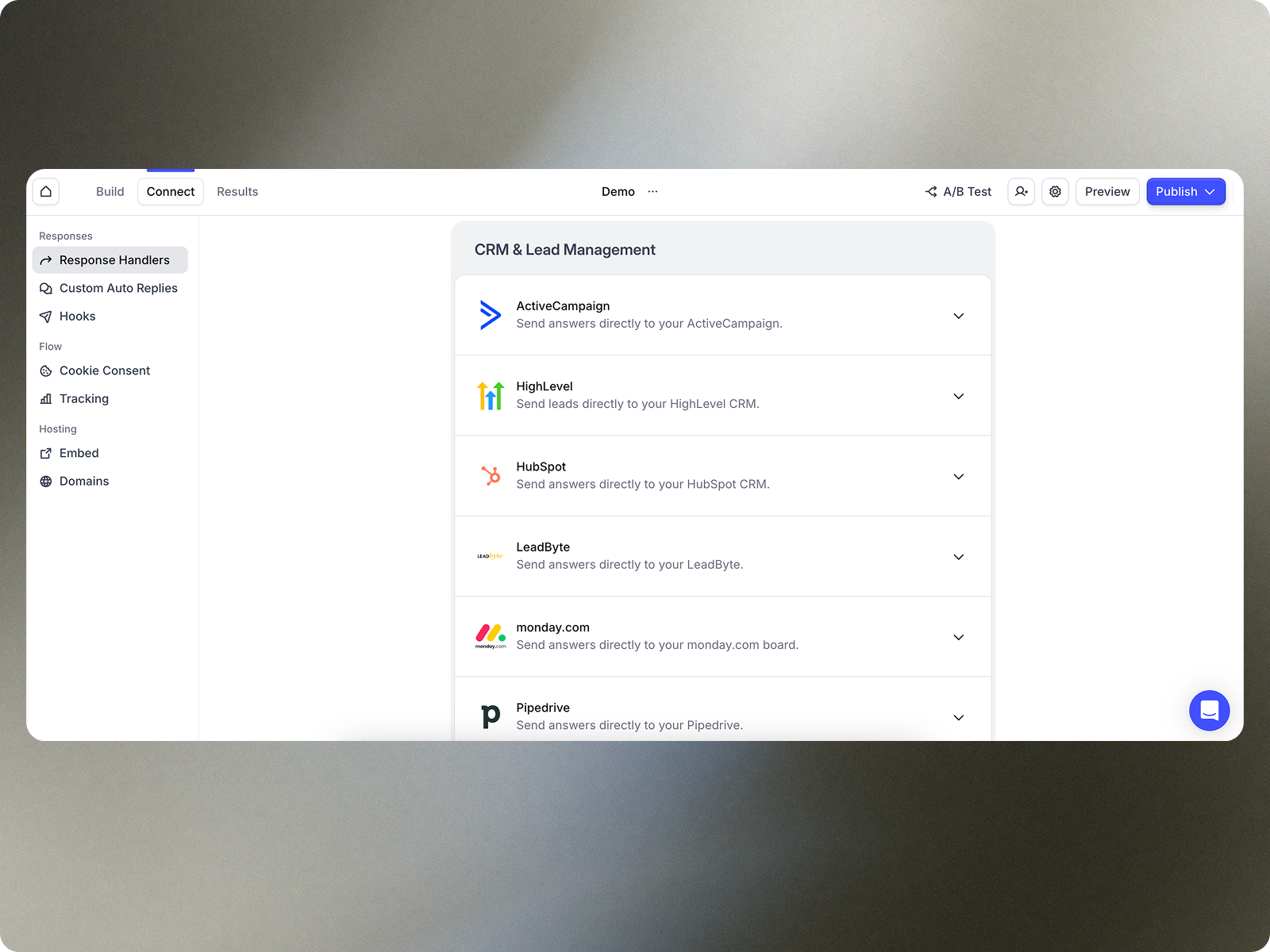
Integrations: Wufoo integrates with EVERYTHING via Zapier. You can sync it to Google sheets, email ESPs / CRMs, payment gateways... All kinds of applications for this software with its flexible uses & integrations, including embeddable HTML or direct integration to your website.
Sometimes finding the output -- a Google Sheet with all responses-- is a little difficult. It's also sometimes confusing to figure out how to get back into the Google Form Survey itself.
As always, sharing among an institutional Google account and your personal Google account can be frustrating. You have to make a copy and can't share across the two different accounts very easily.
Restricted webhook functionality, wed like to be able to map fields without having to post the full request and change the receiving webhook our end to cater to Heyflow
a/b testing, not being able to 'keep' older variants which we may want to retest later
little things like we only do uk market so all phone numbers start with 01 or 07 so we want to have a placeholder example thats familiar to the user eg 07766554433 but the system is restricted to +447766554433 which is a conversion factor for us
I will definitely renew my use of Google Forms because I really like the ease of use and the number of tools that Google forms provide. I also love that I can administer a test in real-time and get results in a timely manner
Heyflow hat mich von Anfang an begeistert – und das nicht nur wegen der intuitiven Benutzeroberfläche. Die Plattform schafft es, komplexe Prozesse wie Leadgenerierung, Qualifizierung oder Terminvereinbarungen in einfache, interaktive und visuelle Erlebnisse zu verwandeln.
In wenigen Minuten lassen sich Flows erstellen, anpassen und live schalten – ohne auf Entwickler warten zu müssen.
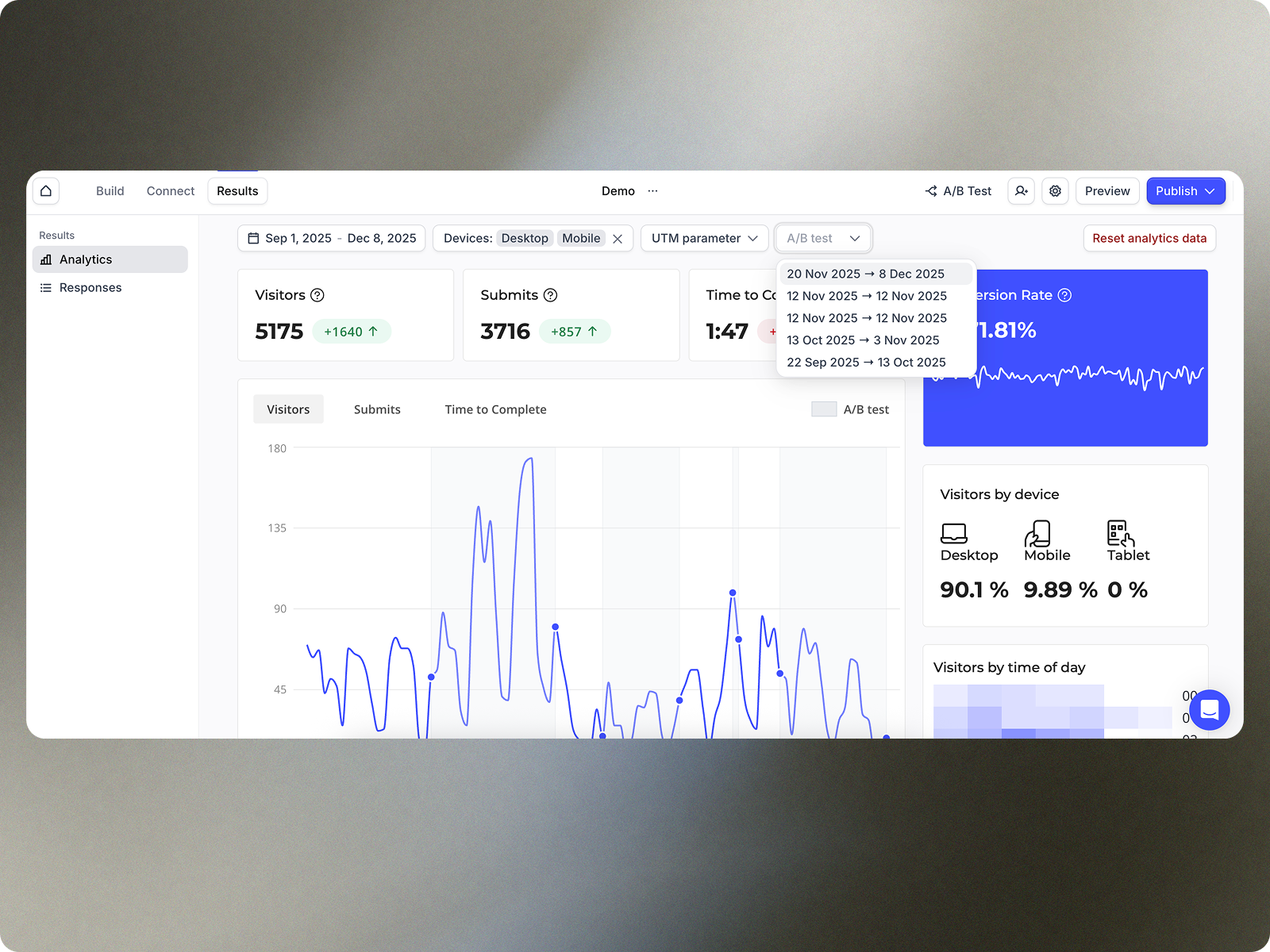
Mit Features wie progressiver Datenerfassung, A/B-Testing, personalisierter Ansprache und reibungsloser UX steigern wir messbar die Conversion Rates. Ich kann CI-konforme, moderne und mobiloptimierte Flows gestalten, die genau zu der Zielgruppe passen. Für mich ist Heyflow nicht nur ein Tool, sondern ein echter Gamechanger im digitalen Marketing. Es verbindet Effizienz mit Kreativität – und das mit einem Wow-Effekt für Nutzer und Kund:innen
I only give it this mid-range rating because, since the 2014 Super Bowl is history, our company will be closing in a couple months. I hope in my next employment opportunity that I will be able to use Wufoo again. I will probably use it to a limited extent in my personal life to communicate with friends and contacts in a unique manner. I am also working on a Certificate in Web Development and I definitely use Wufoo as embedded forms in websites I build.
Overall ease of use for staff, volunteers, and adult learners, and easy to get reports and to share reports via Sheets. As a free tool, it does more than expected. Easy to change the look and brand it to your organization, or just make it more fun, depending on what you want to use it for.
Heyflow is very user-friendly and intuitive, especially for non-technical users. The drag-and-drop interface makes it easy to design and launch interactive flows quickly, and the real-time preview feature is a big plus. I’m giving it an eight because while it’s great for most standard use cases, there are some limitations in advanced logic, dynamic behavior, and custom styling that can require workarounds.
Wufoo's usability from the user to the client is simple. The forms are simple to construct and they are easy for our clients to fill out. I have yet to really hit something that is difficult to do and even when I do get a little stumped their excellent support team helps me through it.
In the years I've used GoogleForms I've never ran into any issues with the reliability or availability. Google is a gigantic company with essentially limitless resources which makes it very easy to trust that I will continue to be able to enjoy the same reliability I've come to know and expect from GoogleForms
There have been no notable outages of HEyflow to date, not even in the past. If an outage is imminent, HEyflow will announce it in good time. If it occurs unexpectedly, SUpport will find a solution as quickly as possible. In some cases, a different server solution has been offered temporarily to minimize downtime. All in all, the response times of the support team are excellent.
One of the things that comes as a benefit of the lack to create complex logic branching and truly custom design is that there isn't lot of room to bog down the software. GoogleForms has always loaded just as fast as my internet service and device would allow it. I'm not sure about front end integrations or integrations into the form itself, as I've never explored it, but on the backend, I've never had any issues with integrations channeling from GoogleForms from the GoogleForms's end of things.
Heyflow's performance is truly exemplary and fast. We have never had any performance issues, regardless of how many visuals or videos we used. Unfortunately, we cannot comment on integrations, as we do not use any except for a Meta Pixel. However, even this has not affected our performance so far.
Every time I try to use a different Form Builder - I constantly go back to Wufoo, especially compared to WordPress Plugin Form Builders. The biggest reason is the reliability of the form notifications getting sent and delivered are better than form builder that rely on the Wordpress Mail Send Feature. The only feature that I have found over the last 3 years that Wufoo is missing is the ability to customize the layout of the notification emails. But that is minor in the grand scope of its reliability.
We haven't used much official support for Google Forms. However, because it is so widely used, there are a ton of articles and guides available online to help administrators of varying technical abilities to work through problems that arise. Additionally, Google provides an official support forum where there are discussions with other users as well as Google developers that can help address issues if needed.
Heyflow's support is truly world-class. Whether via chat or email, you'll receive genuine help. If a problem can't be resolved immediately, they'll look into it and usually get back to you the next day. Their response time is generally very fast compared to other companies. It's also possible to book a free appointment at any time, during which a representative will contact you by phone to offer advice and assistance on how to improve your performance.
I will be completely honest - I have never needed to contact any specific support for Wufoo. This is because we've never had any problems with Wufoo that I'm aware of! It has proved to be a reliable and easy to use product, and therefore, we have not needed to reach out for any kind of support or assistance. I suppose this would speak to the exceptional quality of the product!
Google Forms doesn't really require "implementation": simply log into GDrive and create a survey! You can configure settings per survey to, for example, automatically write responses to a GSheet.
I had already used Heyflow at my previous company because I was familiar with it from a service provider. Therefore, it was an easy decision to implement Heyflow again. The implementation was very straightforward, just as planned. There were absolutely no problems, and it worked perfectly from the start. But that's precisely what makes Heyflow so great!
Implementing Wufoo was a seamless process. It was an instantaneous transition from the old pdf forms and webforms we were using to the easier to understand Wufoo forms. Employees learned it with ease and the clients response was instantaneously positive. Adding Wufoo to your workflow is not only easy it is necessary.
Although both platforms offer similar functionalities, Google Form has a personal advantage and it is the impeccable integration with the different applications of the Google suite, this allows to make use of all of them in a transparent way, which in the work environment allows to perform work efficiently and without affecting the quality of it.
Heyflow Vs. Typeform = Heyflow wins because of design flexibility as TF is very stuck in their typical classical look. Heyflow also comes with a plethora of more options to improve lead quality and has drop-off analytics as standard. Heyflow Vs. Growform = This one is tougher as I think Growform is very competitive with what you get value-wise like no charge for phone and email network validations against Twilio and Neverbounce API's. Also Growform comes with a much more generous submission count for their smaller tiers AND I'm not capped by the amount of forms.
In terms of building reports, Wufoo is very similar to Google Forms. Both have the capability to edit live forms and immediately share them. Wufoo offers a few more features than Google Forms does as well. Overall, our department has looked at both options and continues to use Wufoo because of the data management and ease of building forms.
No, I wouldn't change any of Heyflow's terms and conditions or price. The price-performance ratio is simply impressive. I don't know of any other provider that offers a platform that allows you to start from scratch without any prior knowledge and gives you top-notch support at all times, helping you optimize your flows and get even more out of them.
GoogleForms lacks the ability for complex logic branching and the ability to truly design it in a custom manner. It's pretty obvious when you land on a GoogleForm that it is in fact a GoogleForm. This rating solely reflects the lack of flexibility which in turn makes it something that wouldn't usually be scaled. That being said, if needing to scale a simple solution, GoogleForms would be up for the job.
The overall scalability is excellent in Heyflow. We have the ability to work across locations as a team without any limitations; it doesn't matter how many team members we have or how many customers we cover. The scalability and flexibility also allow us to serve our customers with the same account and thus cover different business segments when it comes to online forms.
Wufoo has had a positive impact on our marketing department by allowing us to create and deploy forms on our websites and landing pages with significantly increased efficiency and speed.
Wufoo has also had a huge impact in reducing our reliance on IT support to build and deploy forms to our websites.
Wufoo has also empowered our marketing team to be able to try and solve our business problems through tons of integrations between Wufoo and other 3rd party systems (such as Salesforce and Zapier).