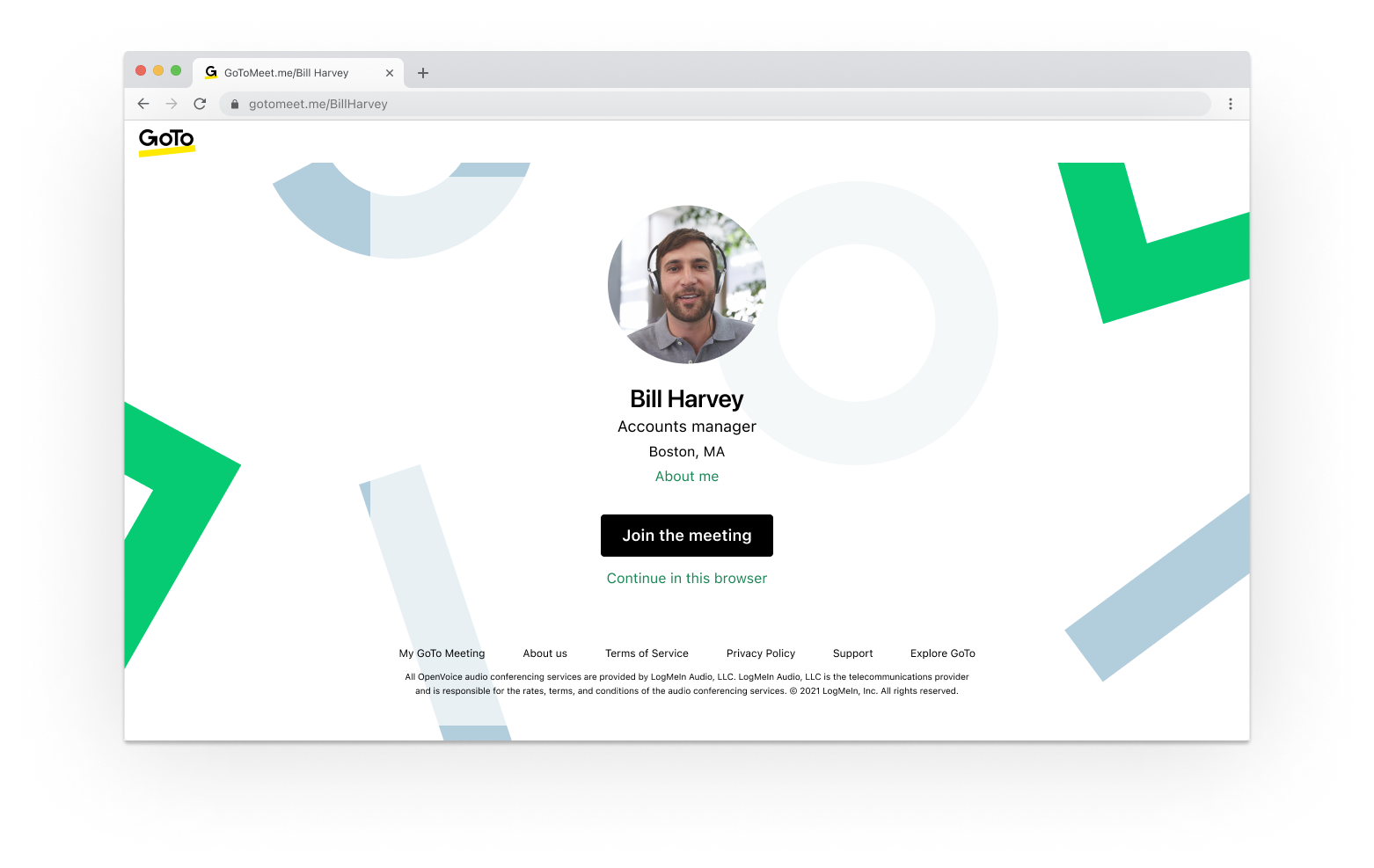
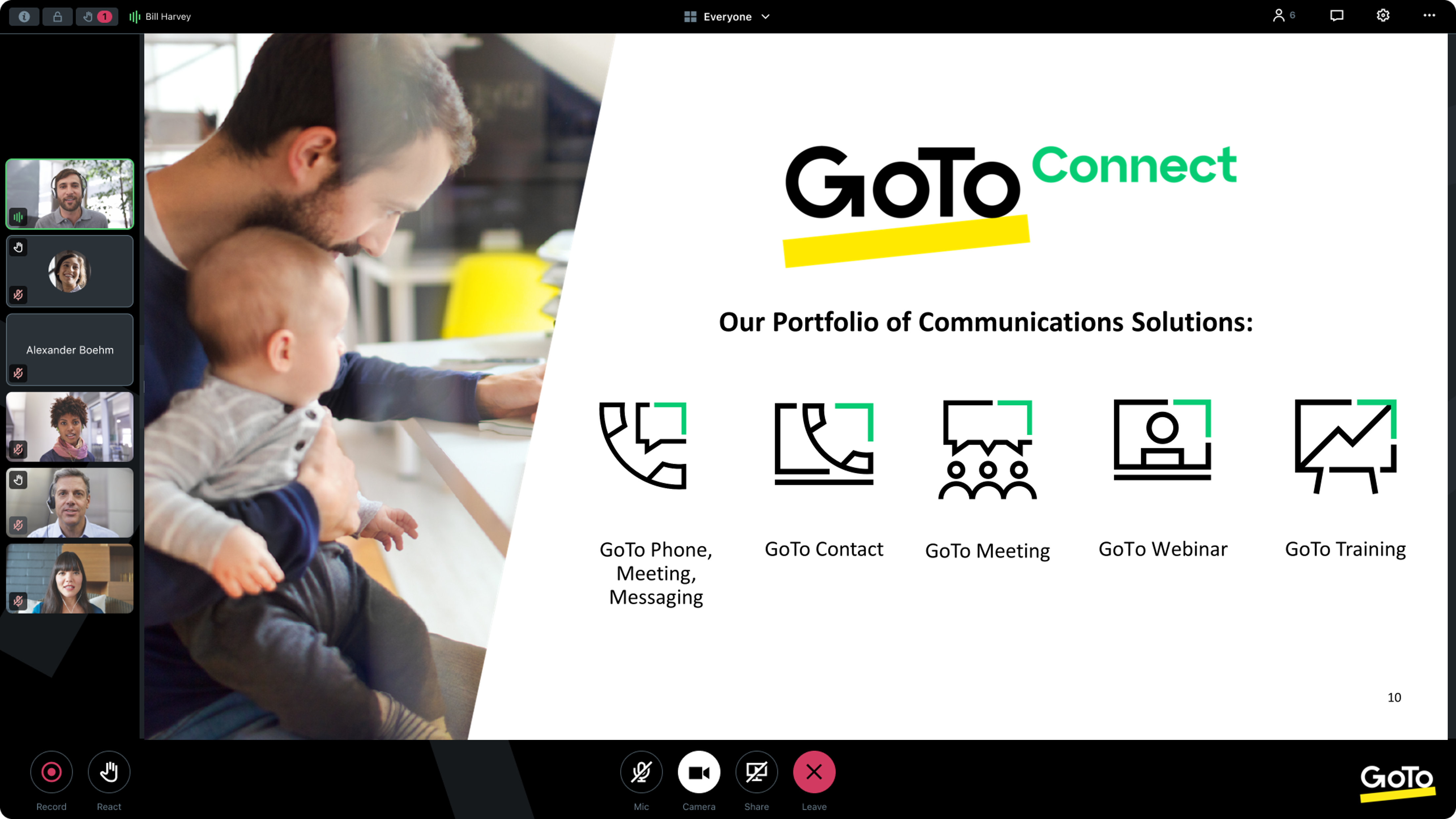
From GoTo (formerly LogMeIn), GoToMeeting is an online meeting, desktop sharing, and video conferencing software that enables users to connect via the internet. It hosts a suite of online meeting tools, including real-time screen sharing and integrated audio.
$12
per month
Webex Webinars
Score9 out of 10
N/A
Webex Webinars is a scalable webinar platform that helps users to create engaging and impactful experiences for everyone, from small sessions to massive global audiences.
N/A
Pricing
GoTo Meeting
Webex Webinars
Editions & Modules
Professional
$12.00
Per Organizer / Per Month for 150 Participants [billed annually]
Business
$16.00
Per Organizer / Per Month for 250 Participants [billed annually]
Enterprise
Custom Pricing
3,000 Participants
Webex Events
Contact Sales
Offerings
Pricing Offerings
GoTo Meeting
Webex Webinars
Free Trial
Yes
No
Free/Freemium Version
No
No
Premium Consulting/Integration Services
Yes
No
Entry-level Setup Fee
No setup fee
No setup fee
Additional Details
Pricing available by monthly or annual subscription, with discounts for annual commitments.
—
More Pricing Information
Community Pulse
GoTo Meeting
Webex Webinars
Considered Both Products
GoTo formerly LogMeIn
Verified User
Chose GoTo Meeting
Pricing is a big concern, and community-wise it was the beginning at the time when we made the decision.
A de minimis incentive was given to thank the reviewer for their time. The incentive was not used to bias or drive a particular response, nor was the incentive contingent on a positive endorsement. TR verified that a representative sample of customers was invited. More Info
Learning And Development Specialist in Human Resources at Foley & Lardner LLP (Law Practice, 1001-5000 employees)
Chose GoTo Meeting
We use Cisco Webex Events as well for various meeting needs. It really just depends on the client and what they want us to use or what they are familiar with. It's nice to be able to have various platforms to use to conduct business. I feel they are all similar in what they …
A de minimis incentive was given to thank the reviewer for their time. The incentive was not used to bias or drive a particular response, nor was the incentive contingent on a positive endorsement. More Info
Network Engineer in Information Technology at Würth Industries of North America (WINA) (Internet, 1001-5000 employees)
Chose GoTo Meeting
Webex was 2.5x more per seat and came with some proprietary hardware that was cool to use for conference rooms that were somewhat reminiscent of Cisco's telepresence. The cool factor wasn't' worth 2.5X more per seat. Zoom didn't have the extraneous functionality that we …
A de minimis incentive was given to thank the reviewer for their time. The incentive was not used to bias or drive a particular response, nor was the incentive contingent on a positive endorsement. TR verified that a representative sample of customers was invited. More Info
Verified User
Chose GoTo Meeting
Google Hangouts is just a little too casual for our professional audience and clients. Cisco Webex Events is a bit too complicated and does not work for our scale. Microsoft teams has a lot of good features. But it is quite janky when you're not using it on a corporate network …
A de minimis incentive was given to thank the reviewer for their time. The incentive was not used to bias or drive a particular response, nor was the incentive contingent on a positive endorsement. TR verified that a representative sample of customers was invited. More Info
Human Resources Information System Analyst in Human Resources at Genworth (Insurance, 1001-5000 employees)
Chose GoTo Meeting
It is right there with the others I have used. I wonder what separates those that are at the top of the list for 2018 from the software I've used. I've had the pleasure of meeting with other companies on a few other platforms and they all seem similar.
A de minimis incentive was given to thank the reviewer for their time. The incentive was not used to bias or drive a particular response, nor was the incentive contingent on a positive endorsement. More Info
Cisco
Verified User
Chose Webex Webinars
I think it's more reliable, honestly. I've had a lot of issues with GoTo. People complain about it a lot. They have gotomeeting, they have GoToWebinar, so they probably roughly align with the WebEx. But to me they're not. I've had fewer issues within the actual webinar with the …
A de minimis incentive was given to thank the reviewer for their time. The incentive was not used to bias or drive a particular response, nor was the incentive contingent on a positive endorsement. TR verified that a representative sample of customers was invited. More Info
Verified User
Chose Webex Webinars
One of the main reason we chose Webex Webinar was because trainers like the in-webinar/training emoticons that stick next to a user's name on the participant panel. Other products just have the emoji's that pop up, but you can't easily tell who posted them. Those are important …
A de minimis incentive was given to thank the reviewer for their time. The incentive was not used to bias or drive a particular response, nor was the incentive contingent on a positive endorsement. More Info
Verified User
Chose Webex Webinars
Cisco is one of the true leaders. However several of the others have freemium products, which can distract.
In terms of using the platform, new setup is easy, but again that's multiple products versus one application. This is similar to Goto products and Zoom. If Cisco can …
A de minimis incentive was given to thank the reviewer for their time. The incentive was not used to bias or drive a particular response, nor was the incentive contingent on a positive endorsement. More Info
Supervisor, Audiovisual Operations in Information Technology at National Geographic (Information Technology and Services, 201-500 employees)
Chose Webex Webinars
WebEx seems to be the first platform and most widely used. Supported by a quality brand (Cisco) known for its video conference and teleconference technology, WebEx continues to be a consistent, reliable, platform that has outlasted the others.
A de minimis incentive was given to thank the reviewer for their time. The incentive was not used to bias or drive a particular response, nor was the incentive contingent on a positive endorsement. More Info
Learning Management System Administrator, Training Specialist in Sales at Tennant Company (Machinery, 1001-5000 employees)
Chose Webex Webinars
In my opinion, WebEx Event Center is one of the more reliable and accessible tools in its space. Video and audio streams are solid and it offers many of the features that a company would ask for from a tool like this. I will say that Event Center could learn from products like …
A de minimis incentive was given to thank the reviewer for their time. The incentive was not used to bias or drive a particular response, nor was the incentive contingent on a positive endorsement. More Info
I provide regular training as a big portion of my job. There is weekly training with an infinite number of users in attendance on any given date—GoTo Meeting is not the best option for this because I would have to mute users as they join the meeting. However, I also provide frequent training sessions to a small number of users that feature more individualized content, and having them able to mute/unmute at will is a better fit for a smaller group with in-depth materials.
A de minimis incentive was given to thank the reviewer for their time. The incentive was not used to bias or drive a particular response, nor was the incentive contingent on a positive endorsement. More Info
I'd say mainly well suited for larger audiences. I think there's probably some products that are a little more economical for smaller audiences, but if you need a solid, reliable platform for larger audiences, say more than a hundred people. So this is the best product for that or at least top two.
A de minimis incentive was given to thank the reviewer for their time. The incentive was not used to bias or drive a particular response, nor was the incentive contingent on a positive endorsement. TR verified that a representative sample of customers was invited. More Info
A de minimis incentive was given to thank the reviewer for their time. The incentive was not used to bias or drive a particular response, nor was the incentive contingent on a positive endorsement. More Info
Cisco Webex Events is very straightforward and easy to use. Setting up an event within the platform is quite simple - anyone can do it.
Webex Events is a great add-on feature to the Webex conferencing platform to allow a one-way broadcast of information, rather than worrying about attendees being able to interrupt the presentation.
Recording a session is fairly simple and accessing the recordings post-event is quite reliable. I believe you can also upload .mp4 files into the Webex Events platform to serve as a host.
A de minimis incentive was given to thank the reviewer for their time. The incentive was not used to bias or drive a particular response, nor was the incentive contingent on a positive endorsement. More Info
A de minimis incentive was given to thank the reviewer for their time. The incentive was not used to bias or drive a particular response, nor was the incentive contingent on a positive endorsement. More Info
We used other software like goto meetings but found it best because of its user friendly interface and easy interfacing. It helped us in COVID and now we can say we are depending on it and love it. We recommend it to our friends company and they are also using it. It is very affordable and easy to integrate with system
A de minimis incentive was given to thank the reviewer for their time. The incentive was not used to bias or drive a particular response, nor was the incentive contingent on a positive endorsement. More Info
Webex Webinars continues to provide exceptional value as a community engagement and professional education platform. As long as there are a multitude of event offerings and the product continues to be supported with periodic software and security updates, I can anticipate using Webex Webinars for the foreseeable future. Overall a great product!
A de minimis incentive was given to thank the reviewer for their time. The incentive was not used to bias or drive a particular response, nor was the incentive contingent on a positive endorsement. More Info
The simplicity of GoToMeetings desktop, mobile, and web-based applications make it a very robust and user-friendly meeting solution. At times, it may be more complex than needed, but it is nice to have so many features that can be used if needed. Once installed, it is very easy to use and navigate.
A de minimis incentive was given to thank the reviewer for their time. The incentive was not used to bias or drive a particular response, nor was the incentive contingent on a positive endorsement. More Info
My experience with this software is fantastic; it's so satisfying that it only took me a week to go through an internal training program to use this software, actually, I don't think this training program was necessary. Usability is one of the most fantastic features to guarantee the increase of members in remote events.
A de minimis incentive was given to thank the reviewer for their time. The incentive was not used to bias or drive a particular response, nor was the incentive contingent on a positive endorsement. More Info
A de minimis incentive was given to thank the reviewer for their time. The incentive was not used to bias or drive a particular response, nor was the incentive contingent on a positive endorsement. More Info
Webex Webinars are available 24/7 and is based on your license purchase and usage. Webex Webinars needs maximum bandwidth consumption for sending and receiving videos and listed below are some examples. High-Definition Video: 2.5 Mbps (Receive) and 3.0 Mbps (Send)· High Quality Video: 1.0 Mbps (Receive) and 1.5 Mbps (Send)· Standard Quality Video: 0.5 Mbps (Receive) and 0.5 Mbps (Send) Webex Webinars makes it easy to analyze attendance statistics, send participants to a post-webinar landing page, and integrate data into CRMs and marketing automation.
A de minimis incentive was given to thank the reviewer for their time. The incentive was not used to bias or drive a particular response, nor was the incentive contingent on a positive endorsement. TR verified that a representative sample of customers was invited. More Info
A de minimis incentive was given to thank the reviewer for their time. The incentive was not used to bias or drive a particular response, nor was the incentive contingent on a positive endorsement. More Info
You can turn around WebEx Attendance reports within 24 hours. Sign in to Webex Site Administration and go to Reports - Access Anywhere. Select the beginning and ending dates for the report. Report data is available only for sessions conducted up to three months before the current date depending on your administration set-up. From the Sort results by drop-down list, select the sort order criteria for the report. After hosting a WebEx Webinar, you have the ability to create a report of all of the participants and the times that they entered and left the meeting. Reports cannot track emoji's or reactions. Best practice for Q&A and tracking you can integrate SLIDO. You cannot save individual polling results. Also the polling report does not include who asked and answered the questions. This limitation does not apply to SLIDO. Closed captions and transcriptions are only saved if the Webinar is recorded. If you face problems during a webinar, you can hit then button which creates and send a report to Cisco who will then look into the problems to avoid future occurrences
A de minimis incentive was given to thank the reviewer for their time. The incentive was not used to bias or drive a particular response, nor was the incentive contingent on a positive endorsement. TR verified that a representative sample of customers was invited. More Info
When we have issues, they seem to respond quickly and do everything they can to help us. They have even tried to find other ways we could get more use out of their product, or improve the way we are currently using it. Overall, their support has been fairly good for us.
A de minimis incentive was given to thank the reviewer for their time. The incentive was not used to bias or drive a particular response, nor was the incentive contingent on a positive endorsement. More Info
I love the control that this product gives to those running the meetings. It allows you to assign presenter roles to people and everyone else that is an attendee can be totally controlled, like whether they can unmute, use video or just sit there and watch. It really gives control of the meeting to those who are running it. And we love that ability for those meetings that we are trying to make sure people are listening in on instead of trying to participate.
A de minimis incentive was given to thank the reviewer for their time. The incentive was not used to bias or drive a particular response, nor was the incentive contingent on a positive endorsement. More Info
A de minimis incentive was given to thank the reviewer for their time. The incentive was not used to bias or drive a particular response, nor was the incentive contingent on a positive endorsement. More Info
A de minimis incentive was given to thank the reviewer for their time. The incentive was not used to bias or drive a particular response, nor was the incentive contingent on a positive endorsement. More Info
A de minimis incentive was given to thank the reviewer for their time. The incentive was not used to bias or drive a particular response, nor was the incentive contingent on a positive endorsement. More Info
Many times, it seems like GoTo Meeting requires less bandwidth to run. We noticed with a few test machines that if you have over twenty video streams, this product could handle the load better than if we used Microsoft Teams and had many video streams.
A de minimis incentive was given to thank the reviewer for their time. The incentive was not used to bias or drive a particular response, nor was the incentive contingent on a positive endorsement. More Info
ON24 has a lot more bells and whistles, which is great when you need them but when you're looking for a straight up platform to host a stand alone webinar, Webex Webinars is a good alternative. We've selected Webex Webinars when we don't need such a customized webinar console.
A de minimis incentive was given to thank the reviewer for their time. The incentive was not used to bias or drive a particular response, nor was the incentive contingent on a positive endorsement. TR verified that a representative sample of customers was invited. More Info
Webex Webinars is a scalable platform designed for interactive experiences. It can accommodate attendees from 100 up to 100,000 attendees depending on the purchase of your license. The scalability is based on each company's requirements and usage. Webex Webinars can offer key features like real-time translations, moderated Q&A, live polling, and chat, making it suitable for both small and large audiences and can be deployed across multiple departments and sites as needed.
A de minimis incentive was given to thank the reviewer for their time. The incentive was not used to bias or drive a particular response, nor was the incentive contingent on a positive endorsement. TR verified that a representative sample of customers was invited. More Info
Any collaboration app these days are now a great addition for those organizations which have more than one office and they need to collaborate with each other.
GoTo Meeting can contribute to cost savings by reducing the need for extensive travel, accommodation, and related expenses associated with in-person meetings especially in case like us as we have multiple branches.
A de minimis incentive was given to thank the reviewer for their time. The incentive was not used to bias or drive a particular response, nor was the incentive contingent on a positive endorsement. More Info
A de minimis incentive was given to thank the reviewer for their time. The incentive was not used to bias or drive a particular response, nor was the incentive contingent on a positive endorsement. More Info