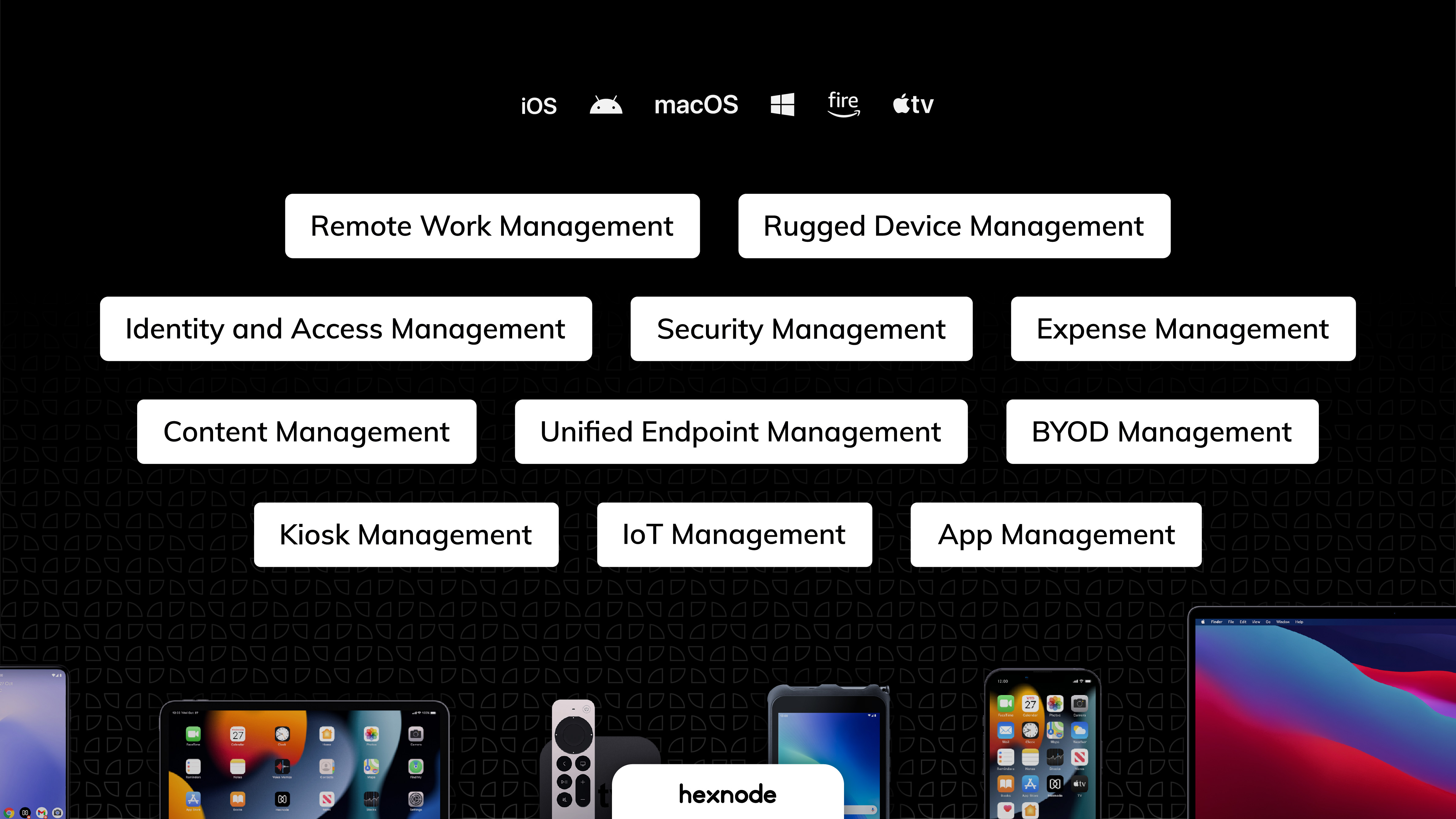
Hexnode is a Unified Endpoint Management solution that aims to simplify the way people work with the help of intelligent tools. The management platform streamlines the device lifecycle model to offer its support at every stage, from device onboarding to the end of its life. It also gives a hands-free experience with automatic enrollment using Zero-touch enrollment, Knox Mobile Enrollment, and ABM and endpoint management with the help of dynamic group allocation in the case of…
$36
per month 15 devices (minimum)
LogMeIn Resolve
Score 8.9 out of 10
N/A
LogMeIn Resolve is an IT management and support solution designed to help organizations take control of their IT infrastructure. The platform combines features like remote monitoring, access, and support with tools such as ticketing, AI-assisted task automation, and patch management.
$29
per month
N-able N-sight RMM
Score 7.4 out of 10
N/A
SolarWinds Remote Monitoring & Management (RMM) is a cloud-based system monitoring offering for Managed Service Providers. It provides a full monitoring and management suite, including automation and threat detection capabilities, and can integrate with other SolarWinds products.
N/A
Pricing
Hexnode UEM
LogMeIn Resolve
N-able N-sight RMM
Editions & Modules
Pro
$2.40
per month per device
Enterprise
$3.60
per month per device
Ultimate
$5.20
per month per device
Ultra
Contact Hexnode for a Quote
Remote Access
$29
per month
Remote Support Plus
$55
per month
Standard Endpoint Management
$70
per month
Premium Endpoint Management
$78
per month
Premium
Contact Sales
No answers on this topic
Offerings
Pricing Offerings
Hexnode UEM
LogMeIn Resolve
N-able N-sight RMM
Free Trial
Yes
Yes
Yes
Free/Freemium Version
Yes
Yes
No
Premium Consulting/Integration Services
Yes
No
No
Entry-level Setup Fee
No setup fee
No setup fee
No setup fee
Additional Details
No support costs, No maintenance charges. Per device pricing. Discount available for annual pricing.
Discount available for annual pricing. MDM is available as a standalone or as an add-on. Additional endpoints and agents and save up to 20%
We enjoy the ability to remotely support our end users with their tablets while they are traveling. I've had the ability to provide support to some of our remote sales users as they are working at a customers location. However, sometimes the remote view can be a bit of a lagging issue that makes things a bit difficult. Though overall this has been a great experience that helps us support our various users throughout the company.
LogMeIn Resolve has been useful in supporting users working on-site or remotely, and with the unattended agent, allows for a quick and easy way to start a support session. With the integrated Help Desk system, LogMeIn Resolve allows for a seamless support experience without having to bounce from a ticketing platform to a remote support platform, giving us the ability to reduce ticket sprawl and save time overall.
It's great for the basics of device management for Windows PCs, I wouldn't recommend it for Mac other than asset management. The patch management and monitoring templates are helpful for the day-to-day, and the "Take Control" feature for remote assistance allows us to provide fast service to clients - we often are on a machine within 5 minutes of receiving a ticket.
Android zero-touch enrollment allows bulk enrollment of corporate-owned android devices with a single click.
With the help of the dynamic device grouping function, devices may be grouped in accordance with specific pre-configured criteria.
The kiosk mode supports both single-app kiosk mode, in which the device is restricted to using a single app, and multi-app kiosk mode, in which the device is in kiosk mode but has access to a number of other programs and files.
Allows easy, comprehensive access to Apple products via web-based applet. (It does require customer input and cooperation.)
It allows me to resolve issues remotely, most times within minutes instead of hours, without a physical location visit.
It allows the customer to view my activity, giving them peace of mind that nothing untoward occurs during my interaction. I also use the record feature so all sessions are recorded, especially on rare occasions when there is an issue or question from the session.
It provides fantastic remote access capabilities. The Take Control tool gives us a robust platform that is capable of remote controlling almost any endpoint we need to and the chat, file transfer, and screen recording tools are all exceptionally useful.
SolarWinds RMM is particularly useful as a single pane of glass solution that allows us to monitor and manage thousands of endpoints across dozens of different clients. It does a solid job of allowing us to sort, organize, and filter based off of who and what we want to see at any given time.
Due to its client based nature, the platform excels at in-depth monitoring of services, event logs, and the functionality of systems with custom script checks.
Devices running watchOS cannot be handled or enrolled.
The policies under WIFI, which allowed certain websites to be blocked using website certificates, were complicated .
The app management features provide the ability to push the installation of corporate apps on the devices. Even though it was successful on the Hexnode Portal, this feature periodically malfunctioned, and the apps were not loaded.
The user interface is clunky and difficult to use in terms of CRITICAL functions that lie at the core of any remote access solution.
ctrl + key combos are currently terribly implemented and difficult to use - since this is one of the most common keys used in Windows - this presents MASSIVE usability issues that impede my workflow all day every single day.
And now - in a recent development - SHIFT + key combos are currently terribly implemented and difficult to use - since this is one of the most common keys used in Windows - this presents MASSIVE usability issues that impede my workflow all day every single day.
Things like frequently used key combos and shortcuts should work the same via remote access solutions as they do on a hardware keyboard. Anything else is an annoyance and an impediment to workflow and productivity.
I would say yes, we would definitely renew, everyone likes it in the IT dept, and there are more features we have yet to put to use. I am expanding the Windows update / Endpoint features as I get time, and the remote PowerShell console is unbeatable for me at present when facing remote computers that are not letting create a new remote PSSession.
UX is pretty good, but various screens are a bit redundant. Managing user and managing devices is often one in the same operation, but is broken across multiple screens. Device management policies are strange because if you make a "macOS" policy, why does it have all the Windows, iOS, Android etc options? It's unlikely you'll want all of these options for all possible OSes in one policy, but that's the only way to build a policy. Manage policy changes require remote system restart which is highly disruptive to employees.
We were able to get up and running quickly after our initial implementation, and the monthly feature update webinars are a great way to keep up with new features and how we can use them to our benefit. We can also request features we would like to see in the future, and can vote on other users’ submittals.
The interface is easy to navigate. Setting up policies is straight forward. The antivirus and web filter are simple and exceptions are easy to make. Upgrading the agent is made simple and creating scripts is made fool proof. (Well, almost)
Usually available without a problem, although sometimes calls get dropped or users sit in empty meeting rooms while waiting for an admin to arrive, while the call is actually going on.
If you are connected to someone with proper bandwidth, there are no issues at all. With all things, if you connect to someone with dial-up (yes, it still exists), the performance is terrible.
Ive used their tech support a handful of times, and each time they have been able to help me sort out any hiccups or kinks that arise. They have a resourceful knowledge base, and have experts available for training and troubleshooting. I often recommend them to my other coworkers and colleagues because of the ease of use and security
The ease of use, full functionality, reliability and excellent support.[N-able RMM (formerly Solarwinds RMM)] gives users a full suite of tools with a single installable file. Unlike standard tools, you don't have to install several different executables to be able to have fully protected end points.
GoToAssist SeeIt was very easy to implement. As long as your techs have a basic understanding of most remote support tools they will be able to understand this product easily.
I am currently using both the platforms, Hexnode UEM and Esper. Esper is used for managing mobile devices and Lenovo Tablets while Hexnode UEM is being used for Microsoft tablets. The basic framework behind both of them is almost the same. Both of them have a clean and interactive UI with good functionality.
Go to offer all-in-one functionalities without compromising organizational security and policy. Go-to is versatile compared to other systems like JIRA and is suitable for medium organizations. It has all the support options required. Like web meetings, conversational ticketing, etc., other software does not offer the combination of all, like video calls.
Ultimately, we chose to stay with N-able N-sight due to their competitive pricing and billing system that we integrated into our accounting. The other competitors do offer better-made modules/new technology, but we were not ready to make this big move because of the cost. In the future, perhaps, we will still consider NinjaOne.
We already had someone try to walk away with an ipad after deploying Hexnode, and we were immediately able to force an activation lock telling them to bring it back and they did.
It has saved us a lot of time setting up ios devices as we have a limited amount of IT staff and Hexnode makes it take probably around ten minutes an ipad.
Employee experience has improved since we can reset code remotely and they no longer have to send the ipads back to the corporate office to get reset.
LogMeIn Resolve has increased productivity for our support teams with the addition of camera share. Not only are we able to remote into workstations, but with camera share we can utilize end user and customer phones to visually see physical setups to troubleshoot some situations on the fly.
Unattended support now requires the agent to enter in a signature key as an extra layer of security before accessing a device, which further improves the safety of all devices registered for unattended.
The ROI is immediate for us. The advanced alerting alone makes this product an ace in our bag. The confidence you have in your network is wonderful.
Another big ROI we get from the advanced alerting is the peace of mind that our engineers feel. We are a 24/7 shop, so being on-call goes from being hectic to extremely manageable.
The only negative I can honestly say is when the time comes to patch the product. Micro-patches are easy enough, but jumping versions can be a bit taxing.