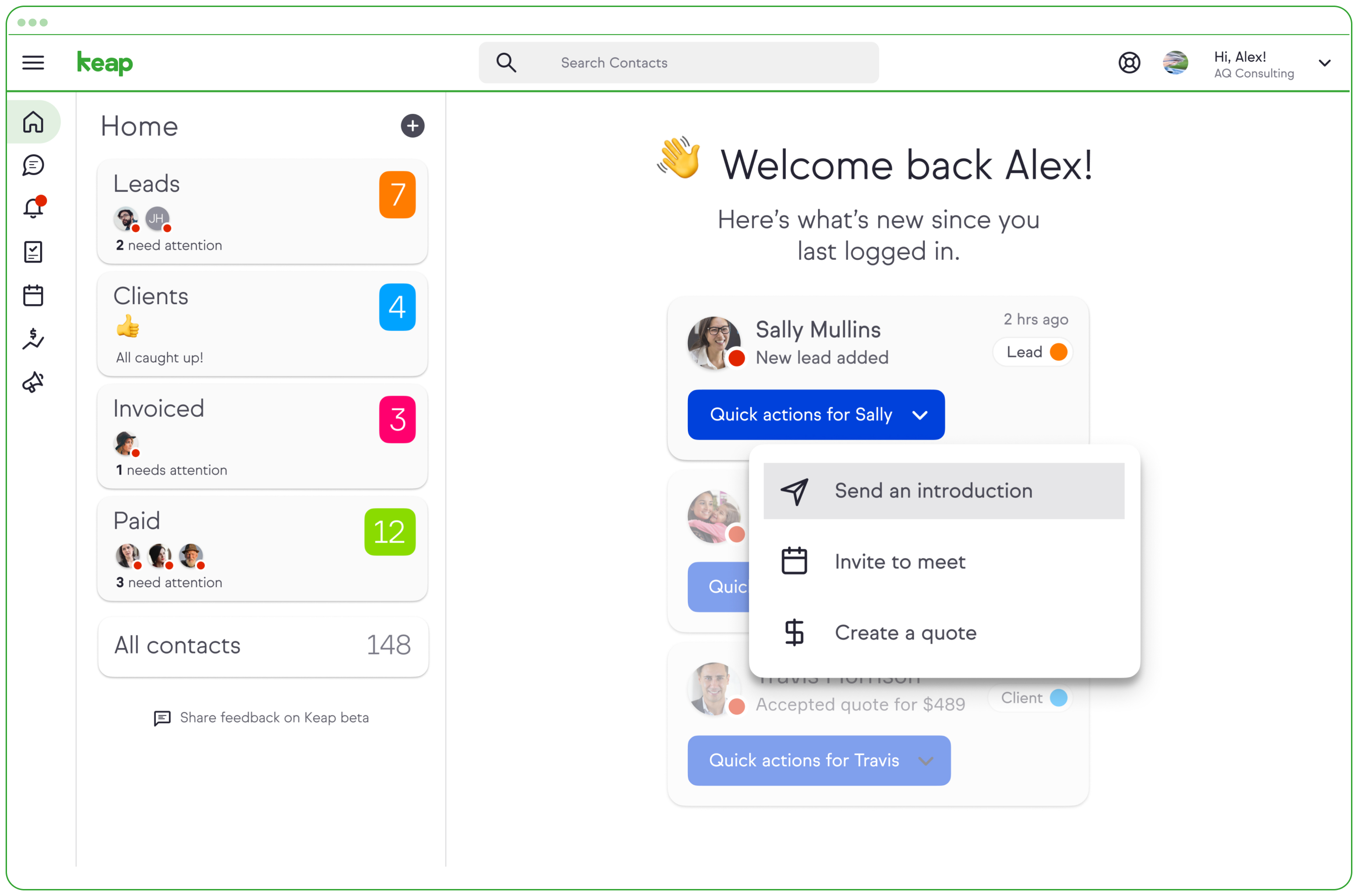
Keap is a small business-focused, comprehensive sales and marketing platform which combines basic contact management, CRM, marketing automation, and e-commerce capabilities into a single, subscription-based SaaS product.
$199
per month
MethodCRM
Score 9.1 out of 10
N/A
Method:crm is a QuickBooks-integrated, cloud-based CRM platform.
$35
per month per user
monday.com
Score 8.3 out of 10
Mid-Size Companies (51-1,000 employees)
monday.com Work OS is an open platform designed so that anyone can create the tools they need to run all aspects of their work. It includes ready-made templates or the ability to customize any work solution ranging from sales pipelines to marketing campaigns, CRMs, and project tracking.
$36
per month (3 seats)
Pricing
Keap
MethodCRM
monday.com
Editions & Modules
Pro
$199.00
per month
Max
$289.00
per month
Max Classic
Contact Us
per year
CRM Quick Start
$35
per month per user
CRM Pro
$59
per month per user
CRM Enterprise
$97
per month per user
CRM Multi-Entity
Custom Quote
Basic
$12
per month per user
Standard
$14
per month per user
Pro
$24
per month per user
Enterprise
Contact Sales
Contact us
Offerings
Pricing Offerings
Keap
MethodCRM
monday.com
Free Trial
Yes
Yes
Yes
Free/Freemium Version
No
No
Yes
Premium Consulting/Integration Services
Yes
Yes
Yes
Entry-level Setup Fee
Optional
No setup fee
No setup fee
Additional Details
All plans with 1 user and 500 contacts. The price is $30.00 for each additional user.
Keap is very good at contact management and automation creation but weaker at email campaign creation. I was particularly interested in a function where when manually entering a new contact, you are then able to email that contact using a premade HTML template. It will currently not do this. There is a workaround, but it is unnecessarily ponderous.
Method[:CRM] is well suited when you have a large company that needs to keep track of customers. It also connects with Quickbooks and that has really been nice for our organization. Our company is small so this really helps us stay on track and build our data base of customers.
The platform has a good deal of versatility and extensibility, but I do not feel it is well suited for anything too complex. More complexity seems to bog down performance and increase maintenance to keep everything humming. As much as possible, avoid creating too many bespoke workarounds that will end up creating tech debt. The platform seems to work best for more straightforward scenarios and smaller to mid-size companies. Pricing can be reasonable for specific teams, but can feel a little too pricey for company-wide usage. It has served us well for the early stages of our company, but we find ourselves offloading the more complex use cases to other apps specifically developed for those, and reducing to just those teams that are more deeply embedded in the functionality.
I like summary of subitems, especially with subitasks as subitems and add item tracking for each subtask it can show total tracked in parent item. Similar with other columns, like numbers, status, date.
Dashboard features, Many kinds of dashboard view available, we can utilize on the basis of requirements.
monday.com workform is very powerful, easily share form link when submitted it will create line item in board with provided data.
monday.com automation is very helpful in order to automate steps with specific rules and easy setup.
monday.com also provides integrations in order to automate processes if need to integrate multiple app together. or need to transfer data between multiple apps.
More articles and videos on how to use the various functions of Keap
Having representatives designated to certain regions or companies for a point of contact when help is needed
More options when building the emails. While the click and drop options can be a plus, they can also be negative because you are limited to image and text sizing and positions
I would like to see our company logo show up larger on the form feature.
I prefer the version of the form they have now instead of the new version for 2025. The current form shows the questions in bold font, and the new version does not. This may mean it could take our volunteers longer to get to the pertinent information on the form.
It would be nice if monday.com staff had monthly webinars showing how to use some features. such as, using formulas effectively.
We have invested a lot into Infusionsoft and are using it to automate our processes and marketing. Changing CRMs would have a HUGE cost for us and based on our evaluations, the grass isn't greener elsewhere. Infusiosoft fits most of our needs and is slowly getting better each year. Their support is great and we will continue to use them until something much better comes around or our company outgrows a small business CRM.
The things Method does well - QuickBooks data integration and extreme customization - it does very, very well. If you are looking for a CRM product or any business process automation software that integrates with QuickBooks, you have to look at Method CRM
Teams involved in content creation, such as marketing or editorial teams, could use monday.com to manage the entire content lifecycle. Boards might track content ideas, assignments, drafts, reviews, approvals, and publication schedules, helping teams collaborate and keep content production on track.
You do need to spend some time on-boarding and implementing the software in order to have full functionality. We were lucky - we had colleagues at the university with experience with Keap and then hired an intern familiar with the software to get us set up and ready to use it. We've had some functionality issues with it along the way and that has frustrated myself and the other uses in our department.
Method has a great overall "usability". Once we started using the software; it did not take long before we were able to start editing our own web lead forms, email templates, etc. I think there is a learning curve however the learning curve is not bad. Anyone looking for a cloud CRM should start here
I give monday.com a 10/10 because I almost never encounter any lag or connectivity issues despite all of the many templates, boards, and automations we have. As a matter of fact, I feel like the last issue I encountered was over a year ago... and I'm in monday.com every single work day. Not only is monday trustworthy, it is easy to find what I'm looking for... making the overall usability extremely hard to beat.
OMG, it's all in one and that compromises everything, fundamentally. If you want a race car, invest in a race car. If you want a dune buggy, get that. If you want a boat that floats, go for it.
Everything performs fairly well. Every now and then there are user errors where an employee will not click "ok" on a note they've created and simply exit out (I do wish that something was in place to prevent this, such as a pop "are you finished?")
Generally, very responsive support for even our more complicated issues. We do have some open issues that we need resolutions on and that I understand are complicated and will take longer to resolve but the open issues are significantly impacting to our business.
The Customer Support of this app is fantastic. If you ever have any questions they are there to answer you or fix whatever issue that you are having. The FAQ pages are also extremely helpful when you want to learn about the more in-depth qualities this program has to offer.
monday.com only really care about accounts that have 20 seats or more. While this is great for monday.com, it pushes smaller organisations to evaluate alternatives. We rate monday.com highly in our organisation because key staff have already got good experience with the application and we know we will get to 20+ seats one day. But, till then the billing model and lack of permanent enterprise features is a dread.
I have been to a number of in-person training sessions over the years with Keap and all of them have been FANTASTIC. They really put a lot of time and effort into these sessions. Staff and facilitators go out of their way to ensure that participants are getting what they need.
The results of training online are often based on how people learn. The training was great but with feature updates, you just have to get in there sometimes and do it! The training definitely lays a firm enough foundation for you to be successful even if its can't be updated with every feature update.
To have someone walk you thru the features and capabilities of Monday.com is priceless. Someone also coming along later in the contract to see if you are maximizing the program to suit your company needs is beyond helpful. The staff that have provided this training are fun, creative and very patient.
Don't let the fear of implementing a new software solution keep you from unleashing the power of automation that Infusionsoft provides. With the right implementation partner, the process can not only be smooth and painless, it can actually help you get a better understanding for how your current communication process can be improved upon.
Be available to learn! There is a huge learning curve to this program. You have to be willing to take it all in. Be available to the Method expert and be patient.
We signed up for the accounts. Created the accounts. Ran the trial version and tested it live while we were running multiple projects and found that it was fitting our needs perfectly. When the trial ended and we were asked to purchase the full version, we did. We have found other ways to use it and it's a breeze.
Keap is fast. The learning curve is shorter and they have an academy for learning with videos quite extensive that explain a lot of different scenarios, specially when you need to customize scenarios of automations and segments. Is cheaper if you consider that this services CRM + Mailing don´t come often in one package and the realiability to send mails is quite good.
We chose Method:CRM for the QuickBooks integration. It was important for us to have integrations that allowed us to view payments, organize our contacts, and manage our sales force. There were some learning curves, however, such as creating activities, leads, customers and making sure our payments were being logged appropriately. I do wish that payments would be added to the calendar automatically so that the sales rep could view and make a phone call letting them know their invoice is due.
monday.com is cleaner, offers more customization and is easier to design out with a team project focus in mind. With the ability to automate steps as well, it is super easy to move tasks along, have stages auto-update and to go through my personal to-do list of tasks to get things done.
You get a lot of features included, but you don't need to use them all at once to start seeing an effect. When you are ready to use them, they are there. It also scales without costing too much money.
For it to work across multiple departments and sites, I would like to see improvements made with integrations and automation. For this question, I am acknowledging not only the addition of internal triggers/automation, but also an expansion on external ones.
Automation has allowed us to be more engaged and invested in our customers by reminding us about birthdays and other important events in their lives so that we can celebrate with them.
We lacked the manpower to sell and distribute orders online before setting up the payments and automation features. We now collect $5k+ a week in lost sales through online ordering.
List cleaning functionality and engagment settings have allowed us to run a 40-50% email open rate that allows us to create an engaged community around local events and opportunities as well as sales and special offerings.
Much easier to review my prior month and report to clients on work completed; easy to extract the information and work done to Excel to add budget tracking etc - I see this is possible in monday.com and I will investigate how/if this is possible on our current plan.
Very fast and easy set-up of Boards.
Still lots to learn and grasp - many more opportunities to become more efficient using monday.com. I'm only just getting started.
The initial automations are quick and easy to set up, and if set up correctly.
My month-end client status and progress reports are now more accurate, and I can keep track of all the information in one place (inside monday.com).