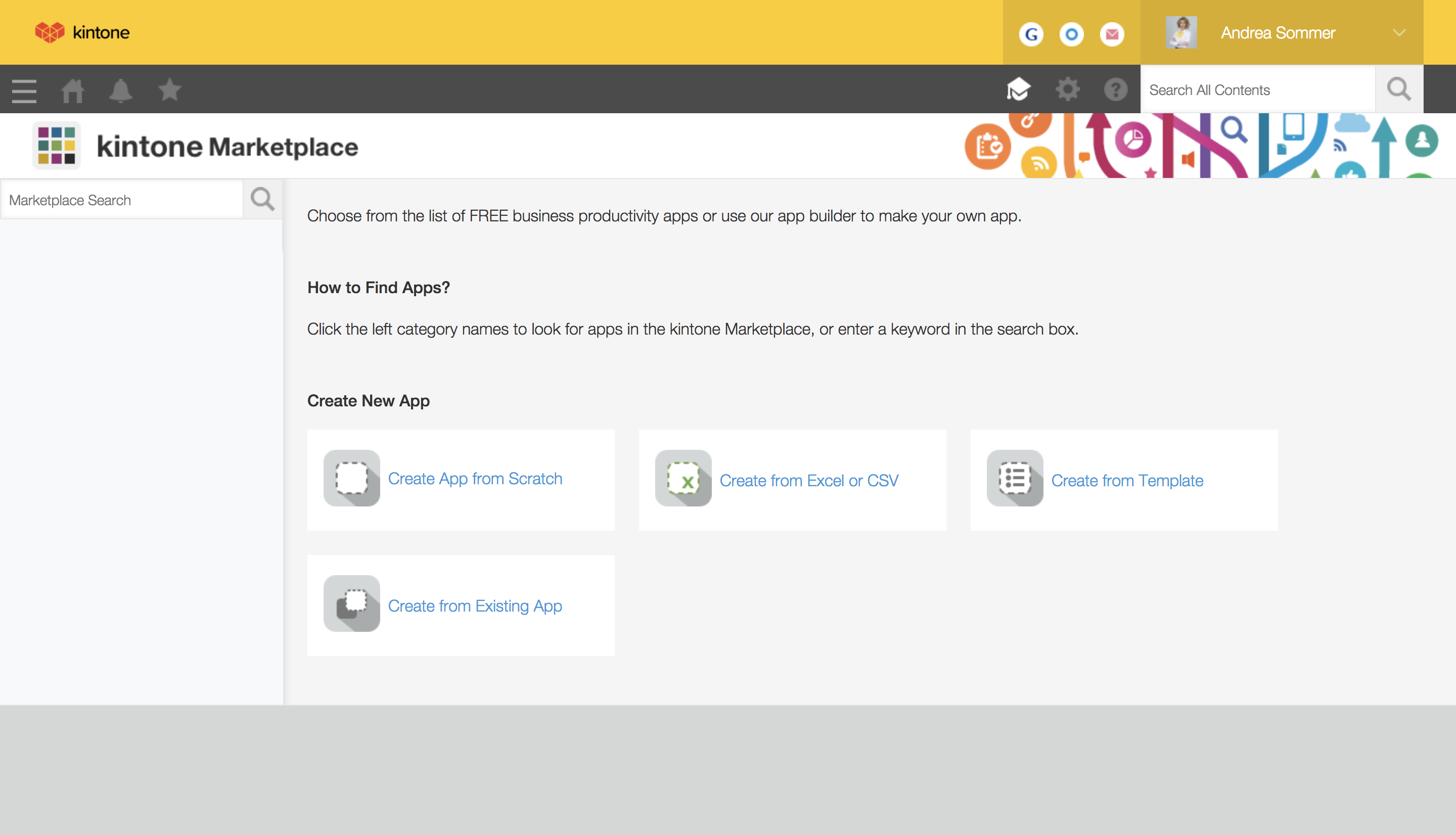
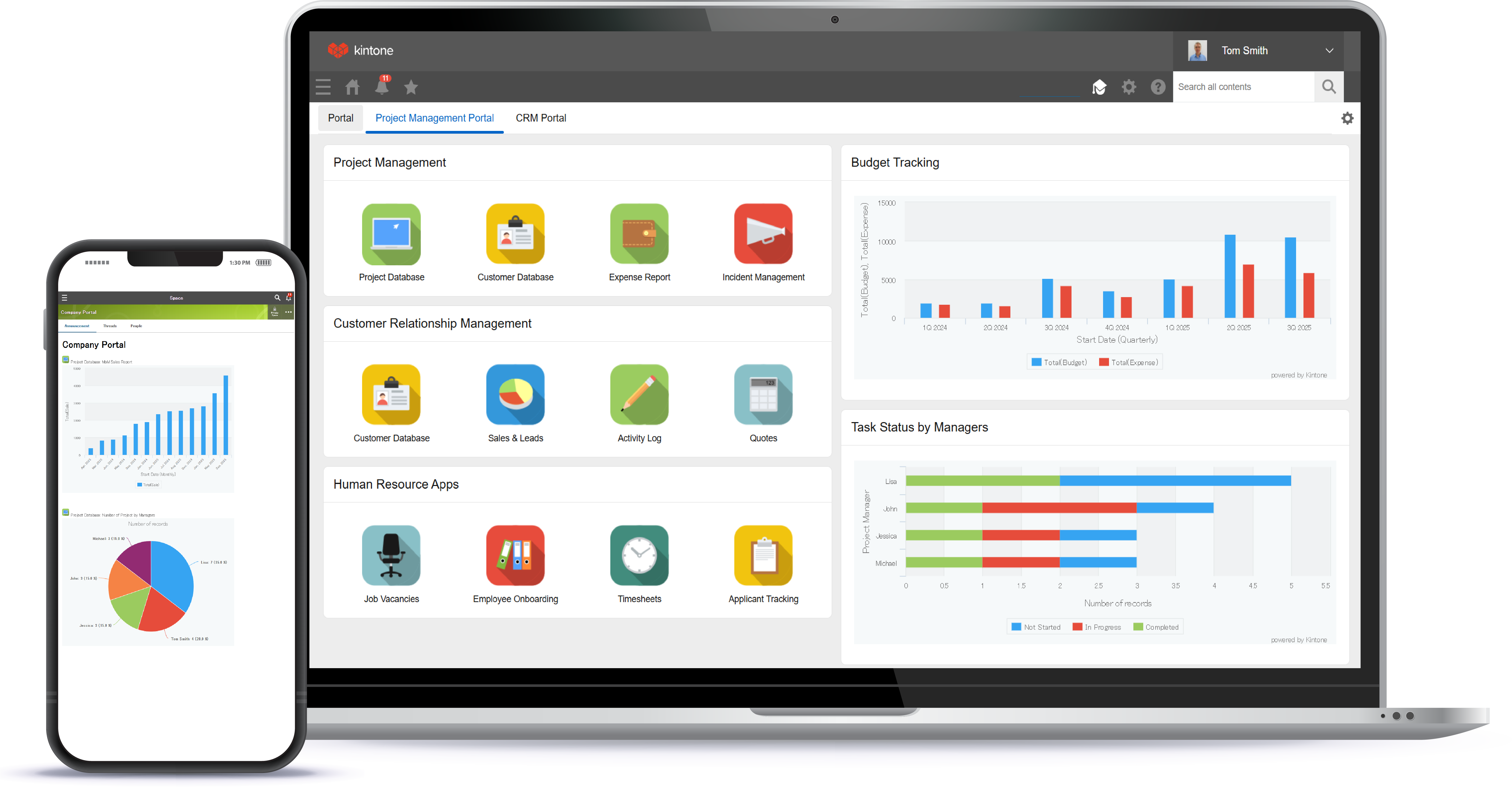
Kintone is a customizable digital workplace platform used to manage data, tasks, and communication. The no-code drag-and-drop interface can be used to create custom applications.
$120
per month for 5 users (minimum)
Kissflow
Score 8.1 out of 10
Enterprise companies (1,001+ employees)
Kissflow is a low-code platform for custom application development tailored to business operations. Kissflow empowers process owners and IT developers to automate and build processes and applications for internal business operations.
$1,500
per month 50 Users
OutSystems
Score 6.6 out of 10
N/A
The OutSystems Platform is a Platform-as-a-Service solution for rapid delivery of responsive web and mobile applications. It includes functionalities required to develop, deploy, manage and change web and mobile applications. It is targeted at the delivery of enterprise applications that require integration with backend systems, complex business rules and logic, usable interfaces and flexibility to change. It can be deployed in the cloud, on-premises or in hybrid environments.
$4,000
per month
Pricing
Kintone
Kissflow
OutSystems
Editions & Modules
Professional Subscription
$24
per month per user
Small Business
$1500
per month
Basic
$4,000.00
per month
Pro
$10,000.00
per month
Offerings
Pricing Offerings
Kintone
Kissflow
OutSystems
Free Trial
Yes
Yes
Yes
Free/Freemium Version
No
No
Yes
Premium Consulting/Integration Services
Yes
Yes
Yes
Entry-level Setup Fee
Optional
No setup fee
No setup fee
Additional Details
Minimum requirement of 5 users. Kintone offers a free prototype to build with using existing process.
Kintone is the easiest product to create from and the cost is the lowest I believe. In addition, reconfigurability and extendability are great. If you look for a low code tool, you can try Kintone. But as same as another low code tool, don't expect too much.
Kintone is great if you want a software that will help you in managing your data, and keep track of which tasks are assigned to whom. It also helps to streamline communication and information in one central place. However, it is not for you if you are looking for something complex that has to manage a lot of data.
We've used Kissflow [School Cloud] in order to track parent requests for transportation in the SpEd department. It has been user friendly for parents to input a request and staff to review, double check school sites and locations, and set up specific routes to meet the needs of students and communicate the info back to parents.
Well suited for internal exposure of business processes (invoicing, API layer to other systems, customer maintenance etc), whether a UI is required or not. Not so well suited for full fledged web design. An OutSystems application must serve one particular business need, if gets too much functionalities and responsibilities it tends to get chaotic and complex.
They know what they are. You aren't going to get a Workflow program that also wants to be a CRM. You will get the equivalent of an electronic assistant going from station to station, taking care of business and giving you the end result.
Paper. It reduces the amount of paper needed for menial tasks tremendously. You can automate an entire process. As an educational institution, you may still need paper copies, but you aren't waiting for John Doe to sign Line 3, then Jane Doe to initial, and so on and so on with a paper form.
Tracking. If you need to know where things are in the process, the fact that this program is dedicated to workflow makes it incredibly easy to identify where people are in the sales flow.
Customer appreciation. When your workflow is stronger, faster, and better, the customers feel it. They feel like you are right there with them and getting things moving.
I feel that Kintone is not well enough known yet. This means that other apps/APIs are not necessarily easy to connect with Kintone. Yes, you can use Zapier though for interfacing with other apps.
It would be great if it could give more customized options to change the look and format of certain things. You can make price quote apps, for example, but have to rely on 3rd party apps or programming skills to customize the look and fields.
If you make a table as an input field, it cannot connect to other internal Kintone apps for lookups and such.
I think there is more potential to make more customized data graphs.
Workflow Design: There isn't a copy/paste function when creating the workflow, and you can't move a workflow task between parallel branches. This becomes a pain point when an item has 98% of what you need, but you can't copy it and place it in another branch to make the last tweaks. Instead, it needs to be completely recreated
Interface: While I like the current design features, which make it easy for an end-user to find their tasks and items, it would be nice to also have some flexibility within the platform. Things like being able to groups apps under a category or tailoring the look and feel of the page a little more would be a welcome addition.
Price – The licensing model of OutSystems is very expensive and not suitable for small scale developments. This is offset by the time to develop and stability for larger scale developments
Flexibility on PaaS version – The PaaS hosted version of OutSystems limits your flexibility to access the front end and backend database systems which can significantly restrict your options on high data volume developments or where anything requiring slightly out of the ordinary access is required
Same price for PaaS and self-hosted system. Licensing model dictates that you pay the same price even when you host the system on your own hardware which effectively means you pay more to manage the infrastructure yourself
I still think that there's a room for Kintone's future, and high expectations for them in additional features and innovative tools and supports. Truly hope that they will support email features, and standardized supports for various plug-ins with the 3rd party software and apps. In the meantime, we will have to consider our ways of doing our work in all aspects
We are very happy with OutSystems and our developers deliver good work. OutSystems lets us build new software on a regulare (2 weekly) basis, which is highly flexible and adjustable. Even without very much experience, our developers manage to build usefull software, which is working a lot better than our previous (legacy) software.
While, we have been quite happy with out choice to use Kintone, there are a couple of things (mentioned previously) that would make the experience better. Overall, it has been the best fit for our organisation. We are still in the process of building out a needed API and integrating that, so we have yet to reach full functionality with one of our apps in Kintone. Once we have that completed, I think we'll have a better idea of how well it truly works for us
The system has room to grow as it's limited by not being able to edit POs after they've been approved. The system is great for registrations and syncing to other systems while including the attachments. The reporting from Kissflow is also easy to setup to link to other platforms such as Looker
OutSystems has a feature in which we can develop a functionality in a application and can use that functionality in another application without developing it again. That is main plus point for the development team so they can work with different functionalities rather focusing on the same thing again and again. if we want to make any change on the user side then we can make it live with just the deployment using the service center.
I have had very specific questions about different aspects of the software, and I have always been able to get a hold of someone who could help. If my sales rep didn’t know the answer, he would get me in touch with someone who did know the answer. The whole team is very ready to help. It definitely feels like they view my success as their success, which is so important with this type of software.
I haven't encountered a need for support with KiSSFLOW. It's not a perfect platform, but it's functional, dependable, and reasonably intuitive. I can't fault a support team just because their product works!
The tech support is very reachable. Usually by [email] from but also by phone if needed. We had some difficulties at the start with understanding "what our machine was doing" under high performance load. After some good sessions understanding our needs they delivered good solutions for our problems we had in the beginning.
The online training material is well designed and explanations are step by step, helping trainees to understand and follow each exercise and new concept.
Everyone has their own tastes of things and way they want to work. Asking them to adapt to the changes with the new tools or apps is always difficult. We would want to start with a very small but best example within the organization, which in our case was that the employees will not be bothered by the bosses by being asked to find the documents, status of the progresses, or major things/requests/projects.
In a large company, patiently and consistently work the behind the scenes politics with business and IT partners across the firm. This is transformational - you will need a solid set of key business partners to lock arms together to move forward.
Kintone is the easiest product to create from and the cost is the lowest I believe. In addition, reconfigurability and extendability are great. If you look for a low code tool, you can try Kintone. But as same as another low code tool, don't expect too much.
KiSSFLOW is much easier to set up, less coding and easier to explain to those that are being trained. The company already had SharePoint, but it is a very difficult system to set up. A class had to be taken, along with getting books in order to understand the process of the workflow. With KiSSFLOW, it is simple to understand, the helpdesk is quick with their response, help topics are laid out simply and you can even talk with someone on that side to ask your questions. Overall, KiSSFLOW is a much easier workflow and system to use.
I tried to use WordPress with some success. Also looked at Joomla. But when I saw OutSystems I knew I had been wasting my time there. It takes you longer to get going with OutSystems - but even I as a novice realized immediately that Outsystems is simply in another league. Outsystems is powerful. (Can you compare WordPress and Joomla to Outsystems - I don't think so).
The only real hard number savings that we have had with KiSSFLOW is the money we have saved in forms being printed, especially multi-part forms. So for a small college like us that it probably in the $5000 to $10000 per year range. We have certainly saved money in increased efficiencies of the processes that we have moved to KiSSFLOW. But that is harder to calculate.
The ease of use of the OutSystems development process has been the biggest ROI for us. We have developed our Framework product and maintained/enhanced it with only 4 workers.
OutSystems has enhanced their product very significantly over the last 4 years. They have gone from a simple to use tool to a very simple to use sophisticated tool that covers the standard mainframe-based computing apps and the apps used on handheld mobile devices all using the same basic set of development tools.