Chose Looker
Looker seems friendlier and more accessible.

| Product | Rating | Most Used By | Product Summary | Starting Price |
|---|---|---|---|---|
 Looker | N/A | Looker is a BI application with an analytics-oriented application server that sits on top of relational data stores. It includes an end-user interface for exploring data, a reusable development paradigm for data discovery, and an API for supporting data in other systems. | N/A | |
 Microsoft Power BI | N/A | Microsoft Power BI is a visualization and data discovery tool from Microsoft. It allows users to convert data into visuals and graphics, visually explore and analyze data, collaborate on interactive dashboards and reports, and scale across their organization with built-in governance and security. | $168 per year per user | |
 Treasure Data | Mid-Size Companies (51-1,000 employees) | Treasure Data is an enterprise customer data platform (CDP) that reclaims customer-centricity in the age of the digital customer. It does this by connecting all data and uniting teams and systems into one customer data platform to power purposeful engagements. | N/A |
| Looker | Microsoft Power BI | Treasure Data | ||||||||||||||||||||||
|---|---|---|---|---|---|---|---|---|---|---|---|---|---|---|---|---|---|---|---|---|---|---|---|---|
| Editions & Modules | No answers on this topic |
| No answers on this topic | |||||||||||||||||||||
| Offerings |
| |||||||||||||||||||||||
| Entry-level Setup Fee | Required | No setup fee | Optional | |||||||||||||||||||||
| Additional Details | Must contact sales team for pricing. | Power BI Desktop is the data exploration and report authoring experience for Power BI, and is available as a free download. | — | |||||||||||||||||||||
| More Pricing Information | ||||||||||||||||||||||||
| Looker | Microsoft Power BI | Treasure Data | |
|---|---|---|---|
| Considered Multiple Products |  Looker  Francois Salvert Web Analytics and Dashboarding Chose Looker Free, simpler...less enterprise grade level  Alicia Barevich, bCRE, bCEE Information Systems Manager Chose Looker Looker isn't *quite* as powerful, but the learning curve is so drastically easier that it pretty much lets us do everything we want.  Rajender Singh Senior PLM engineer Chose Looker Looker is a great fit for our company because we have collaborative analytics workflows and complicated data ecosystems and because of its strengths in data modeling, integration, and collaboration. Brand name and peer recommendations also helps us to select Looker against …  Marcos Vinícius Costa de Carvalho Business Analyst Chose Looker Actually, I use both power BI and Looker. Power BI has more data connectors and power query, one of the most important things that Looker does not have. You can customize the visuals in power bi in a higher level than Looker as well. Besides, Looker is much more advanced when …  Shelby Bowden Graduate Research Assistant Chose Looker Looker provides really excellent customer service in comparison to other similar products. The sharing aspect of Looker is also a big plus, which allows multiple users to access the data at the same time. We have also found it to stand out among competitors with its dashboard … | Microsoft Power BI  Edson Pinheiro Data Engineer Chose Microsoft Power BI Much more instinctive  David Jensen Operations Manager, Customer Success Chose Microsoft Power BI Microsoft Power BI excels against its competition in being a great combination between feature set and scalability. Tableau is more integrated with Salesforce but it has a high starting price point whereas Microsoft Power BI can start out with a single license for less than $20 …  Scott Kennedy Director, eCommerce Analytics and Digital Marketing Chose Microsoft Power BI Power BI from a price perspective is the lowest cost (probably even from a total cost of ownership perspective) of all the offerings I have ever evaluated. The piece that really stands out for Power BI is the data transformation layer called Power Query. This section allows you …  Purav Vaidya Vice President, Mobile technology Chose Microsoft Power BI Microsoft BI tool does a better job than most of the other software. The reason is excellent visualizations and its capability to connect with various other software and data sources. Tableau does a better job when it comes to tutorials and being more user-friendly. Also …  Glenn Burnside Vice President, Operations & Strategy Chose Microsoft Power BI We selected Power BI because it had more flexibility in modelling/measurement definition, excellent per-user pricing, easy self-implementation, integration with our other Office 365 tools, and easy distribution of content to others in the organization.  Kunal Sonalkar Data Analytics Intern Chose Microsoft Power BI | Treasure Data  Mark Chiles Chief Digital Officer/SVP, Digital Chose Treasure Data We felt that Treasure Data was far beyond the reaches of Looker and Stitch. The full integrations, easy to work with staff, and the overall culture of helping customers was our draw to Treasure Data. This has helped us to get up-to-speed, with a very minimal staff, providing …  Scott Arbeitman Product Analytics Lead Chose Treasure Data Best balance of price, data collection, query engine, workflow engine and especially data output to targets other than data warehouses. Sisense is a great BI tool, and is not truly a replacement for a tool like Treasure Data, but if you want to do ETL in your BI tool and your …  Jean-Michel Cabrera Game Analytics - Business Intelligence Architect/Developer Chose Treasure Data Very happy with Treasure Data, easy to build end-to-end pipeline without a whole engineering team. Better support and customer experience.  Vinaybabu Raghunandha Naidu Software Engineer - Big Data Platform Chose Treasure Data Wish heavily depends on Treasure data to store the data. All the critical tables are stored in Treasure Data and reports are generated on top of it. Apart from that machine learning data generation is done in Treasure Data.  Drew Johnson Manager, Financial Planning and Analysis Chose Treasure Data We selected Treasure Data because it solved are largest data challenges and provided us with solid customer support. |
| Looker | Microsoft Power BI | Treasure Data | |||||||||||||||||||||||||||
|---|---|---|---|---|---|---|---|---|---|---|---|---|---|---|---|---|---|---|---|---|---|---|---|---|---|---|---|---|---|
| BI Standard Reporting |
| ||||||||||||||||||||||||||||
| Ad-hoc Reporting |
| ||||||||||||||||||||||||||||
| Report Output and Scheduling |
| ||||||||||||||||||||||||||||
| Data Discovery and Visualization |
| ||||||||||||||||||||||||||||
| Access Control and Security |
| ||||||||||||||||||||||||||||
| Mobile Capabilities |
| ||||||||||||||||||||||||||||
| Application Program Interfaces (APIs) / Embedding |
|
| Looker | Microsoft Power BI | Treasure Data | |
|---|---|---|---|
| Small Businesses |  Yellowfin Score 8.6 out of 10 | Yellowfin Score 8.6 out of 10 |  Bloomreach Score 9.0 out of 10 |
| Medium-sized Companies |  Reveal Score 10.0 out of 10 | Reveal Score 10.0 out of 10 | Bloomreach Score 9.0 out of 10 |
| Enterprises |  Kyvos Semantic Layer Score 9.5 out of 10 | Kyvos Semantic Layer Score 9.5 out of 10 | Bloomreach Score 9.0 out of 10 |
| All Alternatives | View all alternatives | View all alternatives | View all alternatives |
| Looker | Microsoft Power BI | Treasure Data | |
|---|---|---|---|
| Likelihood to Recommend | 8.2 (132 ratings) | 8.5 (197 ratings) | 9.0 (89 ratings) |
| Likelihood to Renew | 9.2 (8 ratings) | 9.5 (3 ratings) | 9.1 (5 ratings) |
| Usability | 8.8 (12 ratings) | 8.3 (113 ratings) | 8.0 (4 ratings) |
| Availability | 10.0 (1 ratings) | - (0 ratings) | 9.1 (1 ratings) |
| Performance | 6.0 (1 ratings) | - (0 ratings) | 8.2 (1 ratings) |
| Support Rating | 8.8 (14 ratings) | 10.0 (52 ratings) | 8.2 (7 ratings) |
| In-Person Training | - (0 ratings) | - (0 ratings) | 6.4 (1 ratings) |
| Online Training | - (0 ratings) | - (0 ratings) | 7.3 (1 ratings) |
| Implementation Rating | 10.0 (1 ratings) | 9.0 (1 ratings) | 6.4 (2 ratings) |
| Configurability | 10.0 (1 ratings) | - (0 ratings) | 7.3 (1 ratings) |
| Contract Terms and Pricing Model | 10.0 (1 ratings) | - (0 ratings) | - (0 ratings) |
| Ease of integration | 10.0 (1 ratings) | - (0 ratings) | 9.1 (1 ratings) |
| Product Scalability | 10.0 (1 ratings) | - (0 ratings) | 9.1 (1 ratings) |
| Professional Services | 10.0 (1 ratings) | - (0 ratings) | - (0 ratings) |
| Vendor post-sale | 10.0 (1 ratings) | - (0 ratings) | 7.3 (2 ratings) |
| Vendor pre-sale | 10.0 (1 ratings) | - (0 ratings) | 7.4 (2 ratings) |
| Looker | Microsoft Power BI | Treasure Data | |
|---|---|---|---|
| Likelihood to Recommend | Google
 Daniel Dammerman Regional Sales Director | Microsoft
| Treasure Data
|
| Pros | Google
| Microsoft
| Treasure Data
 나영 김 Frontend Developer |
| Cons | Google
| Microsoft
| Treasure Data
|
| Likelihood to Renew | Google
| Microsoft
David Jensen Operations Manager, Customer Success | Treasure Data
|
| Usability | Google
| Microsoft
| Treasure Data
 Anderson Pelegrini Data engineer |
| Reliability and Availability | Google
 David Mynář Head Of Online Marketing | Microsoft No answers on this topic | Treasure Data
Anderson Pelegrini Data engineer |
| Performance | Google
David Mynář Head Of Online Marketing | Microsoft No answers on this topic | Treasure Data
Anderson Pelegrini Data engineer |
| Support Rating | Google
 Anson Abraham Data Lord | Microsoft
| Treasure Data
|
| In-Person Training | Google No answers on this topic | Microsoft No answers on this topic | Treasure Data
Anderson Pelegrini Data engineer |
| Online Training | Google No answers on this topic | Microsoft No answers on this topic | Treasure Data
Anderson Pelegrini Data engineer |
| Implementation Rating | Google
David Mynář Head Of Online Marketing | Microsoft
 Anuj Sant Senior buyer | Treasure Data
|
| Alternatives Considered | Google
| Microsoft
| Treasure Data
|
| Contract Terms and Pricing Model | Google
David Mynář Head Of Online Marketing | Microsoft No answers on this topic | Treasure Data No answers on this topic |
| Scalability | Google No answers on this topic | Microsoft No answers on this topic | Treasure Data
Anderson Pelegrini Data engineer |
| Return on Investment | Google
| Microsoft
| Treasure Data
|
| ScreenShots | Looker Screenshots | Microsoft Power BI Screenshots      | Treasure Data Screenshots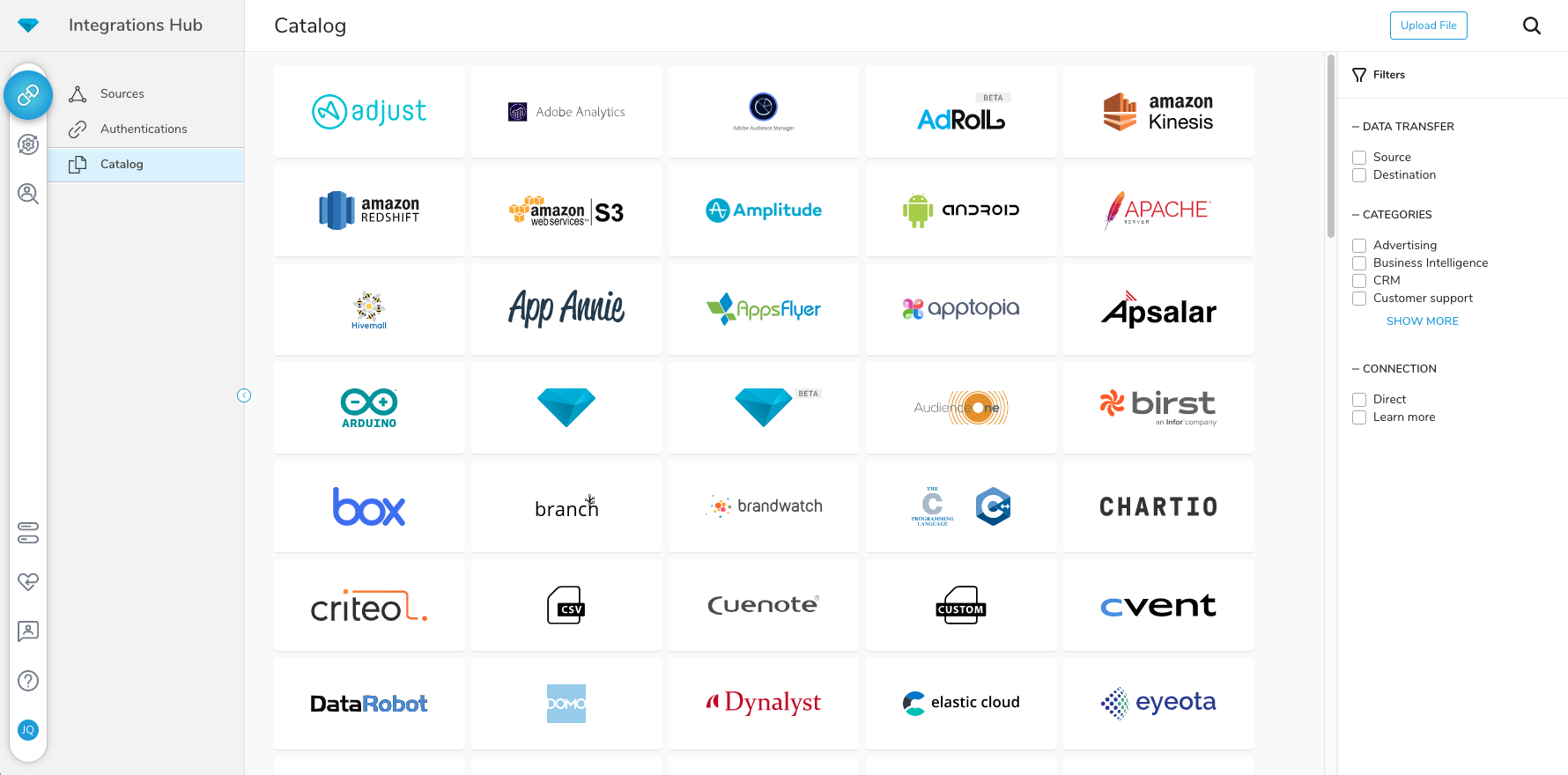  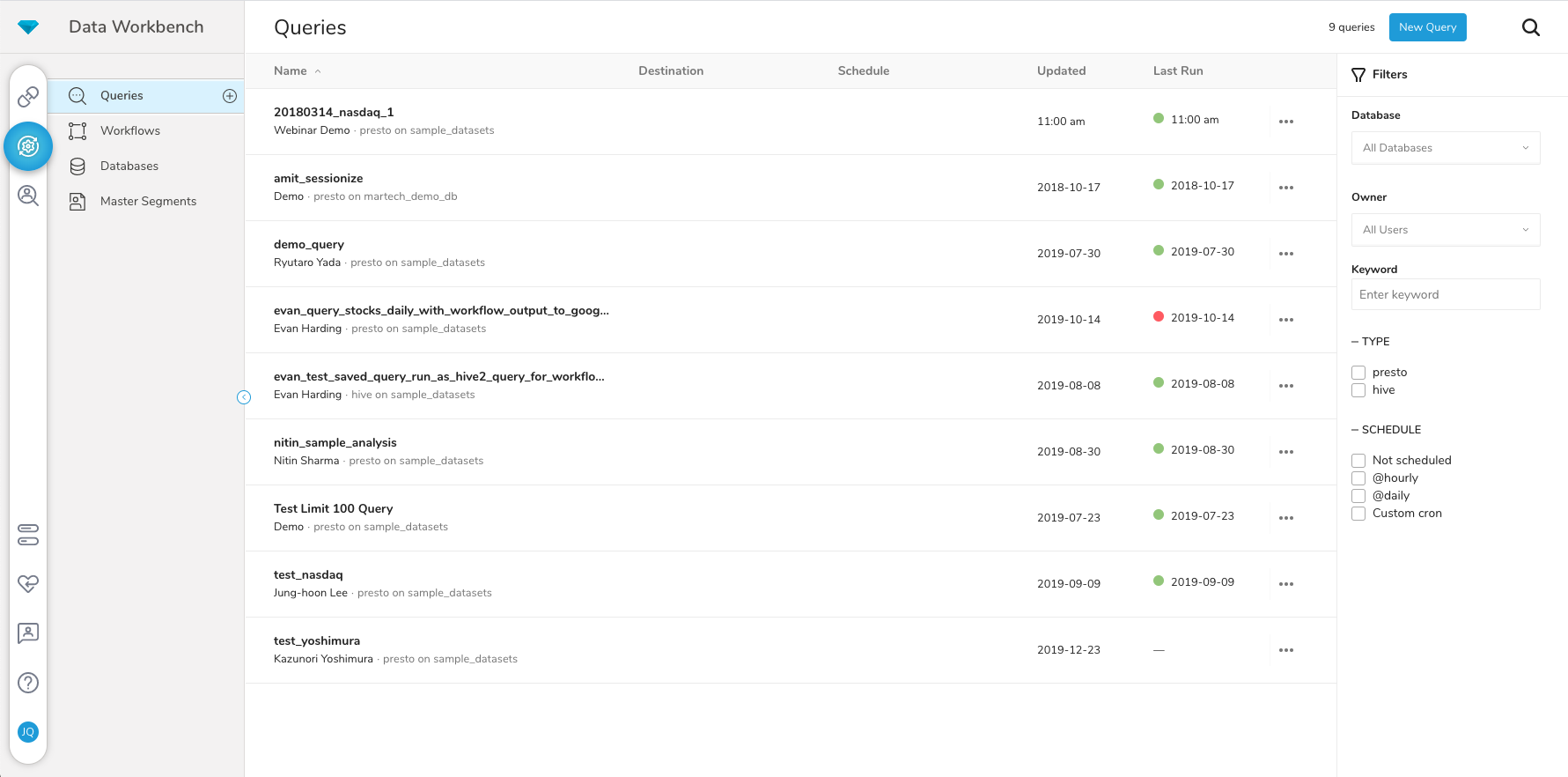 |