OnPay's payroll and HR is designed for people who want to spend more time running their business, and less on back-office tasks. The application aims to enable users to: • Run payroll • Automate taxes • Let employees do more themselves • Simplify HR processes • Offer benefits in any state OnPay starts at $49 plus $6 per person each month. The monthly fee includes integrations with QuickBooks, Xero, and time-tracking software, as well as all quarterly and…
$49
per month +$6 per month, per person
Paychex
Score 6.9 out of 10
N/A
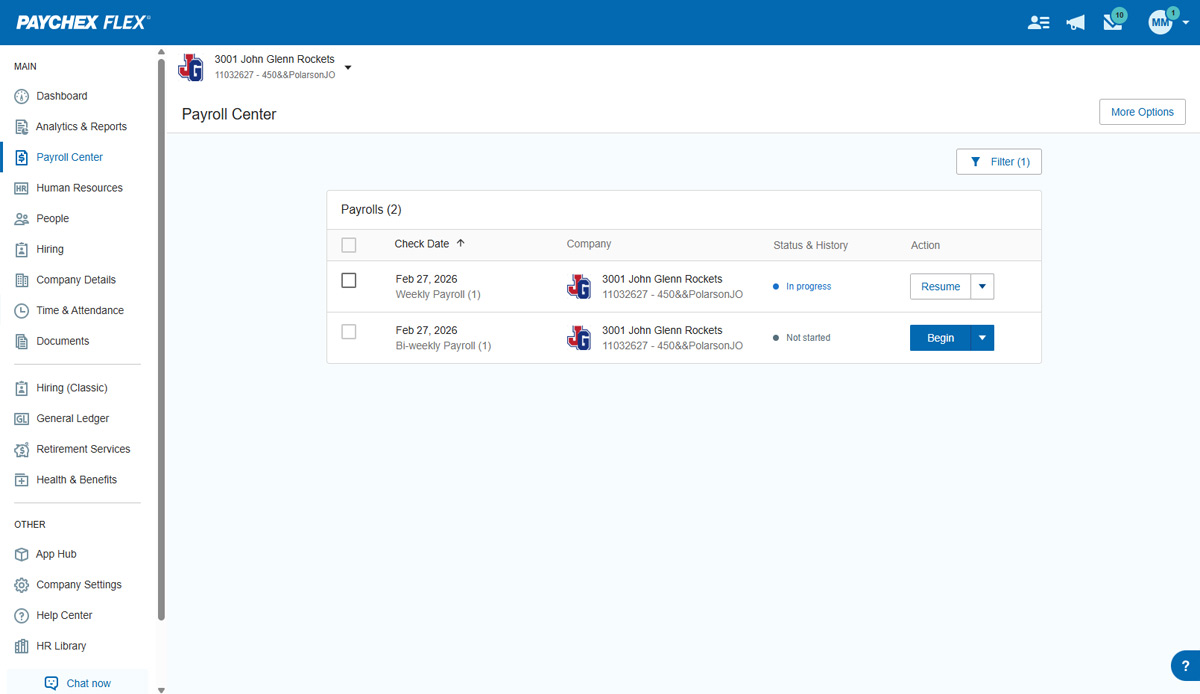
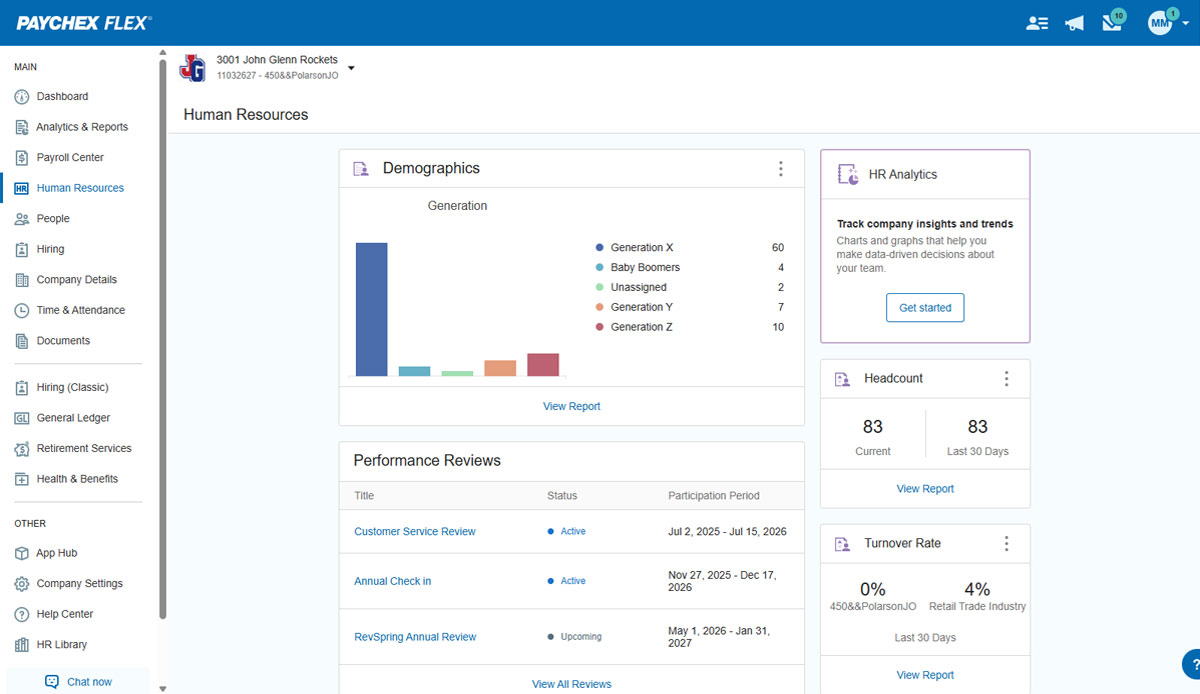
Paychex Flex, of Paychex' Online Payroll Services, is a cloud-based human resource management and payroll platform. Paychex offers core and specialized services, and scales to meet the needs of small businesses, SMBs, and large enterprises.
N/A
Pricing
OnPay
Paychex
Editions & Modules
No answers on this topic
Paychex Flex Pro
Custom Pricing
per month/+$4 per employee
HR Pro
Custom Pricing
HR PEO
Custom Pricing
Paychex Flex Select
Custom Pricing
Paychex Flex Enterprise
Custom Pricing
Offerings
Pricing Offerings
OnPay
Paychex
Free Trial
Yes
No
Free/Freemium Version
No
No
Premium Consulting/Integration Services
No
No
Entry-level Setup Fee
No setup fee
Required
Additional Details
First month free, then $49 + $6 per employee each month.
I've also used 3py Payroll/staffing companies. I found those competitors clunky, slower in support, overly complicated, and overpriced. OnPay has been my favorite experience in Payroll over the past 20 years.
While different payroll software options cater to various business needs, OnPay's standout features in terms of usability, affordability, accuracy, scalability, and support often place it favorably among businesses seeking a reliable and user-friendly payroll solution.
I personally did not like Paychex. I found their reporting antiquated, cumbersome, and not easily readable. Reporting is very important to me as it serves as a marketing tool. I can highlight the quality of our services by providing informative and easy-to-read reports. The …
Great value and easy to use without a masters degree in payroll. Great customer service, not having to wait on hold or chat for hours in the hope someone can help you.
From employee controls, overall pricing, multiple pay runs per month, tax filings, WC services, ease of platform, and customer support, OnPay beats them in spades. I have worked with PayChex and QuickBooks for years. They are expensive and bundle items which increases prices. …
Verified User
C-Level Executive
Chose OnPay
ADP run was very slow and clunky. It probably has the ability to do a lot but the actual process of entering payroll was not user-friendly and literally took all Day sometimes. Onboarding with Paychex felt really repetitive and sometimes HR would have to enter information after …
The support with OnPay is on a different level. So far, OnPay has delivered all payrolls without any problems. They are easy to use, and the user interface is the best I have seen. There is a lot of customization allowed in OnPay that is not permitted in other applications.
OnPay works for me as a small business owner. It streamlines HR, Payroll and Employment Tax Filings - and it can be helpful in exploring benefit options with integrated partners. We run payroll for both of our companies through OnPay and haven't had any issues. The employees find it easy to use on their end, as well. The OnPay representatives are extremely proactive and communicate updates/changes in a very timely manner. If you have a substantial number of employees, it may be more efficient to look elsewhere due to cost.
It is best suited for payrolls from 1 to 150 employees, because their constant attention and flex system are easy to use. Any problem is taking care by your Paychex Agent, and they always listen to you. Better yet, when you become a client with more than 5 years, you get special discount on your renewal. Honestly, I can't not think on nothing that will be less appropriate.
Communication - From my first call I was so impressed at the level of care and compassion OnPay expressed. I was assigned specific employees who were available in the sign up process to walk me through each step and to answer all my questions. I know some of my questions were probably "stupid" but OnPay never minded answering them and I was always treated with respect.
On Boarding - The nightmare I had experienced with a competitor became a dream with OnPay. They said if I would authorize them to sign onto my account they would take care of the sign up process. And they did!!! They also did it correctly. All of the numbers and information was error free. The only information I was required was input was direct deposit bank information.
Resolving an Issue - I have only had one issue that needed to be resolved. The person I talked to had to check with another person for an answer but she stayed on the line with me to make sure the problem was resolved. Then I received a follow up email outlining exactly what action they had taken.
Ease of using the website - I can find what I am looking for! I like the verification code. And every time I sign on to my account the red heart by our company name makes me smile.
You can add additional additions or benefit items such as a car allowance. The process required me to contact a representative as that wasn't as easy to navigate.
The process for handling additional withholdings for pre-payed taxes required support to ensure the calculations were accurate.
Process for on-boarding is a little tricky if you don't start the process from the point of hire. You can add various things easily but it reflects differently in terms of completion of an Employee file.
I understand logging you out is a security function, but I'd prefer it not to log you out so soon.
The training we received for the team's meeting was subpar, in my opinion. Probably better geared for people with little to no computer experience. Very slow pace; we could have easily received all of this from some tutorials in a few minutes.
We have used OnPay for a few years now and we do continue to renew our annual use of OnPay. We are only a small organization and although OnPay provides a lot of additional services that larger organizations might ind useful, OnPay still meets our limited requirements of running bi-weekly payroll and submitting our quarterly state and federal tax documents, and at a price that we still find affordable.
Overall I like the features that Paychex Flex offers. I am sure that there are other features that I am unaware of, so I am excited to see if there is more that Flex is capable of to make my job easier. The basic features are really user friendly and easy to access. If there ever is an issue customer service is great
For a one geography business in a larger metro area not planning to expand tax geographies or do anything other than the same-ol, same-ol, then I think OnPay is great. Their biggest issue is tax support responsiveness - it's simply unacceptable yet they seem to not be concerned about it at all.
Once you are set up in the system, it is very user-friendly and usability is on par with my expectations. Onboarding new employees is simple, employee access is simple and easy for them to use. Tax documentation, reporting, and entering payroll is easy and user-friendly. Running reports and finding information necessary to keep the flow moving foward is easy to do
We have not experienced any difficulties with unplanned outages. Notifications are always made for outages, and they do not effect normal business operations.
Unless there is lag time within the internet, the Paychex Flex website loads exceptional fast, pages load quickly and reports that I need to print or download load quickly. If I need to create a specialized report, once I complete it I receive an e-mail telling me my report is ready to be downloaded. Changing between web pages is fast as well.
As mentioned previously, I appreciate the Chat feature and have used it several times. I've also used the help database and found it wonderful. And I've had many email support interactions. Every time I've interacted with many individuals from the support team including...(who has helped me a number of times). The interactions have been professional and courteous and extremely helpful. Often they're able to resolve my problems and questions very quickly. OnPay has provided great support to our team here at Strike Visuals.
The dedicated support we are given is good and very responsive. If there is a change to the dedicated support, we are notified quickly and have temporary support in place while we wait for our new rep. The phone support is knowledgeable and quick to help if there is an immediate need. However, the chat support can be the slowest option and doesn't always launch so I rarely use it.
It was easy to understand and follow along. I do like the informational videos that we can utilize before we opt to call in for customer service support. It has made a difference since sometimes that resolves the issue I may have had and saved myself a phone call to Paychex support.
Implementation was very smooth. The most cumbersome task was entering the current employees into the system during initial set up, but Paychex staff handled most of that and verified against prior system reports as well as internal reports provided to ensure 100% accuracy.
OnPay is tremendously less expensive and technically superior to Quickbooks in my opinion. OnPay is less expensive and offered the ease of managing a restaurant payroll that was better in my opinion than When I Work. My experience when evaluating all of the payroll products that I felt the company could afford was that OnPay had a superior staff of professionals who knew their product and could explain how to use it most clearly.
In addition to the ones listed above, we also used BenePay, a local payroll company. We found Paychex Flex priced in the middle, with ADP the most expensive and too complicated, with many features that were unnecessary for us. We found that Paychex Flex's features and reporting to be sized right for our size (around 30 employees). Paychex Flex also offered a very reasonable service to apply for the ERTC
I generally do payroll at the office, however I have had to go remote due to internet issues and also had to take payroll on vacation with me. Very easy to log in wherever you are and manage your TAA and payroll