Chose 7Sheep
Better integration in our workflow and in our own application.

| Product | Rating | Most Used By | Product Summary | Starting Price |
|---|---|---|---|---|
 7Sheep | Small Businesses (1-50 employees) | 7Sheep is a marketing automation tool that concentrates on delivering features for what they consider 7 key components of marketing automation software: contact storage, form building, automation triggers, e-mail and text message campaigns, prospect tracking, integration and translation interface. | $59 Single User | |
 Constant Contact | N/A | Constant Contact is a full-featured email marketing solution with capabilities such as social media integration, drag-and-drop editing, and real-time reporting. It is a bulk email tool designed for SMB customers. Since 2019, Constant Contact also offers marketing automation features, a website and landing page builder, and other tools to support midsize businesses. | $12 per month | |
 monday marketer (discontinued) | N/A | monday marketer was a solution for marketers and creatives to plan, execute and optimize enterprise marketing initiatives. The product is no longer available standalone, and its features are integrated into the core monday work management solution. | N/A |
| 7Sheep | Constant Contact | monday marketer (discontinued) | ||||||||||||||||||||||
|---|---|---|---|---|---|---|---|---|---|---|---|---|---|---|---|---|---|---|---|---|---|---|---|---|
| Editions & Modules |
|
| No answers on this topic | |||||||||||||||||||||
| Offerings |
| |||||||||||||||||||||||
| Entry-level Setup Fee | No setup fee | No setup fee | No setup fee | |||||||||||||||||||||
| Additional Details | — | The SMS Marketing tool can be added to any Standard or Premium Constant Contact account. SMS is only available in the US for Standard and Premium paid plans. SMS can be added when logged in to an account after purchase. Plans start at $10/month for up to 500 messages. | — | |||||||||||||||||||||
| More Pricing Information | ||||||||||||||||||||||||
| 7Sheep | Constant Contact | monday marketer (discontinued) | |
|---|---|---|---|
| Considered Multiple Products |  7Sheep  Martin Dr. Leute Regional Sales Manager Chose 7Sheep It offers the automation that Outlook and Excel do not have.  Stefan Rehm Vice President Chose 7Sheep 7Sheep is much easier to use.  Dieter Weitz Unternehmensberatung mit Schwerpunkt Wissensmanagement Chose 7Sheep Better focus on automation.  Haider Shnawa Owner Chose 7Sheep We all are more effective using 7Sheep and like the additional insight. Personal support is very important for us and we get that with 7Sheep. Chose 7Sheep We needed something that was more than e-mail marketing; ideally also had some support in Europe, and that was affordable for a startup. Chose 7Sheep It offers the email marketing solution we need with addition!  Alisa Patterer Marketing Manager Chose 7Sheep It does what we need now and we can start doing more marketing with it.  Tina Peng Marketing and Communications Specialist Chose 7Sheep 7Sheep offers all the essential marketing automation functions we need at a way more realistic price for a SMB.  Brian Lee CMO (Chief Marketing Officer) Chose 7Sheep I found 7Sheep to have better and easier email campaigns, as well as text message campaign functionality. In addition, all features are included in all plans.  Jonathan Newman Managing Director Chose 7Sheep As a partner agency for 7Sheep I have chosen them because it is the software that we as a consulting firm and the SMEs that we represent need.  Rick Rasmussen Managing Director Chose 7Sheep I've used Salesforce (not Pardot) in the past. Hate it due to the sheer complexity of the product. I looked at Marketo and HubSpot and we weren't open to signing a year-long contract for a product that we didn't know well. Much better than cobbling together email, excel, Survey … |  Constant Contact  Geoff Willoughby Policy and Programs Manager Chose Constant Contact Constant Contact was initially cheaper than Mailchimp, which is why we switched. Once we started using Constant Contact, it was clear we made the right choice. It is so much easier to use than our old platform. I can’t see any reason why we would ever change away from this …  Emma Lotter Marketing Communications Manager Chose Constant Contact I haven't used any other email marketing platforms.  Kelly Shields Social Media Director Chose Constant Contact Constant Contact destroys Microsoft 365 when it comes to mass emailing. Microsofts max email recipients is like twenty people at once. Constant Contact you can email thousands at a time WITH dynamic content. Meaning if some clients are in New York and some in New Jersey, you …  Rebecca Lee Marketing Communications Director Chose Constant Contact Constant Contact seems more reputable  David Moss Development Director Chose Constant Contact It's been a long time since I used MailChimp. I do remember being impressed the first time I used Constant Contact after having used MailChimp exclusively for a couple of years.  Kendra Kuiken Marketing Coordinator Chose Constant Contact Constant Contact allows a more in-depth look at our audience, what they like, etc.  Lisa Parshan Digital Content Manager Chose Constant Contact I know what CC offers (but not sure if the others offer this or Retargetting - CC automatically retargets any of our customers with abandoned carts. We also set triggers on our promotional email system, and for follow-ups. This has been very helpful in targeting and retargeting …  Valeria Sisson Real Estate Advisor Chose Constant Contact Constant contact is more user friendly.  Siobhan Strickland Internet Marketing Coordinator Chose Constant Contact Hands down easier to use  Joseph Alleruzzo Client Lead Chose Constant Contact Overall, Constant Contact is the easiest to use with one of the lower price points. It is a great entry-level tool for a beginner in order to graduate into more sophisticated platforms. The design features are a good start along with the subject line testing which is helpful …  Elena Mincy Public Grants Coordinator Chose Constant Contact N/A |  monday marketer (discontinued)  Joseph Mango Creative Marketing Specialist Chose monday marketer (discontinued) Both Asana and Slack worked well for their perspective purposes; pricing became an issue with larger groups.  Brian Wilson Marketing Operations Specialist Chose monday marketer (discontinued) We've used Microsoft Excel for the management of our marketing initiatives in the past. Microsoft provides basic collaboration features and allows us to visualize data as we needed, but it was not a true task management system that was important for all parts of our marketing …  Naval Gupta DM @ HCL Software Chose monday marketer (discontinued) monday marketer User-friendly UI helps us in creating boards very efficiently, automation across the boards and integrations works very smoothly, easy to implement and set up, users can easily understand this tool with little or no support, and the learning curve for this …  Lexi Bebis Digital Marketing Specialist Chose monday marketer (discontinued) N/A  Federico Romei CEO (Chief Executive Officer) Chose monday marketer (discontinued) Perhaps a fundamentally different tool, but while Microsoft Teams is intended as a business communication platform, I find Monday marketer a much better way to manage daily work and any tasks in a much more personalized way.  Cath Perry Chief Commercial Officer CCO Chose monday marketer (discontinued) For some serious processing and automation power, packed with professional dashboard reporting which showcases your work, Monday's the solution you've been dreaming about. Monday is easy to set up and use with prebuilt templates and ideas to get you started. Flexibility allows …  Samantha Durkin Head Of Marketing Chose monday marketer (discontinued) I like Microsoft Planner for simple collaboration in the Teams setting but I find Monday has more functionality and looks better (with color-coding, various categorizations, tagging, and status levels), you can automate actions and have all your activities in one place, rather … |
| 7Sheep | Constant Contact | monday marketer (discontinued) | |||||||||||||||||||||||||||||||||||||||
|---|---|---|---|---|---|---|---|---|---|---|---|---|---|---|---|---|---|---|---|---|---|---|---|---|---|---|---|---|---|---|---|---|---|---|---|---|---|---|---|---|---|
| Email & Online Marketing |
| ||||||||||||||||||||||||||||||||||||||||
| Lead Management |
| ||||||||||||||||||||||||||||||||||||||||
| Campaign Management |
| ||||||||||||||||||||||||||||||||||||||||
| Social Media Marketing |
| ||||||||||||||||||||||||||||||||||||||||
| Reporting & Analytics |
| ||||||||||||||||||||||||||||||||||||||||
| Platform & Infrastructure |
| ||||||||||||||||||||||||||||||||||||||||
| Pre-Send Testing |
|
| 7Sheep | Constant Contact | monday marketer (discontinued) | |
|---|---|---|---|
| Small Businesses |  Vbout Score 9.9 out of 10 |  Mad Mimi Score 10.0 out of 10 |  HubSpot Marketing Hub Score 8.5 out of 10 |
| Medium-sized Companies |  PFL Direct Mail Platform Score 9.0 out of 10 |  VerticalResponse Score 10.0 out of 10 |  Brandfolder Score 7.2 out of 10 |
| Enterprises | PFL Direct Mail Platform Score 9.0 out of 10 |  Emma by Marigold Score 8.6 out of 10 |  Adobe Marketing Cloud Score 9.3 out of 10 |
| All Alternatives | View all alternatives | View all alternatives | View all alternatives |
| 7Sheep | Constant Contact | monday marketer (discontinued) | |
|---|---|---|---|
| Likelihood to Recommend | 8.1 (0 ratings) | 9.6 (0 ratings) | 8.0 (0 ratings) |
| Likelihood to Renew | 8.2 (0 ratings) | 9.9 (0 ratings) | - (0 ratings) |
| Usability | 7.0 (0 ratings) | 10.0 (0 ratings) | 9.7 (0 ratings) |
| Availability | - (0 ratings) | 9.0 (0 ratings) | - (0 ratings) |
| Performance | - (0 ratings) | 10.0 (0 ratings) | - (0 ratings) |
| Support Rating | 8.2 (0 ratings) | 10.0 (0 ratings) | 8.4 (0 ratings) |
| Online Training | - (0 ratings) | 10.0 (0 ratings) | - (0 ratings) |
| Implementation Rating | - (0 ratings) | 10.0 (0 ratings) | - (0 ratings) |
| Configurability | - (0 ratings) | 10.0 (0 ratings) | - (0 ratings) |
| Product Scalability | - (0 ratings) | 10.0 (0 ratings) | - (0 ratings) |
| 7Sheep | Constant Contact | monday marketer (discontinued) | |
|---|---|---|---|
| Likelihood to Recommend |
Martin Dr. Leute Regional Sales Manager |
|
Naval Gupta DM @ HCL Software |
| Pros |
|
|
 Christian Gesú De Andrade Trillo Analista de mídia junior |
| Cons |
Brian Lee CMO (Chief Marketing Officer) |
 Nick Salerno Senior Software Engineer |
|
| Likelihood to Renew |
|
 Ty Swartz, CPP, USN Ret. Multimedia Communications Supervisor | No answers on this topic |
| Usability |
|
 Giselle Aguiar Owner, Consultant |
 Tom Mulhern Freelance Web and Graphic Designer |
| Reliability and Availability | No answers on this topic |
| No answers on this topic |
| Performance | No answers on this topic |
| No answers on this topic |
| Support Rating |
|
|
 Sarah Bertelsman Director Of Operations |
| Implementation Rating | No answers on this topic |
| No answers on this topic |
| Alternatives Considered |
|
|
Brian Wilson Marketing Operations Specialist |
| Scalability | No answers on this topic |
| No answers on this topic |
| Return on Investment |
|
|
 Brooke Harper Creative Marketing Content Coordinator |
| ScreenShots | 7Sheep Screenshots 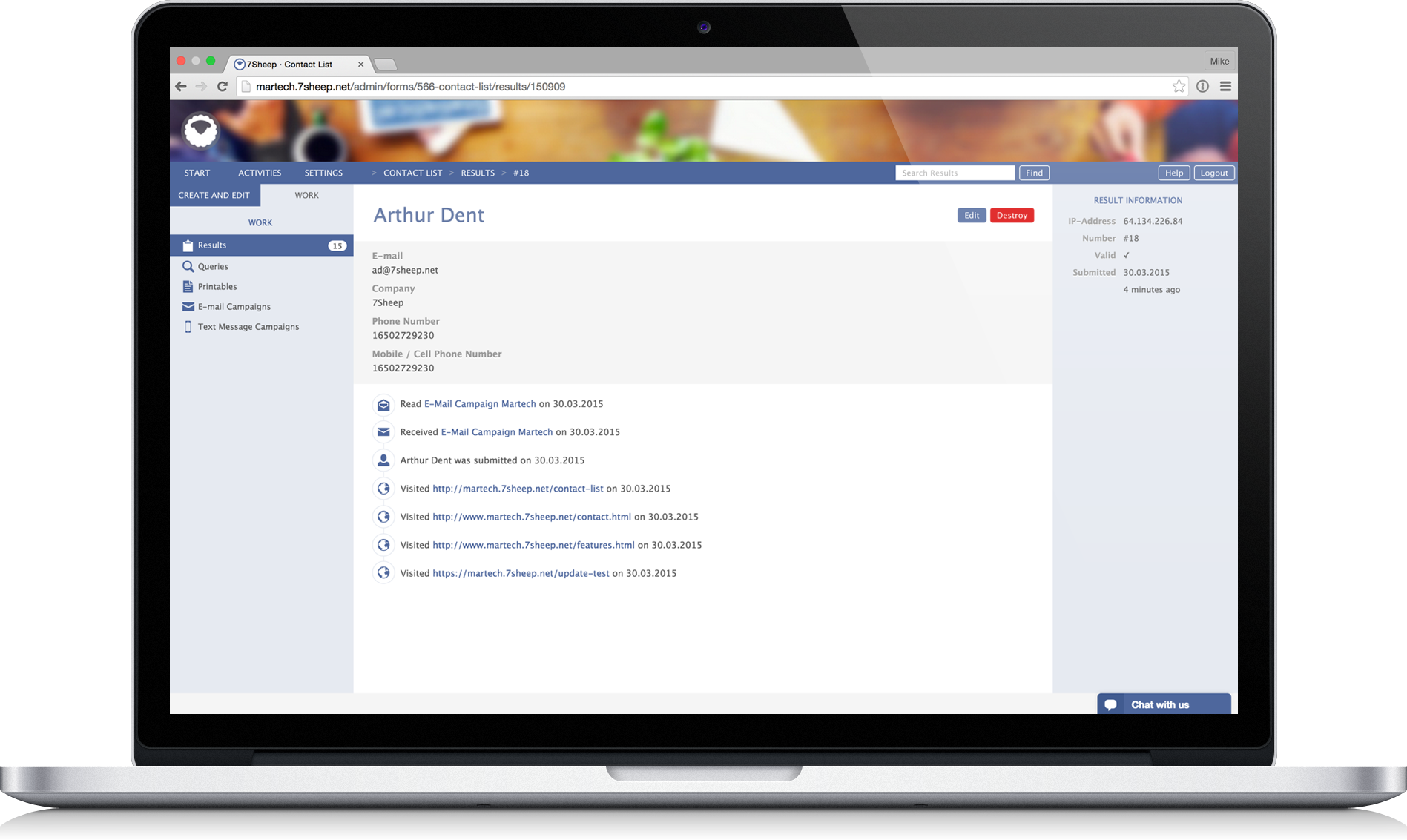  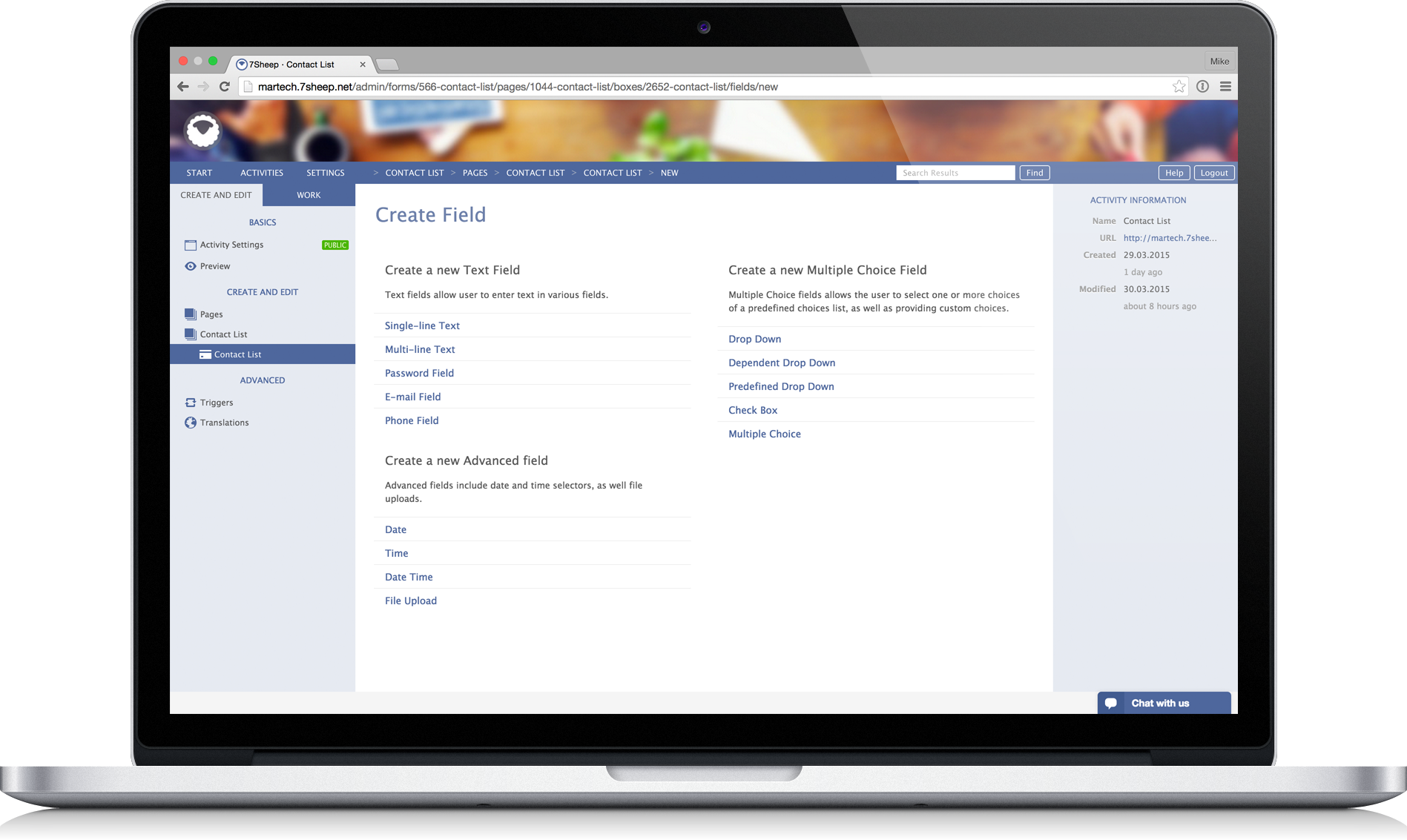 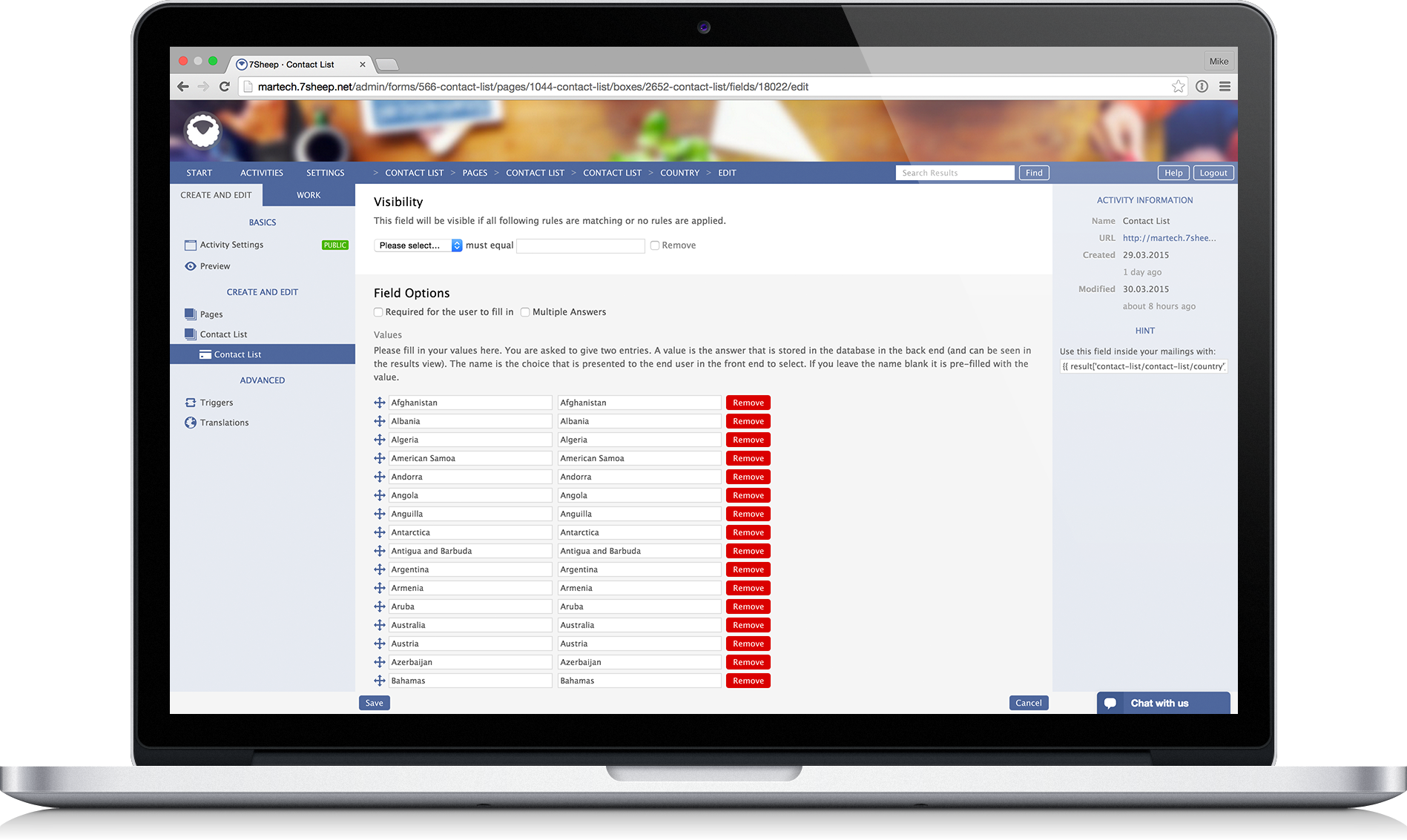  | Constant Contact Screenshots      |

