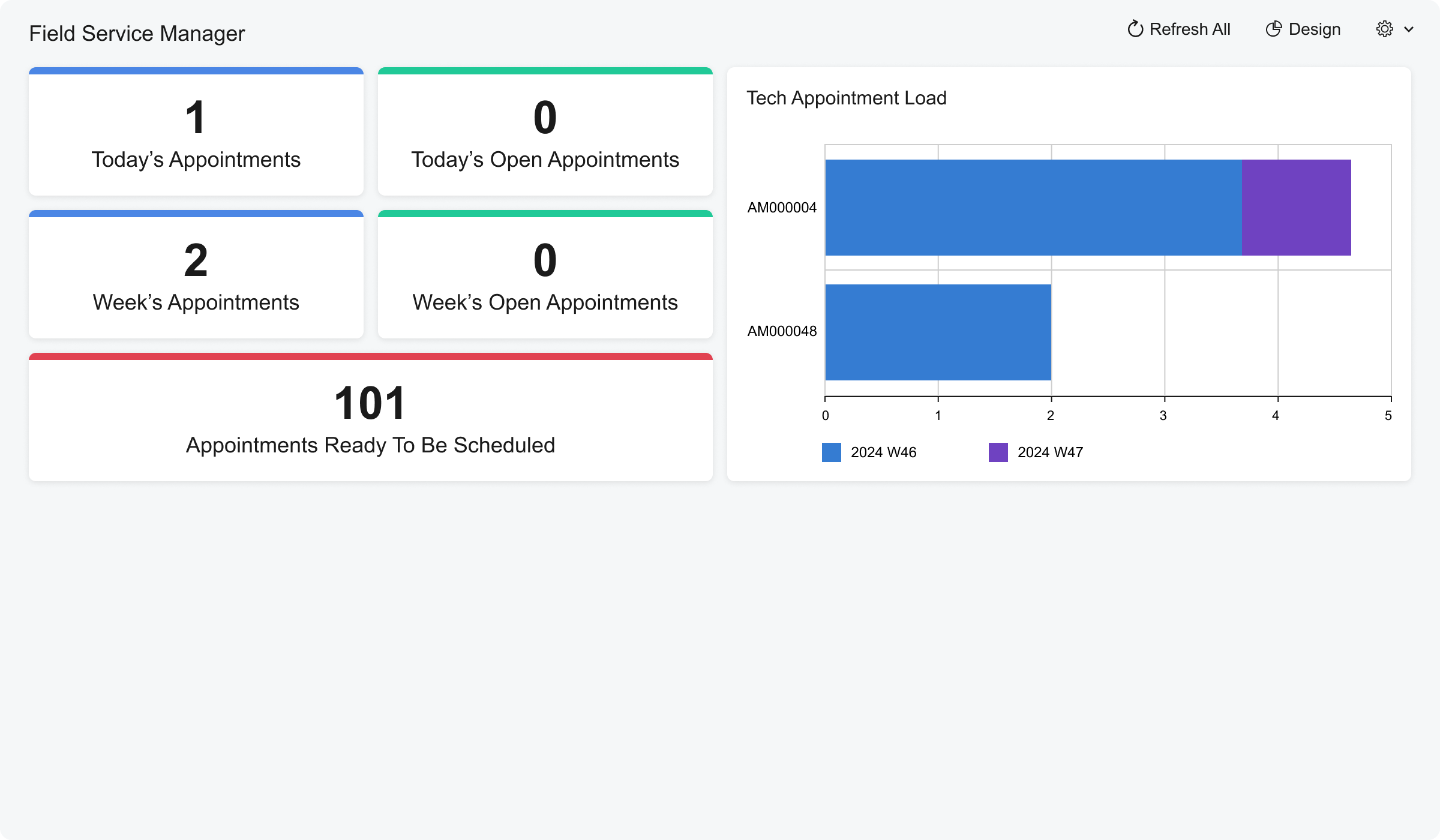
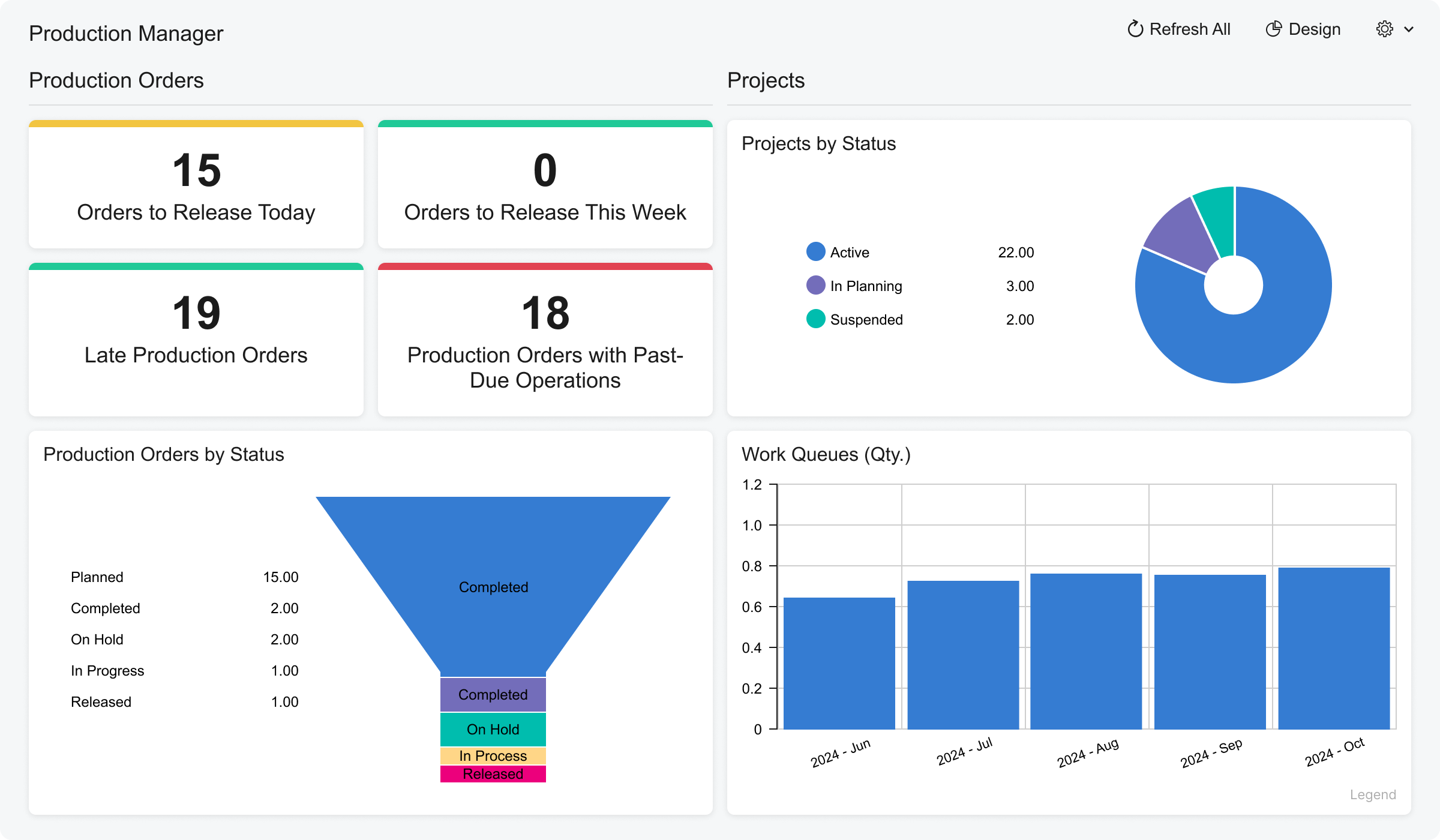
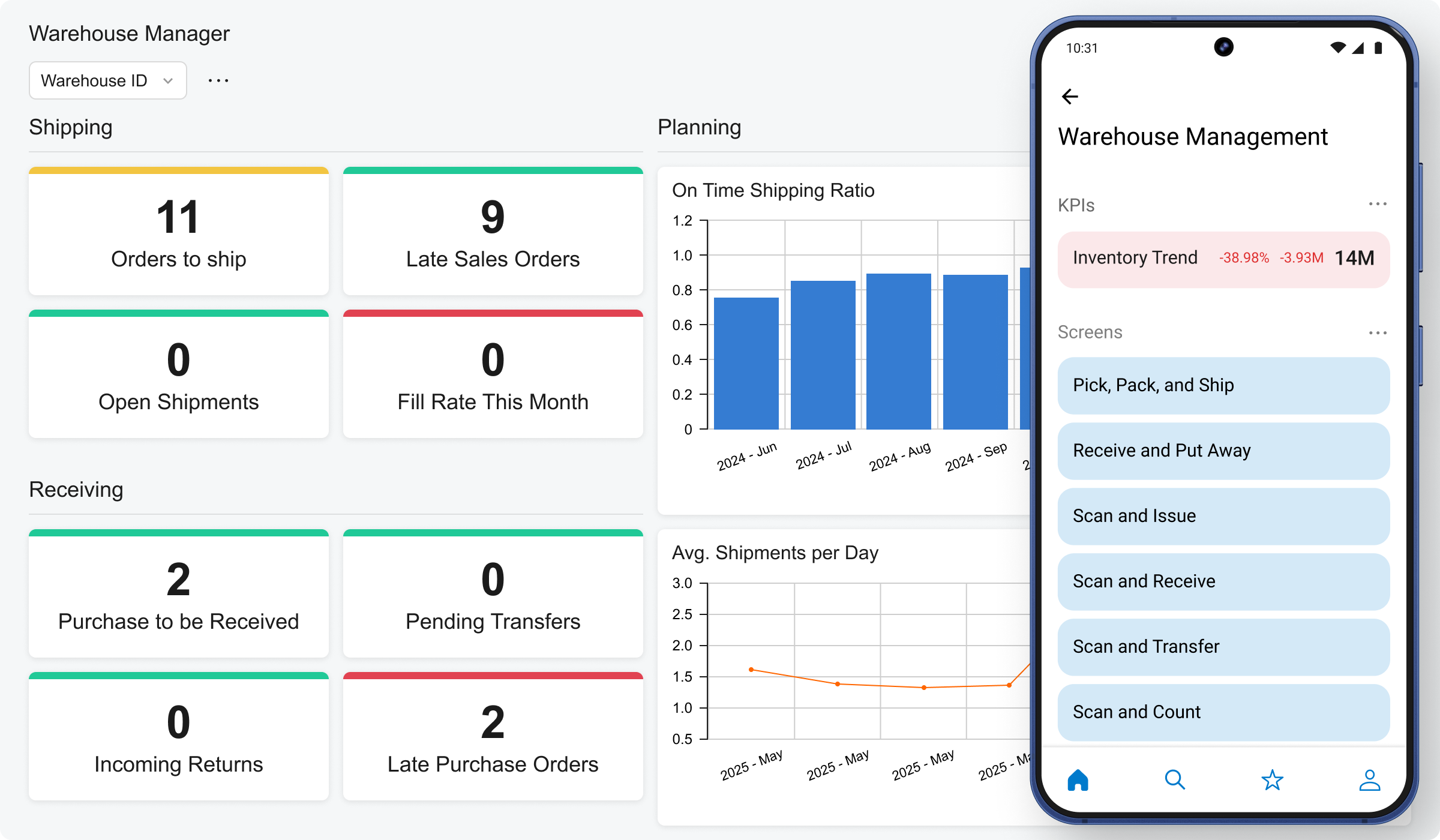
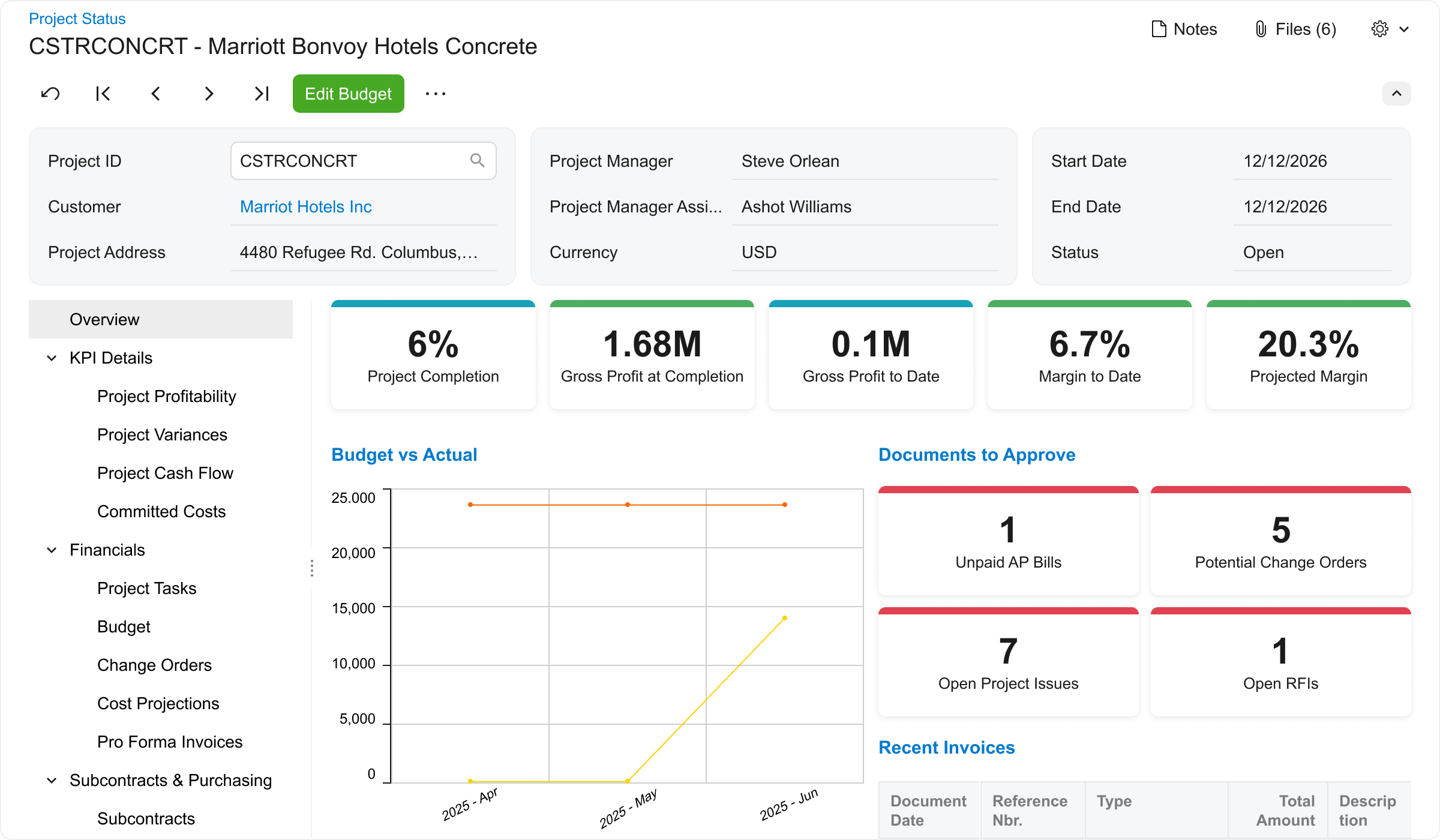
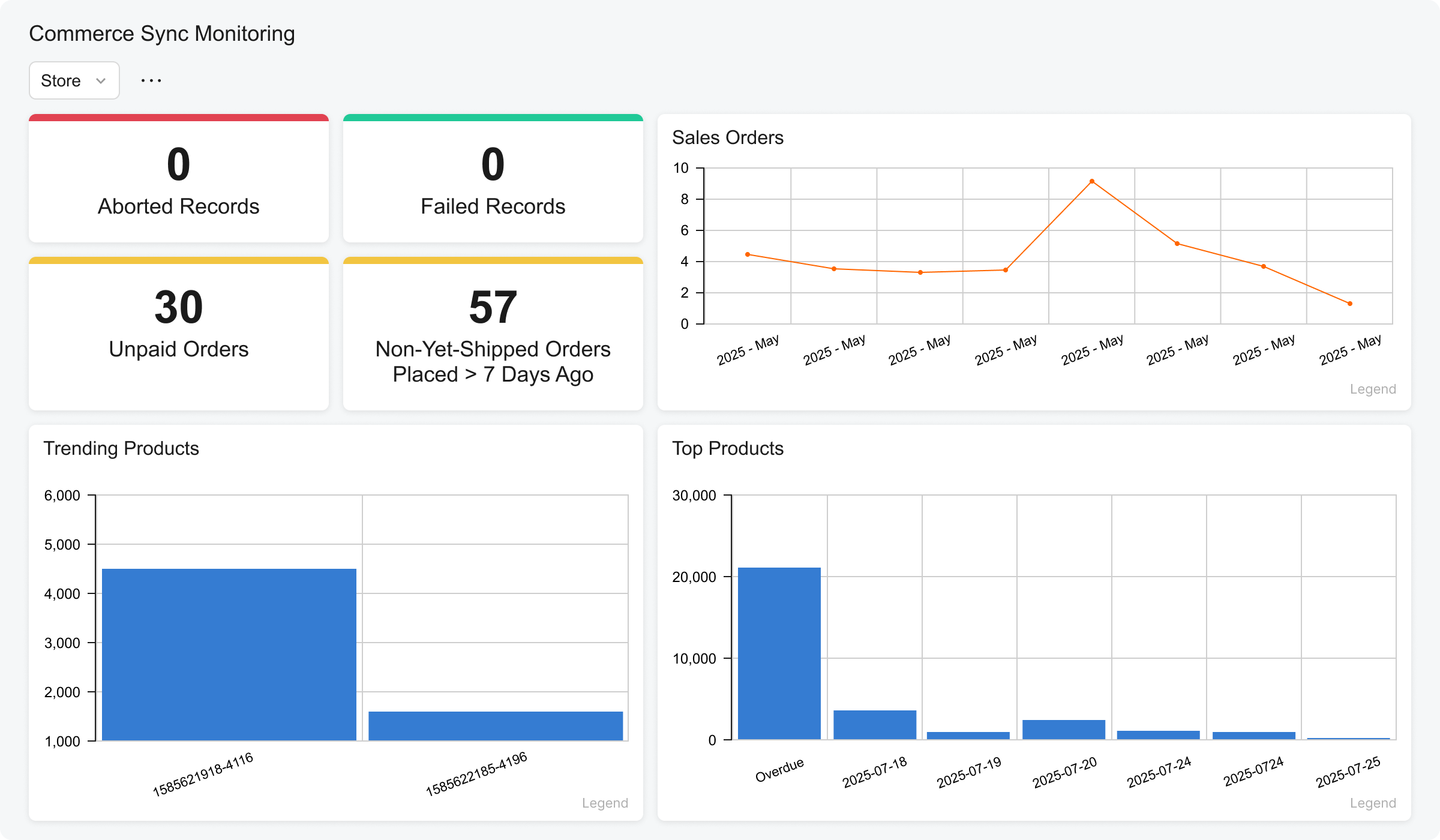
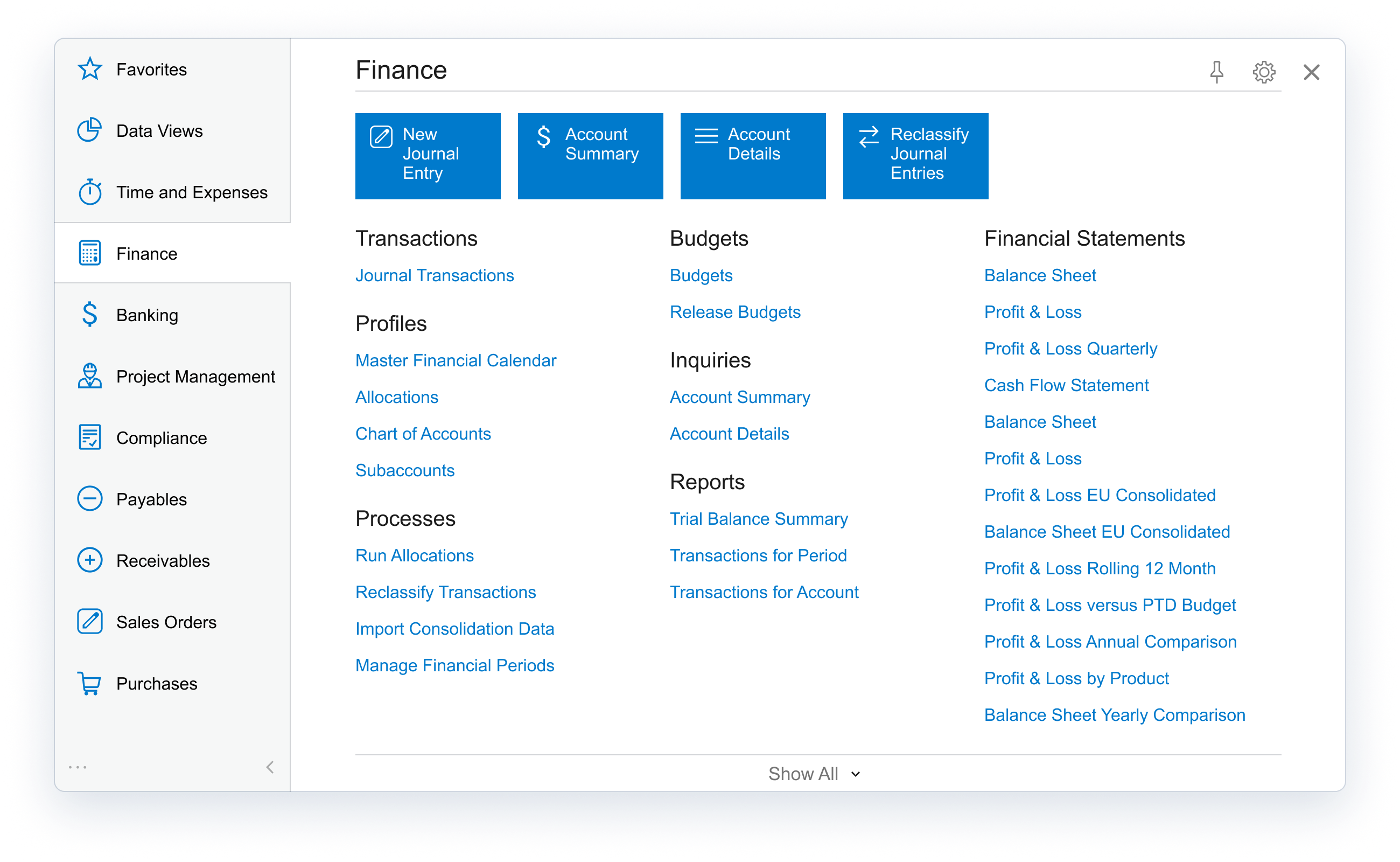
Acumatica delivers a set of cloud-based business software applications with dashboards, reporting tools, integrated document management, centralized security, and customization tools.
$1,000
per year
Microsoft Power Automate
Score 8.4 out of 10
N/A
Microsoft Power Automate is an advanced automation platform offering a range of features, including AI-powered automation, robotic process automation (RPA), business process automation (BPA), digital process automation (DPA), and process/task mining. The platform aims to empower organizations to securely automate their operations at scale by leveraging low-code and AI technologies.
$15
per month per user
Odoo
Score 7.6 out of 10
Mid-Size Companies (51-1,000 employees)
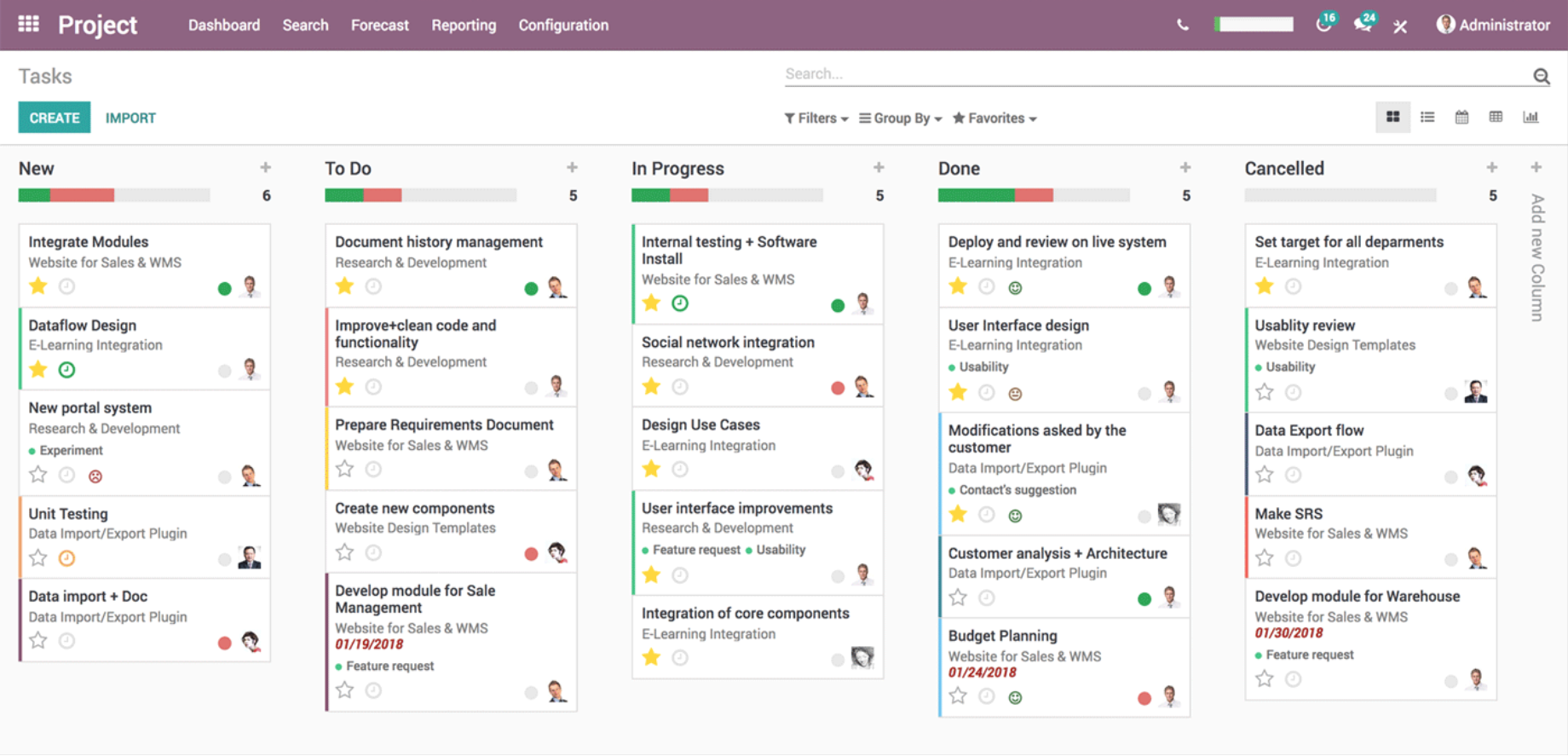
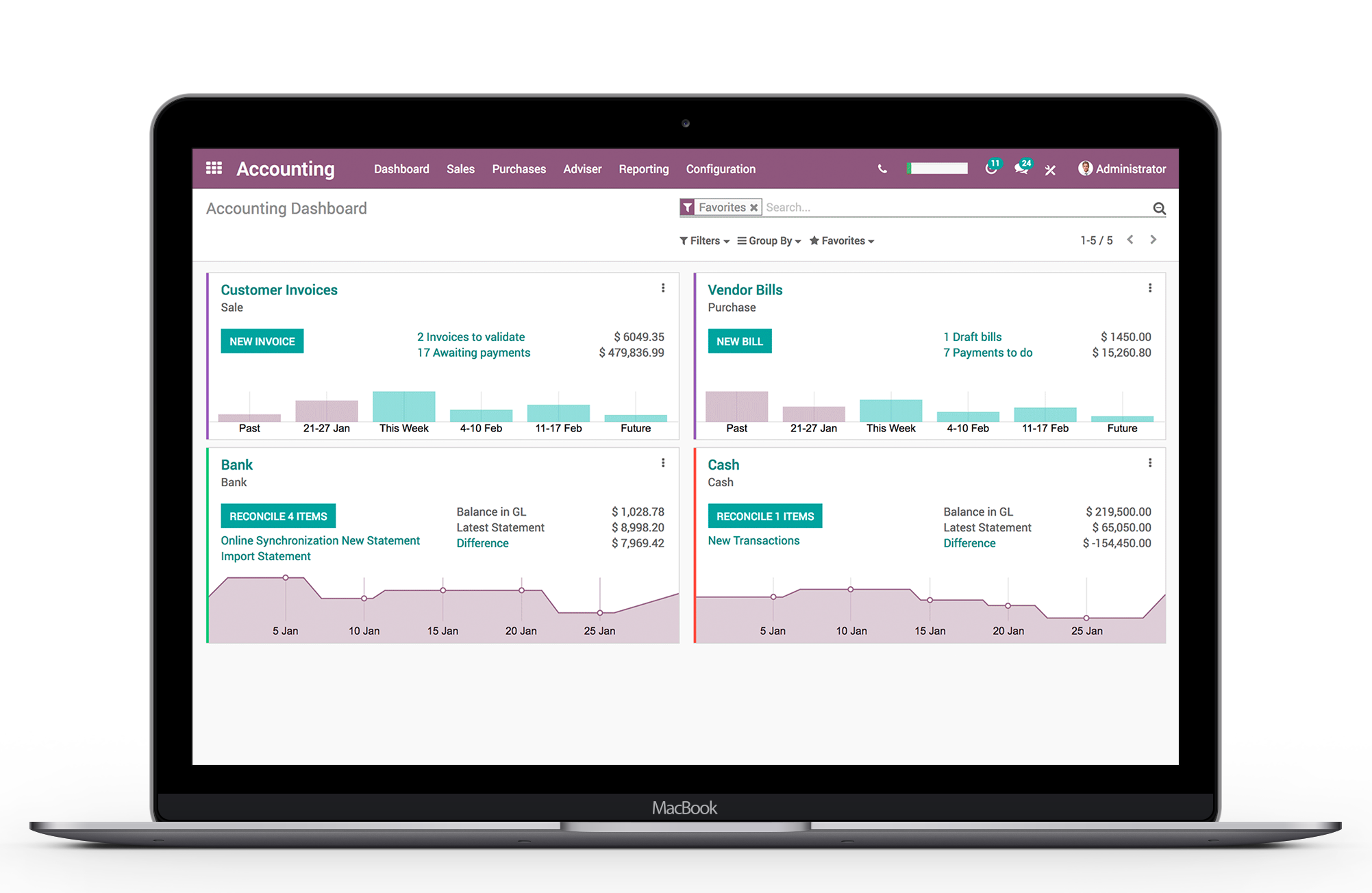
Odoo, from the Belgium-headquartered multinational company of the same name, is a suite of business applications for managing the sales pipeline. It also comprises a PoS and inventory management modules, scaling to a warehouse or retail management solution.
$31.10
per month per user
Pricing
Acumatica
Microsoft Power Automate
Odoo
Editions & Modules
No answers on this topic
Power Automate Premium
$15
per month per user
Power Automate Process
$150
per month per bot
Hosted RPA add-on
$215
per month per bot
Process Mining add-on
$5,000
per month per tenant
Standard
$31.10
per month per user
Custom
$46.70
per month per user
Offerings
Pricing Offerings
Acumatica
Microsoft Power Automate
Odoo
Free Trial
No
Yes
Yes
Free/Freemium Version
No
Yes
Yes
Premium Consulting/Integration Services
Yes
No
Yes
Entry-level Setup Fee
No setup fee
No setup fee
-$49,321,250 per app/ per user/ per month
Additional Details
Pricing is always consumption-based with no five-year lock-ins or termination penalties.
The Acumatica ERP pricing structure allows adding casual users, suppliers, and customers without paying for additional licenses.
The cost is based on the features and resources utilized, not on the number of users who access the system. An Acumatica partner works with users to understand specific requirements, determine the proper resources and modules for the company, and presents a price for the license.
—
A discount is offered for new users for the first 12 months of use for the initial users purchased. ($24.90 instead of $31.10 for Standard)
For the size of our business Odoo is a better fit. If we were larger and able to put more resources against development it may be better. Our business is very diversified and the flexibility of Odoo is desirable.
Acumatica excels well against other tools due to its rich set of capabilities like deep integrated project management, financial management, scalable unlimited users, robust real-time visibility and strong customisation, outperforming Odoo's variable modules and QuickBook's …
Acumatica is more flexible. Acumatica gives more control underneath the hood of the ERP, which enables us to meet our requirements out of the box WITHOUT customizations
I think it’s a great product. I think it’s very customizable, which is a big plus. For manufacturing, it’s excellent because of creating the inventory, turning it into an actual product to sell, and also tracking the status of each process within that system. I can’t think of any areas where it’s not suited, because otherwise we would be looking for something else or making changes, and at this time, we’re just growing with the system.
Very useful RPA tools for automating processes with minimal coding and drag-and-drop functionality, with a wide variety of triggers, including scheduled time-based triggers and activity-based triggers, such as modifying a file/list in SharePoint to run a Power Automate flow. Very easy-to-use UI with native integration with every Microsoft product, and a very low automation failure rate for deployed workflows.
It is well suited for inventory tracking, shipping and sales work flows. While some customization is needed to make it functional, if done correctly Odoo can serves as a powerful one stop shop for all of a businesses needs. The ease of customization for email templates, both for sales communications and marketing outreach leaves something to be desired. Perhaps our team hasn't explored this fully enough. I have personally found it intimidating in trying to construct a news letter using the email marketing module
Particularly well is just the ease of it being able to be used. We're coming from Sage, that's the product that we used before. Sage was limited, five people could get into the system at a time. Acumatica is unlimited.
The amount of information that's so easily accessible has made us more efficient, more productive, and it just makes for an easier workday when everybody can see the same information real time.
The creation of products is extremely simple, I like that it does not complicate you to put a lot of detail, of course if you want to put more detailed information later it allows you to do it without problems
The fact that I can manage my inventory of my warehouse is very convenient, I only generate my stock report of the products we have in stock and taking inventory is easier
The management of opportunities in the CRM is also great, because the guys from the sales department generate their opportunity, place what their client is requiring and we, the logisticians, can automatically generate the quote for what they are requesting, and from there they can only download their quote and send it to their clients.
Acumatica's open API is very powerful but doesn't get integrated cleanly across every external system, challenge arises with integration of legacy systems
Some of the platform feature's requires third-party add-ons or custom developments like advance finance report & BI.
Sometimes it gets glitch in the system leading slower processing speed
Customer service is nonexistent. You will need a 3rd party to assist you.
The system has an open app for integrating with other programs. These are developed by third parties and can be hit or miss in functionality.
The system offers great flexibility; however, it is too much and requires coding. For example, changing a Sales order PDF requires coding to modify the document.
Initial implementation is clunky and seems to require a 3rd party just for setup.
We are highly likely to renew because Acumatica has become the foundation of our ERP strategy replacing another ERP system with a more flexible, scalable platform while improving governance, planning, and operational visibility. Ongoing stabilization, roadmap investment in IBP and automation, and strong alignment across Finance and Operations give us long‑term confidence in the platform.
The tool is very useful when used with its various native connectors, taking great advantage of the integration between the components and systems of the Office365 universe. However, its cost is still high, and automation using more advanced components containing AI resources becomes unfeasible for some companies. Due to the financial crisis that many companies are currently experiencing, investment in automation systems or tools is taking a back seat.
The processes are very intuitive and easy to use. Whether you are entering AP bills, timecards for payroll, or AR invoices, the processes are similar and easy to use. The drill-down capability is also a huge plus as you can easily toggle between different modules without having to leave the screen you are in and navigating through a menu to get the information you need. We found that the standard reports out of the box are lacking. Our implementation did not go so well and when we were finally ready to run financial reports, it was both disappointing and frustrating to discover that the P&L was highly summarized and to get a detailed report required having to do a lot of formatting myself. I was able to figure it out on my own, but when our financials were already delayed getting published, I did not really have the time to spend trying to figure out how to build my own P&L.
Power Automate features a clean and intuitive user interface that allows users to create, manage, and monitor workflows easily. The UI is designed to be accessible to both technical and non-technical users, with drag-and-drop functionality for building workflows. Power Automate supports integration with a wide range of Microsoft and third-party applications. This flexibility in integration allows users to automate workflows across various systems, enhancing overall productivity and efficiency.
Once you complete the training with Odoo, you have a great grasp of how the system works, and most every feature is intuitive- There is rarely a task within Odoo that I get frustrated trying to figure out- I can typically look through the system and find what I need to do, and if I ever do need support, the Odoo Support team is excellent
I would rate the overall support for Acumatica an 8 out of 10. The support team is generally responsive, knowledgeable, and helpful when resolving issues or answering questions. Documentation and community resources are also useful. However, response times can occasionally vary depending on the complexity of the issue or support queue, which slightly affects the overall experience.
both Community support and Microsoft official support typically respond to (and resolve) reported issues in a VERY expedient manner, usually going above and beyond for education and bugfixing. I have been thoroughly impressed with the level of support I had been provided in the past.
Easy - there is NO SUPPORT (like in ABSOLUTELY NOTHING!!!!!!!). Even for legally mandatory requirements where the system MUST work, they will gladly take a month to get back to you with a NON-answer. We couldn't even get our bank statements correctly into Odoo for 2 months - leading to no reconciliation and the company accounts were a mess (still are!!) as a result - Completely irresponsible. Have not EVEN had an apology from Odoo - they couldn't care less !!
after reviewing the main features of Power Automate, the Microsoft trainer focused on some of our real life use cases implementation, from simple to more advanced.
although it was productive, it is more difficult to stay focused and in a 7 hours a day online training (including screen share issues and the fact that the trainer just can't precisely show the exact location of your mistake)
I'd say the partner selection is critically important. I think the software is very easy to implement. It's very customizable to your business. Finding a partner that will work with you to understand your business and your needs is the critical piece to make sure that the system goes along with it.
Overall, our experience implementing Microsoft Power Automate has been positive, with a relatively low barrier to entry and a fast time-to-value—especially because it integrates natively with Microsoft 365, which we were already using extensively. With Respect to migration, I had a very good experience where existing workflows were reviewed and simplified. Unnecessary steps were removed. Business rules were reimplemented using Power Automate logic. We migrated Approval workflows, email-based notifications, SharePoint-centric processes, and simple integrations.
Having used Pastel for a long time in the business, it lacked certain features, or the system was not probably setup for our business needs and requirements at the time. It was also not 100% cloud based and needed to be used through remote desktop which had its limitations. Zero just had 10% of what our business needed.
Microsoft Power Automate is worlds ahead of Zapier in so many ways. The looping, DOM access, and flow controls are much better. I feel that accessing different data within previous connectors used in a flow is much easier in Microsoft Power Automate as well. The custom connector creation process is a lot more pleasant in Microsoft Power Automate. The DateTime data type is handles MUCH better in Microsoft Power Automate, which is reason enough to use it.
We decided to go with Odoo over Netsuite due to a few factors. Price was a big reason why, Netsuite is the most expensive ERP we vetted. I also did not have a great experience with Netsuite at my last job. I was on the roll out team and it did not work as promised for POS, inventory managing or reporting, it crashed constantly in the middle of using it. Just over all very poor. Considering it is owned by Oracle and the most expensive, you would think it would be able to function on some sort of base level. That company ended up terminating their contract with Netsuite early and going with a different company.
We don't have crashing or error issues. I can complete receives, cycle counts etc and all of my information saves. Visually, Odoo is more satisfying also.
From my understanding, the P.O. module is not very robust, at least the last time I inquired about it. At the time, it had a one-to-one match, with one invoice for one P.O. and that isn't practical for many businesses. I don't believe it would be an easy system to use for sending out invoices, if we had thousands of retail utility customers. We do a small number of invoices because we sell wholesale power, not retail, so we only Invoice the municipality. Not each utility customer.
They are very responsive and knowledgeable about the product. If the rep doesn't have the ability to solve the issue, they quickly get someone else involved to assist us.
Microsoft's professional services provide hands-on support throughout the implementation lifecycle of Power Automate.This includes initial setup, configuration, integration with existing systems, testing, and deployment. They ensure that workflows are correctly designed, optimized for performance, and aligned with security best practices.
We are able to send automated notifications through business Events, which ensures that information travels seamlessly and without the possibility of someone forgetting an email.
We save time being able to read our demand and level it against our current inventory qty on hand and our supply to make better strategic decisions when purchasing.
Better our business and see our pitfalls that were once hidden in our factory by establishing an On-Time Delivery system within a generic inquiry that uses data that is readily available in Acumatica.
You can automate a lot of process very easy like automatic mails for status updates and such. This will save a lot of time and is more accurate, faster and up-to-date than a user can be.
Task approval is centralized and automatic reminders save us a lot of time.
The ROI is good if you have a lot of use cases and things to automate