Chose Adobe Acrobat
I use adobe for quick efforts with large PDFs, like combining them with other PDFs or optimizing the file size. I use Bluebeam when I need to spend time working on the PDF and adding comments, color, and other medications.

| Product | Rating | Most Used By | Product Summary | Starting Price |
|---|---|---|---|---|
 Adobe Acrobat | N/A | Adobe Acrobat DC is the current version of the well-established document / PDF management solution, part of the Adobe Document Cloud (the other part being Adobe's eSign services based on technology acquired with EchoSign in 2011). | $29.99 per month per seat | |
 Autodesk Build | N/A | Autodesk Build, based on the former PlanGrid, is construction productivity software. It includes tools to collaborate, collect, and manage project information throughout the project’s construction and operations lifespan. It enables document centralization and tracking. | $39 user per month | |
 Bluebeam | N/A | Bluebeam Revu is a PDF management, control, and editing tool. It enables collaboration and markup within shared documents across projects’ life cycles and has takeoff and bid creation capabilities. | $240 per year per user |
| Adobe Acrobat | Autodesk Build | Bluebeam | ||||||||||||||||||||||
|---|---|---|---|---|---|---|---|---|---|---|---|---|---|---|---|---|---|---|---|---|---|---|---|---|
| Editions & Modules |
|
|
| |||||||||||||||||||||
| Offerings |
| |||||||||||||||||||||||
| Entry-level Setup Fee | Optional | No setup fee | No setup fee | |||||||||||||||||||||
| Additional Details | — | — | — | |||||||||||||||||||||
| More Pricing Information | ||||||||||||||||||||||||
| Adobe Acrobat | Autodesk Build | Bluebeam | |
|---|---|---|---|
| Considered Multiple Products | Adobe Acrobat  Avery Chipman Interior Designer Chose Adobe Acrobat The most important factor in choosing and using Adobe Acrobat is that it is an Adobe Suite software and nicely integrates with the other Adobe software we use to create print projects, such as InDesign, Photoshop, and Illustrator. It is also convenient that Acrobat has the free …  Che Odom Marketing and Business Administrator Chose Adobe Acrobat Adobe Acrobat DC is easier to use and more intuitive than BlueBeam, we prefer Bluebeam for operations teams because it offers to scale and measuring for construction documents that our operations teams need, however, would prefer the Adobe suite for ease of use, and familiarity …  Erin Drake Director of Marketing Chose Adobe Acrobat I don't use Bluebeam, but many of my coworkers do - particularly when it comes to construction plans and surveys. They tend not to use Adobe Acrobat DC as much, sticking to Bluebeam for everything, but because they have the software they do not have difficulty using Adobe …  Heather MacLean Project Administrator Chose Adobe Acrobat Our field team uses Bluebeam.  Graham Green Commercial Manager Chose Adobe Acrobat Having previously used Nitro Pro, we were pleased to gain the additional functionality that Adobe provides. Sending and tracking documents is much easier than on Nitro. The support function is slicker and quicker and there is a wider community of users to draw upon. I didn't …  Benjamin Wyszynski Healthcare Associate Chose Adobe Acrobat I think Acrobat DC really makes its case against Revu because of the ability to edit text much easier and add signing areas where in Bluebeam you need to be very exact and do not have the ability to make changes of document that may not lend itself for editing. | Autodesk Build  Alex Zotescu, PE, LEED GA Senior Electrical Engineer - Design Team Lead Chose Autodesk Build We use Bluebeam Revu very much in our daily work and it has many futures that are not available in PlanGrid.  Nicholas Bittner Principal, CFO, Architect Chose Autodesk Build
 Natalee Easthom Engineer Chose Autodesk Build The programs are not exactly parallel, however, we formerly posted RFIs on Bluebeam and by owner request we are now using Plangrid. I have found that this feature on Plangrid is slightly more intuitive and the interface is more user-friendly. Bluebeam, on the other hand, has …  Nicholas Yager Project Engineer Chose Autodesk Build PlanGrid is great for quickly communicating information within the field, however, its office capabilities are more limited compared to some alternative software I have used.  Brett Thompson Project Manager Chose Autodesk Build I feel that Plangrid does a good job at combining most of the best attributes of the above programs into one solid software. Finishline seems to be a bit stronger punchlist tool but it doesnt have any other features, can't be used a doc control, etc.  Bryan Musgrove Construction Project Manager Chose Autodesk Build PlanGrid has several more features in one location, as opposed to using multiple programs to accomplish the same task.  Tad Rivenbark Field Services Dept. Manager Chose Autodesk Build We use Bluebeam and PlanGrid on a daily basis for different purposes. Bluebeam does some things better than PlanGrid, but these are things that PlanGrid was not really designed to do. However, Plangrid is the best when it come to punchlists, and no other product that I have …  Kara Hermann, PE, LEED AP Project Manager Chose Autodesk Build Bluebeam and PlanGrid work great together, not sure one could replace the other. Bluebeam is really great for more detailed markups, better than PlanGrid in that respect. When you zoom out on the markups for PlanGrid, markups get really thick and unreadable. For me, Procore is …  Jordan Ross Project Manager Chose Autodesk Build I have not used many products that compare with Plangrid. I've heard that AD 360 Field is a nice product and have watched some of its informational videos. We used to use a tablet version of Adobe - PDF reader which was not in the same ballpark as far as capability.  Ken Hoernschemeyer AIA, LEED AP Architect Chose Autodesk Build Bluebeam tends to be really slow on the iPad compared to PlanGrid and is more cumbersome. | Bluebeam  Michael Carter General Superintendent Chose Bluebeam I personally like the tools that Bluebeam offers over Acrobat and feel that, for my company, Bluebeam was much better suited. Scaling tools, markups, as-builts, RFI’s, submittal approval, and detail creation all really show its strength.  Michelle Lyn Paddock Finance Coordinator Chose Bluebeam It is just more advanced in terms of functionality. Bluebeam has far more features for collaboration, document sharing and marking up.  Babar Tahirkheli Senior Proposal Manager Chose Bluebeam Bluebeam has more enhanced features than Adobe. Heather MacLean Administrative Assistant Chose Bluebeam Bluebeam definitely blows Adobe out of the water in the basic to the basic comparison. You will have to do more research on how exactly to use all the tools if you have never used the program before such as myself.  Oliver Philippe Goulart Young Facility Designer I Chose Bluebeam Much more complete than the competition.  Bob Kramer, RCDD, LEED AP Principal Chose Bluebeam Revu was much easier to use, more cost-effective, and is more generally used in the construction and design industry than Adobe. We found Adobe to be more of a resource hog, as well as being bloated with offers for other Adobe applications, which many times would slow down a …  Matthew Smith Safety and Project Manager Chose Bluebeam We've used these other products in conjunction with Bluebeam mainly because Bluebeam lacks RFI/COR/PO/Mark-up/revision tracking, and doesn't handle punch lists or tasks.  Jill Liegghio Accounts Payable Manager Chose Bluebeam Bluebeam Revu has a much more sophisticated interface that allows you to mark up documents in many different ways. It can store tools for standard markup use. It provides digital signatures which can be very useful for many document types. By creating a Revu studio, multiple …  Michael Savala Assistant Account Manager Chose Bluebeam The only software I've ever used that even comes close to Revu is Adobe Acrobat Pro, which I find is most confusing and has a less attractive interface. Since Revu 2015 (the oldest version I've used), there's always been a dark mode Adobe does not have. PlanGrid and Procore, … |
| Adobe Acrobat | Autodesk Build | Bluebeam | |||||||||||||||||||||||||||||||||||||||||||||||||||||||
|---|---|---|---|---|---|---|---|---|---|---|---|---|---|---|---|---|---|---|---|---|---|---|---|---|---|---|---|---|---|---|---|---|---|---|---|---|---|---|---|---|---|---|---|---|---|---|---|---|---|---|---|---|---|---|---|---|---|
| Construction Project & Field Management |
| ||||||||||||||||||||||||||||||||||||||||||||||||||||||||
| Reporting & Analytics |
| ||||||||||||||||||||||||||||||||||||||||||||||||||||||||
| Estimating |
|
| Adobe Acrobat | Autodesk Build | Bluebeam | |
|---|---|---|---|
| Small Businesses |  Square 9 Softworks Score 9.7 out of 10 |  FollowUp CRM Score 2.3 out of 10 | FollowUp CRM Score 2.3 out of 10 |
| Medium-sized Companies |  MSB Docs Score 9.4 out of 10 |  InEight Score 8.5 out of 10 | InEight Score 8.5 out of 10 |
| Enterprises |  Tungsten Capture Score 8.0 out of 10 | InEight Score 8.5 out of 10 | InEight Score 8.5 out of 10 |
| All Alternatives | View all alternatives | View all alternatives | View all alternatives |
| Adobe Acrobat | Autodesk Build | Bluebeam | |
|---|---|---|---|
| Likelihood to Recommend | 8.8 (812 ratings) | 7.0 (70 ratings) | 9.7 (66 ratings) |
| Likelihood to Renew | 9.1 (45 ratings) | 10.0 (1 ratings) | 1.0 (2 ratings) |
| Usability | 9.2 (254 ratings) | 5.0 (2 ratings) | 9.5 (4 ratings) |
| Availability | 9.2 (3 ratings) | - (0 ratings) | - (0 ratings) |
| Performance | 5.8 (10 ratings) | - (0 ratings) | - (0 ratings) |
| Support Rating | 9.2 (63 ratings) | 9.0 (52 ratings) | 1.0 (11 ratings) |
| Online Training | 9.0 (1 ratings) | - (0 ratings) | - (0 ratings) |
| Implementation Rating | 9.8 (15 ratings) | - (0 ratings) | - (0 ratings) |
| Configurability | 8.0 (4 ratings) | - (0 ratings) | - (0 ratings) |
| Contract Terms and Pricing Model | 4.5 (2 ratings) | - (0 ratings) | - (0 ratings) |
| Ease of integration | 8.0 (8 ratings) | - (0 ratings) | - (0 ratings) |
| Product Scalability | 7.0 (4 ratings) | - (0 ratings) | - (0 ratings) |
| Vendor post-sale | 1.0 (2 ratings) | - (0 ratings) | - (0 ratings) |
| Vendor pre-sale | 1.0 (1 ratings) | - (0 ratings) | - (0 ratings) |
| Adobe Acrobat | Autodesk Build | Bluebeam | |
|---|---|---|---|
| Likelihood to Recommend | Adobe
 Alan Gilbertson Creative Director | Autodesk
| Bluebeam, Inc.
|
| Pros | Adobe
| Autodesk
 Jeffrey Rudacille IT Manager | Bluebeam, Inc.
 Tim Corbett General Manager |
| Cons | Adobe
| Autodesk
| Bluebeam, Inc.
Heather MacLean Administrative Assistant |
| Likelihood to Renew | Adobe
Avery Chipman Interior Designer | Autodesk
| Bluebeam, Inc.
Michael Savala Assistant Account Manager |
| Usability | Adobe
| Autodesk
| Bluebeam, Inc.
 Ernest King Construction Operations & Process Manager |
| Reliability and Availability | Adobe
 Rod Lott Manager of Marketing Strategy | Autodesk No answers on this topic | Bluebeam, Inc. No answers on this topic |
| Performance | Adobe
 Daniel Epstein Senior Clinical Quality Analyst | Autodesk No answers on this topic | Bluebeam, Inc. No answers on this topic |
| Support Rating | Adobe
| Autodesk
| Bluebeam, Inc.
|
| Online Training | Adobe
 Michael Craven President | Autodesk No answers on this topic | Bluebeam, Inc. No answers on this topic |
| Implementation Rating | Adobe
Rod Lott Manager of Marketing Strategy | Autodesk No answers on this topic | Bluebeam, Inc. No answers on this topic |
| Alternatives Considered | Adobe
| Autodesk
 James Nolan Project Manager/Estimator | Bluebeam, Inc.
|
| Contract Terms and Pricing Model | Adobe
 Sean Moore Marketing Specialist | Autodesk No answers on this topic | Bluebeam, Inc. No answers on this topic |
| Scalability | Adobe
 Jamie Caroland Independent Consultant | Autodesk No answers on this topic | Bluebeam, Inc. No answers on this topic |
| Return on Investment | Adobe
| Autodesk
 Melissa McCain Facilities Quality & Compliance Program Coordinator | Bluebeam, Inc.
 Charlie Jewkes Estimator |
| ScreenShots | Adobe Acrobat Screenshots    | Autodesk Build Screenshots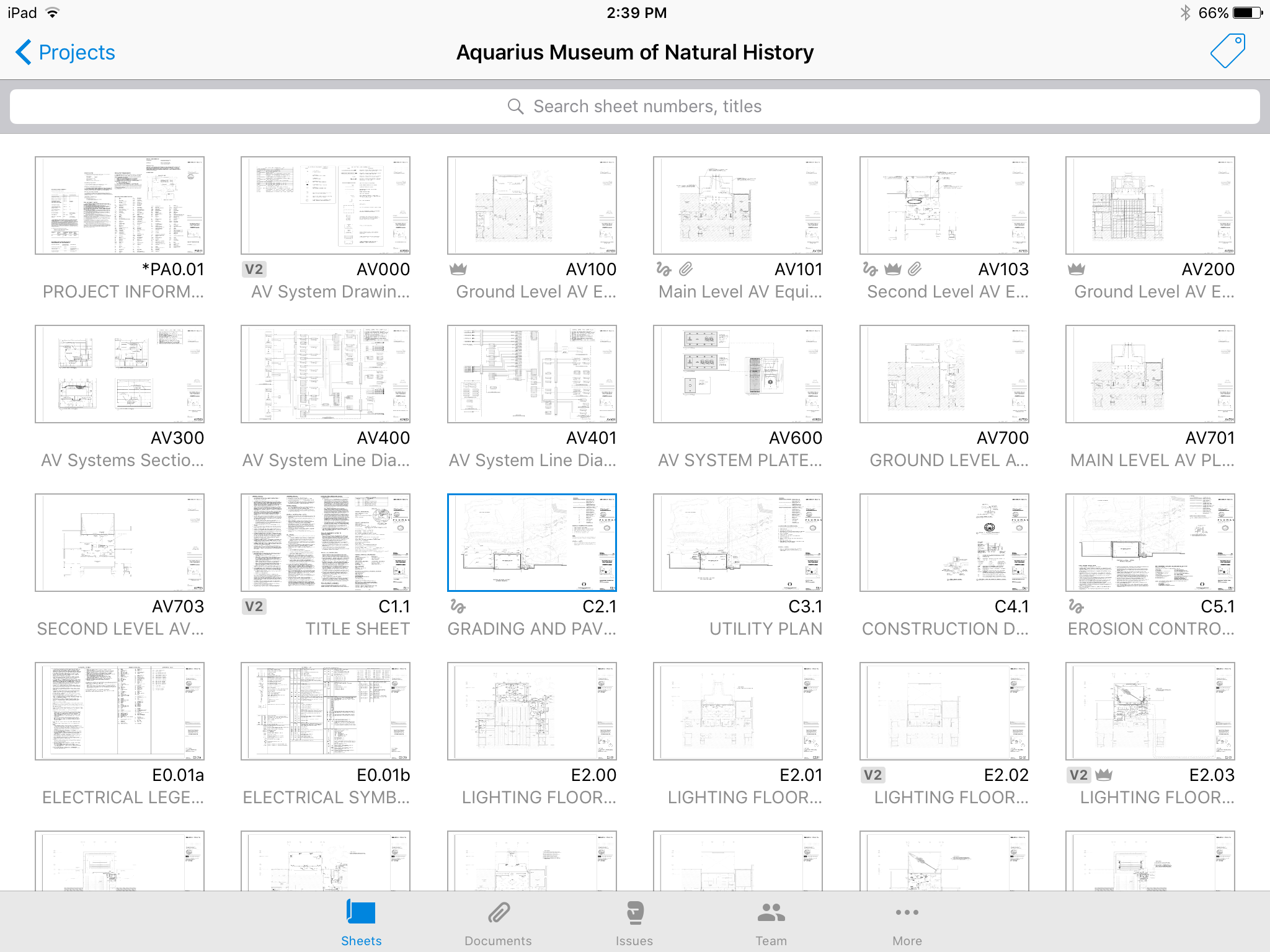     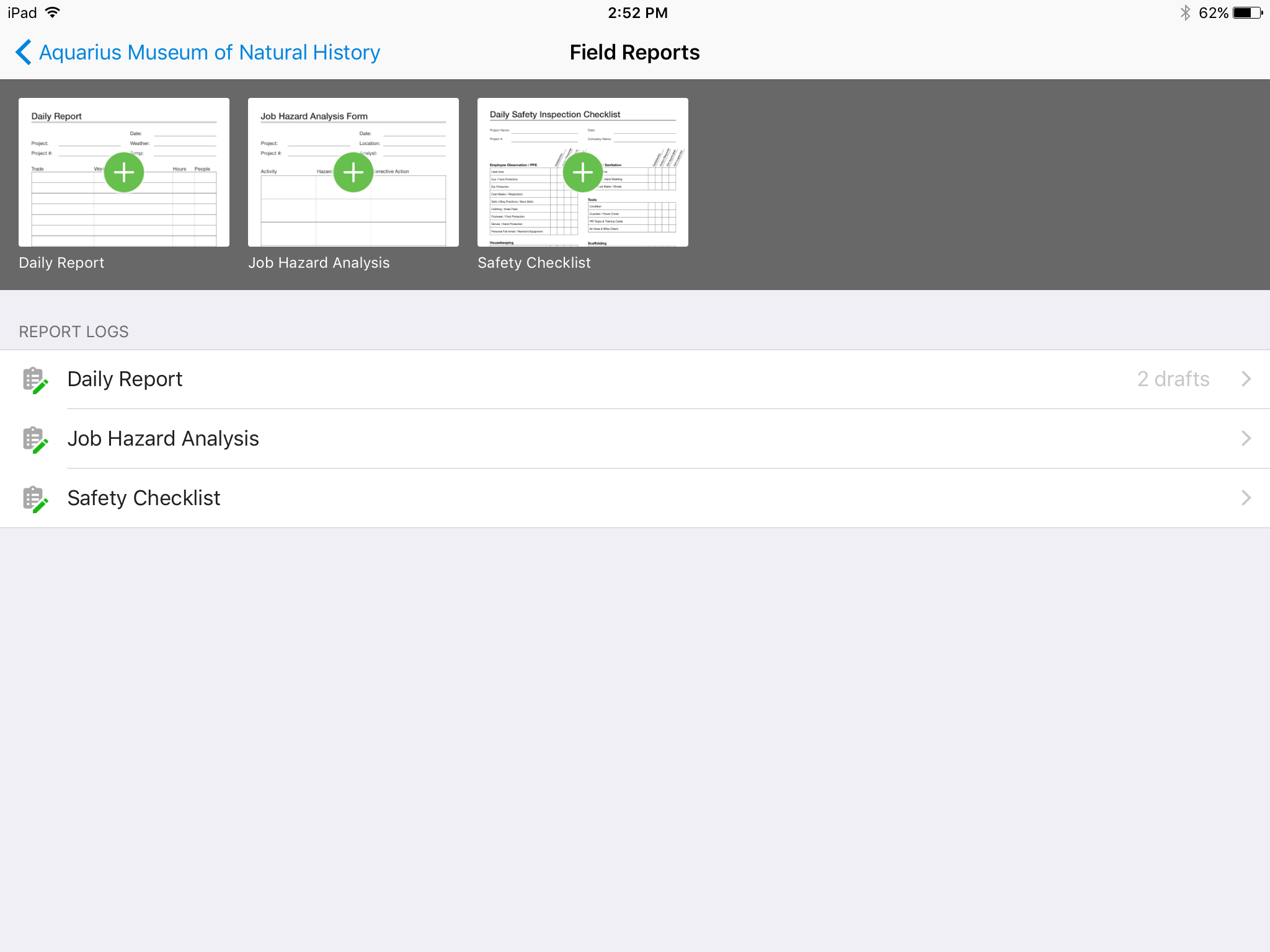 | Bluebeam Screenshots 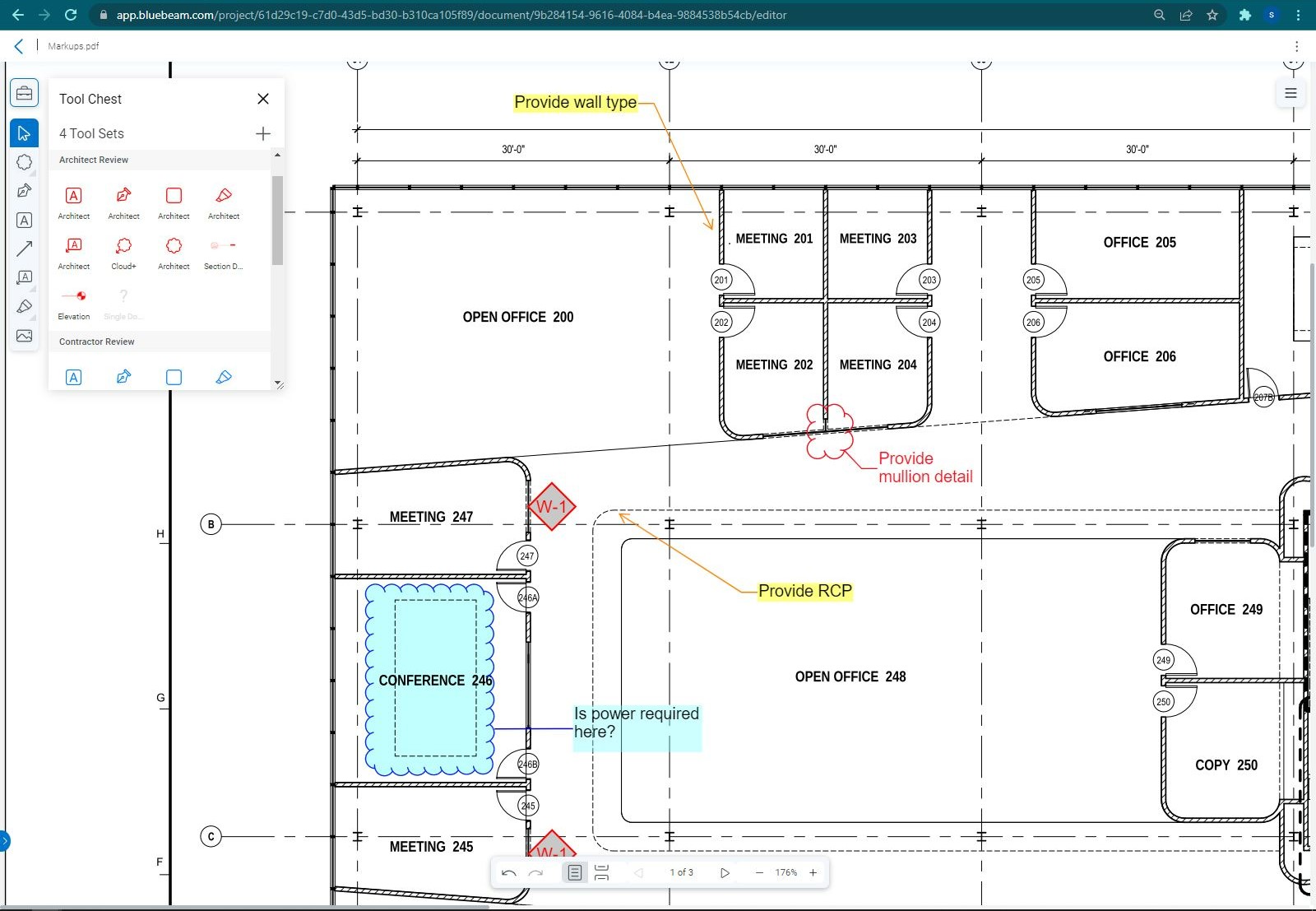 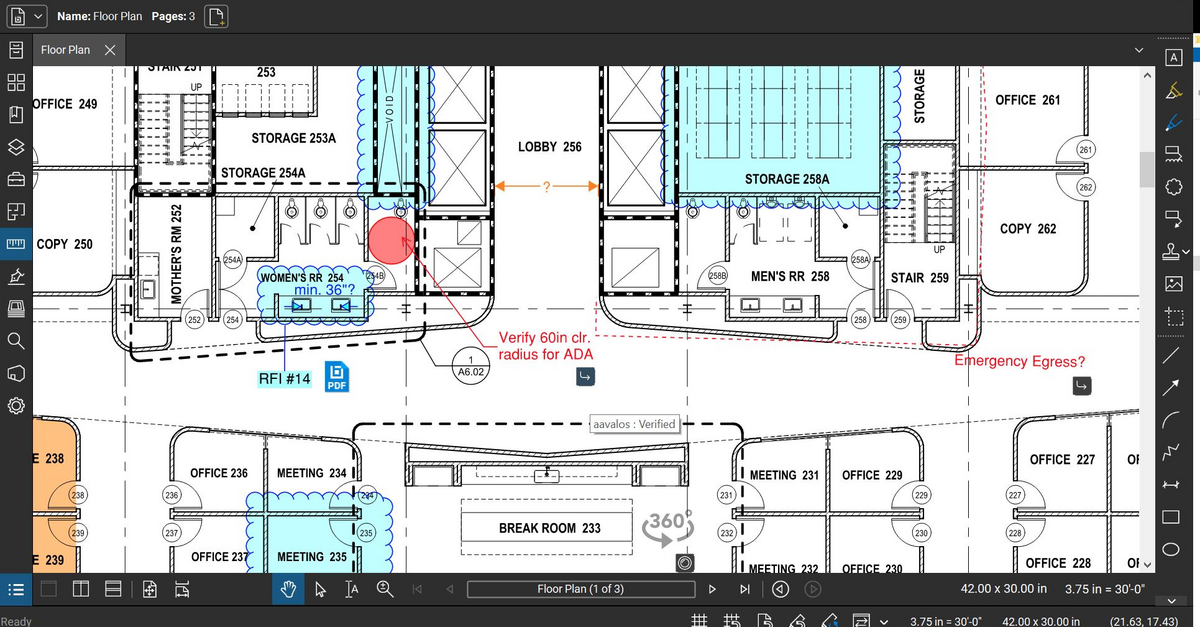 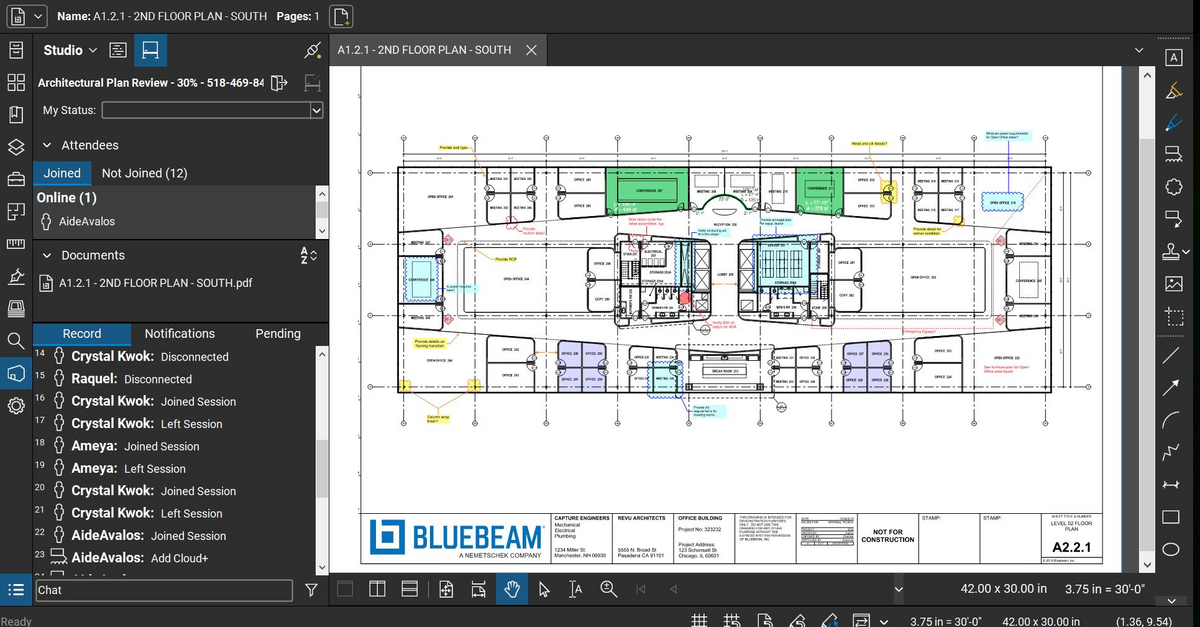 |