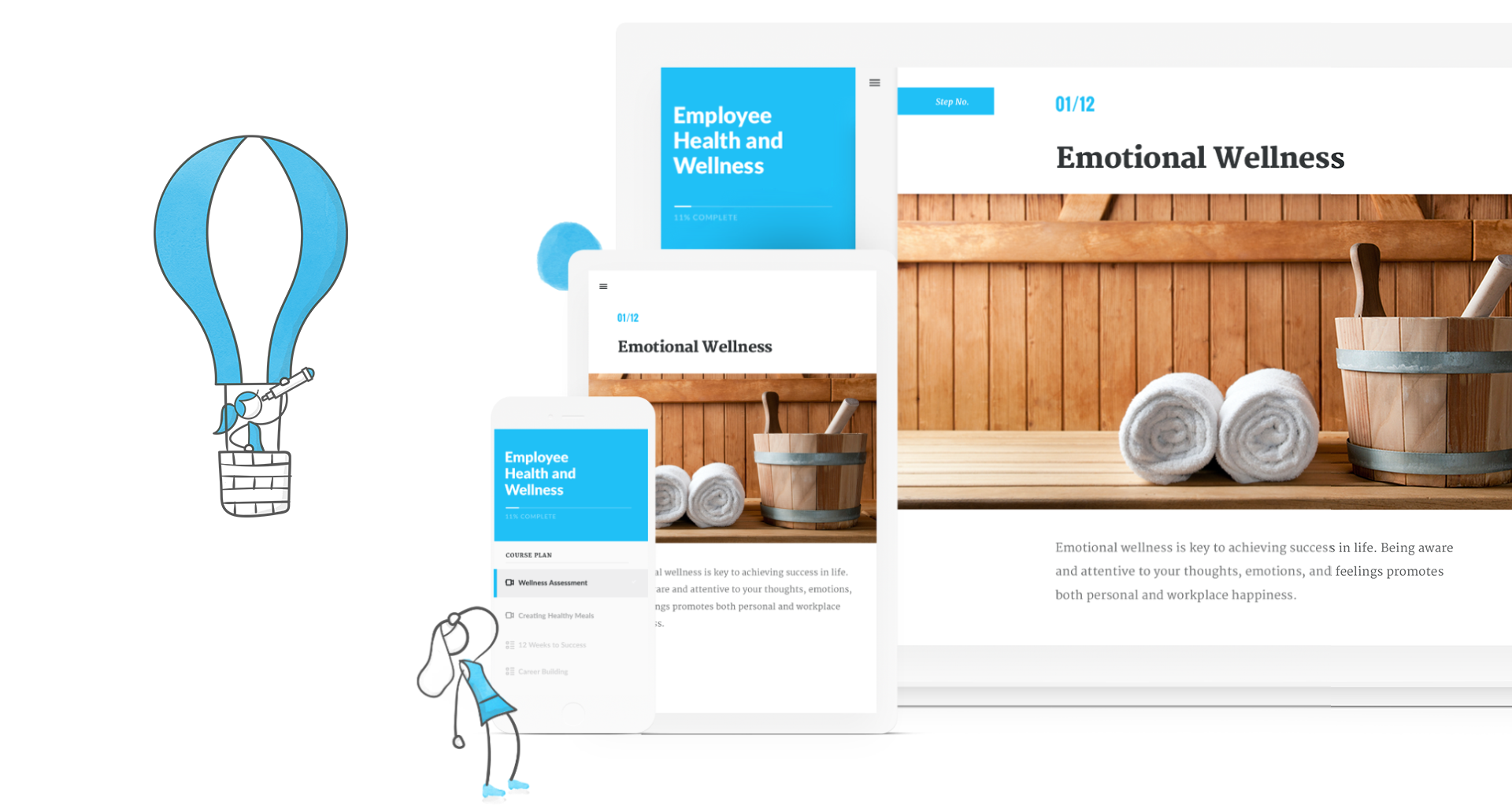
Adobe Captivate is an elearning authoring and course design tool (or LCMS). It supports mobile HTML5 content. Captivate’s users are commonly midsized businesses to enterprises. Adobe Captivate includes some prebuilt assets as well as customizable workflows.
$33.99
per month
Adobe Learning Manager
Score 8.1 out of 10
Mid-Size Companies (51-1,000 employees)
Adobe Learning Manager is a Learning Management System developed by Adobe Inc. that offers personalized learning at scale to employees, partners and customers alike. Compliant with GDPR guidelines, SOC2 TYPE 2 and FedRAMP Certifications, Adobe Learning Manager integrates with Adobe Experience Manager Sites, Adobe Commerce, Marketo Engage with out-of-the-box components and any other application through Open APIs, offering hybrid learning programs and detailed analytics.…
N/A
Articulate 360
Score 9.3 out of 10
N/A
Articulate 360 is an e-learning platform for creating workplace training. Users can build engaging courses with AI-enhanced authoring, simplify collaboration, and quickly share content. A subscription includes robust onboarding resources and access to a community of 1.5M pros.
$1,124
per year
Pricing
Adobe Captivate
Adobe Learning Manager
Articulate 360
Editions & Modules
Subscription
$33.99
per month
Student & Teacher Edition
$399
one-time fee
Upgrade
$499
one-time fee
Pereptual License
1,299
one-time fee
No answers on this topic
Articulate 360 Standard - Academic - Teams Plan
$1,124
per year
Articulate 360 Standard - Personal Plan
$1,199
per year
Articulate 360 AI - Personal Plan
$1,449
per year
Articulate 360 Standard - Teams Plan
$1,499
per year
Articulate 360 AI - Teams Plan
$1,749
per year
Offerings
Pricing Offerings
Adobe Captivate
Adobe Learning Manager
Articulate 360
Free Trial
Yes
Yes
Yes
Free/Freemium Version
No
No
No
Premium Consulting/Integration Services
No
Yes
No
Entry-level Setup Fee
No setup fee
No setup fee
Optional
Additional Details
—
—
Those new to Articulate 360 can try it free of charge for 30 days. Articulate 360 is available on the Articulate website and through Articulate Authorized Resellers.
Articulate 360 offers a both Storyline and Rise as eLearning authoring tools, as well as a Stock Library with over 100,000 images for $1200/year. Adobe Captivate is a stand alone product for $30/month. If you are only using eLearning authoring tools the cost is significantly …
Adobe Captivate is an okay software program, but it is not something I'd pick over Articulate Storyline or Articulate 360. I only selected Captivate because it was mandatory for my course plus I wanted to explore it to find out how it worked. But after using it, I didn't find …
I prefer Articulate 360 over Adobe Captivate. While Captivate does have more features overall, Articulate 360 is much easier to navigate and nice, clean courses can be created in a fraction of the time.
I think that Articulate360 is more user-friendly and has a cleaner, more updated look. If you can edit a PDF, then you can use Articulate 360. Adobe Captivate may be more challenging for the designer, but it has more features. We chose Adobe Captivate because we want the option …
Adobe Captivate is perfect for advanced users or users who want to create innovative content. The restrictions are limited to how much/how little a user knows about Adobe Captivate and its features. On this note, beginners may have an easier time getting familiar with and …
I think Captivate has more features to customized learning. However, Articulate 360 is more straight to the point and less hassle to use because of the limited features.
Adobe Captivate is superior in 360 view courseware development. It's outstanding and a delight to work with. That's about it. Unfortunately, Articulate dominates in everything else.
I use Camtasia for video editing, however, we have Premier Pro and are now learning to use it. Camtasia and Snagit we use for smaller projects. For bigger projects, we use them all.
Articulate currently has some benefits over Captivate in flexibility and responsive design, but I think these are being addressed in the next version of Captivate. Articulate is also more fiddly. Mac support is important to our users, who are majority Mac users.
Adobe Captivate is much more powerful than the Articulate products. It can take your training much further. If you can imagine it, you ca create it in Captivate. It also makes it easy to maintain simulations as they are recorded a individual pages making it easy to make a quick …
Adobe Captivate has more robust functionality than any of its competition. It is truly an all-in-one content creation tool that lets you create everything from the most simple to the most advanced eLearning modules. Moreover, it allows you to have more minute control over every …
Whereas Articulate offers previews of production slides for mobile screen size, Captivate lets you design and edit content in a simulated mobile display. The ability to decide how content will behave when it encounters a mobile screen is immeasurably valuable. This is the …
Captivate is SIGNIFICANTLY more user-friendly than Storyline or Flash. We found Storyline challenging and not as integrated as Captivate and Flash made it much harder to make edits to older content. While Storyline is viable we just don't feel it has the same capability or …
There is no comparison (in my humble opinion). My production cycle is much faster with Articulate products (all of them) and I don't have the issues with YouTube playback that I do with Captivate 9. It's a simple matter of not wanting to expend time and effort to fix …
It depends on the end use you'd like to give it. Articulate 360 is easier to use compared to Adobe Captivate Prime. It has a similar feel to it and has many authoring options. In my opinion, Articulate 360 can be used by novice users who aren't as experienced in creating …
After using Adobe Captivate Prime and Articulate 360, I have to say they are very similar in its layout and simplicity. Adobe Captivate Prime is easy to use and a great teaching tool. For me, it has been a great tool and easy to record lessons with it. It really makes the …
Adobe Captivate prime provide ways to incorporate voiceover, video, graphics and artwork, interactions, and knowledge checks to name just a handful of options. It also make it easy to design once for use on various devices (desktop, tablet, and phone). It’s wonderful to have …
Articulate was the primary competitor and excels in different areas. Articulate offers a heavy-weight in-depth learning system like Captivate, but also a lightweight web version that is super easy to on-board new users. Articulate also struggled with good licensing options just …
I used Adobe Captivate when I first started my role as an ID. After doing some research, I found Articulate 360 and have been hooked since. I immediately sold my leader on the idea to invest in the tool.
Articulate 360 is the industry leader for e-learning authoring. While we use the Adobe Creative Suite for artistic support, we find that when it comes to authoring tools, Articulate products are superior in both design and accessibility. Articulate 360 has strong support …
Articulate 360 is much more intuitive and user-friendly than other products. If you can imagine it, you can probably build it in Storyline, but it won’t take you weeks' worth of learning and reading to figure it out.
Articulate 360 is easier to use out of the box. It is much more intuitive and does not require as much specialized knowledge. It makes learning design simple and fun. It also allows for just as much customization and looks just as good. It really is a seamless piece of software.
The functionality, which includes layers,
triggers, states, and variables, provides flexibility and creative
possibilities that can’t be found in any other authoring tools.
Verified User
Consultant
Chose Articulate 360
Articulate 360 offers more variety and is easier to use. For me, if you can use PowerPoint, you can use Storyline.
Articulate 360 leaves Captivate in the dust. The look and feel of Articulate 360 products is so much more sleek and flexible. Captivate feels constrained and clunky in comparison.
The wide breadth of options that Articulate 360 offers is very real boon. Being able to implement simple, Cloud based builds and more robust, from scratch trainings and modules all in one place across different offerings is very helpful. I enjoy that it is easy to implement …
In my opinion, there is no comparison. Articulate 360 is feature-rich, intuitive, visually appealing, and flexible. The customer and technical support are also stellar.
Again Captivate is just was a very clunky very difficult user interface it took a long time to learn people really struggled with it whereas Articulate 360 just has a very super easy interface
Articulate 360 is good. But like i have said, Articulate 360 is losing ground on me because I can make things so easy with vibe coding and have things be exported as a SCORM package from other AI platforms
We use some of the other ones too, but Articulate suite seems to be most comprehensive and nicely packaged. Also, multiple people working together is a lot easier with Articulate.
Captivate’s features do not seem as robust or easy to use. It can be difficult to even find some simple things. Storyline is very similar to Microsoft PowerPoint, so if you are familiar with that, you’ll have a much better time learning it.
Captivate is well suited for instruction designers who want to build attractive, personalized, interactive, energetic lessons. It's also a good choice for someone who wants to build something innovative because Captivate gives the developer so much control over so many aspects.
But if someone wanted something built quickly, generically and didn't care about holding the viewer's attention, then Captivate might be an expensive tool. That person might be more satisfied with a cheaper and easier to learn authoring tool.
It's good if you have a good use case for that feed. I do know that you have to incorporate it in a process in isolation. It's not you don't realize the full value, so you have to incorporate it into an overall improvement process. I would say the pro cases are marketing optimization with respect to campaigns. And I would say that the areas it's not well suited is in distilling attribution. So if you were to take all of the improvements that it suggested, the numbers exceed revenue, which isn't real, but that's a hard problem to solve. Nobody's really solved that problem well. So distilling the attribution piece would be good. And it is well suited for marketing campaigns in the ideation phase of so
Articulate 360 is great for online courses, courses for an LMS, courses that use media, text to speech audio, interactive items. Courses can be translated into other languages quickly. You can bring in outside media into the course pretty easily. The layouts are professional looking and blocks can be copied easily and repeated as needed.
Quickly adding in graphics, text, and interactive buttons.
Has extensive variables and branching for additional customization, beyond the competition.
Has 360 degree capability which competitors don't offer (I have not used this feature).
High degree of customization and personalization.
True responsive screen display on all devices, viewable as you are creating the training. This is different than some competitors - some just shrink the screen, but Adobe Captivate allows actually removing or moving or changing items at different screen sizes.
If you like Flash, it has Flash output, although it's going away in 2020. Personally, I think this is an outdated technology.
Many advanced capabilities. I chose this product due to the capabilities.
Comes with assets, templates, people, head shots, and full body—excellent.
Adobe Captivate is the authoring tool. It integrates with Adobe Captivate Prime - which I highly recommend if you want to truly take advantage of all of its features in reporting, administration, compliance, and social learning. (I didn't use Prime because you essentially need 100+ students to affordably use Prime.) If you look at my chart of what Captivate is capable of, I can't say that Captivate has a lot of the reporting features because they are part of Prime/SCORM, although, with Captivate's customization, you might be able to do most of them if you are up to it, but I did not.
Rich and engaging learning experiences that capture employees' attention.
Is multi-device capable so our teams can take classes where it's most convenient for them during the day, especially if they don't have an assigned static workstation?
Allows us to personalize compliance training based on where our employees are at in the organizational chart, competencies, and requirements.
Unrivaled Power and Customization. After 15 years in the training industry, Storyline 360 remains my favorite tool because it is, simply put, the most powerful authoring tool I have ever used, giving me complete creative control.
Advanced Interactivity. I love being able to 'overengineer' content using Triggers, Variables, States, and Layers, which allows me to build the most sophisticated and deep functionality.
Superior to Basic Tools. Storyline's capability to build detailed branching scenarios and realistic simulations sets it leaps and bounds apart from basic tools like PowerPoint, which is essential for high-impact training.
Clunky interface, it takes a lot of extra clicks to get places compared to other Adobe apps and competitor's eLearning software.
Would be nice if it was part of creative cloud, or at least in the group of apps you can add through Creative Cloud.
More regular and meaningful updates. Compared to flagship apps like Photoshop, Illustrator, etc. Captivate is like the read headed step child. Competitors excel at providing regular updates with clear change documentation. How are we still using Captivate 2019 in 2022?
The interface feels like it is still stuck in the 90s, would be nice if it was more modern and better in-line with flagship adobe offerings.
Variables and associated menus are a nuisance to work with vs some of the clever drop down and content-sensitive options in Articulate Storyline.
We have hundreds of courses that were created in Adobe Captivate. It will take us a while to convert to Articulate. We'll need a license for another year and/or until Adobe comes out with a true update to the software.
Currently, our company uses this program and another competitor for our learning management software. We like the adaptability of this program and appreciate the customer service that Adobe provides, however the other program is starting to turn out to be a better value for our company as they improve their compatibility.
I haven't seen any other platform for developing learning materials that is as comprehensive or as reliable as Articulate has proven to be for our use. Because our group has a number of PowerPoint power users, the PowerPoint integration with Articulate is particularly beneficial.
Adobe Captivate does take some getting used to. There are features that are much more convoluted than they need to be, but overall it is a great product with a some excellent features. Being in a pretty small market, Adobe Captivate and Articulate Storyline dominate the space. They are not the same software, but allow for eLearning authoring. Each has their benefit and their downside, but, for me, Adobe Captivate edges out Storyline.
In general, the user experience in Adobe Learning Manager is very satisfactory. The layout of the interface, the structure and the order of the available functionalities make it very intuitive and usable. The adaptation to mobile devices is very convenient since most of the participants connect through these electronic devices.
Usability is where Articulate shines. Anyone who has ever built a PowerPoint can open the tool and quickly understand how to use it. The more complex aspects of the tool are also very user-friendly, but you can build great content without ever going into advanced variables or JavaScript.
On a few occasions, I've logged in to issue a test to a staff member and my course would just spin. I've had to reschedule several test attempts due to this. In my opinion, the issue was not resolved by Adobe
The performance of Adobe Captivate Prime is also extremely good. The user interface is fast and easy to load. The complexity is not nearly as bad as some of the other programs on the market. Speed was not impacted.
It is difficult to get in touch with Adobe Captivate support. With a seemingly limited number of resources, mostly outsourced, getting in contact with someone to help troubleshoot an issue is challenging. Typically wait times are long, and the desired path to resolution is to use an existing knowledge base or a self-help guide. It is certainly not a user-friendly experience.
I think they have a competent, friendly and "resolving" team. I have only ever been met with a willingness to assist any and every query I have come across. Roy who is one of the technical people is amazing, and so is my Customer Success Manager, Hema! I do not know what I would do without them.
I rate the overall support for Articulate 360 with a 9. On the one hand because of the smooth and accurate support from Articulate's support team (usually within 24 hours) and on the other because of the commitment / use of a community (e-learning Heroes) where I have all kinds of insights from other helpful users.
The online training options given by the online tutorials, forums, and "E-Learning Heroes" community are simply awesome. Examples galore, easy to understand descriptions including step-by-step guides, images, occasionally videos, and the "Articulate Insiders" sub-community give you more materials to learn about Storyline than you are likely to be able to read.
I'm only aware of the problems Adobe Captivate had with SumTotal LMS and Upside LMS, requiring extensive contact with both internal and external support staff to fix the problems. We had no problems at all with Articulate.
Trial period was great, and It let me plenty of time to try the different feature of the platform. However, when we decided to move forward, the ADOBE team was slow and not reactive at all. Actually after 2 years, I am still waiting for answers which is quite unacceptable.
Outside of having to dedicate a powerful enough PC for the installation and having to update Flash in our browsers there really isn't much pain involved in using Articulate. For the most part this is an easy to implement and roll-out product. The installation occurs quickly and smoothly with no additional steps needed.
I think that Articulate360 is more user-friendly and has a cleaner, more updated look. If you can edit a PDF, then you can use Articulate 360. Adobe Captivate may be more challenging for the designer, but it has more features. We chose Adobe Captivate because we want the option to create interactive learning environments. Adobe Captivate plays well with the other Adobe design products including Photoshop, Illustrator, and Premier. Additionally, Adoe Captivate is highly compatible with Cornerstone, our preferred Learning Management Systems.
360 keeps up the Adobe learning manager. It even outclasses it in certain parts, but with a huge stalwart tech giant like Adobe, it is hard to keep up. Many of the features are present, but there's always that final touch missing. And it is always trying to play catchup.
I have not used any other elearning development software other than Articulate 360. Though, I have seen demos of other products and while they are great, they still don’t seem to be as great as Articulate 360. This opinion also shows up in other places like product reviews and instructional design groups on Facebook.
The product's overall scalability and flexibility is extremely good. I wish that the other products our company uses were this flexible! The product is easy to deploy across multiple departments and teams as needed.
Adobe Captivate has allowed our instructors to engage students in ways we never have before.
Instructors who have used Adobe Captivate in our organization have reported higher levels of engagement with their courses and their students, theoretically leading to improved assessment of student performance.