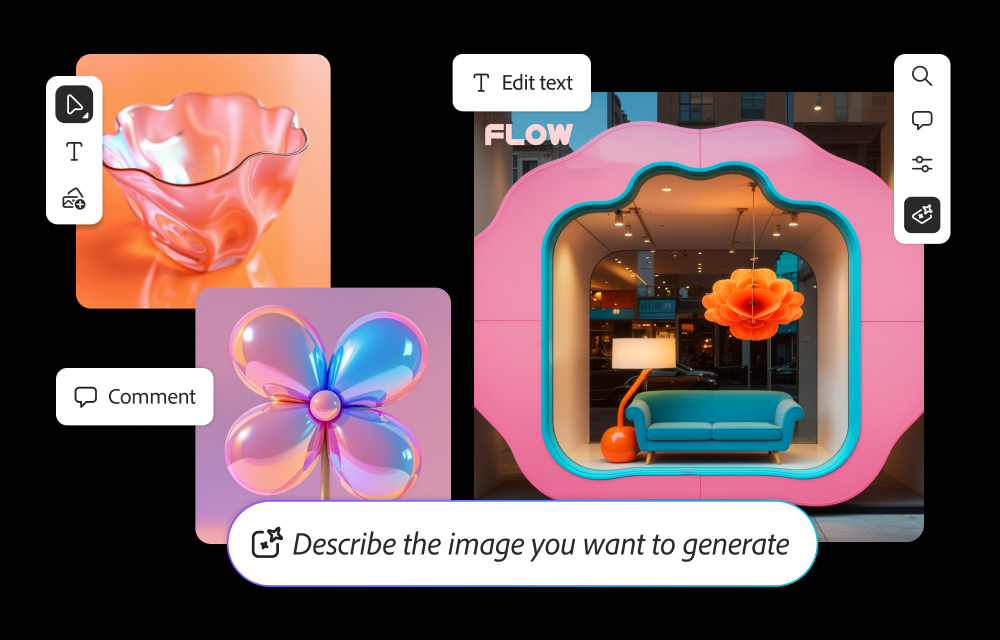
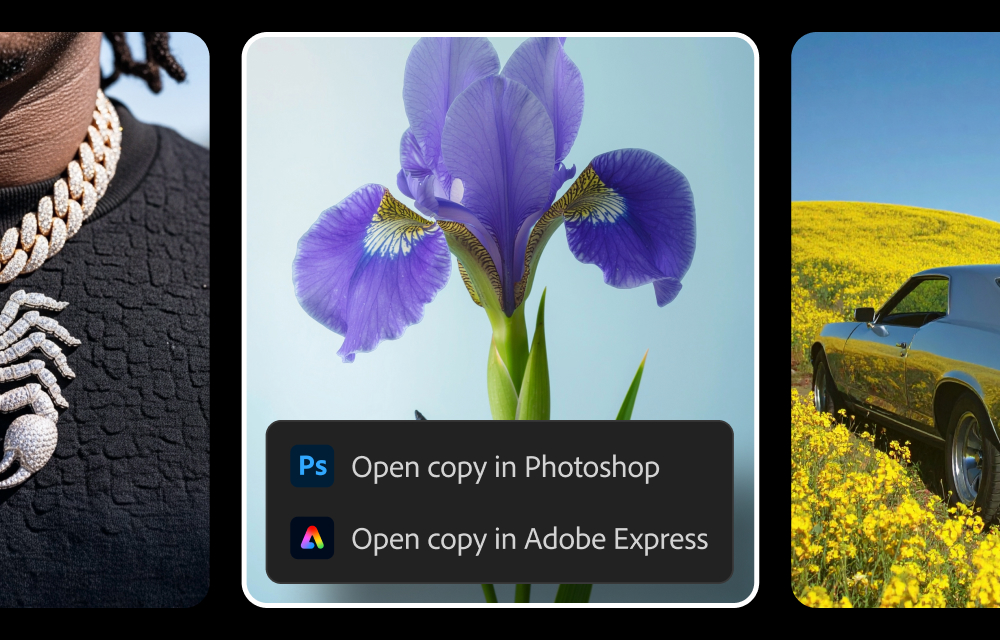
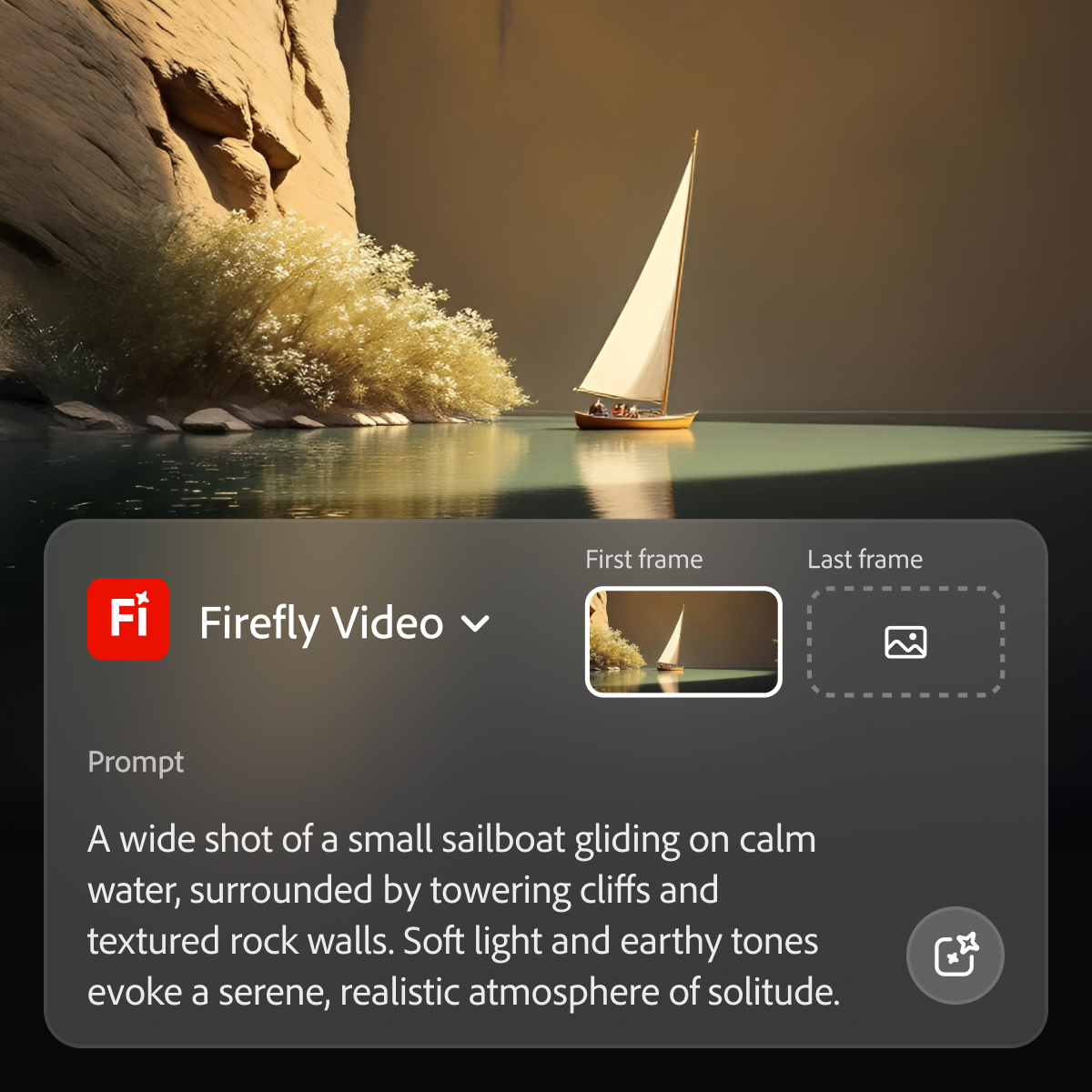
Adobe's Firefly models and services power generative AI features in Adobe creative apps, with features that can be used in Photoshop, Premiere Pro (beta), and the Firefly web app.
$9.99
per month (1 user & 2000 generative credits per month)
Adobe Premiere Pro
Score 9.1 out of 10
N/A
Adobe offers their video editing platform Adobe Premiere Pro, supporting video and audio editing as well as VR presentations, available as part of the company's Creative Cloud suite or as a standalone application.
$22.99
per month
Camtasia
Score 8.8 out of 10
N/A
Camtasia is a video editor and screen recorder. Camtasia offers a range of plans designed to meet varying video creation needs, and enables users to produce professional-looking videos. Its features include Camtasia Rev, script generation, text-to-speech, translations, and avatar videos, to streamline the video creation process. The editions available are Free, Essentials, Create, or the Pro plan.
$179.88
per year per user
Pricing
Adobe Firefly
Adobe Premiere Pro
Camtasia
Editions & Modules
No answers on this topic
Premiere Pro Single App
$22.99
per month
Adobe Creative Cloud - All Apps
$59.99
per month
Adobe Creative Cloud - Students and Teachers
$59.99
per month
Adobe Creative Cloud - Business
$89.99
per month per seat
Camtasia Business
$198
per year per seat
Offerings
Pricing Offerings
Adobe Firefly
Adobe Premiere Pro
Camtasia
Free Trial
Yes
Yes
Yes
Free/Freemium Version
No
No
Yes
Premium Consulting/Integration Services
No
No
No
Entry-level Setup Fee
No setup fee
No setup fee
No setup fee
Additional Details
—
Discounts available for student and teacher plan.
*Discounts available for purchases supporting a large volume of users.
Midjourney was the first text to AI program I had experience with, and I've used it successfully for nearly three years. But with the availability of Adobe Firefly and its partner models, it became unnecessary to assume the additional expense. I do occasionally use AI …
I don't know of other generative AI models integrated within other services. However, I have other generative AI references that, although they did not appear in the list generated by you, here I include one about some that I have used. DALLE-E MidJurney AWS Generative AI …
Midjourney was not in this list but that is the most similar to Firefly in my opinion. I find that Adobe Firefly and Midjourney have a lot of overlap. The generative fill options on Photoshop and Illustrator also include very similar use cases with generating photography and …
Adobe Firefly biggest difference from Adobe Illustrator's generative image tools is not being vector-based like Illustrator. Firefly is a little more pared down in it's interface and a little easier to pick up use, but is also therefore more limited in user settings. Overall, …
Since it is from Adobe, which is recognized worldwide for image and video editing, I believe that Firefly is ahead of ChatGPT in terms of image generation.In terms of Machine Learning, it performs better than ChatGPT and CoPilot, although Notion AI is very good and has a better …
Verified User
Manager
Chose Adobe Firefly
The quality and clarity of the visuals generated by Adobe Firefly is more consistent and life-like than ChatGPT. The options to create different types of visuals such as graphics, illustrations as well as photorealistic images is a great benefit. The integration options with …
Premiere has many more features for the power user than either of these alternatives, and is available cross platform unlike iMovie. It can handle more formats than Camtasia and gives more exporting options than either.
In the main thing I think that the Adobe company develops products of very good quality. I am an fan of the brand and, therefore, we use all of their products. Previously we started using Camtasia, but we did not adapt to it and we believe that it has neither the tools nor the …
Camtasiais much better for desktop/lecture capture -- it doesn't really have the horsepower to do handle large video clips and the .camproj file format (which is basically xml) doesn't integrate well with any other programs. There are also inconsistent features between the MAC …
Learning Management System Administrator, Training Specialist
Chose Adobe Premiere Pro
Camtasia is great for screen-recording and beginner video editing. It is a powerful tool that I recommend to several colleagues. However, it does not have the same robust functionality as Premiere Pro for special effects, sound quality, and color correction.
Camtasia and Adobe Premiere Pro are great for making videos. Camtasia is smooth and has a more limited feature set. In contrast, Adobe Premiere Pro has a higher learning curve but can give the user more options to create dynamic and visually stunning videos. If you want to …
Camtasia is a lower end video editing software. There is limited features and not any integrations with other apps. I think Camtasia is good for super simple video edits. But Adobe Premiere Pro is going to give you all the latest video editing tricks and tools to produce …
We had looked at Camtasia due to an industry referral and although it offers a much more simplistic interface and took less time to learn, it wasn't able to compete with some of the upscale Adobe options. That being said, we do use it for small projects that focus more on …
Other tools are okay, but they all tend to fall short at some point and they are nearly impossible to pick up and properly edit as a package after they have been created and rendered. They tend to look a bit amateurish. My thoughts on Adobe Premiere Pro are that you either do …
Adobe Premiere Pro, for me, is the one with better workflow and easier to learn user interface. One of the reasons for that, is that it takes the same UI/UX path of other Adobe tools that we already use, so the mastery of using it is integrated with the mastery of using these …
Although it may not have all the bells and whistles Adobe Premiere Pro has or the flexibility of Storyline 360, for the amount of money it cost, you can still do some pretty amazing things with this software. If you are at all interested to see what I have done with it, I will …
Captivate and Storyline does not compare when it comes to screen captures. They may have similar capabilities, but they do not always work well. Camtasia works flawlessly when it comes to screen captures. Adobe Premiere Pro is a different story. For simple edits, Camtasia is …
Adobe Premiere Pro CC has many more features that allow for more granular adjustments to video and effects, plus the added benefit of linking to the Adobe suite of products. In the end, Premiere is more powerful. However, all of those features come with a cost: a steep learning …
Our advanced editors use programs like Adobe Premiere Pro and DaVinci Resolve, but we only have about 5-6 employees that have that skill level. That isn't enough to support our video output. Camtasia allows everyone that is not at that level to create quality videos with a much …
As with most software products, you'll always find pros and cons when making comparisons. Camtasia is always my go-to application when someone asks me to whip up a video on a very tight deadline. You can very quickly turn an idea into a finished video and be happy with the …
I honestly have not worked with any others in at least three to four years. There is virtually no learning curve with Camtasia--super simple and does everything I need. I cannot say how others stack up currently, as there has been no reason to explore other options since using …
Danaher Business System Leader (DBSL), Awesomizer, Fixer, Maker, Collaboration Enabler
Chose Camtasia
Camtasia is not on the same level as Premiere Pro, but it isn’t designed to fill that niche either. Premiere Pro is much more capable, but it is also much more expensive and much more broadly focused as a linear editor. It is much more approachable, it is much more affordable, …
Captivate is high-end to the extent that it is beyond the use of a "typical" user. It has a steep and lengthly learning curve. Camtasia's learning curve can be mastered potentially within an hour to be productive, and it weds with Snagit to become versatile in presenting …
The two first, well too complicated. I couldn't move fast enough to be able to edit what I needed. I tried and every single time, I came back to Camtasia. The rendering process seems to be faster (I worked prior with a third party company and the rendering process took a lot of …
Adobe Premiere has many more options and capabilities, but it is harder to learn than Camtasia. I recommend using it after some experience with a more basic software such as Camtasia. One feature example Premiere has that Camtasia does not is the ability to remove things from …
Camtasia lets you purchase the software and download it to your computer. You don't need to have an internet connection to work on your projects with Camtasia. You don't have to pay a monthly subscription for Camtasia like you do the others. Camtasia is the software to use if …
I have used others, but I consider that the closest to Camtasia are: Movavi, Filmora, Openshot, iMovie and perhaps DaVinciResolve (although this is something more for the professional sector). Among the others I've used: LumaFusion (Ipad), Kinemaster (Android), Vllo (Android) …
Adobe offers you a lot more tools and control over what you are doing when editing a video, but there tends to be a lot of features you never use and get overly complicated. Camtasia offers the basic tools that you need to get almost any job done if perfection is not required.
Assistant Director of Housing and Residence Life for Marketing and Communications and Technology
Chose Camtasia
Camtasia is not going to be a high-end editing software, but it gets the job done. It is built for the marketing professional who does not have an extensive background in video editing but needs to create videos on a regular basis. It leaves a little to be wanted, but I would …
Camtasia lacks the toolset that Premiere or Final Cut provide, but its connection with SnagIt and ability to track and highlight cursor/mouse interactions make it a viable tool. Camtasia, paired with a more capable video editor, will offer any video editing option that …
Camtasia is much easier to use, and more importantly much easier to learn. If you're needing to learn video editing quickly or are looking for a screen recording solution, Camtasia is a clear winner. While not as in-depth or feature-rich as Premiere Pro (which is a wonderful …
Premiere overall all is a more robust software but it requires a level of expertise most of our everyday user don't have as with Adobe After Effects it really requires formal education/training in videography or multimedia to be able to properly capitalize on. We also use …
Camtasia is more robust than ilos or other capture only or capture and delivery only systems. It has more features to add in content after you record (annotations, text, media) and to update your recording at a later date. It is less featured than full NLEs like Premiere in the …
Camtasia provided a simpler UI without sacrificing features. The cost of the software is marginal compared to what it allows you to create. The software is updated frequently and works using minimal resources.
While Adobe does and should establish policies with regard to censorship of certain types of images and words used in prompts, the restrictions do at times seem arbitrary and random, with little feedback in such cases as to what issues in particular are causing problems. For example, if using a reference image of a child to produce a video is forbidden, it would seem simple enough from an AI point of view to explain the limitation to the user.
I have actually recommended Adobe Premiere Pro to many people looking to get into the editing field. It is perfect for any type of video creation. It would not be very useful for someone who isn't serious about video editing and wants to just use something to cut out the beginning or ends of clips. It's too advanced for that and [maybe] confusing for someone not educated in the field.
Camtasia is so easy to use that I recommend it over Adobe Premiere, Captivate, Storyline, and other tools. The only problem is the price. Due to the fact that I purchased this for education purposes, and educational prices have gone up exponentially, it has been difficult even at $179 to upgrade, as an educator and the organization is not always willing to reimburse the purchase, it would have been more economical. It was less than $100 (Black Friday) when I bought our updated version in 2019. Camtasia profile accounts aren't the best setup, however. My profile account does not reflect when I was a user or show past invoices, and I wanted to see how long ago I was a user.
In Adobe Premiere Pro, Adobe Firefly does a great job with the Remix Tool which expands the length of an audio music track while matching notes and adding more beats to its length. The transitions are seamless, and after the generation is completed it is difficult to distinguish the new beats apart from the original composition.
In the Adobe Firefly, I use the standalone app to create graphic variations and visual concepts for quick mockups to streamline design ideas. This process helps me to speed up the creative process and to work more efficiently. It also presents me with additional creative ideas to incorporate in future ideations.
In Adobe Photoshop, Adobe Firefly is wonderful with the 'Generative Fill' which uses prompts to enhance an original image by adding complimentary content, replacing content, or even removing the background or content from an image altogether. The result is extremely realistic and amazing.
Export times: I do a massive amount of exports with intensive graphics. They often need to be done quickly. If export times could be reduced by 90%, my life would improve drastically.
Importing errors: Certain video formats are not compatible, such as specific types of MP4s and MKV files. Greater flexibility would be wonderful.
End the subscription model. I'd gladly pay one flat fee once and be done with it.
USB Microphones can sometimes cause a problem if they become accidentally unplugged during a recording session. This can corrupt some of the files that the Camtasia Recorder application uses to capture directly to .avi mode.
You'll sometimes get a message when you next try to record that .avi mode isn't available and the only way to fix this is by completely uninstalling and reinstalling Camtasia (with a reboot in the middle of these two actions).
This bug only manifested after Camtasia 8 was released, but still seems to cause an issue right up to and including Camtasia 2021.
I'd like to see more standard Annotation options. The existing ones are pretty good, but variety is a little lacking.
More 'Behaviours' would also be really welcome as these are a great feature and make Callouts a bit more interesting and lively. I've not seen any new Behaviours over the past few versions (since Camtasia 2018).
Because while Adobe Firefly is a good tool (and comes integrated to a certain extent with your Adobe CC subscription) there is still a long way to go before it can have the support to be able to use it outside of the same program subscription.
There is not better program for your needs than Adobe Premiere Pro. It doesn't matter if it can be hard to learn because this product is the top of the line and you will not find a better video editing program. This is what the professionals use. It is worth the learning curve.
Each release of Camtasia has added just enough functionality to justify the upgrade to the new version. I like that Camtasia is not a subscription-based product as we have more flexibility and control over our spend on the product. We can also purchase support packages that include the next version when released.
Easy to use on the web application, and its integration into Photoshop is super easy to utilize for my projects. I always get what I am looking for out of Firefly, and it's become an amazing tool to save me time on a heavy workload task.
Premiere Pro is a very powerful tool, but it's not intuitive - it's virtually impossible to use without some kind of training or instruction. That being said, once you've learned how to use the product so that you can take advantage of its various video editing and creation options, it's an incredible program in terms of features and tools.
I haven't used another video recording and editing tools that is as comprehensive and straight-forward as Camtasia. Typically, if you want a user-friendly video editing tools for novice users, you have to compromise on features. Camtasia solves this problem by offering extensive editing features in a simplistic, user-friendly environment. Highly recommend
It is a professional team that provides customer service at any time. I think that the team does not rest until they find a solution to your problem. I think this makes this company great because when a company offers a good service, and they treat you well, the customer always returns satisfied.
With the latest version (Camtasia 2020), I actually had problems with an Imac with HighSierra, but from the first moment they answered and guided me to solve the problem, even before making the purchase (with some doubts I had). And they have support in English and Spanish, I really liked that.
As I have noted in previous answers, the integration of Adobe Firefly is already done for you. It is part of the Adobe Suite and works seamlessly with all other Adobe products. If you don't happen to use Adobe products, it works just like any other AI image creation tool in that you can save and download your creations to edit in whatever software tools you prefer.
Midjourney was not in this list but that is the most similar to Firefly in my opinion. I find that Adobe Firefly and Midjourney have a lot of overlap. The generative fill options on Photoshop and Illustrator also include very similar use cases with generating photography and extending areas of a photo to imagine outside of the crop.
DaVinci Resolve is a powerful editing and color-grading application, and the base version is free. However, I've found that with the Lumetri Color panel in Premiere, I really have no need for Resolve as it meets all of my needs. Additionally, I've found Resolve to be lacking in support for the broad range of file types that Premiere handles gracefully.
I've tried several freeware recorders, too. If all you want to do is literally record your screen, and nothing else, you don't need Camtasia. There are literally dozens of apps that will do that. If you want an app that will record your screen while capturing mouse clicks, follow you, record your voice while you capture, and annotate when you're done, Camtasia has no equal. Plus, it doesn't stop there. You can add professional intros and outros (many already created to choose from), lower thirds, etc., leading to videos with very high production value. This is THE program to buy if you want to produce training videos of very high quality.
Firefly has saved us many hours by being able to generate images that were otherwise hard to find, or images that we'd need to request licenses to use. Those time saving equate to money savings as team members can move on to other paid tasks more quickly.
When using the generative fill feature, being able to extend the aspect ratio of images we already have in our library has saved us both time and money.
Using Firefly has been a useful part of our strategy to introduce Generative AI to our clients, which helps us stay on the front foot with new developments.
Speed of workflow has increased- specially when coupled with keyboard shortcuts
Jobs have had a faster turnover rate which makes clients happy.
I have two Adobe accounts, one for work and one for personal use. Both of these accounts are paying for themselves through the work I can provide with the use of Premiere.