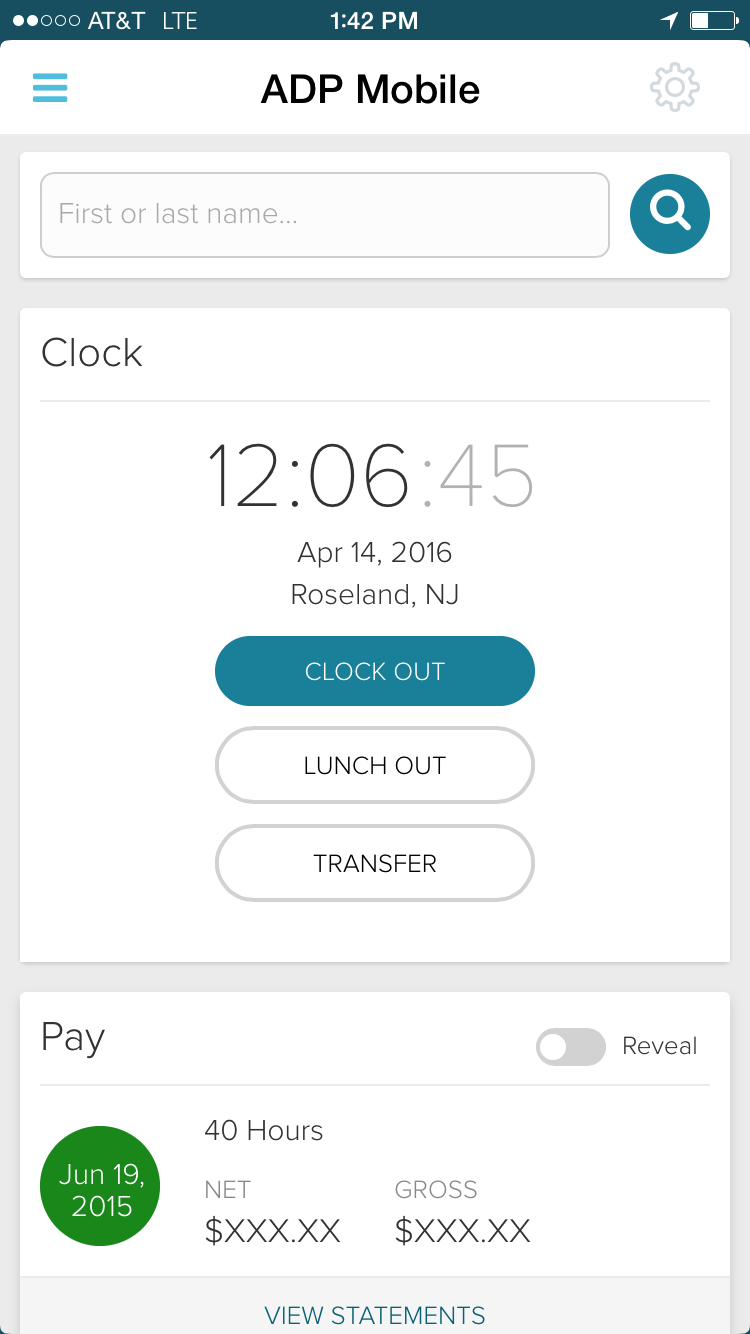
ADP Workforce Now is a cloud-based HR platform for mid-sized businesses. It features customizable modules of various HR services that businesses can tailor to their specific needs, as well as regulatory monitoring and alerts to help businesses remain compliant.
N/A
OnPay
Score 8.7 out of 10
N/A
OnPay's payroll and HR is designed for people who want to spend more time running their business, and less on back-office tasks. The application aims to enable users to: • Run payroll • Automate taxes • Let employees do more themselves • Simplify HR processes • Offer benefits in any state OnPay starts at $49 plus $6 per person each month. The monthly fee includes integrations with QuickBooks, Xero, and time-tracking software, as well as all quarterly and…
$49
per month +$6 per month, per person
Proliant
Score 8.9 out of 10
N/A
Proliant provides a cloud-based human capital management solution designed to simplify payroll and HR processes, improves accuracy, and ensures industry compliance. Proliant is an all-in-one solution for workforce and talent management across the entire employment life cycle. Specializing in payroll, Proliant helps users pay people accurately, on time, and without risk from the IRS, supporting tax filings, contractor payments, and unlimited payroll runs. Proliant also streamlines…
N/A
Pricing
ADP Workforce Now
OnPay
Proliant
Editions & Modules
Essential
Contact sales team
Enhanced
Contact sales team
Complete
Contact sales team
HR Pro
Contact sales team
Payroll Essentials
Contact sales team
HR Plus
Contact sales team
Hiring Advantage
Contact sales team
Performance Plus
Contact sales team
No answers on this topic
No answers on this topic
Offerings
Pricing Offerings
ADP Workforce Now
OnPay
Proliant
Free Trial
No
Yes
No
Free/Freemium Version
No
No
No
Premium Consulting/Integration Services
Yes
No
No
Entry-level Setup Fee
Required
No setup fee
No setup fee
Additional Details
Please contact ADP for a product demo and ask about a hands-on "test drive" of Workforce Now.
First month free, then $49 + $6 per employee each month.
Many companies say they have seamless integration, provide a wide-array of reporting capabilities to help achieve compliance, company objectives, analytics. In my experience, only WorkForce has been able to say it and bring it to fruition.
While different payroll software options cater to various business needs, OnPay's standout features in terms of usability, affordability, accuracy, scalability, and support often place it favorably among businesses seeking a reliable and user-friendly payroll solution.
Great value and easy to use without a masters degree in payroll. Great customer service, not having to wait on hold or chat for hours in the hope someone can help you.
The system as a whole is very similar in a lot of ways to what we demoed with Paycom and what we used with ADP. I would say that payroll is significantly simpler with Proliant than it was with ADP. Having a designated account manager and point of contact was a main selling …
The ease in which you can process payroll and year end (T4s). Ability to maintain payroll - enter upcoming changes (e.g. pay raises for a certain date) ahead of time. While we don't use it in my current company, in past ones the time & attendance integration with timesheets is fabulous. Our company uses a 3rd party scheduling & timesheet platform which also integrates with one click but is a little more work to maintain time off balances within ADP Workforce Now. We use the 3rd party platform (Evolia) for scheduling and timesheets as the management here wanted the ability to see salaried employees on site, have a chat feature, and some self-management on the employee side with the ability to swap shifts.
OnPay works for me as a small business owner. It streamlines HR, Payroll and Employment Tax Filings - and it can be helpful in exploring benefit options with integrated partners. We run payroll for both of our companies through OnPay and haven't had any issues. The employees find it easy to use on their end, as well. The OnPay representatives are extremely proactive and communicate updates/changes in a very timely manner. If you have a substantial number of employees, it may be more efficient to look elsewhere due to cost.
Overall, I would generally recommend Proliant to a colleague as I think the system and structure has great bones and is generally very easy to use. However, if a colleague was needing a system with a robust reporting system or access to immediate support, I would be less likely to recommend the system.
Communication - From my first call I was so impressed at the level of care and compassion OnPay expressed. I was assigned specific employees who were available in the sign up process to walk me through each step and to answer all my questions. I know some of my questions were probably "stupid" but OnPay never minded answering them and I was always treated with respect.
On Boarding - The nightmare I had experienced with a competitor became a dream with OnPay. They said if I would authorize them to sign onto my account they would take care of the sign up process. And they did!!! They also did it correctly. All of the numbers and information was error free. The only information I was required was input was direct deposit bank information.
Resolving an Issue - I have only had one issue that needed to be resolved. The person I talked to had to check with another person for an answer but she stayed on the line with me to make sure the problem was resolved. Then I received a follow up email outlining exactly what action they had taken.
Ease of using the website - I can find what I am looking for! I like the verification code. And every time I sign on to my account the red heart by our company name makes me smile.
You can add additional additions or benefit items such as a car allowance. The process required me to contact a representative as that wasn't as easy to navigate.
The process for handling additional withholdings for pre-payed taxes required support to ensure the calculations were accurate.
Process for on-boarding is a little tricky if you don't start the process from the point of hire. You can add various things easily but it reflects differently in terms of completion of an Employee file.
Reporting is limited to data that is pulled by pay period--not by date worked, so if trying to determine how much an employee earned during a quarter--you have to calculate this manually
Employee records are limited to admin only viewing--so managers can not see payrates, upload documents to employee files or update expiration dates to licenses, etc
User guides in the knowledge base are out of date and don't cover the recent updates to the system--or outline processes that are no defunct
Limited integrations with other HR platforms are available. Ex--outside ATS, candidate assessment tools
Due to the lack of support from the sales and service center we are looking at other options outside of ADP. Again it is a good system, it just lacks the support it deserves from the company employees. It is just unimaginable that you will need to reach out to a service provider several times for the same issue and not get it resolved.
We have used OnPay for a few years now and we do continue to renew our annual use of OnPay. We are only a small organization and although OnPay provides a lot of additional services that larger organizations might ind useful, OnPay still meets our limited requirements of running bi-weekly payroll and submitting our quarterly state and federal tax documents, and at a price that we still find affordable.
I would give it a 10 however I do not like when ADP does facelifts in Workforce Now which does not add any value other than having to relearn navigation. I am also not a big fan of being forced to refer to the Bridge. We have Google which gives the same results. If I understood the answer I would not contact our Account Rep.
For a one geography business in a larger metro area not planning to expand tax geographies or do anything other than the same-ol, same-ol, then I think OnPay is great. Their biggest issue is tax support responsiveness - it's simply unacceptable yet they seem to not be concerned about it at all.
Proliant is pretty easy to maneuver and get used to. There are some things than can be tedious but nothing too difficult where you have to spend hours to get it to work. The payroll processing is pretty straightforward and that's the core reason why we use their software.
Overall, I think the functionality of the program works pretty well. Sometimes, certain browsers do not work well for the policy function of ADP, but that is the only issue thus far
Kelly La Rosa and Brian McLaughlin have been exceptional partners over the last few years and a tremendous source of support in my role. They are consistently solution‑oriented, highly responsive, and proactive in identifying opportunities to improve our processes. Both regularly brought forward thoughtful recommendations, including suggestions for new ADP products that aligned well with our evolving needs. Their expertise, reliability, and genuine commitment to client success have made a meaningful impact on my work and on our overall experience with ADP.
As mentioned previously, I appreciate the Chat feature and have used it several times. I've also used the help database and found it wonderful. And I've had many email support interactions. Every time I've interacted with many individuals from the support team including...(who has helped me a number of times). The interactions have been professional and courteous and extremely helpful. Often they're able to resolve my problems and questions very quickly. OnPay has provided great support to our team here at Strike Visuals.
In-person training was pretty good - I think this significantly depends on the trainer. Our trainer was really good and showed what ADP can do - but I know that all trainers are not the same - and this truly makes such as difference. Overall, our training went pretty well.
At the time training was not as expansive as it is now. If it could go wrong it did for me so the process was difficult and lengthy. I needed to have more in person walkthroughs of things to ensure the transition was done correctly. Not sure what else I can say, we were part of the initial move to Workforce Now when it was introduced.
Either assign more than one specialist to the implementation process, or assign less clients to the implementation specialist. The process requires attention to detail and the ability to test and re-test as well as verify the information. It also requires a lot of back and forth between the client ant the implementation specialist, so they need to be readily available during the whole implementation process.
I also used UltiPro (way back -- it didn't even appear in dropdown). Recommend ADP Workforce Now above all others. Paycor and Paycom were both very clunky. I even helped implement Paycom and could never get it to work how the business needed it to.
OnPay is tremendously less expensive and technically superior to Quickbooks in my opinion. OnPay is less expensive and offered the ease of managing a restaurant payroll that was better in my opinion than When I Work. My experience when evaluating all of the payroll products that I felt the company could afford was that OnPay had a superior staff of professionals who knew their product and could explain how to use it most clearly.
Proliant is the only payroll software I have used, and I don't plan on changing that anytime soon. It gives me everything I need in simple, easy-to-use software. If I have questions they have quality customer service. I get calls weekly to change to other payroll services, and I don't consider changing because there is no need to change - I have everything I need here. Proliant does exactly the job I am looking for it to do.
We have several departments that utilize the reporting, utilize the timecards and the system. We also have self service that is nice for all of our employees. This system allows us to designate what each group can see, and what employees can change, or who can clock in and out offsite
ADP WorkforceNow has provided a positive ROI for our company. It has saved me countless hours in the time I used to spend preparing reports, managing benefits, and annual enrollment, recruitment tracking, and much more.
The integration with Payscale has allowed our company to take every position in our organization and benchmark it to industries and job titles. This has allowed us to be more competitive on recruitment and retention.
We have used the new DE&I dashboard to provide valuable information on the landscape of our workforce, as well as areas of our organization that may not be as diverse.
i am not able to give this information because I don't believe our firm fully uses Proliant
I was just made aware of some of the benefits Proliant can offer through this survey
The only negative is that when the "pre-wire" requirement was activated this year, we were not told ahead of time and it caused a lot of confusion and delay when we tried to process the first partner payroll in January.