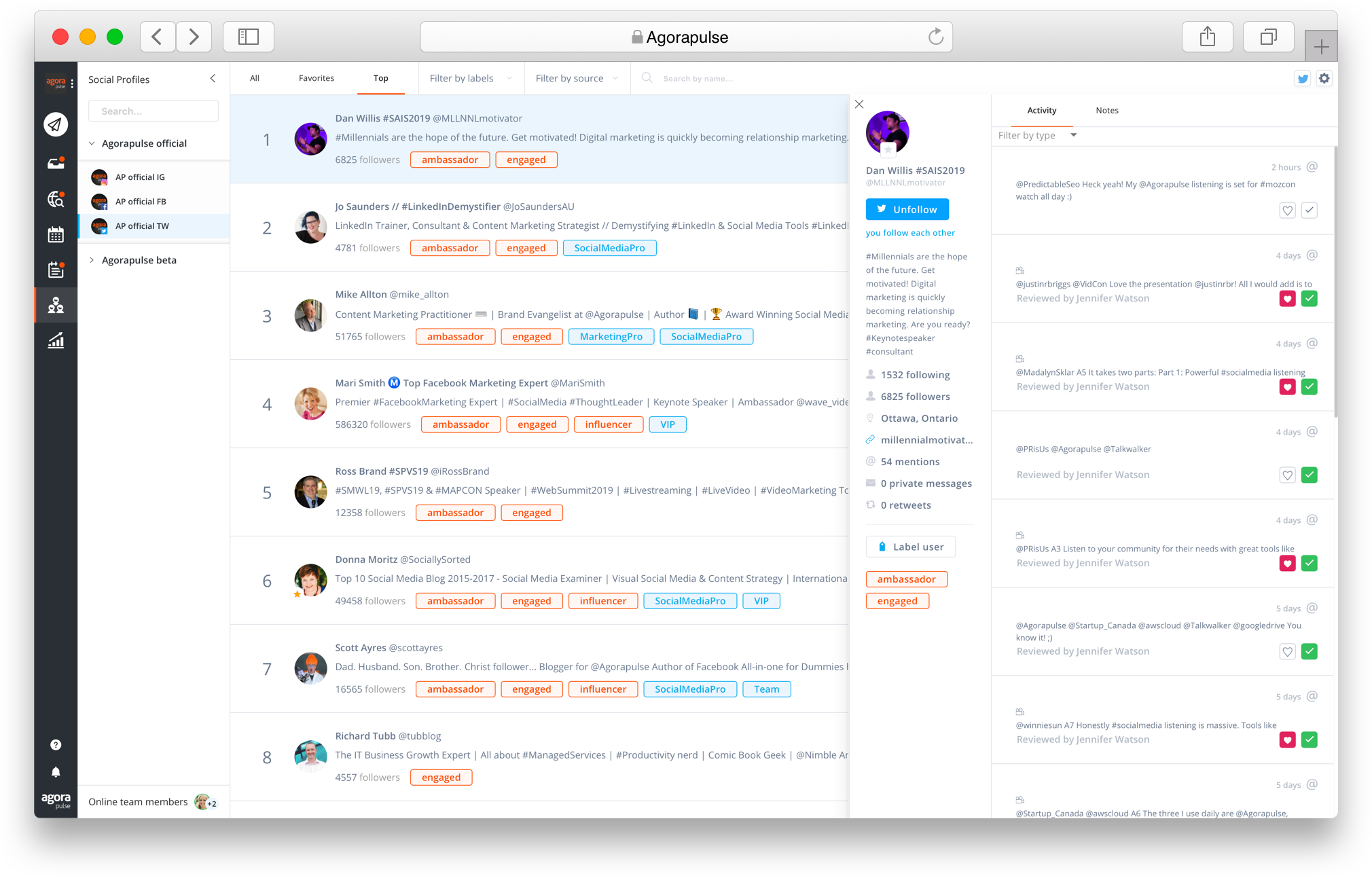
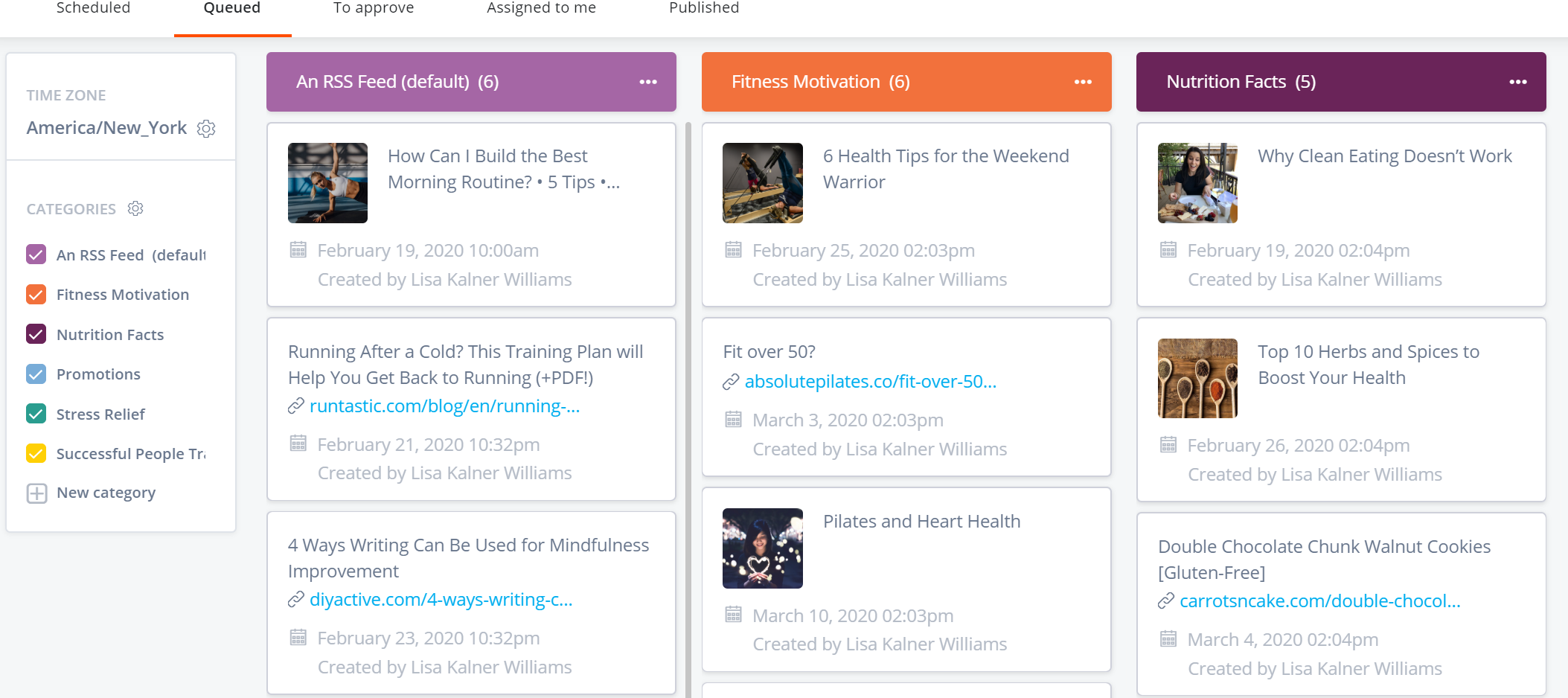
Agorapulse is a social media management tool that aims to help mid-sized businesses and agencies better manage their Facebook, Twitter, TikTok, Instagram, LinkedIn, and YouTube activity. This social media management tool allows users to post content, engage with their community, and download reports from a single dashboard that is designed to be intuitive. Conversations are captured with the inbox -- depending on the social network, it captures comments, mentions, direct/private…
$49
per user
Buffer
Score 7.7 out of 10
Small Businesses (1-50 employees)
Buffer is a social sharing tool. When browsing content, clicking on the Buffer icon automatically stores the content and schedules posts to social media channels throughout the day.
$6
per month per channel
Engagor (discontinued)
Score 6.8 out of 10
N/A
Engagor was a Social Media Management platform with key features include monitoring of the social web, real-time customer engagement, workflow automation, analytics and reporting. The product was acquired by Clarabridge in 2015, and then Clarabridge was acquired by Qualtrics in October 2021. Engagor is no longer available.
N/A
Pricing
Agorapulse
Buffer
Engagor (discontinued)
Editions & Modules
Standard
$99
up to 10 profiles
Professional
$149
up to 10 profiles
Advanced
$199
per month up to 10 profiles
Custom
Custom Pricing
Free
$0
Essentials
$6
per month per channel
Team
$12
per month per channel
No answers on this topic
Offerings
Pricing Offerings
Agorapulse
Buffer
Engagor (discontinued)
Free Trial
Yes
Yes
Yes
Free/Freemium Version
Yes
Yes
No
Premium Consulting/Integration Services
No
No
Yes
Entry-level Setup Fee
No setup fee
No setup fee
No setup fee
Additional Details
All plans are free for 30 days.
Additional profiles cost $15/profile.
A discount is offered for annual billing.
—
More Pricing Information
Community Pulse
Agorapulse
Buffer
Engagor (discontinued)
Considered Multiple Products
Agorapulse
Verified User
Account Manager
Chose Agorapulse
Have not used other products similar to Agorapluse in my career.
Agorapulse is my favorite out of all its competitors. However, when only managing 5 or fewer channels, Buffer becomes the platform I recommend as it is much more cost-effective.
There were a number of reasons I chose AgoraPulse including the ability to have roles and approval of contributors and ability to allow only certain people access to certain accounts.
AgoraPulse does extremely well against both Buffer and Social Jukebox. I think AgoraPulse has deeper analytics without having to cost as much as Buffer. AgoraPulse provides a better sense of control versus Social Jukebox.
I prefer buffer over Hootsuite and prefer Agorapulse over Buffer. The reason I would recommend Agorapulse over Buffer is that when using more platforms Buffer becomes too expensive.
Buffer holds its own against Agorapulse, and its intuitive and minimalistic platform means you can do exactly what you need to do on a small scale. This is something that brings me back to the platform again and again - the ease of use. Agorapulse handles more content and …
They all solve the same problem. Buffer initially started as a way to post content without worrying about the "when". Just add to the queue, and Buffer would post at a specified cadence. Buffer's price point is very reasonable for the services that it offers. They've grown …
I think Sprout Social and Hootsuite provide more comprehensive tools and analytics, but they have more expensive plans that don't cater to businesses of all sizes. Plus, all of that complexity can make it hard to find what you're looking for. That's where Buffer excels. It's …
Agorapulse has been a huge benefit to us as a business and is the most comprehensive platform we've used, having previously been with Hootsuite and ContentCal. It is likely to be better for companies that are managing multiple social profiles and want to consolidate these into one manageable platform. Given the amount of features it provides, it might not be suitable for individuals. The reporting is a fantastic part of the platform, which includes brand awareness for certain profiles, the best time to post for engagement, and details that all help with strategising. The inbuilt link shortening and tracking is useful, we've set this up and need to explore its capabilities further. Overall, we would recommend Agorapulse and it's a great asset to our business.
It helps me save hours by devoting only half an hour in a month's worth of posting, in addition to that it is quite simple to use. Buffer for scheduling social posts well in advance, but I have begun using it instead of posting natively on the social apps themselves because it makes it super easy to post the same messages to more than one platform.
Engagor is a very powerful tool for customer care purposes to be able to engage in real-time with your customers. If there are a lot of messages coming in during important peaks throughout, we can easily answer them every 30 seconds. Engagor isn’t that fit to use for publishing. We mostly use Engagor to reply to messages in real-time. However, for scheduling posts in Engagor, we publish and schedule on the native platform instead.
Calendar sharing - great for internal and external approval
Community management - it means we can keep on top of engagement for all of our clients in one place
Report - it's really useful for us to be able to create such in depth reports that we can use internally but also share with clients so they can see the results of what we are doing
Real-time mention tracking is a must these days. Quick responsiveness is critical on many social media platforms, especially on Twitter.
Fast and helpful support via Engagor chat and messages helps a LOT! I think the longest wait time was about 40 seconds for me. My workflow never gets disrupted because of idle sessions.
Automations can help you a lot. Automated "recipes" are great tools for decreasing your agents' workload, and there are many customizable settings for them.
Would love to have a draft feature. We often don't schedule things until the assets are ready, or use a placeholder image and swap them afterwards
Editing posts intended for multiple channels is not as easy as scheduling them in the first place. I would love to edit and have the same menu I do as when I'm scheduling where I have my base text and then the adjusted text for each social media. It's rare that something I've planned to be a similar post across channels, needs editing, but only for one of those channels. e.g. Correcting mistakes or changing strategies.
Currently, I export the analytics and put it in a Google Sheet where I have more control over the data, which I love. For me to use the Agora Reports system, I would need substantial features like comparing metrics in the same charts, using direct line charts instead of smoothed (smoothed charts look nice, but just obfuscate data), separating out paid growth, etc. It's probably too large an ask for what Agora is trying to provide, which is why the export tool is very useful.
While I'm talking about it, a slight bug with the export tool is that when you export two things in quick succession, it just sends a duplicate of the first report via email. I'll export a CSV of Global data and then a CSV of Content, and if I do it too quickly, it doubles up the Global data and I don't get the Content until I resend.
More specific filtering for listening. Sometimes someone has our brand in their name and we get ALL of their content. We have to add each user like this to the filter instead of being able to filter out usernames that contain it.
Expensive Analytics: The upgrade you need to access your analytics is quite expensive, and I have come across other tools that provide the same or even more for a lesser priced plan.
No Media Library: The one feature I have found on another social media planning tool that I wish Buffer had is a media library. This allows you to upload photos you aren't using right away to have them readily available when you do decide to use them. This is not a feature in Buffer.
The UX is pretty clunky. Engagor only loads about 10 mentions per page, so if my team is behind on tagging/mention resolution by a couple of days, for a global brand that can mean an extra week of work. Would be much easier if the user could choose how many mentions show up on their screen.
Over the year we have had issues with Engagor's glitches. For example, the user has the capability to publish to a platform (like Facebook, Twitter, etc.) through Engagor as the brand. For a couple of the brands we work on, Engagor would show the update as published as one brand, but would actually publish as another. As an agency that handles social media content/community management for several very large brands, we cannot afford to have accidental status updates despite the author's efforts. This happened several times over the course of our experience with Engagor, to a point that we had to forego this feature for those brands and publish natively through the platform.
It has definitely skewed reporting numbers more than once -- for a set time period (i.e. 30 days, our typical monthly reporting period), the stats for a platform will appear very different from how they display on the native platform itself. For example, on occasion Engagor would load numbers from a Facebook fan count during a 30-day period that did not at all match up with the numbers Facebook showed me. This also applies to the number of overall mentions of a brand/account.
There is no immediately clear "undo" feature when resolving a mention. There have been times I have bulk-tagged a set of mentions, set all as resolved and then realized that I had made an error, without a very clear way to revert that action.
Double mentions have shown up, skewing numbers and sentiment/tagging analytics.
The insights/reporting section could definitely be a little more clear in how it explains metrics (or why the user should care to report these metrics). While we have an analyst on our team who is happy to explain these terms, I can see how some of them would not be intuitive at all to a user who doesn't live and breathe social media analytics. Also, the line graphs can be very difficult to read and parse. If the user downloads a line graph to their desktop from Engagor, it doesn't necessarily show all of the information you need, making it necessary to screengrab rather than downloading a higher-quality visual.
The decision has been made. It's time to get to work--no steps back. I feel confident this product is well suited to help me make progress. I want to get down business and utilize the functionality of this product to meet my marketing goals. I feel very comfortable with the choice I have made.
I am giving buffer this rating because of a couple issues that it has compared to other platforms. It does not always post to instagram and you will need to go in an manually post. Also, one of the biggest qualms that we have with buffer is the price it costs to have robust analytics
Both the tool and the support that we receive from the customer service department and the customer success manager makes me likely to renew the use of Engagor.
Any time I onboard a new team member, they are very quick to adapt to Agora's user interface and therefore require a very quick onboarding process from me, which is a massive plus. While I think having an all-in-one platform would be ideal, there is something to be said about only having a few bells and whistle so that my team can focus on what is most important to us and our clients, content
We use Buffer for certain website content that should be shared on social networks, having this tool helps us to do it faster and easier since we can send the publications from the internet browser and the stack of scheduled messages. It is really fast and easy for all team members who share access to the account, so at the same time that we analyze the information that we can share, the message stack is prepared
Agorapulse has generally had great performance. Occasionally I have issues with my videos being posted on Instagram. I still am not sure why. the format of the videos is the same as the videos that are going through.
Buffer performs well on both desktop and mobile platforms. The one area as I have stated before is that it does not always want to automatically push to Instagram and the user will have to go do it manually. Buffer works very well pushing to other platforms. The instagram issue is the only reason buffer does not get a 10 on this section
The support from Agorapulse is excellent. Any time we have made contact they have been quick to reply, and given added extra information to help. The initial sales experience was also good. Not pushy like a lot of other companies, more that they would like to help. And they certainly did for us at a difficult time which built a fantastic relationship with us from the very start. Communication is great too, with just the right amount of emails and updates. Overall we feel that they genuinely care about their clients and users.
We were very satisfied with the implementation of Buffer. We had no issues switching from the platform that we were using over to buffer. Our staff did not even miss a beat when it came to posting content. It was an easy transition and I feel that is something that buffer has really done well. They have an "out of the box" usability platform
Want to post the same content on different profiles? Don't duplicate your posts, you can just select what platform to post them onto! You can even change around the copy/hashtags/etc to optimize the posts for each platform.
I also used Combin which is easy and free to use. However, Combin only posts when the computer is active and connected to the internet. So, posting while you are not actively using your computer at that moment is not possible, therefore Buffer is much more efficient as you can even post while being on vacation without working.
Sprout Social is good for smaller accounts with limited traffic. Some insights available but often questionable data. Only picks up direct interaction (i.e. doesn't monitor likes or favourites). Sysomos was used for a while, but spent ages defining search times still producing questionable data. Did not properly monitor Facebook interaction and often did not pick up from that platform at all. Customer service only operated in US time (we are UK) which proved increasingly problematic
Buffer does what it say on tin as they say! you can always count on Buffer. Buffer can be scale to 25 social account with 2,000 scheduled post which is enough for most agencies or businesses