APS is a national workforce management and cloud-based HR solution provider. The platform includes core HR, payroll, time and attendance (including manager and employee self-service), compliance tools, and onboarding.
N/A
Cornerstone Galaxy
Score 7.9 out of 10
N/A
Cornerstone Galaxy is a cloud-based application for talent management. Cornerstone offers suites for recruiting, training, performance monitoring and planning, learning, and HR data management. It is scaled for enterprises.
N/A
Engagedly
Score 8.6 out of 10
Mid-Size Companies (51-1,000 employees)
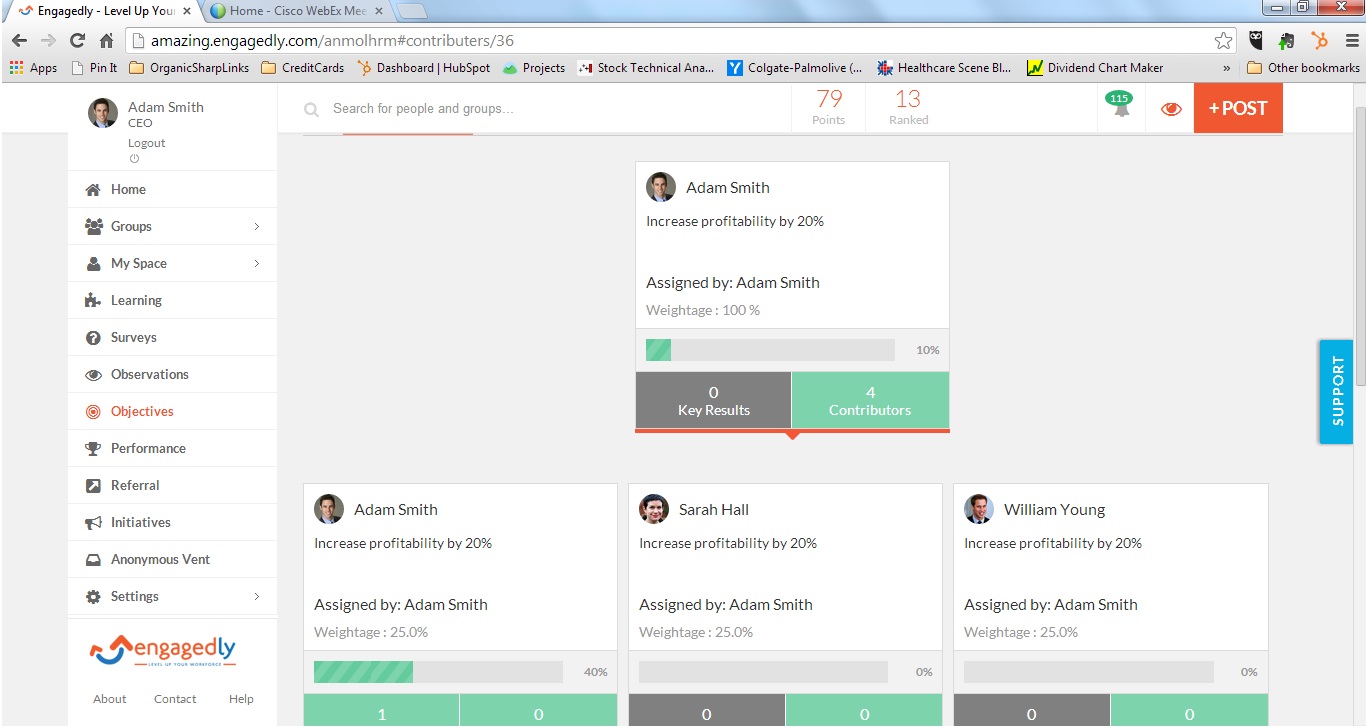
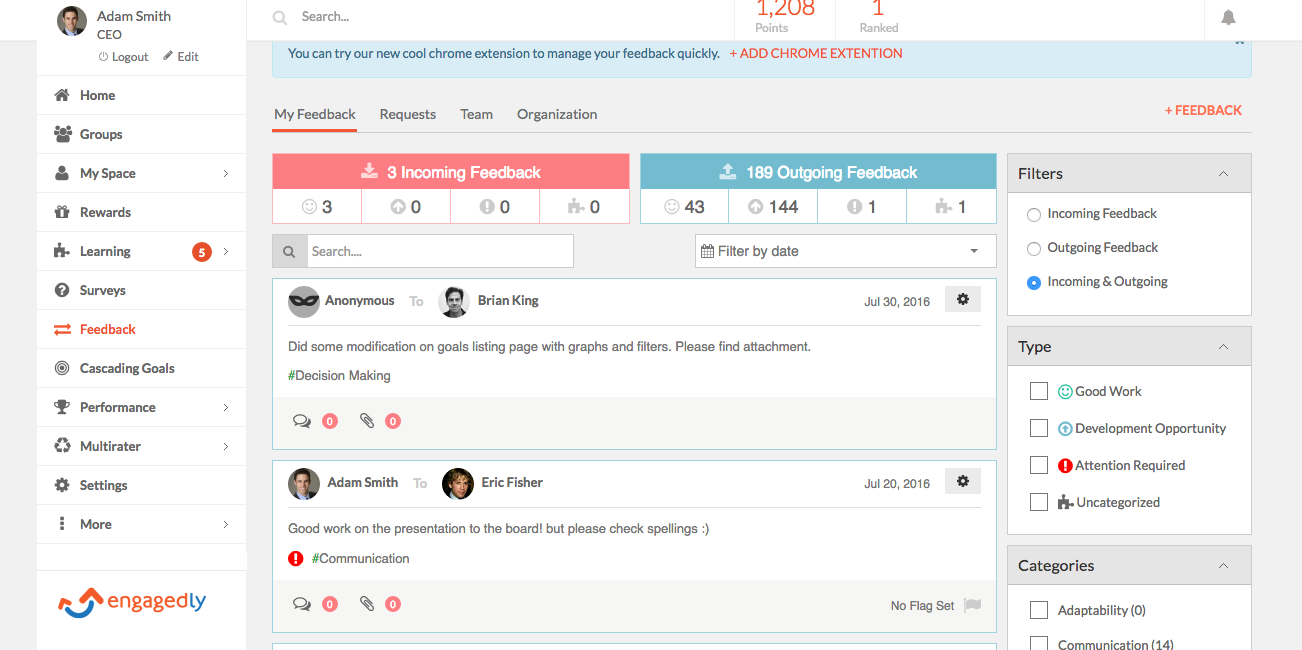
Engagedly is a cloud-based talent management platform for organizations. Engagedly supports performance management, engagement and employee learning, the Engagedly People + Strategy Platform is built to Execute on the user's strategy, Enable teams, and Engage people. The E3 suite consists of the following modules: EXECUTE: Performance Reviews OKRs and Goals 360 reviews 1:1s and Check Ins People Analytics Talent Mobility…
$8,500
per year per installation
Pricing
APS
Cornerstone Galaxy
Engagedly
Editions & Modules
No answers on this topic
No answers on this topic
No answers on this topic
Offerings
Pricing Offerings
APS
Cornerstone Galaxy
Engagedly
Free Trial
No
No
Yes
Free/Freemium Version
No
No
Yes
Premium Consulting/Integration Services
Yes
Yes
Yes
Entry-level Setup Fee
Optional
Required
$1,000 one-time fee per installation (starting cost)
Additional Details
The Payroll solution is offered as a standalone service, but additional solutions must be used in conjunction with the Payroll solution.
—
Pricing is customized based on the suite/modules implemented and the size of the organization
More Pricing Information
Community Pulse
APS
Cornerstone Galaxy
Engagedly
Features
APS
Cornerstone Galaxy
Engagedly
Payroll Management
Comparison of Payroll Management features of Product A and Product B
APS
9.1
34 Ratings
10% above category average
Cornerstone Galaxy
-
Ratings
Engagedly
-
Ratings
Pay calculation
10.033 Ratings
00 Ratings
00 Ratings
Support for external payroll vendors
8.013 Ratings
00 Ratings
00 Ratings
Off-cycle/On-Demand payment
10.04 Ratings
00 Ratings
00 Ratings
Benefit plan administration
8.023 Ratings
00 Ratings
00 Ratings
Direct deposit files
10.033 Ratings
00 Ratings
00 Ratings
Salary revision and increment management
8.725 Ratings
00 Ratings
00 Ratings
Reimbursement management
8.913 Ratings
00 Ratings
00 Ratings
Onboarding
Comparison of Onboarding features of Product A and Product B
APS
-
Ratings
Cornerstone Galaxy
7.7
131 Ratings
5% above category average
Engagedly
-
Ratings
New hire portal
00 Ratings
7.968 Ratings
00 Ratings
Manager tracking tools
00 Ratings
7.8113 Ratings
00 Ratings
Compliance tracking and reporting
00 Ratings
7.4124 Ratings
00 Ratings
Performance and Goals
Comparison of Performance and Goals features of Product A and Product B
APS
-
Ratings
Cornerstone Galaxy
7.9
113 Ratings
8% above category average
Engagedly
8.1
16 Ratings
11% above category average
Corporate goal setting
00 Ratings
7.794 Ratings
8.715 Ratings
Subordinate goal setting
00 Ratings
8.097 Ratings
7.713 Ratings
Individual goal setting
00 Ratings
8.4105 Ratings
7.015 Ratings
Line-of sight-visibility
00 Ratings
7.893 Ratings
8.010 Ratings
Performance tracking
00 Ratings
7.7108 Ratings
9.015 Ratings
Performance Management
Comparison of Performance Management features of Product A and Product B
APS
-
Ratings
Cornerstone Galaxy
7.4
118 Ratings
9% above category average
Engagedly
8.0
16 Ratings
17% above category average
Performance plans
00 Ratings
7.692 Ratings
9.015 Ratings
Plan weighting
00 Ratings
7.279 Ratings
8.010 Ratings
Manager note taking
00 Ratings
7.468 Ratings
7.315 Ratings
Performance improvement plans
00 Ratings
7.380 Ratings
6.713 Ratings
Review status tracking
00 Ratings
8.095 Ratings
7.714 Ratings
Rater nomination workflow
00 Ratings
7.463 Ratings
8.09 Ratings
Review reminders
00 Ratings
7.892 Ratings
8.315 Ratings
Workflow restrictions
00 Ratings
7.084 Ratings
9.011 Ratings
Multiple review frequency
00 Ratings
6.881 Ratings
9.012 Ratings
Reporting
00 Ratings
7.3112 Ratings
7.014 Ratings
Succession Planning
Comparison of Succession Planning features of Product A and Product B
APS
-
Ratings
Cornerstone Galaxy
7.9
57 Ratings
14% above category average
Engagedly
-
Ratings
Create succession plans/pools
00 Ratings
7.148 Ratings
00 Ratings
Candidate ranking
00 Ratings
8.048 Ratings
00 Ratings
Candidate search
00 Ratings
7.951 Ratings
00 Ratings
Candidate development
00 Ratings
8.548 Ratings
00 Ratings
Recruiting / ATS
Comparison of Recruiting / ATS features of Product A and Product B
APS
-
Ratings
Cornerstone Galaxy
7.3
65 Ratings
1% above category average
Engagedly
-
Ratings
Job Requisition Management
00 Ratings
7.844 Ratings
00 Ratings
Company Website Posting
00 Ratings
7.940 Ratings
00 Ratings
Publish to Social Media
00 Ratings
6.537 Ratings
00 Ratings
Job Search Site Posting
00 Ratings
6.437 Ratings
00 Ratings
Customized Application Form
00 Ratings
7.839 Ratings
00 Ratings
Resume Management
00 Ratings
6.542 Ratings
00 Ratings
Duplicate Candidate Prevention
00 Ratings
6.839 Ratings
00 Ratings
Candidate Search
00 Ratings
6.540 Ratings
00 Ratings
Applicant Tracking
00 Ratings
7.640 Ratings
00 Ratings
Collaboration
00 Ratings
7.835 Ratings
00 Ratings
Task Creation and Delegation
00 Ratings
7.337 Ratings
00 Ratings
Email Templates
00 Ratings
7.558 Ratings
00 Ratings
User Permissions
00 Ratings
7.859 Ratings
00 Ratings
Notifications and Alerts
00 Ratings
7.454 Ratings
00 Ratings
Reporting
00 Ratings
7.662 Ratings
00 Ratings
Learning Management
Comparison of Learning Management features of Product A and Product B
APS Payroll is an easy to use payroll system, and integrates well with some things such as the APS Hire feature, which handles onboarding, and the eSelfServe timeclock feature. It exports well to Quickbooks, but is only ok with NetSuite. (It works but is a completely manual process and takes a lot of setup.) Our tax registration and filing has been fine and we're always apprised of any tax discrepancies such as small Unemployment overages/underages when filed compared to what was withheld.
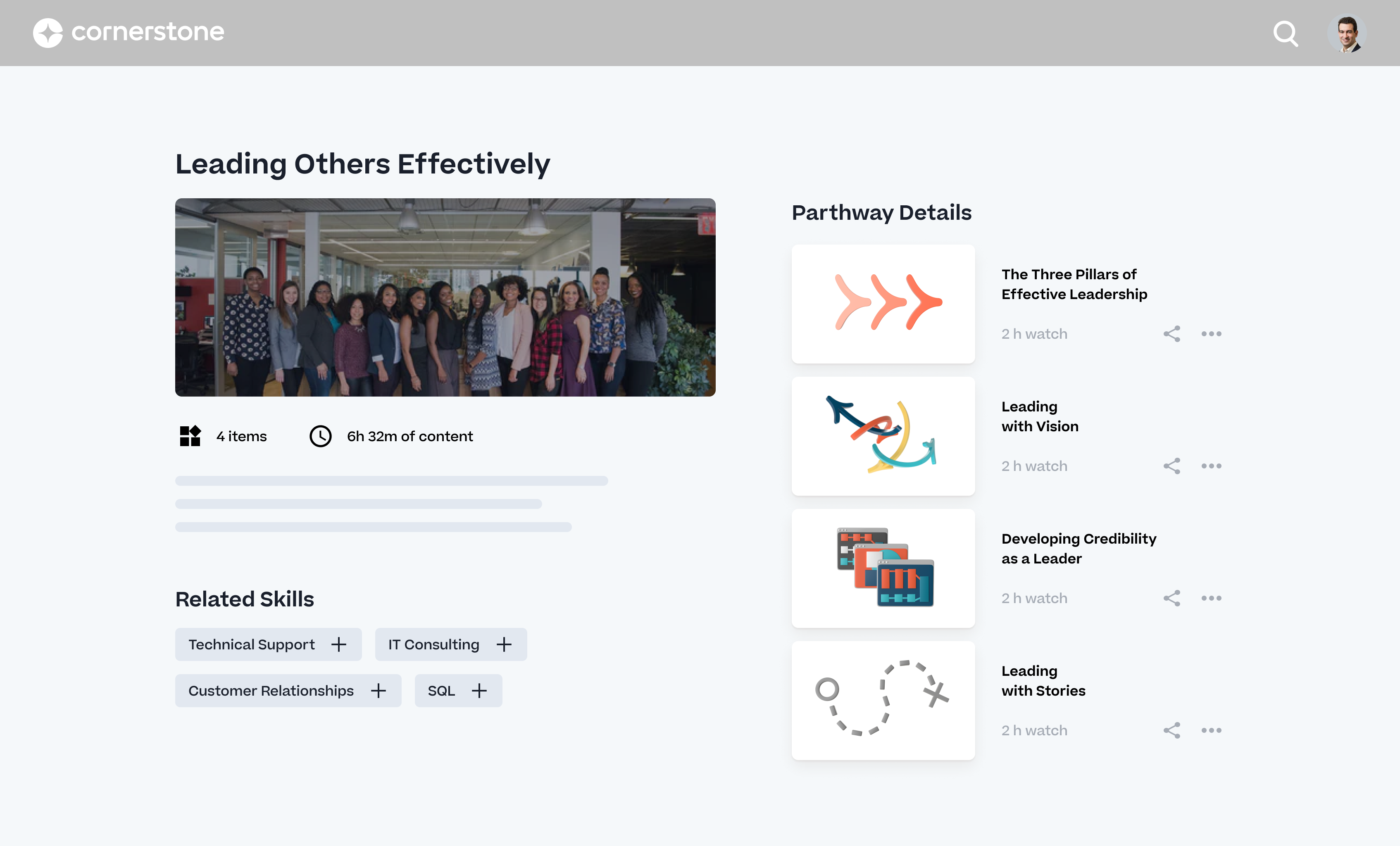
I feel Cornerstone OnDemand is a great solution for companies that have a large amount of compliance training that needs to be assigned and closely tracked. The features of dynamic groups (based on specific user criteria) allows you to target very specific audiences. The assignment functionality gives you great flexibility on when the assignment runs and how often, and also provides many options for due dates (static date or dynamic date - x days from hire date, date assigned, etc.). This has allowed us to have a clear and consistent user experience for both our newly hired employees and our seasoned employees.
Engagedly has a huge range of possibilities and we chose it because of all the functionalities it offers. I'm not marking my rating a 9 or 10 because of the UI. If you're an active user (e.g. in the people department) then you get used to the UI fast enough. However, if you only use it twice per year (like all our other users) it can be difficult to find what you need. That being said, Engagedly offers a truly broad range of HR-related functionalities and we're very happy about that!
It's fast and intuitive. Our previous contractors were ADP and Paychex and neither were intuitive. Our payroll runs have less errors now than with previous vendors. Payroll prep time is down from 5 hours with ADP to 2 hours with APS for the HR Manager.
The limiters are great. I'm always afraid of that error that no one caught. Let's assume that you add a $200 limiter to overtime. Any time that a staff member is about to receive more than $200 in overtime for that pay period, a red flag goes up for the HR manager to double check.
We have 3 programs in public schools that block certain ports. APS has a 2nd feature using GPS so that staff can only check in for their shift while they are in the designated GPS range. Great for someone who has to report to a remote location. Just add the GPS coordinates and they can't check until they get to the project.
Automatic recurring assignments are easy to get that refresher training out without needing to assign it fresh each time.
Reporting 2.0 makes it easy to write and share your reports with just selected filters. Making it easy for people receiving it to just change what they need to see.
Learning Admin Console makes it easy to peek at what is going on in your portal and open up connected reporting when needed.
Success Center is a great resource for getting peer answers to questions and learning about the releases and suggesting changes that should be added to the roadmap.
Reporting - We have six different business units and the reporting is separate for all three. Most reporting I do requires information from all business units so am running six reports and then copying and pasting to get the report I need.
Multi-state taxes - We have a number of employees who live in New York and work in New Jersey. APS OnLine is designed to accommodate one state withholding so ability to have "worked in" state and "lived in" state taxes withheld went away. This was a shortfall.
The Carrier connection setup took much longer than expected. After a year, we are still having some issues with some items transferring over to the GL.
The CA overtime calculation does not calculate after 8 hours per day, only on the 40 per week so we override each week.
Reporting - when running Benefit reports, it recognizes employees who formerly carried the plan but may have dropped it. To get around this, we have to delete off the employee's record so the history is not readily available.
Sometimes finding the right answer to your support question can be a bit more difficult than it should be.
I would like to see more OSHA related courses.
At times, the administrative interface seems to need to be updated, but the tradeoff honestly might be the absolute rock-solid stability of the platform.
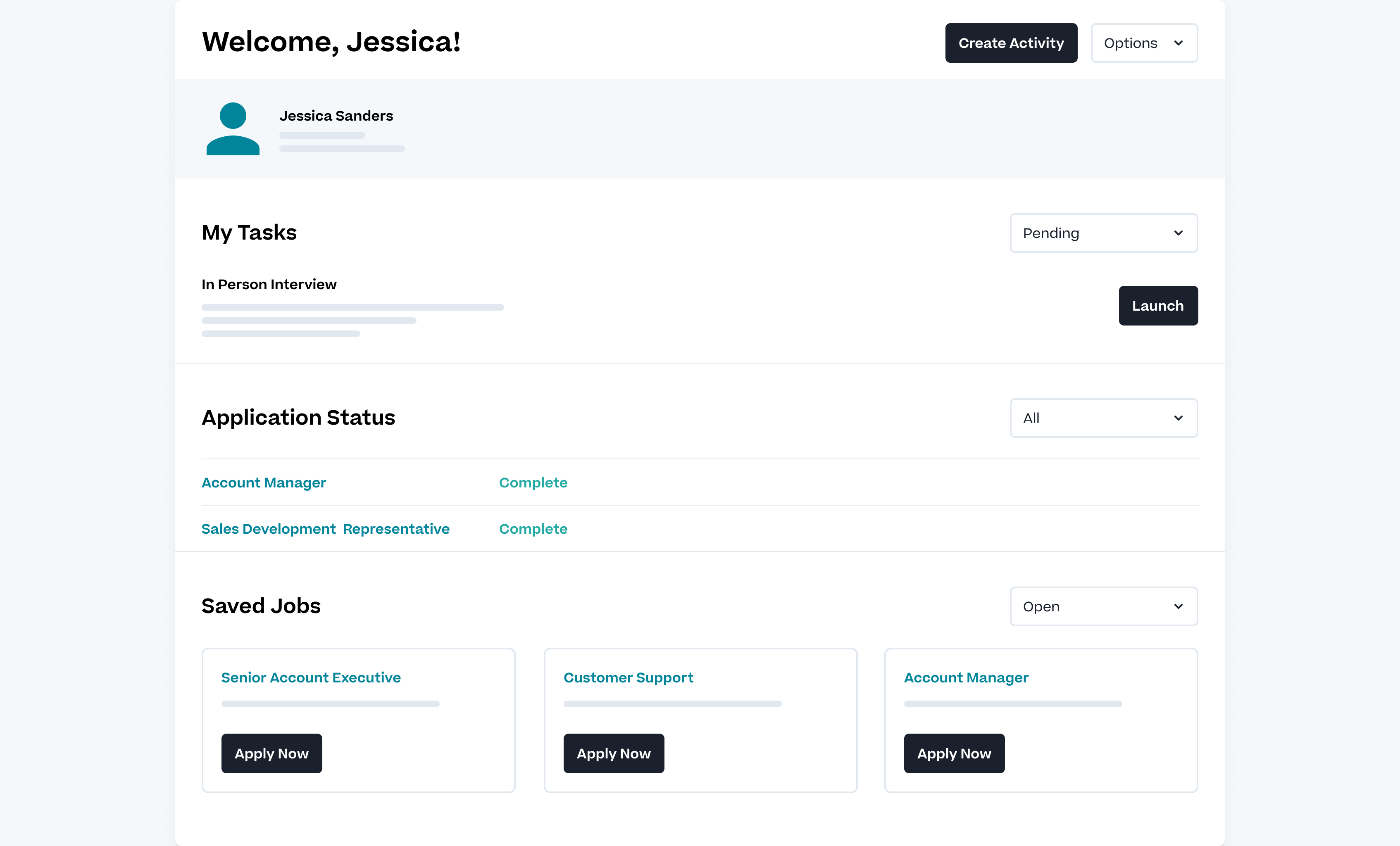
I have been using the system for over a year now and feel more comfortable with the functionality of it. I have just recently implemented the benefit administration portion.
As long as pricing stays reasonable, we will likely stay with Cornerstone for at least one more contract renewal. It would be a large task to migrate all of our content to a new system. However, the LMS landscape is diversifying with new startups that are showing some real innovation.
The APS Payroll software is very easy to use, and it is easy to train new employees on it. The APS Payroll support team is very helpful and response time is quick. It is easy to enter/change employee information, adjust salaries and benefits, etc. New features have also been added that makes it even better, such as being able to set up your own income/deduction items.
Easy to use, easy to learn, lots of support during the learning process. There are a few parts of the system we don't use and I'm hesitant to begin using because other clients have said they're difficult and cumbersome (certifications) or outdated (libraries)
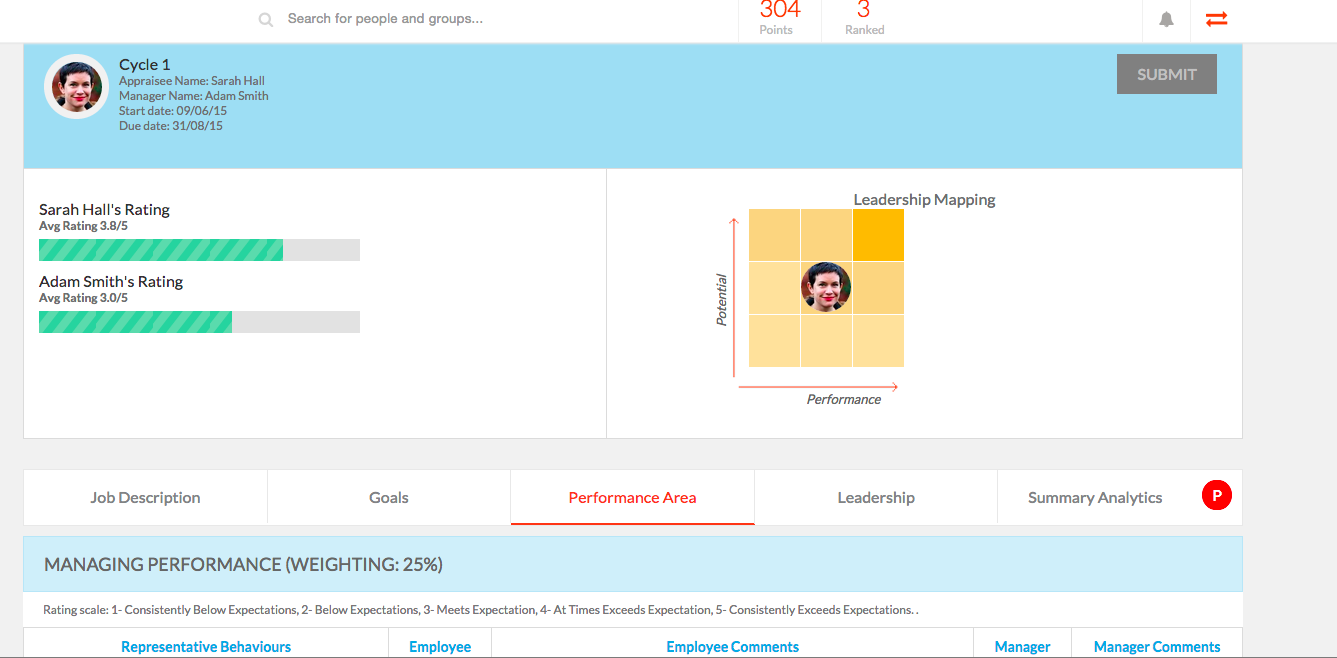
The amount of features available is a lot, but they are hard to navigate due to the UI not being on par with them. Still if used properly, Engagedly is useful to keep track of multiple individuals and their personal goals.
I haven't really had any major availability problems. The service is practically impeccable but it is true that at times, due to server and latency problems, the application has been slower. But these have been specific issues that have resolved themselves.
Pages do not load quickly. Often times any action or selection of a box, drop down, check, pretty much ANY Javascript interaction causes the whole entire page to load/reload/start doing something in the background. This makes a nightmare for having to mass edit courses or upload ILT sessions. It's the one of the archaic web designs they use that really bugs me as an admin and makes working in the portal at times intolerable and insufferable
I had to learn APS on my own, and the support team held my hand. They are still there when I have an occasional question. Anytime I need support, I can call my rep or send an email and help is on the way, without failure. The support team is awesome
Its always important to have support when you are facing problems and when you are the main admin of the organization. Cornerstone Support is very supporting when you have not found the answer in the help guide. its very useful to have a team support to guide you.
Absolutely! We love engagedly because we haven't faced any kind of lagging or such issues in website. It also has a convenient app through which you can access everything. They are very polite and address to each and every query relating to software which may cause hinderence in the process.
we use also to admin all our training in person events and sessions. Its easy to admin this kind of trainings and automatize some processes we have. Also de user experience and the integration with other systems helps to the employees to use more. All modules integrated oriented to develop people is the principal reason to have CSOD. The training administration is very complete and allows to automate many processes.
The online modules are pretty good. You can access them at any time, which we have done. You learn a lot in the beginning, but having the ability to retake short lessons when you are working on those items was very helpful.
It would have been helpful to understand the phases of the implementation up front so I could have prepared differently for enrollments, billing, and transfer of information to payroll. At the end of the day, I'm happy with the selection and the system and anticipate I will like it better as we go along. We have done a number of other system implementations in the past few years, and this has been pretty painless, however, I've had a few surprises.
The implementation was pretty difficult. We felt they (Cornerstone) didn’t properly allocate the resources to complete our implementation in the timetable we wanted.
For example, we worked on Workday and SSO integrations - work that we had specifically contracted for in advance. When we were ready to work on that project, they didn’t have the people ready to help us, so it took a lot longer than necessary. That was my biggest pain point.
The implementation approach we went with was a self-led implementation. We would speak to the implementation manager once per week, and self-trained. We met with implementation manager to discuss issues, review things that we’d learned for 1 hour. We found that wasn’t enough. Other things would come up outside that one hour window that we couldn’t get answers to. We didn’t have anyone to ask about those things and we had to wait to ask during our weekly meeting.
The advantage of the self-led implementation approach was that it was really inexpensive – significantly less than the implementation cost for the other systems that we looked at. I also liked that we could pace ourselves. There were however big roadblocks. We would have to make sure the right resources were available. We had an implementation/project manager with a lot of experience and felt that the person was knowledgeable but missed on a few things.
In hindsight, I would still go with the self-led implementation, but knowing what I know now, I would ask for the integration person to be available more. I would work that into the contract. With single sign-on, we needed deep linking to build direct links through a Single Sign-On tool, e.g. when someone gets an email, it directs them to training. But it has to go through SSO to get them to the correct link. Deep linking wasn’t turned on in our system and they had to activate it. We encountered little things like that – sequencing pre-requisites which were problematic. We tried to troubleshoot ourselves.
I recommend you consider contracting for some extra implementation hours and determine when they are going to be available. Work it into the contract that you have the ability to call tech support during implementation. In addition to weekly implementation meetings, they have technical webexes – 4 every week, but 2 didn’t apply to us – one as we were using SSO. The challenge is they were not always relevant – we had specific questions that didn’t fall into those categories
We had used ADP for years and had always struggled with their customer service. With over 20 locations (20+ W2s, quarterly filings, etc) we had a lot of questions. We would have to call and sit on hold for long periods of time to talk to someone who couldn't always answer our questions. Then we would get different answers from different people or have to re-explain our issue. It was a major time suck for my employees and they dreaded having to call all of the time. For us - the final straws for us to switch providers were: +Numerous year end filings with incorrect names and addresses (they couldn't keep our 20+ locations separate even though our paperwork was completed correctly) +Incorrect SUI rates for several locations that resulted in tens of thousands of dollars in overpayments which was a lot of money for small hotels. We had sent in numerous requests for them to fix this but it never happened +Lack of care - even though we were having all of these issues, nobody would work with us to get them all resolved and make sure to remedy the situation. We had to seek out a manager to get them resolved but even after this, we still had more issues. Overall - DON'T stick with ADP or even think about switching to them. They might be able to slash prices but their poor customer service and lack of care will cost you in the end. It's not worth it. APS does everything ADP had the capability of but we don't have the errors or headaches we did before. I am really looking forward to this year end!
The user experience is a lot better than using SumTotal as an admin CSOD makes working easy. Without having workarounds. Reporting is a lot better than both platforms. Reporting in CSOD is complex however easy to manage and create when you understand the data points collected
We used SharePoint Forms to make customized forms for ourselves but it did not work well. Our IT needed to build a system from scratch with a help of an external developer team and they were simply not capable of creating something that complicated. Engagedly already has a great platform and it was a life saver for us that we can just start using after the streamlined implementation period for a brief period of time. With SharePoint, we kept having weekly meetings for over 1.5 years to fix bugs, add necessary functions, etc. after the implementation.
It is important to be familiar with the terms and annual increases in licenses and other aspects of the contract. I recommend analyzing this from the beginning and the permanence is relevant because Cornerstone updates its modules and brings out new features that may allow you to leave a module to acquire another
As I have said before, I have no doubt that the services of the Cornerstone sales people were very good. In particular, our salesperson spent a lot of time in contact with us to make the process go smoothly. Perhaps being a large company in some cases the times were slowed down but it is something normal to take into account.
We were able to transition quickly and continue to successfully hire and onboard new hires for several Clubs that opened within weeks of moving to APS.
We do struggle a bit with the ease of reporting simply because our locations are all under separate EIN and that can make it difficult to easily combine data queried under custom reports, so the volume of reporting that I might wish to be able to push through weekly in order to help address 'real time' trends is not always available.
The lack of effective dating for position and wage changes does mean that HR and available APS data is not 'real time' accurate and that HR does need to return to the system to update changes well after-the-fact, which is not ideal.
We haven't used it long enough to calculate ROI (YET), but - we've had EEs who never engaged with performance management before who are excited to use the program
It has already provided a better framework to set up goals for our teams
Neg impact - limited feed of info from HRIS - requires some manual data to uploaded.