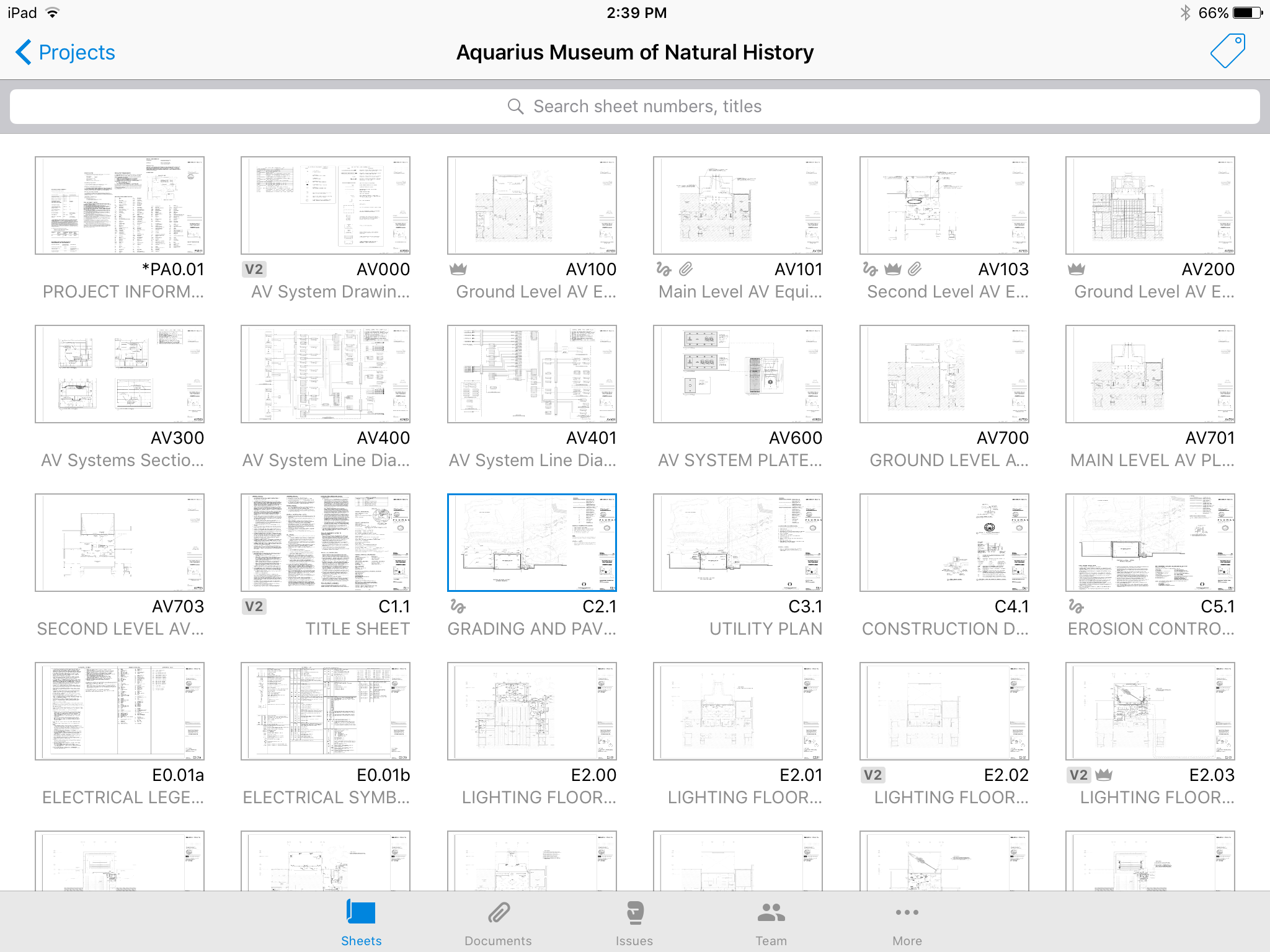
Autodesk Build, based on the former PlanGrid, is construction productivity software. It includes tools to collaborate, collect, and manage project information throughout the project’s construction and operations lifespan. It enables document centralization and tracking.
$39
user per month
Basecamp
Score 8.7 out of 10
N/A
Basecamp is a web-based project-management tool. Basecamp offers features standard to project management platforms, as well as mobile accessibility, unlimited users, and 3rd party integrations. Basecamp is priced by space requirements and concurrent projects.
$15
per month per user
Zoho Projects
Score 9.2 out of 10
N/A
Zoho Project is online project management and planning software that provides project teams with a web-based collaborative environment. Zoho Projects can also include a bug tracking module specifically design to support software development project. It is integrated with other Zoho products including Zoho CRM.
Trello is less expensive and the free version works pretty well. For the paid version, Trello is also a really great tool. Overall, I do like Basecamp better. It's a more simple layout and structure to the software. I like the communication threads better on Basecamp. Trello …
I love both of these other products and would use them specifically for my own personal use or in other situations but hands down, I believe that Basecamp offers better flexibility and ease of use for an organization that has never used a project management tool before. …
I would choose HubSpot & Asana over Zoho because of their intuitive UIs and functionality. I would choose Zoho over Basecamp only when you are managing hundreds of projects.
The interface of Zoho Projects is so clean and modern compared to the others. The functions and abilities of this product outshone it competitors and the price is very reasonable and competitive. Finding and adding information in Zoho Projects is very easy even for a novice. …
Features
Autodesk Build
Basecamp
Zoho Projects
Construction Project & Field Management
Comparison of Construction Project & Field Management features of Product A and Product B
Autodesk Build
6.5
58 Ratings
13% below category average
Basecamp
-
Ratings
Zoho Projects
-
Ratings
Plan distribution & viewing
7.057 Ratings
00 Ratings
00 Ratings
Plan markups & sharing
6.057 Ratings
00 Ratings
00 Ratings
Issue tracking & punchlists
5.052 Ratings
00 Ratings
00 Ratings
Photo documentation
9.049 Ratings
00 Ratings
00 Ratings
Jobsite reports
9.037 Ratings
00 Ratings
00 Ratings
Document sharing
8.056 Ratings
00 Ratings
00 Ratings
RFI tools
5.039 Ratings
00 Ratings
00 Ratings
Collaboration & approvals
8.043 Ratings
00 Ratings
00 Ratings
As-built drawings
5.043 Ratings
00 Ratings
00 Ratings
Mobile app
3.055 Ratings
00 Ratings
00 Ratings
Project Management
Comparison of Project Management features of Product A and Product B
Autodesk Build
-
Ratings
Basecamp
8.9
124 Ratings
14% above category average
Zoho Projects
8.3
21 Ratings
7% above category average
Task Management
00 Ratings
9.3123 Ratings
8.621 Ratings
Resource Management
00 Ratings
9.2103 Ratings
8.420 Ratings
Gantt Charts
00 Ratings
6.843 Ratings
8.318 Ratings
Scheduling
00 Ratings
8.699 Ratings
8.719 Ratings
Workflow Automation
00 Ratings
8.772 Ratings
9.315 Ratings
Team Collaboration
00 Ratings
9.7123 Ratings
9.321 Ratings
Support for Agile Methodology
00 Ratings
9.451 Ratings
6.35 Ratings
Support for Waterfall Methodology
00 Ratings
8.748 Ratings
8.812 Ratings
Document Management
00 Ratings
9.6115 Ratings
8.217 Ratings
Email integration
00 Ratings
8.4101 Ratings
8.217 Ratings
Mobile Access
00 Ratings
8.8100 Ratings
8.319 Ratings
Timesheet Tracking
00 Ratings
9.248 Ratings
8.620 Ratings
Change request and Case Management
00 Ratings
9.458 Ratings
6.96 Ratings
Budget and Expense Management
00 Ratings
8.342 Ratings
7.715 Ratings
Professional Services Automation
Comparison of Professional Services Automation features of Product A and Product B
PlanGrid performs really well in all aspects of construction from the general to the sub/trade. The platform distributes and communicates project documentation in an extremely user-friendly manner. As with most software, it is cheaper the larger the scale of the project. In situations where the project is relatively small, and the trade contracts are also of relatively low dollar value, the product can be cost-prohibitive.
Basecamp is a wonderful tool for teams of varying degrees of technical knowledge, teams managing lots of different types of "agifall" and waterfall projects, and teams that are remotely distributed. It's probably less useful for more strictly agile-focused development teams, compared to other more flexible software applications like Jira and Asana.
My work involves projects of 5-15 people with numerous projects running simultaneously. Prior to Zoho, I did not have a central location from which to view all project statuses at once. Zoho looks to provide this and also looks like it will deliver. I am anxious to see how our organization's use of it develops. At this time, I feel I am likely to recommend Zoho Projects because my organization has made great software decisions in the past so I have a level of trust already that the research has been done that Zoho is the best solution for our line of work.
Plangrid is the best SaaS I have seen for ease of uploading construction plans and automated organization of those plans.
For companies that are not using other products for mobile access, the Plangrid mobile apps are perfect to allow people on and off site to share and collaborate in many phases of construction project documentation.
Plangrid has a very responsive technical support team (although it is pretty much email only).
Plangrid's website layout is easy to use and understand and allows new users to jump right in and do basic to moderate tasks without little training.
Task management - It is very easy to add, organize and discuss tasks within Basecamp's interface.
The "Campfire" function is great for communicating when you just have a quick question for someone on the team.
Notifications - Basecamp lets you decide how often and about what you'd like to be notified. The ability to respond to messages in Basecamp directly via email saves a lot of time.
We use it to manage our sales orders as there are lots of moving parts which are necessary to get client orders done properly.
I use it anytime I have a new idea I want to put into motion. As I can create a list for brainstorming, feedback, specific actions necessary in order to test and or implement the idea.
Unrelated to business, it's a great way to plan travel in order to make sure you don't forget those important things like passport, flight arrangement, client meeting confirmation, and meeting prep as far as what specific documents or things do you need to bring with you.
And since everyone is on the go and expected to keep up with work, the mobile/tablet app makes it a breeze to keep up, work on, and create new projects.
The photo attachment process is a bit complicated. In ProCore (another similar software I've used), you can upload photos directly into RFIs for your reference, or into e-mails. For PlanGrid, you have to first upload the photo into the documents tab, then link them into the RFI. It's not intuitive and can add confusion to the documents tab.
Photos can't be directly uploaded. Between different devices and colleagues, it's possible you'll get an important photo outside of the PlanGrid photo capture feature within its app. Again, it's complicated for users to use.
In their new drawings viewer, the icons for actions do not have icons available. I had to use them all in order to understand what they meant, and I'm fairly tech savvy. I'm not sure if a new person to PlanGrid will pick up on each icon's abilities very easily.
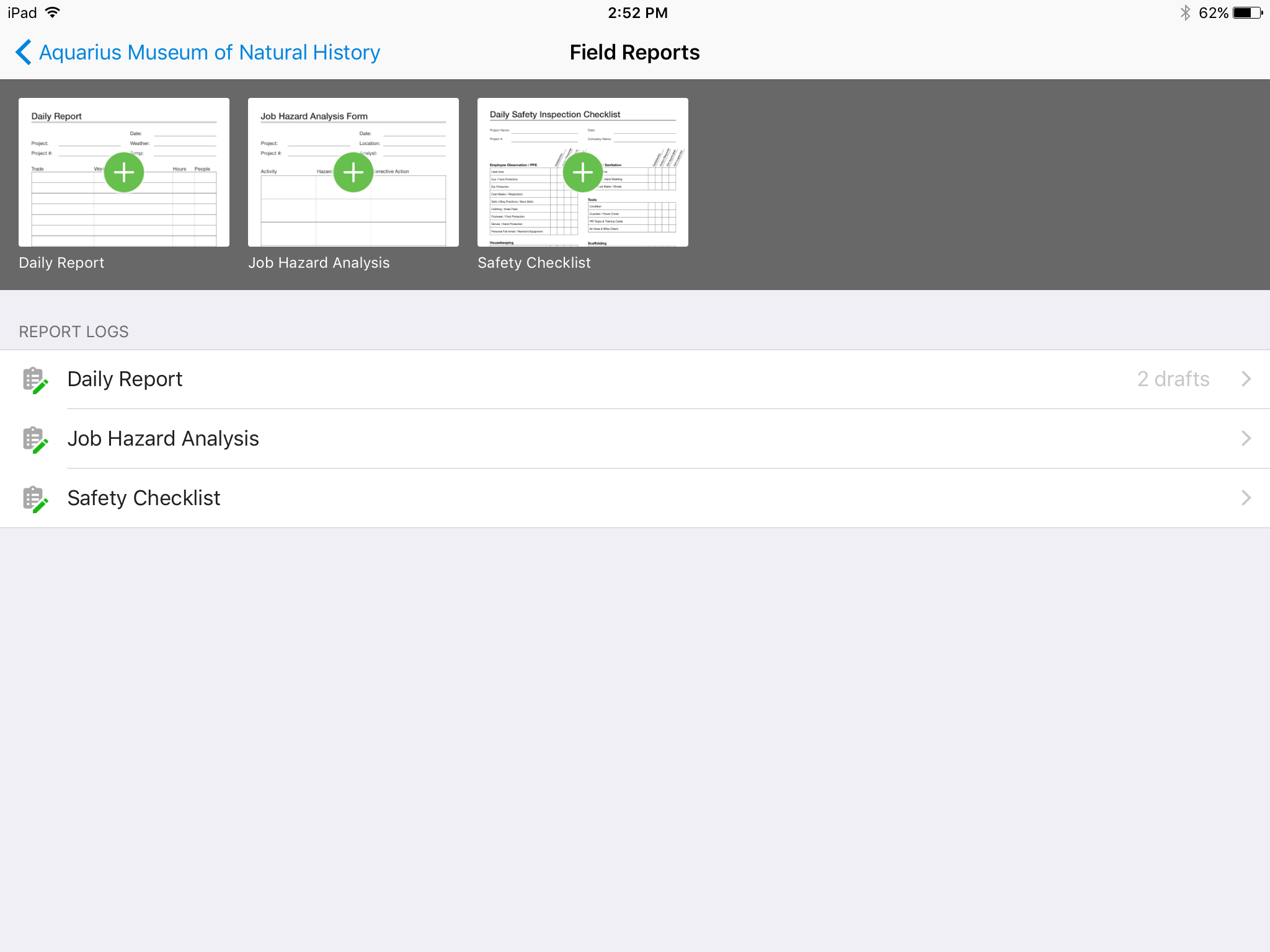
There's no all-in-one solution in CM, but PlanGrid is fairly barebones, and I don't believe it has any ability to connect to other software. There's no ability to take meeting munites; you can hack the field reports feature to accomplish this, but it's clear that was not the intent of the designers.
High Learning Curve. It's true that it can be easy to use, but to use well and effectively takes some time to learn. It's recommended to have an agreed-upon system in your team of what tools to use and when.
Notification Overload. If people aren't careful they could send a notification to everyone when only a couple people were meant to be prompted. And since emails are sent by default, you could have your mailbox overloaded with unnecessary updates. This is where it takes a bit of training in your team to have an agreed-upon system.
Lack of organization with Archived Projects. I will often need to reference an archived project to make a new one, but there is only a list of archived projects in alphabetical order, with no way to organize by archive date, or even search.
We are at the point where we have shown our teams what is possible with this software. We cannot take it away and go back to the way we used to do things. I think that they would push back on us to give them access to something electronic. It is a good program that we will continue to use
When I bring new people onto a project, it's immediately obvious how to use Basecamp. I don't have to worry about teaching them the features or walking them through it, it's just incredibly user-friendly. For this reason, I'll continue to renew my subscription even as new people are brought onto production jobs or the client changes.
I've reviewed about 8 other project management solutions and Zoho Projects is the best I've seen without being overly complicated. Zoho Projects keeps getting better! Recent new enhancements makes it even easier to navigate. There are new keyboard shortcuts that cut my time way down. The tools are very easy to use.
Hard to get the hang of this software, but with time it become very repetitive and easier to navigate. I have used this software for over a year now and the constant updates by Autodesk have made the software better and better to use at work. This allows me to use this tool more effectively
It is easy to use, even for clients who have no experience with the platform. It can only get a little cumbersome to ensure that a client can't see certain documents you might want to keep in the Docs & Files folders. And sometimes, getting a client to actually use an unfamiliar platform can be a challenge.
Zoho Project has been very user-friendly. As a small business, we have a diverse group of people with varying skill sets. This platform has been easy for our team to learn, implement, and succeed with. The mobile version is also very handy for our team.
I've never experienced downtime while using Basecamp, or been unable to access it when I needed it. That's not to say they've never had downtime, but I've been lucky enough not to encounter any, and I work odd hours, including late nights when maintenance is often undertaken.
Online chat during business hours is extremely helpful. The Plangrid staff has gone above and beyond many times to help us. One time they even offered to completely rebuild our 900+ sheet project so I could slip sheet a few old drawing revisions! This undoubtedly would have taken hours on Plangrid's end. They are always responsive and are continually improving, listening to user feedback.
For the many reasons I've given, Basecamp is a very strong program. There are a few features I can imagine that might make it even better, but I don't have a basis for comparison to be able to say that there is definitely a better one out there. I've noticed that Basecamp has evolved a bit from the time I started using it until now, so that makes me think that the producer of this program values it and believes in continuous improvement. If you could use the features offered by Basecamp, I would think you could use it with confidence.
Although it might lack intuitiveness, once you get a hang of how Zoho Projects works, you can do a LOT. The impact good project management has on profitability is huge, and it has helped not only improve communication and coordination when working on a project, but more importantly have adequate tracking of time, due dates and potential bottle necks
Decide the process before implementation - i.e. when it's due 8/9 does that mean 8am, noon, 5pm, 11:59pm? Check your to-do list frequently Set-up templates - just not with the dates (they can be funky)
Plangrid, while not serving the external document distribution function, is unrivaled for internal document distribution and sharing in the construction industry. The speed at which documents are navigatable, the ability to download your projects for viewing without an internet connection, and the document mark-up and photo tools place it head and shoulders above the competition.
Pretty good, but [Basecamp] has its drawbacks. Honestly I find the interface non-intuitive and sometimes have trouble figuring out how to change the status of a task. Perhaps it has something to do with the way it was originally set up by the admin, but I'm not sure. I liked Jira's drag and drop obvious functionality, but the project management side of the software was lacking. Smartsheet has excellent project management functionality, but the task management isn't as good.
Zoho Projects provides a more limited set of functionality and customization options than other task/bug trackers on the market, but what it lacks in functionality it makes up for in ease of use. It probably has 80-90% of the features of its competitors but takes about a third of the time to get up and running and realizing value.
It helped us "wow" a joint commission survey in 2016 and have a successful survey because he loved how we could access plans on an iPad, check suite sizes, and didn't have to carry around huge, heavy sets of life safety plans.
It has saved me time when having to get the same message out to multiple restaurants
It has helped us make smarter operational decisions because we can all collaborate on an answer in a shorter amount of time (instead of calling a meeting!!!)
The calendar function allows us to plot out our marketing agenda for the month and add/change it together as needed. The chef will post his recipe, the managers will cost it out, the social media manager will post pictures on it, and ultimately we will get that information out on an info sheet to the staff by printing the page.
We needed a system to organize our growing business, so anything was better than what we had, which was nothing.
Recording time spend is a huge reason for using project software. It has made me aware of the tasks that are taking too long and where we are not being profitable as a company.
It has kept our team accountable for what needs to get completed and when projects are not in motion or completed timely. It's helpful to know in order to get billing out faster.