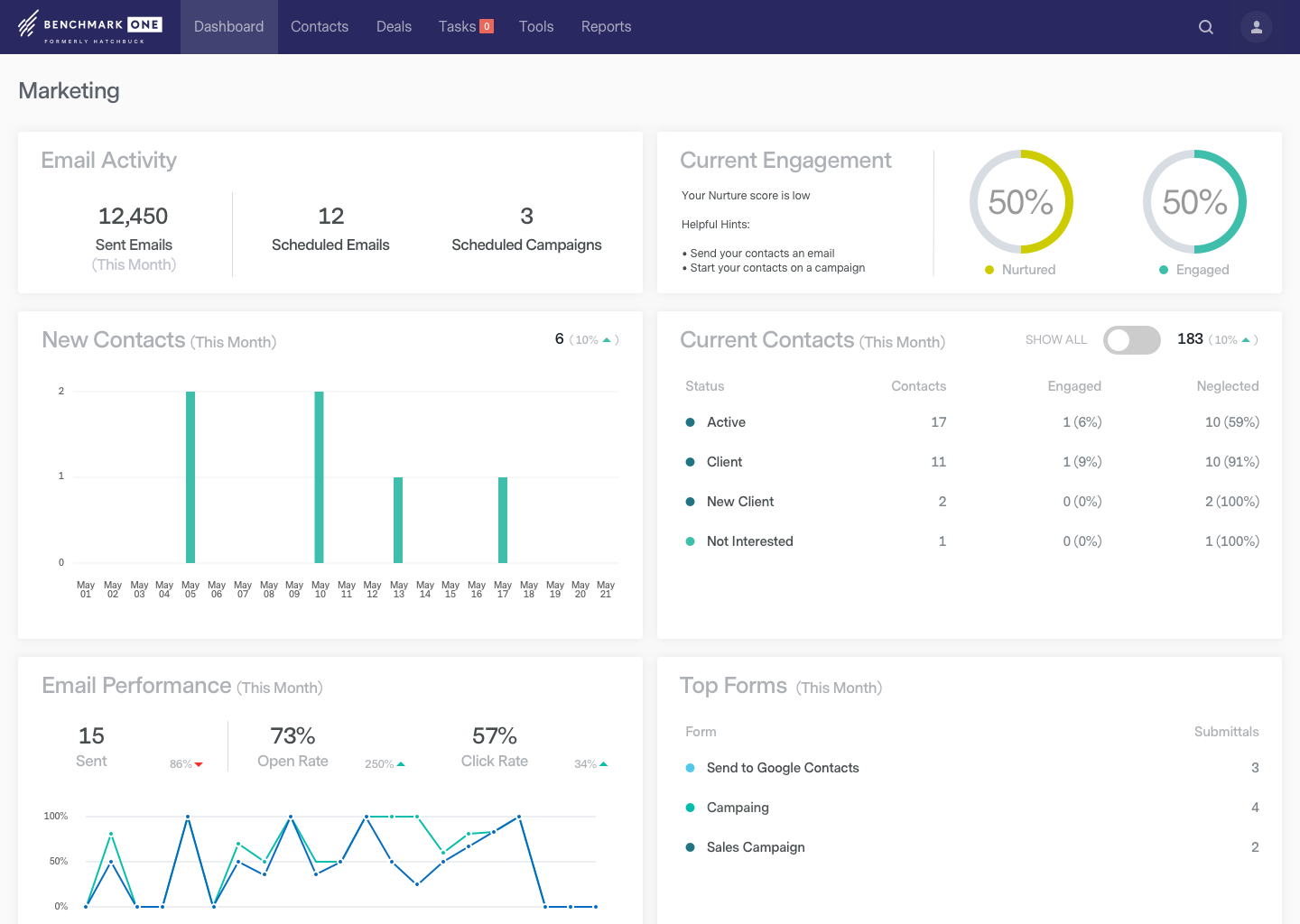
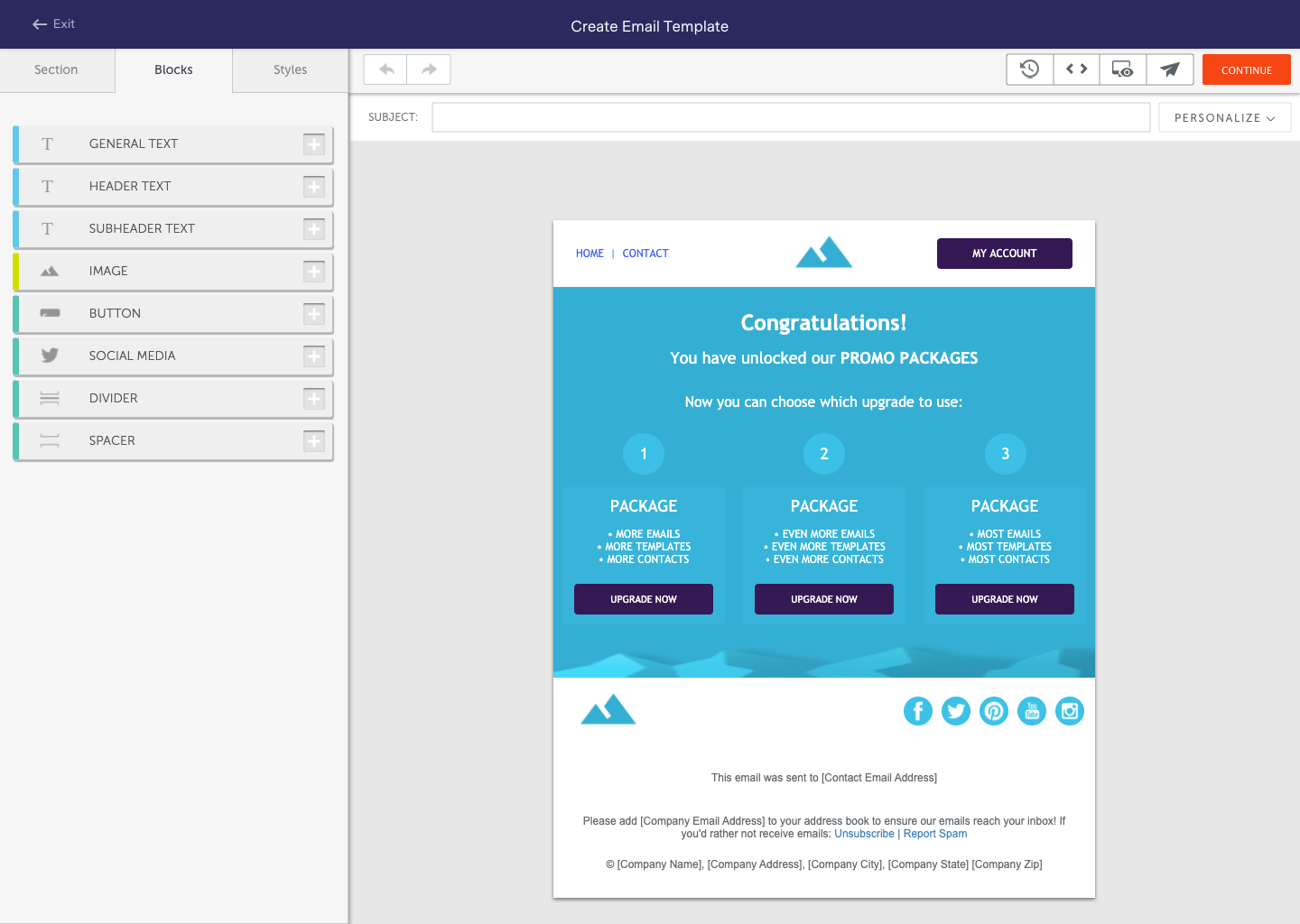
BenchmarkONE (formerly Hatchbuck) is an all-in-one sales and marketing software that includes CRM, marketing automation, and email marketing tools. Users can build online forms, manage and segment contacts, engage prospects with relevant follow-up, manage tasks, and track their pipeline.
$0
per month
Keap
Score 6.5 out of 10
N/A
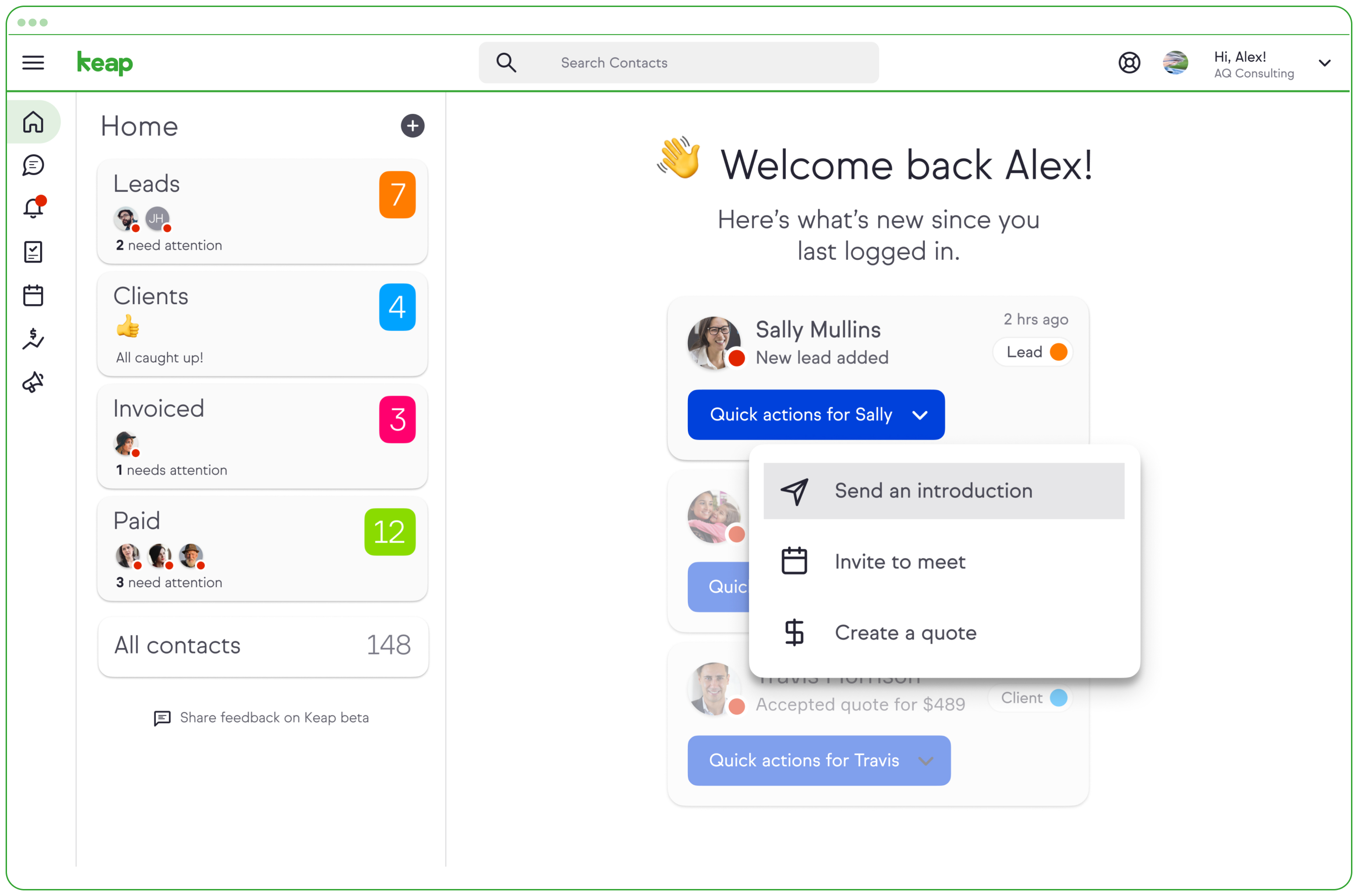
Keap is a small business-focused, comprehensive sales and marketing platform which combines basic contact management, CRM, marketing automation, and e-commerce capabilities into a single, subscription-based SaaS product.
$199
per month
LeadSquared
Score 7.6 out of 10
N/A
LeadSquared is a marketing automation and CRM platform. It includes landing pages, email marketing, lead management, analytics, connectors, and WordPress Plugins.
$50
per month per user
Pricing
BenchmarkONE
Keap
LeadSquared
Editions & Modules
Lite
$0
per month
Pro
$0
Agencies
Special Pricing for Qualifying Agencies
Pro
$199.00
per month
Max
$289.00
per month
Max Classic
Contact Us
per year
Sales Super
$50
per month per user
LeadSquared Sales Pro
$60
per month per user
Offerings
Pricing Offerings
BenchmarkONE
Keap
LeadSquared
Free Trial
Yes
Yes
Yes
Free/Freemium Version
Yes
No
No
Premium Consulting/Integration Services
Yes
Yes
Yes
Entry-level Setup Fee
No setup fee
Optional
Optional
Additional Details
—
All plans with 1 user and 500 contacts. The price is $30.00 for each additional user.
Additional add-ons and modules available for expanded functionality.
For very basic CRM, email and marketing automation, Hatchbuck is a clear winner on feature set, price and ease of use. Lots of bells and whistles are great if you use them. But many of our clients don't want to learn, maintain and pay for that much technology. However, more …
Hubspot and Infusionsoft are awesome, but, there is too much to understand and layers of tools which sometimes end up taking up more time than the typical small business owner has to invest.
ACT - used to use - Hatchbuck is a much better solution for me. Marketing automation, ease of use, responsiveness of staff Infusionsoft - tested. Chose Hatchbuck because it is simple and easy to use and meets my needs Salesforce.com - tested - Chose Hatchbuck because of its …
Flexibility and readiness to upgrade as per client's requirement. Support is at its best - The team, including people like Pratheek, is just amazing to work with. This totally reflects the company's work culture and the ethics they operate under. They have a client first …
Verified User
Partner
Chose LeadSquared
I looked closely at Infusionsoft. While the nurturing/decision tree tool of Infusionsoft was far more sophisticated, the many negative reviews of Infusionsoft lead me to look elsewhere. Leadsquared had very positive reviews and aggressive pricing. It has less features, but the …
Features
BenchmarkONE
Keap
LeadSquared
Email & Online Marketing
Comparison of Email & Online Marketing features of Product A and Product B
BenchmarkONE
5.2
29 Ratings
31% below category average
Keap
5.9
152 Ratings
27% below category average
LeadSquared
7.4
39 Ratings
4% below category average
WYSIWYG email editor
5.126 Ratings
9.050 Ratings
7.035 Ratings
Dynamic content
4.221 Ratings
8.947 Ratings
7.027 Ratings
Ability to test dynamic content
4.121 Ratings
00 Ratings
00 Ratings
Landing pages
4.016 Ratings
4.0136 Ratings
5.832 Ratings
A/B testing
8.910 Ratings
6.410 Ratings
8.110 Ratings
Mobile optimization
8.912 Ratings
4.5126 Ratings
6.033 Ratings
Email deliverability reporting
3.328 Ratings
4.5151 Ratings
5.039 Ratings
List management
4.329 Ratings
4.5149 Ratings
9.038 Ratings
Triggered drip sequences
4.310 Ratings
9.049 Ratings
10.024 Ratings
Lead Management
Comparison of Lead Management features of Product A and Product B
BenchmarkONE
4.0
29 Ratings
47% below category average
Keap
5.5
153 Ratings
34% below category average
LeadSquared
8.5
40 Ratings
9% above category average
Lead nurturing automation
3.229 Ratings
5.0148 Ratings
10.038 Ratings
Lead scoring and grading
4.329 Ratings
4.0130 Ratings
9.039 Ratings
Data quality management
4.327 Ratings
4.5131 Ratings
5.116 Ratings
Automated sales alerts and tasks
4.327 Ratings
5.0140 Ratings
10.036 Ratings
Automated follow-ups
00 Ratings
9.11 Ratings
00 Ratings
Campaign Management
Comparison of Campaign Management features of Product A and Product B
BenchmarkONE
7.5
13 Ratings
1% above category average
Keap
8.0
90 Ratings
8% above category average
LeadSquared
4.1
25 Ratings
57% below category average
Calendaring
7.99 Ratings
9.089 Ratings
2.114 Ratings
Event/webinar marketing
7.110 Ratings
00 Ratings
00 Ratings
Social Media Marketing
Comparison of Social Media Marketing features of Product A and Product B
BenchmarkONE
3.9
22 Ratings
51% below category average
Keap
-
Ratings
LeadSquared
-
Ratings
Social sharing and campaigns
6.49 Ratings
00 Ratings
00 Ratings
Social profile integration
1.422 Ratings
00 Ratings
00 Ratings
Reporting & Analytics
Comparison of Reporting & Analytics features of Product A and Product B
BenchmarkONE
3.7
28 Ratings
56% below category average
Keap
6.4
150 Ratings
6% below category average
LeadSquared
6.0
39 Ratings
12% below category average
Dashboards
3.327 Ratings
7.255 Ratings
6.039 Ratings
Standard reports
1.019 Ratings
4.0146 Ratings
8.039 Ratings
Custom reports
6.814 Ratings
8.0137 Ratings
4.033 Ratings
Platform & Infrastructure
Comparison of Platform & Infrastructure features of Product A and Product B
BenchmarkONE
5.5
22 Ratings
2% above category average
Keap
5.7
144 Ratings
34% below category average
LeadSquared
9.0
35 Ratings
12% above category average
API
2.015 Ratings
8.0127 Ratings
10.031 Ratings
Role-based workflow & approvals
8.013 Ratings
4.5110 Ratings
8.030 Ratings
Customizability
2.621 Ratings
5.0140 Ratings
10.035 Ratings
Integration with Salesforce.com
6.74 Ratings
00 Ratings
00 Ratings
Integration with Microsoft Dynamics CRM
6.95 Ratings
00 Ratings
00 Ratings
Integration with SugarCRM
6.95 Ratings
00 Ratings
00 Ratings
Third-party software integrations
00 Ratings
7.31 Ratings
00 Ratings
Mobile app for sales & marketing automation
00 Ratings
5.51 Ratings
00 Ratings
CRM Project Management
Comparison of CRM Project Management features of Product A and Product B
Hatchbuck is great for small to mid size businesses that are really looking to keep track of their progress with their sales leads as well as their existing customers, as well as tracking the activity their customers are taking from their communications, and automate their sales and marketing funnel as much as possible. We are a SaaS company (software as a service), with sales that range from teeny tiny to very big fish so it's been an easy tool to work with to make sure we are communicating with clients based on their size and needs.
Keap is very good at contact management and automation creation but weaker at email campaign creation. I was particularly interested in a function where when manually entering a new contact, you are then able to email that contact using a premade HTML template. It will currently not do this. There is a workaround, but it is unnecessarily ponderous.
1. Very suitable for an omnichannel business, as it can capture both online and offline lead sources and allows for follow ups. 2. Very suitable for call centers as lead and call tracking can be done very easily using LeadSquared. 3. Not very suitable for on field sales. Even though the mobile app does facilitate portability, the overall experience does not come close to the desktop version which is not feasible for an on field sales representative to use.
Call history is recorded like dialed calls, connected calls, total talktime in a daily, weekly, monthly, yearly, and on a custom basis.
The activity history of both customers, and employees are shown clearly, which help us a lot in understanding the interest of the customer, and their communication history with the organization.
Daily attendance history and man-days management can be done.
Sales performance and their values are mapped clearly.
They may be a little behind the curve when it comes to some of the advanced features, such as integrating various calendars and e-mail clients.
I would like to see them more integrated with social media platforms, such as keeping track of social media activity and adding more platforms that they track within a record.
The onboarding process was a bit bumpy and took much longer than expected.
More articles and videos on how to use the various functions of Keap
Having representatives designated to certain regions or companies for a point of contact when help is needed
More options when building the emails. While the click and drop options can be a plus, they can also be negative because you are limited to image and text sizing and positions
In case you can't tell, we are in love with Hatchbuck software. Could it be improved? Of course it could, but, based on our current needs, and the needs of our existing and targeted clients so far, Hatchbuck presents the best fit option available. As a partner we are looking to grow with Hacthbuck into the future.
We have invested a lot into Infusionsoft and are using it to automate our processes and marketing. Changing CRMs would have a HUGE cost for us and based on our evaluations, the grass isn't greener elsewhere. Infusiosoft fits most of our needs and is slowly getting better each year. Their support is great and we will continue to use them until something much better comes around or our company outgrows a small business CRM.
It is an excellent value for money solution and is fulfilling all our needs quite efficiently. They keep working on the product and each month sees an update allowing for a bug free experience and faster incorporation of newer tools. I see no reason why I would not like to renew the subscription for this fabulous product.
Hatchbuck offers on-boarding, training, and has a suite of videos, which makes it super easy to get started. As with any software that is the key. Have a plan, stay focused, and get started. Once, you begin to play with Hatchbuck you will see that it is very user friendly.
You do need to spend some time on-boarding and implementing the software in order to have full functionality. We were lucky - we had colleagues at the university with experience with Keap and then hired an intern familiar with the software to get us set up and ready to use it. We've had some functionality issues with it along the way and that has frustrated myself and the other uses in our department.
Having talked about all other things in detail in my previous responses, this question I feel is redundant but then I will highlight the points again - Easy to Use - Flexible - Robust System - Ever-evolving - Support & Service - Integrations with third party tools & technologies - LMS - Data Management & Reports - Landing Page Options
There has never been any downtime for Hatchbuck, which is very reassuring for me as I market and recruit strenuously for the University at Albany's executive Weekend MBA Program. Hatchbuck team members have also been available when I have reached out to them with questions or issues. With one exception, where one of my e-mails became lost in the Internet "black hole," they have gotten back to me in very timely fashion!
OMG, it's all in one and that compromises everything, fundamentally. If you want a race car, invest in a race car. If you want a dune buggy, get that. If you want a boat that floats, go for it.
I always get a response within 24 hours, unless I ask on a weekend. The team seems to work together to resolve my issues, answer my questions, and update me on changes. In fact, they have even connected [with] me to ask how they can improve the Hatchbuck software and their service. This is why I love them so much.
Generally, very responsive support for even our more complicated issues. We do have some open issues that we need resolutions on and that I understand are complicated and will take longer to resolve but the open issues are significantly impacting to our business.
Great to work with and also Easy to work with Do not just listen to the problem but provide upfront solutions Always available and are ready to support on holidays Considerate of user's knowledge and always ready to explain the smallest / dumbest doubt a user can ask Always available to help with the internal tasks as well like creating automations, drip creations etc
I have been to a number of in-person training sessions over the years with Keap and all of them have been FANTASTIC. They really put a lot of time and effort into these sessions. Staff and facilitators go out of their way to ensure that participants are getting what they need.
The results of training online are often based on how people learn. The training was great but with feature updates, you just have to get in there sometimes and do it! The training definitely lays a firm enough foundation for you to be successful even if its can't be updated with every feature update.
Don't let the fear of implementing a new software solution keep you from unleashing the power of automation that Infusionsoft provides. With the right implementation partner, the process can not only be smooth and painless, it can actually help you get a better understanding for how your current communication process can be improved upon.
I have had more experience with Hatchbuck, and was introduced to it through someone who is quite familiar. My perspective is that for the money, Hatchbuck does all it needs to, and does it well. I'm sure there are comparable products, but this is the first one that I found user friendly enough to be able to use it consistently
Keap is fast. The learning curve is shorter and they have an academy for learning with videos quite extensive that explain a lot of different scenarios, specially when you need to customize scenarios of automations and segments. Is cheaper if you consider that this services CRM + Mailing don´t come often in one package and the realiability to send mails is quite good.
I looked closely at Infusionsoft. While the nurturing/decision tree tool of Infusionsoft was far more sophisticated, the many negative reviews of Infusionsoft lead me to look elsewhere. Leadsquared had very positive reviews and aggressive pricing. It has less features, but the features they have were the ones I wanted to focus on.
You get a lot of features included, but you don't need to use them all at once to start seeing an effect. When you are ready to use them, they are there. It also scales without costing too much money.
Automation has allowed us to be more engaged and invested in our customers by reminding us about birthdays and other important events in their lives so that we can celebrate with them.
We lacked the manpower to sell and distribute orders online before setting up the payments and automation features. We now collect $5k+ a week in lost sales through online ordering.
List cleaning functionality and engagment settings have allowed us to run a 40-50% email open rate that allows us to create an engaged community around local events and opportunities as well as sales and special offerings.
Automated Lead Nurturing helps reduce a lot of manual work.
A lot of our time goes into creating custom reports. Making the reporting feature more flexible and robust will help in saving a lot of time and energy.