ConnectWise RMM is built upon the Asio platform and combines out-of-the-box automation coupled with robust automation that IT solution providers can use to deliver customized services to
their customers. ConnectWise RMM aggregates both software and human elements,
covers the spectrum of do-it-yourself (DIY) and do-it-for-you (DFY) delivery
options, and integrates an intelligent automation engine. It’s a solution that
reinvents how IT solution providers adopt, interact with and manage their…
N/A
LogMeIn Resolve
Score 8.9 out of 10
N/A
LogMeIn Resolve is an IT management and support solution designed to help organizations take control of their IT infrastructure. The platform combines features like remote monitoring, access, and support with tools such as ticketing, AI-assisted task automation, and patch management.
$29
per month
N-able N-central
Score 9.3 out of 10
N/A
MSPs
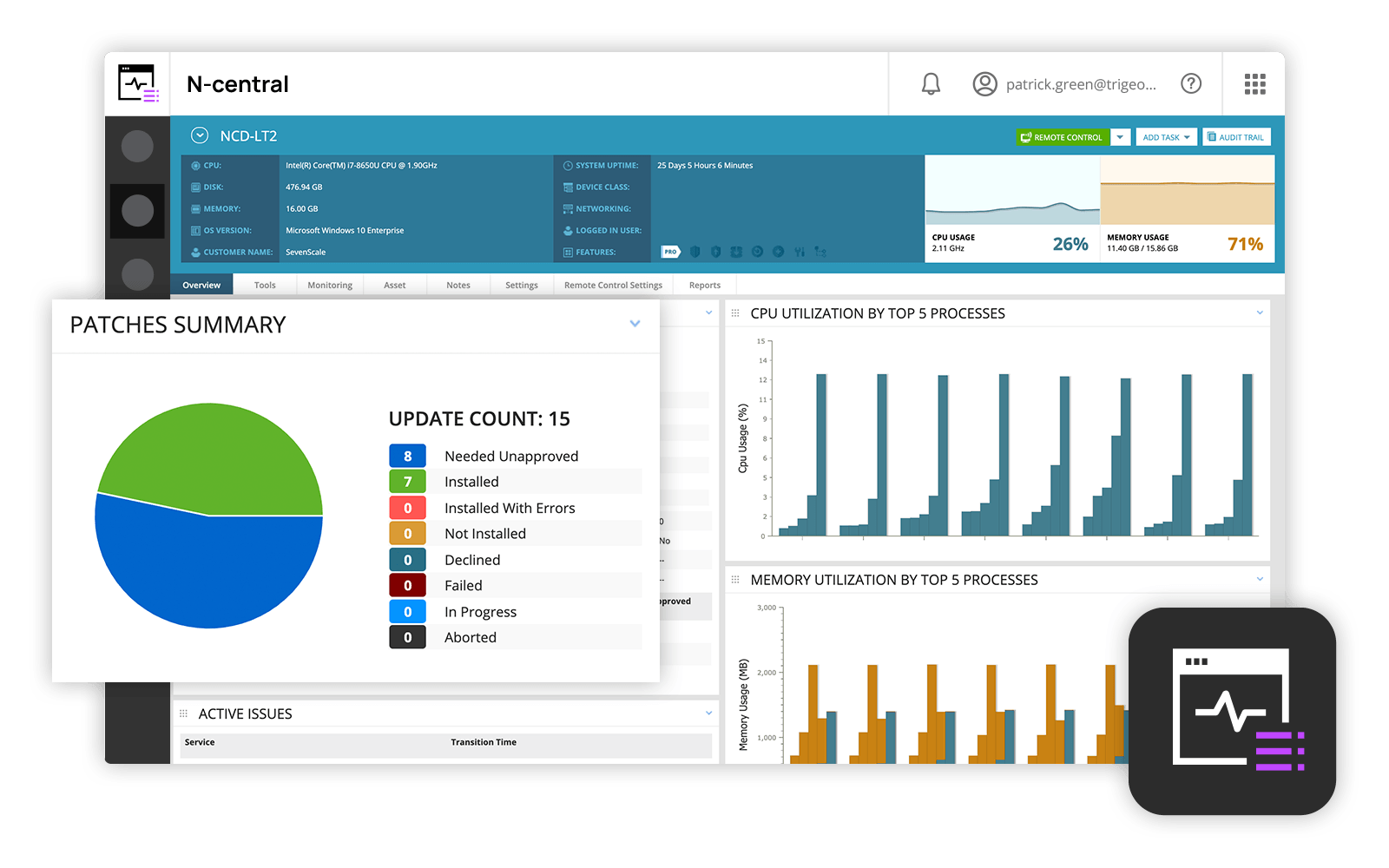
and IT professionals use N-able™ N-central® to monitor and manage devices and complex
networks remotely. N-central provides
visibility and efficiency as the user's needs scale. N-central can help users:
1. Proactively monitor everything on a customer network—not just servers
and workstations—and troubleshoot.
2. Stay on top of threats with features like MFA, antivirus, integrated endpoint
detection and response, data backup, disk encryption, email protection,…
N/A
Pricing
ConnectWise RMM
LogMeIn Resolve
N-able N-central
Editions & Modules
No answers on this topic
Remote Access
$29
per month
Remote Support Plus
$55
per month
Standard Endpoint Management
$70
per month
Premium Endpoint Management
$78
per month
Premium
Contact Sales
No answers on this topic
Offerings
Pricing Offerings
ConnectWise RMM
LogMeIn Resolve
N-able N-central
Free Trial
Yes
Yes
No
Free/Freemium Version
No
Yes
No
Premium Consulting/Integration Services
No
No
No
Entry-level Setup Fee
No setup fee
No setup fee
No setup fee
Additional Details
—
Discount available for annual pricing. MDM is available as a standalone or as an add-on. Additional endpoints and agents and save up to 20%
At the time that we tested and selected a remote access tool, GoTo was superior to the other options tested. Then came the issues with ctrl+key and shift+key combos which detracted from all of the things that made GoTo the best option. Until these are fixed GoTo will remain …
We chose GoTo Resolve because we had been long-time GoTo Assist users and they offered a promo at the time of our service renewal. In the end, I don't feel the portions of the software we use most are as polished as what we had become used to in GoTo Assist. Additionally, our …
N-able N-central was cheaper than ConnectWise RMM as the poor NOC monitoring inflated costs but was not useful. Kaseya VSA was terrible contracts and poor product all around.
I selected N-able N-central as I liked the idea of easy-to-work with pricing that integrates with other PSAs (specifically ConnectWise PSA aka Connectwise Manage). I did not succeed with that. I'd use any of the other tools instead. The integration is problematic as the default …
Features
ConnectWise RMM
LogMeIn Resolve
N-able N-central
Monitoring Tasks
Comparison of Monitoring Tasks features of Product A and Product B
ConnectWise RMM
-
Ratings
LogMeIn Resolve
-
Ratings
N-able N-central
7.4
6 Ratings
1% above category average
Remote monitoring
00 Ratings
00 Ratings
9.76 Ratings
Network device monitoring
00 Ratings
00 Ratings
8.36 Ratings
Management Tasks
Comparison of Management Tasks features of Product A and Product B
ConnectWise RMM is well suited for my small IT business to keep track of my many clients that a company like mine with less than 5 employees to monitor in one interface. It is very easy to implement, monitor and setup alerts. The monitor of patching is one of the main reasons we went with ConnectWise RMM. We use their ScreenConnect software as wells.
LogMeIn Resolve has been useful in supporting users working on-site or remotely, and with the unattended agent, allows for a quick and easy way to start a support session. With the integrated Help Desk system, LogMeIn Resolve allows for a seamless support experience without having to bounce from a ticketing platform to a remote support platform, giving us the ability to reduce ticket sprawl and save time overall.
N-Able is perfect for an MSP environment. It gives all the standard functionality an IT professional needs out of the box and can be configured to show almost anything required. For example, we have configured a dashboard to show when our backups need attention for each customer. This is achieved by running a small script on repeat via N-Central everyday/evening, and the result gives us information on the dashboard to help us identify exactly what is working and what needs looking into.
Allows easy, comprehensive access to Apple products via web-based applet. (It does require customer input and cooperation.)
It allows me to resolve issues remotely, most times within minutes instead of hours, without a physical location visit.
It allows the customer to view my activity, giving them peace of mind that nothing untoward occurs during my interaction. I also use the record feature so all sessions are recorded, especially on rare occasions when there is an issue or question from the session.
Remote tasks - entry-level techs can run basic tasks without physically touching a piece of equipment.
Remote support - remote controlling user devices is easy and saves a lot of time with having to initiate a remote session.
Management of devices, particularly patch management and anti-virus management - you can automatically approve and deploy patches and schedule automatic AV scans.
The user interface is clunky and difficult to use in terms of CRITICAL functions that lie at the core of any remote access solution.
ctrl + key combos are currently terribly implemented and difficult to use - since this is one of the most common keys used in Windows - this presents MASSIVE usability issues that impede my workflow all day every single day.
And now - in a recent development - SHIFT + key combos are currently terribly implemented and difficult to use - since this is one of the most common keys used in Windows - this presents MASSIVE usability issues that impede my workflow all day every single day.
Things like frequently used key combos and shortcuts should work the same via remote access solutions as they do on a hardware keyboard. Anything else is an annoyance and an impediment to workflow and productivity.
Customer support just points to online guides and I feel they aren't helpful.
During the trial they turn on a lot of features. In my experience, if you play around with the features, they charge you for them. Keep this in mind if you move forward with N-Able - they will charge for "trialed" services.
In my experience, some services that you're being charged for can't be disabled or monitored by you or your team. You only see them on the monthly invoice.
In my opinion, the "Scripting Automation" doesn't provide value. You're either going to be writing your own batch or Powershell to make scripting work.
In my opinion, monitoring software deployments is painful.
The default monitoring template can't be duplicated, edited, or referenced. You'll find that the default monitors in an unusual way and will throw needless recurring alerts into your ticketing system. To avoid this, you need to create a template from scratch which takes many hours to set up.
In my opinion, they're more concerned about a quick buck than customer service. "Buyer beware" company.
I would say yes, we would definitely renew, everyone likes it in the IT dept, and there are more features we have yet to put to use. I am expanding the Windows update / Endpoint features as I get time, and the remote PowerShell console is unbeatable for me at present when facing remote computers that are not letting create a new remote PSSession.
Overall we have liked our solar winds experience, however, as our company has grown to support larger enterprises, this product does not have the functionality that our teams need in order to fully support them. The lack of granularity with backups and lack of ability to support nutanix environments is slowly drawing us into the use of other tools.
We were able to get up and running quickly after our initial implementation, and the monthly feature update webinars are a great way to keep up with new features and how we can use them to our benefit. We can also request features we would like to see in the future, and can vote on other users’ submittals.
The user interface is fairly straight forward, with logic groupings for objects. I did not deploy this software, but am one of the daily administrators. Once you get the correct agent package (Which can be a challenge) the integration into AD is not bad. The UI could be more customized, but that may have been a design choice.
Usually available without a problem, although sometimes calls get dropped or users sit in empty meeting rooms while waiting for an admin to arrive, while the call is actually going on.
If you are connected to someone with proper bandwidth, there are no issues at all. With all things, if you connect to someone with dial-up (yes, it still exists), the performance is terrible.
Ive used their tech support a handful of times, and each time they have been able to help me sort out any hiccups or kinks that arise. They have a resourceful knowledge base, and have experts available for training and troubleshooting. I often recommend them to my other coworkers and colleagues because of the ease of use and security
Every time we have reached out to SolarWinds they are quick to respond, even offering support chat 24/7. Their support team is great and works with you to find solutions to issues. They have taken items we had issues with before and used those to create updates so that the issue is handled better in the future.
GoToAssist SeeIt was very easy to implement. As long as your techs have a basic understanding of most remote support tools they will be able to understand this product easily.
Automate (LabTech) would be the aforementioned "heavy-duty" kind of RMM tool. It's big, it's complex, and very capable compared to Continuum Command. That said, the impetus is very much on the service provider to configure and maintain nearly 100% of the product, whereas in Continuum Command there is a lot that is maintained by their team for you. Even without paying for the premium NOC services, the cloud-first construction and other specific features (like the Windows patch testing and delaying, etc.) are clear wins over the more traditional RMMs like Automate. Automate certainly wins in the technical prowess department. Its scripting engine and level of customization are unrivaled across basically all of the rest of the tools out there. As such, it will be very interesting to see what happens now that these two products live under the same roof. Hopefully, someday, a powerful hybrid of the tool that ConnectWise can focus all development on that harness the positives of each. Keep your eyes peeled...
Go to offer all-in-one functionalities without compromising organizational security and policy. Go-to is versatile compared to other systems like JIRA and is suitable for medium organizations. It has all the support options required. Like web meetings, conversational ticketing, etc., other software does not offer the combination of all, like video calls.
Our version of SolarWinds was old and running on old hardware, but it was way easier to setup and do things with. It did not do everything N-able does such as patch management, or at least we didn't have a module to do so if one existed. However it definitely seemed easier to use and possibly more stable.
LogMeIn Resolve has increased productivity for our support teams with the addition of camera share. Not only are we able to remote into workstations, but with camera share we can utilize end user and customer phones to visually see physical setups to troubleshoot some situations on the fly.
Unattended support now requires the agent to enter in a signature key as an extra layer of security before accessing a device, which further improves the safety of all devices registered for unattended.