Copper is a customer relationship management (CRM) built as an integration into Google Apps.
$12
per month per user
Creatio
Score 9.0 out of 10
N/A
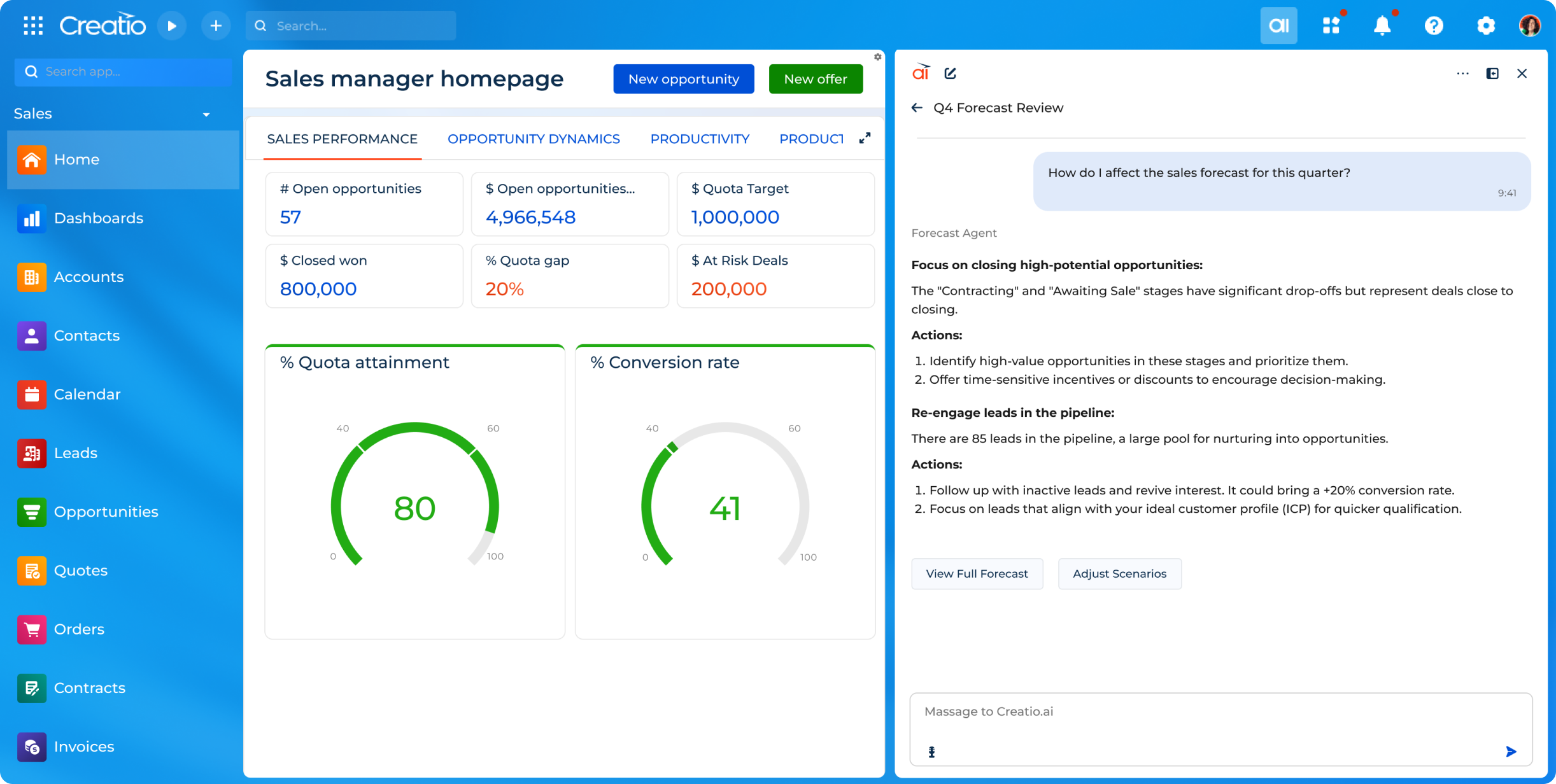
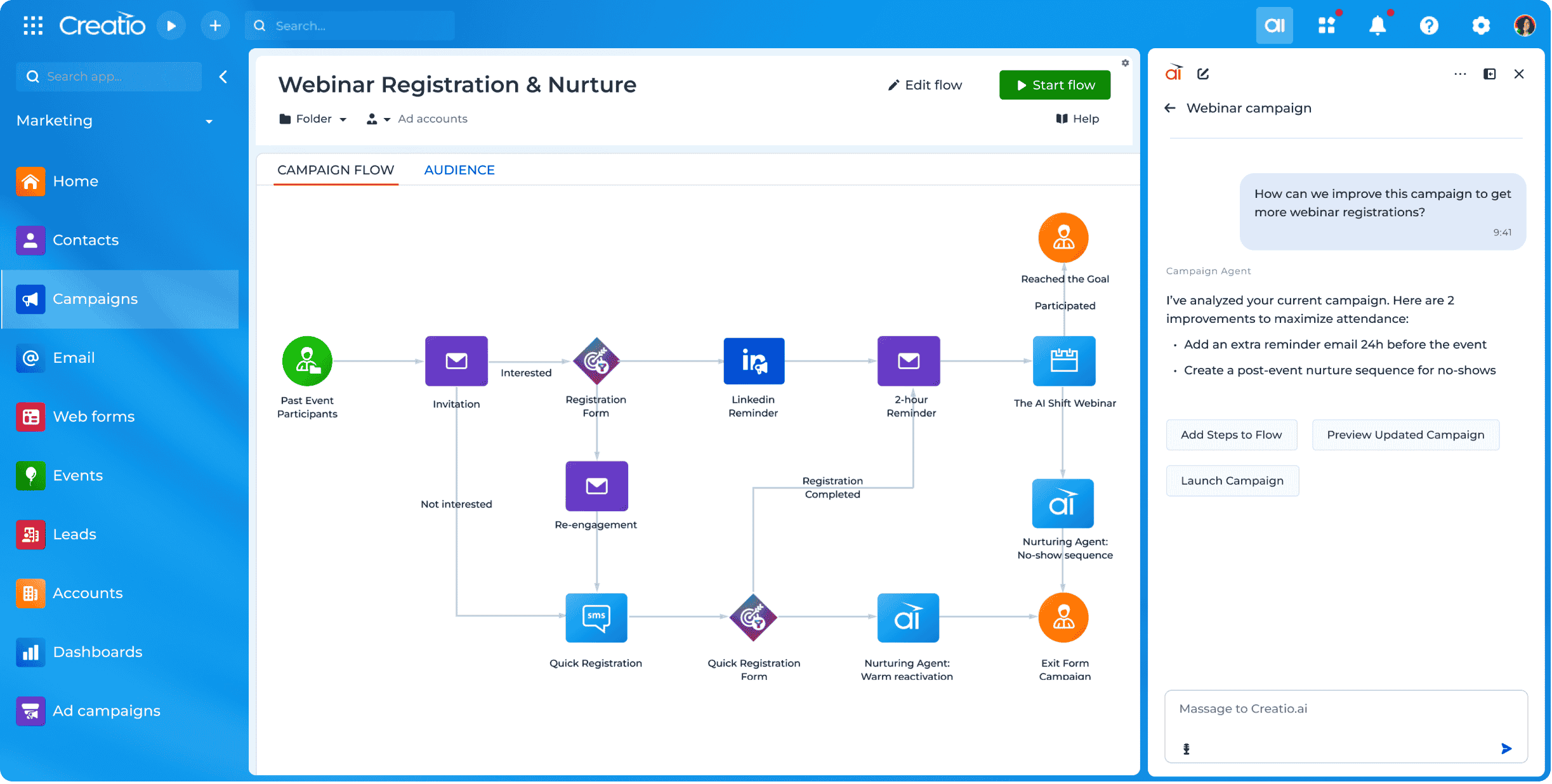
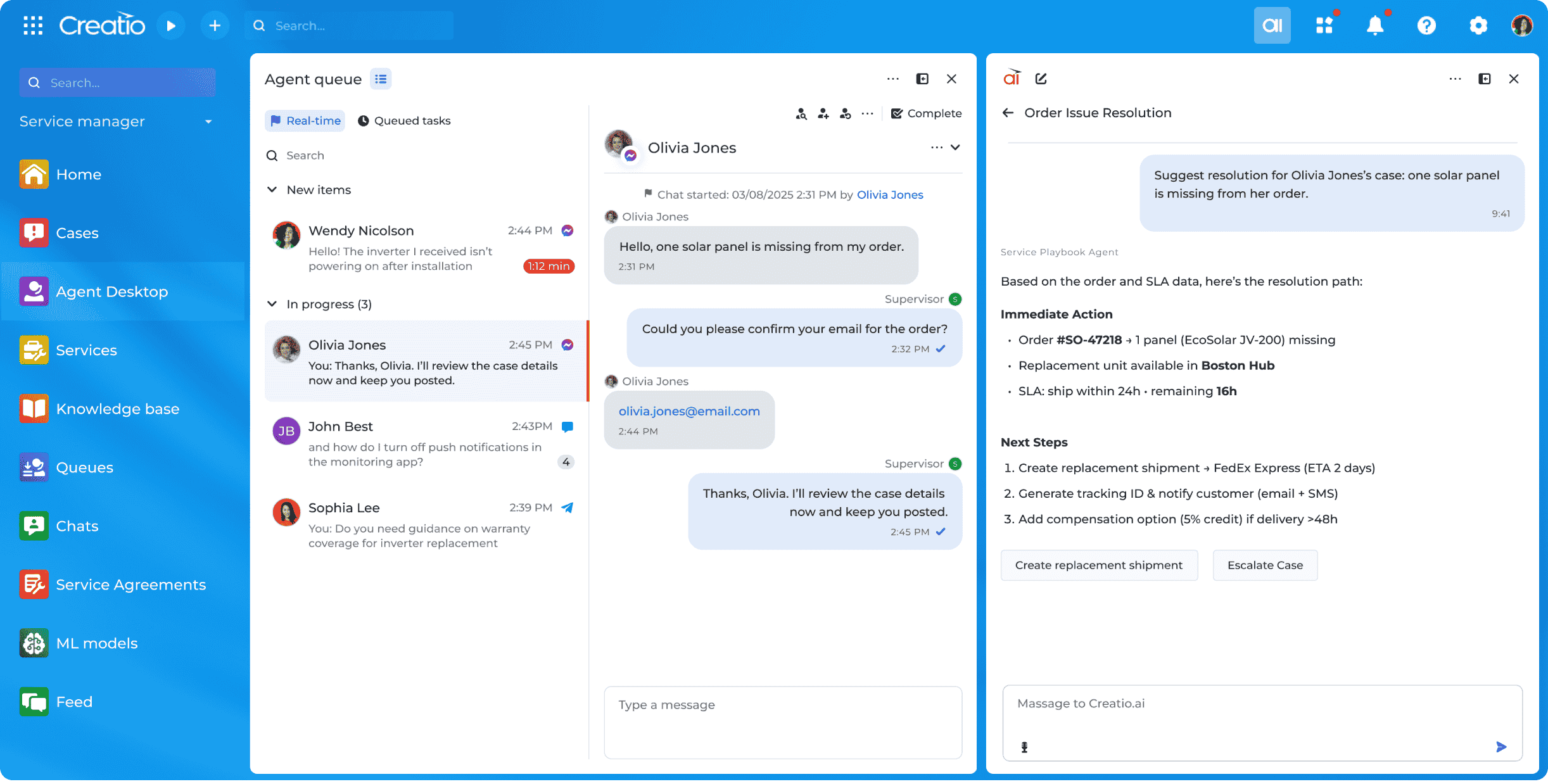
Creatio offers an agentic CRM and workflow platform. Its offerings include Creatio Studio, a no-code agentic platform to build applications and AI agents with natural language and visual designers, and a CRM suite with embedded AI agents across Creatio Marketing, Sales, and Service. The platform also includes industry workflows across 19 verticals and a range of marketplace add-ons. Creatio products can be purchased separately or as a unified CRM solution to…
$10,000
per year (minimum price for new users)
Zoho CRM
Score 8.5 out of 10
N/A
Zoho CRM is a simple, very low-cost CRM option for the smaller end of the SMB segment.
The product has several useful integrations with other products, including QuickBooks, and Google Apps and Google Docs.
The product also has an integrated project management module.
$14
per month
Pricing
Copper CRM
Creatio
Zoho CRM
Editions & Modules
Starter - Paid Annually
$9.00
per month per user
Basic - Paid Annually
$23.00
per month per user
Professional - Paid Annually
$59.00
per month per user
Business - Paid Annually
$99.00
per month per user
Growth
$25
per month per user
Enterprise
$55
per month per user
Unlimited
$85
per month per user
Standard
$14.00
Per User/Per Month
Professional
$23.00
Per User/Per Month
Enterprise
$40.00
Per User/Per Month
Ultimate
$52.00
Per User/Per Month
Plus
$57.00
Per User/Per Month
Offerings
Pricing Offerings
Copper
Creatio
Zoho CRM
Free Trial
Yes
Yes
Yes
Free/Freemium Version
No
No
Yes
Premium Consulting/Integration Services
No
Yes
Yes
Entry-level Setup Fee
No setup fee
No setup fee
$14 /user/month
Additional Details
Up to 15% discount for annual pricing.
Creatio Sales, Creatio Marketing, and Creatio Service are available as add-ons for $15 per month, per user. Creatio AI is included in every tier of the Creatio platform (Growth, Enterprise, and Unlimited). Creatio AI starts at $5,000 per year
We are very pleased with Copper, and it matches our needs. Better than others I have evaluated and run.
Verified User
Manager
Chose Copper CRM
Very good in terms of price but it does need to incorporate more of the basic features which these companies offer as standard. The reporting needs improvement, things like creating lists on clients is quite difficult compared to HubSpot. You should be able to create lists …
Zoho is a bit more powerful with more functionality, but it takes a lot more technical knowledge to implement the CRM as one might desire. It also doesn't have the same native integrations we needed so it didn't make sense to choose the platform. It's also an entire ecosystem …
I selected Copper because of its interface with all things Google, specifically the sync feature for calendar and capture of email correspondence. It made sense to use Copper because our corporate communications is built on the Google platform. Bloomerang is an excellent tool …
ProsperWorks had the robust Google Apps integration, Forecasting, Roles/Permissions, and Opportunity Tracking and the price point was right for us. All of the other softwares we evaluated (except Salesforce) where missing one or more of the features. We didn't go with Salesforce…
It is a very powerful tool to the level of Sugar and Salesforce. With its tight integration, as a Google product, it is seamless and really assists in managing communication with clients. While Zoho offers a great low-cost solution, ProsperWorks definitely hits the mark for …
Sure, the low code approach is eating the world and [is] a powerful feature in this CRM. But training time and time for implementation could be much [longer] than expected.
We selected Creatio because it's the most optimal system for our current business requirements and their further scale [development]. Also, we valued the support of the vendor and the big community of implement teams.
Zoho has an all-in-one solution called Zoho One which combines most of the solutions a company of our size requires. Thanks to this, we were able to consolidate our solutions into a single ecosystem while saving money. Zoho also has sales and marketing automation features that …
For the prices you're getting a lot of bang for you buck! I used several CRMs that cost substantially more and cannot say I received any benefit for the money over Zoho. Also with the additional suite of products Zoho offers you can have a one stop shop for your companies …
If you need to track contract expiration dates of your clients or your prospects that you're trying to sell - Copper is your tool. If you want to track specific products, solutions, vendors, etc. Copper can do it. I use it to track many brands of IT products and services with the use of custom fields to track which prospects/clients have any number of these items. Rather than taking notes, I can select the product from a drop down list that I created VERY EASILY within Copper.
Creatio is well suited in following scenarios: Complex Business process modelling and automation, Low code No code development which is best for efficient timelines, customized reporting and dashboarding, seamless integration with other technologies. Scenarios where Creatio is less appropriate: Solutions which require high cutomizations on the frontend side as this can be done by javascript modifications but it increases the load on the page and slows it down.
Interfacing with our target clients at the correct minute is crucial in today's society. Another valuable include is its capacity to coordinated with other programs. It helps me in keeping track of the every day work emails I send to my colleagues or get. Zoho CRM makes it straightforward to consequence or send out information agreeing to our needs. Zoho makes a difference keep in mind individuals by means of e-mail and pop-ups, which dispenses with the issue of overlooking follow-ups and reminders. This not as it were helps within the organization of this incredible instrument but moreover within the execution of data.
Allows for contacts to be synced and organized directly from Gmail.
Gives a flexible style and customizable settings to match our company's specific needs.
Does a great job of helping us keep track of projects. We easily created a customized "Status" field with several status options that help us update the many phases of our project.
Creatio's client success team is super. The team is collaborative, solution-oriented, and client-driven. We have weekly meetings with the team. They show up prepared with solutions/ideas to business requests and they are clearly engaged.
Creatio's infrastructure team has been critical to our ability to execute our cloud strategy. They have worked with us to set up our testing and production environments within Azure, assisted in testing, and are responsive and flexible to our unique requirements.
Creatio has been very flexible to requests for customization. We have taken their low-code out-of-the-box solution and "Ringlerized" it. The benefit for us is an application that meets our niche business needs.
Window change: for mobile - when you tap on a card from a pipeline it takes you to the lead’s basic info. I wish it would immediately just open all activities so I can quick see notes
I usually use Copper on the go. When you open the Copper app, it immediately opens a collab window. I wish it had some sort of easy dashboard….plus a notes area. I open Copper on mobile to quickly search for someone’s name or to take quick notes from a sales meeting
When we started using Creatio in 2022 the new user interface had just been released and did not include all the features we needed; however, we used a more classic user interface and were still satisfied with the results.
The ability to capture a digital signature directly within the application was missing in the base system; however, Creatio connected us with a partner that provided a solution for this specific situation.
Need some way to switch a field type without losing the pre-existing data.
The settings controls should be broken out differently - I don't like that I can't keep some users from exporting all contact records (i.e., the entire Contacts module) because if the export function is turned off, the export function of Reports for those same modules is also blocked.
Frustrating that only 3 custom lookup fields are allowed per module in our license.
We have always used a CRM and Creatio has proven to be much more effective in meeting our needs than our previous provider. Its customizability will allow us to adapt this product as our business may change in the future.
i have already renewed my subscription twice. I am in the 3rd Year now. I have been using it for a while and have been recommending to my friends as well.. have attended ZOHOLICs the annual program of zoho and it gave me new insights of managing the crm solutoin.
Copper is simple to use and it's simple to figure out the additional functionality you may need or want to use. There are a lot of support articles and the support itself is great. But it's also fairly simple to figure out on your own. It integrates easily with Google Workspace as well.
Because it is so easy to use and navigate through - even the most technophobic people in our company are using it on a regular basis. It is easy to change around and switch through different sections and keep neat and tidy.
The methodology of the 'out of the box' user interface is fairly easy to learn. In some cases however, the interface is not consistent throughout the software. Upgrades to the interface has certainly improved some of this--- but now we are seeing the same kinds of inconsistencies across Zoho apps, particularly those more recently added to their platform. This issue is not major in that everybody on staff seems able to learn how to work the programs--- it's just annoying and less than efficient when inconsistent user interfaces or inconsistent terms are used in the programs and/or the requisite documentation.
Other than the daily maintenance window where the server may be inaccessible for a few minutes, there have been no issues with accessing our Creatio site. The daily maintenance window is outside normal business hours so it does not affect our Users - just myself when I am looking to implement changes.
In my many years using Zoho, I think there were only 1 or 2 days when there was something happening and I was not able to log in. Sure, it wasn't fun and we all panicked a bit, but right after that, all was well and work-life continued. Being cloud based, I'm never worried about losing my iPhone, iPad or Laptop as I know I can log in anywhere on any device and workflow won't stop.
Some Users have reported slow responses from the server at times which seems to be localized. Users are based across four different time zones and the issue is intermittent.
I don't recall every having any issues with a page not loading due to it being a Zoho issue. Anytime I've had any issues with something being wonky, I clear cache and that has always solved the problem. Or a simply computer reboot and we're back, hard at work. Look, I don't expect any product to delivery 100%, 100% of the time but if I had any consistent ongoing issues, I would have left many years ago. I still keep my eyes open to what is new but after a quick evaluation, I know Zoho will long be my home.
There have been a few times when I contacted the "help desk" or "support team" and they just told me to watch a video or join a seminar to learn what I am looking to do. I would have expected someone to take a few minutes and literally walk me through the steps one by one until either I figured it out or accomplished the goal of my request.
The people at the Creatio offices world wide are very friendly, patience and always happy to help. I have a huge respect for them, especially the people that were based in the Ukraine. Still in these strange times they always keep the focus on the customer, where we would have totaly understanded it if it was any different. So huge compliments to the whole team, keep up the energy and the good work
We did the training and that was a huge waste of money. The information provided was basic and the instructor was sloppy (he even forgot to turn off his mic when he used the restroom - no one should ever hear what we heard). I offered up a 9 because we were able to find what we needed on your website.
I attended a Zoho-Holics event in Austin, TX, several years ago, and it blew my mind. So many industries were represented using Zoho in so many different ways. It was unbelievable all that I learned from that experience, as there were features that I wasn't aware of that I immediately started using. Best of all, the trainers were patient and knowledgeable
Most of the roadblocks to learning were not discovered until the users were actually in the system using it on a day to day basis. Our Customer Success Manager has offered to setup additional training sessions as needed to close the gaps in our learning. Some areas which required some additional training are setting up filters, dashboards, and generating reports.
There is an endless supply of YouTube videos from Zoho and the many Zoho partners/consultants. Plus, Zoho has it's own library of training videos and webinars to learn from plus an entire community at the ready to answer any questions. While Zoho has been available for many years, there are constantly new training videos and webinars available for the novice and the experienced users.
The project manager for our implementation was great to work with and took the time to understand our business. We felt very comfortable going into the project with a reasonable scope of work to provide us with a functional version of Creatio to meet our needs. Unfortunately, we came across multiple challenges with this partner in their deliverables and timelines. Thankfully Creatio was able to provide support resources to ensure we were able to launch. We have since changed partners for our third-party support.
When you switch CRMs, you can automatically assume everything isn’t going to match up correctly. We had used Salesforce for 10+ years and had a ton of data and customizations. It was not a clean transfer, but we were able to sort it all out. The only issue that really bothered me was Zoho support. Even simple questions couldn’t be answered over chat, and we would have some team members try for hours to find the right answer
We selected Copper over these other CRMs mainly because of its ability to integrate with Google Workspace. Members of our team have used Salesforce in the past and found it to be a nightmare to work with/on. Candidly, Copper doesn't fill all of our needs so we supplement that with the use of Asana.
The user-friendliness of Creatio was a big selling point along with the low-code initiatives, both of which were important to our business. With Salesforce, unlimited wasn't really unlimited. You couldn't deploy an on-site instance and the overall cost of the system far outweighed the ROI. These are all things Creatio offers, out-of-the-box.
Free user access was one reason to use it more than any other software. Also, for a mid-size organization, the Salesforce cost was a little higher, and Pipedrive was almost similar to Zoho. As we were already using Zoho, we found no urgency to switch.
I think Zoho CRM is priced at a reasonable amount. Simply put, you get what you pay for and Zoho does not disappoint. My organization is comfortable with what we pay and pleased with continually renewing the software. The billing frequency is just right. There are no complaints on our end
We're still in the early stages of scaling this across departments. We have high aspirations of doing this, but it takes time to migrate to the new system and to help people get acquainted of doing their work in a different way thru Zoho.
In addition to being a user of Zoho CRM, we are a reseller as well. Often, at times our Partners request for on-boarding the platform configuration for them. During such requirements, we have utilized the Professional services team directly from the Zoho CRM team. Our partner feedback was quite positive, throughout.
We went from manually processing Work Orders into Invoices once a day - representing significant impact to turn around speeds - to submitting automatically in real time, eliminating a great deal of human transcription errors and freeing up a great deal of operations time
Custom Implementation automation in Creatio has eliminated 4-6 hours of configuration work per sale in comparison to our old manual methods