Chose Darwinbox
Looks better than Greythr and usability is better with more features

| Product | Rating | Most Used By | Product Summary | Starting Price |
|---|---|---|---|---|
 Darwinbox | N/A | Darwinbox headquartered in Hyderabad offers an end-to-end HRMS software provide core HR functionality (e.g. employee data management), support for recruitment and onboarding, payroll management, time & attendance tracking, as well as comprehensive talent management and employee engagement features. | N/A | |
 HotSchedules | N/A | HotSchedules is a cloud-based scheduling, labor and communication management software solution serving the restaurant and hospitality industry. According to the vendor, key benefits include: Build & Communicate Schedules The scheduling and labor management software reduces the time it takes managers to create and communicate schedules. All scheduling and employee information is stored in one central location, so managers have access to time-off requests,… | $2 per month per employee | |
 When I Work | N/A | When I Work is a way for businesses to schedule, track time and attendance, and communicate with their hourly employees. The schedule and time clock is placed in every employee's pocket with When I Work's iOS and Android apps. It can be used to keep track of time off, employee availability, and manage shift swaps with a few clicks. When I Work integrates with payroll providers to streamline the process and avoid human error. | $2.50 per month per user |
| Darwinbox | HotSchedules | When I Work | ||||||||||||||||||||||
|---|---|---|---|---|---|---|---|---|---|---|---|---|---|---|---|---|---|---|---|---|---|---|---|---|
| Editions & Modules | No answers on this topic |
|
| |||||||||||||||||||||
| Offerings |
| |||||||||||||||||||||||
| Entry-level Setup Fee | No setup fee | No setup fee | No setup fee | |||||||||||||||||||||
| Additional Details | — | — | — | |||||||||||||||||||||
| More Pricing Information | ||||||||||||||||||||||||
| Darwinbox | HotSchedules | When I Work | |
|---|---|---|---|
| Considered Multiple Products |  Darwinbox | HotSchedules  Penelope Brown Dining Room Manager Chose HotSchedules TrackTik and Deputy  Abe Ruiz Chief Executive Officer Chose HotSchedules ease of use, interconnectivity  Shannon Scally Manager of Learning & Development Chose HotSchedules Not qualified enough in either.  Shannon Carpenter Member and Managing Director Chose HotSchedules I have never used any other products like HotSchedules. I remember something called Deputy through ADP, but I don't recall if they performed the same functions or not.  Paul Zarmati Director of IT Chose HotSchedules Right now it’s better than anything out there. But the competition is closing the gap.  Jacynth Aragones Front End Manager Chose HotSchedules It is easy and convenient to use. It is well organized and a more effective tool to use when it comes to employee scheduling compared to alternatives.  Caleb Cochrun Financial Accountant Chose HotSchedules We don't have anything to hold this up against right now. | When I Work  Emily Hammell Marketing and Communications Manager Chose When I Work When I Work seemed a bit easier to implement for our team and employees. When I Work had all the things we needed without a lot of the bells and whistles that we wouldn't really utilize. When I Work was also a bit more affordable for our budget. Overall, it was the better …  Jayelynn Willman Assistant Manager Chose When I Work Compared to its counterparts, When I Work allows you to interact with your staff where the others were strictly schedule based. This allows you to do so much more and saves you time from having to call each employee when something happens or a new special is announced. It puts …  Liz Ward Founder & Co-CEO Chose When I Work When I Work is less expensive than Deputy.  ANNA CARABALLO Director of Operations Chose When I Work When I Work was simply the easiest of all of the products. It did everything that we needed it to do while not taking three training classes to learn.  Talitha Rieken Practice Manager Chose When I Work The only other product we've used for staffing, outside of When I Work, is Outlook. We used shared calendars and sending emails. While the shared calendars worked for a while, the technology was outdated for the demand and emails aren't as efficient for a technology-driven …  İhsan Akkarpuz STA Site Engineer (CV Car, B Car, Cargo, Engine, Transmission) Chose When I Work No other product was launched in the same field with When I Work was in workforce management.  AK Cyrway Co-Owner, President, Creative Services Chose When I Work Prior to When I Work, we had been using a Google calendar. This turned out to be difficult to track, and employees would never know who else was working the shift, nor could they easily access it without a Google Account. When I Work is both app and website based and can be …  James Mcbride User Experience Manager Chose When I Work When I work worked the best for our company and needs we had for it. The reason we went with when I work was it was easy to use, visually appealing, and allowed us to track when people were working or on PTO. This has been great for our support department. |
| Darwinbox | HotSchedules | When I Work | |||||||||||||||||||||||||||||||
|---|---|---|---|---|---|---|---|---|---|---|---|---|---|---|---|---|---|---|---|---|---|---|---|---|---|---|---|---|---|---|---|---|---|
| Human Resource Management |
| ||||||||||||||||||||||||||||||||
| Payroll Management |
| ||||||||||||||||||||||||||||||||
| Leave and Attendance Management |
| ||||||||||||||||||||||||||||||||
| Employee Self Service |
| ||||||||||||||||||||||||||||||||
| Asset Management |
| ||||||||||||||||||||||||||||||||
| HR Reporting |
| ||||||||||||||||||||||||||||||||
| Onboarding |
| ||||||||||||||||||||||||||||||||
| Performance and Goals |
| ||||||||||||||||||||||||||||||||
| Performance Management |
| ||||||||||||||||||||||||||||||||
| Succession Planning |
| ||||||||||||||||||||||||||||||||
| Recruiting / ATS |
|
| Darwinbox | HotSchedules | When I Work | |
|---|---|---|---|
| Small Businesses |  Dayforce Powerpay Score 9.2 out of 10 |  7shifts Score 9.9 out of 10 | 7shifts Score 9.9 out of 10 |
| Medium-sized Companies |  Paypro Workforce Management Score 9.1 out of 10 |  Jolt Score 9.7 out of 10 |  PowerDMS by NEOGOV Score 7.0 out of 10 |
| Enterprises |  PeopleStrong Score 10.0 out of 10 | No answers on this topic |  Zoho People Score 8.9 out of 10 |
| All Alternatives | View all alternatives | View all alternatives | View all alternatives |
| Darwinbox | HotSchedules | When I Work | |
|---|---|---|---|
| Likelihood to Recommend | 8.5 (0 ratings) | 1.0 (0 ratings) | 10.0 (0 ratings) |
| Likelihood to Renew | - (0 ratings) | 9.1 (0 ratings) | 10.0 (0 ratings) |
| Usability | 8.0 (0 ratings) | 8.9 (0 ratings) | 9.0 (0 ratings) |
| Support Rating | - (0 ratings) | 8.9 (0 ratings) | 8.7 (0 ratings) |
| Implementation Rating | - (0 ratings) | - (0 ratings) | 8.0 (0 ratings) |
| Darwinbox | HotSchedules | When I Work | |
|---|---|---|---|
| Likelihood to Recommend |
|
|
 Sasha Brito Marketing Director |
| Pros |
|
|
|
| Cons |
|
Shannon Carpenter Member and Managing Director |
|
| Likelihood to Renew | No answers on this topic |
 Sawyer Harrison General Manager |
AK Cyrway Co-Owner, President, Creative Services |
| Usability |
|
 Frank Jameson Operations Manager |
AK Cyrway Co-Owner, President, Creative Services |
| Support Rating | No answers on this topic |
 Kim Cargill Corporate Liaison |
|
| Implementation Rating | No answers on this topic | No answers on this topic |
AK Cyrway Co-Owner, President, Creative Services |
| Alternatives Considered |
|
|
Emily Hammell Marketing and Communications Manager |
| Return on Investment |
|
 Amanda Zelichowski Manager |
Jayelynn Willman Assistant Manager |
| ScreenShots | Darwinbox Screenshots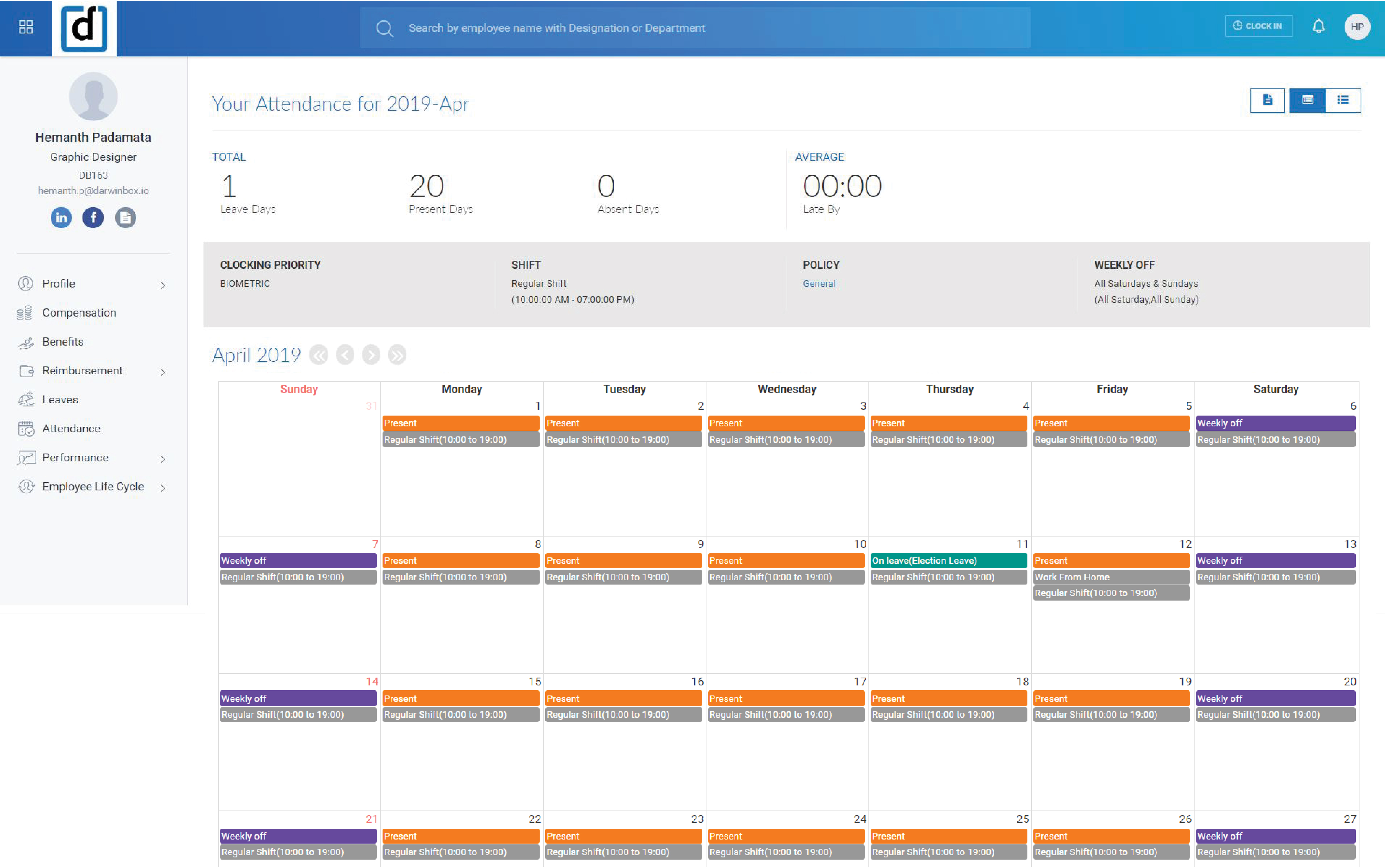    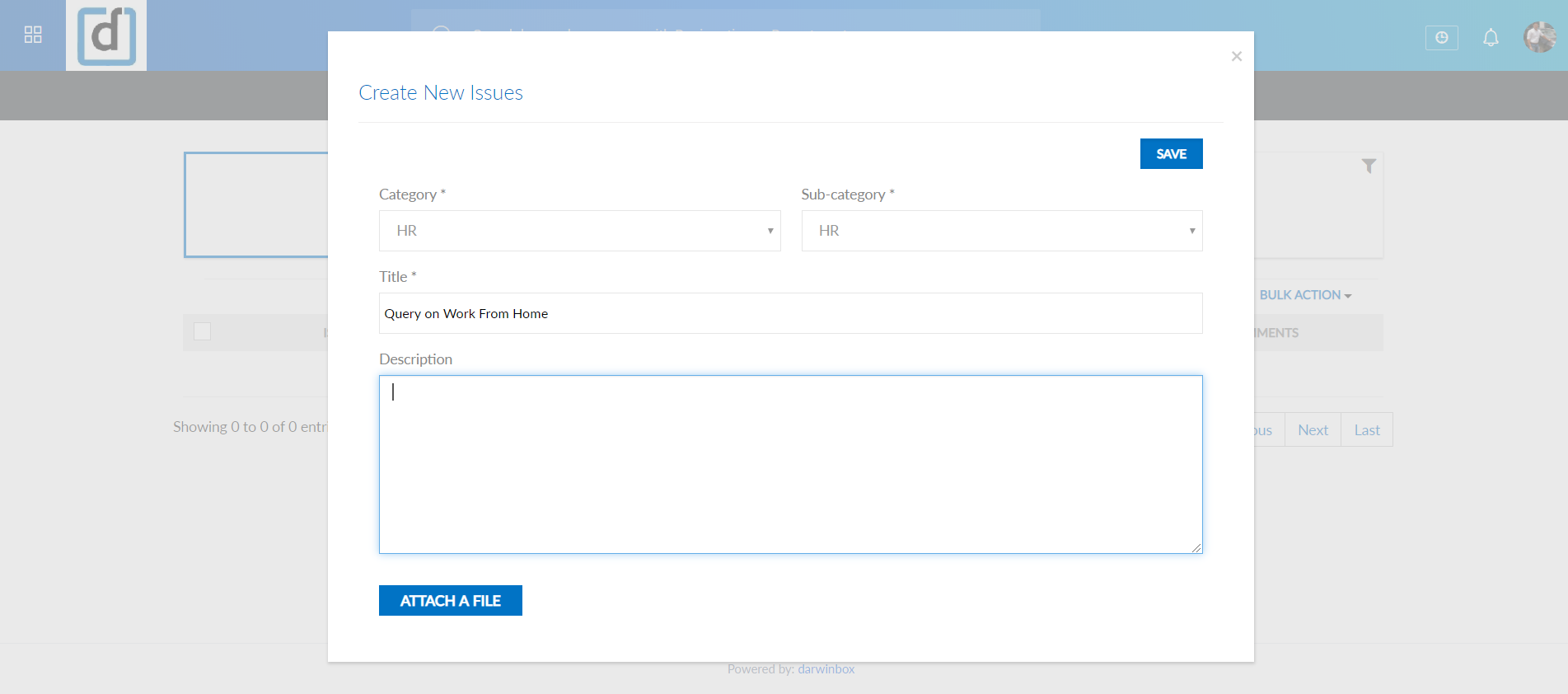  | HotSchedules Screenshots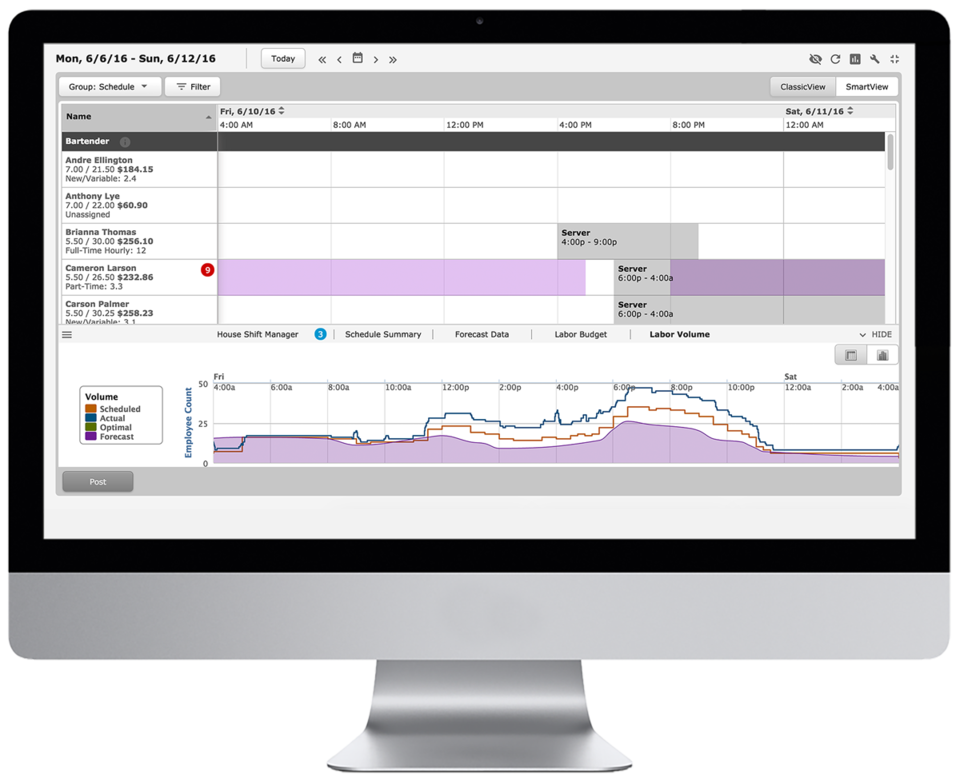 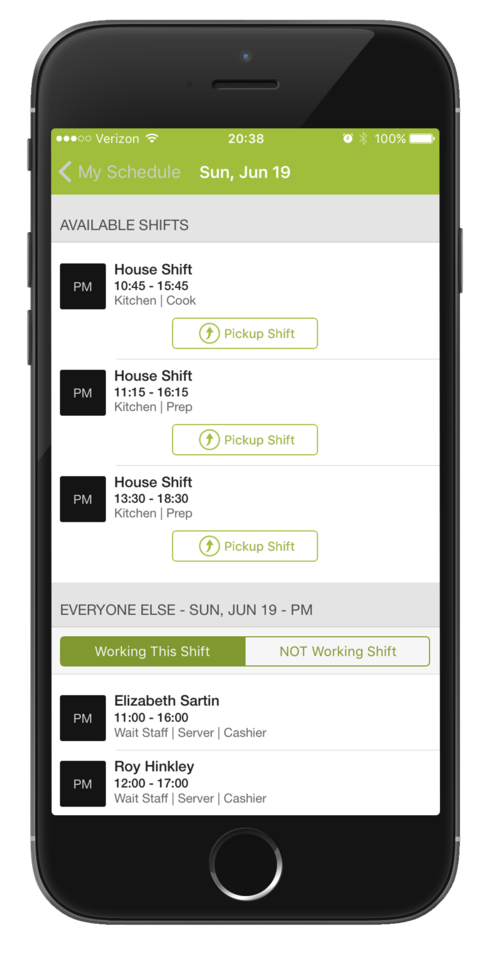    |