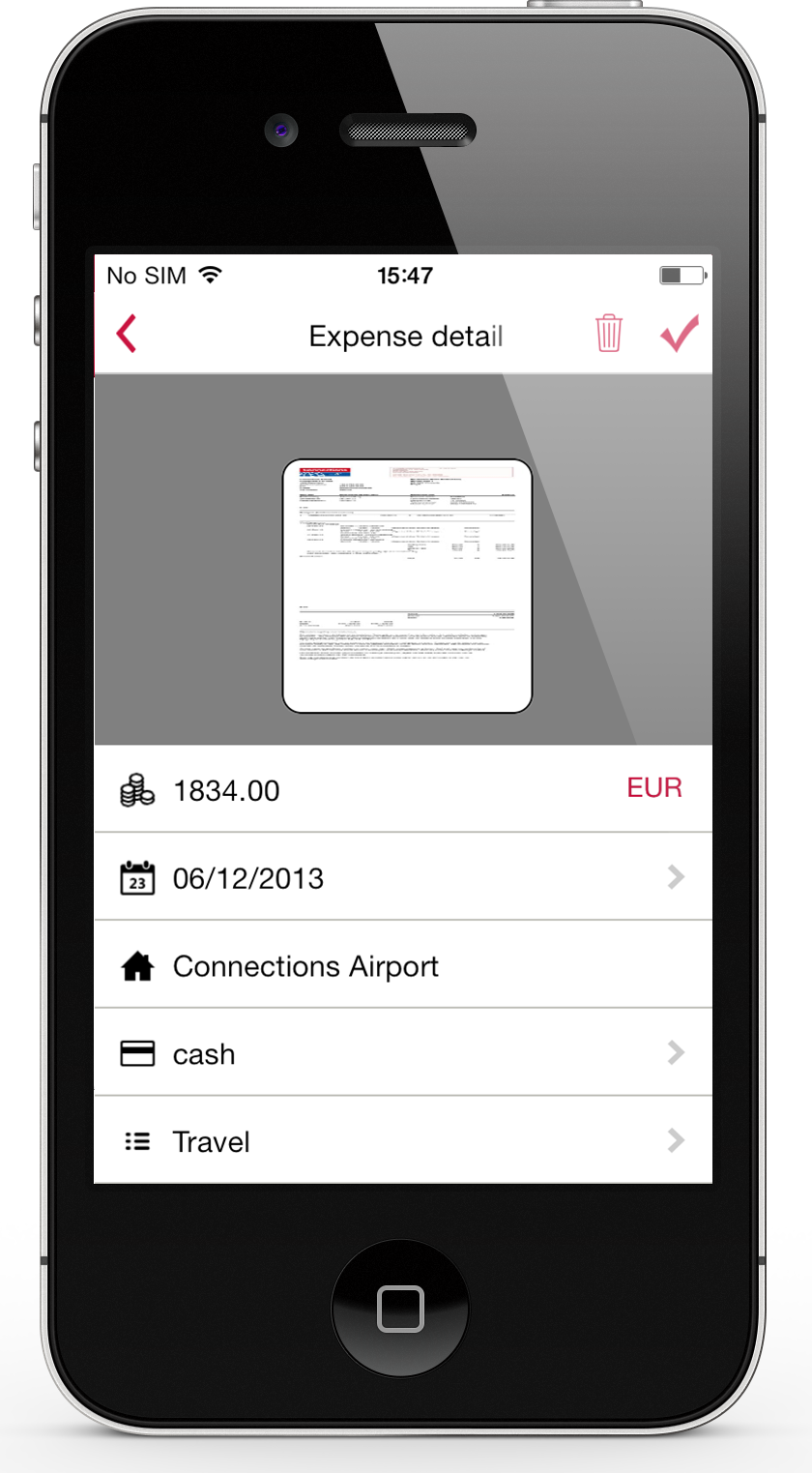
Expensify automates the entire spend management process. Scan receipts, track mileage, submit and approve expenses, manage corporate cards, reimburse employees, pay bills, send invoices, and book travel. Built for individuals and companies of all sizes, anywhere in the world.
$5
per month per user
Rippling
Score 8.9 out of 10
N/A
Rippling’s platform for HR, IT, payroll, and spend management automates the entire employee lifecycle, ensures compliance, supports device management, and provides real-time financial visibility from a central dashboard.
$8
per month per user
Rydoo
Score 10.0 out of 10
Mid-Size Companies (51-1,000 employees)
Rydoo (formerly Xpenditure) is a cloud based travel management solution that also handles the expense management process from receipt to accounting. After taking a picture of a receipt, Rydoo will extract all relevant data, and make it ready to be exported to the accounting software of your choice.
$10
per month per user (starting at 5 users)
Pricing
Expensify
Rippling
Rydoo
Editions & Modules
Collect
$5
per month per user
Control
$9
per month per user
Recommended
$8.00
starting price per user, per month
Essentials
€10
per month per user (starting at 5 users)
Pro
€12
per month per user (starting at 5 users)
Business
Custom Pricing
Starting at 30 active users.
Enterprise
Custom Pricing
Starting at 30 active users
Offerings
Pricing Offerings
Expensify
Rippling
Rydoo
Free Trial
Yes
No
Yes
Free/Freemium Version
No
No
No
Premium Consulting/Integration Services
No
Yes
Yes
Entry-level Setup Fee
No setup fee
No setup fee
No setup fee
Additional Details
—
For additional pricing details visit the Rippling pricing page.
Discount available for annual pricing.
More Pricing Information
Community Pulse
Expensify
Rippling
Rydoo
Considered Multiple Products
Expensify
Verified User
Team Lead
Chose Expensify
I can't remember what they were called... they were unmemorable.
Very similar to Expensify in terms of functionality, Xpenditure is a solid product, one of the best in terms of expense tracking and reporting. However, I think Expensify has a better interface (more intuitive). Also, this might be a minor detail but I love the rotating …
Rippling has a way better UI and is easier to work with compared to these other products. I hope our company considers implementing the features of Expensify (for reimbursement) and Navan (for travel) into Rippling as I have had issues with both of those products and imagine …
Rippling is WAY better than Nexonia in almost every way. It's been a long time since I used Expensify, but Rippling has new features, such as a digital expense/per diem card, that Expensify did not have when I was using it.
I have not used any other product as I used to work in academia and the paperwork as dealt with by the H.R. /planning department. After using Rippling I can tell the impact that it has on H.R. effort and the easiness to access one own's information easily.
Although I did not choose Rippling, I’m glad my company did! It’s the best platform I’ve used by far. It exceeds Workday's capabilities and is easier to use in terms of its user interface. I’d pick Rippling 10 times out of 10 over any HR platform I’ve used before, especially …
Rippling has a lot more features as opposed to the other programs I have used, and they seem to be better with their customer service. The interface is also a lot easier to use and manage when dealing with the team of people
Verified User
Manager
Chose Rippling
Rippling has a much easier interface and usability. I love it way more than Workday and everything (almost everything except benefits) is housed within one platform for easy access. Workday was difficult to navigate and the dropdown menu never had all the options that you need …
Rippling is new, its hip and it knows what's up. It easy to use and all the successful brands are using it. Why would you complicate things? Other products were confusing and just kind of old school.
Rippling is all inclusive instead of having to jump from one application to another when tracking personal information where the others are not. We selected Rippling because of this ease of use for the employees plus less integration with other systems for pulling and tracking …
Rippling is far more intuitive and detailed, with more features which integrate with each other. UKG Pro was much more barebones with less automation, and so it was harder to find the answers to my questions. Rippling has been extremely smooth, and I don't have to spend much …
Rippling was recommended by one of my mentors and used at my previous company. We migrated off Gusto for one main reason - the increased options for benefits coverage were much more attractive for a growing company with employees in different parts of the US. I haven't used TriN…
I used Gusto previously at this company. As we grew, I believe we selected Rippling because we knew that we needed a more holistic view of payroll, time off, and benefits that Gusto just couldn't provide. We also knew that the more detailed information our employees can pull …
I was not involved in the buying decision for either - I am just a user. From that perspective, both tools were easy but Rippling has a more simple and clean interface that is easy to navigate. I also had to use UltiPro in the past which I did not like, there was no mobile app …
Expensify was easy to use too but I feel like Rydoo does a better job of capturing receipt info with less work on the users end. Also with Rydoo you don't have to create a report, you can just submit expenses as you go. With Expensify you had to create a report first which …
I prefer Expensify over Rydoo. It is easier to work with both corporate cards and reimbursed expenses in Expensify, and it is much easier to reimburse the expenses directly through Expensify than having to work with a 3rd party outside of Rydoo. I have not used Expensify with …
Rydoo is very different in terms of how it approaches expense management thematically. It is entirely line-item based, and a lot of users had to take some time to adjust to this, but once we'd gotten past that, things have gone quite smoothly.
I think it's really good for small businesses. At least in the way we use it. It's very good for keeping an eye on employee spending in nearly real time. I'm not sure how it works for larger companies when there is a larger number of people to keep track of.
Great as an HRIS-as-master and configuring dynamic groups that can be synced with downstream apps or IdP solutions to help streamline IAM processes and user lifecycle management. If you are a business planning to scale, Rippling is a noteworthy option that provides a nice suite of products that can be added as you grow. It may be too heavy for a small business, but worth keeping tabs with for future growth. The Rippling IT module could be beneficial for companies/businesses that aren't subject to tighter security controls. It still needs to build out more granular customizations and controls for it to be more competitive with other MDM's.
I would recommend it for someone who wanted to track reimbursed expenses or credit card expenses, but there is not enough in Rydoo to work with these two distinct categories of items separately. It is not a good fit for someone looking to have their expenses seamlessly reimbursed (like Expensify). I do recommend it if you need to work with multiple currencies, because it makes that easy.
I wish that I could sync accounts on the back end kind of like with banking software, so that Expensify would automatically port over receipts for recurring expenses as soon as they're available
It would be nice to one-click submit an expense all the way through instead of having to attach it to a report
Wackier profile icons? :) Not a big deal. This software is pretty much amazing as it is now, and typically the urge to update and modify very good software leads to poor outcomes!
The overall look and feel of Rippling is dated; it looks like it's straight out of the 00's.
The could be more functionality in the LMS, expanded features, more options, it works, and it's basic, but it could be really great with a few added features.
The shift from using people's personal email to log in to their work email, not everyone wants to use their personal information to log into a work system.
We like using the tool and we receive positive feedback from employees and management who use the tool. It saves time and helps us concentrate on the value adding activities so we are very likely to keep using Expensify in the future
The AI assistant has always been able to direct me to the correct solution to any question i have about Rippling. Payroll is so easy, it takes about 10 minutes to go through the process.
My rating of 8 out of 10 for Expensify's overall usability reflects its strong performance in empowering individual users and streamlining core expense processes, while acknowledging that there are specific areas, particularly on the administrative or enterprise side, where the user experience could be further refined. Exceptional End-User Experience (for basic tasks).Automation & Time-Saving Features.Clear Workflow for Approvers. Why it's not a perfect 10 (areas for improvement that dock points): Limited corporate bank to choose from, limited multi-currency to pay to ( for instance, as a foreign corporatio,n i cannot pay with my US account to Israeli employees, or pay to our UK employees)
The interface is very user-friendly. Everything you do on Rippling is communicated to you via email (for example, when your invoice is approved, when your payment will be received, and any login attempts). There are some things that need work, though, some minor issues with "where some menus are located", but those are minor things that don't spoil the overall experience with the product (but they should be addressed nonetheless).
I like that the availability in using Rippling at any given time is useful to me. Getting on the site freely when I need gives me security of knowing that I can be in control of viewing health insurance and hours information. I have yet to get any errors in using the Rippling app.
Rippling's performance has been great, no errors or glitches yet so far. I am confident that Going from one page to the next and all its complexity usage does not lag or times out, it works effectively and efficiently. While using Rippling and other apps it does not tend to slow it down, works great. No complaints.
Our rep has been amazing. He has built custom reports for us that have been very time consuming and difficult. Our reps are also currently looking into new submission solutions for us that we are excited about. They came up with this and recommended it on their own without me complaining about an issue. They are about our success and are very excited about the product they offer.
When I did have to reach out to Rippling for assistance I was able to get quick help and my problem resolved in a time efficient manner with out any type of hick up. The customer support team is professional, kind and always available. This makes Rippling more welcoming to use on a daily basis.
When Rydoo is responsive, support is just fine, but there have been times when our requests for support have gone unanswered for more than a day when their queue has indicated response times much shorter than that.
The implementation process went rather smoothly, linking it to the bank and cards was handled easily. without too many unnecessary steps. Getting the accounts setup did take some time, but that would be true with any organization. All in all things went smoothly and I was very pleased with the setup and implementation process
It's really easy to implement in comparison to other tools or applications. Different key points are easily configured and implemented as per need, having different configurations in systems. Implementation is something which binds the different parameters of an organization in a single row. Implementation of rippling is much easier, quicker, and error free than any other software. I recommend it strongly!
It is definitely 10 times better than using an Excel spreadsheet. We are talking a digitized with AI type capabilities to do the work for you. It’s honestly a lifesaver. This beats manual calculations and data entry any day. Scanning 100 receipts and saving them to pdf files not only takes space on your storage but it is an extra unnecessary step
We chose Rippling primarily based on cost and feature set available. As a small organization, budget is a high priority. Rippling gave us enterprise-level features at an affordable cost for an early stage start up. We appreciate that we have the opportunity to expand our feature set within Rippling as our business and workforce grow.
Expensify was easy to use too but I feel like Rydoo does a better job of capturing receipt info with less work on the users end. Also with Rydoo you don't have to create a report, you can just submit expenses as you go. With Expensify you had to create a report first which added extra unnecessary work with no benefits.
I can go on here and see all my hours and pto plus health benefits. I like to have the work handbook handy to refer to legal things. How to work my role within it's limits. Being able to put in my hours and view when they are approved is a huge benefit for me.
We went from paying credit card fees with no approval process to a no fees and complex approval processes.
I personally save time in not having to develop a spend report I just have my admin assistent fill in the details of the auto generated report and it is done. Went from an hour long process to 5- 10 minutes max to prepare a high quality audit ready report.
Our HR team used to spend almost three days doing payroll calculations before Rippling. This platform has cut that time down by 75%! Now they can devote the time they would've spent on payroll to other important tasks.
Rippling saves employees time by making time-tracking less of a headache.
Rippling has so many so many services that it's essentially a one-stop-shop for centralized HR solutions!