Google Chat, formerly Hangouts Chat, is a collaboration tool competing with Slack, designed to make it easy for teams to be able to get their work done in one place. From direct messages to group conversations, Chat helps teams collaborate, and with dedicated, virtual rooms to house projects over time — plus threaded conversations — Chat helps users track progress and follow up tasks. Chat currently supports 28 languages and each room can support up to 8,000 members.
N/A
HipChat (discontinued)
Score9.7 out of 10
N/A
Hipchat was discontinued by Atlassian. Users are being migrated to Slack.
It is a easy and quick way to chat and send instant message using the Google account, even send files, emojis, create groups. I have used it to communicate even with external people with a personal gmail account and is great to stay in touch with all around. I recommend it for anyone who wants to stay communicated using a google account.
A de minimis incentive was given to thank the reviewer for their time. The incentive was not used to bias or drive a particular response, nor was the incentive contingent on a positive endorsement. More Info
A de minimis incentive was given to thank the reviewer for their time. The incentive was not used to bias or drive a particular response, nor was the incentive contingent on a positive endorsement. More Info
When discussing about a specific project, I can quickly share google docs or sheets within the chat which helps my team to view the document in real time and they do not have to leave the conversation.
Scheduling a meeting with someone is very easy on Google Chat.
We have remote team members in different time zones and instead of waiting for emails we use Google Chat to quickly discuss anything.
A de minimis incentive was given to thank the reviewer for their time. The incentive was not used to bias or drive a particular response, nor was the incentive contingent on a positive endorsement. More Info
HipChat is very stable and reliable. I have never had issues with not being able to connect or being able to communicate with others on HipChat.
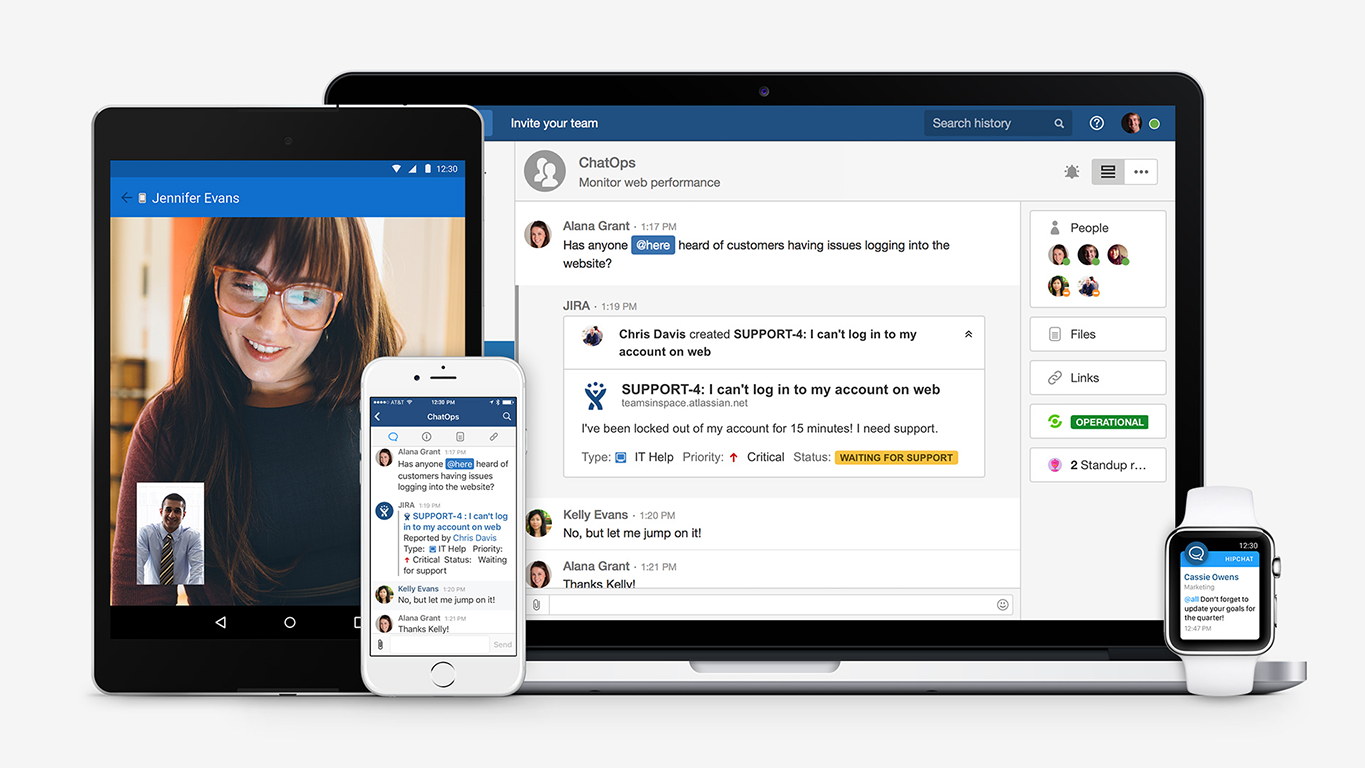
HipChat integrates quite well with other applications, such as Jira and Stash. This is a main selling point for my team. It provides a convenient feed of actions on a JIRA story or Stash pull request.
HipCat does a good job of allowing 1-1 and group chats. It is simple to start a new conversation and it is easy to hold a group conversation and keep track of who is in the room.
I like how HipChat has away/here/on mobile statuses. This makes it easy to see if a person is available to be contacted.
A de minimis incentive was given to thank the reviewer for their time. The incentive was not used to bias or drive a particular response, nor was the incentive contingent on a positive endorsement. TR verified that a representative sample of customers was invited. More Info
Google Hangouts Chat has a room for improvement in customizing the themes background.The themes are outdated and hard to change if you don't know the right key to change it.
It could be more user friendly if there will be no hidden features. Formatting messages is very likely to use and fun.
With conversations going on about everything all the time, it's easy to get pulled into far too many discussions but sometimes its hard to mention names because it shows many result even the users are not included on the chat room.
A de minimis incentive was given to thank the reviewer for their time. The incentive was not used to bias or drive a particular response, nor was the incentive contingent on a positive endorsement. TR verified that a representative sample of customers was invited. More Info
Mobile app is not very responsive on iOS. Sometimes connection to Hipchat servers is taking too long even on good networks.
Both mobile and desktop versions have no alphabetical or recent sorting for groups and chat rooms.
Video and audio calls are pretty useless, they're slow and not always work.
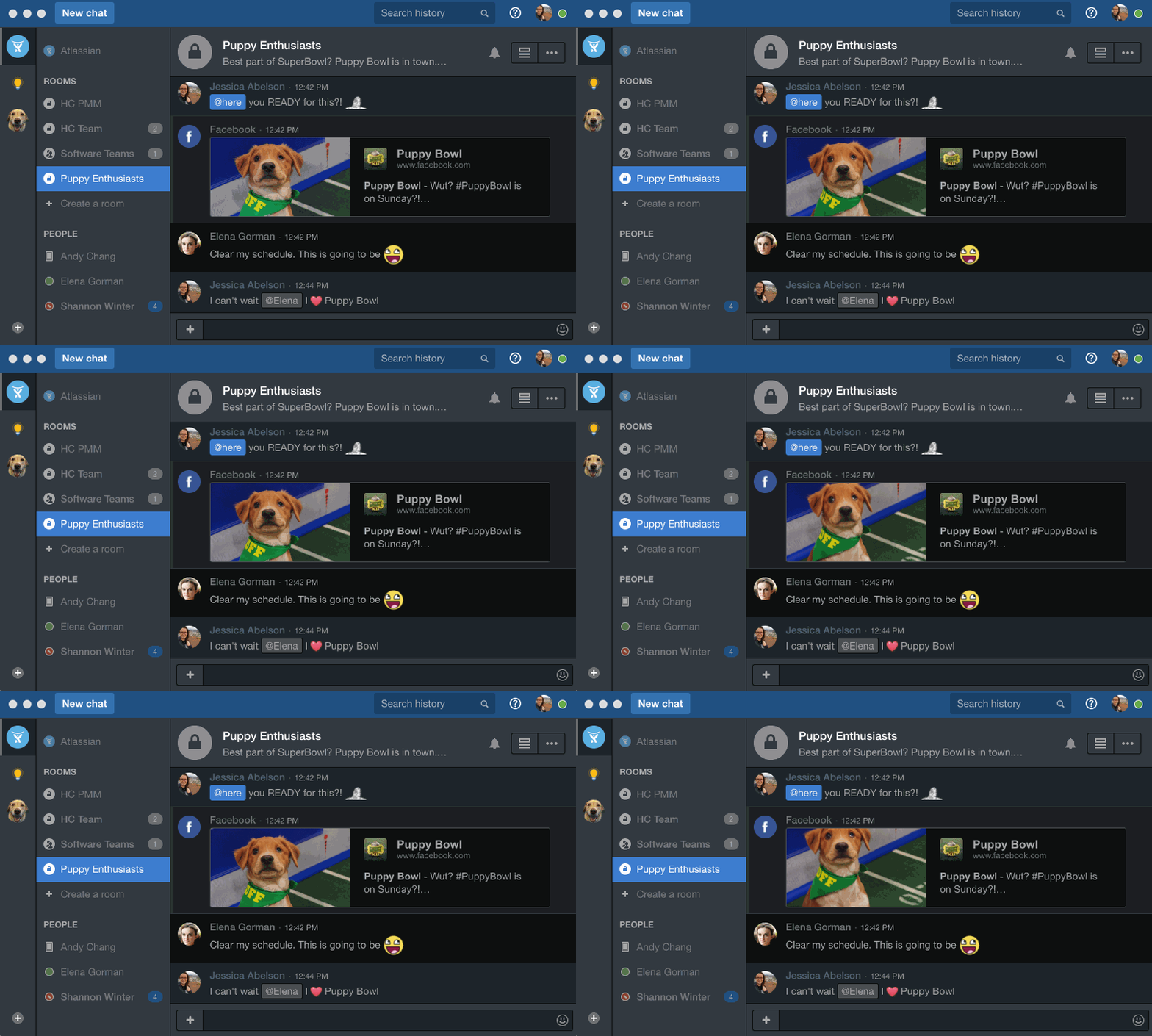
The whole user interface is simple but very outdated - apparently Atlassian didn't focus too much on Hipchat even though they tried in the last 2 years.
A de minimis incentive was given to thank the reviewer for their time. The incentive was not used to bias or drive a particular response, nor was the incentive contingent on a positive endorsement. More Info
The updates, support, general reviews on Google Chat are great everywhere. The development of the features is ongoing and this adds a great value to Google as a big company in the market. Other applications are limiting communication while Google Chat is allowing communication to grow. It is very easy to use it and teach others how to use Google Chat.
A de minimis incentive was given to thank the reviewer for their time. The incentive was not used to bias or drive a particular response, nor was the incentive contingent on a positive endorsement. More Info
As stated from the starting we found this application is well suited for a small audience and a group of people across the organization can be communicated easily with no additional hectic of doing any setup. When you have a Gmail account ready then you can easily access google chat and continue the communication. This tool is simple,secure and robust helping the global leading partner for their internal precise communication and handling the tasks in a great way
A de minimis incentive was given to thank the reviewer for their time. The incentive was not used to bias or drive a particular response, nor was the incentive contingent on a positive endorsement. More Info
The app itself had a pleasant if not generic interface. As a user experience expert and engineer I can say the interface is fairly intuitive if not bland. It does what you expect it to do and it's available on iOS and Android devices. If I recall it was generally pretty light weight in terms of installation size.
A de minimis incentive was given to thank the reviewer for their time. The incentive was not used to bias or drive a particular response, nor was the incentive contingent on a positive endorsement. More Info
I have not needed to contact the support folks for Google Hangouts Chat, so I can't speak to this with any accuracy. The online instructions are fairly clearly written, so it is fairly intuitive to start with. I did not feel the need to use the support people anyway.
A de minimis incentive was given to thank the reviewer for their time. The incentive was not used to bias or drive a particular response, nor was the incentive contingent on a positive endorsement. More Info
HipChat support is good . Responds in timely manner when ever we have raised the request via email , phone and gives us continue update on the request .Though most of the questions are answered by HipChat FAQs , but they can still improve it and add more to the knowledge base .
A de minimis incentive was given to thank the reviewer for their time. The incentive was not used to bias or drive a particular response, nor was the incentive contingent on a positive endorsement. More Info
A de minimis incentive was given to thank the reviewer for their time. The incentive was not used to bias or drive a particular response, nor was the incentive contingent on a positive endorsement. TR verified that a representative sample of customers was invited. More Info
Slack has a few more features than Google Chat. Slack, for a long time, had thread chats that grouped a thread of thoughts together, making the main chat group space a lot less cluttered. A while back, Google Chat implemented a similar thing in a different but similar way, making the group less crowded. They are catching up.
A de minimis incentive was given to thank the reviewer for their time. The incentive was not used to bias or drive a particular response, nor was the incentive contingent on a positive endorsement. More Info
We tried a lot of chat clients before choosing HipChat. The Skype for Business UI on the Mac side was 5 years old and terrible. Mac users hated the app including our CTO. Cisco Jabber was expensive to license and maintain; Skype was open to the public which took time away due to users dealing with spam and could allow viruses and malware. HipChat being a closed product, centrally managed and available to try without an upfront investment was perfect for our environment. All our Agile teams have their own room, chat and can communicate with others quickly and easily.
A de minimis incentive was given to thank the reviewer for their time. The incentive was not used to bias or drive a particular response, nor was the incentive contingent on a positive endorsement. More Info
Actually I never shared of HipChat using with more than 25 persons in team simultaneously, but I believe it can be scaled for much largest collaboration teams. At least it works flawlessly for us, with transparent integration with Jira, and I am not see any reasons for some troubles for work at big scale.
A de minimis incentive was given to thank the reviewer for their time. The incentive was not used to bias or drive a particular response, nor was the incentive contingent on a positive endorsement. TR verified that a representative sample of customers was invited. More Info
A de minimis incentive was given to thank the reviewer for their time. The incentive was not used to bias or drive a particular response, nor was the incentive contingent on a positive endorsement. More Info
HipChat has increased the effiency with which I am able to communicate with my coworkers, particularly those who work out of other offices. Having a light, portable messaging solution has been beneficial for checking in on small things without the need to send emails or schedule phone calls.
A de minimis incentive was given to thank the reviewer for their time. The incentive was not used to bias or drive a particular response, nor was the incentive contingent on a positive endorsement. More Info