
Joi Brooks
Email Marketing Campaign Manager
Chose Adestra

| Product | Rating | Most Used By | Product Summary | Starting Price |
|---|---|---|---|---|
 Adestra | N/A | Email automation software with optimized personalization to drive engagement. | N/A | |
 Drip Ecommerce CRM | N/A | Drip is an ECRM–an Ecommerce CRM offering email marketing automation software specifically for B2C online retailers. The vendor’s value proposition is that with Drip's simple, user-friendly visual campaign builder, users can design email campaigns based on specific subscriber behavior—so they always send the right message, to the right person, at the right time. Drip starts at $41/mo (with email sending and every feature enabled). | $19 per month | |
 Intuit Mailchimp | N/A | Mailchimp is an email marketing and marketing automation platform. Beyond just tracking how campaigns perform, Mailchimp takes it a step further by analyzing data from over half a billion emails to show why campaigns perform, driving informed decisions. | $0 per month |
| Adestra | Drip Ecommerce CRM | Intuit Mailchimp | ||||||||||||||||||||||
|---|---|---|---|---|---|---|---|---|---|---|---|---|---|---|---|---|---|---|---|---|---|---|---|---|
| Editions & Modules | No answers on this topic |
|
| |||||||||||||||||||||
| Offerings |
| |||||||||||||||||||||||
| Entry-level Setup Fee | No setup fee | Optional | No setup fee | |||||||||||||||||||||
| Additional Details | — | — | — | |||||||||||||||||||||
| More Pricing Information | ||||||||||||||||||||||||
| Adestra | Drip Ecommerce CRM | Intuit Mailchimp | |
|---|---|---|---|
| Considered Multiple Products |  Adestra Joi Brooks Email Marketing Campaign Manager Chose Adestra | Drip Ecommerce CRM  Tim Berman Founder and Growth Hacker at Big Red's Equipment Sales Chose Drip Ecommerce CRM MailChimp does lists. Drip does automated segmentation. This is a game changer!  Matthew Gehrman Agency Principal Chose Drip Ecommerce CRM MailChimp and Constant Contact are both excellent options based on your level of use and business goals. When comparing all three services we looked at integration ability, pricing, functionality, and customer service as our key decision factors. Each company has their pros & …  Charles Combs Head of Marketing Chose Drip Ecommerce CRM We decided to move away from Mailchimp when they announced the changes to their service plans. We cast a wide net and ended up boiling it down to Drip, Klaviyo, Omnisend, and Constant Contact. They all have a similar set of features, but Drip was willing to work with us on …  Jordan Comstock Digital Marketing Specialist Chose Drip Ecommerce CRM Again, this is dependent on the use case. If you are a small- to medium-sized business that doesn't have a sales team, this is likely a great product for you. It is also a good price compared to larger enterprise software. Other software I have used worked better for other … |  Intuit Mailchimp  Allie (Allison) Egerer Marketing Operations Manager Chose Intuit Mailchimp The difference between Mailchimp and the other email marketing applications we've used is that Mailchimp is a more convenient and affordable application that is meant to give the user the ability to execute a full email campaign from start to finish completely on their own - …  Ashlie Pappas Founder Chose Intuit Mailchimp As stated previously, I use Mailchimp as a secondary autoresponder (for transitions between platforms or in case of performance issues with the primary). My primary autoresponders are ConvertKit for marketing, and Kajabi for digital product delivery and support, although I am …  Andy Ryan Launch Engineer Chose Intuit Mailchimp I would say that Mailchimp is good for beginner businesses trying to get started with their email marketing campaigns and customer list. But I would say it's temporary until they find a better solution that will fit their needs. I would do research into more robust and reliable …  Jason Vance Owner Chose Intuit Mailchimp I would still recommend Mailchimp to most people starting out. It's easy to use and set up and doesn't require a lot of extra support to get started. Other than ActiveCampaign or Keap, which are for larger lists and more complicated, Mailchimp is a good choice. If you …  khayati jain Market Analyst Chose Intuit Mailchimp Mailchimp is the best software in comparison to all other software because it is [a more] user friendly and cost saving software. Mailchimp offers various customizable options and also offers well-designed templates to create your own content by just [using the] drag and drop …  Megan Russell Owner and Head Baker Chose Intuit Mailchimp I use Campaign Monitor for our software company. I did not get to make the buying decision on that, but we use a very advanced version of their software. I use a very basic level of MailChimp. But based on the features available to me in the basic MailChimp option, It stands up …  Jason Revilla Director of ecommerce Chose Intuit Mailchimp Mailchimp is a great tool for users of all business types and technical knowledge. However, there came a time where we needed more flexible flow, user, and activity management. Because of this, we will be migrating away from Mailchimp, but I wouldn't hesitate to recommend it to …  Rob Race Lead Software Engineer Chose Intuit Mailchimp Jordan Comstock Digital Marketing Specialist Chose Intuit Mailchimp MailChimp is fairly simple in functionality compared to competitors. Pardot was something I used for a B2B Saas company I worked for. Drip is what I used for eCommerce. Both are preferred in my current situations. I don't think I would recommend either over MailChimp for a … Joi Brooks Email Marketing Campaign Manager Chose Intuit Mailchimp I recommend MailChimp because of its solid and growing market share. In some cases, small and medium-sized businesses may find the same solutions within Constant Contact, iContact, or MailChimp. It may be a simple matter of preferences that determine which email marketing … |
| Adestra | Drip Ecommerce CRM | Intuit Mailchimp | |||||||||||||||||||||||||||||||||||||||
|---|---|---|---|---|---|---|---|---|---|---|---|---|---|---|---|---|---|---|---|---|---|---|---|---|---|---|---|---|---|---|---|---|---|---|---|---|---|---|---|---|---|
| Email & Online Marketing |
| ||||||||||||||||||||||||||||||||||||||||
| Reporting & Analytics |
| ||||||||||||||||||||||||||||||||||||||||
| Lead Management |
| ||||||||||||||||||||||||||||||||||||||||
| Campaign Management |
| ||||||||||||||||||||||||||||||||||||||||
| Social Media Marketing |
| ||||||||||||||||||||||||||||||||||||||||
| Platform & Infrastructure |
|
| Adestra | Drip Ecommerce CRM | Intuit Mailchimp | |
|---|---|---|---|
| Small Businesses |  Sitecore Send Score 8.7 out of 10 | Sitecore Send Score 8.7 out of 10 |  Vbout Score 9.9 out of 10 |
| Medium-sized Companies |  VerticalResponse Score 10.0 out of 10 | VerticalResponse Score 10.0 out of 10 |  OutboundEngine Score 10.0 out of 10 |
| Enterprises |  Emma by Marigold Score 8.6 out of 10 | Emma by Marigold Score 8.6 out of 10 |  Bloomreach Score 9.2 out of 10 |
| All Alternatives | View all alternatives | View all alternatives | View all alternatives |
| Adestra | Drip Ecommerce CRM | Intuit Mailchimp | |
|---|---|---|---|
| Likelihood to Recommend | 10.0 (1 ratings) | 9.4 (8 ratings) | 8.7 (604 ratings) |
| Likelihood to Renew | - (0 ratings) | - (0 ratings) | 10.0 (55 ratings) |
| Usability | 9.0 (1 ratings) | - (0 ratings) | 8.5 (473 ratings) |
| Availability | - (0 ratings) | - (0 ratings) | 9.5 (6 ratings) |
| Performance | - (0 ratings) | - (0 ratings) | 8.9 (7 ratings) |
| Support Rating | 10.0 (1 ratings) | - (0 ratings) | 8.8 (20 ratings) |
| Implementation Rating | - (0 ratings) | - (0 ratings) | 7.4 (22 ratings) |
| Configurability | - (0 ratings) | - (0 ratings) | 10.0 (2 ratings) |
| Ease of integration | - (0 ratings) | - (0 ratings) | 8.0 (4 ratings) |
| Product Scalability | - (0 ratings) | - (0 ratings) | 9.5 (6 ratings) |
| Vendor post-sale | - (0 ratings) | - (0 ratings) | 10.0 (2 ratings) |
| Vendor pre-sale | - (0 ratings) | - (0 ratings) | 10.0 (2 ratings) |
| Adestra | Drip Ecommerce CRM | Intuit Mailchimp | |
|---|---|---|---|
| Likelihood to Recommend | Upland Software
Joi Brooks Email Marketing Campaign Manager | Drip Global, Inc
Charles Combs Head of Marketing | Intuit
 Emma Hansen Communications Coordinator |
| Pros | Upland Software
Joi Brooks Email Marketing Campaign Manager | Drip Global, Inc
 Steve Palfreyman Founder | Intuit
 Faisal Darbar Sales & Customer Services Manager |
| Cons | Upland Software
Joi Brooks Email Marketing Campaign Manager | Drip Global, Inc
 Conrad Magalis Marketing Manager | Intuit
|
| Likelihood to Renew | Upland Software No answers on this topic | Drip Global, Inc No answers on this topic | Intuit
 Harrison Pershing Digital Marketing Strategist |
| Usability | Upland Software
Joi Brooks Email Marketing Campaign Manager | Drip Global, Inc
| Intuit
|
| Reliability and Availability | Upland Software No answers on this topic | Drip Global, Inc No answers on this topic | Intuit
 Ben Caplan Risk Manager, and Insurance Agent |
| Performance | Upland Software No answers on this topic | Drip Global, Inc No answers on this topic | Intuit
Ben Caplan Risk Manager, and Insurance Agent |
| Support Rating | Upland Software
Joi Brooks Email Marketing Campaign Manager | Drip Global, Inc No answers on this topic | Intuit
 Valie Robbins Owner |
| Implementation Rating | Upland Software No answers on this topic | Drip Global, Inc No answers on this topic | Intuit
 Vicki Lesage Digital Marketing Specialist |
| Alternatives Considered | Upland Software
Joi Brooks Email Marketing Campaign Manager | Drip Global, Inc
Jordan Comstock Digital Marketing Specialist | Intuit
 Irfan Ahmad Software Engineer |
| Scalability | Upland Software No answers on this topic | Drip Global, Inc No answers on this topic | Intuit
Ben Caplan Risk Manager, and Insurance Agent |
| Return on Investment | Upland Software
Joi Brooks Email Marketing Campaign Manager | Drip Global, Inc
Matthew Gehrman Agency Principal | Intuit
 John Dykstra Small Business Owner |
| ScreenShots | Drip Ecommerce CRM Screenshots  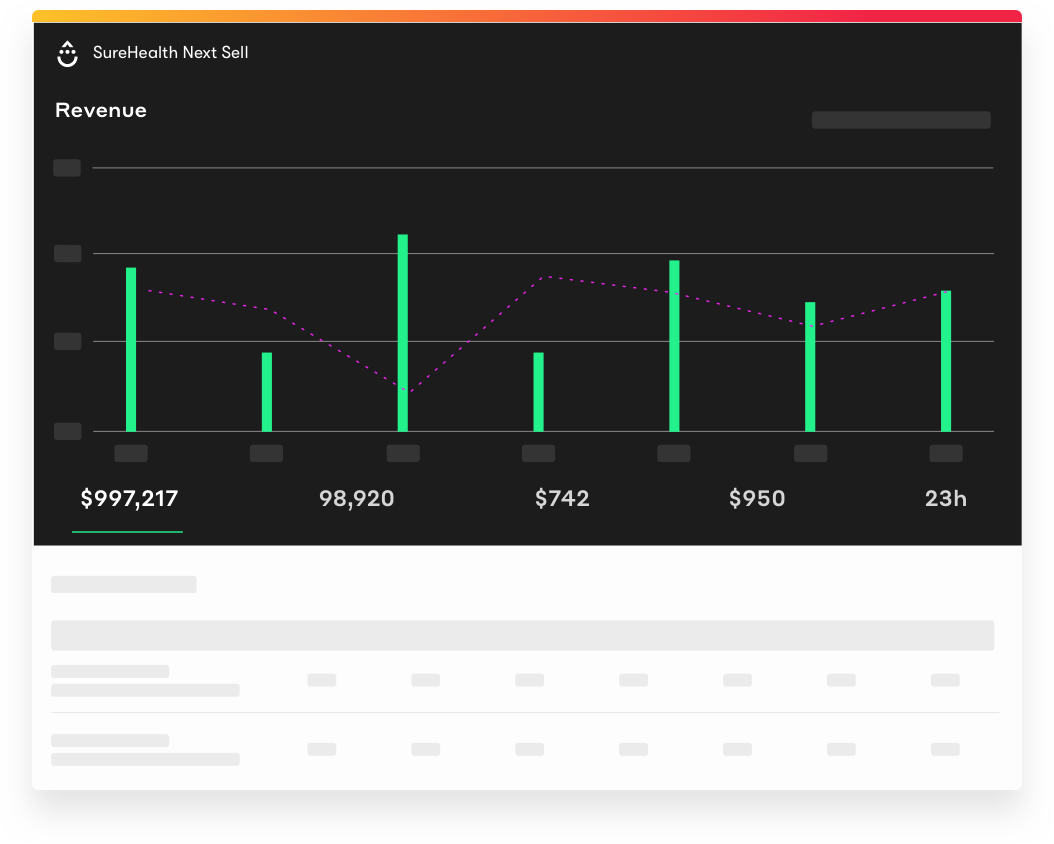 | Intuit Mailchimp Screenshots      |