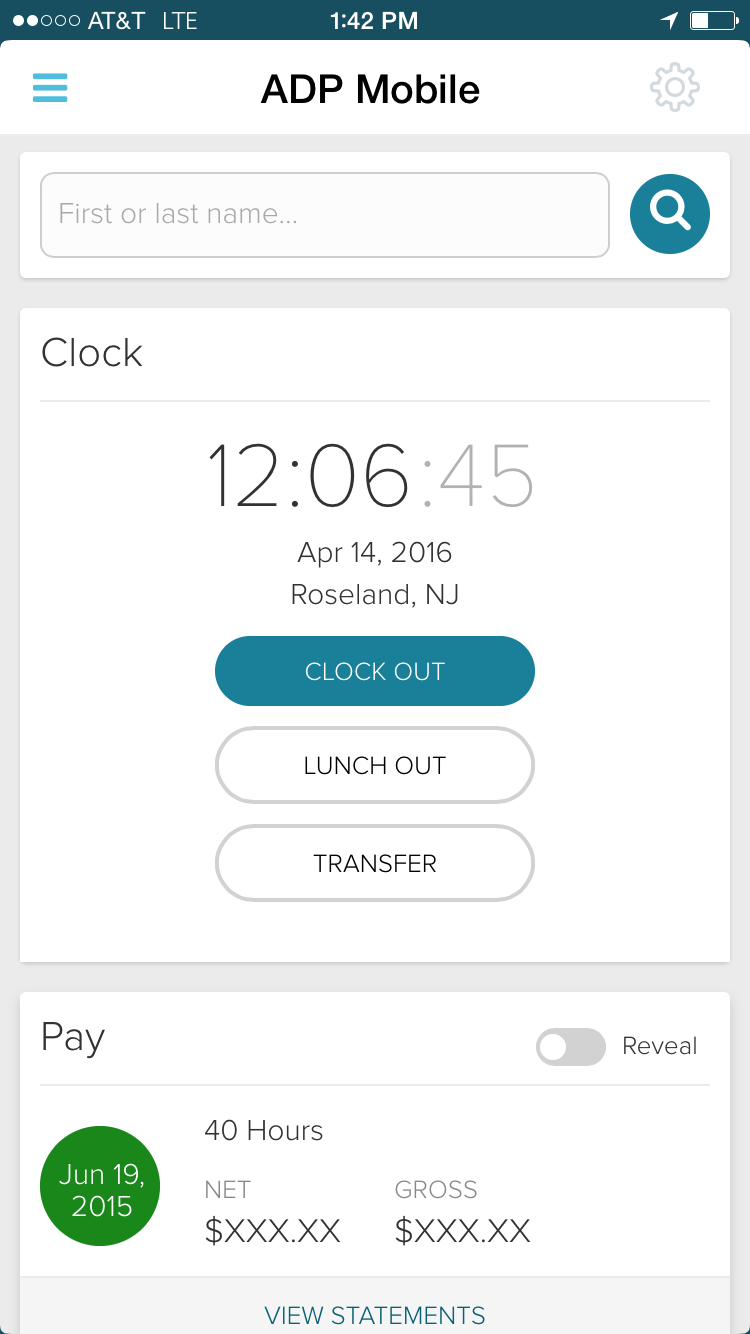
ADP Workforce Now is a cloud-based HR platform for mid-sized businesses. It features customizable modules of various HR services that businesses can tailor to their specific needs, as well as regulatory monitoring and alerts to help businesses remain compliant.
N/A
Bundy
Score 0.0 out of 10
N/A
N/A
$49
per month
UKG Ready
Score 8.0 out of 10
N/A
The UKG Ready® software suite is a centralized HCM solution designed for small to mid-sized businesses. It automates and streamlines HR, payroll, benefits, time, talent, and scheduling processes. UKG Ready's suite of tools offer actionable insights while helping to ensure compliance. Using AI, it draws on work, people, and culture data to boost efficiency and productivity. For example, UKG Ready streamlines core HR functions by centralizing…
N/A
Pricing
ADP Workforce Now
Bundy
UKG Ready
Editions & Modules
Essential
Contact sales team
Enhanced
Contact sales team
Complete
Contact sales team
HR Pro
Contact sales team
Payroll Essentials
Contact sales team
HR Plus
Contact sales team
Hiring Advantage
Contact sales team
Performance Plus
Contact sales team
Basic
$49
per month
No answers on this topic
Offerings
Pricing Offerings
ADP Workforce Now
Bundy
UKG Ready
Free Trial
No
Yes
No
Free/Freemium Version
No
No
No
Premium Consulting/Integration Services
Yes
No
Yes
Entry-level Setup Fee
Required
No setup fee
Required
Additional Details
Please contact ADP for a product demo and ask about a hands-on "test drive" of Workforce Now.
Very comparable items. UKG seems to have better reports to build. More customizable dashboard for employees. As of right now, the customer service is quicker. ADP Workforce Now is widely known and therefore more people seem comfortable with it. I do hate when a new hire has …
This was a more manufacturing product when I used it and was only able to be used for specialized companies that fit their target market. this was many years ago so not sure if this has changed or not. ADP is better in that it covers a board range of companies but if you are …
We have only evaluated the other companies and have not had a chance to use them directly. However, these products look much more promising than ADP. I am not sure about the cost comparison.
I personally have never worked with another product like this except for a previous job in which is used Kronos to clock in and out. I found the system very difficult to navigate and not very straight forward. ADP overall has a system that is easy to navigate when it comes to …
Kronos is far simpler than Workforce Now but has more features such as external integrations and data importing, while ADP's payroll processing features are a little more robust, along with their time management and employee engagement features. I do not have as much experience …
I personally have used Paycor and Paychex at a previous employer and would not recommend either on. ADP is by far a better product. At my current company Kronos was included in the RFP process but we placed the business with ADP. Kronos was more expensive and we were under a …
Kronos has a HUGE learning curve. Basically I had to BUILD out the workflows before I could implement. ADP already has the shell built so it is much easier to just customize your work flow instead of building it from scratch. I appreciate the ease of ADP. I felt like I needed …
We selected ADP's system over the Kronos product because of the ability to grow our database with ADP. Kronos provided the systems we needed at the time, but we were not sure about the ability to add on more and more modules as needed.
ADP Workforce Now, when used appropriately, is sufficient to handle payroll related activities. The company had already been dividing work between Workforce Ready and Workforce Now before switching primarily over to Kronos. It was not my decision. Normally, once having attained …
UKG is great for reporting and for having a pleasant UI. I find that Paylocity has a lot more innovation, but sometimes its reach exceeds its grasp when it comes to implementation of those features. ADP is bog standard, and it works pretty well, but there's little interest in …
We found that UKG Ready was more cost effective and had more flexibility for our needs. Accruals while still complex are easier to manage. Payroll processing was able to be set up on a more individual basis.
Having EIN's in one database made adding a new EIN recently pretty …
UKG Ready blew away the competition in terms of customization, imports/exports, reporting, document storage, streamlined feel, security accesses, and many other areas.
So far I think the ADP products are competitive in their offerings. The new feel of Bamboo HR is much more appealing, but it doesn't do nearly enough function-wise.
Based on previous experiences with the other software that we have used and the customer service that we received with that software, we selected UKG Ready (formerly Kronos Workforce Ready). Because it is known as an industry leader in timekeeping, and due to positive customer …
Selected UKG ready because of time tracking options. Ability to use actual forced in and out punches rather than only Smart Punch and ability to require multiple manager approval workflows that depending in the workflow would force the timesheet back through the process if any …
Kronos has a much more streamlined payroll process and less complicated reporting abilities. The self user abilities are more in-depth and easy to navigate for users. Having a mobile interface that mirrors the desktop interface is also a wonderful advantage to ADP.
Long term cost. In the long term, Kronos Workforce Ready might save us money, in the very long term. The costs getting started between implementation costs, staff time investment, staff irritation (employees, managers, HR, Payroll), training costs (at all levels), learning …
The ease in which you can process payroll and year end (T4s). Ability to maintain payroll - enter upcoming changes (e.g. pay raises for a certain date) ahead of time. While we don't use it in my current company, in past ones the time & attendance integration with timesheets is fabulous. Our company uses a 3rd party scheduling & timesheet platform which also integrates with one click but is a little more work to maintain time off balances within ADP Workforce Now. We use the 3rd party platform (Evolia) for scheduling and timesheets as the management here wanted the ability to see salaried employees on site, have a chat feature, and some self-management on the employee side with the ability to swap shifts.
I might recommend UKG to a larger organization than ours. The complexity is rich, but perhaps it is too powerful a tool for what we need. That or it's a bit messy in its construction, having so many tools available but difficult to find or not working appropriately. UKG Ready processes payroll efficiently and with ease, but unless you are using a simple accounting platform it may not be able to easily integrate with yours
Due to the lack of support from the sales and service center we are looking at other options outside of ADP. Again it is a good system, it just lacks the support it deserves from the company employees. It is just unimaginable that you will need to reach out to a service provider several times for the same issue and not get it resolved.
We plan to renew our support and use of UKG Ready each year unless it becomes unavailable or the district seeks another vendor. As of now, there are no plans to changes vendors. The district staff is now familiar with using UKG. Another vendor will need to meet the same expectations we have come to enjoy with using UKG
I would give it a 10 however I do not like when ADP does facelifts in Workforce Now which does not add any value other than having to relearn navigation. I am also not a big fan of being forced to refer to the Bridge. We have Google which gives the same results. If I understood the answer I would not contact our Account Rep.
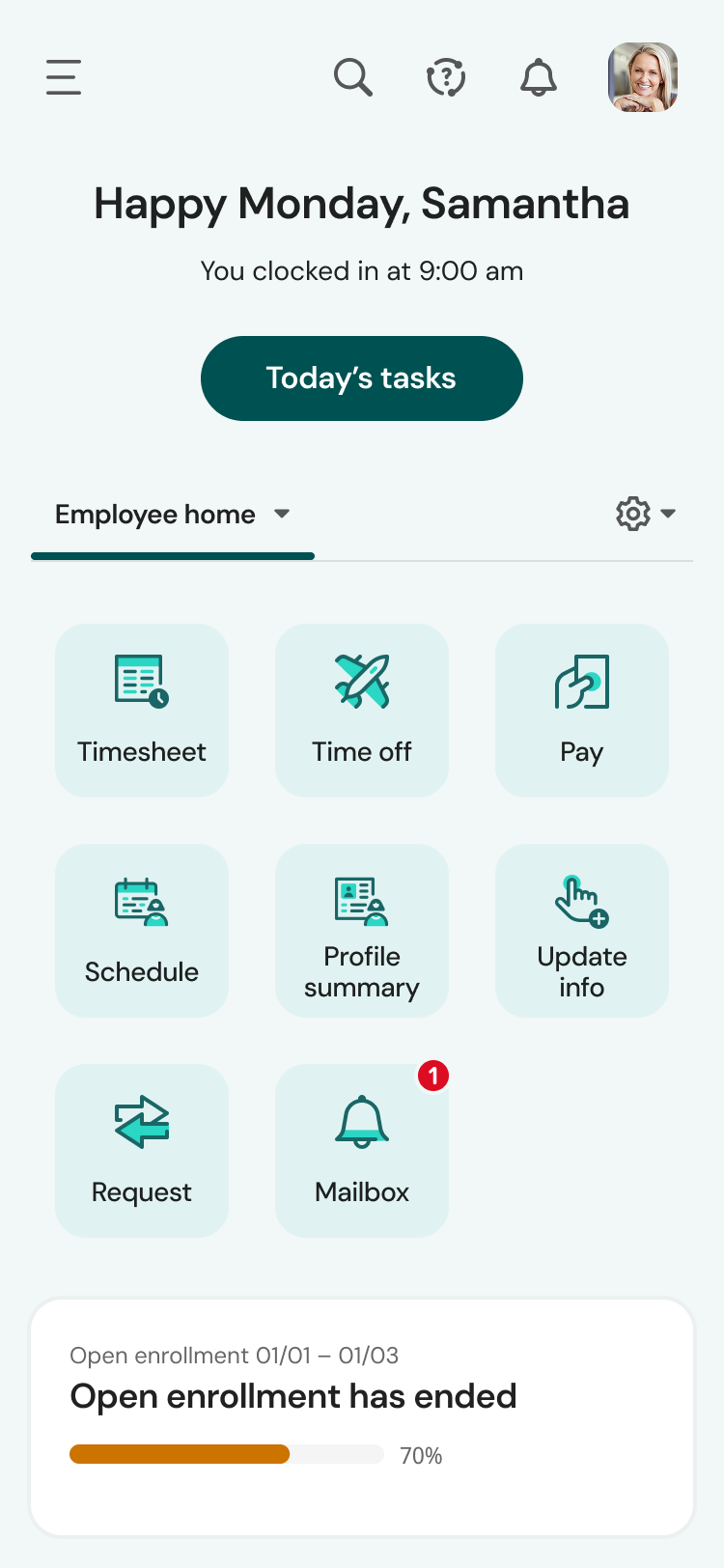
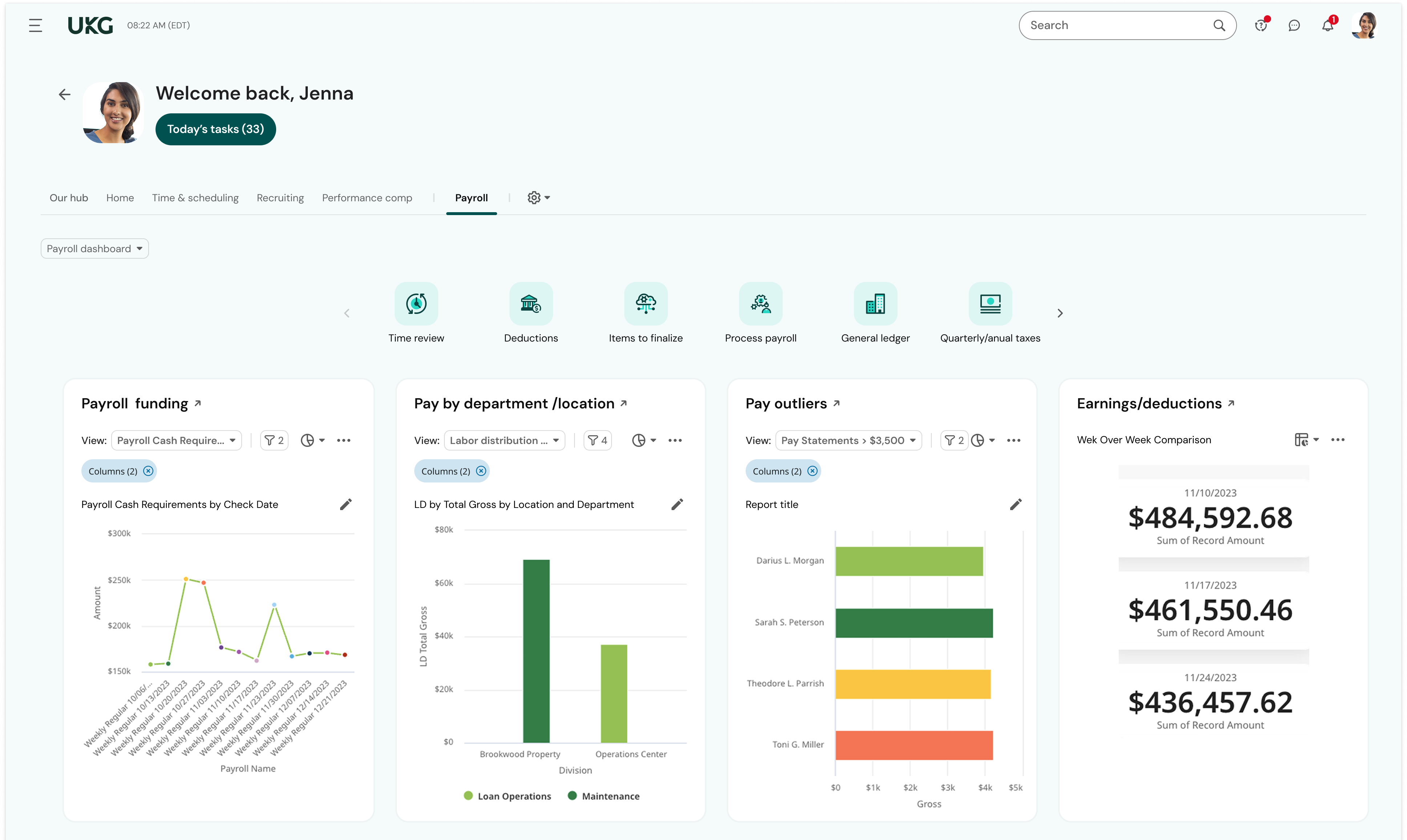
UKG is the platform with the best overall usability on both an admin and user side. Employees find it easy to update personal information, the dashboards are clear and easy to follow, and the navigation of it is also easy to follow. Overall my favorite platform to use and learn more about.
The system seems very stable. Being hosted in the cloud, we are vulnerable to internet speeds and busy times. The system has been down a couple times over the 3 months we have been live, but Kronos resolved the issues very quickly. To have access from a desktop, tablet, time clock, or phone app is one of the best features....users have almost NO REASON they can't clock in.
Overall, I think the functionality of the program works pretty well. Sometimes, certain browsers do not work well for the policy function of ADP, but that is the only issue thus far
We were always told that Kronos was the best, but there are reports that we got out of ADP and other payroll providers that we cannot get out of Kronos. One example is a report of Productive/Non-productive hours by department. We also need the dollar amount associated with the hours. This is information that is required on our cost report and we were told that that report is unavailable. It is very frustrating when I can't get what I need.
Kelly La Rosa and Brian McLaughlin have been exceptional partners over the last few years and a tremendous source of support in my role. They are consistently solution‑oriented, highly responsive, and proactive in identifying opportunities to improve our processes. Both regularly brought forward thoughtful recommendations, including suggestions for new ADP products that aligned well with our evolving needs. Their expertise, reliability, and genuine commitment to client success have made a meaningful impact on my work and on our overall experience with ADP.
If I was only rating support itself that would be a 10. Every support case I have entered has been addressed efficiently and with the desired result. On the implementation and transition to support there were multiple issues that those doing the implementation or transition could not answer or workflows and various settings left undone only to be discovered later. We implemented 3 different modules and the expertise we got for each one varied widely.
In-person training was pretty good - I think this significantly depends on the trainer. Our trainer was really good and showed what ADP can do - but I know that all trainers are not the same - and this truly makes such as difference. Overall, our training went pretty well.
Our in-person training was a hybrid. Live online training with an instructor. They were very knowledgeable of the product & the area they were training on. I asked several specific questions and if they didn't know the answer immediately they followed up after class.
At the time training was not as expansive as it is now. If it could go wrong it did for me so the process was difficult and lengthy. I needed to have more in person walkthroughs of things to ensure the transition was done correctly. Not sure what else I can say, we were part of the initial move to Workforce Now when it was introduced.
Pretty good online training, you have many how to options and can watch them several times. It can be hard at times to dig through the amount of data online but can usually find what you are looking for. Also you can download documentation for setting up the profiles and policies.
Either assign more than one specialist to the implementation process, or assign less clients to the implementation specialist. The process requires attention to detail and the ability to test and re-test as well as verify the information. It also requires a lot of back and forth between the client ant the implementation specialist, so they need to be readily available during the whole implementation process.
Make sure the people who are doing the build have extensive knowledge on employment law and asking the right questions. I would bet that the people who helped with our builds did not read any of our employment contracts or ordinances; and when I asked questions about how other companies handled certain basic dictates from federal employment laws, they didn't have any idea what FMLA, FLSA, etc were.
I also used UltiPro (way back -- it didn't even appear in dropdown). Recommend ADP Workforce Now above all others. Paycor and Paycom were both very clunky. I even helped implement Paycom and could never get it to work how the business needed it to.
We currently use Paycom and are extremely dissatisfied with the lack of functionality and poor customer service. Rippling and ADP were other vendors we evaluated who performed well and offer a lot of functionality but we decided UKG was the best fit for our needs now and to scale with our strategic growth plans.
We have several departments that utilize the reporting, utilize the timecards and the system. We also have self service that is nice for all of our employees. This system allows us to designate what each group can see, and what employees can change, or who can clock in and out offsite
ADP WorkforceNow has provided a positive ROI for our company. It has saved me countless hours in the time I used to spend preparing reports, managing benefits, and annual enrollment, recruitment tracking, and much more.
The integration with Payscale has allowed our company to take every position in our organization and benchmark it to industries and job titles. This has allowed us to be more competitive on recruitment and retention.
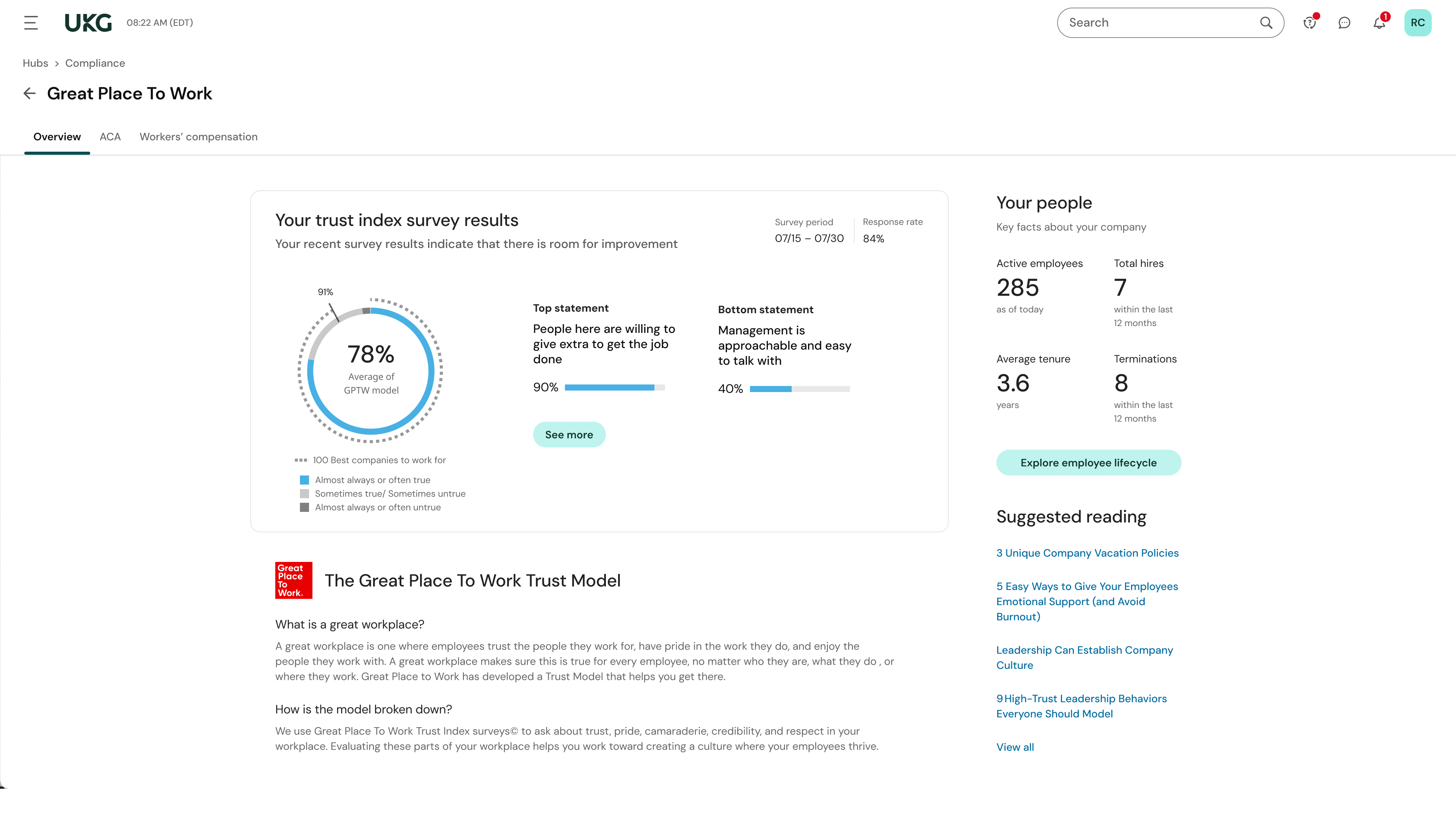
We have used the new DE&I dashboard to provide valuable information on the landscape of our workforce, as well as areas of our organization that may not be as diverse.
This is basic, but we finally know how many employees we have! It sounds ridiculous, but prior to UKG Ready we were on a payroll system that's reports were only as accurate as the last payroll cycle, so they were always 2 weeks behind and static. UKG Ready allows for realtime, daily reporting of information.
We are able to get salary data for our various locations to be able to compare them to each other, as well as across our "competitors" and external competition.
The data provided allows us to be able to understand the trends at individual locations including attrition, advancement, raise information, and other data points that we haven't historically done comparisons on
We can see the demographic and geographical information for our employees and the benefits that they elect