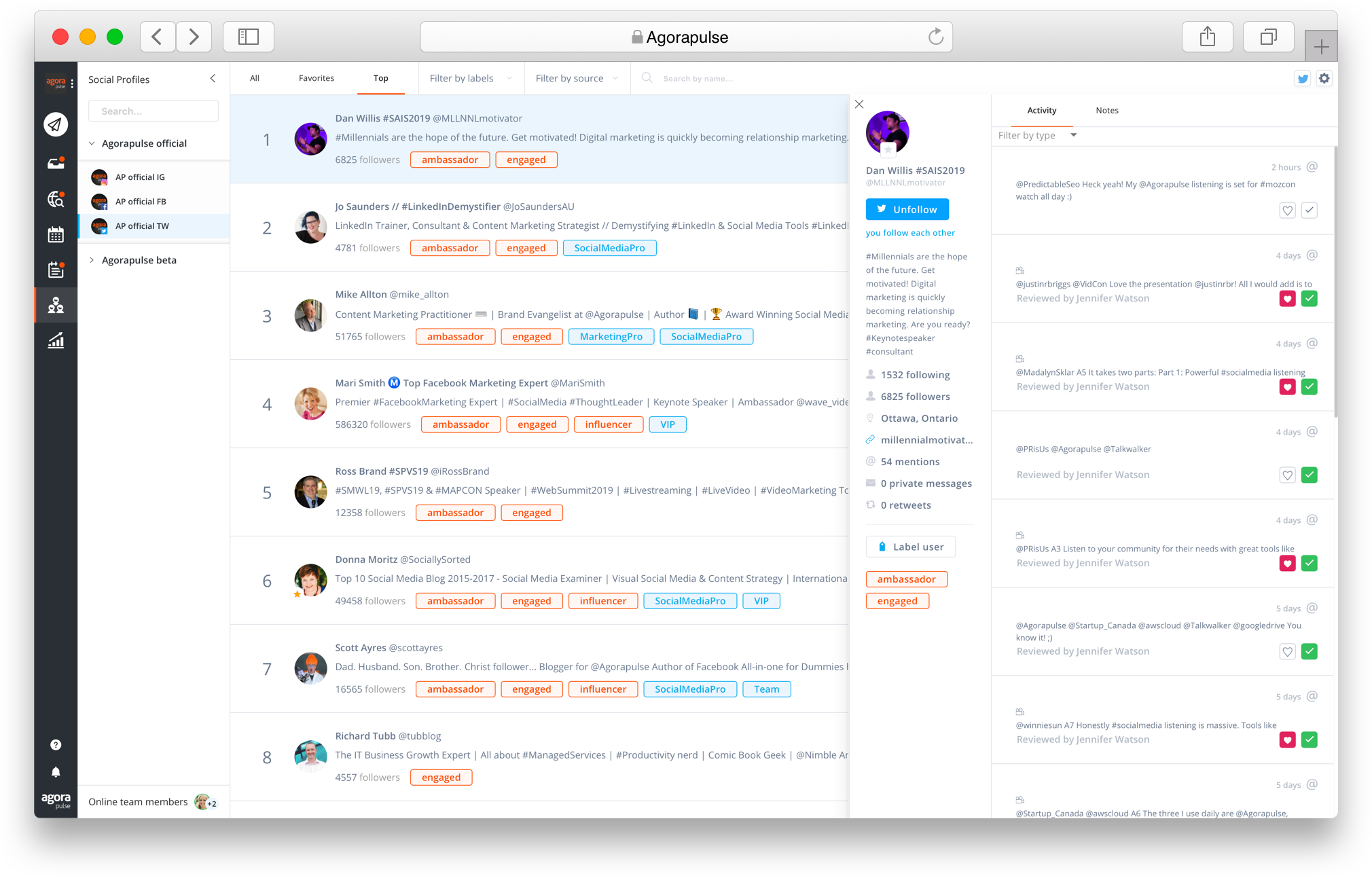
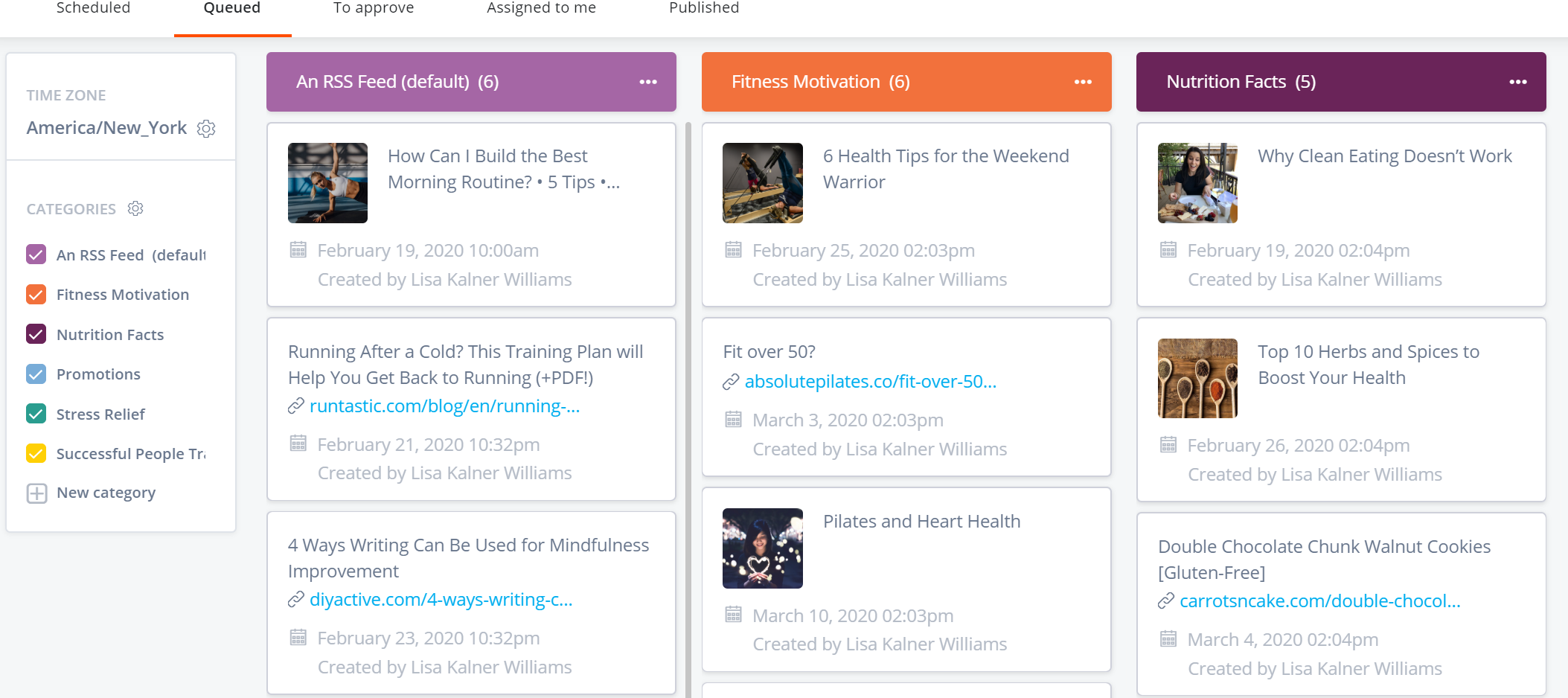
Agorapulse is a social media management tool that aims to help mid-sized businesses and agencies better manage their Facebook, Twitter, TikTok, Instagram, LinkedIn, and YouTube activity. This social media management tool allows users to post content, engage with their community, and download reports from a single dashboard that is designed to be intuitive. Conversations are captured with the inbox -- depending on the social network, it captures comments, mentions, direct/private…
$49
per user
Buffer
Score 7.7 out of 10
Small Businesses (1-50 employees)
Buffer is a social sharing tool. When browsing content, clicking on the Buffer icon automatically stores the content and schedules posts to social media channels throughout the day.
$6
per month per channel
X Premium Business
Score 7.9 out of 10
N/A
X Premium Business (formerly Verified Organizations) is the enterprise-tier infrastructure for the X platform, designed to centralize brand authority, account security, and high-velocity content distribution for commercial and governmental entities.
$200
per month
Pricing
Agorapulse
Buffer
X Premium Business
Editions & Modules
Standard
$99
up to 10 profiles
Professional
$149
up to 10 profiles
Advanced
$199
per month up to 10 profiles
Custom
Custom Pricing
Free
$0
Essentials
$6
per month per channel
Team
$12
per month per channel
Basic
$200
per month
Full Access
$1000
per month
Enterprise
Custom
Offerings
Pricing Offerings
Agorapulse
Buffer
X Premium Business
Free Trial
Yes
Yes
No
Free/Freemium Version
Yes
Yes
Yes
Premium Consulting/Integration Services
No
No
No
Entry-level Setup Fee
No setup fee
No setup fee
No setup fee
Additional Details
All plans are free for 30 days.
Additional profiles cost $15/profile.
A discount is offered for annual billing.
Discount available for annual billing.
More Pricing Information
Community Pulse
Agorapulse
Buffer
X Premium Business
Considered Multiple Products
Agorapulse
Verified User
Employee
Chose Agorapulse
We have used many different tools in the past but Agorapulse really is the best in terms of unifying all of our platforms in one place. It saves us time on a daily basis and means we can limit how many programmes we use. Why use five when one will do!
We chose Agorapulse thanks to the sales team, which created an exclusive offer. Thanks to that, we've been able to start using it. The fact that the sales team was available in our mother tongue and helped us right from the beginning was, in my opinion, the key to our decision. …
Agorapulse has a better overall package. It offers conversation management, posting/scheduling, analyses for (almost) all platforms in one. Although not all features are there yet in my opinion and Agorapulse can still be improved, it is the most complete on the market at this …
Agorapulse is my favorite out of all its competitors. However, when only managing 5 or fewer channels, Buffer becomes the platform I recommend as it is much more cost-effective.
Agorapulse was a bit hidden within the social media management tool search, but I'm so glad I found it. Its price plans are affordable and fit well within the company's budget. It's truly the best bang for your buck. Agorapulse does everything that the bigger SMMTs do, but it's …
There were a number of reasons I chose AgoraPulse including the ability to have roles and approval of contributors and ability to allow only certain people access to certain accounts.
AgoraPulse has better listening than anyone else. It could pick up conversations and location tags that others couldn't. I liked that you could customize your social media post for multiple platforms. I liked that I could view a calendar and bulk publish and schedule a lot of …
AgoraPulse does extremely well against both Buffer and Social Jukebox. I think AgoraPulse has deeper analytics without having to cost as much as Buffer. AgoraPulse provides a better sense of control versus Social Jukebox.
AgoraPulse struck the perfect balance between affordability and features; for our requirements, it came out as the second-cheapest tool. It has been much better than Hootsuite in terms of stability and ease of use, and while it lacks behind in the additional content that …
We evaluated Sprout Social and fell in love with its look and functionality. We found that AgoraPulse provided most or all of the functionality of Sprout at a small fraction of the cost.
We also evaluated Sendible and generally liked the product, but we preferred AgoraPulse as …
I used Hootsuite, whose interface is not handy, and the analysis options are expensive. In addition to that, you need to use ow.ly and I use and prefer bit.ly.
Sprout Social was very bulky to handle. It made my Chrome and Firefox crash regularly and was very pricey too!
Hootsuite was like a zoo on the screen. Too many options. Very less organized.
Though there are features from different apps that I'd like in Agorapulse, what you get in terms of being able to manage multiple users, social activity, and streamlined interface to do most of what you need far outweighs those limitations. Customer service has been great and …
Hootsuite is complicated and not useful to post and program, it only shows links, not pictures. AgoraPulse is easy to use and a more intuitive way of doing the normal everyday process of posting or analyzing information for any company. I don't have too much time to spend …
I've used Wildfire and others in the past. AgoraPulse wins by far on cost, which enabled us to get this tool in the first place on a startup gaming company budget.
Buffer
Verified User
Manager
Chose Buffer
I prefer buffer over Hootsuite and prefer Agorapulse over Buffer. The reason I would recommend Agorapulse over Buffer is that when using more platforms Buffer becomes too expensive.
Buffer holds its own against Agorapulse, and its intuitive and minimalistic platform means you can do exactly what you need to do on a small scale. This is something that brings me back to the platform again and again - the ease of use. Agorapulse handles more content and …
They all solve the same problem. Buffer initially started as a way to post content without worrying about the "when". Just add to the queue, and Buffer would post at a specified cadence. Buffer's price point is very reasonable for the services that it offers. They've grown …
I think Sprout Social and Hootsuite provide more comprehensive tools and analytics, but they have more expensive plans that don't cater to businesses of all sizes. Plus, all of that complexity can make it hard to find what you're looking for. That's where Buffer excels. It's …
We selected this tool to maintain the activity of publication in social networks at a low cost and good productivity, we consider that it adds to our objectives of brand awareness or discovery, since it allows us to keep our channels active with information and content that we …
Buffer and Hootsuite are considered as best tools for managing your social media accounts . The only difference which I feel between the two is Buffer is [more] focused on pre-scheduling and Hootsuite is a advanced version of Buffer you can say it allows you full -fledged …
While you can use TweetDeck with other social networks, its primary focus is on Twitter, and they’ve developed a robust feature set to cater to managing Twitter. If your business is multi-networked, then you'll need Buffer.
Buffer is more user-friendly and offers a queue, where you can shuffle your updates and schedule them for the future. You can also schedule slots that get the most engagement with your audience, which is extremely helpful when you're trying to hit KPI's. I didn't use Sprout's …
We started off using TweetDeck and then migrated to Hootsuite. These apps work fine for monitoring partner posts and hashtags that are relevant to our brand but their sharing and scheduling utilities were clunky and inefficient. I'd still be using them for social media …
When [it comes to] comparison I found all these platforms competitive and having great features altogether. All features are the same like monitoring, scheduling, Analysing but TweetDeck mainly analyzes on Twitter whereas on Hootsuite and Buffer, [it only] allows [you to] …
TweetDeck has the best listening for Twitter. Other platforms have social listening, but only for direct mentions or hashtag usage. TweetDeck can do so much more than this, picking up mentions of your brand even when a user doesn't directly mention you or use your hashtag. …
Agorapulse has been a huge benefit to us as a business and is the most comprehensive platform we've used, having previously been with Hootsuite and ContentCal. It is likely to be better for companies that are managing multiple social profiles and want to consolidate these into one manageable platform. Given the amount of features it provides, it might not be suitable for individuals. The reporting is a fantastic part of the platform, which includes brand awareness for certain profiles, the best time to post for engagement, and details that all help with strategising. The inbuilt link shortening and tracking is useful, we've set this up and need to explore its capabilities further. Overall, we would recommend Agorapulse and it's a great asset to our business.
It helps me save hours by devoting only half an hour in a month's worth of posting, in addition to that it is quite simple to use. Buffer for scheduling social posts well in advance, but I have begun using it instead of posting natively on the social apps themselves because it makes it super easy to post the same messages to more than one platform.
TweetDeck is ideal for complex media organisations / newsrooms where you want to keep track of several users accounts, or switch between multiple user and/or title accounts. It is perfect for those who want to follow conversations in real-time via many channels, at a glance. It is also useful for those who want to schedule tweets to provide around the clock coverage even when unmanned. Now that it paid-for is less suited to smaller organisations with tight budgets.
Calendar sharing - great for internal and external approval
Community management - it means we can keep on top of engagement for all of our clients in one place
Report - it's really useful for us to be able to create such in depth reports that we can use internally but also share with clients so they can see the results of what we are doing
TweetDeck is the best platform to schedule tweets - it is far better than the website itself. The process is remarkably easy and scheduling a day's worth of tweets takes no more than 10 minutes.
Tracking news is very easy on TweetDeck due to being able to create multiple columns each focusing on a different subject. Columns can be created using handles, searches, hashtags, and trends, and this makes TweetDeck a great platform as a news editor.
Would love to have a draft feature. We often don't schedule things until the assets are ready, or use a placeholder image and swap them afterwards
Editing posts intended for multiple channels is not as easy as scheduling them in the first place. I would love to edit and have the same menu I do as when I'm scheduling where I have my base text and then the adjusted text for each social media. It's rare that something I've planned to be a similar post across channels, needs editing, but only for one of those channels. e.g. Correcting mistakes or changing strategies.
Currently, I export the analytics and put it in a Google Sheet where I have more control over the data, which I love. For me to use the Agora Reports system, I would need substantial features like comparing metrics in the same charts, using direct line charts instead of smoothed (smoothed charts look nice, but just obfuscate data), separating out paid growth, etc. It's probably too large an ask for what Agora is trying to provide, which is why the export tool is very useful.
While I'm talking about it, a slight bug with the export tool is that when you export two things in quick succession, it just sends a duplicate of the first report via email. I'll export a CSV of Global data and then a CSV of Content, and if I do it too quickly, it doubles up the Global data and I don't get the Content until I resend.
More specific filtering for listening. Sometimes someone has our brand in their name and we get ALL of their content. We have to add each user like this to the filter instead of being able to filter out usernames that contain it.
Expensive Analytics: The upgrade you need to access your analytics is quite expensive, and I have come across other tools that provide the same or even more for a lesser priced plan.
No Media Library: The one feature I have found on another social media planning tool that I wish Buffer had is a media library. This allows you to upload photos you aren't using right away to have them readily available when you do decide to use them. This is not a feature in Buffer.
TweetDeck has an editing feature for scheduled posts only if there is no image attached. When a post with an image needs editing, users must instead delete the entire post and reschedule it with the edits needed.
TweetDeck has a real-time display, however users often need to refresh the window manually to get scheduled posts to appear in the appropriate column.
TweetDeck users can scroll side to side to view all off the types of columns selected. This functionality often leads to traveling back to a previous page unintentionally.
The decision has been made. It's time to get to work--no steps back. I feel confident this product is well suited to help me make progress. I want to get down business and utilize the functionality of this product to meet my marketing goals. I feel very comfortable with the choice I have made.
I am giving buffer this rating because of a couple issues that it has compared to other platforms. It does not always post to instagram and you will need to go in an manually post. Also, one of the biggest qualms that we have with buffer is the price it costs to have robust analytics
As I previously mentioned, if TweetDeck were to increase some features and integrations, cleaned up its interface, and developed a tool to measure ROI, it would remain competitive with HootSuite and Hubspot. Altogether, it is an effective tool for the job of scheduling and monitoring your impact on Twitter, it falls behind other competitors that offer a more robust solution.
Any time I onboard a new team member, they are very quick to adapt to Agora's user interface and therefore require a very quick onboarding process from me, which is a massive plus. While I think having an all-in-one platform would be ideal, there is something to be said about only having a few bells and whistle so that my team can focus on what is most important to us and our clients, content
We use Buffer for certain website content that should be shared on social networks, having this tool helps us to do it faster and easier since we can send the publications from the internet browser and the stack of scheduled messages. It is really fast and easy for all team members who share access to the account, so at the same time that we analyze the information that we can share, the message stack is prepared
It's a pretty easy tool to use I find a few of the columns to be a bit repetitive. If you are managing more than one account you'll start to find yourself having easily 10 plus columns all tracking all different information which creates nice track lanes to keep all that relative information in one column or "view". With the amount of data that is pushed out, if you are following a large number of accounts, it's extremely easy to lose valuable posts in your feeds. As you begin building out your columns they get the point where you only look at one or two and the rest seem to be lost. Overall, this a free tool and there are other social monitoring tools that are out there but are in the multiple thousands of dollar range
TweetDeck tends to be available for use majority of the time...however, I've had times where it would get stuck in a loop and then post my Tweet multiple times.
Agorapulse has generally had great performance. Occasionally I have issues with my videos being posted on Instagram. I still am not sure why. the format of the videos is the same as the videos that are going through.
Buffer performs well on both desktop and mobile platforms. The one area as I have stated before is that it does not always want to automatically push to Instagram and the user will have to go do it manually. Buffer works very well pushing to other platforms. The instagram issue is the only reason buffer does not get a 10 on this section
The support from Agorapulse is excellent. Any time we have made contact they have been quick to reply, and given added extra information to help. The initial sales experience was also good. Not pushy like a lot of other companies, more that they would like to help. And they certainly did for us at a difficult time which built a fantastic relationship with us from the very start. Communication is great too, with just the right amount of emails and updates. Overall we feel that they genuinely care about their clients and users.
I've never had to contact customer support. Tweetdeck has always worked like a charm for me. And, if I have had a problem, I've simply deleted the column, then recreated it and it worked again. While it's not without its glitches every once in a great while, it's worked like a charm.
We were very satisfied with the implementation of Buffer. We had no issues switching from the platform that we were using over to buffer. Our staff did not even miss a beat when it came to posting content. It was an easy transition and I feel that is something that buffer has really done well. They have an "out of the box" usability platform
Want to post the same content on different profiles? Don't duplicate your posts, you can just select what platform to post them onto! You can even change around the copy/hashtags/etc to optimize the posts for each platform.
I also used Combin which is easy and free to use. However, Combin only posts when the computer is active and connected to the internet. So, posting while you are not actively using your computer at that moment is not possible, therefore Buffer is much more efficient as you can even post while being on vacation without working.
Several years ago I used the Hootsuite Free service. I found Tweetdeck to be preferable because of its user interface, and greater functionality. Moreover, I recall Hootsuite bombarding me with emails that were just irrelevant. TweetDeck just does what it does, without hassle. Its UI and functionality for multiple accounts seems to be the best I've tried.
Buffer does what it say on tin as they say! you can always count on Buffer. Buffer can be scale to 25 social account with 2,000 scheduled post which is enough for most agencies or businesses