Aha! Roadmaps is used to set strategy, prioritize features, and share visual plans. It includes Aha! Ideas Essentials for crowdsourcing feedback. For an integrated product development approach, Aha! Roadmaps and Aha! Develop can be used together. The software is available with a 30-day trial.
$59
per month per user
IBM Targetprocess
Score 8.4 out of 10
N/A
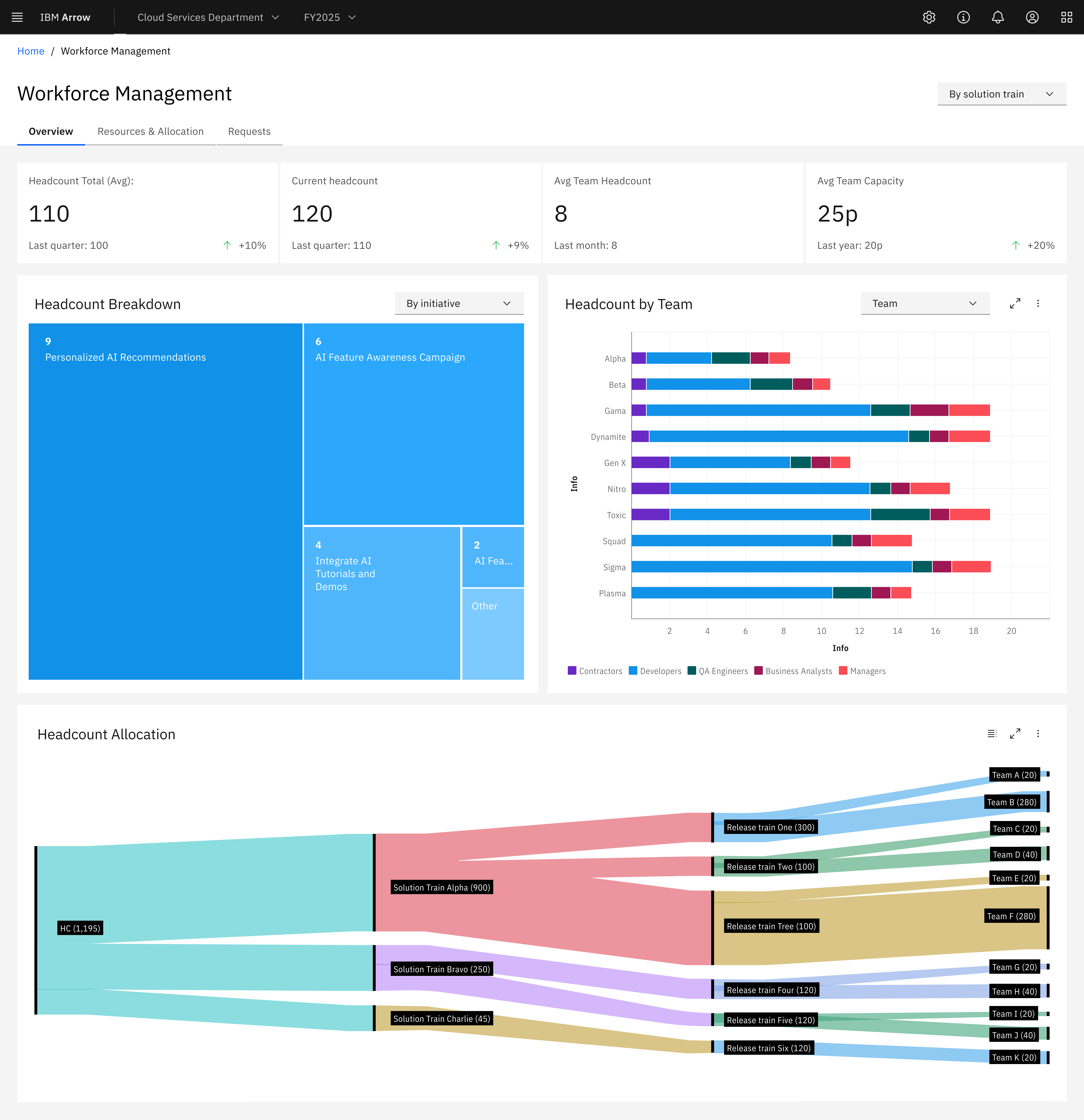
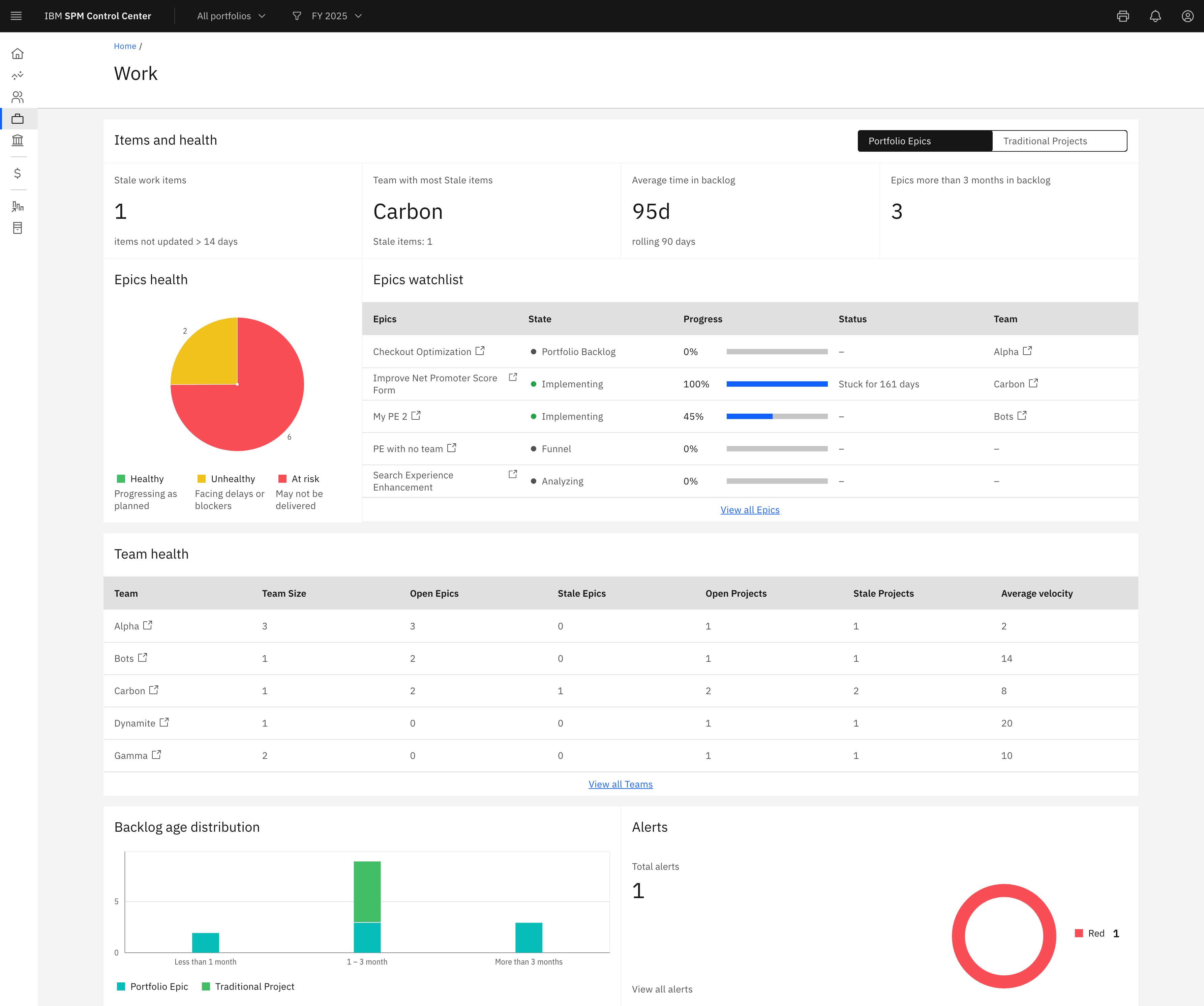
IBM Targetprocess is a Strategic Portfolio Management (SPM) SaaS that connects strategy, funding, and execution. It helps enterprises prioritize work, dynamically allocate resources, and continuously adapt plans. With real-time visibility and financial insights, organizations can deliver faster, clearer business outcomes.
N/A
Wrike
Score 8.6 out of 10
Mid-Size Companies (51-1,000 employees)
Wrike is a project management and collaboration software. This solution connects tasks, discussions, and emails to the user’s project plan. Wrike is optimized for agile workflows and aims to help resolve data silos, poor visibility into work status, and missed deadlines and project failures.
$240
per year 2 users (minimum)
Pricing
Aha! Roadmaps
IBM Targetprocess
Wrike
Editions & Modules
Premium
$59
per month per user
Enterprise
$99
per month workspace owner or contributor
Enterprise+
$149
per month workspace owner or contributor
No answers on this topic
Wrike Free
$0
per month per user
Wrike Team
$10
per month (billed annually) per user (2-15 users)
Wrike Business
$25
per month (billed annually) per user (5-200 users)
Apex
Request a quote
per month per user
Pinnacle
Request a quote
per month per user
Offerings
Pricing Offerings
Aha! Roadmaps
IBM Targetprocess
Wrike
Free Trial
Yes
Yes
Yes
Free/Freemium Version
No
No
Yes
Premium Consulting/Integration Services
No
Yes
Yes
Entry-level Setup Fee
Optional
Required
No setup fee
Additional Details
Startup pack available for early stage companies.
—
Every premium plan begins with a 14-day trial period.
In terms of outright features, a lot of roadmapping tools have the same feature set. We chose Aha! based on look-and-feel, the easy learning curve, and the reviews it has. Between collaboration, milestone tracking, comment threads, and content importing and exporting, we had …
We selected Aha over the other options as our specific goal and need was to align as a Product Management team across all our lines of business. While other products did well, the customized abilities of Aha, price points, and Atlassian integration tools made it a clear choice.
In my opinion, Wrike is very similar to Asana (Asana has Wrike beat when it comes to completing tasks. Who doesn't enjoy seeing a rainbow unicorn fly across the screen when marking a task complete). Jira is also very similar but a bit more robust as it integrates with Aha for …
Wrike is ideal for medium-sized companies looking at centralizing projects, tasks, timesheets, and documentation at the same place. You can jumpstart your implementation by leveraging industry templates - not only through predefined tasks and statuses, but also standard …
It is great for organizations that want to ensure that the work they focus on is the work that will have the most impact on value and drive them toward their strategic objectives. I consider it to be a real Product Management tool. If all you are looking for is a tool to hold your product backlog or collect customer feedback, then Aha! is probably going to be overkill for your needs
Apptio Targetprocess is well suited to track work and progress of that work. In addition it is easy to tie that work to OKRs. Cost and hours rollup across the work hierarchy works well. Our users like the flexibility of Targetprocess and the ability to develop their own views and reports Scenarios where it is less appropriate is to do executive level reporting and develop reports that can pull in all of our time data since there is a 300k record limit
I believe it's well suited if you have multiple jobs/projects that you need to keep organized. We work with multiple job types from print/creative to web, copy and digital ads so it helps us stay organized. I don't think it would be suitable for a company that doesn't have a lot of jobs to manage. We average over 1,200 requests a year.
Aha! is an all around product management suite. It is great for breaking product plans into initiatives, features, and user stories. This helps the organization understand the product plan and what is driving individual work items. Unlike Jira and project management tools, it helps you prioritize by major themes, features, and releases. Once you start to use it, you can't go back to a project management tool because the views for organizing and prioritizing features just isn't there.
Aha! also excels at idea management. You can create a portal for users to submit ideas and manage them through a workflow. Users can submit ideas through a variety of channels, including email, ZenDesk, and SalesForce. You can even attach account values to an idea submitted through SalesForce, though the UI in SalesForce is a little kludgy. This is a great feature for those that have the capacity to manage feedback this way, but be aware that it takes time to manage.
Aha! works pretty well with Jira so that project managers can have their backlog that is understandable to the business and engineering can break down those work items however they want.
Aha! also has a lot of useful integrations: Slack, ZenDesk, Zapier, etc. It also integrates with every major software project management tool on the market: Jira, Pivotal, Rally, Redmine, and TFS.
Extremely flexible: We are able to setup work for different groups in ways that work best for them.
Fantastic support group: They are extremely knowledgeable and helpful. I enjoy working with them.
Automation: Their automation capabilities have saved us a lot of time.
Customizing screens: We can go into code for the different entities, move fields around or hide them, add tabs or additional sections as needed to make for a streamlined user experience.
Reporting: Their reporting is flexible and phenomenal. There are so many different ways to pull data and the interface is easy to use.
Their user guide is well built and extremely helpful.
Targetprocess is the most flexible application for tracking work among teams that we have found. This power comes from near limitless ability to customize your views on the work tracked in the system, and from the myriad reporting options to draw metrics and stats out of the data there. Custom fields, processes, and mashups all add to this flexibility and appeal.
I wish that Wrike had more drag and drop functionality that would be connected to assignee and also I wish that the finish date of a task would update to the date where you checked completed. It does not do that. Also finishing a task doesn't move the start date of the next task it "protects your time in that way", but our management team wants us to quickly see what we have down the pipeline rather than having to scroll down the list of upcoming tasks.
I think Aha! works really in general, it offers a very comprehensive and well-structured platform that supports strategic product management at scale. Although there is a learning curve for new users and a few areas to be improved. Overall, it is highly usable for experienced product teams who need a robust roadmap tool.
Overall Targetprocess's usability is good. the tool is easy to use and has features which most BUs and organizations can use. Additional features like AI integration would help the tool and its overall usability. providing additional dashboards for specific roles and executives within the tool would benefit Targetprocess with its scale
It does take some time and work to really understand and use it properly, but I think the accessibility to help and documentation make that completely feasible. Once you know how to use it, I find it to be very user-friendly, and have very few complaints.
Over two years of (almost) daily usage without outages. Don't remember any errors. I give it 9 only because some Wrike plugins (for online document edit) are based on NPAPI architecture. These types of plugins are being phased out in new browsers, and NPAPI plugins are disabled by default in recent versions of Chrome so you have to do some browser adjustments when you switch browsers or move to another computer.
Reports are fast loading, considering they can refresh in a second or less and we have 7 years of work tracked in over 40k entities. Pages can load slowly when the views are very busy, but not frustratingly. I am a console user most of my career and generally prefer it over webUI interfaces, but Targetprocess won me over from the beginning and I spend half my day using it now.
Wrike tasks loads fine, but I hate clicking files and wait for a bit of time since it is powerpoint or word, Wrike assumes I want to open those on Wrike. My suggestion is to link it to office 365 so we do not need Wrike based decoder for PPTX and DOCX
We've always had excellent support whenever we need help from the company or need questions answered regarding the setup and installation of the product. Tickets are answered in a timely fashion and there's minimal back and forth to get issues resolved, which are rare.
TargetProcess' support is one of its strengths. The support team is very responsive and helpful when there is a problem but they're also proactive in providing good release notes and engaging with the community through a voting scheme to influence the priority of new features.
The team also releases new versions frequently with new features but with no knock-ons to currently working features.
During my learning phase with Wrike, I initially struggled with setting up automation rules and request forms. However, Wrike support was always my go-to, resolving issues within seconds or minutes. Their assistance made the learning process much easier. My best experience was receiving step-by-step screenshots to follow, with the support team on standby until I was completely satisfied.
I love the Wrike training options. Wrike Discover has tons of courses, learning plans, certifications, etc. This is an area where Wrike definitely shines! I wish these resources were more in your face for new people, because it seems like a lot of coworkers didn't know all of this training was available to them.
You should take some time to get everyone to agree how the system should be setup before work starts being tracked in Targetprocess, this avoids difficult and disruptive changes to processes or plugins later when everyone relies on it daily.
There are a lot of bells and whistles in Wrike, and not all of it is easy or intuitive to understand once it's plopped in your lap. It's easier when there are a few choice people who understand Wrike as a platform and articulate it in such a way where it makes it easy to pass it along to others in the group
In terms of outright features, a lot of roadmapping tools have the same feature set. We chose Aha! based on look-and-feel, the easy learning curve, and the reviews it has. Between collaboration, milestone tracking, comment threads, and content importing and exporting, we had every feature in Aha! that we were looking for.
I would say TargetProcess is an incredibly wonderful tool. As compare to JIRA Software, it is a fully featured product. It fulfills all my business needs. Tracking efficiency of this application is quite favorable in order to track all the details from a certain project in just a few minutes.
Jira did not at all help us get our work done as content creators. I think that was because Jira wasn't quite right for our uses. Wrike fits our needs so much better. I can't tell you enough the relief I felt when we adopted Wrike and I never had to use Jira again.
We use the hosted version of Targetprocess and have never run into limitations or degraded performance due to scalability. Excellent performance over 7 years!
The sky is the limit for what can be done in Wrike. We started with 1 use case and within 5 months we migrated several key business practices over to Wrike because they were easier to manage. Use cases so far: process improvement, management review, corrective actions, maintenance requests, month-end financial closing, and document management. As we grow, it's easy to imagine putting even more into Wrike where it becomes a cornerstone for how we do business
It has helped us improve our product lifecycle communication. We have less wasted time spent figuring out where the project is and what it's waiting on. This has helped departments further down the project better use their time so they're already aligned with what's happening rather than waiting for a handoff.
Aha! has helped include our customers more in our product planning and especially in our bug fixes and new feature roadmaps.
Aha! has improved our strategy meetings or roundup discussions by storing everything in one place. They're shorter and more focused.
Different teams (e.g., contracting, compliance, provider relations) can view updates in real time, comment directly on tasks, and escalate items when needed.
Wrike allows us to template the contracting process (from intake to signature) to ensure consistency across payers and reduce administrative overhead.
Leadership can see the status of negotiations at a glance, identify bottlenecks, and prioritize resources accordingly.